Affiliate Disclosure: I am grateful to be of service and to bring you content free of charge. In order to do this, please note that when you click links and purchase items, in most cases I receive referral commissions. Eventually, I may earn enough to buy a beer or two.
With the gaming community continuing to see a rise in popularity, so does the equipment needed to run the games you’re playing. That’s why today, we will be taking a look at the Best 4k Gaming Monitors of 2021.
As you all know, graphics cards in our current generation are more than capable of providing high 4K frame rates in the newest and latest games being released today. Even lower-tier graphics cards such as the Nvidia GeForce RTX 3060 Ti can handle 4k GPUs.
That being said, in order to use such high-tier graphics cards to their full extent, you’re going to need one hell of a machine to run demanding games at 4K. Not only that, 4K gaming monitors don’t come in cheap. Anyone who is already doing high-res gaming knows that equipment like these usually comes with a steep price.
But that shouldn’t stop you at all from considering a 4K gaming monitor for your setup.
While budget might be your main concern, the good thing is that 4K will most likely be the norm in the future. Meaning, you’re never going to run out of options if you don’t get a 4K gaming monitor now or feel like you’re lagging behind other fellow gamers.
So if you think you’re ready for 4K gaming or just simply want to have an idea why you should upgrade your setup, then this article is perfect for you.
What Does a 4k Gaming Monitor Do And How Will It Benefit You?
Before we dive into our top picks and recommendations, let’s answer these questions first: Do you need a 4k gaming monitor? What exactly do they do? How do they differ from your standard monitors and how will they benefit you?
If you’re unsure of how to answer the aforementioned questions, don’t worry! I’m here to help you out and give you a thorough explanation so you know exactly what we’re talking about.
What is a 4K gaming monitor?
First off, let’s answer what exactly is 4K. According to our research, a 4K resolution refers to a horizontal display resolution of approximately 4,000 pixels. Such resolutions are commonly found on television and movie screens and use different types of 4K resolutions.
That being said, it was only a matter of time before 4K resolutions made their way to the gaming community. With games becoming more graphics-heavy and demanding, I find that the best way to enjoy them to their full extent is through a 4K gaming monitor. Of course, you will also need the right setup to run and support such demanding games.
With the right 4K gaming monitor, you will notice right away details in your game that you never thought were there. Gamers used to high-res gaming know that it makes a world’s difference in quality and overall gaming experience.
What does a 4K gaming monitor do?
To put it simply, a 4k gaming monitor will offer the highest and best resolution possible you can get right now in any gaming monitor.
Just imagine, a panel packing 8.3 million pixels (3840 x 2160) is going to give you amazing levels of detail with your games and will make it look incredibly sharp and realistic.
Aside from that, a 4k gaming monitor also offers the ability to go past 20-inch screens. Personally, a 27-inch screen is more than enough to get an immersive experience with my games. But if you prefer something bigger than that, a 4k gaming monitor is more than capable of handling 30-inch screens without a fuss.
Not to mention, the latest high-end graphics cards being released by Nvidia’s RTX 30-series and AMD’s Radeon RX 6000 series pair up nicely with a 4k gaming monitor.
Do you need a 4k gaming monitor?
The short answer is no.
But that’s not to say it’s not a worthy upgrade. I only say no because 4k gaming monitors are often pretty expensive and the needed specs in order to run games in 4k is an even more expensive upgrade if you don’t already have them.
4k gaming is still fairly new in the community, but you can bet that more and more companies and manufacturers will be pushing towards this resolution in the upcoming months and years. Especially now that the latest games are becoming more demanding than ever in terms of graphics.
While 4k gaming is not an absolute necessity, it’s definitely something to consider. Especially when you realize that 4k gaming will most likely give you a decade’s worth of the most immersive and realistic gaming experience at the comfort of your home.
So if money is no object to you and you can make the upgrade for yourself right away, what are you waiting for? For people who are still on the fence about it or are concerned about their budget, worry not! There are budget-friendly 4k gaming monitors on our list that work just as impressively as their high-end counterparts.
Read on to find out!
Our Top Recommendations
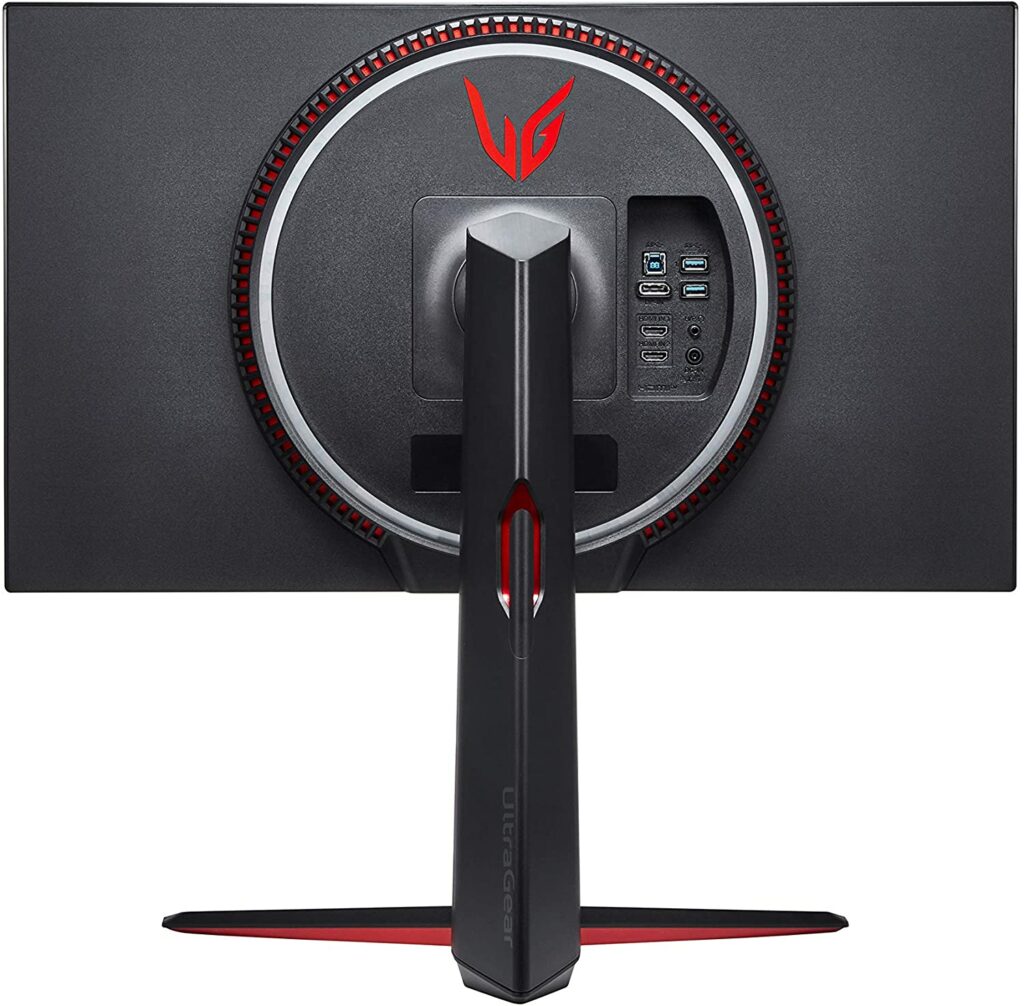
1. LG 27GN950-B
Overview
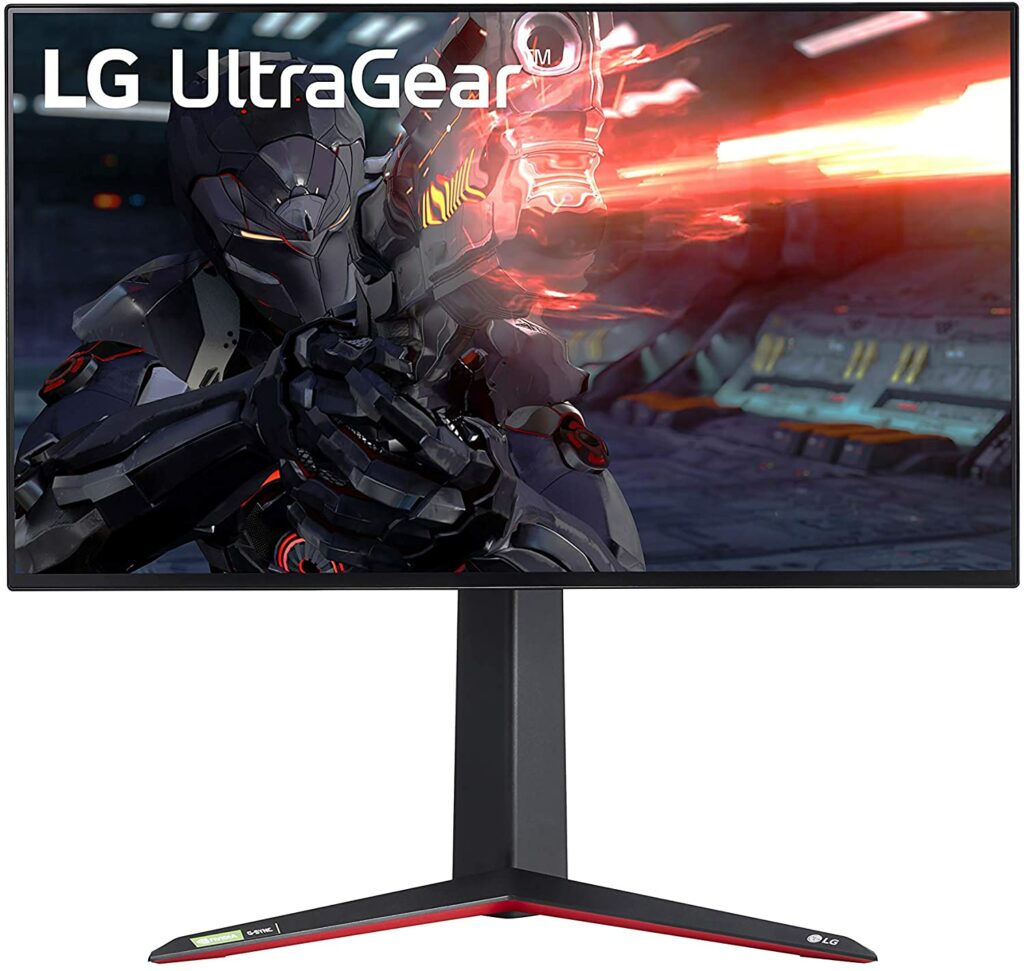
Taking the top spot in our list of the best 4k gaming monitors of 2021 is the LG 27GN950-B.
With the LG 27GN950-B, you’re getting the smoothest, fastest, and most responsive 4k gaming monitor in the market right now. The LG UltraGear is the first 4K Nano IPS 1ms gaming monitor with a 144 Hz refresh rate and 1 ms response time. Pretty impressive, right?
This display comes in at 27 inches and has the best input lag scores you will ever see in a 144 Hz gaming monitor. What’s more, the Nano IPS tech in the LG 27GN950-B also offers a wider color gamut and amazing viewing angles with sharp IPS image quality. Not only that, but you are also getting 600-nit peak brightness and 10-bit color depth.
Aside from that, this 4k gaming monitor also supports FreeSync Premium Pro as well as GSync that offers you stability and smoothness in all your games. You won’t have to worry about changing monitors if you are planning to change your graphics cards.
Another noteworthy feature of the LG 27GN950-B is that it’s height adjustable. You can effortlessly make adjustments to its height, pivot, and tilt the monitor at different angles while getting an anti-glare coating with your display for maximum comfort and less strain in your eyes.
Overall, the LG 27GN950-B provides you with a terrific panel that will give off realistic image quality, beautiful colors, and great contrast in your games alongside a fast refresh rate and response time.
With such impressive features, it doesn’t matter whether you’re gaming or just watching your favorite shows or content. You are sure to enjoy the best image quality possible with the LG UltraGear.
Asus is probably one of the most popular gaming companies on the whole planet right now. You can ask any gamer, both hardcore and casuals alike, and they will absolutely be familiar with this particular brand. Specifically, their ROG brand is made especially for gamers.
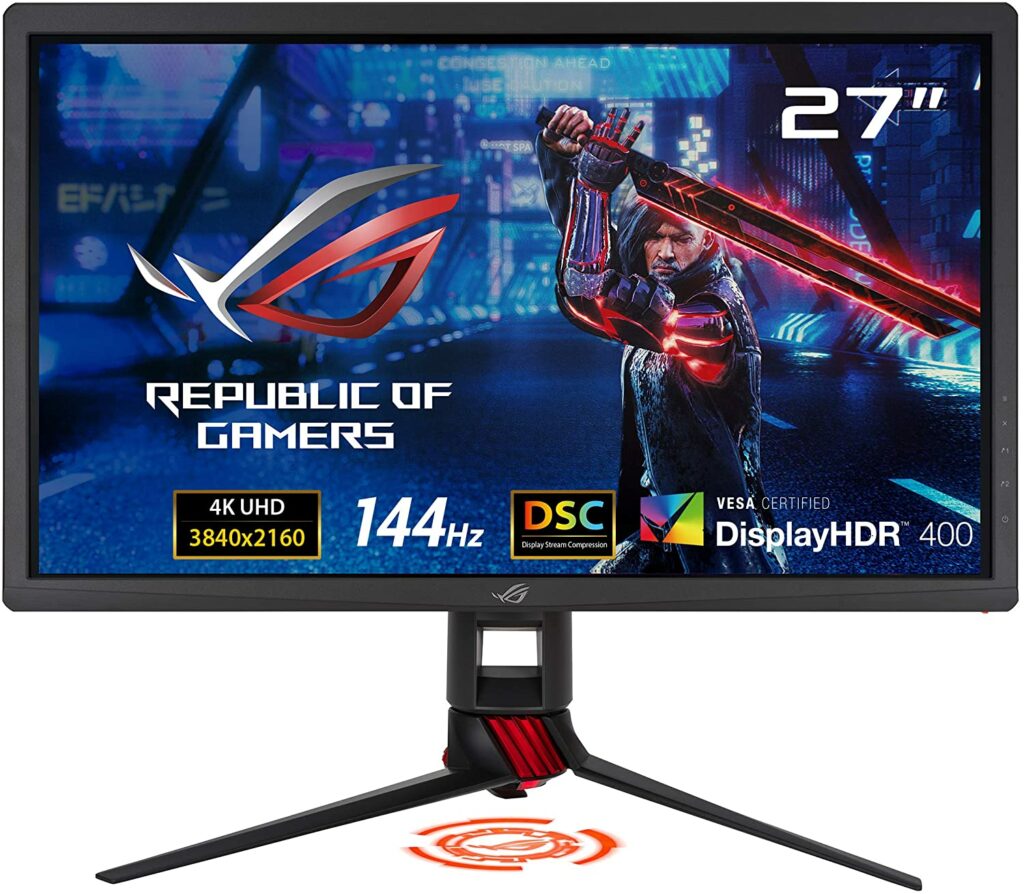
Their products range from motherboards, keyboards, gaming laptops, monitors, smartphones, and other peripherals you can think of. But today, let’s talk about the Asus ROG Strix XG27UQ and why it’s one of the best 4k gaming monitors in the market as of writing.
This particular 4k gaming monitor sports a 27-inch display, a 144 Hz refresh rate, and a speedy response time of 1 ms. In fact, this might just be the best 144Hz 4K gaming monitor in its price range.
For just a little under $800, you’re getting an impressive HDR performance despite the lack of premium FALD backlight. This is all thanks to the monitor’s effective edge-array backlight and the screen’s Dynamic Dimming feature.
When it comes to input lag and response time, the Asus ROG Strix XG27UQ easily outperformed other 144 Hz 4k gaming monitors like the Asus ROG Swift PG43UQ and the Acer Predator X27. This is quite impressive as the latter gaming monitors come in at around $2000 each.
Another thing to mention about the Asus ROG Strix XG27UQ is that you can still run G-Sync on it successfully despite being listed as a FreeSync monitor.
All in all, the best part about the Asus ROG Strix XG27UQ is that it only comes in for under $1000 and is proven to outperform more expensive monitors. While it’s still not the cheapest on this list, it definitely beats the LG 27GN950-B’s much higher price point.
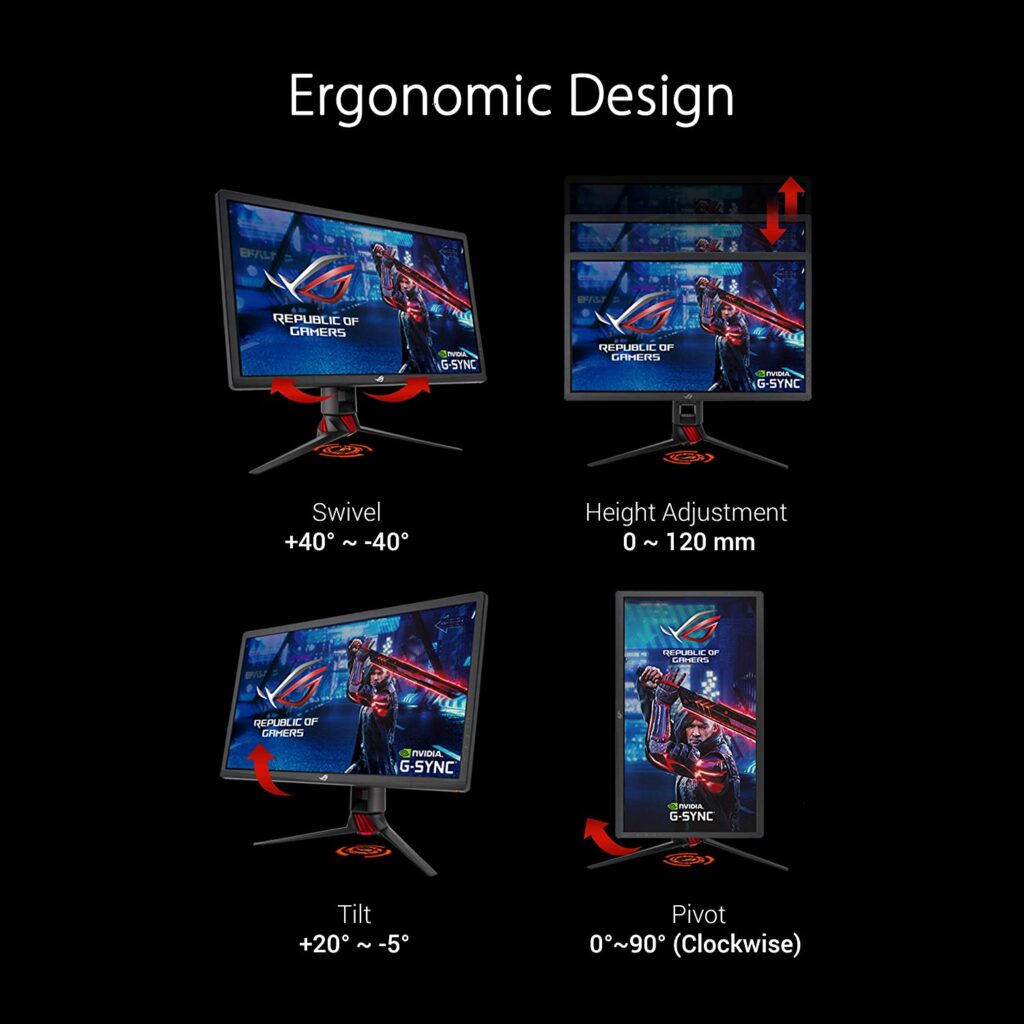
Extra Special Features: High dynamic range (HDR) technology with DisplayHDR 400 certification, Adaptive Sync, Robust Connectivity with HDMI (v2.0) x2, DisplayPort 1.4 x2 ports, ASUS Eye Care technology with TÜV Rheinland Certification for Flicker-free and Low Blue Light technology, and a 4-way ergonomic stand (tilt, swivel, pivot, and height adjustable).
As you know by now, 4k gaming monitors are usually not cheap and can be quite an expensive upgrade for some.
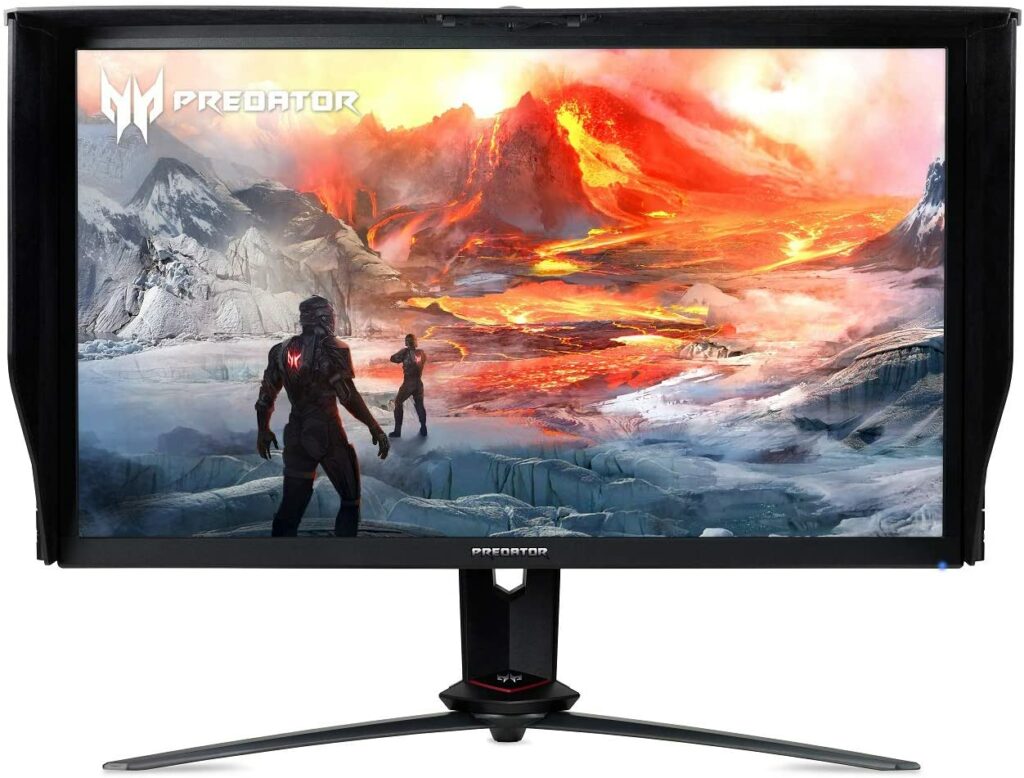
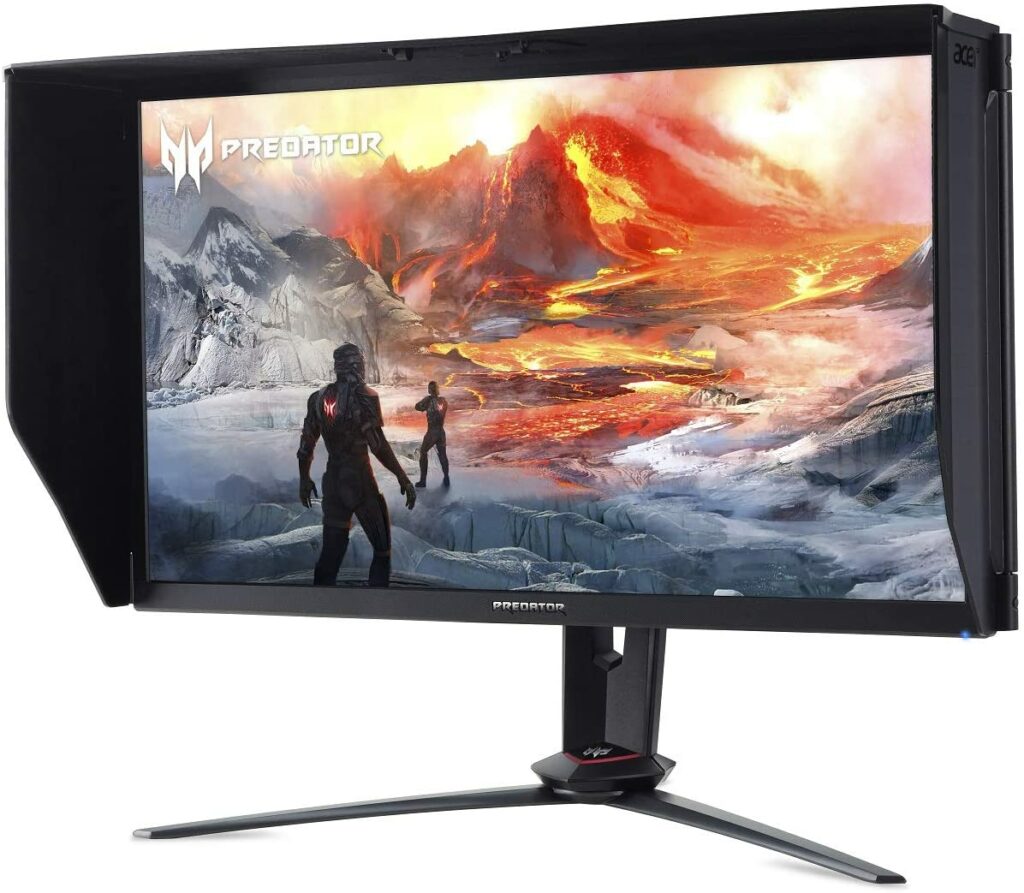
However, that doesn’t stop other manufacturers from catering to gamers who are on a tight budget. So if you’re looking for a budget-friendly monitor that runs on 4k resolutions, the Acer Predator XB273K might just be the one for you.
In case you’re unaware, Predator is the gaming brand under Acer. Just as ROG is to Asus. They offer gaming peripherals such as keyboards, monitors, headphones, and other accessories.
But enough about the company, let’s dive into the product itself.
Just like the first two 4k gaming monitors on this list, the Acer Predator XB273K also has a 27-inch display and a 144Hz refresh rate. It closely resembles the Acer Predator X27 with very few sacrifices made in order to place it in a cheaper model and much a lower price point.
Honestly, the only thing noticeable between the two is the HDR performance. The Acer Predator XB273K obviously has a lower quality of HDR, only having a minimum of 400 nits but that’s about it. If HDR is not that important to you, you will be able to save a lot of money going for the XB273K.
Apart from that, you’re getting an overall excellent 4k gaming monitor with the Acer Predator XB273K. Vibrant and sharp picture qualities, terrific color accuracy, and quick 144 Hz refresh rates are enough for you to dominate any FPS shooting game.
Overall, the Acer Predator XB273K is a terrific bargain and has great value for its price. Any gamer on a tight budget would absolutely appreciate this 4k gaming monitor.
Features & Specifications
Product Dimensions: 24.76 x 12.09 x 21.3 inches
Display Size: 27 inches.
Manufacturer / Brand: Acer Predator
Screen Resolution: 3840 x 2160
Aspect Ratio: 16:9
Panel Type: IPS
Response Time: 1 ms.
Refresh Rate: 144 Hz
Adaptive Sync: GSync
Screen Surface: Flat
Item Weight: 24 pounds
Colors: Black
Extra Special Features: High Brightness and Contrast with VESA Certified DisplayHDR 400, DCI-P3 90% Wide Color Gamut; Optimize colors with quantum dot technology, and Ports: 2 x Display Port v1. 4, 2 x HDMI v2. 0 & 4 x USB 3. 0 Ports
Pros
Budget-friendly.
Impressive color accuracy.
DCI-P3 color.
A great alternative to the much more expensive Acer Predator X27.
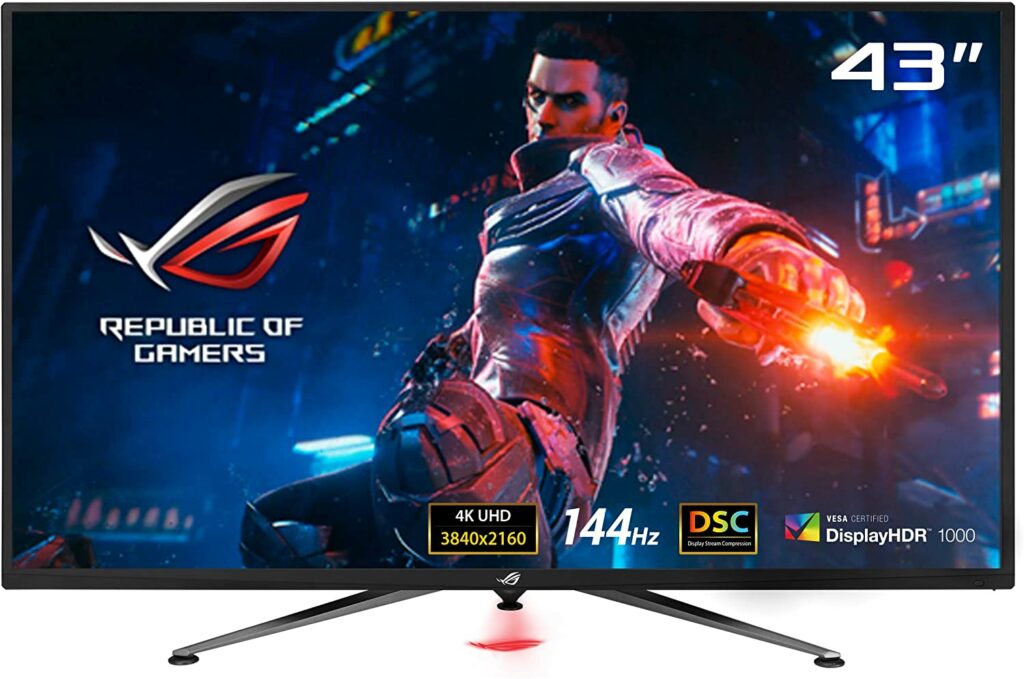
Sometimes, bigger is better. And that saying definitely applies when it comes to the Asus ROG Swift PG43UQ.
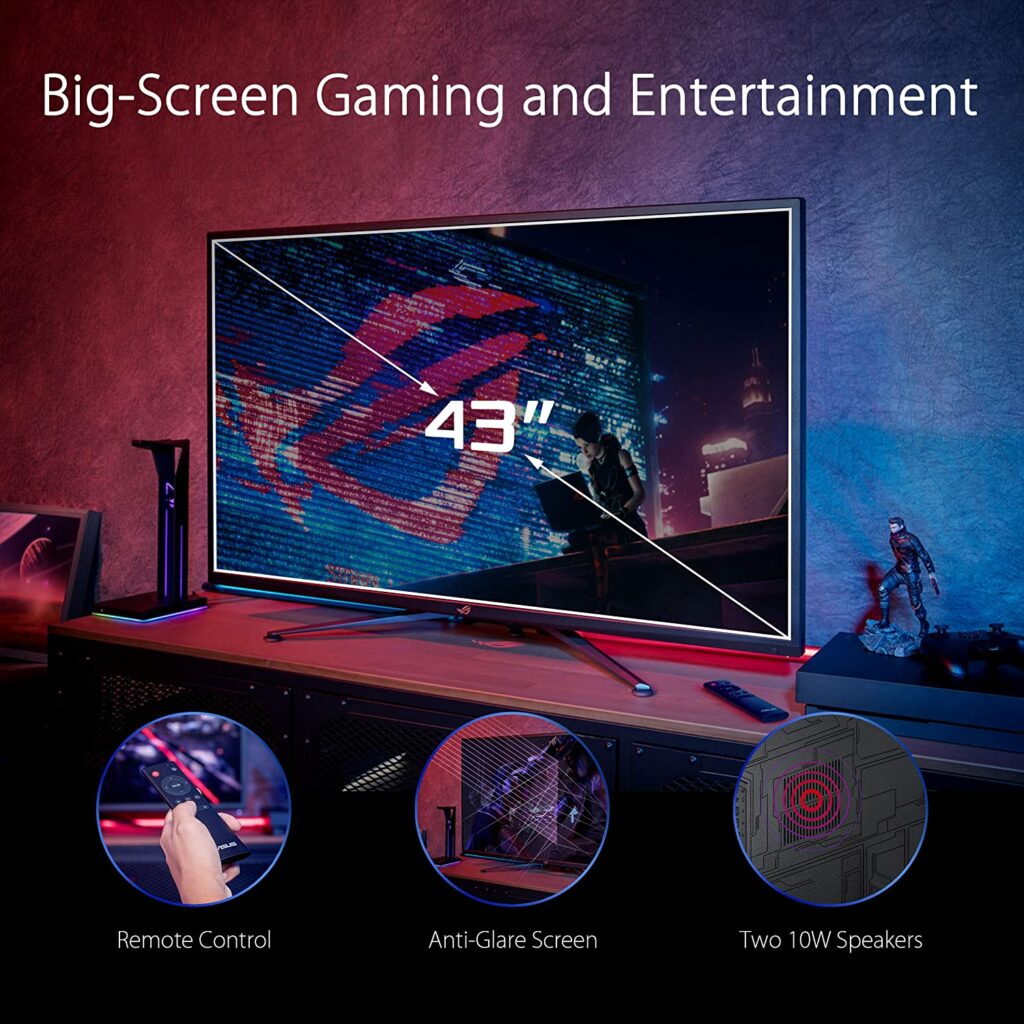
Coming in at a whopping 43-inches of screen display, this 4k gaming monitor has a refresh rate of 144 Hz, 1ms response time, and supports Display Stream Compression Technology for transporting ultra-high-definition video streams across a single interface at high speed without any perceptible loss of visual quality.
To add to that, the Asus ROG Swift PG43UQ also has high dynamic range (HDR) technology with DisplayHDR 1000 certification and 90% DCI-P3 professional color gamut to ensure that you’re getting exceptional contrast and color performance for every gaming session.
Due to its screen size, you can also comfortably use this for your streaming pleasure as this particular 4k monitor is wall mountable. While the lack of Dolby Vision support can seem underwhelming, especially when 4K Blu-ray discs and streaming apps such as Netflix usually use Dolby Vision, you do get support for 24p film cadences.
But if you’re planning to use this solely for gaming, the lack of Dolby Vision support shouldn’t affect most of your games. Apart from that, this 4k gaming monitor also comes in with a mini LED. You will find yourself with an advanced backlight and an amazing HDR contrast ratio of 180,820.8:1.
While OLED screens can provide you with deeper and purer blacks in terms of picture quality, the ROG Swift PG32UQ makes up for it with brightness. In fact, the PG32UQ can easily hit 1,627 nits with HDR.
In terms of performance, the Asus ROG Swift PG32UQ definitely doesn’t lag behind at all. While it’s definitely a huge splurge for some, it can be totally worth the upgrade if money is not a concern for you.
Features & Specifications
Product Dimensions: 38.37 x 24.85 x 9.54 inches.
Display Size: 43 inches.
Manufacturer / Brand: Asus ROG.
Screen Resolution: 3840 x 2160 pixels.
Aspect Ratio: 16:9
Panel Type: IPS
Response Time: 1 ms.
Refresh Rate: 144 Hz
Adaptive Sync: GSync
Screen Surface: Flat
Item Weight: 50 pounds.
Colors: Black
Extra Special Features: Remote-controlled, Anti Glare Technology, Wall Mountable, Connectivity with DisplayPort 1. 4 x2, HDMI(v2. 0) x2 and 100 x 100mm, Display Stream Compression Technology, DisplayHDR 1000 certification, and 90% DCI-P3.
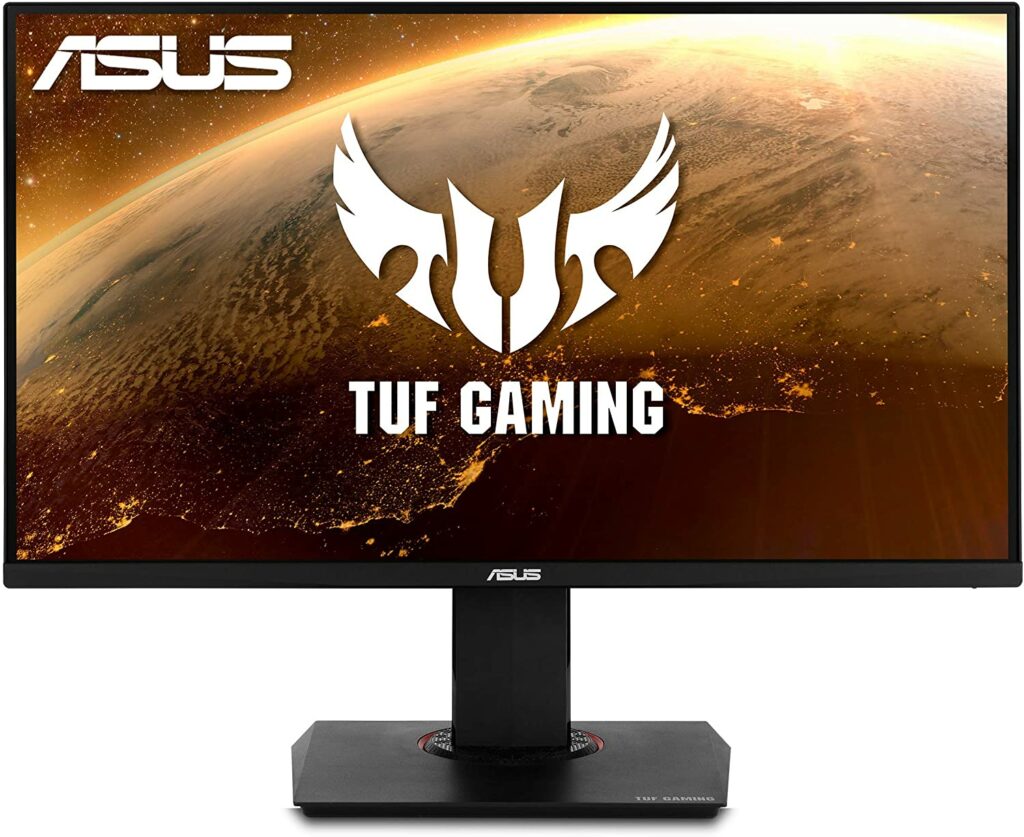
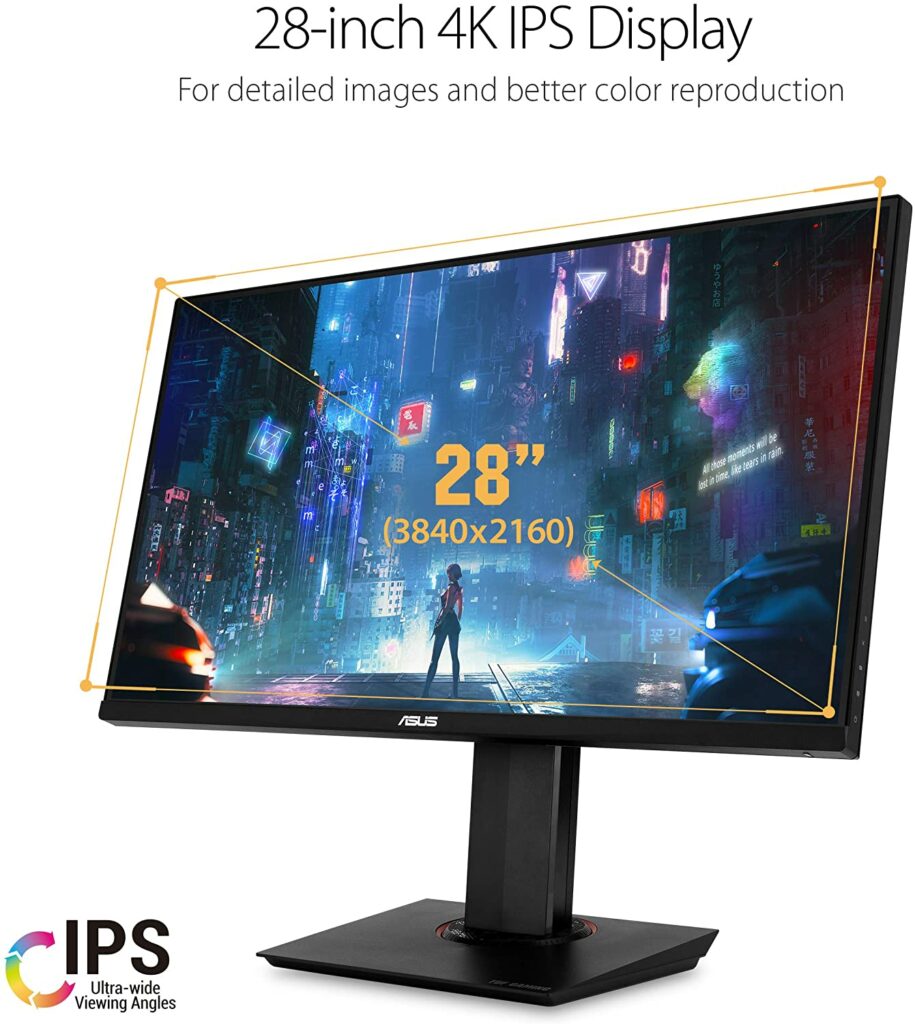
Probably the most budget-friendly option in this list is the Asus TUF Gaming VG289Q.
But don’t be fooled by its affordability, the Asus TUF Gaming VG289Q is still a pretty great 4k gaming monitor that ticks all the boxes when it comes to providing you with the necessities.
Aside from that, the Asus TUF Gaming VG289Q also offers great value for gamers who are looking to experience 4k gaming without burning a hole through their wallets. Though, keep in mind that there are definitely some sacrifices made with the Asus TUF Gaming VG289Q in order to keep it at such a low and affordable price point.
However, it’s pretty expected that the HDR on this 4k gaming monitor isn’t as impressive as its high-end and more premium counterparts in the market. But SDR titles definitely look amazing on this screen, providing fantastic picture quality and amazing colors and details.
Apart from the lackluster HDR performance, the refresh rate of the Asus TUF Gaming VG289Q is also limited to 60 Hz only, with FreeSync working down to 48 Hz. Hardcore gamers might want something more from the low refresh rate but casual gamers shouldn’t have a problem with the current refresh rate at all.
Overall, if you want to dip your toes into high-res gaming but don’t want to break the bank, the Asus TUF Gaming VG289Q is something to consider.
Features & Specifications
Product Dimensions: 25.18 x 15.95 x 9.19 inches
Display Size: 28 inches.
Manufacturer / Brand: Asus
Screen Resolution: 3840 x 2160 pixels.
Aspect Ratio: 16:9
Panel Type: IPS
Response Time: 5 ms
Refresh Rate: 60 Hz
Adaptive Sync: AMD FreeSync
Screen Surface: Flat
Item Weight: 22.6 pounds
Colors: Black
Extra Special Features: Swivel, pivolt, tilt, and height adjustable, DCI-P3 grade, Shadow Boost technology, and AMD FreeSync technology.
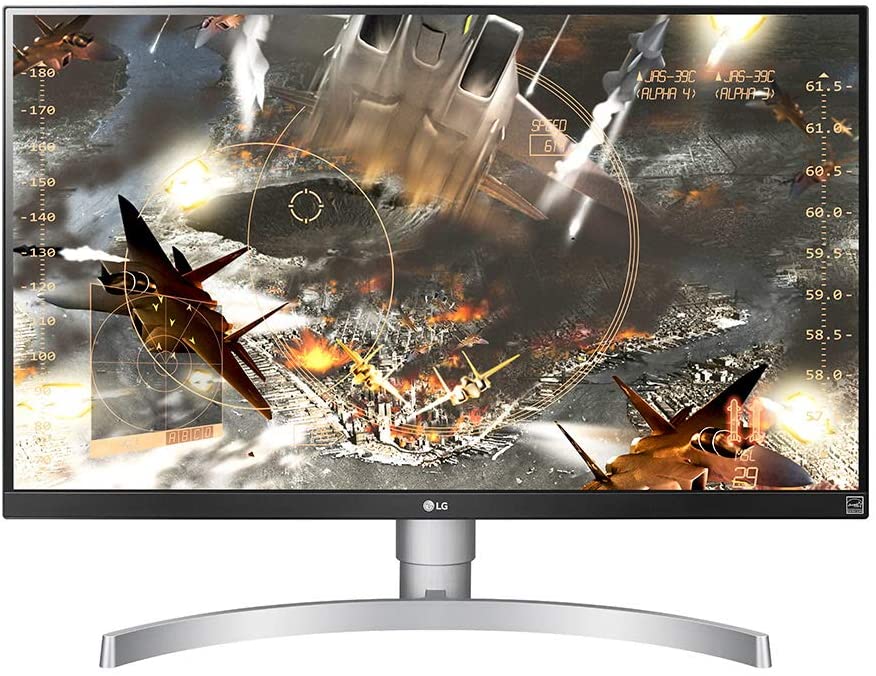
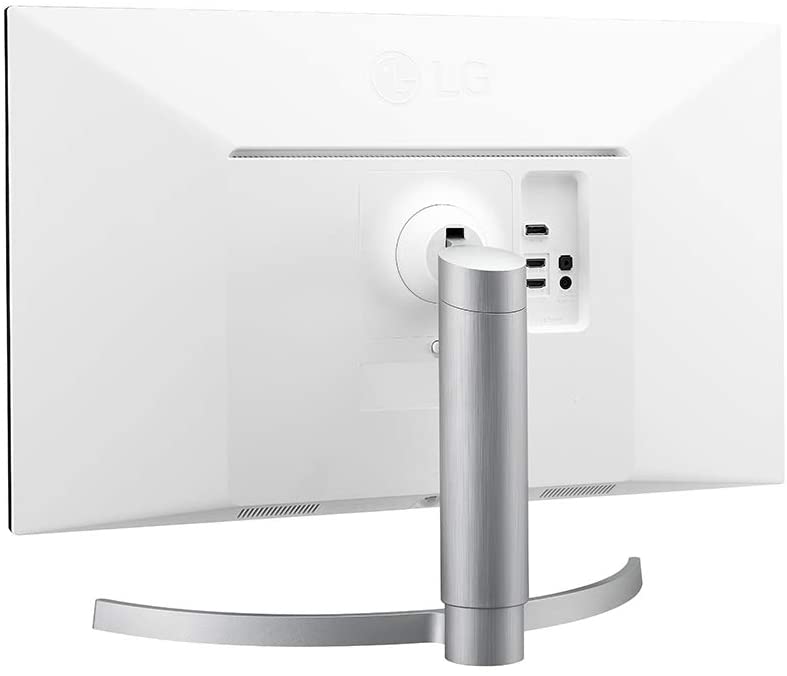
If you can’t get enough budget-friendly 4k gaming monitors, the LG 27UL650-W is another option to set your eyes on.
Aside from being only under $500, this 4k gaming monitor has an IPS panel display that will provide you with terrific color and contrast as well as lower input lag for your gaming sessions. Aside from gaming, this 4k monitor can also be used for streaming and editing purposes thanks to its impressive precise color accuracy and HDR10.
However, do keep in mind that this particular gaming monitor has no HDR and local dimming. It will depend on you whether those features are deal-breakers or not.
Another thing worthy of mention is that the LG 27UL650-W only comes in with a 60 Hz refresh rate and has no built-in speakers. The latter is not that big of a deal for me as I usually use headphones while gaming but that’s something you might want to consider before investing in this 4k gaming monitor.
All in all, if you don’t mind the sacrifices made to keep this monitor at a budget-friendly price, then the LG 27UL650-W is definitely something you should check out.
Features & Specifications
Product Dimensions: 24.1 x 9.1 x 22.3 inches
Display Size: 27 inches
Manufacturer / Brand: LG
Screen Resolution: 3840 x 2160 pixels
Aspect Ratio: 16:9
Panel Type: IPS
Response Time: 5 ms
Refresh Rate: 60 Hz
Adaptive Sync: Radeon FreeSync
Screen Surface: Flat
Item Weight: 13.7 pounds
Colors: White
Extra Special Features: VESA DisplayHDR 400, sRGB 99 percent Color Gamut, and 3 Side Virtually Borderless Display.
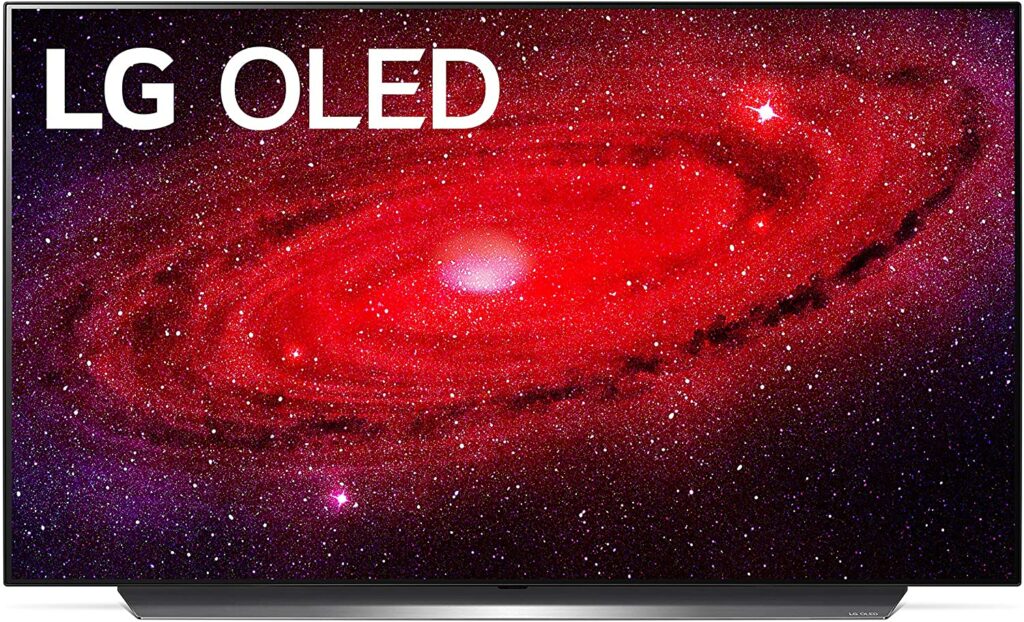
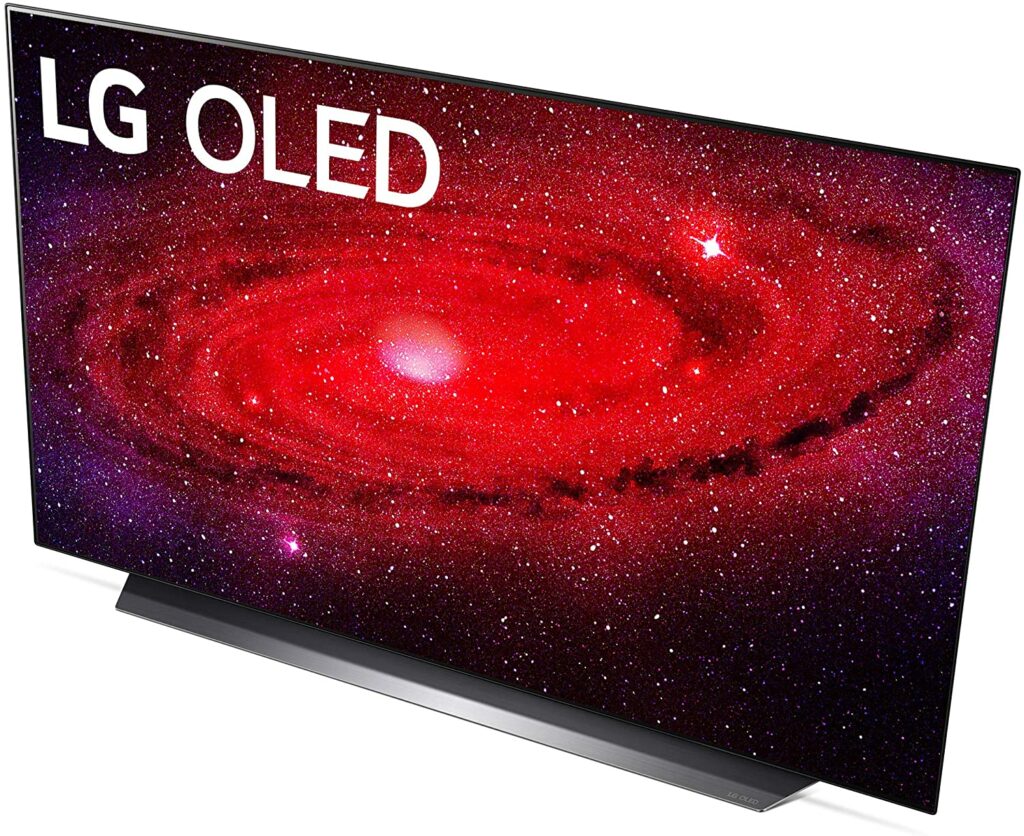
I get it, the LG 48″ Class CX Series OLED 4K TV is technically not a 4k gaming monitor but it definitely is a great contender among 4k gaming monitors on this list. The 48-inch display on this monitor makes a good alternative for other gaming monitors if you want a 4k OLED panel.
Because of the 4k resolution on this huge display, you are getting an incredibly crisp and detailed image quality with every gaming or streaming session that you do.
Additionally, the LG 48″ Class CX Series OLED 4K TV will also offer you terrific overall visuals thanks to the unparalleled contrast of OLED displays. With any kind of media consumption, you will be getting deep, rich shadows alongside bright and vibrant highlights.
Not to mention, this particular monitor also provides a wide range of HDR formats. But what makes this 4k monitor so suitable for gaming is that it can support a 120Hz refresh rate at 4K as well as a variable of refresh rates.
It’s also compatible with NVIDIA G-SYNC and FreeSync that ultimately gives you an edge with less lag, high refresh rates, and incredibly smooth and responsive gameplay.
What’s more, you’re getting built-in speakers that no other dedicated 4k gaming monitor can match at this quality.
Features & Specifications
Product Dimensions: 9.9 x 42.2 x 25.6 inches
Display Size: 48 inches.
Manufacturer / Brand: LG
Screen Resolution: 3,840 x 2,160
Aspect Ratio: 16:9
Panel Type: OLED
Response Time: 1 ms.
Refresh Rate: 120 Hz
Adaptive Sync: G-SYNC and FreeSync
Screen Surface: Flat
Item Weight: 41.67 pounds
Colors: Black.
Extra Special Features: Google Assistant / Alexa, LG ThinQ AI, webOS, Dolby Vision , HDR10, HLG, Quad Step Noise Reduction, Advanced Color Enhancer, Α9 Gen 3 AI Processor 4K, Dolby Vision IQ and Dolby Atmos, and Filmmaker Mode.
Pros
Amazing picture quality.
Vibrant and rich colors.
Supports Dolby Vision and other HDR formats.
Has Google Assistant and Alexa.
Terrific built-in speakers.
Has an OLED panel.
Cons
Expensive.
Rating: 9 out of 10.
Where Can I Buy The LG OLED48CXPUB Alexa Built-In CX 48″ 4K Smart OLED TV?
Now that we have covered our top picks for the best 4k gaming monitors of 2021, here are some tips and reminders for you to consider so you can make an even more informed purchase.
Budget
Let’s face it, 4k gaming monitors don’t come in cheap. Even the most budget-friendly options can still be quite costly for some of you. So before you decide and jump into any impulsive purchases, I highly suggest doing adequate research first on the monitor you’re eyeing.
The last thing you would want is an unsatisfactory purchase or realizing that the 4k gaming monitor you bought isn’t the one that works for you. That said, you also have to make sure that you get a monitor you’ll be able to maximize in terms of its features.
Ask yourself questions like “is a 144 Hz the one for you or is a 60 Hz enough for me?”. Knowing the answer to such questions makes a huge difference in terms of price points and you might also save yourself a lot of money in the long run.
Graphics Cards
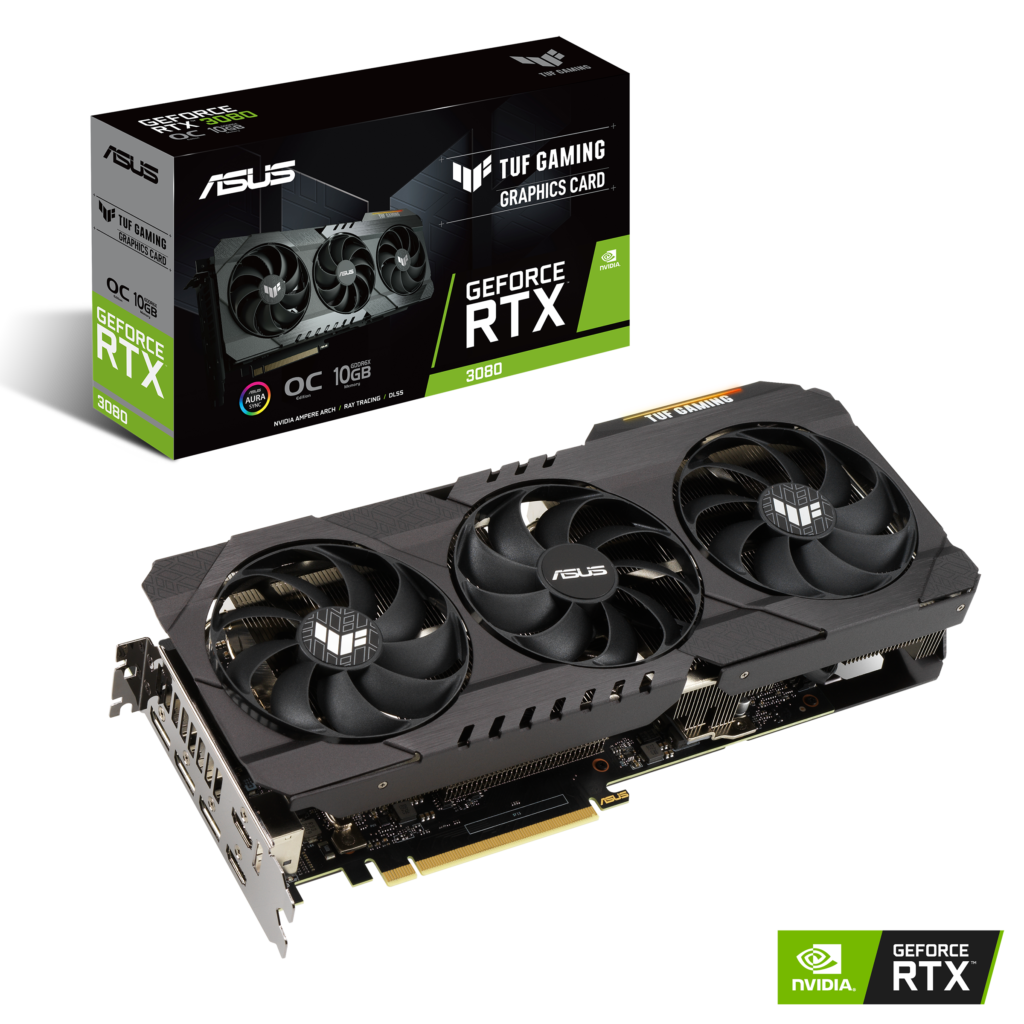
Before you invest in a 4k gaming monitor, you have to remember that in order to play at such high resolutions, you also need the appropriate graphics card to back it up. Obviously, games that can run on 4k can be pretty demanding on your PC setup.
While 4k gaming monitors can already cost a pretty hefty buck, graphics cards can just be as expensive. Thankfully, there are a few lower-tier graphics cards in the market that can run games on 4k.
So if you’re on a budget and don’t really need the high-end graphics cards being released today, I recommend hunting for the budget-friendly options instead.
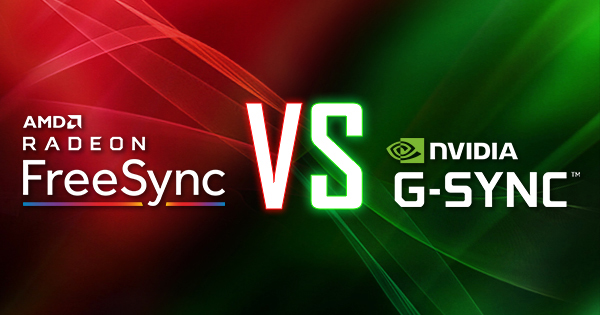
G-Sync or FreeSync?
To put it simply, a monitor carrying a G-Sync feature will only work with PCs using an Nvidia graphics card, and a monitor with FreeSync will only run with PCs carrying an AMD card. However, it is possible to get a monitor that can comfortably support both graphics cards.
It is also possible to run a G-Sync compatible monitor on an AMD graphics card (and vice versa) but do expect some changes in performance. Some 4k gaming monitors will still run smoothly but some don’t hold as well. So keep this in mind when choosing a 4k gaming monitor.
Conclusion
To conclude this article, investing in a 4k gaming monitor can be a tricky process sometimes. But it doesn’t always have to be. Not when you know what kind of games and applications you’re planning to run on your chosen 4k monitor.
Once you figure out the sort of games you’re going to be playing, it will be pretty easy to know which refresh rates, HDR formats, resolutions, and etc. you should go for. You will also find out whether your games or movies will be shown on your monitor to their full extent.
Overall, the right gaming monitor can last you up to 5 to 10 years. That’s why I always say a 4k gaming monitor is a pretty worthy upgrade as it will last you for a very long time.
Did the 4k gaming monitor you were eyeing make it into our list? Let me know if you have any suggestions in the comments section below. I would love to hear your thoughts!
Over the years, fitness trackers have come a long way from just measuring the number of your steps. Since then, they have grown and evolved into doing plenty of things for you in order to improve your health and lifestyle. So in this buyer’s guide, I’ll be helping you out in finding the best activity fitness trackers for you.
Finding the right fitness tracker for you can be a pretty overwhelming task. Especially now since these types of wearables have been consistently rising in popularity in both the fitness community and with casual individuals alike. So naturally, more companies, brands, and manufacturers will be more than eager to supply that demand.
With so many different models and types of fitness trackers being released into the market, things can get rather confusing.
More often than not, people who are just starting to dip their toes in the world of fitness wearables end up purchasing the ones that are deemed the most popular due to trends or impulsively buying the first one they see instead of taking the time to research the most suitable wearable for them.
Sometimes, those situations work out, but sometimes they don’t. Fitness trackers don’t come in cheap and it’s best to avoid situations wherein you would end up wasting your hard-earned money. So to avoid such scenarios, I have broken down topics and will be covering the most important things you need to know in this buyer’s guide.
By the end of this article, you will be well-equipped enough to make an informed purchase on the best activity fitness trackers that will suit you the most.
Why Do You Need A Fitness Tracker?
Before you go on to Amazon and make any purchases, let’s answer this question first: why do you need a fitness tracker?
A person can have plenty of reasons why they need a fitness tracker. But what is your main reason specifically? Is it to keep up with the trends? Do you want to improve your sedentary lifestyle? Be more active? Become healthier?
Whatever your reason is, this will completely affect the things you will need and look out for in a wearable, as well as make things easier for you. When you know what you want, you can easily narrow down your options and keep an eye on the fitness trackers that will best serve you and help you reach your goals.
Ideally, a fitness tracker is best for people who are always on the go and want to improve their lifestyle. This is not to be confused with a smartwatch. Though smartwatches are also a great option for you if you are leaning more towards productivity and wellness rather than fitness and activity.
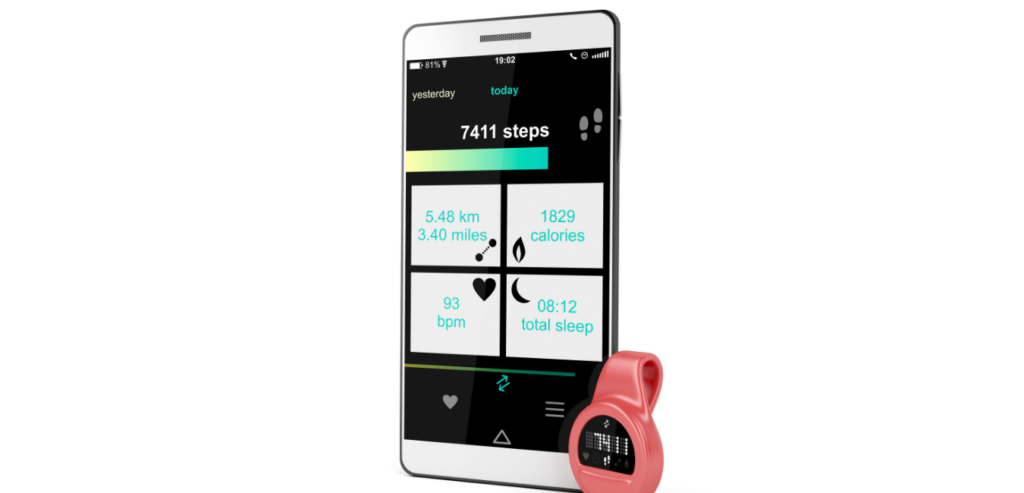
But a dedicated fitness tracker focuses predominantly on helping you stay active. These wearables provide you with charts and data regarding your daily activities and movements, give you a light buzz when it’s time to get moving, as well as having built-in health monitoring sensors so you can keep track of your health.
With that being said, below are the different kinds of fitness trackers you might find in the market.
The Different Types Of Fitness Trackers
Pedometers
Pedometers are probably the most basic form of fitness tracking. They’re easy to use and simple enough for everyone to understand. It’s also an effective way for you to get started on your path to a healthier lifestyle.
As it’s obvious that not anyone can keep count of their steps in their head, a pedometer will make things easier for you. This device will help give you an accurate measurement of the steps you have taken within the day. Some pedometers in the market have additional features that can also improve your overall experience.
Preferably, when purchasing a pedometer, you would want one that has more axis. More axis on a pedometer means that it will be more sensitive to different kinds of movement when you’re wearing it. In turn, this will provide you with a more accurate measurement of your daily activity.
Heart Monitors
Heart rate monitors are devices you strap around yourself during a workout so they can check your pulse as you complete a workout session. These wearables will give you a measurement whenever there is an increase or decrease in your heart rate during your exercises.
Just like pedometers, they provide fairly accurate results when it comes to your heart rate. Some heart rate monitors are equipped with app integration, built-in pedometers, and other features that are beneficial to staying healthy and reaching your fitness goals.
Fitness Bands Or Watches
When you think of fitness trackers, this is probably the first and only thing that comes to mind. Undeniably, these are the most popular type of fitness tracker right now. And how could it not? It’s an all-in-one product that does more than just count the number of your steps or measure your heart rate.
Moreover, fitness bands and watches are more high-tech now and offer a lot more impressive features that are so in-demand in today’s era. Such features can include built-in GPS, sleep tracking, SpO2 sensors, swim-proof design, smartphone notifications, music control and mobile payment support, app integrations, and so much more.
Personally, I would highly suggest going for this kind of fitness tracker rather than a dedicated heart monitor or pedometer. This type of fitness tracker would help you more when it comes to utilizing and maximizing your fitness goals and giving you your complete stats or data from the convenience of your wrist.
Smartwatches
Smartwatches are a different breed of tech wearables, but I felt like including this on the list as it deserves a mention due to its similar functions for activity tracking.
Just like fitness bands or watches, a smartwatch is another all-in-one wearable that can do a plethora of things for you in terms of fitness, wellness, and productivity. But unlike fitness bands, smartwatches can be a lot more expensive depending on the brand as they offer more features that can help you in the long run.
While a fitness band may be enough for a lot of you, I find smartwatches a lot more versatile and more preferable on a day-to-day basis. Not to mention, smartwatches can easily be paired to your smartphone to receive the same notifications, incoming calls or text messages, and access to other apps.
What To Look Out For
Now let’s talk about the things you would need to consider, keep in mind, and look out for in the best activity fitness trackers before finally making a purchase.
Fitness Goals
Knowing and setting your fitness goals can help a lot in making your purchasing decisions for you when buying a fitness tracker. Having goals will help you in knowing which wearables will benefit you the most in terms of achieving your fitness goals and keeping you on track of your active lifestyle.
Aside from that, a specific set of fitness goals will also let you know the primary activities you need tracking and monitoring from your chosen wearable. Of course, having more options is always better but knowing your priorities will help avoid any impulsive purchases.
Budget
Having a set budget for anything is always helpful. Especially when you’re spending your hard-earned money.
If you’re willing to splurge or if money is no object to you, then it will be pretty easy to get your hands on the best fitness tracker possible in the market right now.
Thankfully, with so many brands and companies coming out with a variety of fitness trackers, you are sure to find one that will suit any budget perfectly. Just make sure that you’re getting one that will be great for its value.
Compatibility
A lot of fitness trackers nowadays function with different operating systems. So it’s best to know which ones will be most compatible for your existing devices like your smartphone so you won’t have to spend extra money in maximing your wearable’s features and functions.
Here are the different operating systems a fitness tracker can have:
Watch OS – Apple’s operating system on the Apple Watch Series.
Tizen – Samsung’s operating system.
Wear OS – This was formerly called as Android Wear. This is Google’s smartwatch operating system.
The Necessary Features
The necessary features in an activity tracker is the ones you need the most and that will fit your health or fitness goals. But here are some features in a fitness tracker that you might want to consider:
Activity tracking (like measurement of your steps, pace, distance, calories burned, etc.)
Heart monitoring.
Sleep tracking.
SpO2 sensors.
Preset workout modes.
Integrated or linked GPS.
Built-in microphone and speaker.
Music control and mobile payment support.
Voice assistance.
App integrations.
Of course, don’t limit yourself with the features I have mentioned above. A lot of wearables in the market offer more than that which you might be interested in. Just make sure to do your research.
When it comes to display, some wearables offer monochrome or greyscale screens while some have OLED or AMOLED screens. Personally, I would recommend going for the latter screens as they provide more vibrant and brighters displays even when under harsh lights. This is better if you’re always spending your time outdoors.
Battery Life
Last but not the least, you can’t leave out a fitness tracker’s battery life in your decisions. Most fitness trackers from reliable brands like Fitbit or Garmin provide their users with wearables that are equipped with impressive battery life. Some can even last for up to a week in a single charge!
So if you don’t like to constantly charge up your devices or you’re someone who tends to forget, I highly suggest looking into wearables that offer you several days of battery life out of your fitness tracker.
To sum it all up, the best activity fitness tracker for you will always be the one that will ultimately help you stay on track with your fitness goals. That way, you know you’re getting the most out of the wearable you have chosen for yourself.
So I hope this simple buyer’s guide was able to help you out with your decisions and reservations if there was ever any. Now, you’re ready to make an informed purchase.
Was I able to help you in your search for the best activity fitness trackers? Let me know in the comments section below your insights and suggestions. I would love to hear your thoughts!
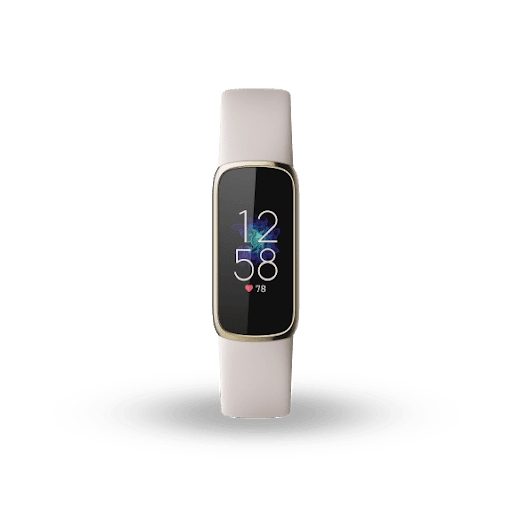
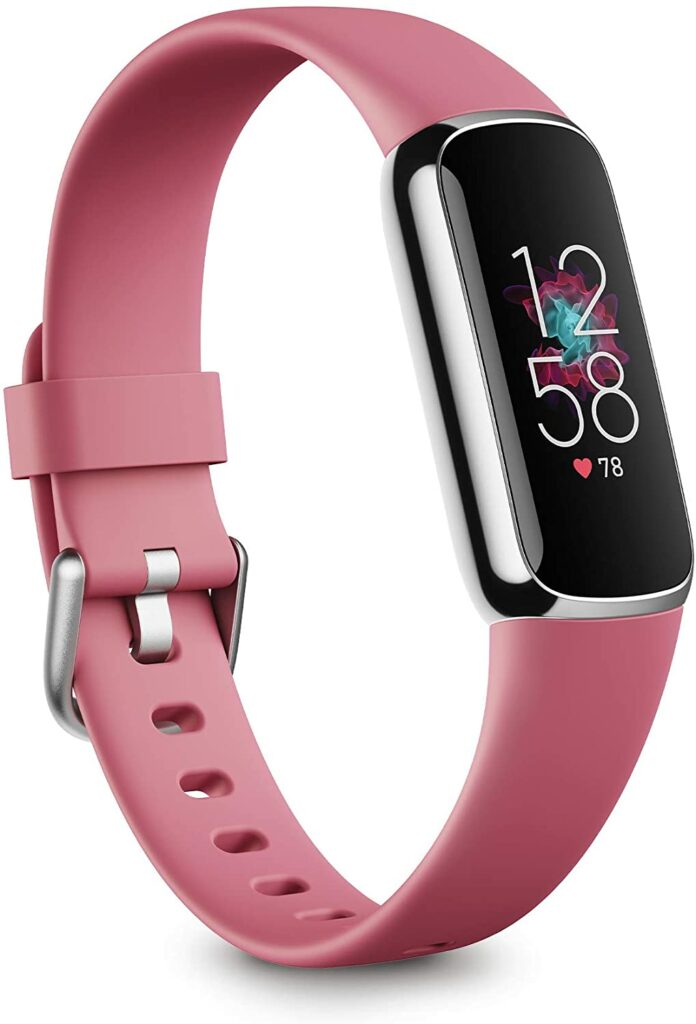
Let’s face it, the standard or traditional design of most fitness trackers sport isn’t for everyone. While they’re not necessarily bad-looking, they’re just a little… plain. In most cases, they all look alike. So imagine my excitement when Fitbit finally released their most fashion-forward wearable yet: the Fitbit Luxe Activity Tracker.
If you’re like me who is tired of the same old boring wearable we see every day in stores, well today, I’ll be giving you my dedicated review of the Fitbit Luxe. Right off the bat, you can easily tell that this particular wearable is designed and marketed towards the female audience. But that’s not to say males can’t wear this too.
So without further ado, let’s dive right into the review and find out if the Fitbit Luxe Activity Tracker can both be functional and fashionable.
First off, I would just like to commend Fitbit for stepping up their fashion game when they released the Luxe. Honestly, it’s time that more brands and companies put in more effort in producing more stylish designs with their wearables. Not everyone is sporty or wants something plain.
Some of us don’t just want a piece of technology wrapped around our wrist. We also want to show off our wearables without feeling a little embarrassed by their design. Nevertheless, I’m thankful that manufacturers are now giving us more design options. But today, I will be focusing on the Fitbit Luxe.
Stylish Yet Functional
Admittedly, the Fitbit Luxe is one of the prettiest wearables I have seen in the market to date. With the Hermès version of the Apple Watch Series coming in a close second. But another main advantage of the Fitbit Luxe is that it only comes for a fraction of the price in comparison to the latter.
With just under $200, you’re getting a fitness tracker that can pass of as jewelry, while at the same time, you’re benefitting from Fitbit’s best fitness and health tracking features that they are pretty well known for.
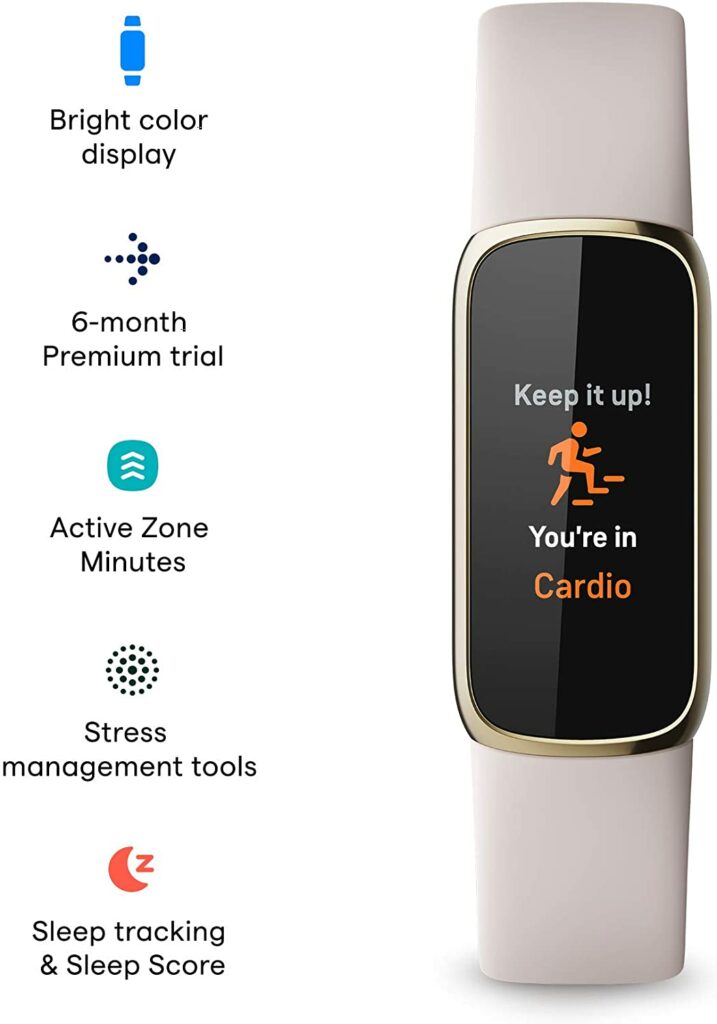
Such features include daily activity tracking, 24/7 heart rate monitoring, swim-proof design, sleep monitoring, workout data, and so much more. Another thing that puts the Fitbit Luxe at an advantage over most stylish activity trackers other companies are releasing is its colored screen.
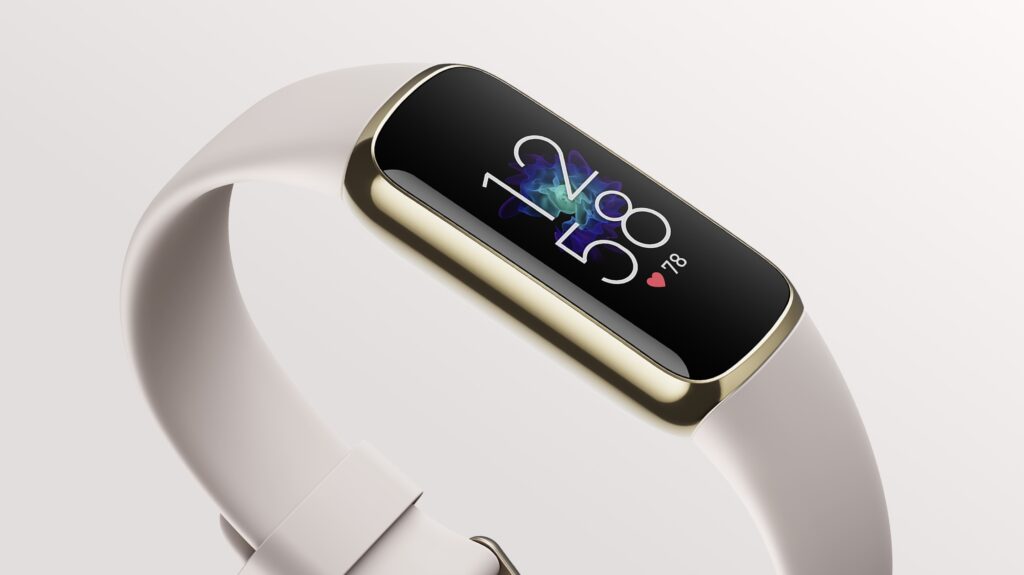
Due to the brighter AMOLED display, you’re sure to have a display screen that will offer better contrast and boldness compared to LCD screens. The vibrant always-on display will also be better even under harsh lightings or direct sunlight.
Features & Specifications
Product Dimensions: 1.43 x 0.69 x 0.4 inches (LxWxH)
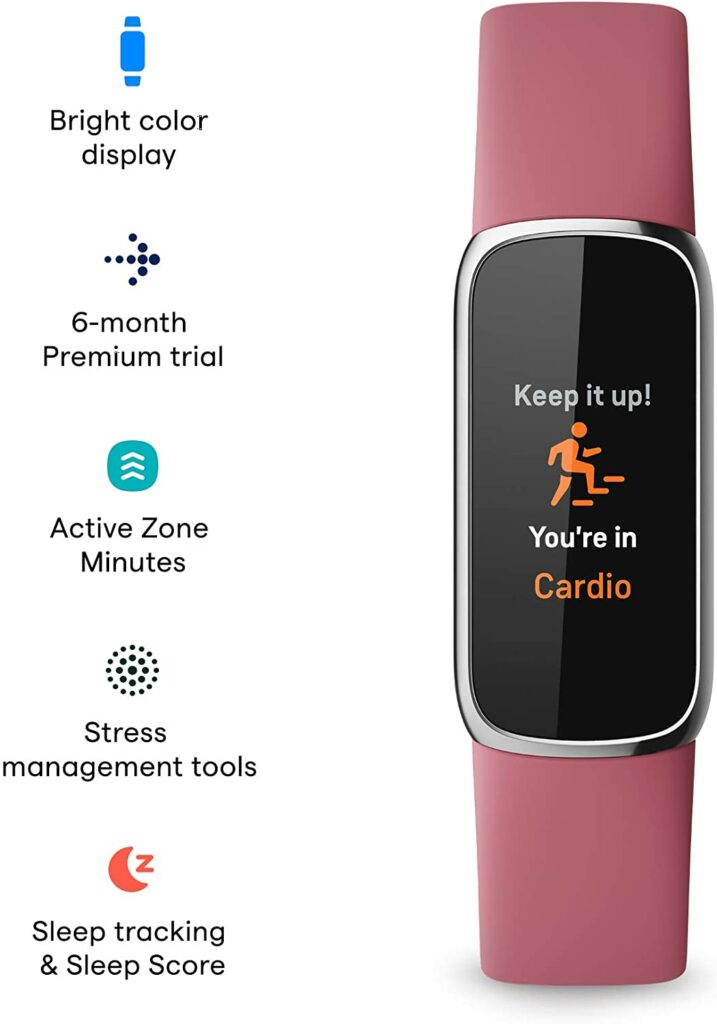
Extra Features: Smartphone notifications, Stress Management Tool, Sleep tracking and sleep score, AMOLED display, 3-axis accelerometer, optical heart rate monitor, vibration motor, red and infrared sensors for SpO2, and stress management tools.
What We Love About The Fitbit Luxe Activity Tracker
Stylish Design
There’s no denying that the main reason we are in love with the Fitbit Luxe is because of its stylish and attractive design. It’s so good to finally have an everyday activity tracker that you can actually use every day without it looking out of place in different attires aside from your gym clothes.
Aside from the beautiful aesthetic, the Luxe also comes in completely water-proof. Meaning, you can also wear this on your vacations on the beach, the swimming pool, or if you’re just someone who loves to swim for sport.
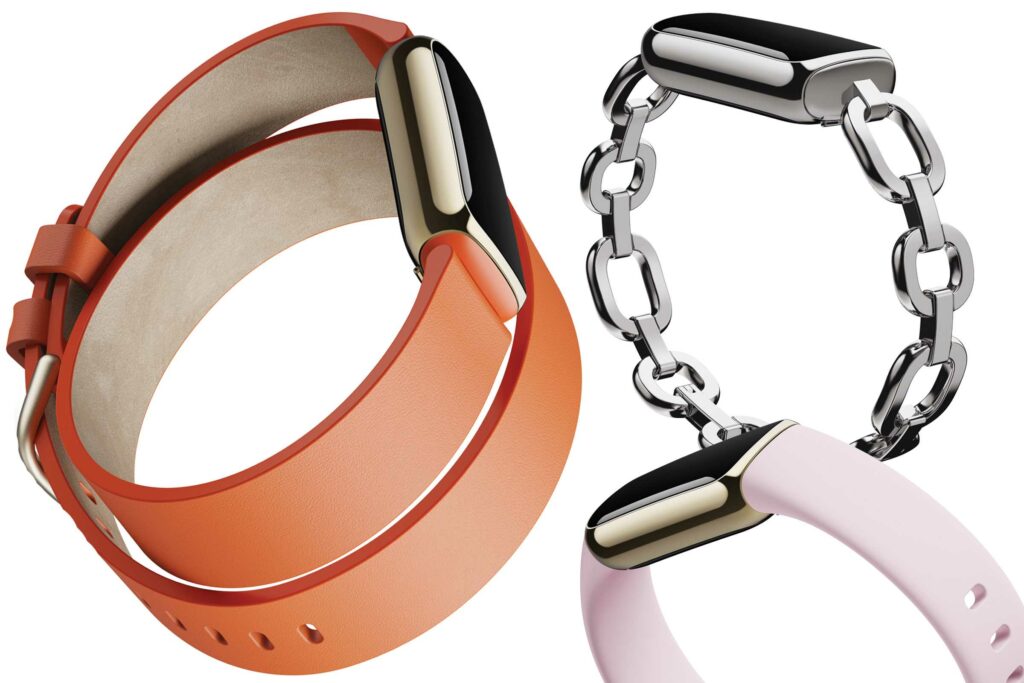
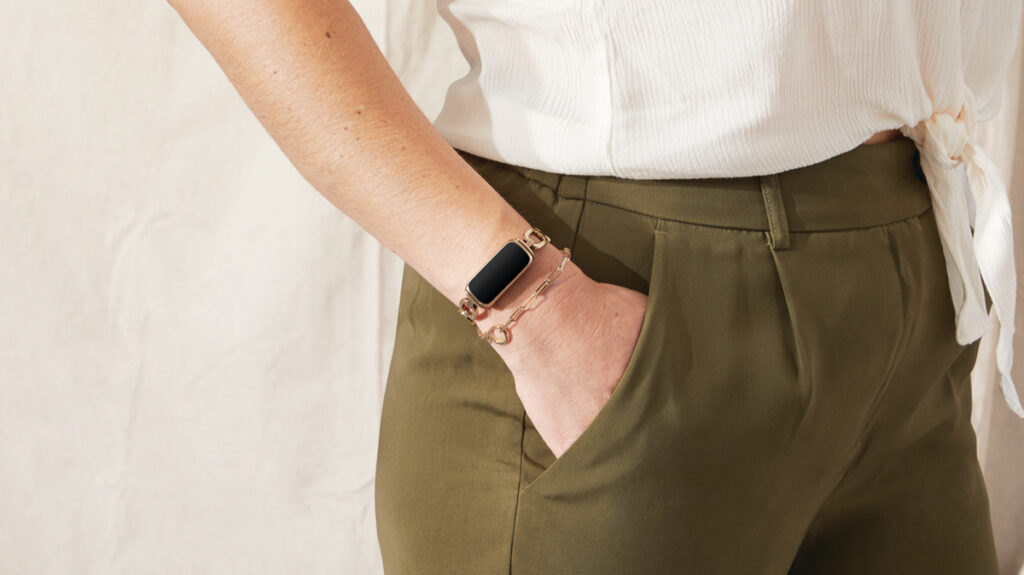
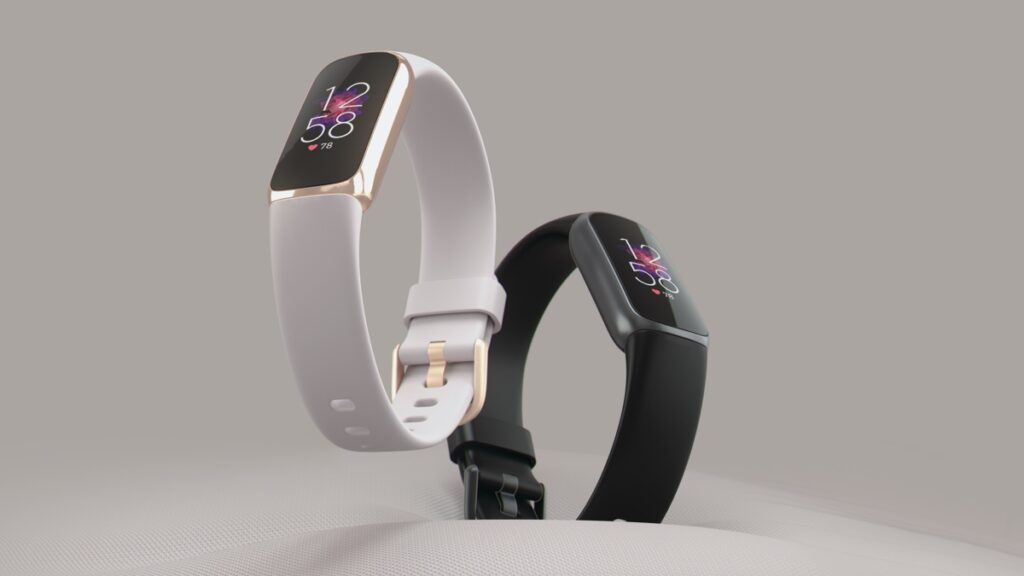
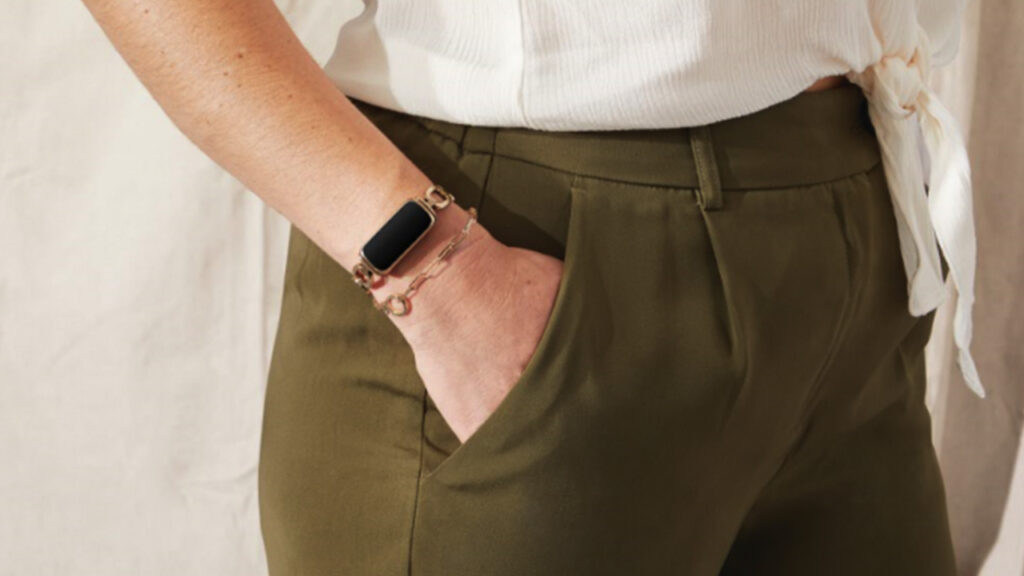
Overall, the Fitbit Luxe’s design is visually stunning as well as versatile. When used with a rubber band, it can be your everyday activity tracker. But if paired with the stainless steel chain, it doubles as a piece of jewelry to compliment any outfit you can use for a night out, a formal dinner, or any fun occasion.
Battery Life
Aside from having the best health and activity features, Fitbit is also pretty well known for the impressive battery life they put on their wearables. So it comes as no surprise that the Fitbit Luxe can last up to 5 days on a single charge depending on your usage.
Anyone who is busy or forgetful when it comes to charging devices will absolutely appreciate the long battery life the Fitbit Luxe has. That means you won’t have to worry constantly whether your wearable is ready for use or not. Just make sure to charge it once or twice a week and you will be ready to go whenever and wherever.
AMOLED Display
Unlike the Garmin Lily and other fitness trackers that are marketed towards women, the Fitbit Luxe is equipped with a 206 x 124-pixel resolution, full-color AMOLED display that makes its screen brighter and more vibrant even under harsh lightings or direct sunlight.
This is particularly helpful and more convenient if you’re out and about during daylight and won’t have to constantly look for shade or cover your wearable with your hand just to check what your screen is telling you.
The always-on display is just as convenient and makes this a better alternative than your traditional wristwatch when it comes to telling you what time it is.
Overall Performance
While it’s obvious that the Luxe definitely puts style over function first, that’s not to say that it doesn’t perform well compared to other Fitbit’s wearables. In fact, the Luxe is well-equipped with the fitness and health functions most recent Fitbit fitness trackers have.
In terms of fitness, you can have up to 20 workout modes and store up to 6 on your Luxe. You also have the option to put in your goal-based workouts so you get notifications whenever you hit your goals or Active Zone Minutes. The Luxe also comes with a heart-rate sensor that provides fairly accurate data for you during workouts.
When it comes to health tracking, the Luxe has great sleep monitoring and stress management tools to help you out whenever you need it.
I have always liked Fitbit’s sleep monitoring feature. I find that it gives simple yet accurate and detailed data of my sleeping habits throughout the night. Not only it measures the length of my sleep but tells me how much time I have spent in different sleeping stages as well as the quality of my overall sleep.
Meanwhile, the stress management tool was fairly new to me. But it is simple enough for most of you to figure out. This sensor provides you with a score whenever your body is showing signs of stress based on factors like your heart rate, sleep, and activities.
Affordable Price
The Fitbit Luxe’s design is not the only thing attractive about it. It also comes in with a pretty attractive price tag. Coming in for under $200, you are getting an absolutely great deal and value with this wearable. Not only you’re getting a fitness tracker, but you’re also getting a piece of jewelry you can take with you on any given occasion.
Want to check out other fitness trackers and smartwatches? Click here for our top recommendations for seniors and for nurses!
Our Least Favorite Thing
No Built-In GPS
There are many things I adore about the Fitbit Luxe, while there is only one thing I truly dislike about it: the lack of integrated GPS.
While it can be expected that this Luxe has no GPS due to its tiny size, it’s definitely something I would miss if I were to use this as my go-to activity tracker every day. A built-in GPS would mean I don’t have to rely on connecting the wearable to my smartphone to constantly check my data regarding my workouts and activities.
In A Nutshell
Here is a narrowed-down list of the good and the bad with the Fitbit Luxe Activity Tracker.
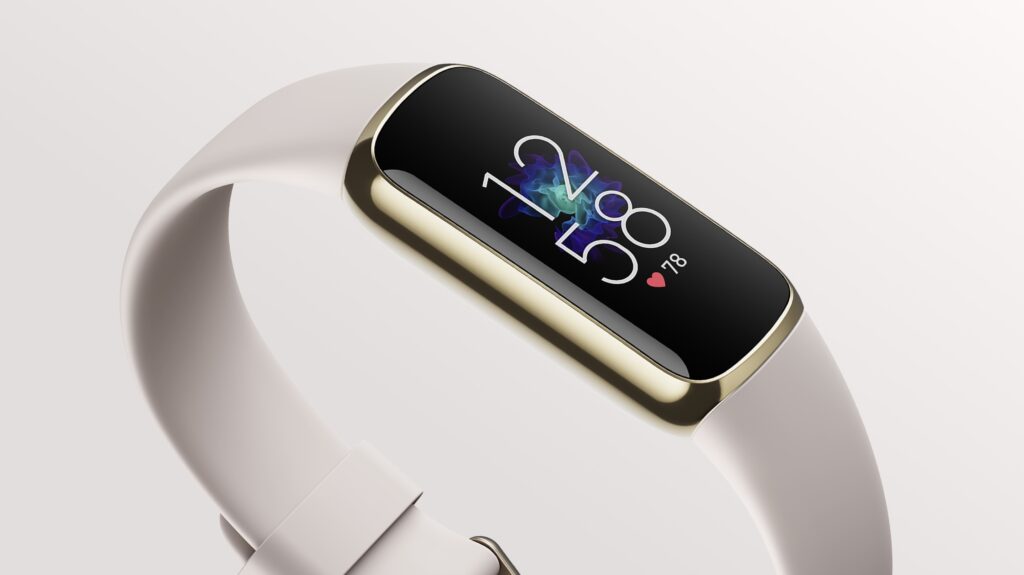
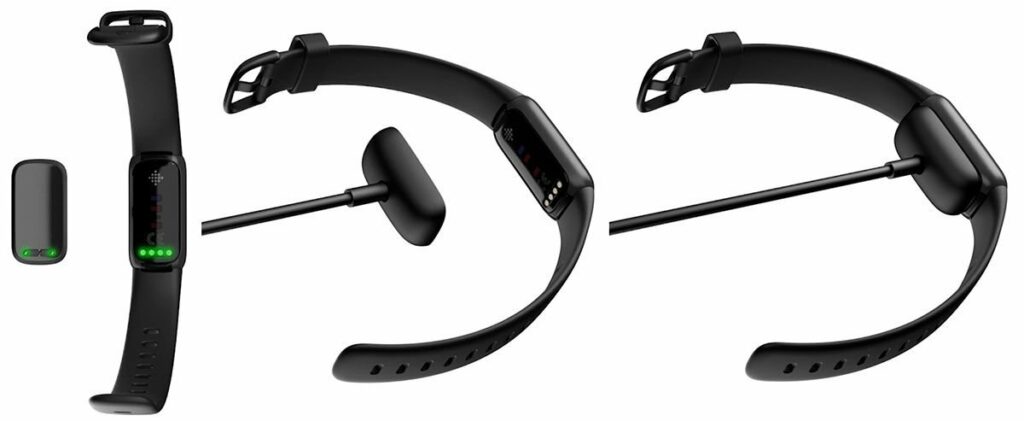
Product laydown photo of Fitbit Luxe.
Pros
Fashion-forward and luxurious aesthetic.
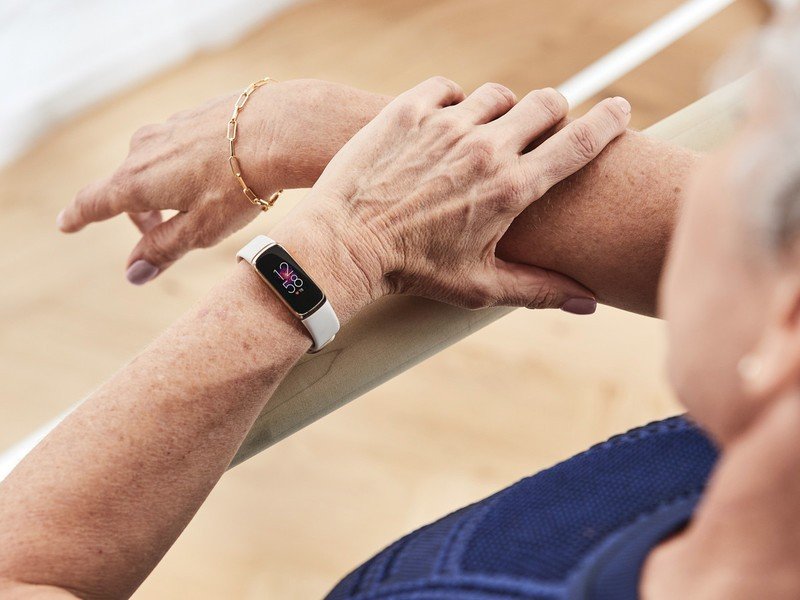
Slimmer design is great for senior citizens with smaller wrists.
Interchangeable bands.
Impressive 5-day battery life.
Brighter AMOLED display.
Lightweight.
You’re basically getting the same benefits of other Fitbit wearables on a prettier model.
Cons
No built-in GPS.
The screen can be a little small for some people.
The overall design of the Luxe can be a bit tiny for bigger-sized wrists.
Final Verdict
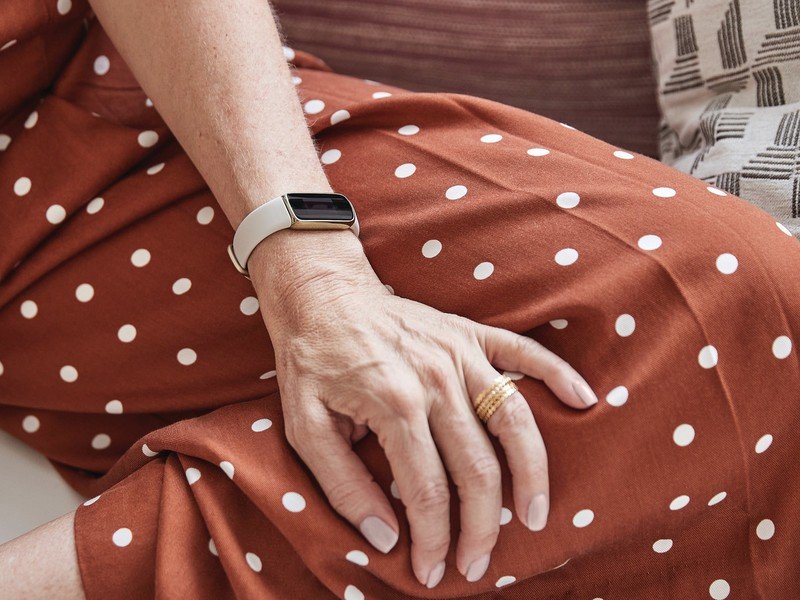
Lifestyle photo of Fitbit Luxe.
Overall, I have to say that the Fitbit Luxe is one of the best wearables Fitbit has released. With its only major downside being the lack of integrated GPS.
Nevertheless, this is the perfect everyday activity tracker for anyone who just wants a wearable that can be fashionable and stylish, yet functional enough to keep track of their health and fitness on a daily basis.
Already own the Fitbit Luxe Activity Tracker? Let me know about your experiences and insights in the comments section below with this fashion-forward wearable. I would love to hear your thoughts!
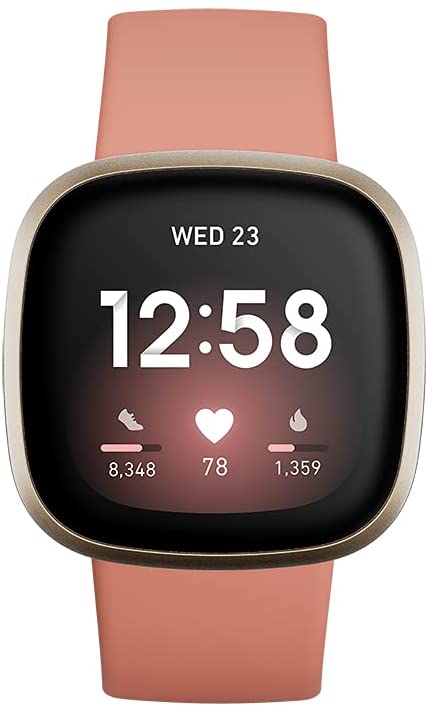
Usually, when we think of smartwatches, wellness is prioritized over activity. This is seen apparently through the likes of the Apple Watch Series and the Samsung Galaxy Watches. But today, let’s dive into our dedicated Fitbit Versa 3 review to see how it performs and if it’s the right smartwatch for you.
Fitbit needs no introduction when it comes to the fitness tracker and smartwatch industry. In fact, they’re one of the first companies to ever introduce such a successful and well-loved lineup of fitness trackers in the market right now. As of writing, they are leading and pioneering the fitness wearables industry.
With so much competition in the market with big players like Apple and Samsung joining in, that’s not an easy feat. While the previously mentioned brands are great in their own right, Fitbit seems to remain at the top as they continue to release the best wearables (and for a fraction of the price!) you can get your hands on right now.
That’s why without further ado, let’s get straight into our Fitbit Versa 3 review.
The Versa 3 vs. Previous Iterations
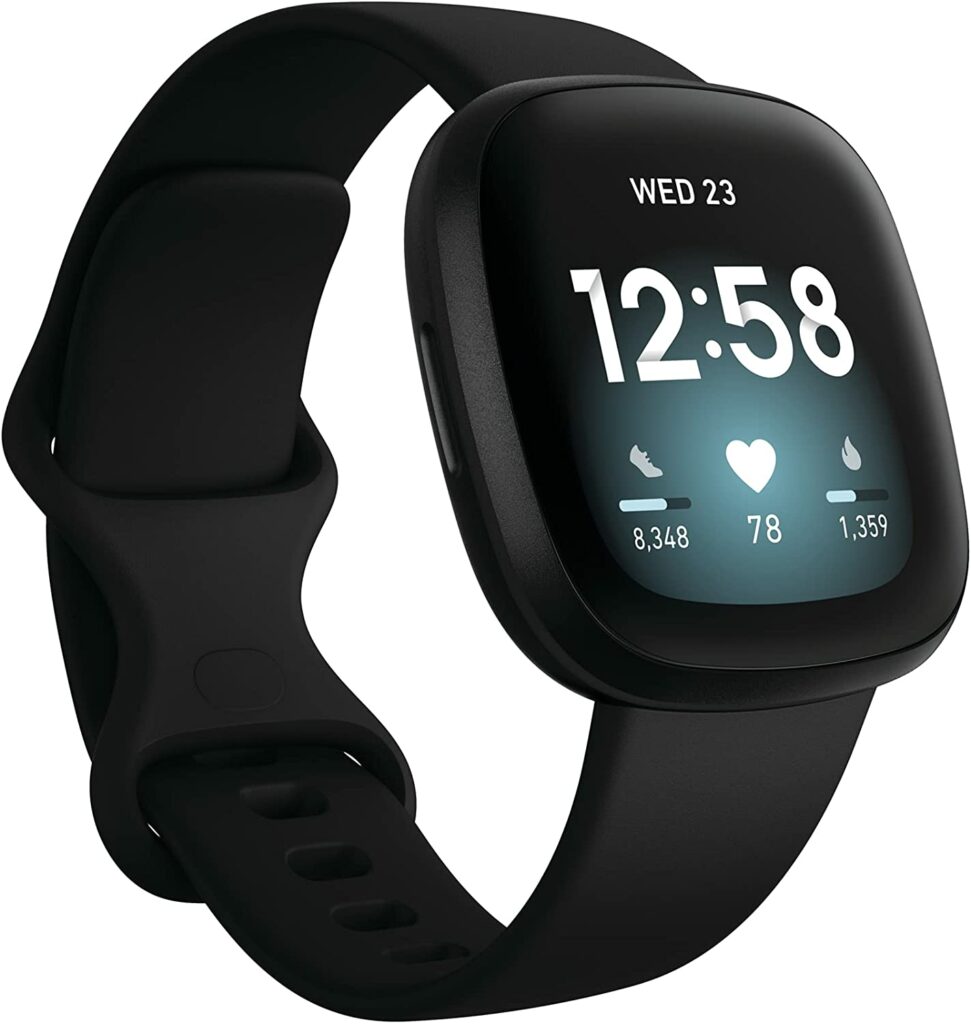
Now in its third generation, the Versa 3 is a solid and impressive model that is built upon the features we all know and love from its predecessors but with even better upgrades, additional features, and overall changes. Right at the bat, I’m just going to say that this is the best smartwatch Fitbit has released yet.
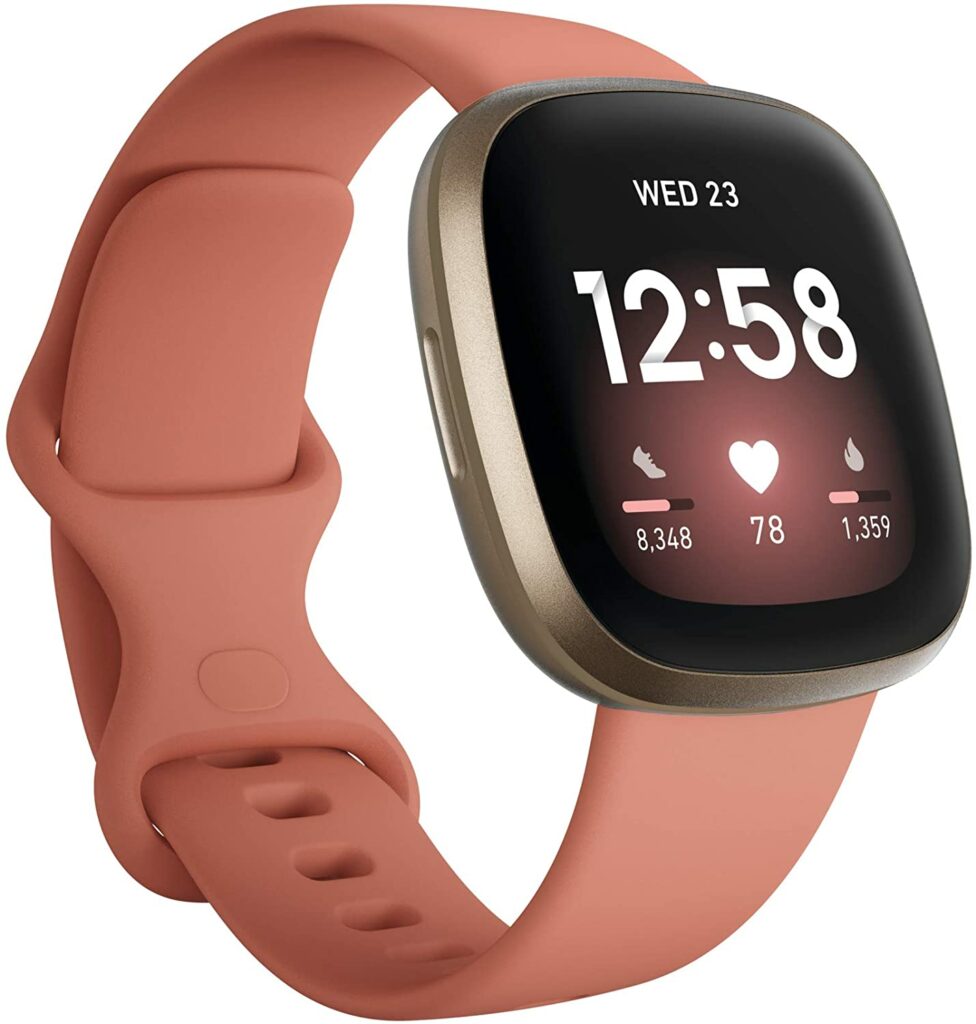
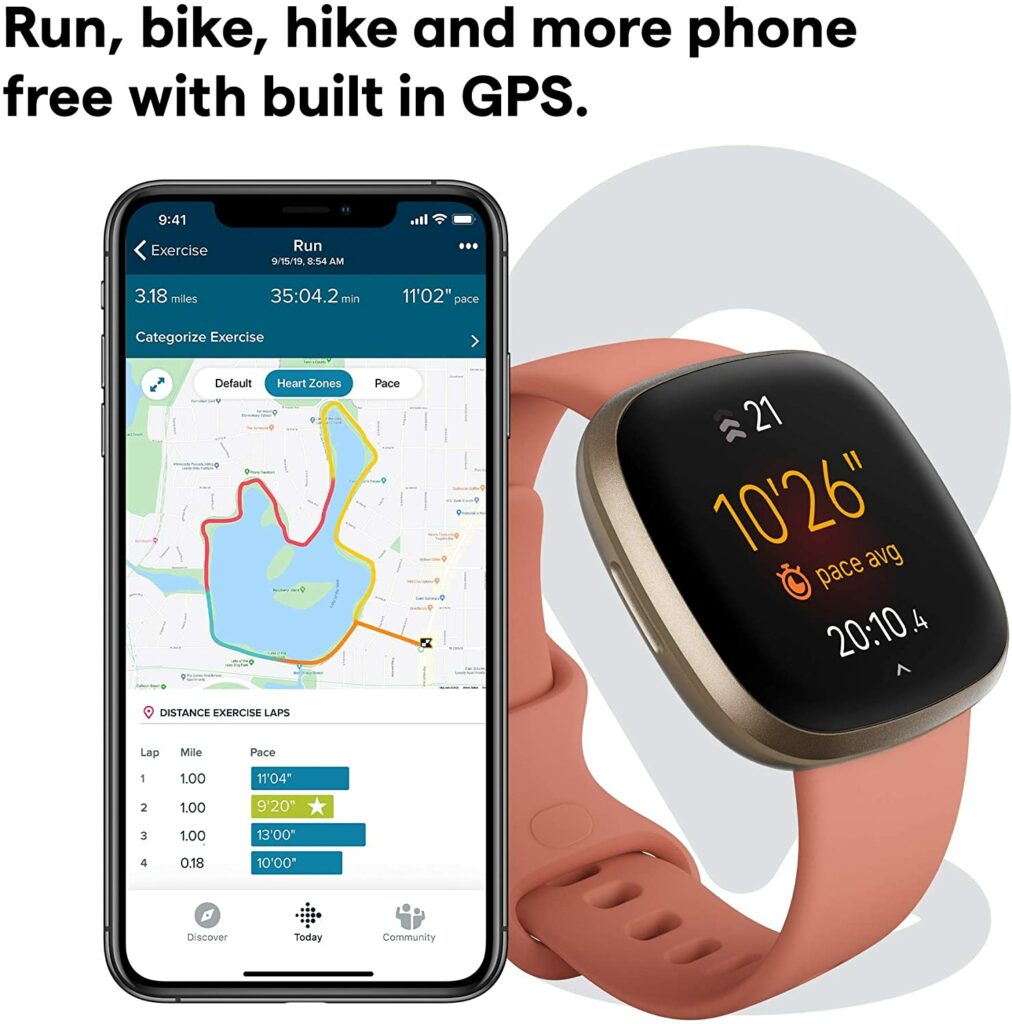
Despite the slight price increase, the Versa 3 justifies this with a much larger AMOLED and always-on display screen for easy viewing, integrated GPS to accurately track your pace and distance, built-in microphones and speaker for hands-free calls, a larger range of fitness statistics, longer battery life, a SpO2 sensor, and so much more.
Not to mention, even with the increased price point, it is still a lot more affordable compared to its competing wearables from Apple and Samsung. Also unlike other smartwatches, the Versa 3 seem to prioritize fitness and health tracking over wellness and productivity.
Some of you might notice that the Versa 3 lacks an FDA-cleared electrocardiogram or known as an ECG or EKG. This can either be a big deal or not for some of you but the lack thereof this feature cuts the cost to $100 in comparison to the Fitbit Sense.
Depending on your priorities, the Versa 3 is much better if you feel like the Sense is too overwhelming with health and medical features and does not have enough focus on the fitness aspect.
Features & Specifications
Product Dimensions: 1.59 x 1.59 x 0.49 inches
Product Weight: 0.71 Ounces
Manufacturer / Brand: Fitbit
Batteries Used: 1 D batteries.
Battery Life: Up to more than 6 days of battery life on a single charge depending on usage.
Check out Fitbit’s introduction to the Versa 3 below!
What We Love About The Fitbit Versa 3
Integrated GPS
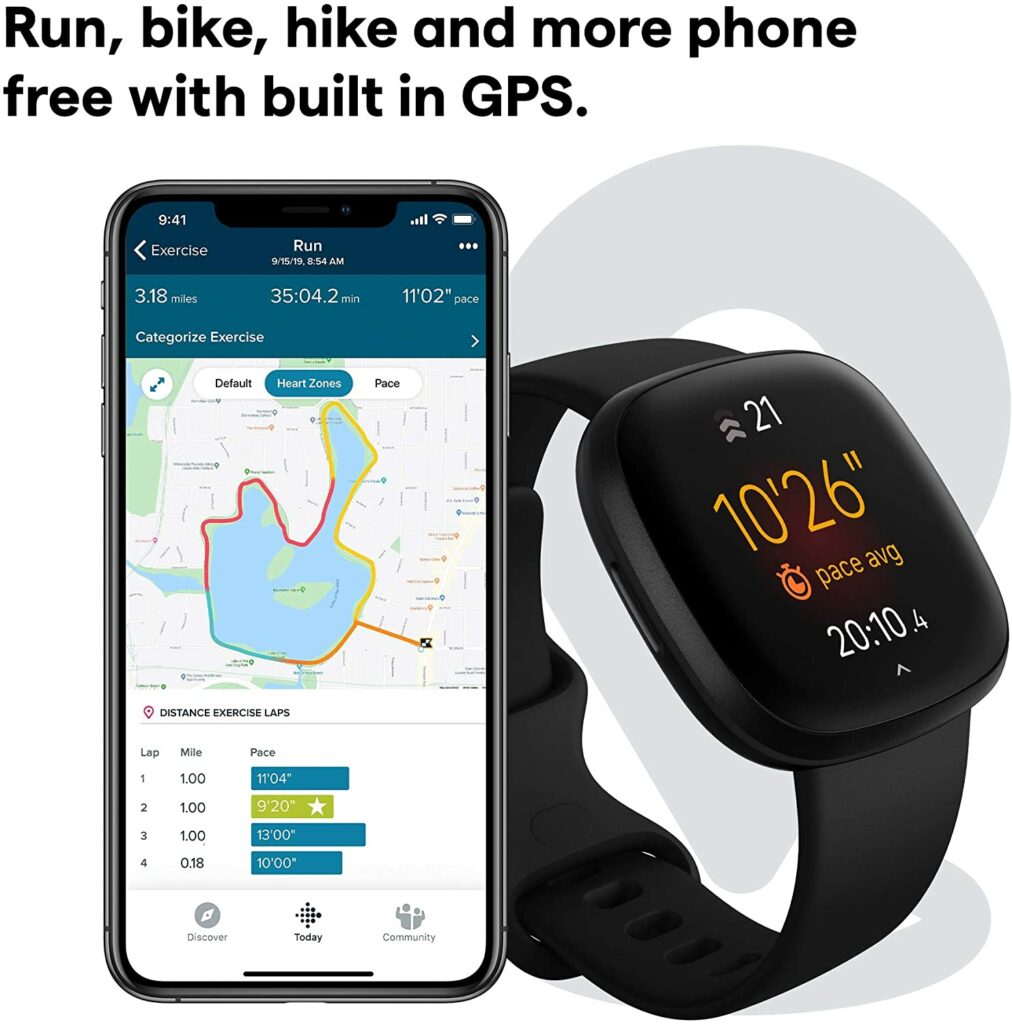
Unlike the previous models in the Versa lineup, the Versa 3 now comes in with its own GPS. This means that this particular wearable offers better and more accurate data regarding your workouts and exercises, especially if you’re a runner, a biker, or a hiker.
Gone are the days when you had to constantly whip out your phone from your pocket just to check the GPS. Now, you can just conveniently check your pace, distance, and other fitness stats with a quick glancing at your wrist.
A Plethora Fitness & Health Functions
By now, I think we all know that every Fitbit wearable probably covers every basic fitness and health tracking that we need daily and regularly. The Versa 3 is no different. Not to mention, it also almost has the same health functions as the much more expensive Fitbit Sense and for two-thirds of the price!
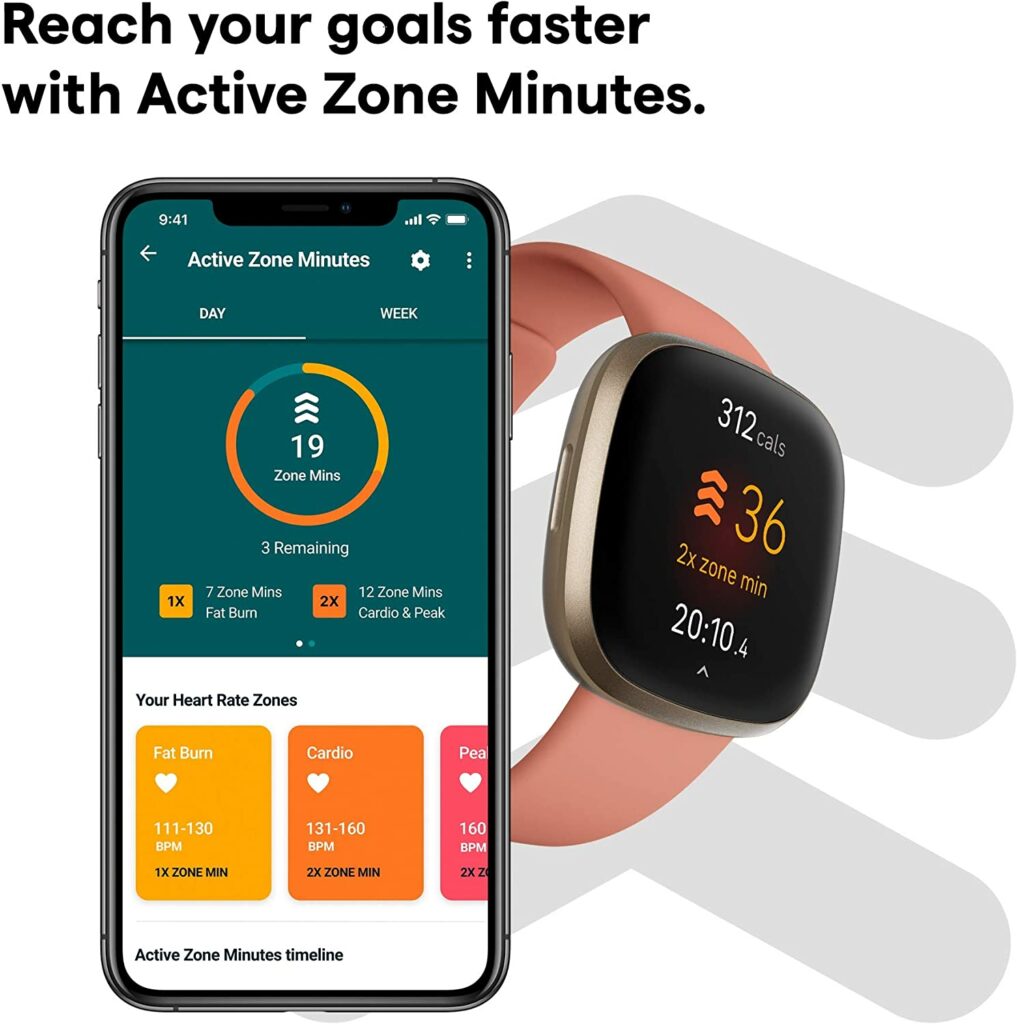
Apart from that, Fitbit also included their new feature that was first introduced on the Charge 4, called Active Zone Minutes. Which according to Fitbit, counts your time spent in heart-pumping activities like cardio workouts.
Additionally, you also get notifications of your different heart-rate zones during workouts so you know when to push harder or to cool down. You will also find an exercise app on the Versa 3 that provides you with up to 20 exercise routines for real-time stats during workouts.
Aside from the new feature, the Versa 3 also uses an impressive sleep monitoring system that provides you a very detailed statistic on your sleep. It not only tells the length of your sleep but also the quality and how long you’ve spent in each of the measured sleep stages (light, REM, and deep).
SpO2 Sensor
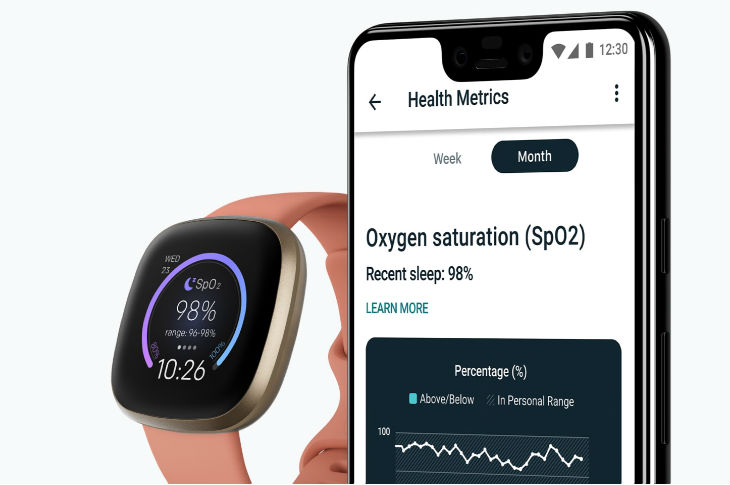
While the Fitbit Sense 3 remains superior in terms of health and medical functions, the Versa 3 holds solidly on its own now that it has an integrated SpO2 sensor. This is a pretty useful feature nowadays to conveniently check your blood oxygen saturation after a night’s sleep, especially as we continue to go through a pandemic.
Having a handy SpO2 sensor wrapped around your wrist can also help you in detecting low blood-oxygen levels and other possible health issues such as asthma, sleep apnea, allergies, and etc.
Any indication of abnormal levels of your blood oxygen will tell you that it’s the right time to go see a doctor for a proper investigation and consultation.
AMOLED Screen
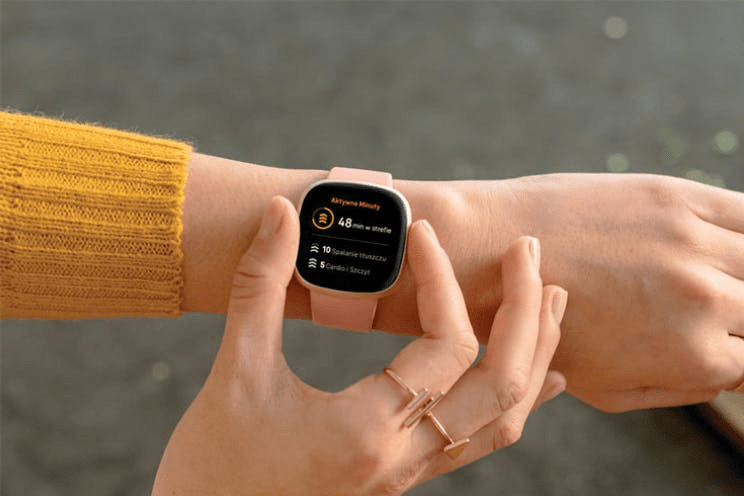
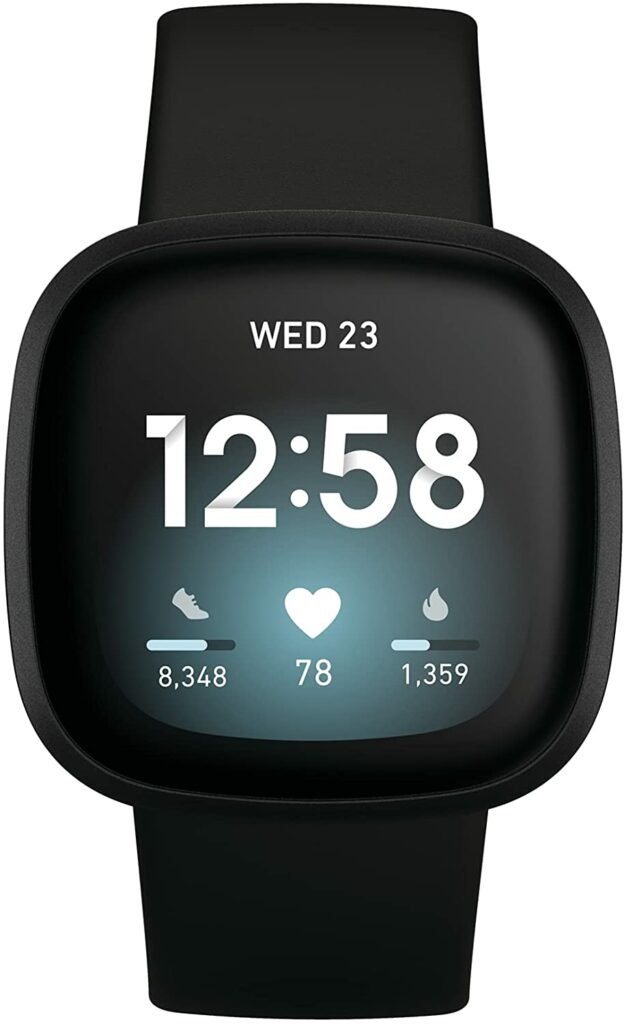
While the Versa 3 still sports the same cut, shape, and build as its predecessors, the bigger AMOLED screen makes a huge difference in terms of display quality. The 1.58-inch AMOLED screen on the Versa 3 has narrower bezels, it has an “always-on” display, and an overall brighter and flashier screen.
For some of you, a monochrome or greyscale screen is enough but I find that AMOLED screens are just generally a lot easier to read when you’re under direct sunlight or any harsh lights. The screen doesn’t dim and you don’t have to constantly look for shade to see what’s going on with your smartwatch again.
In addition, you can also opt to turn off the “always-on” display during situations where you won’t need to check your smartwatch frequently. This will also help prolong the wearable’s battery life. The “always-on” display is mostly preferred in cases where you need to check your stats and metrics right away like during workouts and exercises.
Other Features
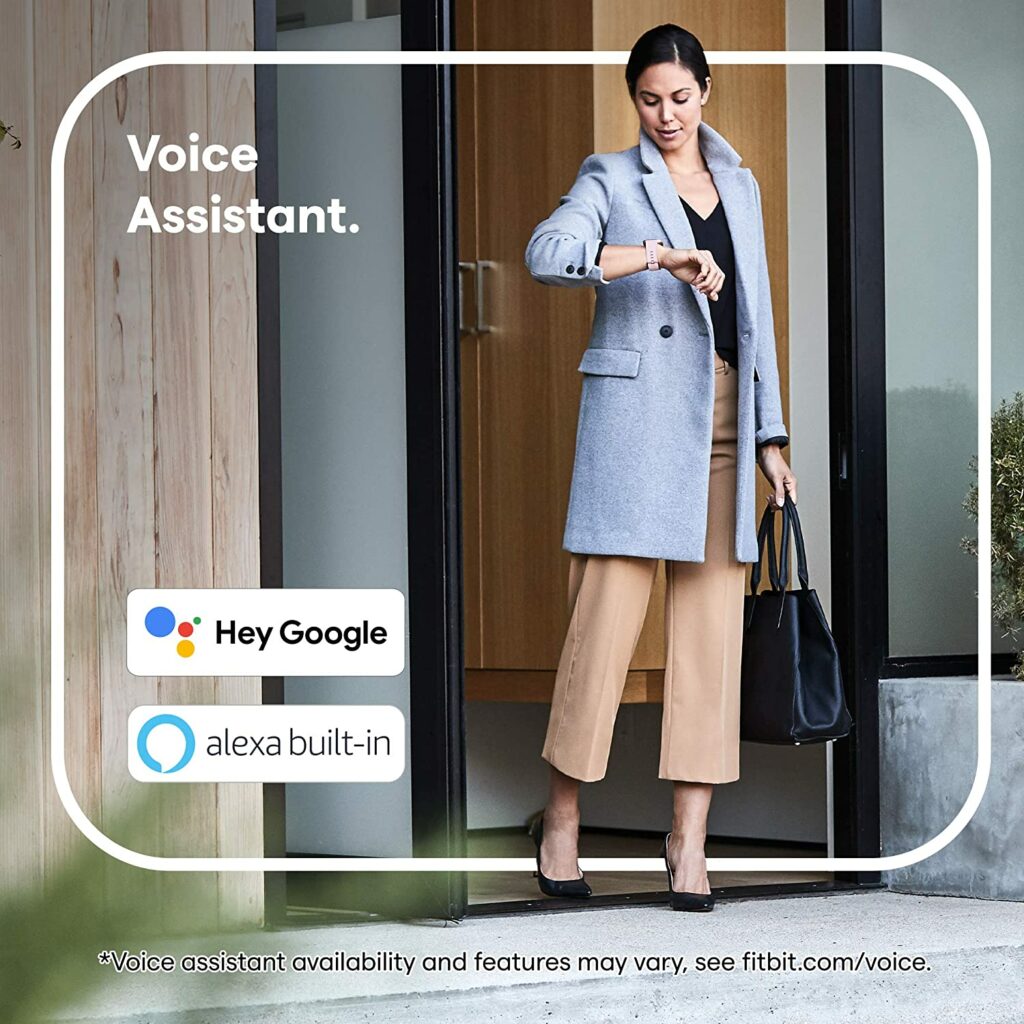
Voice assistance is something I always appreciated from any device. So the fact that the Versa 3 supports Google Assistant, Amazon Alexa, and has a built-in microphone and speaker, this wearable gets major plus points for me.
These features are very functional and convenient when you’re always on the go. The built-in mic and speaker allow for hands-free calls while Amazon Alexa and Google Assistant can give you updates on almost everything whenever you ask.
Battery Life
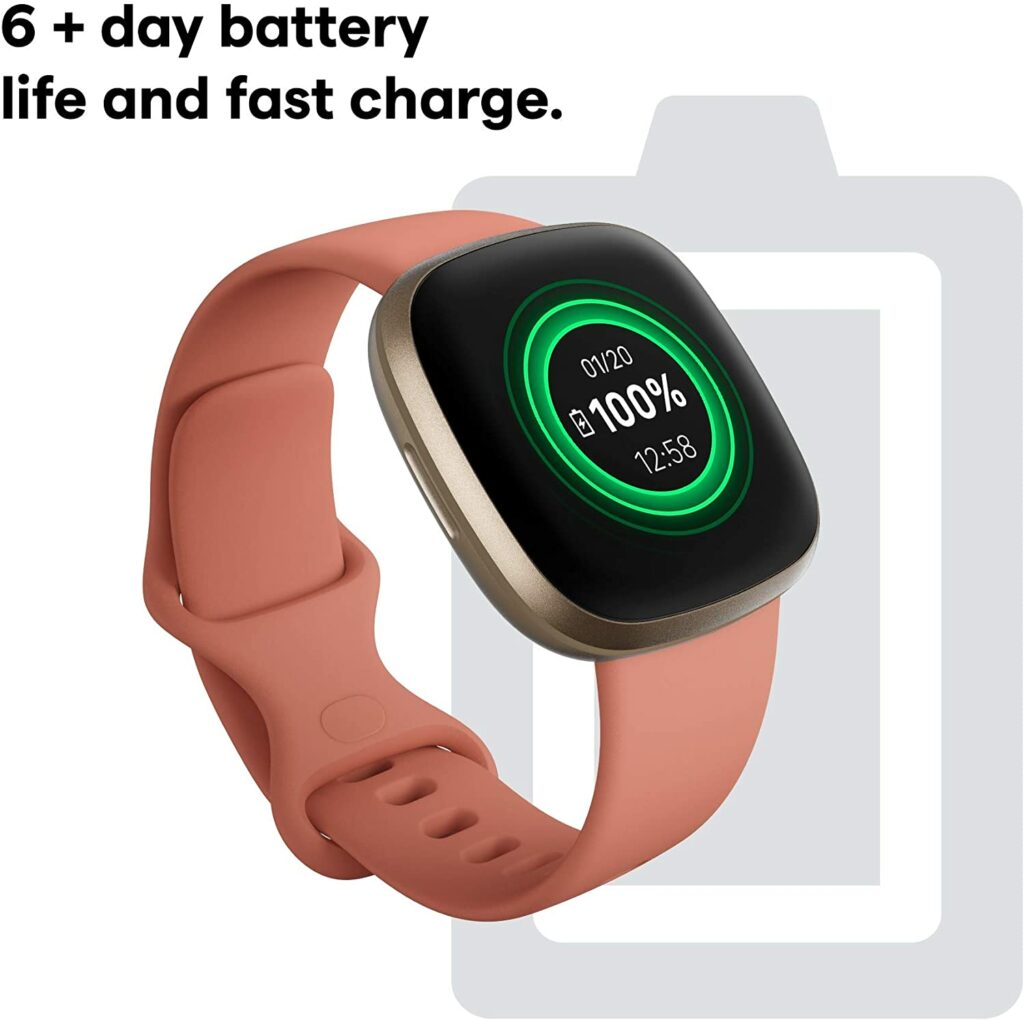
As expected from Fitbit, the Versa 3 has an excellent battery life in comparison to other more premium smartwatches that only last for less than a day. With this wearable, you’re getting a whopping 6-day battery life out of a single charge! And that’s depending on your usage.
So if you’re the kind of person that tends to forget their devices from time to time, you can just set a reminder for yourself to charge this once or twice every week.
The Fitbit Versa 3 is an overall impressive wearable. But it’s not perfect by all means. It doesn’t support quick replies or calls if you’re using an Apple smartphone and it has very limited access to a small number of apps.
For some, this can be a dealbreaker. Especially when you’re eyeing a smartwatch that can provide you control support into your smart home or have access to a dedicated app library like the Apple App Store.
Though aside from this setback and if you’re not too picky with apps, I think the Versa 3 supports just enough apps that will make most of its users happy.
In A Nutshell
Now that we have broken down the things we loved and disliked about the Fitbit Versa 3, here is a narrowed-down list of the good and the bad.
Pros
Impressive smartwatch features.
More than 6 days of battery life in a single charge.
A great and budget-friendly alternative to the Apple Series Watch.
Built-in GPS, Google Assitance and Amazon Alexa.
Microphone and speaker inclusion for hands-free calls and text dictation.
Bright and always-on AMOLED display.
Music control support for Spotify.
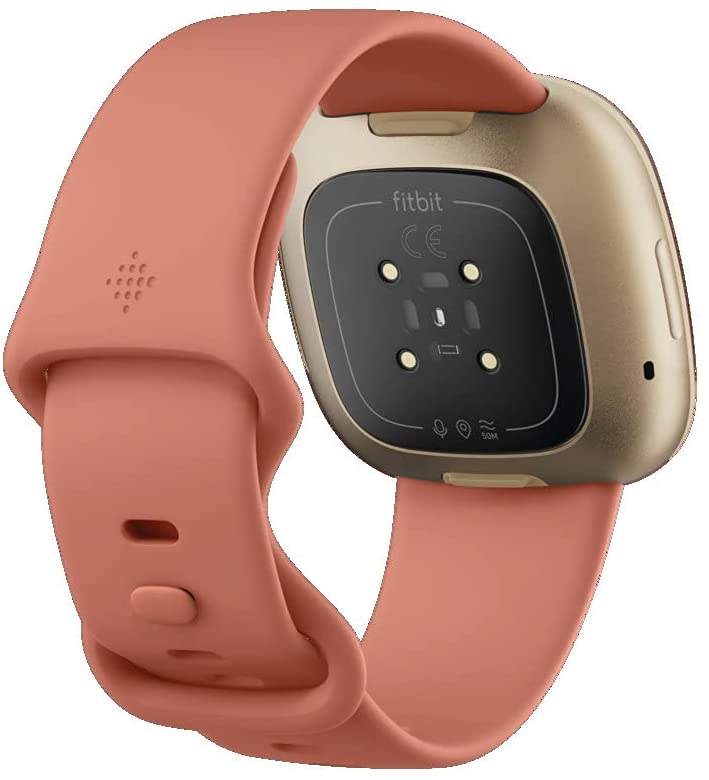
SpO2 readings and better heart rate monitoring with the PurePulse 2.0.
Active Zone Minutes.
Cons
Heavily relies on your smartphone being nearby.
Only allows you to make quick replies if your smartwatch is an Android phone.
Limited apps.
No offline support for music playback.
Final Verdict
Overall, the Fitbit Versa 3 is a pretty great choice for a smartwatch. If you want an Apple Watch but can’t afford it, this is an impressive alternative. The only thing you will be missing out on is the polished ecosystem the iOS has along with access to the Apple App Store.
If the latter is no big deal to you and you feel like you can live without it, the Fitbit Versa 3 has a great value for its price. Especially if you’re an Android user. It nearly has everything for you from great smartwatch features to impressive fitness tracking metrics and health sensors.
For less than $250, you’re getting a beautifully designed watch that’s packed with so much functionality and all the features necessary to keep you on track for a healthy lifestyle.
Already own the Fitbit Versa 3? Let me know about your insights and experiences in the comments section below. I would love to hear your thoughts!
Affiliate Disclosure: I am grateful to be of service and to bring you content free of charge. In order to do this, please note that when you click links and purchase items, in most cases I receive referral commissions. Eventually, I may earn enough to buy a beer or two.
When it comes to old age, retiring to a sedentary lifestyle isn’t your only option. Many senior citizens I met throughout my life actually continue to keep up with an active lifestyle to stay in shape and live a healthy life. So if you’re a senior citizen who wants to do the same, read on to find out the best fitness tracker for seniors this 2021.
Why Do You Need A Fitness Tracker And What Does It Do?
When it comes to fitness trackers, these sorts of devices are usually linked to fitness enthusiasts. And you’re not wrong there. Fitness trackers are quite trendy in the fitness world.
How could it not? It gives you a convenient and instant measurement of your statistics in terms of your steps, distance, heart rate, and so much more.
But fitness trackers don’t only benefit fitness enthusiasts and fans. These wearables can only be used by casual individuals, healthcare workers, and yes, senior citizens as well. In general, fitness trackers can be used by a broad range of people. Anyone who wants to have a more active and healthier lifestyle can use these wearables.
Some more high-tech fitness trackers can also be equipped along with a smartwatch. Giving you further access to your apps and notifications when your phone is not nearby or if your hands are simply preoccupied. Other impressive features can also include sleep monitoring, blood oxygen measurements, and plenty of others more.
When you’re reaching a certain age, sometimes health difficulties can’t be avoided. Whether it be body pains, diseases, or whatever else, having a device to help you monitor your health regularly will be a big help. And fitness trackers do exactly just that.
Some Reminders About Wearables
While fitness trackers do wonders for everyone, it’s best to keep in mind that they’re not always accurate. Though this depends on the model sometimes. Some wearables are sworn to be reliable and accurate by certain reviews and users. But it’s best to keep taking this with a grain of salt and find out for yourself.
Fitness trackers are not miracle products either. At best, fitness trackers are great in monitoring your stats, which can show you signs of certain symptoms of many diseases. This helps a lot when you’re unsure whether it’s time to take a visit to the doctor to get yourself checked.
Some fitness trackers also have built-in SOS functions. So if you get into an accident and are currently wearing your fitness tracker, it will automatically notify your emergency contacts for you and 911 or any nearby hospital.
This particular feature is also great if you live alone and would need assistance or help immediately in case of an unfortunate situation.
Our Top Recommendations
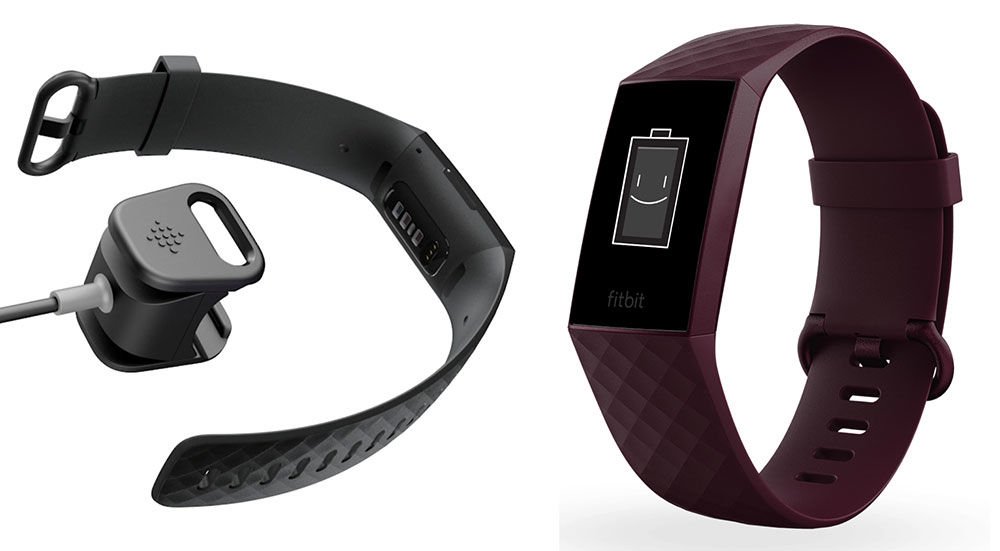
1. Fitbit Charge 4
Overview
Fitbit needs no introduction when it comes to fitness trackers. Every fitness enthusiast out there who loves fitness trackers knows what kind of company Fitbit is.
Ever since their debut in the industry way back in 2009, they have been leading the fitness tracker market and also putting out the best wearables with a fairly affordable price tag you can find anywhere right now.
That’s why the Fitbit Charge 4 is never left out when it comes to listing down the best fitness trackers in the market right now. Its predecessors like the Charge 3 are also pretty solid wearables but of course, we are going to go for the best of the best.
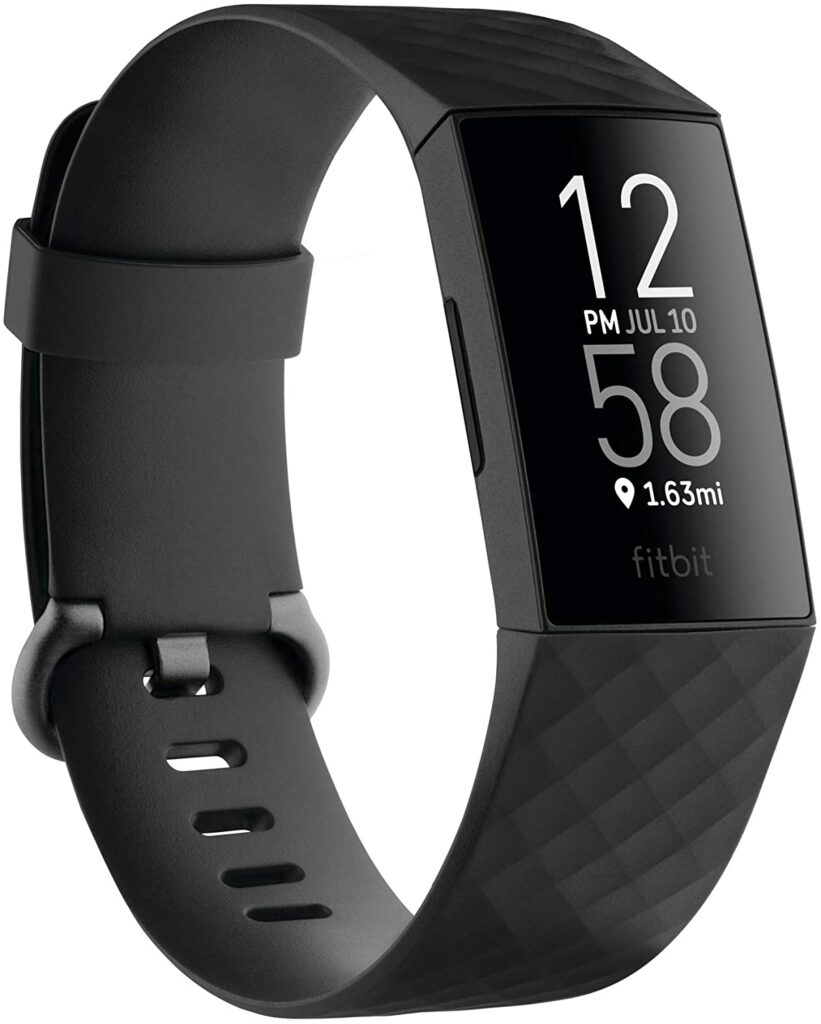
Unlike the Charge 3, the Charge 4 has a built-in GPS which will give you a more accurate measurement of your steps, distance, and pace whenever you go out with this fitness tracker for a walk. What’s more, you also get to see your heart rates and changes throughout the routes you have taken.
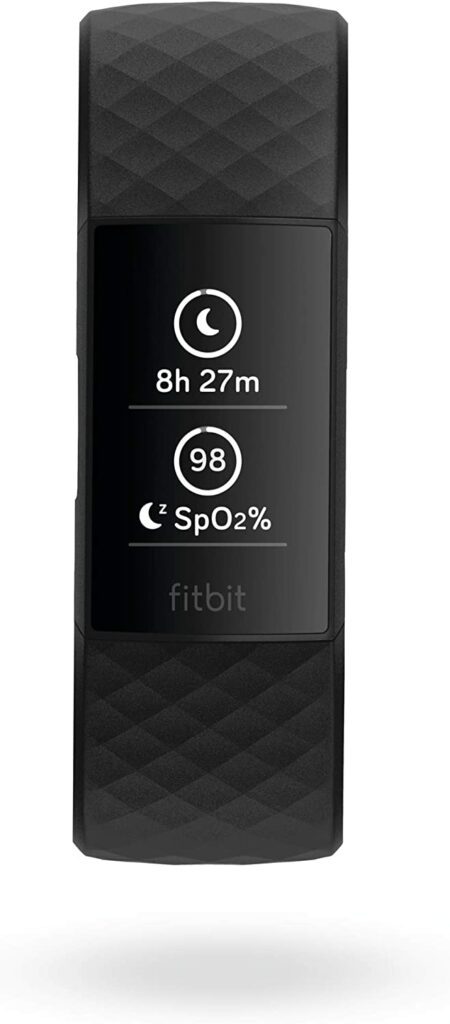
Other features also include other health monitoring sensors such as 24/7 heart rate monitoring, the newly added Active Zone Minutes (which will notify you through a buzz when you reach your target heart rate zones during exercises), activity tracking, sleep tracking, skin temperature measurement, and SpO2 readings.
The pretty simple user interface on the wearable screen is also quite easy to understand. So senior citizens that are not too inclined with technology will be able to use this without too much of a hassle.
The only downside I can see with the Charge 4 is that the screen can be a little dim under harsh lights or direct sunlight.
Now if you’re someone who wants a fitness tracker that doesn’t look like the usual fitness tracker around your wrist, the Fitbit Luxe Fitness & Wellness Tracker is the one for you.
Essentially, you will be getting the same benefits and impressive health and activity monitoring features from the standard Fitbit wearable. Though the design is much more fashion-forward. It has a more luxurious feel akin to an expensive wristwatch.
But you can also have the option to switch out the stainless steel bands to a rubber band if you wish to.
Personally, I love how the stainless steel looks. It looks a lot more like a fashion accessory or a piece of jewelry rather than your usual fitness wearable. This is great for people with a certain sense of style and care for their looks when they’re out and about.
The Difference Between The Fitbit Luxe and the Charge 4
As I have already mentioned, you’re still getting the same features Fitbit activity trackers are pretty much known for. These include 24/7 heart rate monitoring, more than 20 workout modes for your exercise routines, the same waterproof design, sleep monitoring, step counting, smartphone notifications, and so on.
However, I find that the slimmer design of the Fitbit Luxe is a lot more comfortable to sleep in and wear throughout the day. Don’t get me wrong though, I never had any complaints when it comes to wearing any Fitbit wearables but I do like how the Luxe feels around my wrist.
In addition, the Fitbit Luxe sports an AMOLED color display which makes it a lot easier for senior citizens to read their statistics even in broad daylight.
Though I would like to point out that this particular model doesn’t come in with a built-in GPS, altimeter, and mobile payment support which the Charge 4 has. All in all, the Luxe fits better with senior citizens who prioritize wellness with activity tracking coming in a close second.
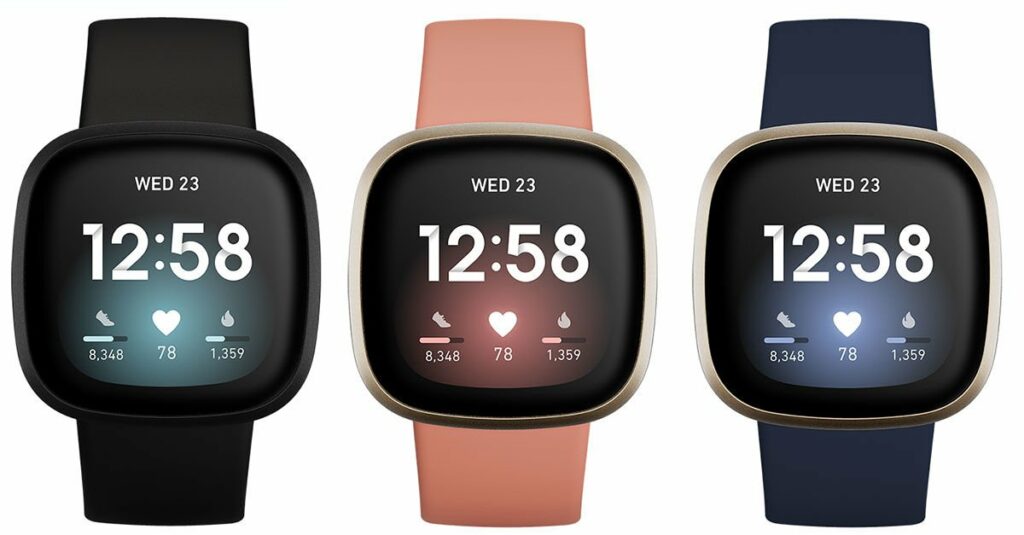
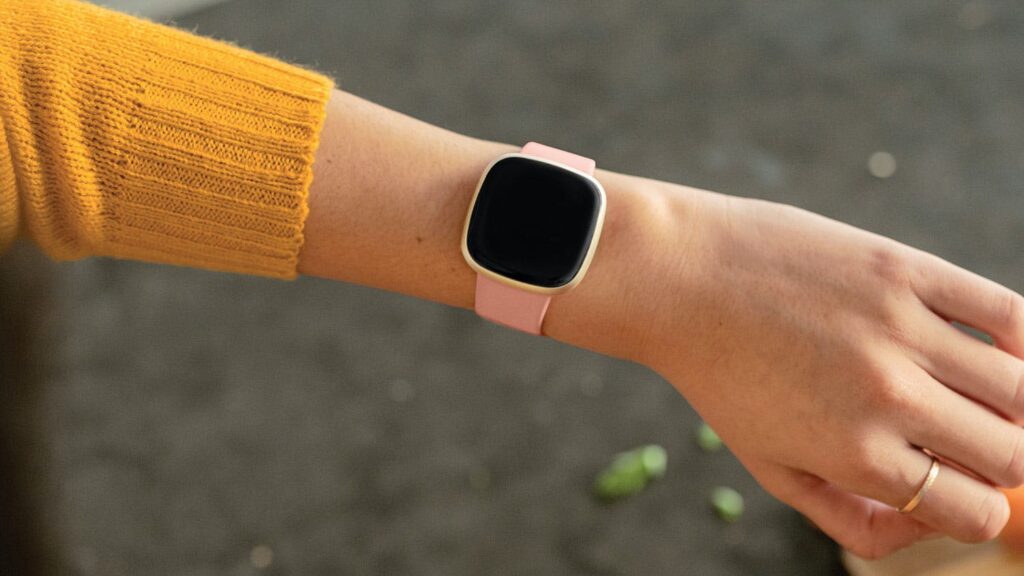
I swear this article isn’t sponsored by Fitbit or anything but the Fitbit Versa 3 deserved a spot on this list mainly because it is a more affordable alternative to the Apple Watch Series 6. While the Versa 3 doesn’t have the same polished ecosystem like Apple’s iOS, I assure you that this model works just as well on its own.
Unlike the Apple Watch, the Versa 3 works more as a fitness tracker with fantastic smartwatch capabilities rather than the opposite.
This latest iteration of the Versa lineup includes built-in GPS and Amazon Alexa, Active Zone Minutes, music control support, and more than 6 days of battery life on a single charge.
If you love to stay active and someone who just wants to keep moving, this is perfect for you as the integrated GPS into this model provides you with accurate data and metrics regarding your real-time pace and distance.
In addition, Fitbit’s newest and enhanced heart monitoring technology, the PurePulse 2.0 will allow better heart rate tracking for you.
Aside from that, you can check your nightly blood oxygen levels right at your wrist with Fitbit’s collection of SpO2 clock faces while the skin temperature sensors can measure your body temperature conveniently.
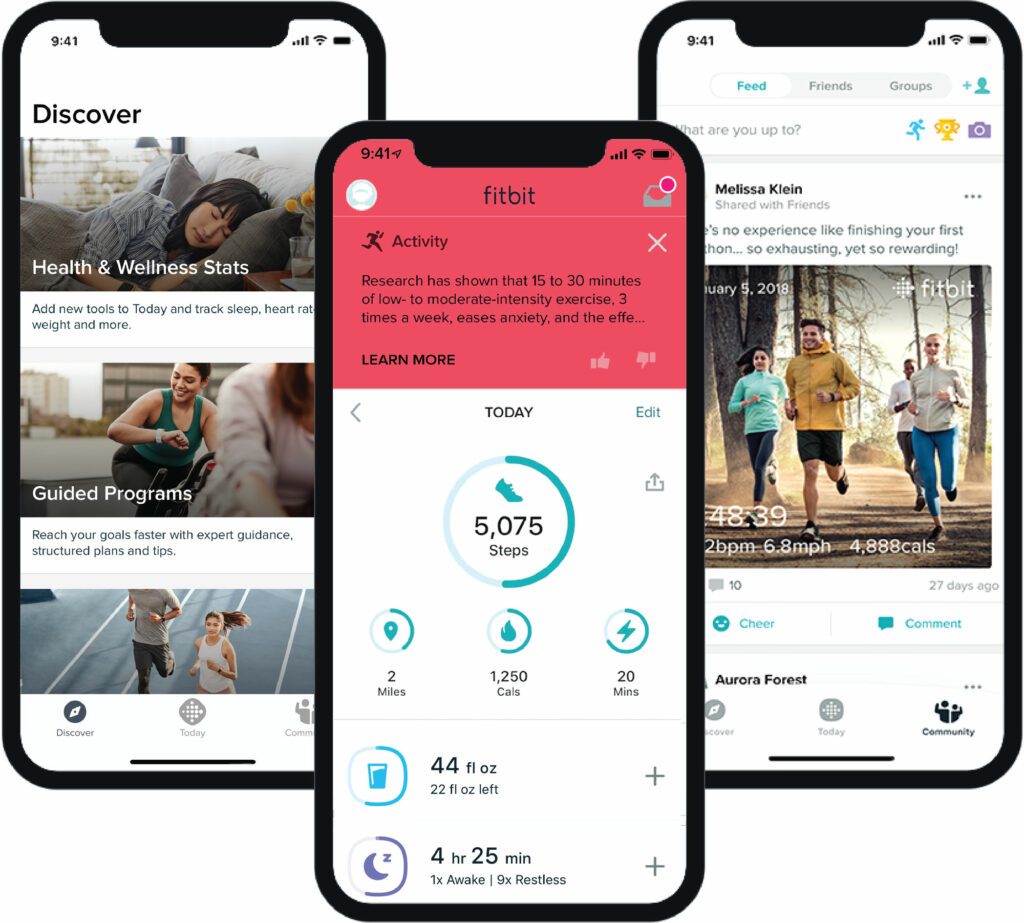
The Fitbit app is also there for you to track your trends over time in the Health Metrics dashboard to see when there may be indications of significant changes in your wellness. This will help a lot in informing you regarding your health and habits that you follow.
Google Assistant and Alexa are also helpful so you can stay updated with the news, the weather, and everything else that might be important for you. Plus, the built-in speaker and microphone allow you to have hands-free calls, send your callers to voicemail, or adjust the call’s volume.
Features & Specifications
Product Dimensions: 1.59 x 1.59 x 0.49 inches
Product Weight: 0.71 Ounces
Manufacturer / Brand: Fitbit
Batteries Used: 1 D batteries.
Battery Life: Up to more than 6 days of battery life on a single charge depending on usage.
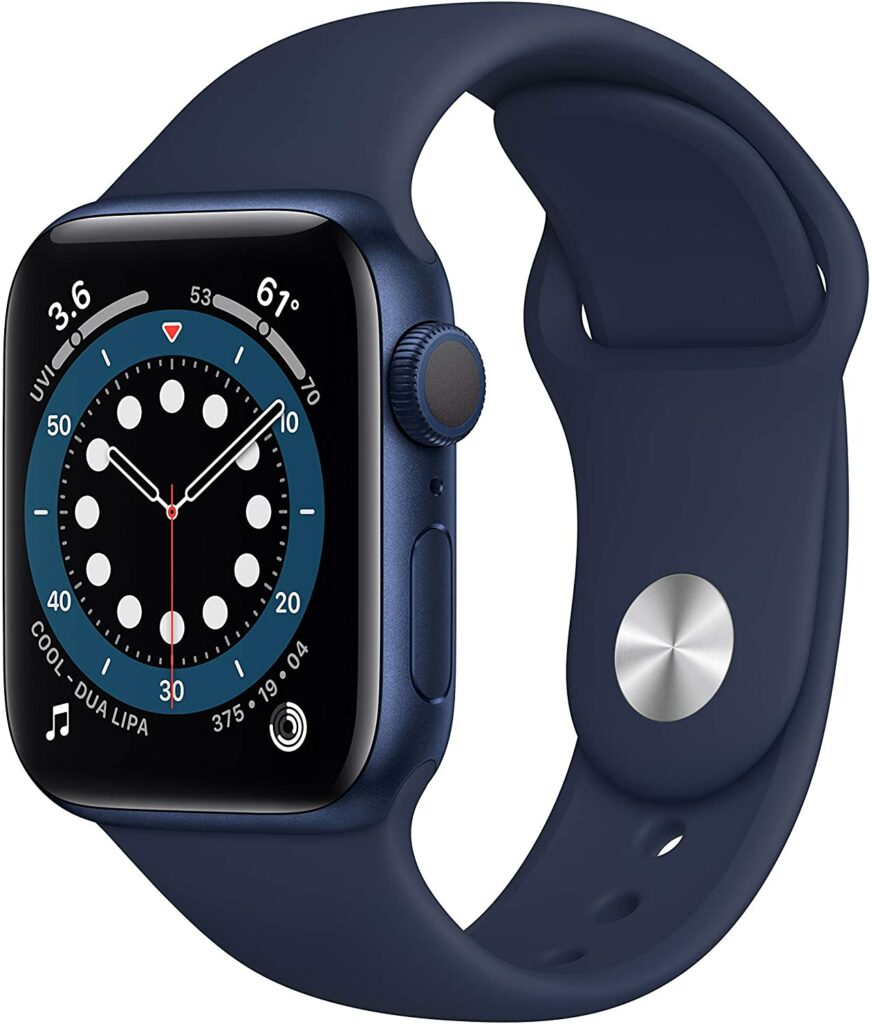
Now if you have the money to splurge and want a fool-proof product that does it all for you, I would highly suggest setting your eyes on the Apple Watch Series 6. This beast of a smartwatch isn’t the most highly-rated wearable in the market for no reason.
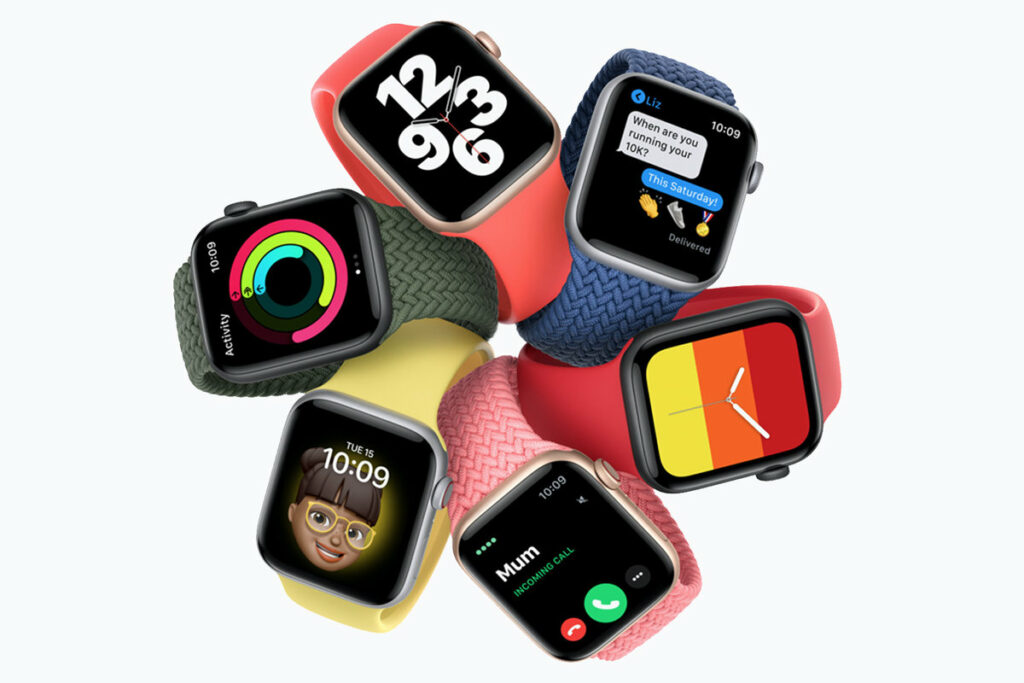
Topping almost every reviewer’s best smartwatches list, the Apple Watch Series 6 is equipped with a plethora of impressive features that will make sure on top of your fitness and wellness.
Despite being a smartwatch first and not a dedicated fitness tracker like the other wearables on this article, the Apple Watch Series 6 is undoubtedly at par with the likes of Fitbit, Garmin, and other fitness-dedicated companies.
What’s great about the Apple smartwatch is that it does a whole lot more for you.
It doesn’t only keep track of your health metrics, daily activities, and keep you moving, but it also has other functions such as getting smartphone notifications, access to the App store, one of the best AMOLED displays I have seen on a wearable, pretty accurate SpO2 readings and an FDA-approved ECG app to check your heart rhythm.
However, because it has so many functions and features that most people use every day, its battery life isn’t as impressive as Fitbit’s lineup. The Apple Watch Series 6 would have to be charged daily.
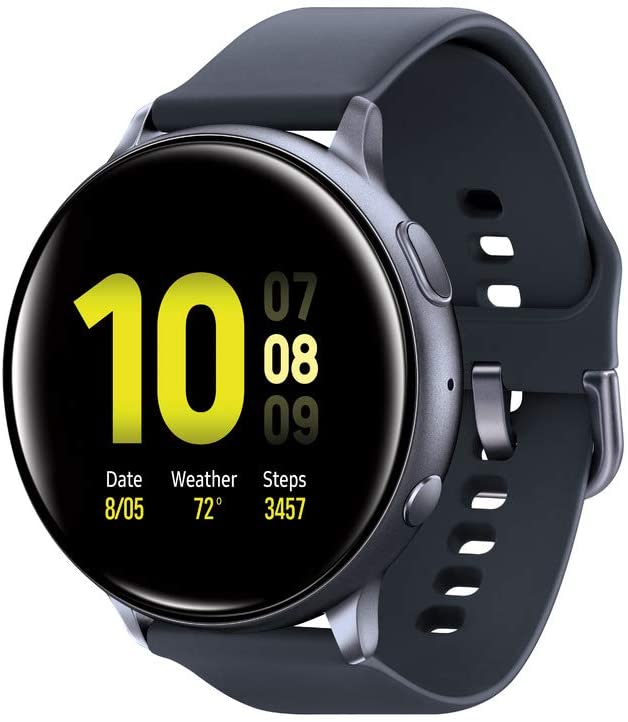
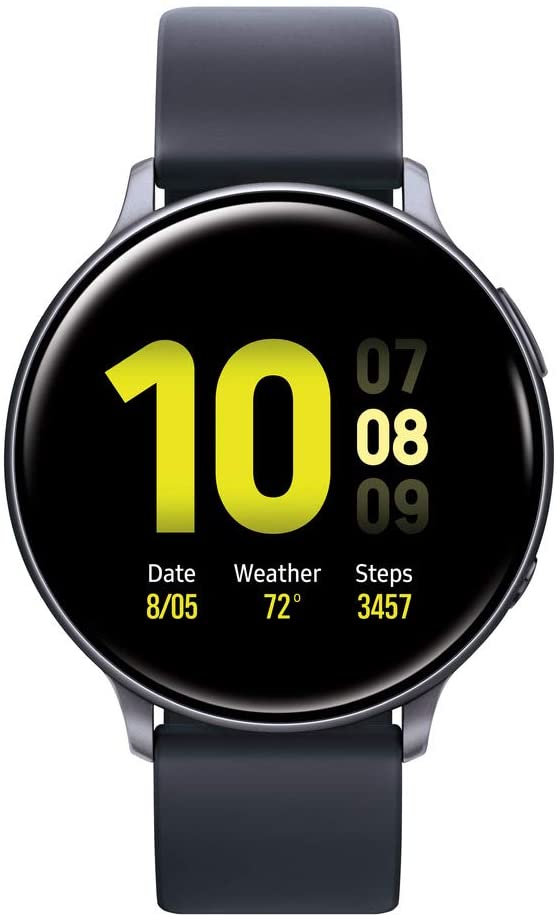
Another big player trying to test the waters in the fitness tracker game is Samsung. Their Galaxy Watch Active 2 is their own iteration of dedicated fitness trackers unlike their hybrid smartwatch, the Galaxy Watch.
Personally, the Active 2 can still function as a smartwatch but definitely has a few upgrades and added perks that make it a much better fitness tracker than its relative, the Galaxy Watch.
While I find the latter a lot more superior in terms of overall performance, the Active 2 just has generally better fitness tracking functions and is much easier to understand for senior citizens. It’s more straightforward and the design is a lot cleaner too.
The Active 2 checks all the boxes when it comes to the basic fitness tracking features too and more. Such functions are built-in GPS, integrated pace coaching, automatic alerts if your watch detects an irregular heart rate, sleep tracking, as well as receiving smartphone notifications at a glance of your wrist.
Overall, the Galaxy Active 2 is preferable if you lean towards an active lifestyle wherein you run, jog, or take walks regularly. My only qualm is that it comes in for a steeper price than most fitness trackers on this list.
Features & Specifications
Product Dimensions: 1.73 x 1.73 x 0.43 inches
Product Weight: 4.8 ounces.
Manufacturer / Brand: Samsung
Batteries Used: 1 Lithium-ion battery.
Battery Life: Lasts up to 5 days on a single charge, depending on usage.
Wireless Communication: Bluetooth.
Compatibility: Android and iOS.
Interface Output: Touchscreen and a rotating bezel.
Waterproof: Yes.
Heart Monitoring: Yes.
Sleep Tracking: Yes.
Colors: Silver, Black, Gold, Pink Gold, and Rose Gold.
Extra Features: Sleep Monitor, Phone, GPS, Heart Rate Monitor.
Pros
Suitable for senior citizens who live an active lifestyle, or are runners or athletes.
Sleek and minimalist design is comfortable around the wrist.
Roatating bezel makes for easier navigation.
Fairly impressive battery life.
Cons
Too pricey for the little upgrades and perks you’re getting.
Rating: 8.5 out of 10.
Where Can I Buy The Samsung Galaxy Watch Active 2?
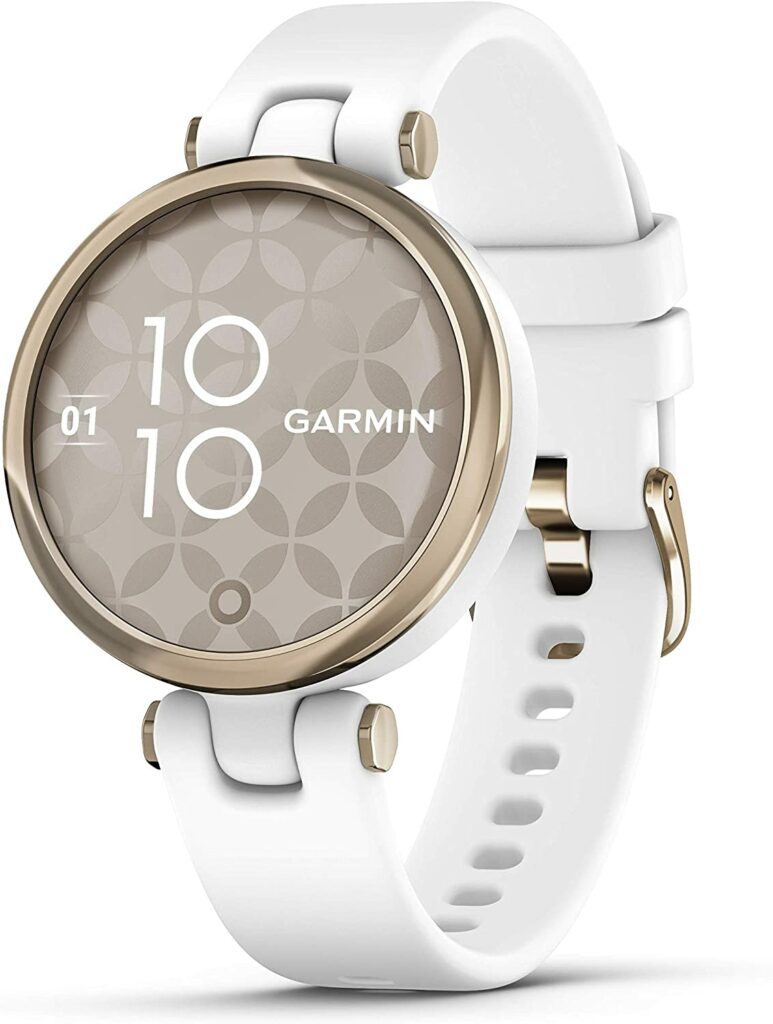
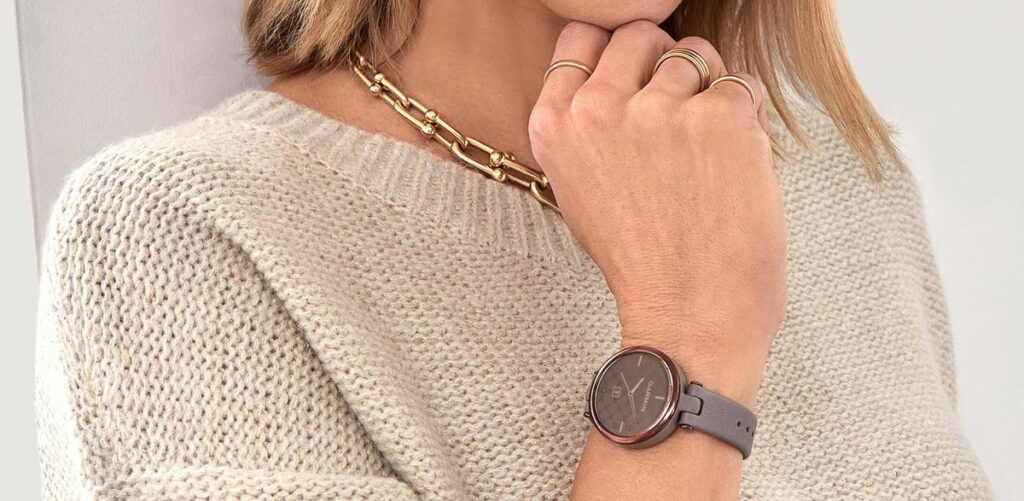
Like the Fitbit Luxe, the Garmin Lily is another fashion-forward fitness tracking wearable. It’s ideal for smaller wrists and for those who love the idea of having an expensive-looking watch wrapped around your wrist. Who says you can’t look good while keeping yourself healthy, right?
Despite looking more like a piece of jewelry for women, the Garmin Lily is not to be underestimated. It ticks all the boxes when it comes to functioning as a fitness tracker.
The Lily can easily track blood oxygen levels, has sleep and heart rate monitoring, step counting, and provides your metrics such as calories burned, pace and distance, workouts, and so much more.
If that’s not enough, the Lily also comes in with a few smartwatch features like receiving notifications you’re smartphone is also getting in real-time, music playback controls, and other various widgets you can tinker around with on the watch.
Overall, the Garmin Lily is your go-to fitness tracker encased in a beautiful and attractive design. Plus, it’s not as expensive as the Fitbit Luxe. It’s an excellent choice if you want a more fitness-focused lifestyle while having a pretty wearable around your wrist.
Features & Specifications
Product Dimensions: 1.38 x 1.38 x 0.39 inches
Product Weight: 0.847 ounces
Manufacturer / Brand: Garmin
Batteries Used: 1 Lithium Polymer batteries.
Battery Life: Lasts up to 5 days depending on usage.
Wireless Communication: 802.11g
Compatibility: Android and iOS.
Interface Output: Touchscreen.
Waterproof: No.
Heart Monitoring: Yes.
Sleep Tracking: Yes.
Colors: Dark bronze, dark purple, light gold and white, light gold and black, rose gold and light tan.
Extra Features: Pulse Ox Sensor; Mindful Breathing; Advanced Sleep Monitoring; Smart Notifications; Safety And Tracking Features; Calendar View, Body Battery Energy Monitoring; Wrist-Based Heart Rate; Stress Tracking; Hydration Tracking; Respiration Tracking; Sync with Garmin Connect.
Pros
Attractive and stylish design.
Impressive fitness tracking and smartwatch features for a much lesser price compared to other fitness trackers in the market.
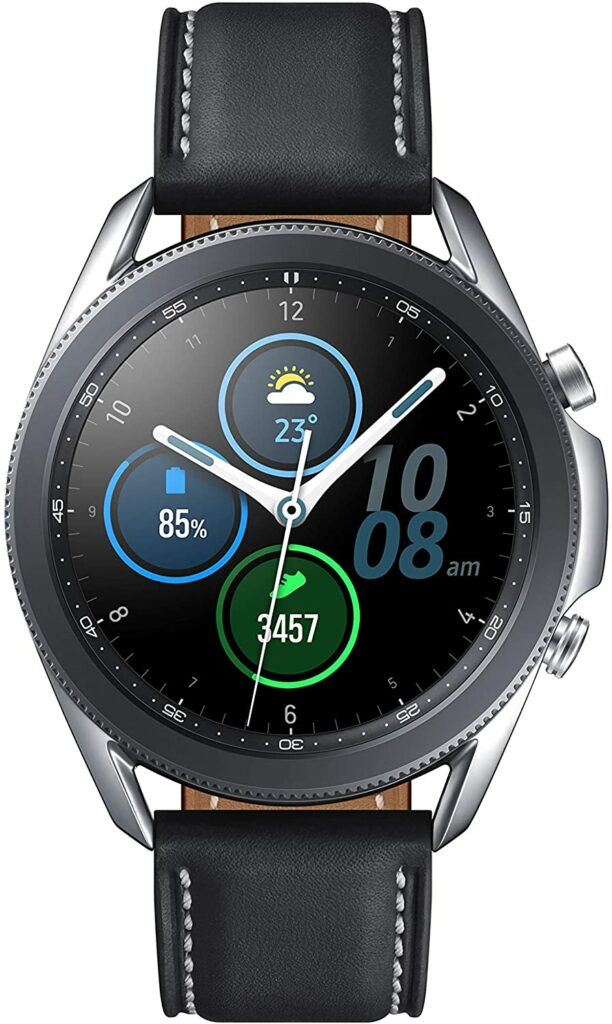
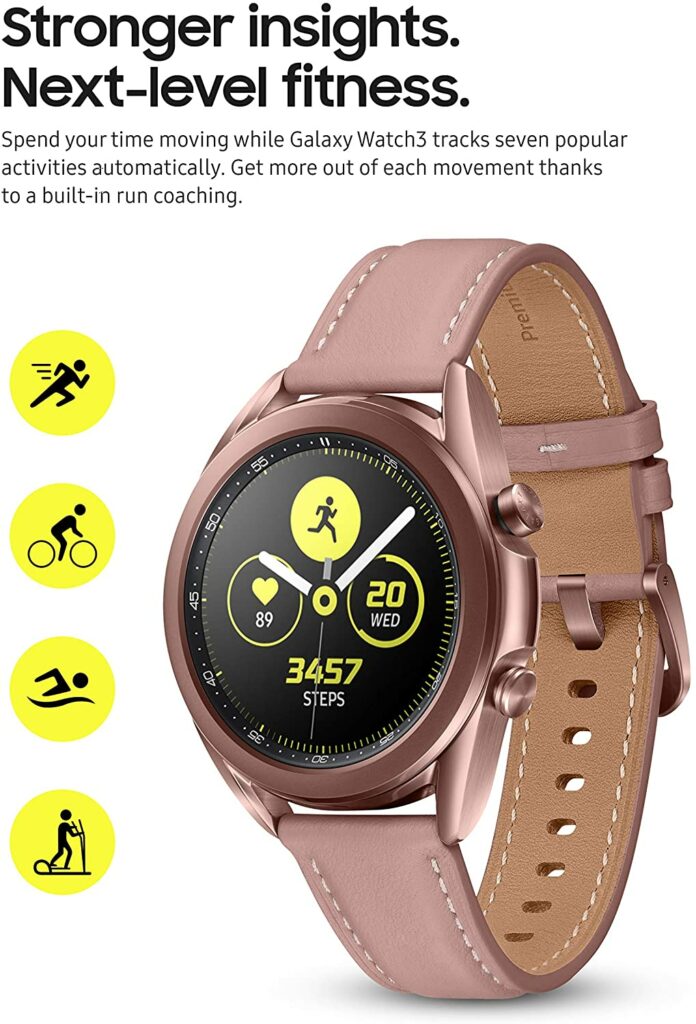
The Samsung Galaxy Watch 3 is another smartwatch hybrid worth considering in our list of the best fitness trackers for seniors this 2021.
Personally, the Galaxy Watch’s take on the traditional wristwatch design is something I really like and is actually one of my favorite designs on a smartwatch.
The overall appearance is classy and attractive without it looking like a piece of technology around your wrist. The subtle design just makes it look like a high-end wristwatch due to its stainless steel case and stylized bezel.
Apart from appealing aesthetics, you also get two size variants of the Galaxy Watch. A 41mm and a 45mm. I highly suggest getting the smaller variant as I find the 45mm option a little too big and chunky around the wrist even for people with thicker wrists. This wearable also comes in three different colors and two different finishes.
While the Galaxy Watch rivals Apple in almost everything, I was fairly impressed to find out that they stepped up their battery life with this particular model. Instead of getting less than 24 hours, you’re actually getting 3-5 days of use with the Galaxy Watch.
As for performance, you’ll be getting Samsung’s core apps in the Galaxy Watch and this model is a lot more fitness-focused than other smartwatch hybrids in the market.
Now that we have covered our top recommendations of the best fitness trackers for senior citizens, let’s dive into a few things you need to consider to make an informed purchase.
When it comes to senior citizens, health always comes first. As you already know, health complications usually come around once we reach old age. Some stay healthy, while some start to feel the effects of aging. So a fitness tracker that prioritizes its users’ health is something to look for. Read on to find out more in detail.
Your Health Goals
Ultimately, the main reason you’re getting a fitness tracker is to stay healthy. That’s why I highly suggest keeping in mind your health goals as a priority before making any purchases. The best fitness tracker for you is one that you will be able to use efficiently and maximize its features to their fullest potential.
It would be a waste of money to get a fitness tracker that has features that would not be used or are not for you.
Battery Life
The last thing you would want in a fitness tracker is having to constantly charge it just so it won’t die on you in the middle of the day. This is especially important for senior citizens when their memory is not as good as when they were young. Sometimes you can be forgetful or just busy and not charge your wearable during certain times.
So a fitness tracker that lasts for several days is a good option and something you need to look out for.
Uncomplicated User Interface
Much like the design, it’s best to choose a fitness tracker that doesn’t have a complicated user interface. Technology and figuring a device like wearables can be tricky if you’re not a techy person in the first place. Senior citizens, especially, would end up getting confused or overwhelmed.
So to avoid such situations, picking a wearable that has a simpler user interface and is beginner-friendly is highly recommended.
Screen Brightness & Readability
While there are multiple ways out there for senior citizens to stay in shape and keep themselves healthy, sometimes, things like poor vision can’t be helped. That’s why choosing a fitness tracker that has enough brightness and great readability even under direct sunlight or any harsh light will be good for you.
Not to mention, it would just be a lot more convenient on your part to be able to read your fitness tracker’s screen without having to constantly look for shade or cover the screen with your hand when you’re in broad daylight.
Conclusion
All in all, a fitness tracker is a great device that can really help you out in staying active. Of course, you will have to put in the work too for these devices to actually make sense.
As we grow older, we put a lot more importance on keeping ourselves healthy. But why should we have to wait and only put in the effort when complications are starting to come up? Personally, making sure our health is in tiptop shape is much better the earlier we start out. Prevention is better than cure, right?
But for the people who are already our seniors, it’s never too late. And a fitness tracker is a pretty beneficial investment that can help you gradually improve your health or reach fitness goals by making small adjustments to your lifestyle each and every day.
Already own a fitness tracker? Did your favorite make it to our list? Let me know in the comments section below your insights and experiences. I would love to hear your thoughts and discuss them!