Affiliate Disclosure: I am grateful to be of service and to bring you content free of charge. In order to do this, please note that when you click links and purchase items, in most cases I receive referral commissions. Eventually, I may earn enough to buy a beer or two.
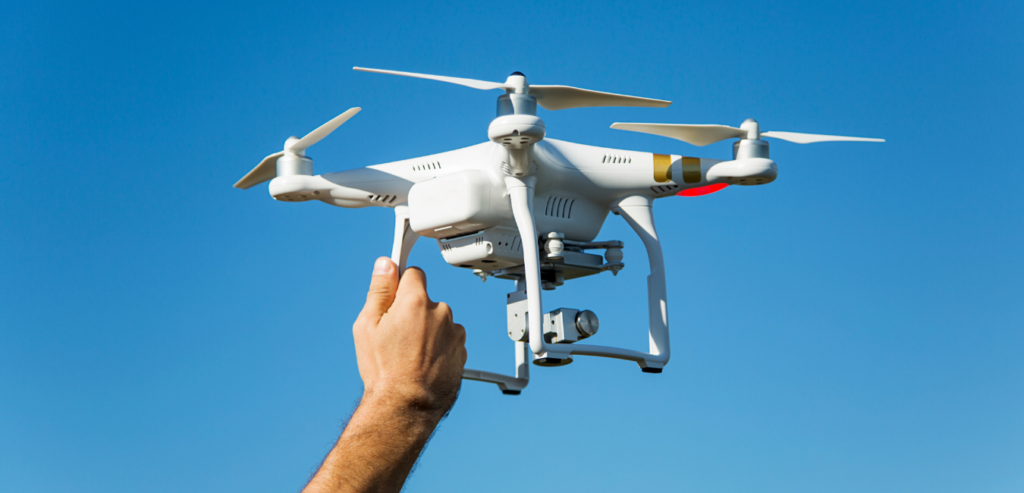
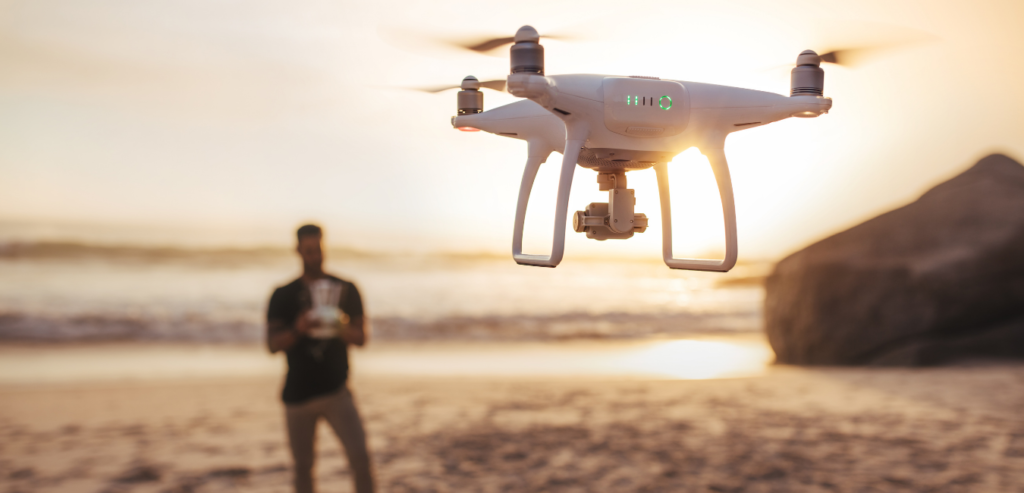
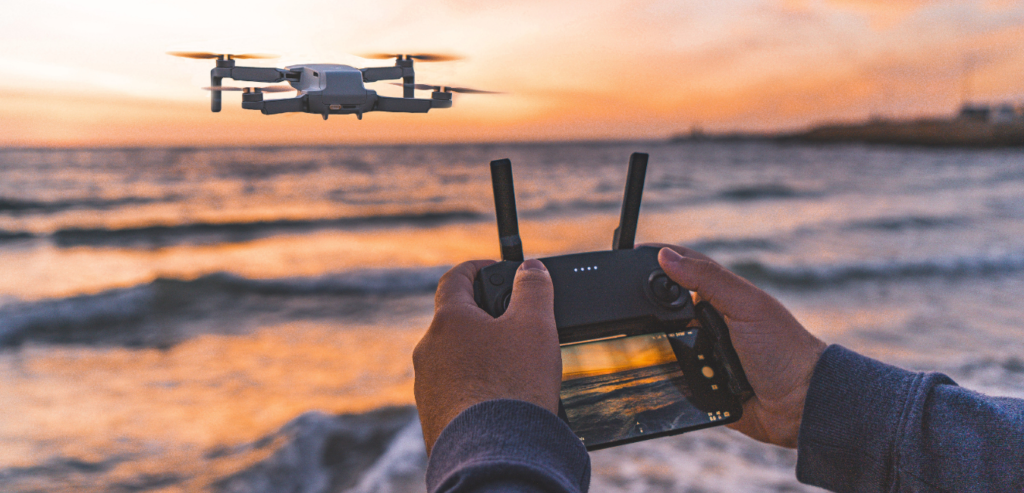
Having a drone on hand can be pretty handy when you’re a content creator. These sorts of devices can really help elevate your film’s production value or next vlogs as it adds an overall unique angle to how your viewers can see you. So if you’re looking to invest in your first drone, here are our top picks of the best drones for beginners in 2021.
From budget-friendly finds to more premium designs, you’ll certainly find a drone that will suit your needs perfectly!
What Is A Drone And Why Should I Get One?
As we get into our top recommendations of the best drones for beginners, let’s tackle first some questions you might have in regards to investing in a drone.
Ever wondered how people in the film industry shoot those amazing aerial shots we see throughout movies and shows? Or how a wedding can afford to take videos of their reception from high angles? Well, the answer is pretty easy. It’s through the use of drones that people now have access to beautiful panoramic shots taken from above.
With drones, the sky is the limit. Literally.
Before technology’s impressive advancements today, when you’re planning to take aerial shots of your video content or film projects, the only way of doing it is through manual means. Some even go as far as renting their own helicopters just to get a single aerial shot. To put it simply, it takes a lot of work and effort.
Fast forward to today, you no longer have to deal with the extensive labor people used to go through in order to get those stunning aerial shots. And that’s all thanks to the invention ofunmanned aerial vehicles, or what we commonly know now as drones.
Now, taking wide shots from above can be as easy as controlling a flying device through a remote. If you’re feeling nostalgic, this might even unlock some childhood memories you had when you played with remote-controlled airplanes and helicopters around your backyard.
So if you’re someone who works in the video and photography business, a filmmaker, or a content creator who does vlogs on a regular basis, then getting a drone might just be for you.
What Type Of Drone Is The Best For You?
There are several types of drones in the market and they are usually divided into two categories: commercial and consumer type drones. These types of drones differ in terms of their use and built.
Consumer drones are usually more common for casual flyers. Their price points can range anywhere from $100 to up to $1000 depending on their overall build quality and the quality of footage they can capture for you. The most common type of consumer drone is the multi-rotor drone.
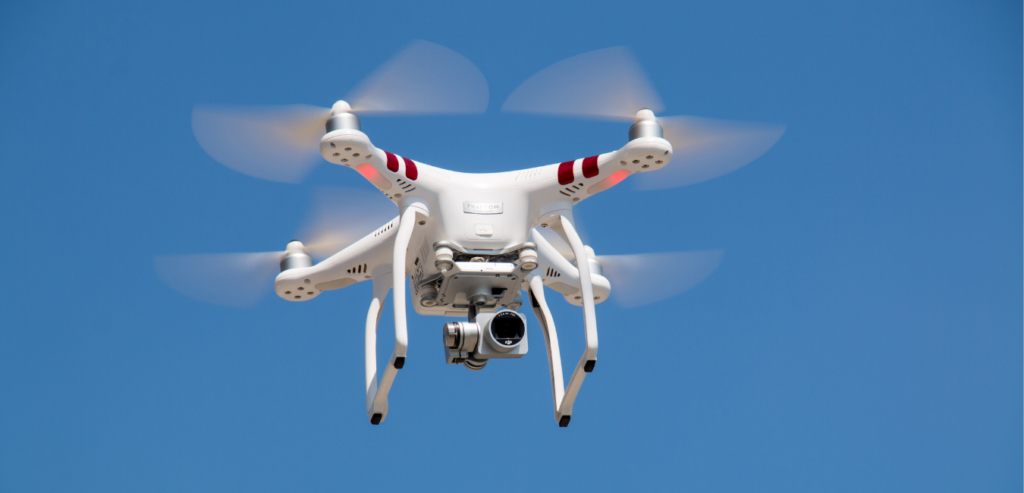
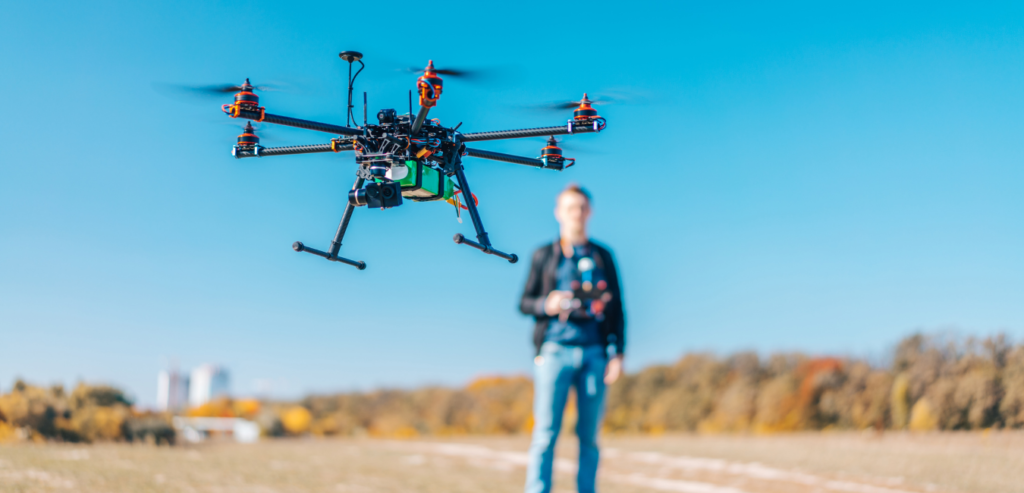
The multi-rotor drone typically uses a varying number of propellers for it to fly. Though usually, most multi-rotor drones are quadcopters. Meaning, they use four propellers to fly.
Quadcopters are generally used for videos and photography. In comparison to other types of drones, they are a lot easier to control and you’ll find them a lot more affordable than the other types you see in the market.
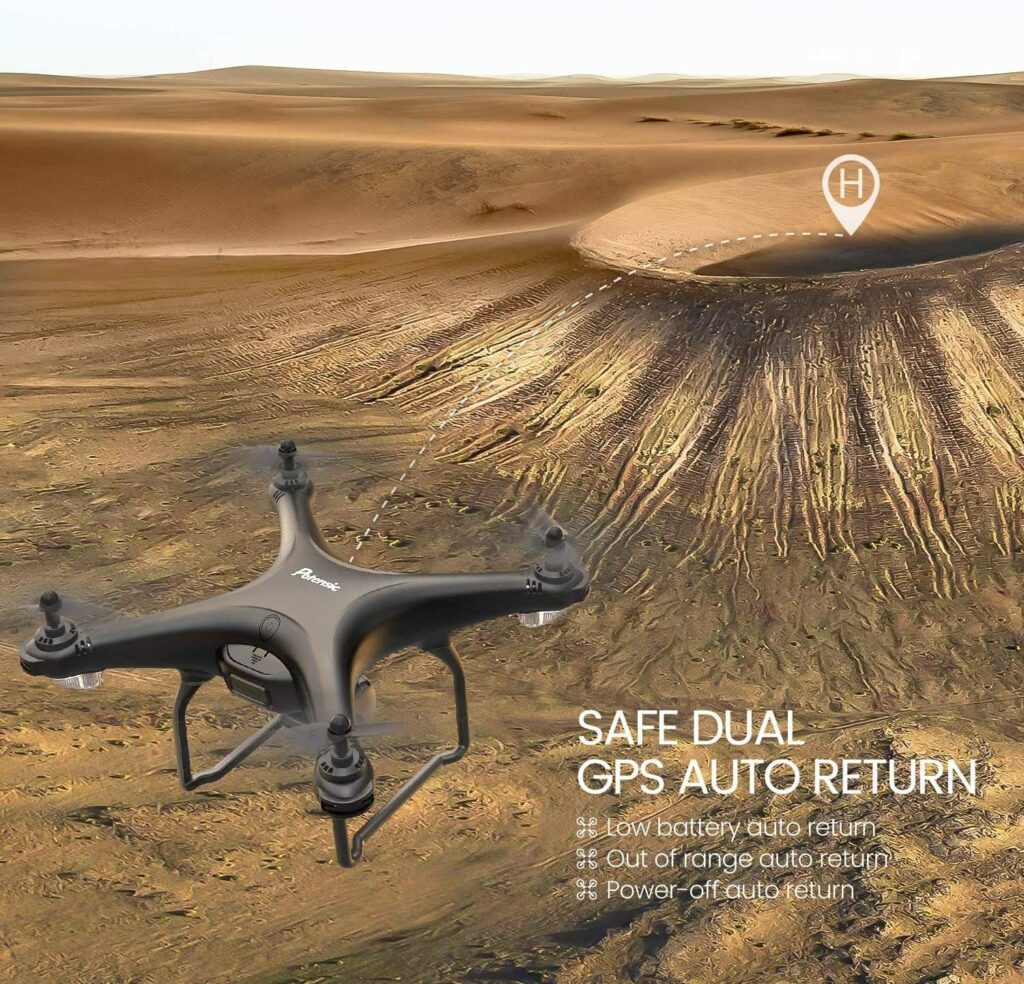
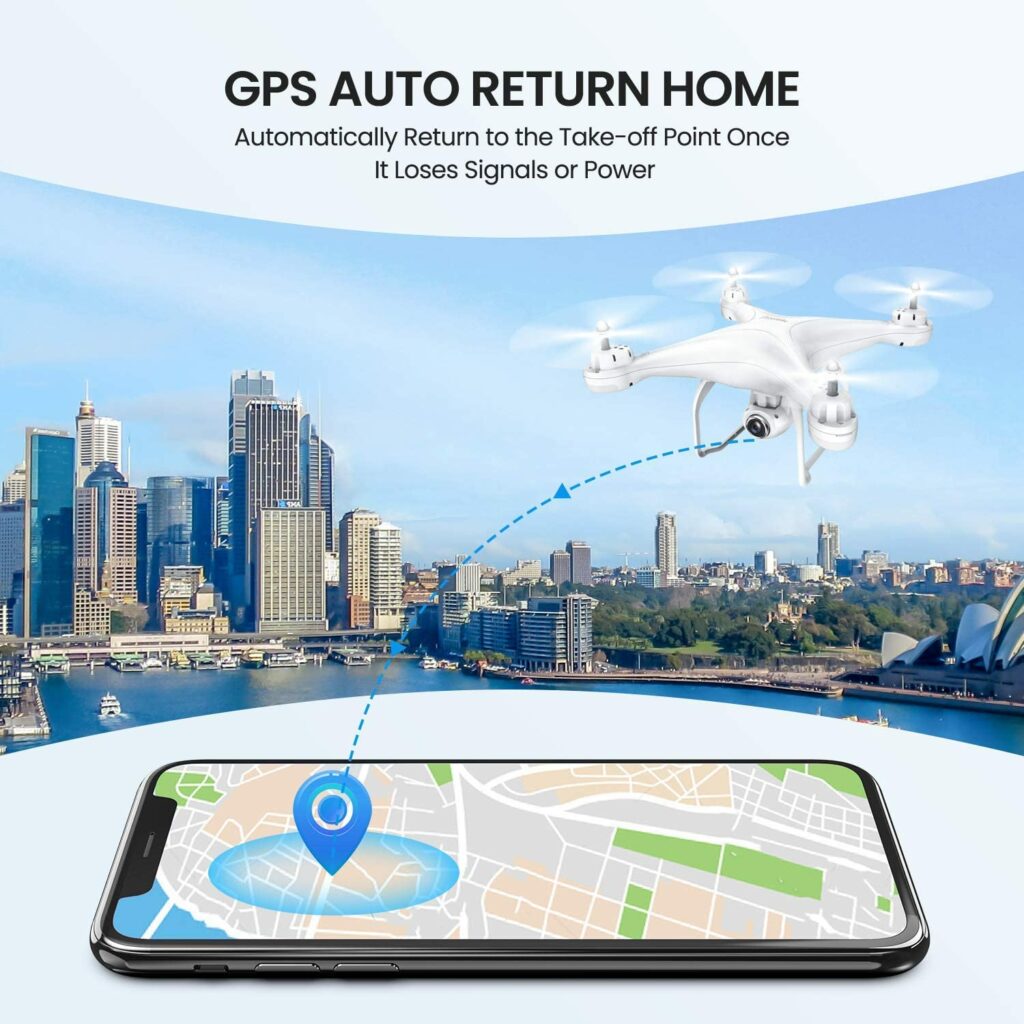
These features help you and your drone from running into obstacles and in the case you lose sight of your flying device, some models offer a “return-to-home” function that will automatically bring back your drone from its launch point.
But overall with beginner drones, they’re fairly easy to use and have a ton of safety features to prevent you from accidents. So if you’re worried about crashing, a lot of the well-built drones can handle a few accidents here and there.
Are Drones Worth It?
Drones can be a great investment in your overall content creations if you’re very serious about them. Not to mention, drones have advanced so much throughout the years that even entry-level models can no longer be seen as merely glorified tech toys.
Over the years, so much has improved and evolved in regards to camera stabilization and so much more.
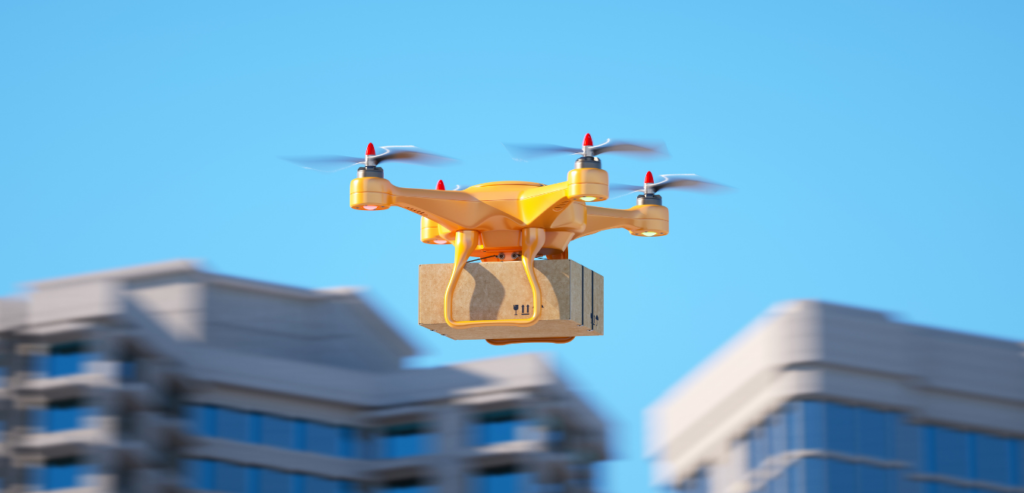
Not only that, but drones are also sometimes used for different tasks such as an added measure of surveillance, receiving your grocery deliveries, and a lot more. With the current pandemic, contactless delivery is even more high-tech now.
So if you’re interested in using a flying camera for your next videos, then a drone is definitely something to consider. But starting out on your first drone can be quite tricky. After all, not everyone is a pro on their first try.
Beginner drones are built in different shapes and sizes. But it’s recommended to start with these entry-level models so in case you crash these devices, they won’t be too heavy for your pocket. In addition to that, they’re also a lot less confusing in terms of configurations.
Thankfully, there are endless options for you in the market. From really affordable deals to mid-ranged finds, and to more high-end designs. To know which drone is the best for you, I have compiled my very own list below of the best drones for beginners in 2021.
Read on to find out more!
Our Top Picks
1. DJI Mini 2
Overview
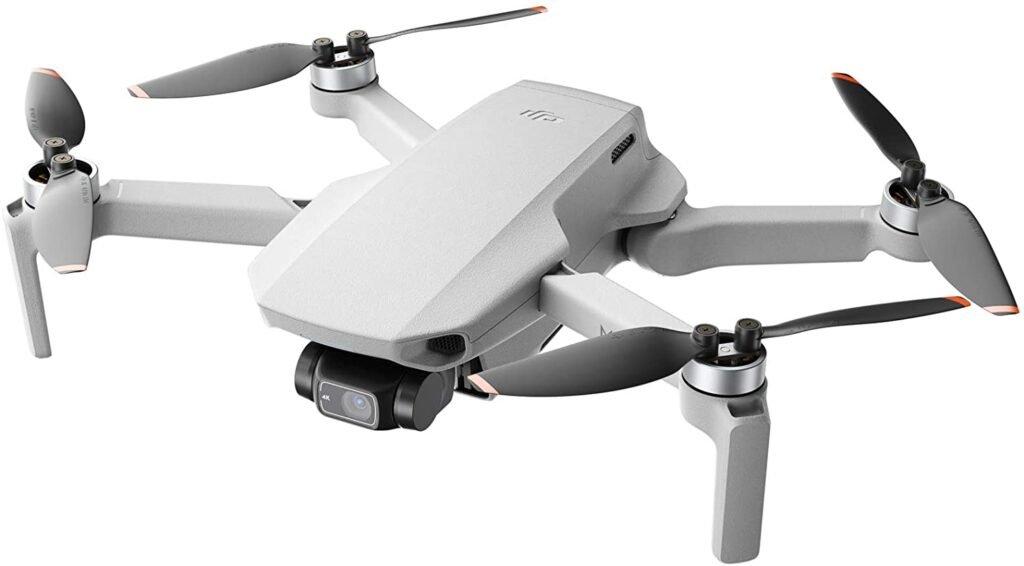
Taking the top spot on our list is the DJI Mini 2. Currently, it’s the latest iteration of DJI’s smallest camera drone in their lineup. The original DJI Mavic Mini was already great, but this one just simply knocks everything right out of the park with its impressive features and significant upgrades from its predecessors.
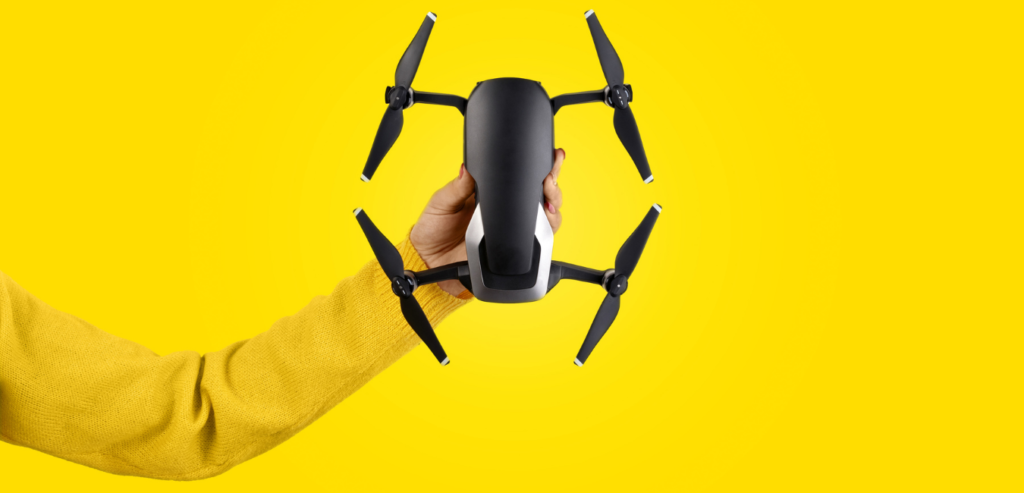
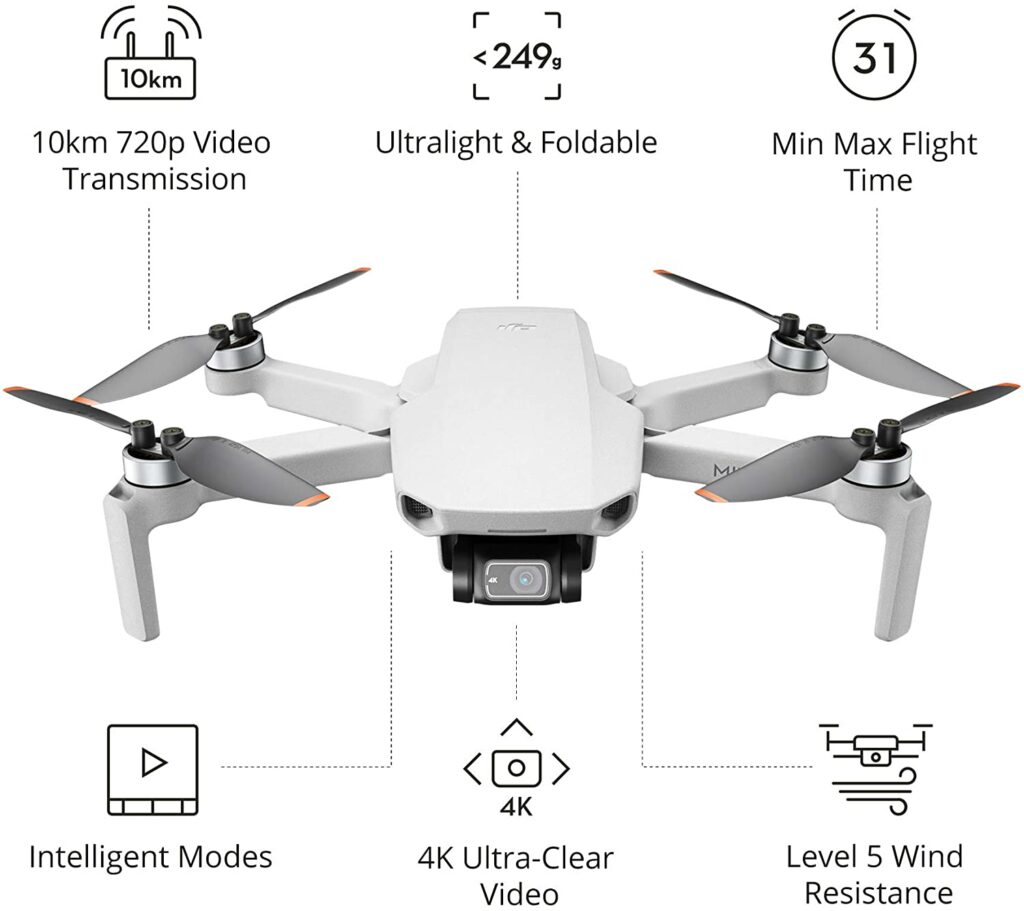
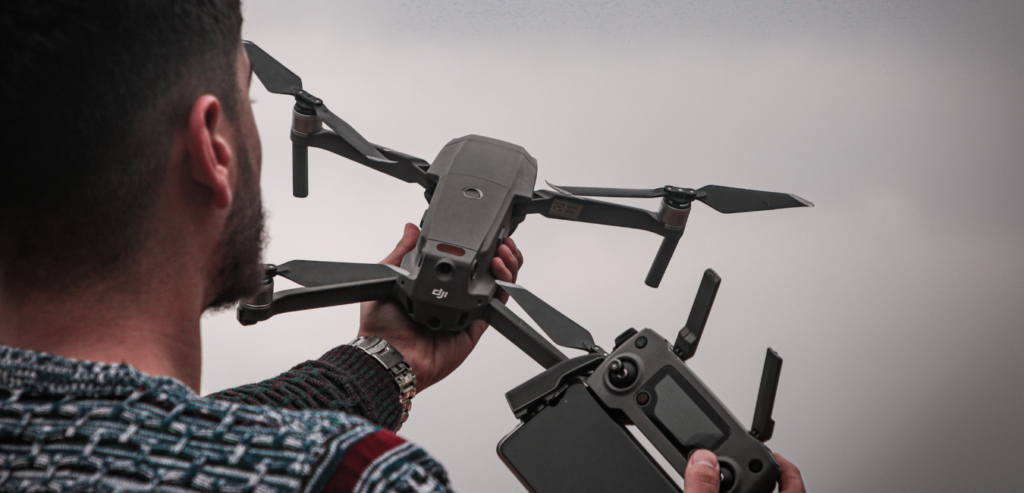
The DJI Mini 2 ensures portability, allowing you to fold the unit up as well as its compact controller so taking it anywhere with you is a breeze. In addition to that, the DJI Mini 2 also weighs in at only 8.8 ounces. If you’re flying in the USA, that means you won’t have to register this drone with the FAA.
One of the best parts about the DJI Mini 2 is that it can remain airborne and fly for up to 31 minutes on a single charge. This makes it one of the longest-lasting drones you can fly in the market. It’s not very common for drones to stay up in the air that long. Usually, most units can only fly for up 10-20 minutes.
The DJI Mini 2 also features a 4k camera, which means you can now shoot a 4k video at up to 30 frames per second along with a solid 4x digital zoom performance. Not to mention, just like with the previous model, you can take 12mp photographs on the same camera.
Extra Special Features: Ultralight Foldable Drone, 3-Axis Gimbal with 4K Camera, 12MP Photos, 31 Mins Flight Time, OcuSync 2.0 10km HD Video Transmission, QuickShots
Pros
Lightweight and portable.
Terrific battery life.
Can shoot videos at 4k.
Overall great camera resolution.
Can fly at a great distance.
Cons
Expensive.
Doesn’t have sensors to avoid obstacles so expect some crashing every now and then as you practice with this unit.
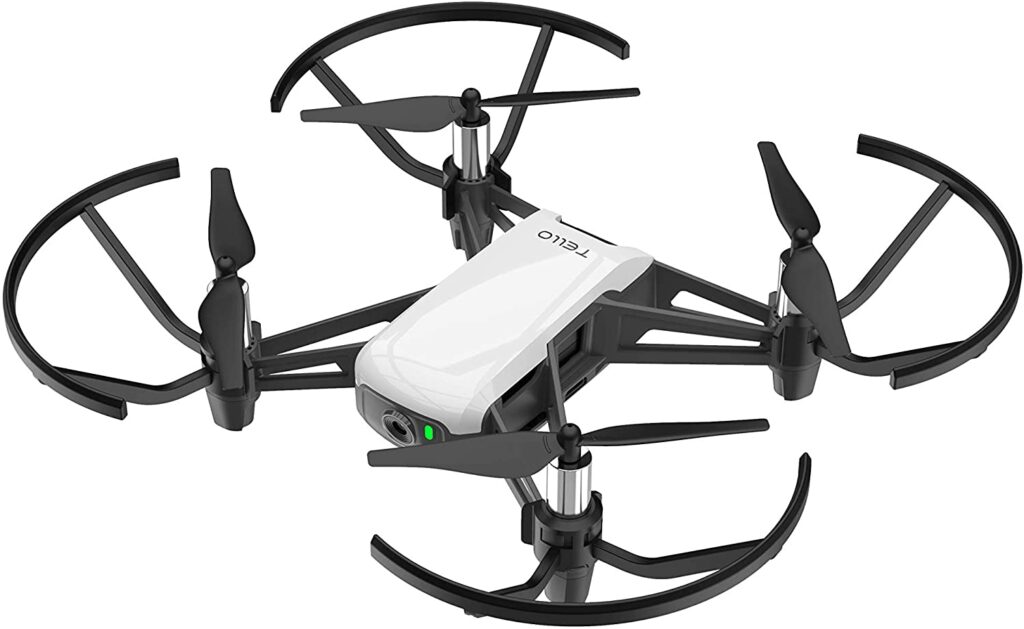
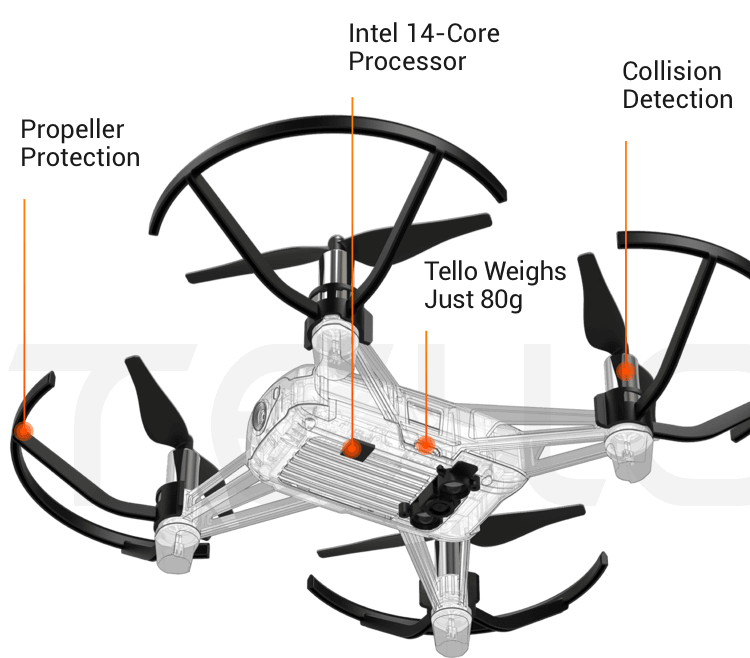
If you found the DJI Mini 2 a little too out of reach for your budget, then the Ryze Tech Tello might just be your best bet. This particular unit is one of the best budget-friendly drones that are suited for beginners as the Ryze Tech Tello is an inexpensive model.
That means this model would be a great place to start if this is your first time flying a drone. It won’t be too heavy on the pockets if you crash it and need it to be fixed.
Whether you’re a kid who just wants to have fun playing with a flying device or an adult who wants to start learning how to fly drones seriously for your job or as a hobby, the Ryze Tech Tello offers plenty of features that can help you out.
In addition to its appealing price tag, the Ryze Tech Tello is fairly easy and safe to use for flying. It has great stability for people who are not yet well-adjusted to flying along with having a decent amount of power to fly outside.
The Ryze Tech Tello also offers a great number of preprogrammed flight patterns for you to choose from and gives you up to 13 minutes of flight time per charge. In terms of camera quality, you can’t really expect this to shoot videos at 4k but it’s good enough to provide 720p videos and 5mp photos.
Extra Special Features: 13-Min Flight Time, 100m Flight Distance, 720p HD Transmission, Smart Switch 2 Antennas, DJI Flight Tech, Tello App, and Smartphone VR Headset Compatibility.
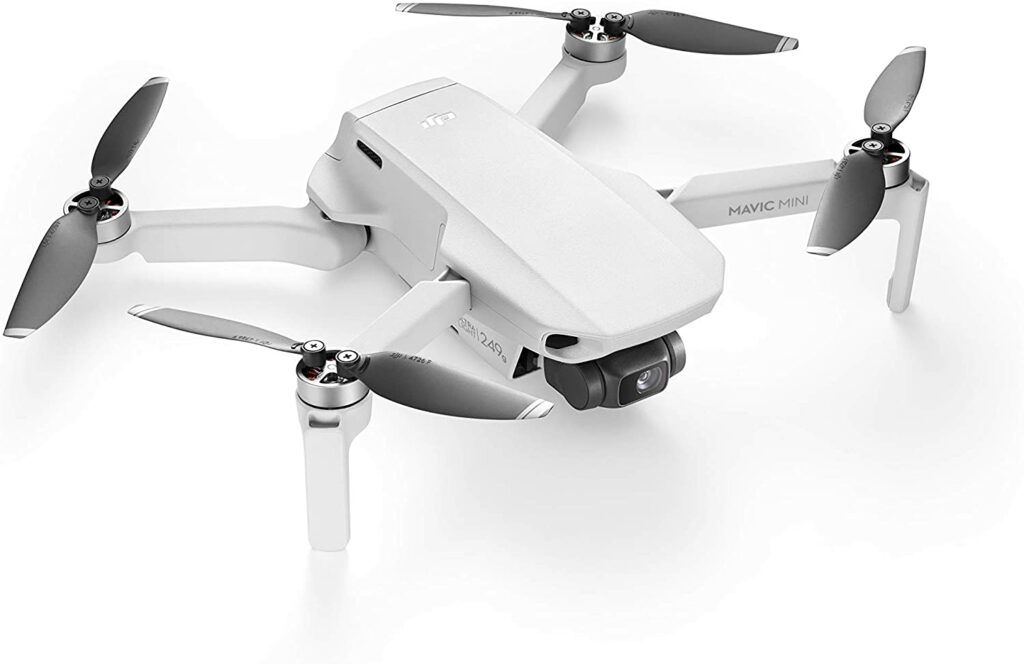
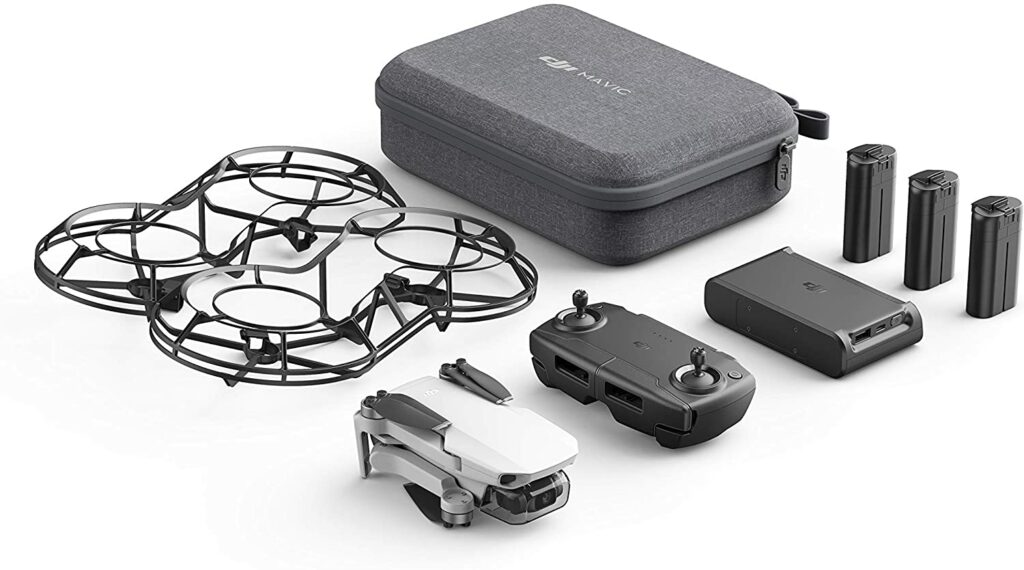
Another model from DJI is the Mavic Mini. While the Mini 2 is still your best option if you’re more of a serious drone pilot, the Mavic Mini is the next best thing in DJI’s lineup. That is if you don’t necessarily need to shoot 4k videos. If that’s the case, then this is a solid choice for anyone who wants to start dipping in their toes to flying drones.
Nevertheless, the DJI Mavic Mini still offers a great range of features such as a stable gimbal-mounted camera that allows you to capture stunning 2.7K video footage and pretty sharp 12MP photos.
Just like the Mini 2, you can also fly the Mavic Mini around for up to 30 minutes on a single charge but with a range of 4 kilometers. That’s only 2 kilometers short compared to the Mini 2’s 6km range.
However, keep in mind that like most DJI drones, the Mavic Mini also lacks the sensors that prevent drones from crashing and colliding into obstacles. But overall, it has great value for what it has to offer and is a lot more affordable than the Mini 2.
Features & Specifications
Product Dimensions: 6.3 x 3.15 x 0.39 inches
Manufacturer / Brand: DJI
Item Weight: 0.1 ounces
Range: 4 kilometers
Max Speed: 29 mph
Battery Life: 30 minutes
Battery Type: Lithium Metal batteries
Camera Resolution: 12mp
Video Resolution: 2.7K
Control Type: Remote Control
Colors: White
Accessories: DJI Charging Base, Care Refresh, DIY Creative Kit
Extra Special Features: Drone FlyCam Quadcopter UAV with 2.7K Camera, 3-Axis Gimbal GPS 30min Flight Time, less than 0.55lbs.
Pros
Lightweight.
Pretty decent camera for its price.
Stable video footage.
Terrific battery life.
Almost offers the same quality features the Mini 2 has.
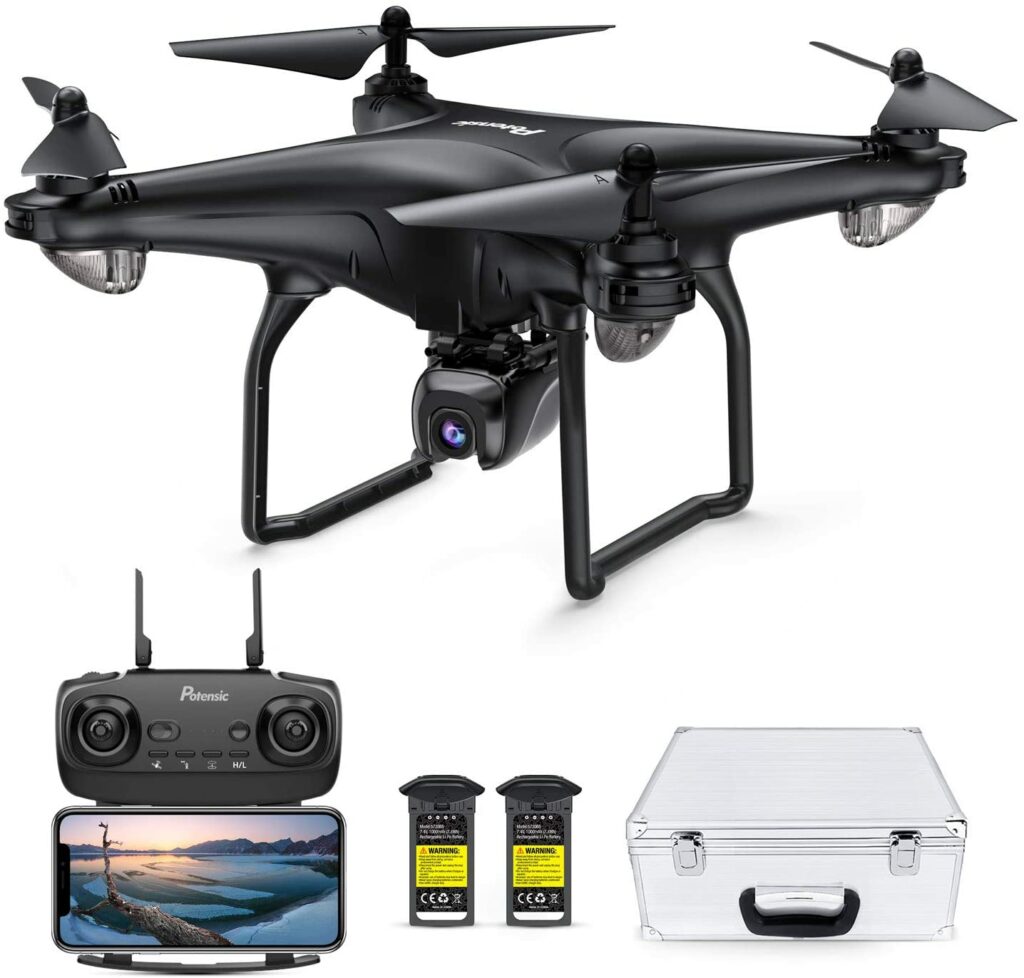
Another solid choice for beginners is the Potensic D58. Not only is this a more affordable option in comparison to the DJI’s premium prices, but it also comes with a decent HD 1080-p camera along with a 120 degrees field of view.
If you’re not too crazy about not having to shoot at 4k, then you might want to give this impressive drone some serious consideration. Though, there is now a D58 variant with a camera that allows you to shoot at 4k.
In addition to that, the Potensic D58 also comes with an integrated dual GPS to provide you with better flight positioning and stability when the drone is up in the air. The Potensic D58 also offers 5G WiFi for video transmission and an upgraded control range along with a few smart flight modes you can choose from.
Flight time lasts for about 18 minutes per charge. While still inferior to the DJI drones’ 30 minutes of flight time, the Potensic D58 should be enough for most drone pilots.
Overall, the Potensic D58 is one of the best quadcopters you can get for the money. This particular model ranks among some of the top drones in the market for providing amazing flying experiences with smarter camera functions that easily meet the demands of some of the most demanding commercial users and professional photographers out there.
Features & Specifications
Product Dimensions: 13.4 x 10.1 x 6.1 inches
Manufacturer / Brand: Potensic
Item Weight: 4.19 pounds / 4.44 pounds
Range: 150 meters.
Max Speed: 50 kph.
Battery Life: 18 minutes
Battery Type: Lithium Ion
Video Resolution: HD 1080-P or a 4K variant.
Controller Type: Remote Control
Colors: Black.
Accessories: N/A
Extra Special Features: Different flight modes such as Way Point, Follow Me, Orbit, and Automatic Return Home, Smartphone Precision, and In Unit Camera System.
Pros
Decent camera quality with an option to get the expert upgrade for 4k video footage.
Two battery storage grids that extends the flight time for up to 36 minutes.
Ability to shoot footage from different angles and perspectives.
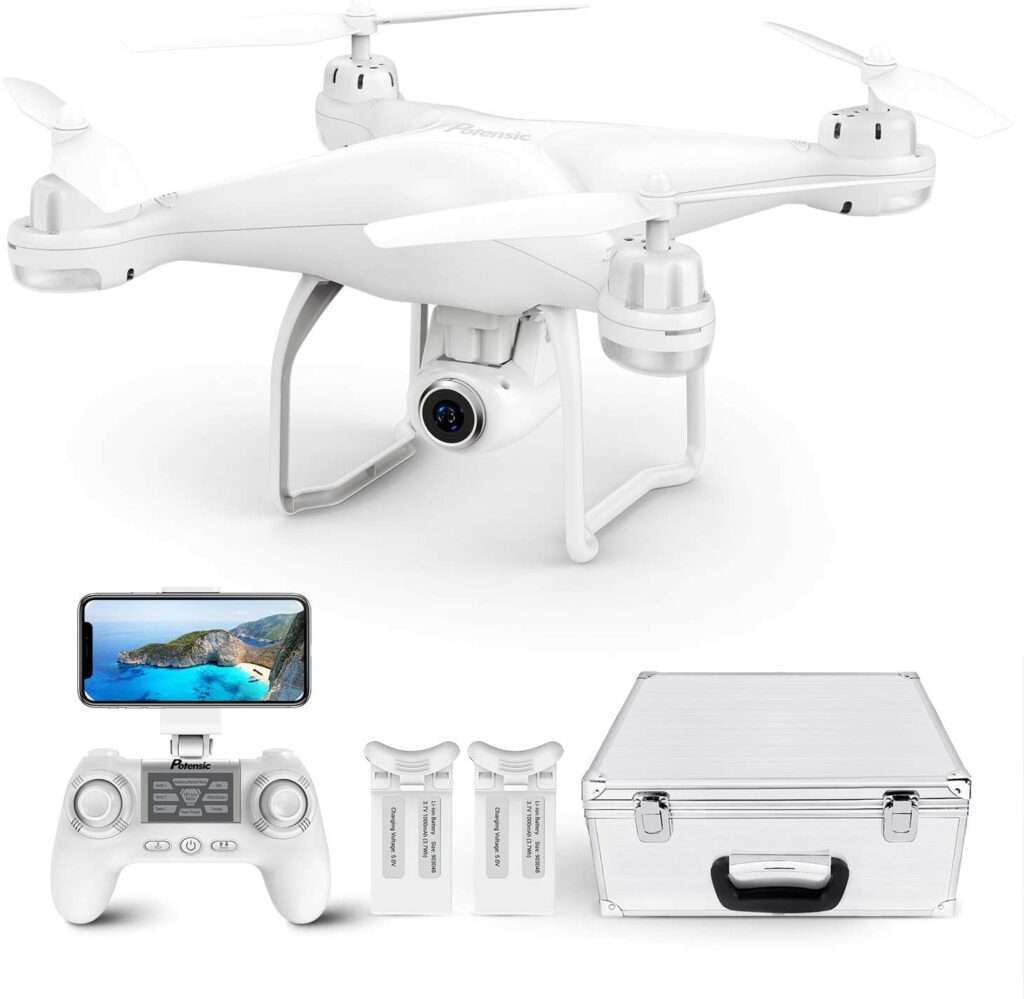
The Potensic T25 drone is another great choice for beginners and kids. It’s a tad bit cheaper compared to the Potensic D58 but it only allows for 2K video footage. It offers almost the same features that you might recognize from the D58 but with a few compromises here and there.
Unlike the D58, the Potensic T25 doesn’t have 5G but its 2K camera with 120 degrees of FOV and 75 degrees of adjustable wide-angle views help to capture photos quite clearly along with more stability on video footage. The WiFi camera also provides you with faster but clearer image transmission.
This particular unit is great for beginners due to its safety mode features such as Headless Mode, Altitude Mode, and One Key to Take-off/Land functions that offer easier access to kids or newbies.
Features & Specifications
Product Dimensions: 13.7 x 10.9 x 6.2 inches
Manufacturer / Brand: Potensic
Item Weight: 185 grams
Range: 300 meters.
Max Speed: 25 kph
Battery Life: 8 minutes.
Battery Type: Lithium Metal
Video Resolution: 2k
Controller Type: Remote Control
Colors: White
Accessories: Aluminum carrying case, transmitter, USB Battery Charger, Screwdriver, 2 x Extra Landing Gear, 4 x Extra Propeller Blades, 4 x Extra Protection Guards.
Extra Special Features: Dual GPS, different flight modes such as Headless Mode, Altitude Mode and One Key to Take-off / Land, Customize Flight Path functions, etc.
Pros
Offers GPS.
Has great safety features and flight modes that are beginner and kid-friendly.
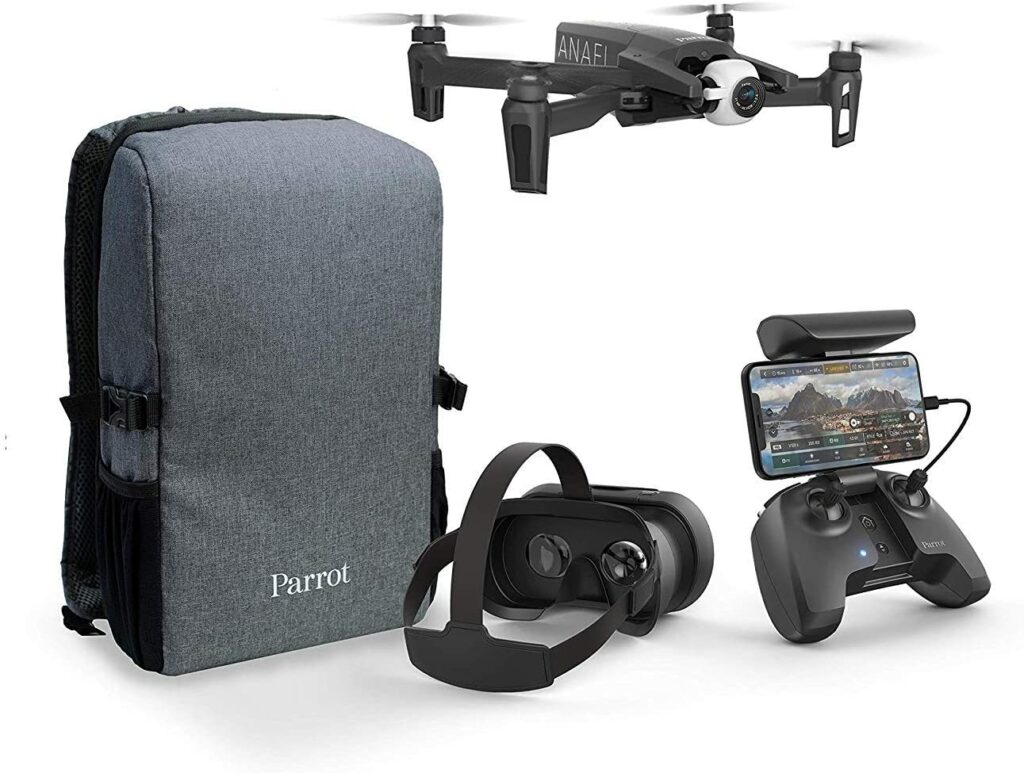
Last but certainly not least on our list is the Parrot Anafi FPV drone. This particular model is definitely one of the most expensive drones in the market and is suitable for beginners who are serious about being a pilot and want to take a huge leap right off the bat.
This powerful and compact drone is equipped with a stabilized 4K HDR camera with 3x zoom, providing you with superb images and video footage. The new white balance adjustment feature also allows you to customize the color dominance for different lighting conditions wherever you are.
Aside from its terrific camera quality and features, the Parrot Anafi FPV is also both lightweight and has a solid design that only weighs 310 grams. This model offers 26 minutes of flight time per charge with a maximum distance of 4km.
Features & Specifications
Product Dimensions: 15.39 x 9.72 x 5.35 inches
Manufacturer / Brand: Parrot
Item Weight: 10.9 ounces
Range: 4km.
Max Speed: 34 mph
Battery Life: 26 minutes.
Battery Type: 2 Lithium Polymer batteries
Video Resolution: 4K
Controller Type: Remote Control
Colors: Black
Accessories: 16GB micro SD card, USB-A/ USB-C cable, 8 additional propellers and a mounting tool.
Extra Special Features: Cameraman mode (automated framing), cineshots (automatic video effects), automatic selfies, panoramic modes (little planets, tunnels, 360°), and total immersion through the goggles (Cockpit glasses3).
Pros
Allows you to shoot at 4K resolution.
Has a ton of amazing features for video footage and flight modes.
Comes in with a backpack that includes everything you need for your drone.
Now that you have an idea of some of the best beginner drones you can get your hands on in the market, here are a few friendly flying tips and reminders to keep in mind before you make a purchase.
Entry-Level Drones Aren’t Always Just For Beginners
Sometimes, even when you’re just starting out on flying drones, the entry-level units in the market just don’t cut it. Even when they offer really tempting budget-friendly prices. Also, it’s important to keep in mind that like most things in life, you get what you pay for.
While there are definitely entry-level drones that are great for their value, most of them seem to lack essentials sensors and features that will provide you with a better flying experience. Cheaper models might not be as well-built and will be susceptible to stronger gusts of wind. Not to mention, they might get easily broken after one crash.
So if you have the money to spare, try to invest in beginner-friendly mid-range drones that have quality builds and are equipped with GPS and safety features that will ensure you have the best flying experience possible.
Bear in mind that it’s always worth paying more if your drone has certain features like it can return to you when it gets stuck in a jam, knows how to avoid obstacles, hovers in mid-air if you lose control, stable while flying to take your desired footage and plenty more features that might be helpful to you.
Manage Your Expectations In Terms Of A Drone’s Battery Life
Let’s face it. When it comes to drones, their battery life is their biggest weakness. If you’re expecting to fly your drone for hours and hours on end, then you might get a little disappointed with the actual outcome.
It’s quite rare to find a drone that can remain airborne for more than 30 minutes on a single charge. And usually, you’ll find these on more premium models which aren’t for everyone’s budget. Moreover, there are other factors that come into play that affects your drone’s battery life.
Such things can rely on the environment you’re flying in. The stronger the winds are, the faster your drone will drain its battery life if it wants to stay stable mid-air. Other times, the battery life can also depend on how fast you’re using it to fly. Remember that the faster your flying speed is, the more weight you add to your drone.
For the most part, beginner and mid-range drones can last up to a good 10-20 minutes being in mid-air. Another option to make it last longer is to bring a spare set of batteries for your drone if you really need the extra time.
Plan Your Budget Wisely
More often than not, the price of a drone isn’t just what you’ll be expecting to pay for. If you’re planning on some serious flying and want to practice a lot, you might want to consider getting extra propellers and spare batteries for your drone.
As I have just previously mentioned, most drones don’t last a long time and require a lot of charging just to get it back up in the air again. So if you really need to keep using your drones for certain tasks, then I highly recommend stretching your budget just a little bit to get those extra accessories for longer flying times.
Not to mention, you also have to take into account the crashes your drones might receive while you practice with them. So that will be an added extra cost for repairs or replacements.
Just a quick pro-tip, when choosing your desired drone, make sure to do an ample amount of research in regards to its price and availability of replacement parts, batteries, and other accessories. This way, you can prepare your budget and know what to expect in case your drone does get broken.
Mind Everyone’s Privacy
When flying a drone for the very first time, you will have to keep in mind that not everyone around you is comfortable with a flying object floating above their head. A lot of the time they might even suspect you of invading their privacy or spying on them.
This is pretty normal and you can’t really blame people for being cautious. You wouldn’t want the same thing happening to you, either. So when you’re flying your drone in a public space, make sure to be wary of other people and try your best not to get too close in their personal space to avoid any conflicts or confrontations.
Take Note Of Locations Where You Shouldn’t Fly Your Drone
Last but not the least, you should always keep in mind the locations where you are not allowed or shouldn’t fly your drones to avoid getting in trouble. Some places are just generally unsafe and some are just simply no-fly zones.
For example, it is actually illegal to fly drones in national parks in the US. And generally, flying your drones in public locations like most metropolitan areas is not allowed as well. This is understandable because these areas are way too populated with people, cars, and tall buildings which might obstruct your drone from flying around.
So if you want to keep enjoying your drone without worrying about breaking any laws, it’s best that you find an open field that doesn’t have a lot of people around and that is not off-limits.
Depending on where you are residing and planning to fly your drone, there are actually some regulations regarding flying drones in different parts of the world. Each country follows a different set of laws and guidelines and it is best that you read up on them to avoid any future trouble. You may read more about it here.
Conclusion
We have finally reached the conclusion of our Best Drones For Beginners In 2021 article. I hope this list was able to give you some insight and information on the best drones you can find right now in the market.
Whether you’re looking to use your drone for recreational purposes or to add it to your arsenal for your work, don’t forget to have fun and keep in mind the tips above when flying around!
Already own any of the listed drones above? Did your favorite make it to our list? Let me know in the comments section below if you have any insights, experiences, or suggestions to share with us. I would love to hear your thoughts!
A good Android tablet can be the perfect balance between a laptop and a smartphone. It has a bigger display than a smartphone and is much more portable to use than a laptop. But looking for the best tablet for you can oftentimes feel overwhelming. To help you out here’s an Android Tablets Buying Guide this 2021.
In this day and age, everyone probably already knows what a tablet is and how it works. But in case you’re making your first ever purchase, this guide should help you in knowing what things you need to consider and what to look out for.
If you don’t already know, tablets can somewhat offer the same experiences both a laptop and smartphone can provide you, making them masters of versatility. They’re great for productivity and they’re compact enough to bring wherever you go.
There are limitations of course and every tablet you see in the market is built very differently.
With the current market filled to the brim with almost limitless options for tablet computers, you might find yourself easily getting lost with the number of options to choose from as well as easily getting lost with certain jargon some tech people use to describe a tablet’s features and specifications.
The best tablets in the market are packed with the most advanced features that you can optimize for the best tablet experience. But not every feature can benefit you. It all depends on what you’re using the tablet for. Will it be solely for productivity? For media consumption? Or both?
Once you know the answers to these questions, then you can spend your money wisely on a tablet that you can use to its fullest potential.
Why Android?
Admittedly, Apple and their dedicated iOS are pretty reliable and amazing on their own. They’re stable and their app library is one of the best out there especially if you’re a content creator. That’s why choosing between an Android device and an Apple iPad is something you shouldn’t decide on lightly.
If you’re happy with Apple’s iOS, I don’t see the point of switching unless you want something that you can customize more. That’s where the Android operating system shines. Android allows users such as yourself to expand your tablet’s storage in case you need the extra space.
Moreover, Android has a lot more accessibility as well as being a lot more affordable than its Apple counterpart. Android also is better in terms of camera quality (debatable) and definitely has faster processors with more options to choose from.
Before You Go Shopping
Before you head off to your nearest gadget store or even Amazon, here are some tips to bear in mind as you go shopping.
Budget
Budget is an important factor to weigh in when it comes to making any purchases. Tablets come in different price ranges but not all of them are worth the splurge or even that good. At the same time, keep an eye out for tablets that are too good to be true. Some budget-friendly finds are not at all friendly to their users or worth the money.
So make sure to spend your money wisely on a tablet that is the best bang for your buck.
Portability
If you’re someone who’s always on the go, then considering a tablet that’s lightweight and compact in design is very important. You don’t want a chunky tablet that will take up too much space in your bag or add any excessive weight.
Versatility
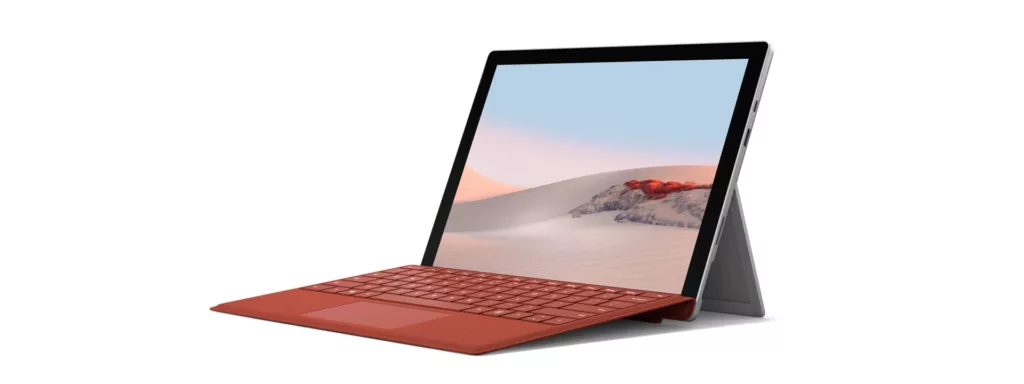
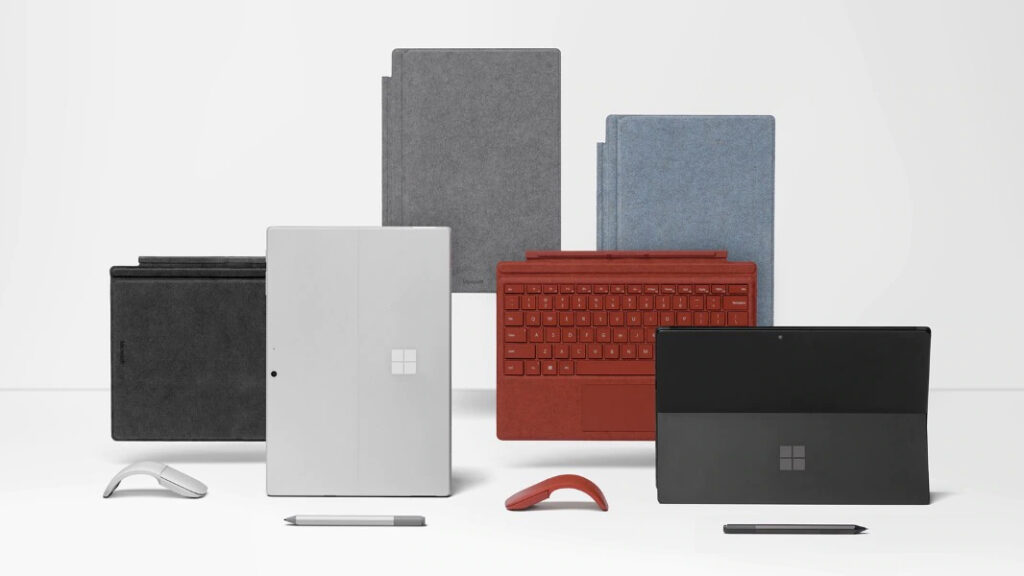
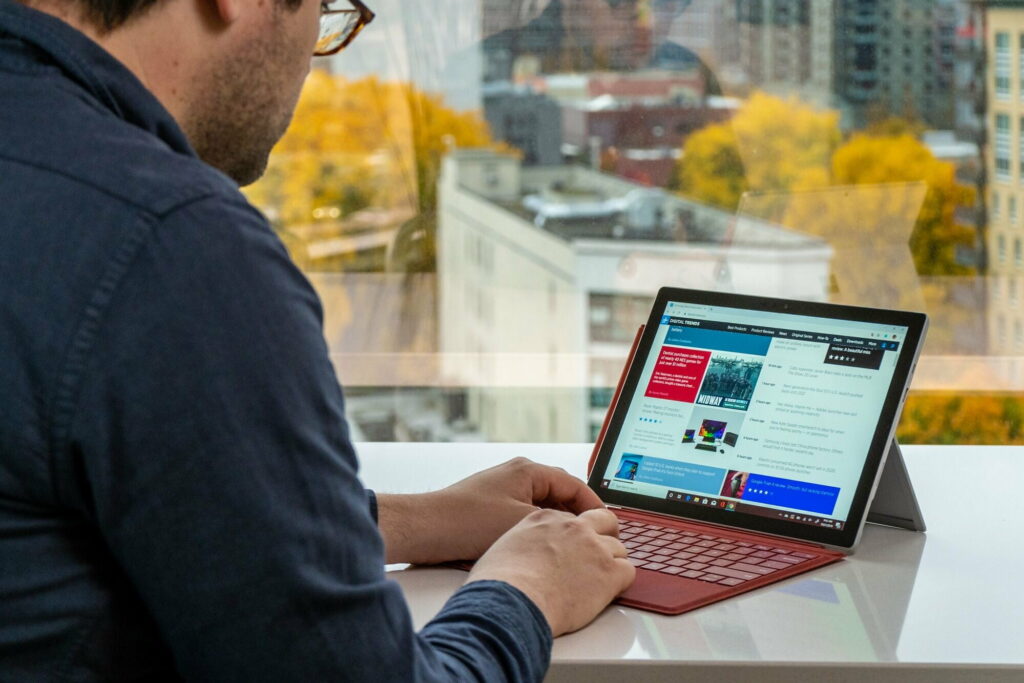
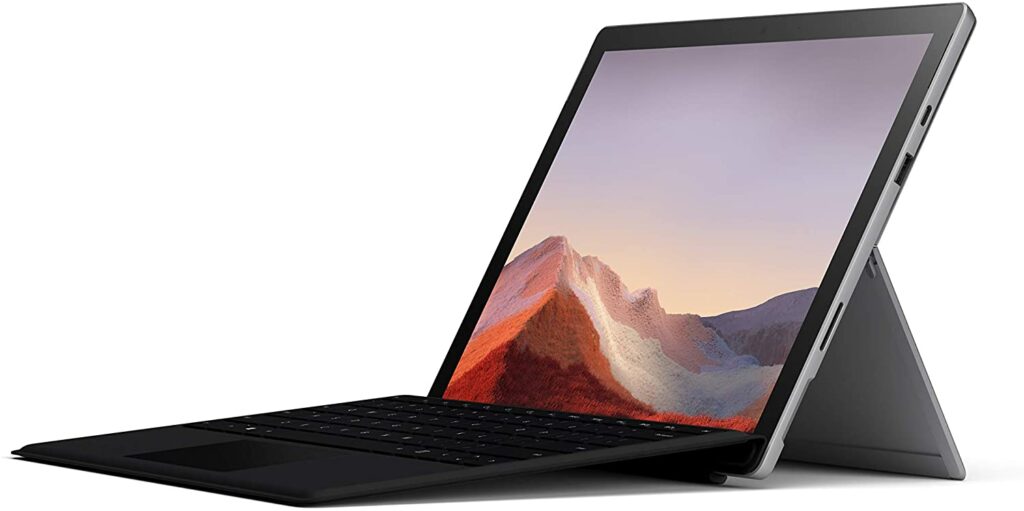
Tablets are great in terms of versatility. They offer a much bigger screen in comparison to your smartphones but are a lot more compact and portable than your laptop. Some companies like Microsoft offer 2-in-1 devices like their Surface Pro lineup, which allows you to use your device both as a tablet or a laptop through a detachable keyboard.
If that’s something that appeals to you, then I highly suggest giving it strong consideration.
When it comes to using tablets, the possibilities are quite endless. They can be used for both productivity and for media consumption. Sometimes, they’re even powerful enough to run very graphics-heavy games. But tablets that can do amazingly in all those aspects tend to be on the more premium side of the spectrum.
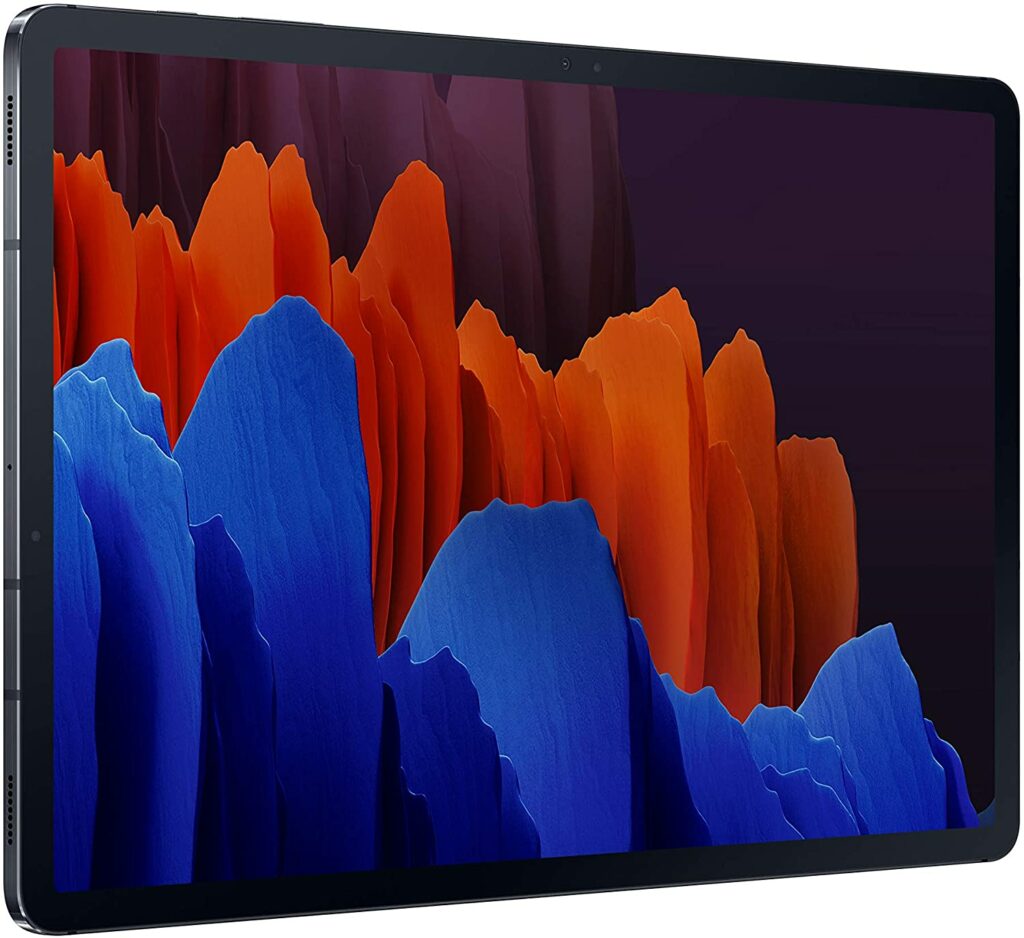
If you have the budget to splurge on getting a tablet like the Samsung Galaxy Tab S7 Plus, then I say go for it! It’s a very powerful tablet that can really serve you well. However, if you’re on a limited budget, you might want to manage your expectations a little bit.
Most budget-friendly tablets you can find are probably good enough for most daily tasks that won’t need too much processing. Aside from that, if you’re only needing it for media consumption, then you absolutely don’t need to spend a thousand dollars just to watch your favorite shows.
There are more than enough affordable tablets that are impressive enough to let you enjoy a full cinematic experience.
However, if you’re planning on doing some heavy gaming or you’re a digital artist, then you might want to look into tablets that can render and process your content faster.
Now that you have answered the important questions before buying a tablet, you’re almost ready to purchase your next Android Tablet. But, here are some things you need to consider before hitting that “add to cart” button.
Displays are the first thing you see on a tablet. It also plays an important part when it comes to doing your overall activities and tasks. Things like the resolution, brightness, color accuracy, and size are just some of the things that contribute to how well a tablet’s display is.
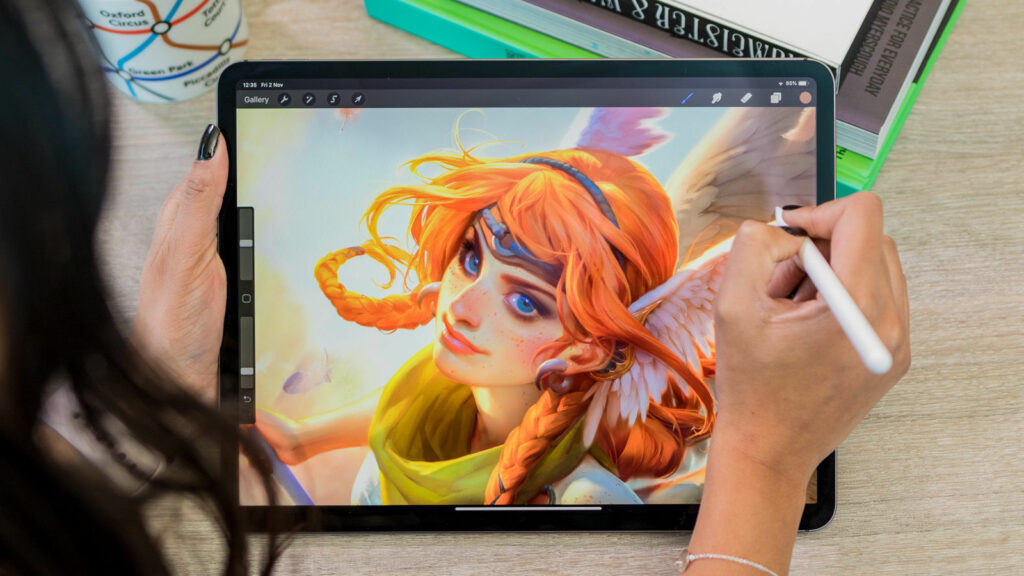
If you’re someone who mainly uses a tablet for media consumption, digital art, or graphic designing, then a tablet’s display should not be overlooked in your purchasing decision. In these cases, you might want to look for tablets that offer FHD (Full HD) displays or ones that have Super AMOLED screens to really bring those colors out.
RAM & Storage
Just like the display, your chosen tablet’s RAM and storage are some of the most important things that need to be factored in in your purchasing decision. The bigger the RAM and storage, the more things you can do with your device. But it still depends on how you plan to use your tablet.
If you only plan to watch your favorite movies or shows on your tablet, then maybe 64 GB or 128 GB of storage is more than enough to get you by. But if you’re also doing your work and school tasks in it, then perhaps you should consider getting one with a bigger RAM and storage.
Processor
A tablet’s processor can sometimes be tricky for the casual user. Not everyone understands how this works especially if you’re someone who is not that fluent in technical stuff.
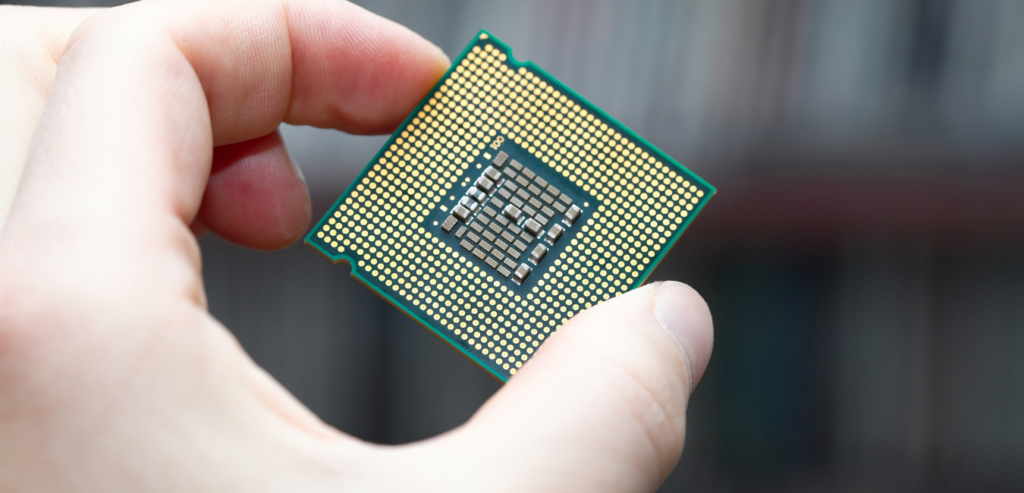
But to make it simple for everyone, your tablet’s processor is the one responsible for how fast your tablet works as well as improving its multitasking functions. Most tablets nowadays use quad-core or octa-core processors to make sure that your tablet is up to speed and can easily handle a variety of tasks at the same time.
This is where the Android tablets shine as well. With Android tablets, you have some options when it comes to choosing your preferred processors. For iPad users, you don’t really have much of a choice with Apple’s decisions.
Battery Life
Battery life is important when choosing your desired tablet computer, especially if you’re always on the go. The last thing you would want is for your device to run out of battery while you’re in the middle of a meeting or doing some important task.
So make sure to look out for tablets that can last all day or at least a decent 8-10 hours on a single charge while you run multiple apps on it. Most tech reviewers nowadays also do battery life tests to see how certain tablets fair. You can also check for those to see if the tablet you want will pass your criteria.
Conclusion
We have finally reached the end of our Android Tablets Buying Guide! I hope you were able to gain a lot of insight and information from this article when it comes to making your next tablet purchase.
Overall, when buying a tablet, it’s important to keep in mind that most brands and companies put out different iterations and versions to add to their lineups each year. So it’s also easy to feel like you’re missing out on the next best thing when you just made your purchase a few months ago.
However, bear in mind that upgrading your device every year is not at all necessary and can be a waste of money most of the time. Most of these brands don’t really make any significant upgrades or changes when compared to their last year’s release.
And most of the time, these changes and upgrades are only great if you have been using an iteration of their lineup that was released 3 or 4 years ago. If not, then the splurge may not be worth it at all.
At the end of the day, it’s still your choice though. Whichever tablet you choose to buy, I hope it serves you well and that you enjoy using it for the years to come.
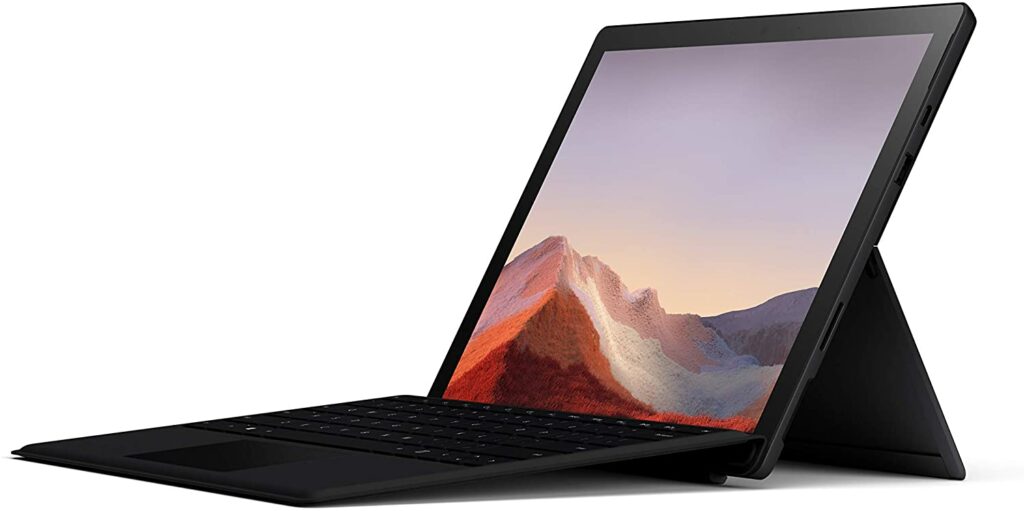
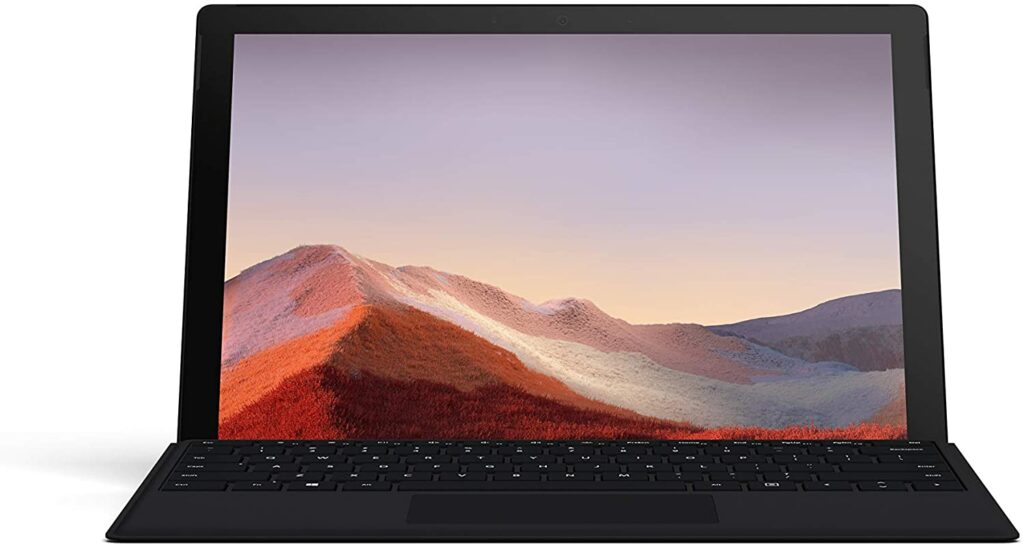
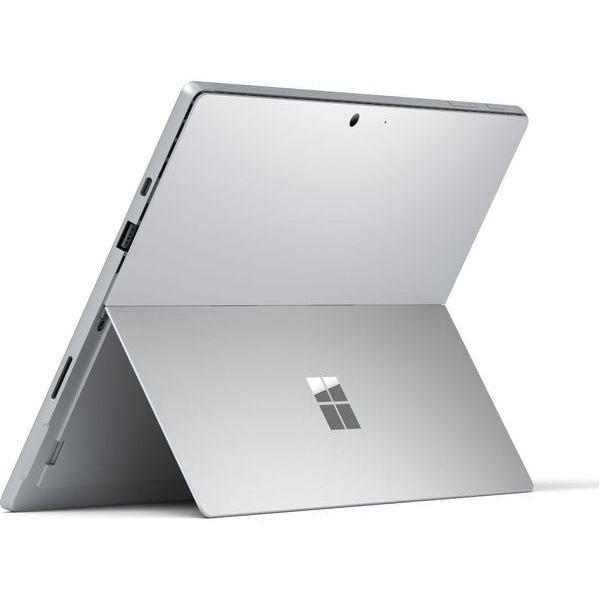
The Microsoft Surface Pro 7 is one of the latest iterations of Microsoft’s successful Surface Pro lineup. It’s also one of the most versatile devices you can find on the market right now. So if you’re looking for a 2-in-1 device that can do it all for you whether you’re on the go or working from home, come check out our dedicated review today.
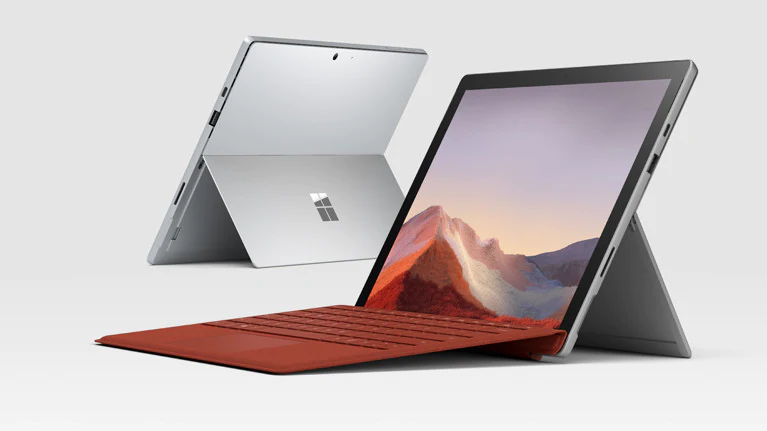
Up to this day, Microsoft’s Surface Pro 7 is still one of the best and most versatile devices I have come across in the market. This particular unit can easily allow you to switch between using it as a tablet or as a laptop. It’s perfect for multitasking whether you’re doing your daily tasks or recreational activities.
Even when 2 years have gone by since its initial release, it’s still an overall excellent machine for people who needs to get things done regardless of if they’re working from home, doing online classes, or any other activity such as gaming or any other form of media consumption.
This 2-in-1 device is amazingly lightweight with just about 1.10 lbs of weight and is also quite easy to carry around in your backpack without taking up too much space in your backpack. Making this unit ideal also ideal for people who are always on the go.
My only qualm in terms of its design is I wish that it had thinner bezels and a bigger display. In this day and age, the look of those thick bezels is just simply outdated.
What to choose between i3, i5, and i7?
Aside from the Surface Pro 7’s design, this particular model also gives you the option to choose between Intel Core i3, i5, and i7 processors with varying price points. Obviously, the higher the processor, the better performance you’ll get. But it also comes down to what you’re planning to do with your Surface Pro 7.
If you’re an employee and you need this to do your daily tasks, the i5 and i7 processors should be more than enough. But it would still depend on what kind of work you’ll be doing. Heavier workloads such as extensive video and photo editing might be more suitable if you get the i7 variant for optimum performance.
Meanwhile, if you’re a student who only needs this for online classes, the i5 variant should be enough for you unless you’re also planning to use this for other types of media consumption or for gaming. Then the i7 might be a worthy upgrade if you want your games to run smoothly on this device.
When it comes to comparing the Surface Pro 7 to its predecessors, you will find very few yet significant upgrades such as the integration of a USB-C port and Microsoft’s decision to use an Intel Iris Plus graphics over an Intel UHD graphics processor (GPU).
To put it simply, you can expect a much snappier performance when processing your everyday tasks and activities.
Features & Specifications
Product Dimensions: 12.8 x 2.68 x 9.21 inches
Manufacturer / Brand: Microsoft
Item Weight: 1.10 lbs
Wireless Communication Technology: WiFi, Bluetooth
Here’s a breakdown of the things we love and appreciate about the Surface Pro 7 and why we think it’s still one of the best 2-in-1 tablets you can get your hands on in the market right now.
Sleek & Lightweight Design
Since its first iteration and release in 2012, Microsoft has always maintained the same aesthetic with its Surface Pros. Up until now, the Surface Pro 7 still sports the same design as its predecessors. And that’s not necessarily a bad thing, depending on who you ask.
Some people love the minimalist and straightforward design and some of you might be wanting Microsoft to update the Surface Pro lineups’ look for a new and refreshing aesthetic. Personally, I don’t see a problem with the current design apart from the really thick and distracting bezels surrounding the screen.
Aside from wanting thinner bezels and maybe a slightly bigger display, I think the Surface Pro 7’s overall design is still pretty neat.
Snappy & Powerful Performance
One of the biggest upgrades the Surface Pro 7 has from its predecessors is the much faster performance and processing you’ll get on this device. It’s all thanks to its faster CPU, the Intel Iris Plus Graphics that is integrated on the i5 and i7 variants.
So if you’re planning to do your daily workload on this device, you can expect that the Surface Pro 7 will be able to help you complete them without a fuss. In addition to that, digital artists and casual gamers alike would also appreciate the overall performance boost due to the better graphics.
Perfect For On The Go Or Staying At Home
One of the biggest selling points of the Microsoft Surface Pro 7 is its terrific versatility. If you’re someone who has to be out and about on a daily basis and you need to carry your work laptop with you wherever you go then the Surface Pro 7 is your best bet.
It can easily let you switch between using it as a tablet or a dedicated laptop depending on your needs. Plus, the powerful performance and decent battery life you get out of this device should be more than enough to carry you through the day.
Our Least Favorite Things On The Microsoft Surface Pro 7
As you might already know, no product was ever made perfect. Every now and then, we are bound to find flaws even with our most favorite devices that we review. So here are some of the things we weren’t a big fan of with the Surface Pro 7.
Very Few Ports And No Thunderbolt Support
While I’m glad that Microsoft has finally put a USB-C port onto their Surface Pro 7, a huge downside is that they failed to put in Thunderbolt 3 support. For a device at this price point, I feel like that should have been easily included.
Not to mention, this unit also has very limited ports so if you need the extra plugs, you might want to consider getting an external USB port.
In A Nutshell
Now that we have discussed the things we loved and disliked about the Microsoft Surface Pro 7, here is a narrowed-down list of the good and the bad with this particular 2-in-1 tablet.
Pros
An overall powerful 2-in-1 machine.
Lightweight and sleek design.
Great for both working from home, online classes, and being on-the-go.
Versatile for your productivity and multitasking activities.
Has a robust all-day battery life.
Integrated LTE.
Removable SSDs.
Cons
No thunderbolt support on USB-C.
Overall camera quality is pretty mediocre.
Not very affordable.
Final Verdict
Overall, the Microsoft Surface Pro is definitely something to consider if you’re in the market for a powerful device that can both be your tablet and laptop.
The Surface Pro 7 definitely has very few but also significant upgrades in comparison to its predecessors. I would love it if Microsoft did something more about this unit to really make it special and set it apart from the previous Surface Pros. But all things considered, it is still a solid and excellent machine nonetheless.
Though if you already have a dedicated laptop or tablet that is still working and serving you well, you might want to save your money for something that has better upgrades than this one.
Do you already own the Microsoft Surface Pro 7? Or are you still contemplating purchasing it? Let me know about your experiences and insights in the comments section below. I would love to hear all your thoughts about this 2-in-1 device!
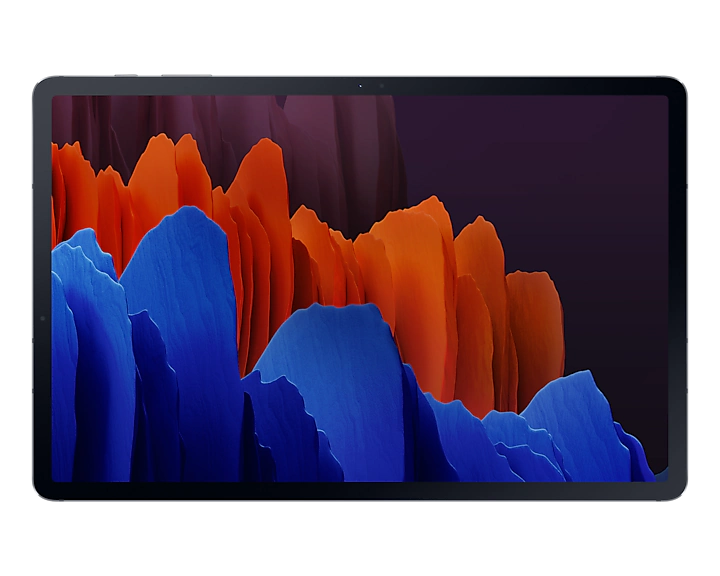
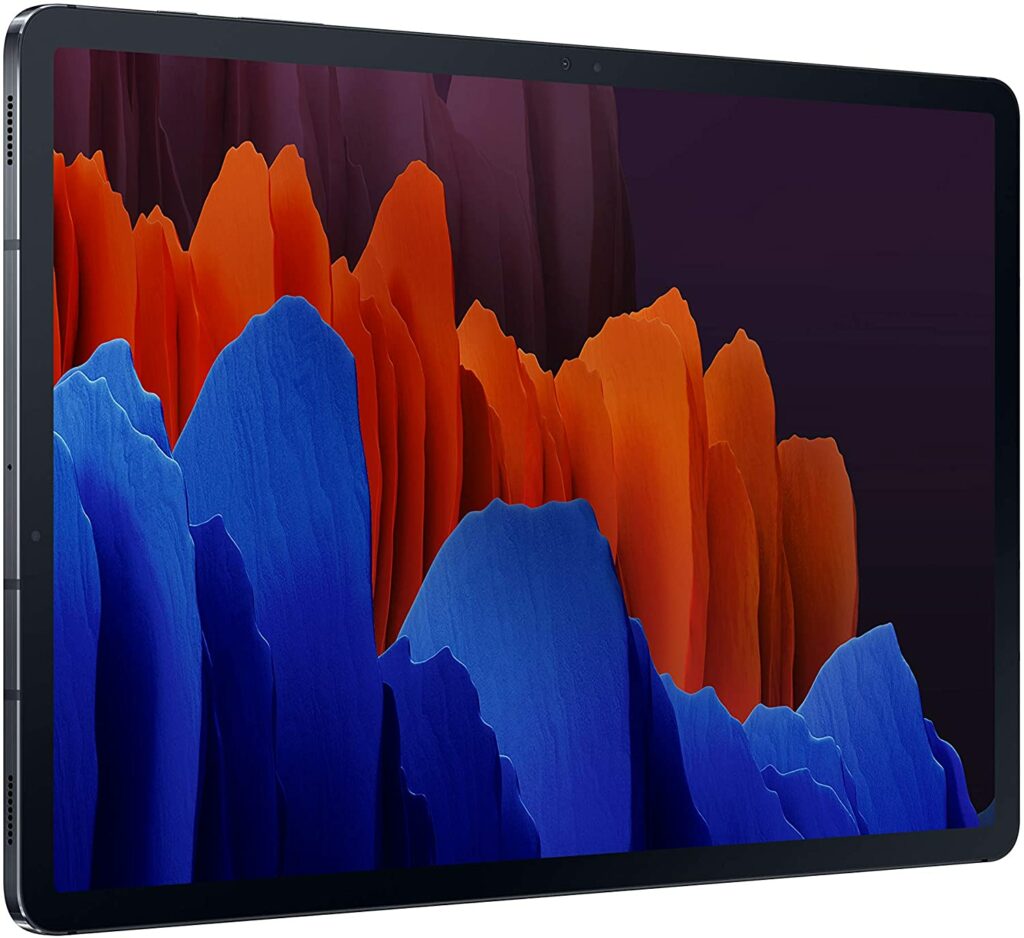
Samsung‘s Galaxy Tablets have come a long way since their first release in 2010. Throughout the years, they have been trying to elbow their way into making the best Android tablets in the market. But they were never quite on par with the success of the Apple iPads. So let’s see today if the Samsung Galaxy Tab S7 Plus will finally beat the odds.
While Samsung took its sweet time to finally make a tablet actually worthy of rivalling the Apple iPads and Microsoft’s Surface Pro lineup, I can proudly say that this particular model is definitely one of the best Android tablets you can find in the market right now.
Samsung claims it’s their most advanced Galaxy Tablet yet and they’re not making any light claims on that. And personally, aside from its really steep price point, the Galaxy Tab S7 Plus is a pretty tough Android Tablet to beat in terms of its powerful specifications and impressive features.
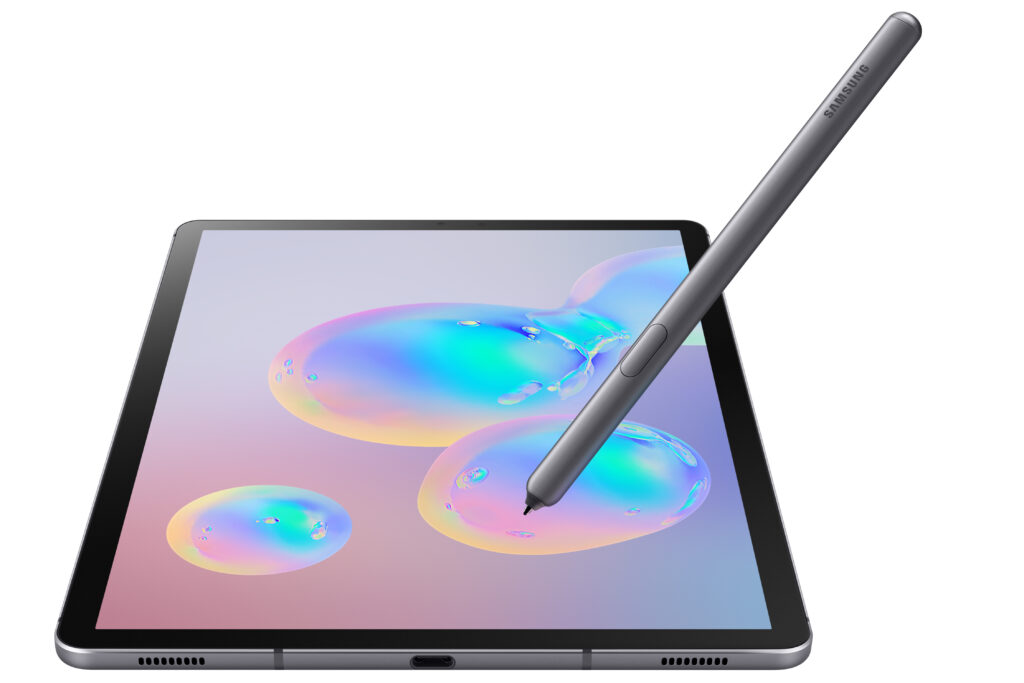
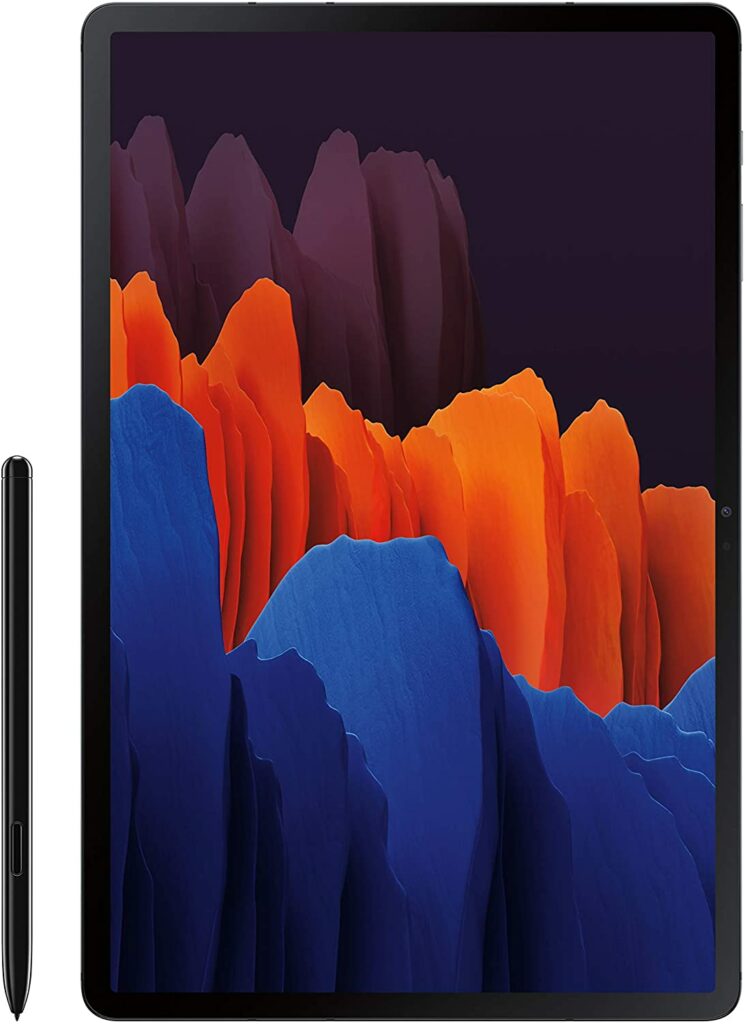
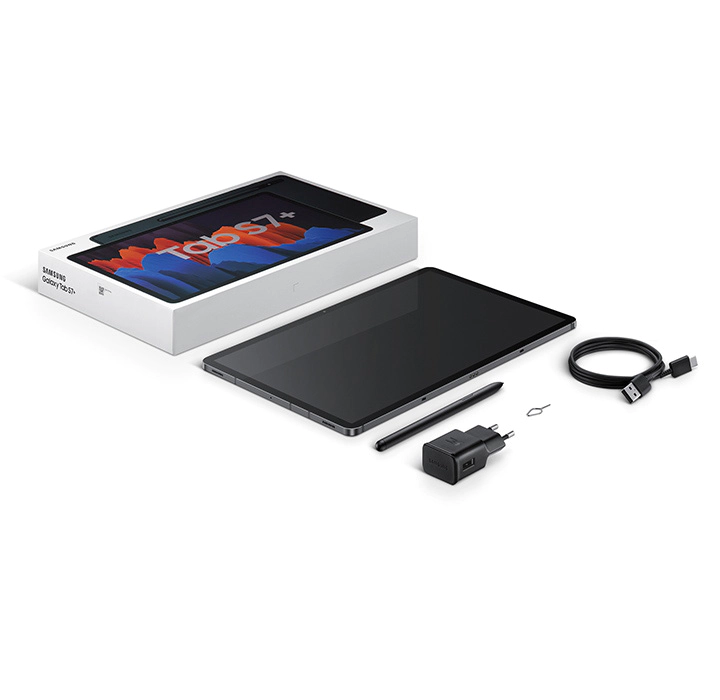
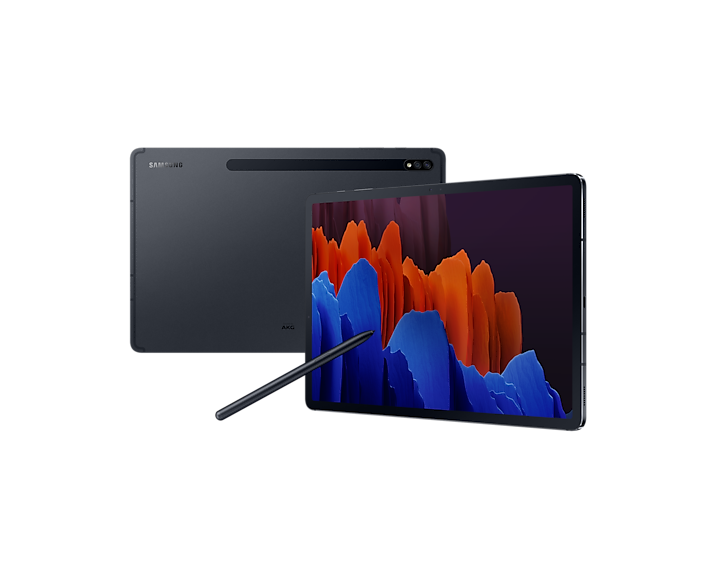
Without a doubt, this unit can easily go toe-to-toe with Apple’s latest 2021 release, the Apple Ipad Pro including the M1 chip. That’s how good the Galaxy Tab S7 Plus is. In addition to that, you don’t even have to pay for any additional costs for the supporting accessories. The S Pen is included in the box once you purchase this particular unit.
That’s a pretty sweet deal, right? But it doesn’t end there.
Endless Productivity
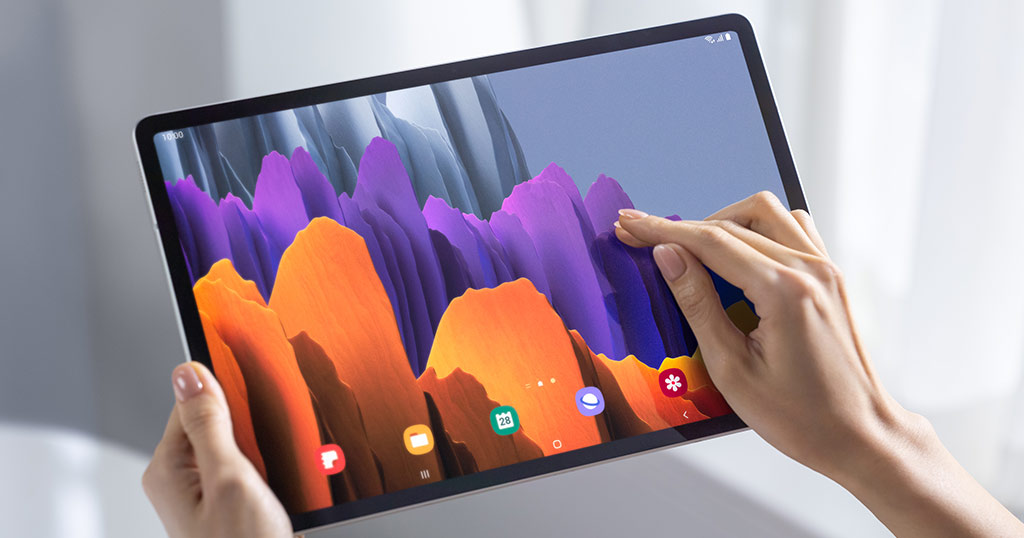
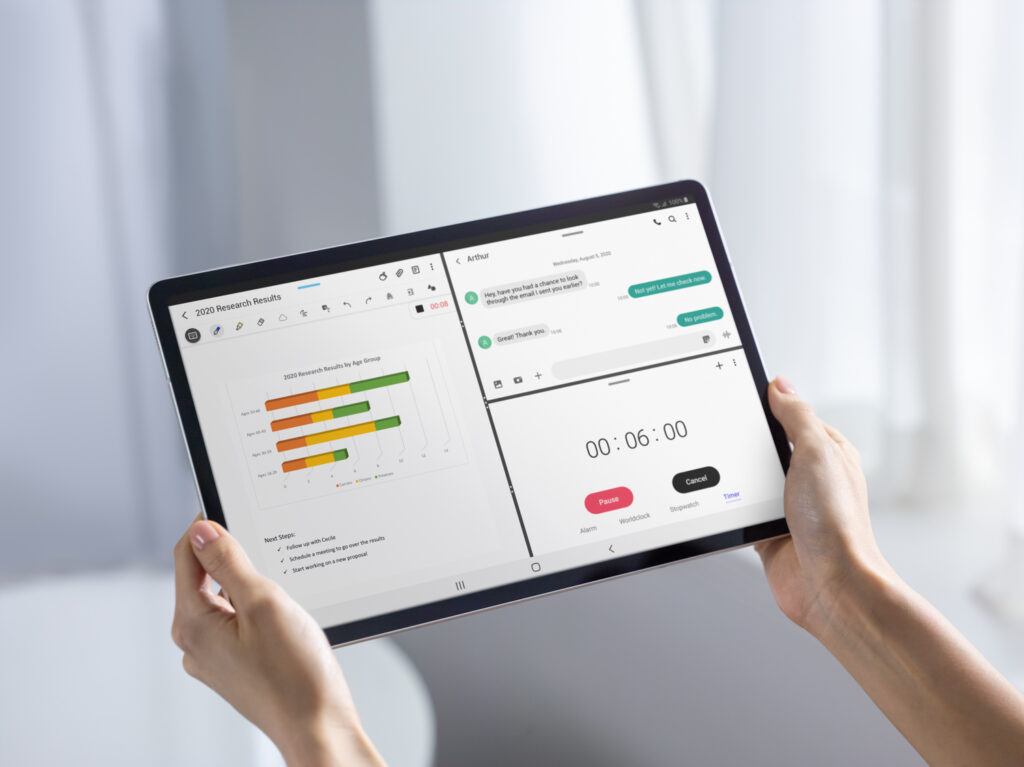
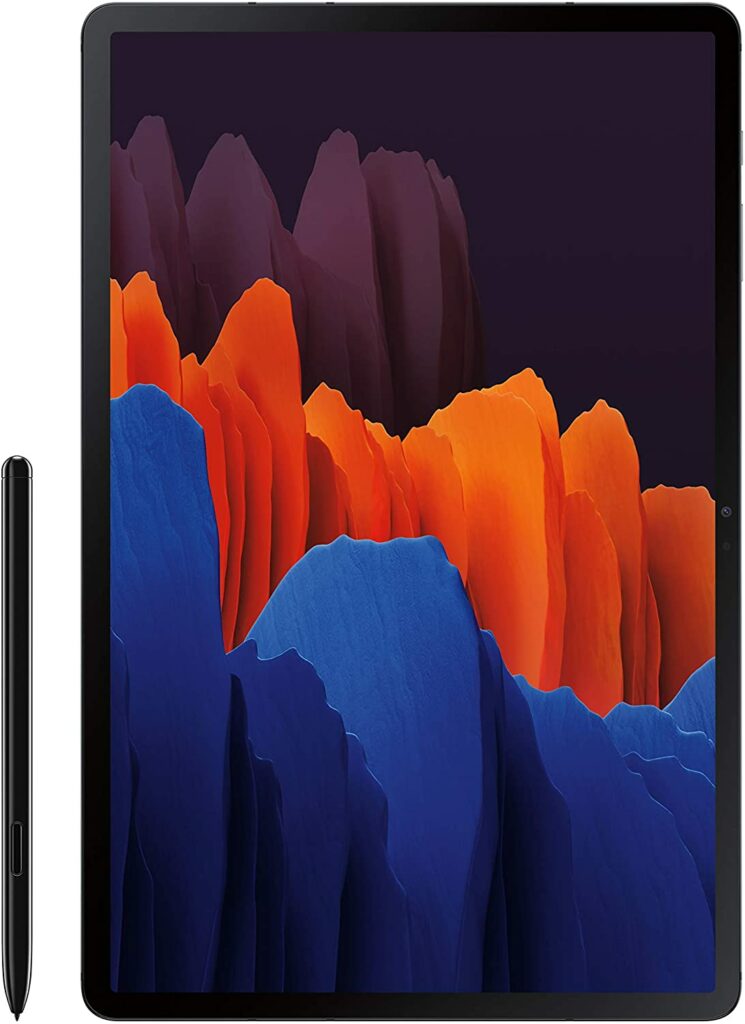
With a 12.4-inch Super AMOLED screen that boasts a 120 Hz refresh rate, the possibilities for productivity and even gaming on this tablet are almost endless. Whether you’re a student, an employee, or a gamer, you are going to love how fast and quick the response rates are in the Galaxy Tab S7 Plus.
Moreover, the big and colorful display also allows you to appreciate the stunning graphics of even the most graphics-demanding games on mobile as well as the ability to crank up your game settings to the highest resolution possible for the most immersive experience.
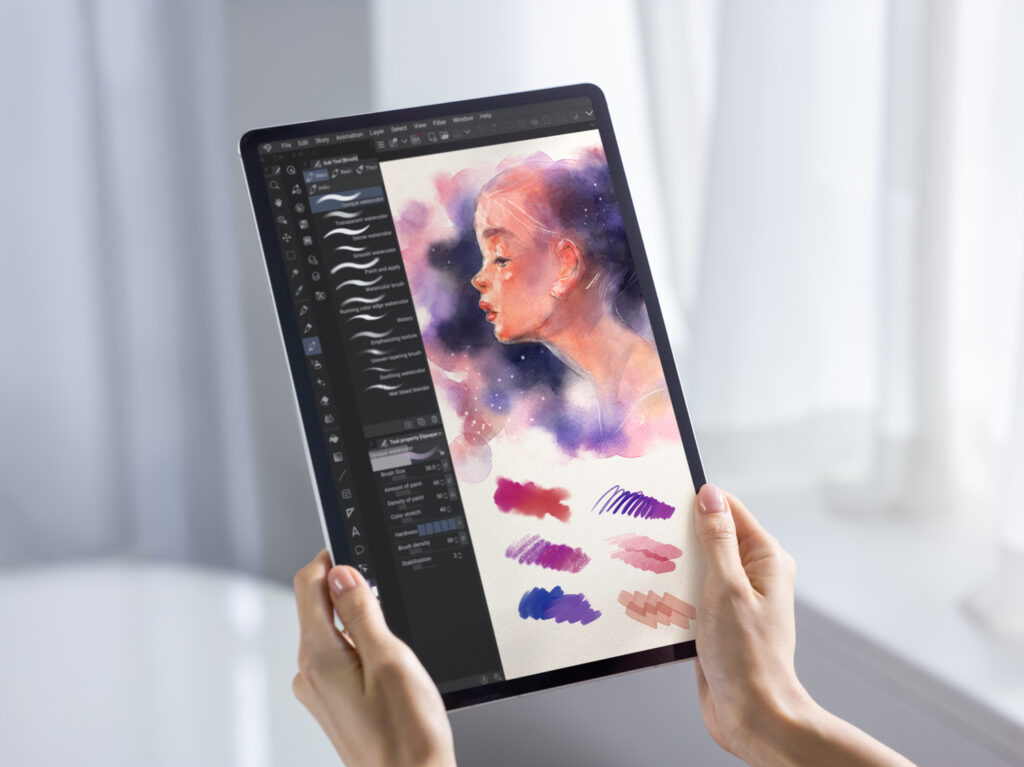
If you’re not a gamer or an office employee and you lean more towards the arts, the S7 Plus does amazing in terms of illustrating and digital drawing. Thanks to its 120 Hz refresh rate, using the S Pen feels natural against the screen. There are no delays or lags when you draw and the screen has great color accuracy as well.
Samsung DeX
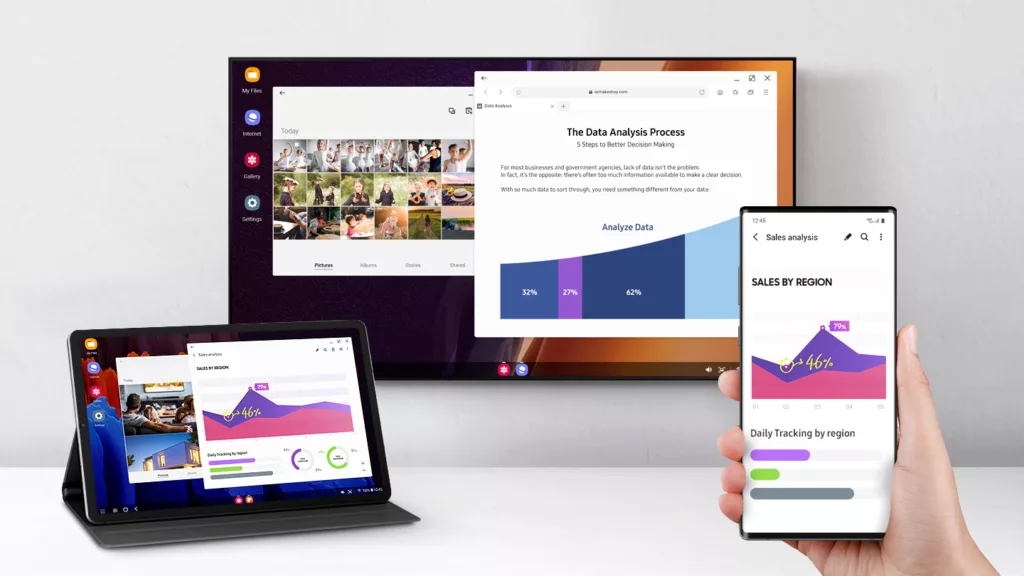
What’s more, Samsung also now offers DeX mode for anyone who wants to use selected Galaxy devices like a PC. If you’re unaware, Samsung DeX allows users to maximize their device’s multitasking potential by letting certain Galaxy units like the S7 Plus act as a PC.
With one tap on the Quick panel, you will be able to switch to DeX mode. Just open multiple windows, drag, drop, and right-click for more functions.
If that’s not enough for you, the built-in storage starts at a base of 128 GB for internal storage along with either 6 GB or 8 GB of RAM. That is already a lot of internal storage in my opinion and most casual users would find that enough for their daily tasks.
But if you’re someone who handles heavier workloads on a day-to-day basis, the S7 Plus’ storage can also go up to 512 GB for an added cost. In addition to that, you can also opt to expand the external storage for up to 1 TB. That being said, you won’t have to worry about the S7 Plus lacking in terms of memory or even RAM.
Features & Specifications
Product Dimensions: 0.22 x 7.28 x 11.22 inches
Manufacturer / Brand: Samsung
Item Weight: 2.01 lbs.
Screen Size: 12.4 inches
Screen Resolution: 2800 x 1752 Pixels
Operating System: Android 10.0
Wireless Communication Technology: Wi-Fi, Bluetooth
CPU: Qualcomm Snapdragon 865 Plus
RAM: Either 6 GB or 8 GB of RAM.
Storage: 128 GB, 256 GB, and 512 GB. (expandable up to 1 TB of external storage)
One of the first things that you’ll notice when checking out the Samsung Galaxy Tab S7 is its bright Super AMOLED, 12.4-inch screen display. Just for media consumption alone, you will easily enjoy things like watching your favorite shows or movies on this device.
Not to mention, it also packs a fast 120 Hz refresh rate, making this tablet so smooth and seamless as you operate it. Overall, you’re getting one of the best displays you can find on a tablet in the market right now.
Powerful Hardware
Inside of the S7 Plus, you will see that it runs on Qualcomm Snapdragon 865 Plus. If you’re unaware, this particular chipset is one of the fastest processors currently available for any Android platform or device.
So if you’re planning to do some heavy workloads or intense gaming on this tablet, you should encounter little to no problems. Apart from using a powerful CPU, the S7 Plus has also two variants for you to choose from, 6GB or 8GB of RAM. It all depends on what you’ll be needing or requiring for your daily tasks.
When it comes to storage, you also have a few options. You can either get the base 128 GB or go bigger with the 256 GB variant or the 512 GB of internal storage. Additionally, the S7 Plus also allows you to expand its external memory for up to 1 TB by using a MicroSD card.
Amazing Versatility
If you’re someone who prefers to use one device for your work needs, your gaming, and other activities, then the S7 Plus will surely not let you down. This will easily be your best friend to accompany you in your daily activities.
Not only does the S7 Plus helps you get your work done, but it also offers an overall amazing gaming experience as its powerful chipset allows you to run even the most demanding games on the highest resolution without any stuttering or frame rate issues.
If you’re an aspiring artist or work in graphics or layouts, the S7 Plus will surely give the Apple iPad a run for its money. The speedy refresh rate lets you enjoy a smooth drawing and illustrating experience that is almost similar to drawing on paper due to the almost zero delay.
DeX Mode
Another feature that contributes to the S7 Plus’ versatility is Samsung’s latest technology called DeX Mode. I have already explained this earlier but let me just reiterate for a more thorough description.
Essentially, Samsung DeX allows certain selected devices to multitask more efficiently by simply connecting your Galaxy device to your monitor or TV to bring it to life on the big screen. Moreover, with just a USB cable, you can now also unlock your phone’s possibilities on PC and Mac through Samsung DeX.
When it comes to the Galaxy Tab S7 Plus, you can easily switch to browser mode just by tapping on your tablet’s Quick panel and it will go into DeX Mode right away, allowing you to use your tablet just like a PC.
As someone who struggles with multitasking daily, this is probably one of my favorite features to be introduced by Samsung as it just allows for easier transitions between browser mode and tablet mode.
Our Least Favorite Thing About The Samsung Galaxy Tab S7 Plus
Steep Price
With amazingly advanced features, come with an insanely expensive price tag.
True, it’s not as expensive as the latest Apple iPad Pro and you’re also getting the S Pen for free, but the Samsung Galaxy Tab S7 Plus is undeniably still a very expensive device. It’s by no means a budget-friendly tablet and if you were looking for something more affordable, this might not be the tablet for you.
At the same time, you’re also paying for what you get. The S7 Plus is easily one of the best performing Android tablets in the market right now. With its only real competition being Microsoft’s Surface Pro lineup and the Apple iPads. So at the end of the day, it’s up to you to decide whether this particular device is worth the splurge or not.
In A Nutshell
Now that we have discussed the things we loved and disliked about the Samsung Galaxy Tab S7 Plus, here is a narrowed-down list of the good and the bad with this particular Android tablet.
Pros
Sleek and lightweight design.
S Pen is already included in the box.
Impressive Super AMOLED display screen.
Expandable external storage for up to 1 TB.
Great for gaming as well as professional activities like graphic designing and digital art and other daily workloads.
Fast and powerful performance.
Cons
It lacks a headphone jack.
Android generally lacks quality tablet apps in comparison to Apple’s iOS.
Expensive.
Final Verdict
Overall, the Samsung Galaxy Tab S7 Plus is definitely one of the best Android tablets you can get your hands on right now. While it still remains inferior to Apple’s iPad due to its dedicated OS, there are still plenty of ways to maximize this tablet’s full potential.
Unless you’re on a budget or prefer an Apple device, then I highly suggest considering this one for your next tablet purchase.
Do you already own the Samsung Galaxy Tab S7 Plus? How were your experiences using this tablet? Let me know in the comments section below. I would love to hear your thoughts!
Affiliate Disclosure: I am grateful to be of service and to bring you content free of charge. In order to do this, please note that when you click links and purchase items, in most cases I receive referral commissions. Eventually, I may earn enough to buy a beer or two.
Portable gaming has come a long way in the past years. From dedicated handheld consoles like the Nintendo gaming devices to smartphones and now, you can also use your tablets for your on-the-go gaming. That’s why for today, I’ll be giving you my top picks for the best Android tablet for gaming in 2021.
While a lot of you might prefer something more mobile like a smartphone, your overall gaming experience might prove to be a lot better if you have a bigger screen.
Laptops are too big and heavy nowadays, plus they take up too much space in your backpack. Not to mention, the lightweight options for a laptop are sometimes just not too powerful enough to run the games we want smoothly.
But something that balances portability, a bigger display size, and power is a tablet. It can be powerful enough to run even the most demanding games on mobile without taking up too much space in your bags. Some are even as good as laptops!
All you have to do is pair it with a keyboard and mouse and voila! You have yourself a makeshift laptop.
That’s why some players around the globe prefer to carry tablets around for their gaming and even professional needs. But with the market brimming and oversaturated with so many tablet choices, it can be quite confusing which one works the best for gaming.
So to help you narrow down your choices, I have compiled a list of the best Android tablets for gaming in 2021 just for you.
Why Choose An Android Tablet?
While smartphones still reign supreme in terms of portability, a tablet’s bigger screen can bring you a more overall immersive experience. Gone are the days when hardcore gamers see tablets as a joke in the gaming community. Nowadays, more and more people are embracing mobile gaming and see this just as competitive with PC gaming.
In addition to that, with so many companies and brands coming out with tablets with very powerful processors, it’s quite hard to stop the increasing popularity of gaming on the go with tablets. Understandably, some might still prefer PC gaming, but having the ability to bring your games wherever with you is still a great option to have.
Tablets vs. Smartphones
But why choose a tablet over a smartphone? There’s a ton of reasons why. First, gaming itself is a visual experience. And the tablet’s obviously bigger display size allows gamers to have better visuals with the games they are playing.
If you have small hands, a smartphone might be enough for you but if you’re someone who likes to look at a bigger screen and want to have bigger control options, then a tablet would be perfect for you. You won’t have to worry about clicking on the correct buttons because your fingers are too big and any other related problems.
Other than that, who would want to choose to play games on their primary device and lose out on battery life quickly before your day even ends?
Let’s face it, most of us cling to our smartphones to help with our existing tasks already on a daily basis. So having a separate device to run our games can be quite practical if you have the budget to spare.
Moreover, tablets that use Android for their operating system are just a lot more accessible and affordable in comparison to Apple’s iOS. As you already know, iOS does have more restrictions and limitations when it comes to the games you can download. While Android is just overall a lot more flexible and customizable.
Not to mention, Apple’s lineup of iPads is just really darn expensive. Meanwhile, Android tablets have a broader range of units to choose from and have varying price points that are sure to fit anyone’s budget.
Our Top Recommendations
Here are some of the best Android tablets you can buy in 2021 that will be perfect for your gaming needs!
1. Samsung Galaxy Tab S7 Plus
Overview
Taking our top spot on our list is the Samsung Galaxy Tab S7 Plus. While Samsung might have lagged behind just a little when it came to producing a tablet worthy of rivaling Apple’s, it’s safe to say that this particular model is definitely one of the best out there in the market.
This can easily go toe-to-toe with Apple’s latest release, the Apple Ipad Pro with the M1 chip. That’s how good the Galaxy Tab S7 Plus is. In addition, you don’t have to pay any additional costs for the supporting accessories. The S Pen is included in the box once you purchase this unit.
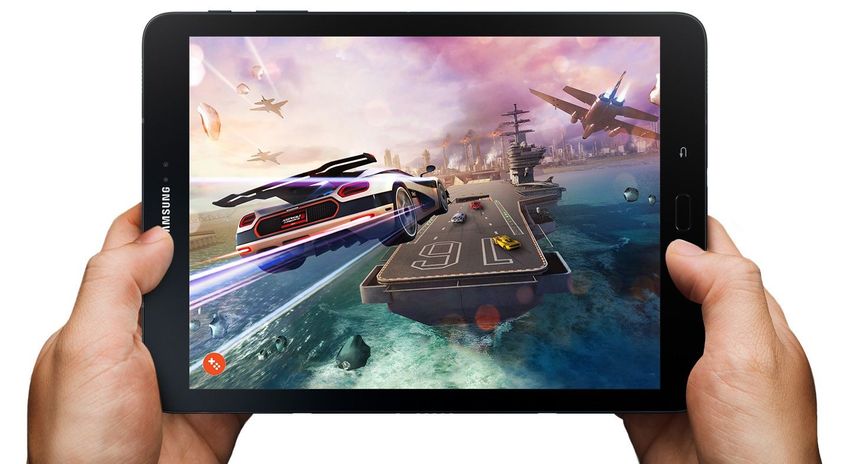
With a 12.4-inch Super AMOLED screen that offers a 120 Hz refresh rate, the possibilities for gaming on this tablet are practically endless. Just imagine how smooth and quick the response time would be when you’re an avid player of games like PUBG or Fortnite.
The big display also allows you to appreciate the stunning graphics of even the most demanding games on mobile as well as the ability to crank up your game settings to the highest resolution possible.
If that’s not enough, the built-in storage starts at a base of 128 GB and can go up to 512 GB for an added cost. But you can also opt to expand the storage for up to 1 Tb.
If you have the budget, I would suggest going for the maximum storage offered so you can freely install games like Genshin Impact without worrying if your memory is getting low.
The Microsoft Surface Pro 7 is one of the best and most versatile devices I have come across in the market. While it’s not entirely an Android tablet, it’s still an overall excellent machine for people who needs to get things done while they’re on the go.
It’s amazingly lightweight and easy to carry around in your backpack without adding too much extra weight. This particular unit is perfect for students and employees due to its impressive 2-in-1 features that can handle multiple and different tasks at once.
Aside from those terrific attributes, the Microsoft Surface Pro 7 comes with Intel Core i3, i5, and i7 processors with varying price points.
Personally, the i7 processor is quite tempting but if you’re only going to use the tablet for gaming, the i5 is more than sufficient. Any mobile game in the market will most likely run with ease with just an i5 processor. But if you plan to use it for other tasks like work or online classes, then the i7 is perfect and definitely worth the splurge.
Though if you have heavier AAA titles to play, the i5 might need more a little more power to run them smoothly.
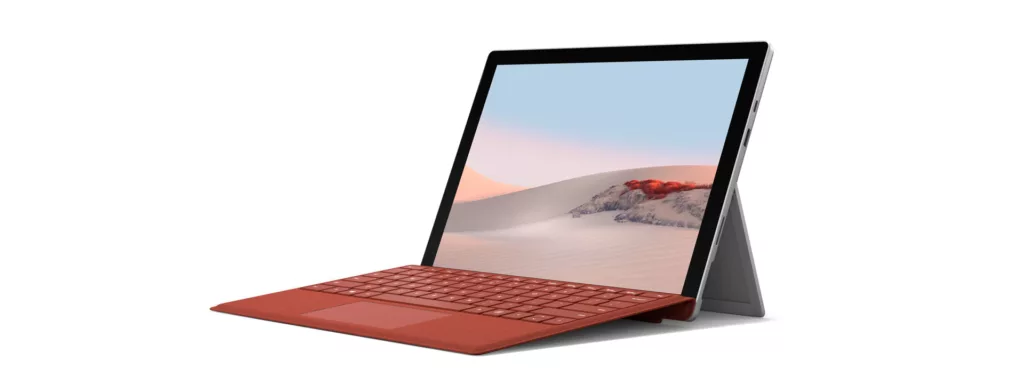
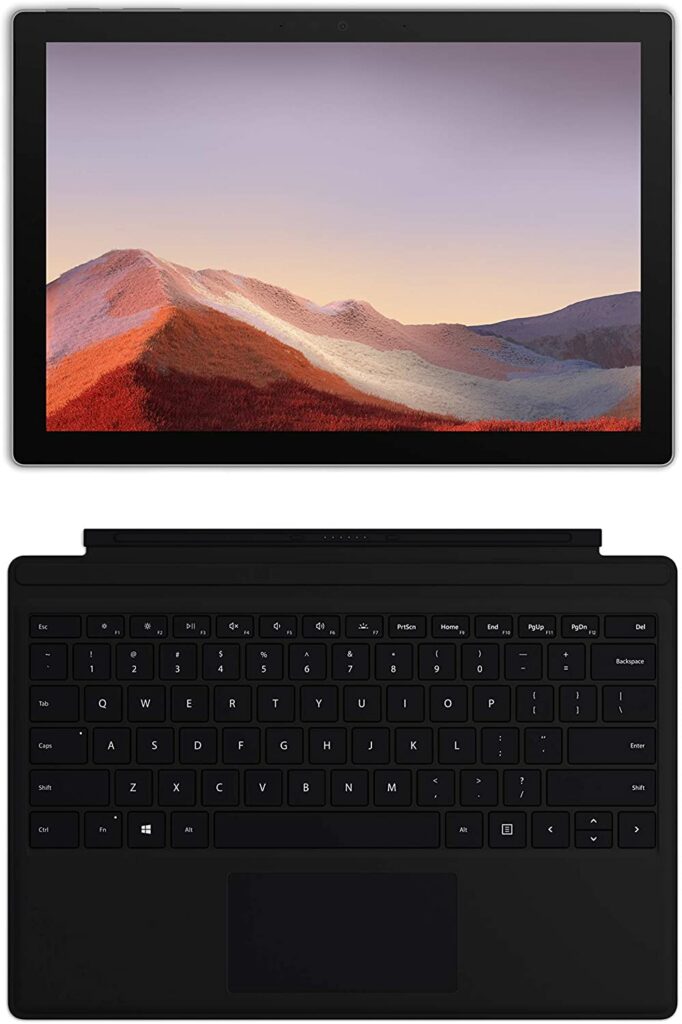
What’s more, one of the biggest selling points of the Microsoft Surface Pro 7 is its ability to shapeshift into a laptop efficiently. Just simply connect the accompanying keyboard and you can start your work or games right away.
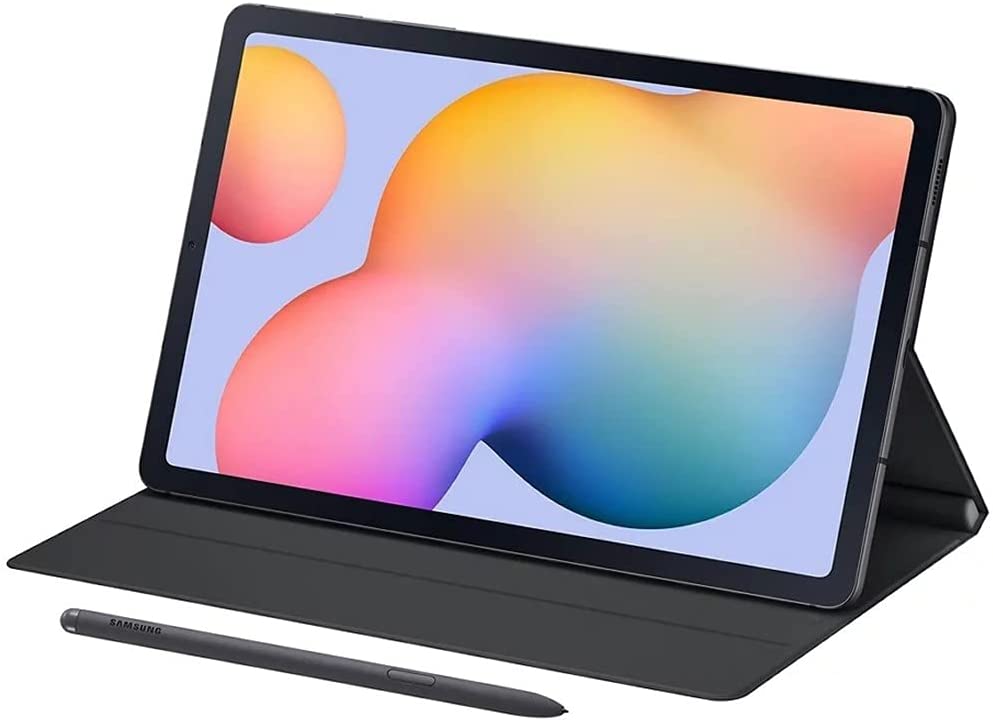
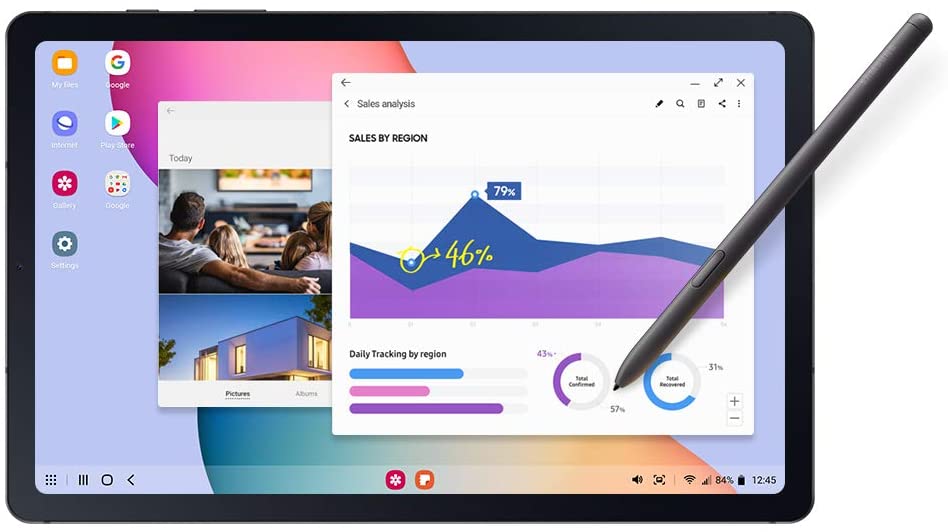
Another tablet from Samsung is the Galaxy Tab S6 Lite. If the price of the Galaxy Tab S7 Plus seems too much for you, then this is the next best thing for people who are on a budget.
The Samsung Galaxy Tab S6 Lite is actually a more compact version of the Galaxy Tab S7’s predecessor, the Galaxy Tab S6. And since the S6 is technically a last-gen device, you can expect that the price point has gone down ever since its release.
But I hope that doesn’t put you off. Despite Samsung already moving on to the S7 Plus, the Galaxy Tab S6 Lite is still pretty more than capable of handling your games. Offering an Exynos 9610 chipset with options for either 4 GB or 6 GB of RAM, and up to 128 GB of storage, this small Android tablet packs a hefty punch.
While some of you might be tempted and feel like you’re missing out on the Super AMOLED display of the S7 Plus, the 10.4-inch WUXGA+ screen on the S6 Lite still performs admirably for a TFT LCD display.
Most games shouldn’t have a problem running on the S6 Lite as long as the graphics settings are adjusted accordingly. Moreover, the 13 hours of battery life on this unit should be more than enough for most gamers who are on the go.
Obviously, this is still quite a step-down from Samsung’s latest release but you get what you pay for and the S6 Lite is not that bad at all. It’s just up to you and what you’re willing to spend.
Features & Specifications
Product Dimensions: 0.28 x 6.07 x 9.63 inches
Manufacturer / Brand: Samsung
Item Weight: 1.55 lbs.
Screen Size: 10.4 inches.
Screen Resolution: 2000 x 1200 (WUXGA+) TFT
Operating System: Android
Wireless Communication Technology: Wi-Fi, Bluetooth, GPS
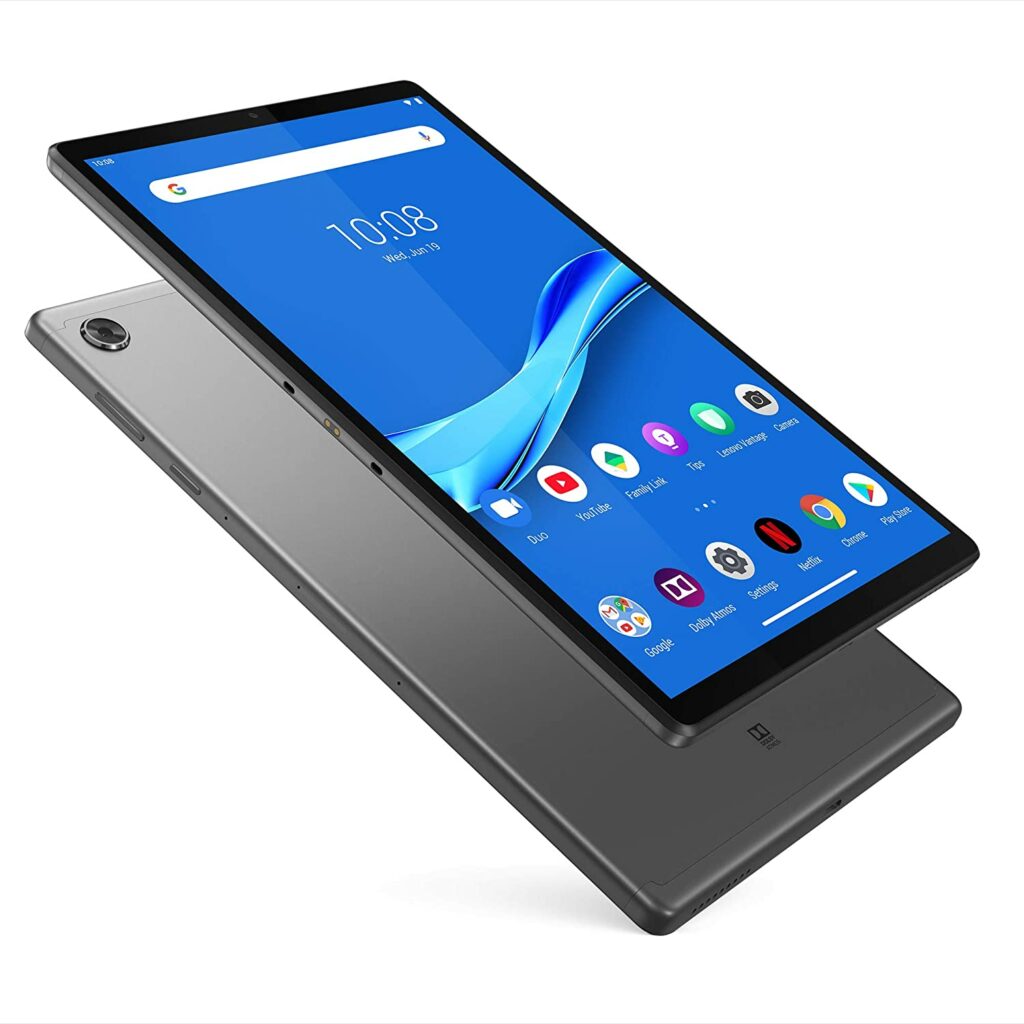
Another budget-friendly option in this list is the Lenovo Tab M10 Plus.
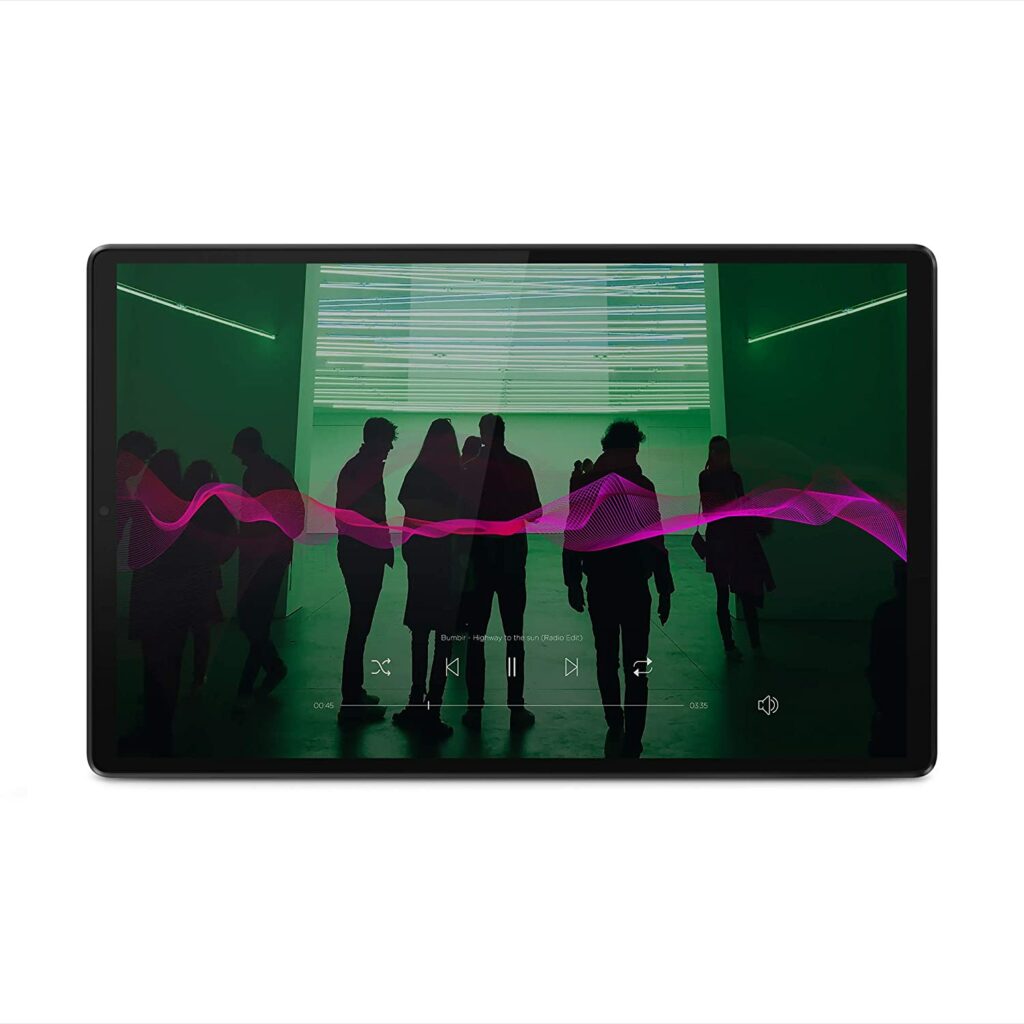
This particular value-packed tablet is suitable for gaming thanks to its 4 GB of RAM, up to 128 GB GB of storage, MediaTek P22 Tab, Octa-Core chipset, and a bright, colorful 10.3″ FHD IPS display.
While admittedly, this is not the most high-tech or advanced specifications, it’s best to keep in mind that most budget-friendly or entry-level tablets can’t really be compared to flagship models. However, this should be enough for most mobile games that are not too extensive in the graphics department.
More graphics-demanding games can still work if the settings aren’t maxed out and are tweaked to avoid overheating and quick battery drainage. But even then, you might still want to lower your expectations and get ready for stuttering and frame rate issues from time to time.
Overall, the Lenovo Tab M10 Plus is still a pretty great contender on this list and is perfectly suitable for more casual gamers who just want a tablet that can run their games decently without splurging a lot of money for a more premium device.
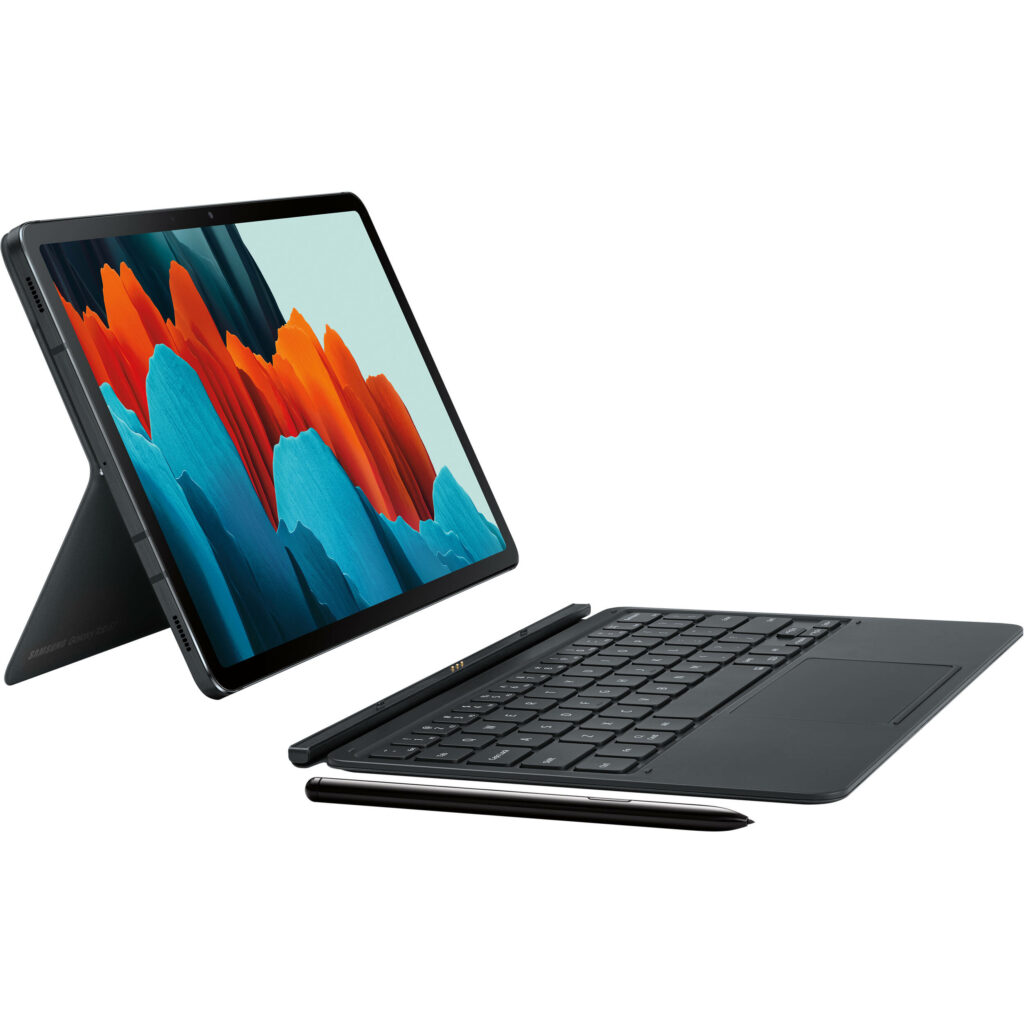
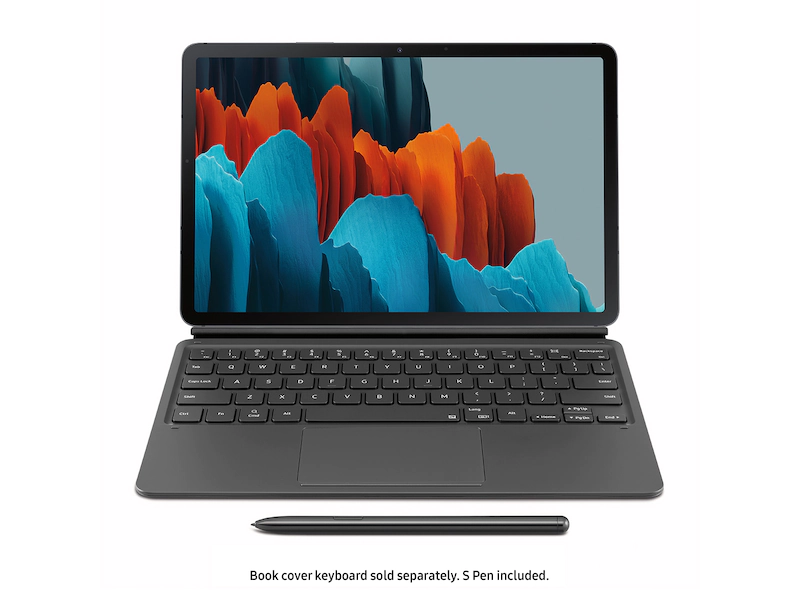
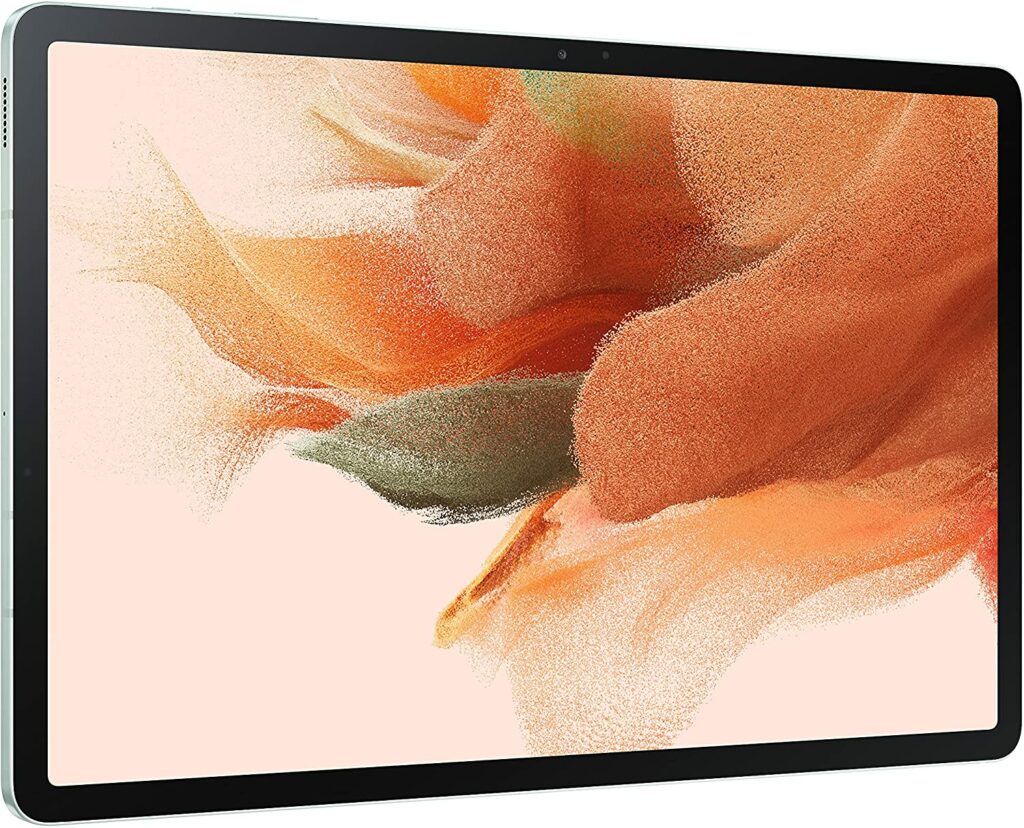
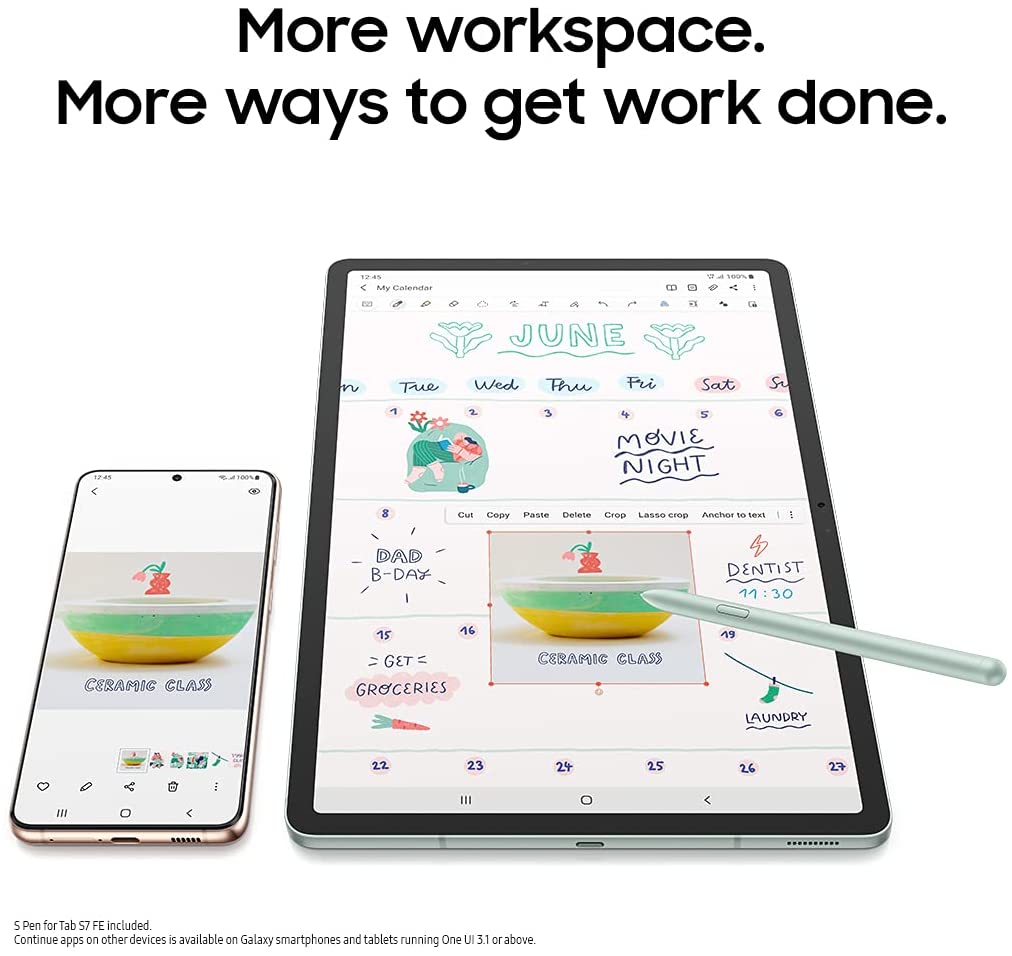
The Samsung Galaxy Tab S7 FE is another more affordable option for those who can’t afford the flagship Galaxy Tab S7 Plus. Though honestly if you ask me, the $500 price point still seems pretty steep to me. But it’s definitely cheaper than the S7 Plus.
There are obvious downgrades in this model in comparison to its predecessor but it is still a pretty powerful device that should run most games quite smoothly without much stuttering or facing issues with the frame rate.
However, do keep in mind that the S7 FE only has the mid-range Qualcomm Snapdragon 750G chipset, along with either 4 GB or 6 GB of RAM as your options. It’s still decent but you should expect adjustments on your games’ overall graphic settings.
On the bright side, unlike the S6 Lite variant, the S7 FE offers the full Galaxy Tab experience. This means you’re getting the same screen size as the S7 Plus, as well as DeX, Samsung’s new feature that enables you to use a desktop-like interface on your tablet.
Apart from gaming, the S7 FE works really well for other productivity tasks like work and online classes. It’s also good to know that this unit still comes with an inclusion of the S Pen.
Features & Specifications
Product Dimensions: 0.25 x 7.28 x 11.21 inches
Manufacturer / Brand: Samsung
Item Weight: 1.34 pounds
Screen Size: 12.4 inches
Screen Resolution: 2560×1600 px
Operating System: Android 11.0
CPU: Qualcomm Snapdragon 750G
RAM: 4 GB or 6 GB
Storage: 64 GB or 256 GB.
Batteries Used: 1 Lithium ion batteries required. (included)
Battery Life: More than 24 hours depending on usage.
Front Camera: 8 MP
Rear Camera: 5 MP
Colors: Mystic Black, Mystic Silver, Mystic Green, and Mystic Pink.
Accessories: S Pen (included), Book cover and keyboard are sold separately.
Extra Special Features: S Pen, Book cover and keyboard, free access to Samsung Mobile TV Plus, Samsung DeX.
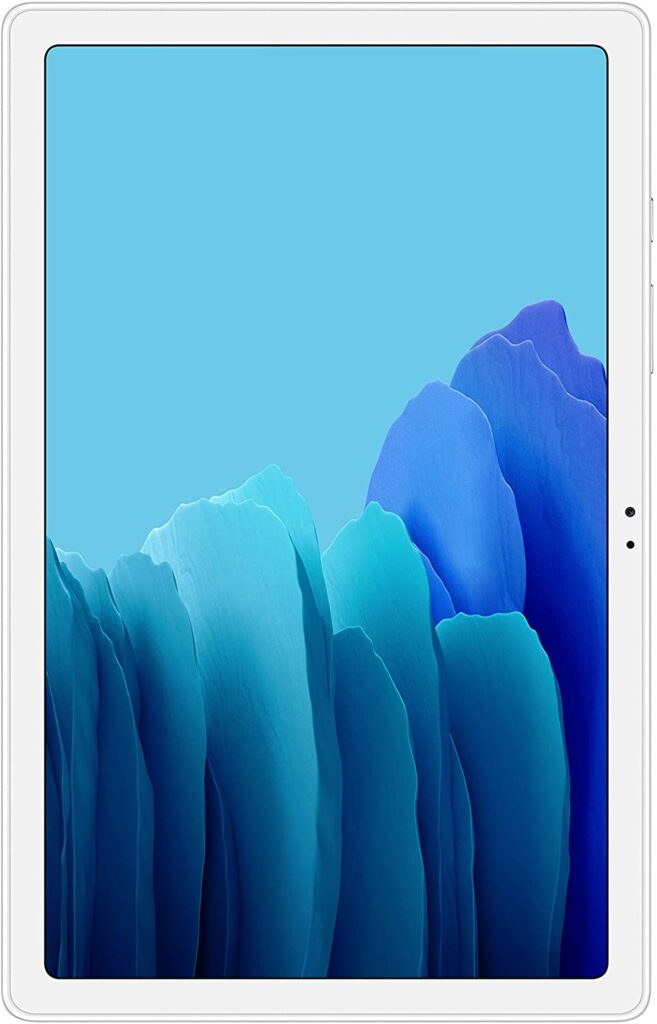
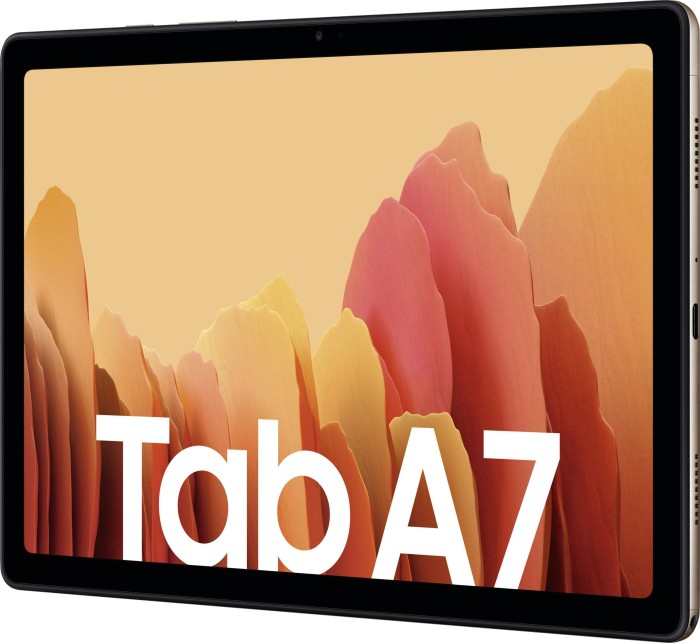
When it comes to entry-level and budget-friendly options for tablets, Samsung’s Tab A lineup seems to reign supreme in the market. This particular unit lets you enjoy some of Samsung’s best features you might spot in their more high-end models without breaking the bank.
With a pretty large screen coming in at 10.4 inches, an impressive battery life, an expandable storage of up to 1 TB, and a chipset of Octa-Core Exynos 9611, you can totally count on this tablet to serve you well for your mobile gaming needs.
The 3GB of RAM might seem too little, but it’s nothing some tweaking on your game’s settings couldn’t fix. However, more demanding games like PUBG and Genshin Impact might experience some lagging and issues with the tablet’s frame rates.
Features & Specifications
Product Dimensions: 0.28 x 6.2 x 9.75 inches
Manufacturer / Brand: Samsung
Item Weight: 1.05 lbs.
Screen Size: 10.4 inches
Screen Resolution: 2000 x 1200 (WUXGA+)
Operating System: Android Q
CPU: Qualcomm SDM865 Plus
RAM: 3 GB
Storage: 32 GB / 64 GB (expandable external memory: microSD up to 1TB)
Now that we have gone through our top picks for the best android tablet for gaming in 2021, here are some additional friendly reminders to keep in mind before making your final purchase!
Know Your Budget
With so many tablets out in the market, it’s pretty easy to get lost and be overwhelmed by your seemingly endless choices. But with an oversaturation of tablets, that also means that you will find a variety of tablets from different price ranges.
From budget-friendly deals to more high-end units, you are bound to find one that suits your needs.
That’s also why knowing and setting your budget for your next tablet purchase is very important as it can significantly narrow down your options and prevent you from straying far from what you can actually afford.
Nothing hurts more than finding a tablet you like then finding out that it’s out of your budget. So I highly suggest filtering out the prices when shopping through Amazon.
Keep In Mind The Games You’re Planning To Play
Another thing to keep in mind when shopping for your desired gaming tablet is knowing the games you are planning to play with it. Not every tablet in the market is built equally. Some have more powerful processors than others which allow them to play more demanding games smoothly.
But do remember that tablets that have these types of processors are usually more expensive. So set your expectations accordingly.
While most games have settings you can configure and customize to fit your tablet’s specs, it is still best to find out the minimum specs needed by your games. Trust me, this will save you a lot of trouble in the future.
However, I am aware that some players don’t really prioritize playing in the highest resolution possible and don’t mind setting their games in low resolutions so they can get more affordable tablets. So if you’re one of them, then that’s an option for you too.
Consider The Specifications & Features
Once you know the type of games you want to play on your chosen tablet, it can be pretty easy to base off your chosen tablet’s specifications and features on those certain games. You will want to make sure that the tablet has enough power to run those games as smoothly as possible for an optimum gaming experience.
Some of the most important things to consider in a gaming tablet are the RAM, storage, and the display. The higher the RAM, the better. As time progresses, so does the games that are being released in the market.
More and more games nowadays are a lot more demanding in terms of memory and graphics as well as needing an adequate amount of power to run them. So if you want to make sure that your tablet has enough power and memory, I highly suggest opting for a unit that has at least 4-8 GB of RAM with at least 128 storage capacity.
When it comes to a display, however, an AMOLED screen is always the best option. 4k resolution is not yet an option for tablets unfortunately but a lot of units from Samsung and other high-end brands still offer really amazing screen resolutions for their tablets.
It’s just up to your preference if you like your game’s graphics and visuals crisp and color accurate.
Battery Life
Battery life is important when choosing a tablet since you will most likely be carrying this outside whether for work, classes, or you just like to feel the fresh air while you’re gaming. The last thing anyone wants is for their device to run out of battery while they’re doing work or playing games.
So if you don’t want to worry about such incidents, getting a tablet with a beefy battery life is highly suggested. Though fortunately for you, most tablets nowadays can easily last up to 10 hours and even more than 24 hours depending on usage. Just use them wisely!
Portability
Another thing that shouldn’t be overlooked is your tablet’s weight and size. Especially if you will be carrying this around in your backpack wherever you go, you are going to want something that is completely lightweight and won’t take up too much space in your bag.
So look around for tablets that are slim, sleek, and aren’t too chunky.
Conclusion
Overall, tablets are a great alternative for gaming if you like a bigger screen size and find smartphones a little too small in your hands. At the same time, you don’t want to use up all of your phone’s battery on just gaming alone when you’re outside.
However, there is really little contest when it comes to Android tablets that might be suitable for gaming. After all, most tablets are usually made for other activities for productivity like work and online classes.
Every tablet in the market is built differently, most premium specs come at a cost and with more affordable options, you’ll have to sacrifice some really great features. At the end of the day, it’s really up to your preference and how much your budget will allow.
Do you already own any one of these Android tablets for gaming? Did your favorite make it to our list? How were your experiences with them? Do you have any suggestions or insights to add? Let me know in the comments section below. I would love to hear all your thoughts!