Affiliate Disclosure: I am grateful to be of service and to bring you content free of charge. In order to do this, please note that when you click links and purchase items, in most cases I receive referral commissions. Eventually, I may earn enough to buy a beer or two.
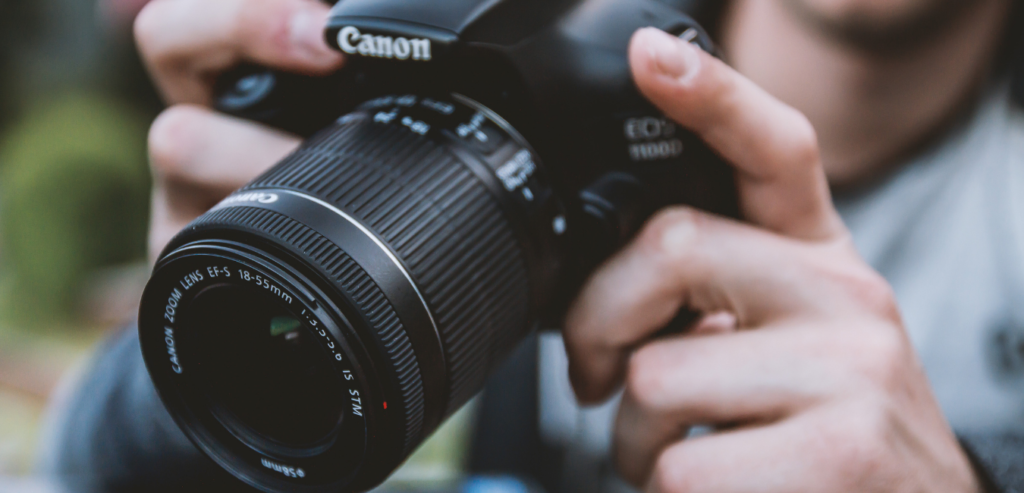
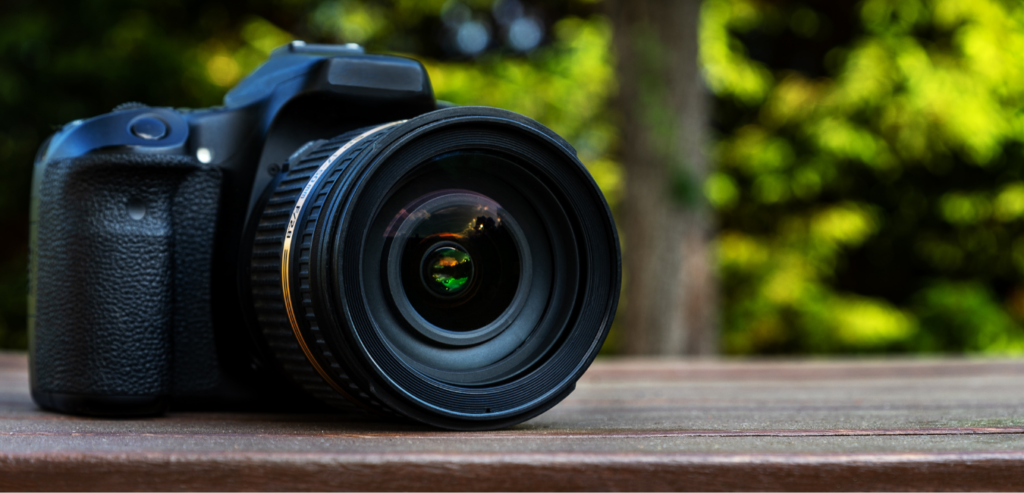
Taking photos has always been one of the best ways to commemorate some of the best moments in our lives. With these photos, we get to preserve those memories forever and have the ability to look back at them whenever we want. These days, our smartphones are usually enough to do the job. But if you want to go old school and try your hand with actual cameras, here are our top picks for the best camera for a beginner in 2021.
Why Get A Dedicated Camera?
Without a doubt, smartphone cameras are also becoming more and more advanced each year. Some even surpassing the quality of actual cameras in the market. So it’s pretty understandable if some of you may still be on the fence about whether it would be good to invest in a dedicated camera or stick with the one your smartphone provides.
Some of you may even be convinced that cameras are not worth buying in this day and age. Some may even say that the chunky DSLRs seem pretty outdated and are near becoming obsolete due to the significant decrease in demand.
However, if you’re really serious about your photography and you want an authentic experience of feeling like an actual photographer, nothing will beat holding an actual dedicated camera in your hands.
Smartphone Cameras Vs. Dedicated Cameras
While smartphone cameras are much preferred by the majority of people because they’re conveniently built into their main devices, you’re not really going to see professional photographers using a smartphone to record and shoot events, or commercials, or films. Even with professional vlogs, you rarely see anyone using their smartphones to record themselves.
In these cases, actual cameras like DLSRs still reign supreme. If you see yourself doing photography in the long run, a camera is hands down, a worthy investment.
Smartphone cameras tend to be limited in a lot of ways unless you’re using a flagship model like the iPhone 12 Pro Max or Samsung Galaxy S21 Ultra. Meanwhile, cameras like DSLRs offer the advantage of longevity and versatility.
With cameras like DSLRs, these gadgets are sure to last you for decades. You can also easily just swap out certain parts if you want an upgrade. No need to completely throw out your current unit if you’re on a budget. While you can’t really do the same thing with a smartphone camera and you’ll be wanting to upgrade every 3-5 years or so.
What Makes A Great Camera For Beginners?
The term “beginner” varies depending on the person. It can mean different things to different people. To some, it can mean having zero knowledge when it comes to photography. Which in this case, you’ll want to stick with entry-level camera models that provide plenty of manual options for you to tinker around with as you develop your skills.
Not to mention, entry-level models are often generally cheaper than the ones targeted for professional photographers. Not only this helps you save money, but it also prevents you from investing too much or wasting resources in case you realize that photography isn’t something you want to do in the long run.
But in the case that photography does become a long-term hobby or even a source of income for you, the best beginner cameras today should be able to offer a wide range of features that will really help nurture your skills.
In addition to that, a good beginner-friendly camera should also offer you the option to switch or swap lenses and other camera parts as you grow as a photographer. This will save you a ton of money whenever you wish to upgrade your camera’s features.
Fortunately for you, so many advancements have been made in our camera technology that the features we once only saw in flagship and high-end models can now be found in several numbers of entry-level models from different brands. Now, even rookie photographers have the capability and luxury to shoot and record videos at 4K as well as having high-resolution sensors.
Our Top Picks For Beginners
If you’re now ready to start your photography journey, just keep scrolling to read and see our top recommendations for the best cameras for a beginner this 2021.
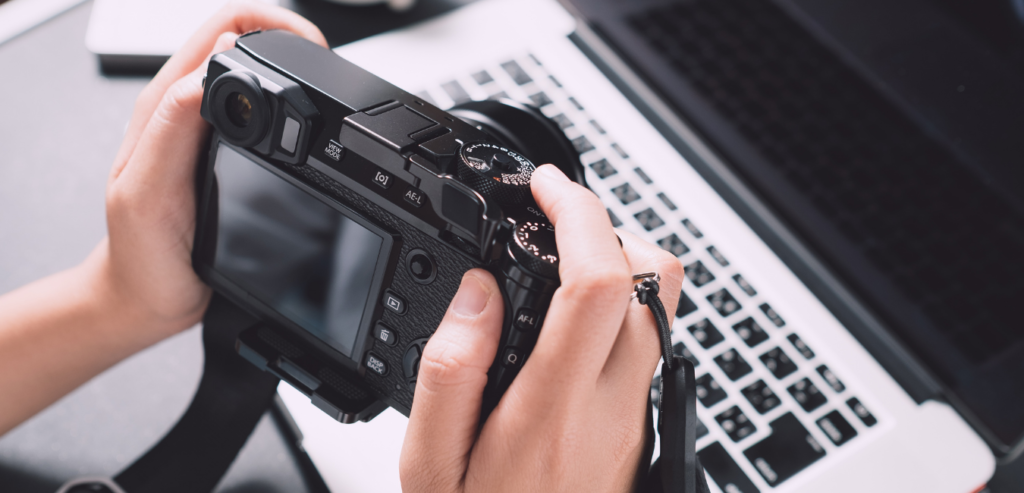
1. Fujifilm X-T200
Overview
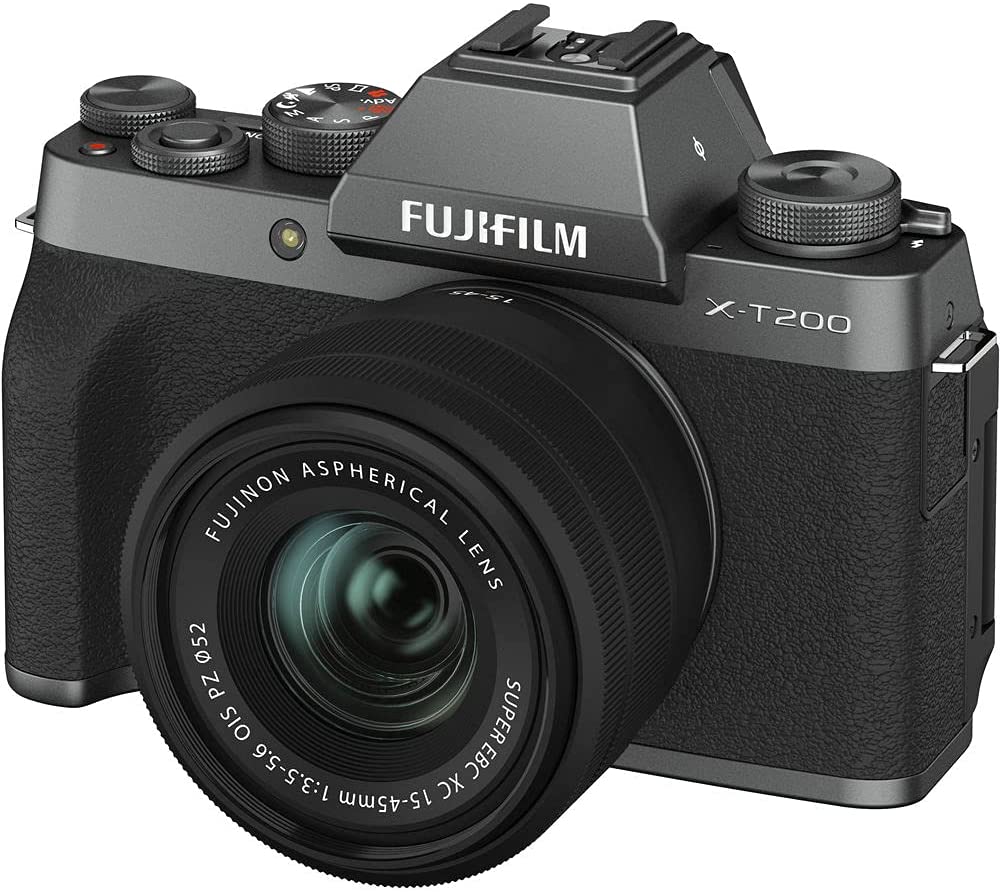
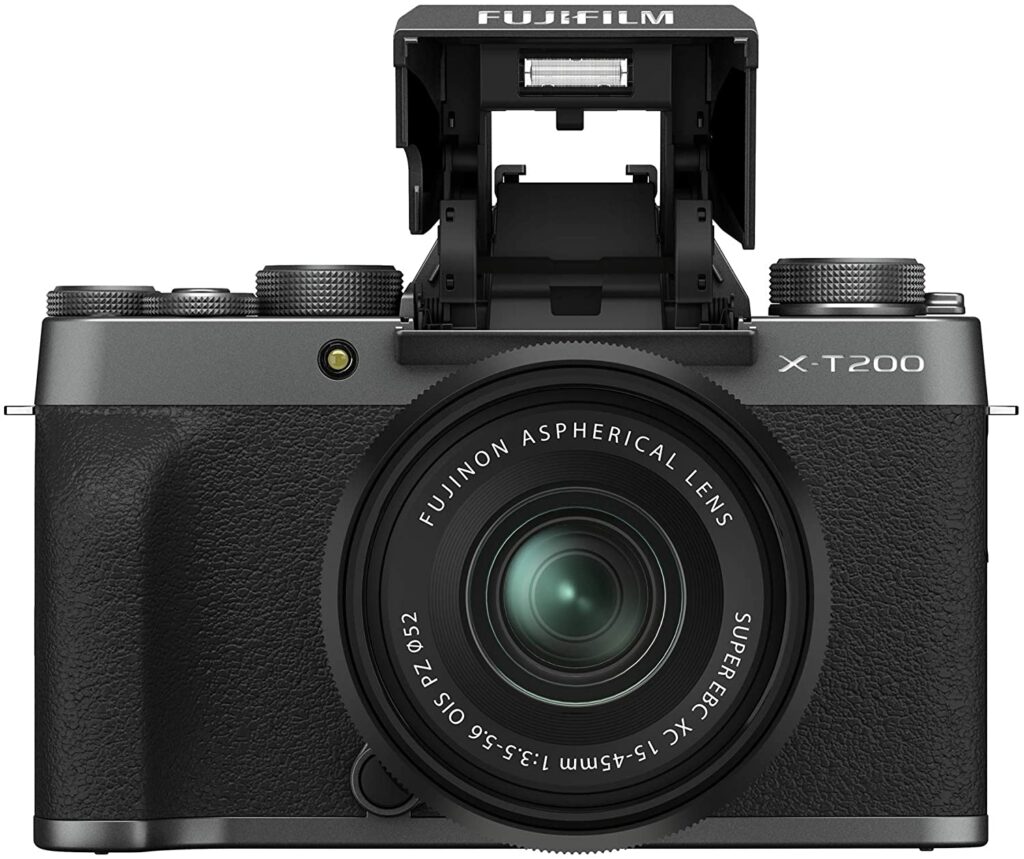
One of the best cameras you can get your hands on in the market right now is the Fujifilm X-T200. The main reason it sits on the top spot of our list is due to the fact that it’s the perfect balance between smartphone photography and having a professional interchangeable lens camera.
The Fujifilm X-T200 offers a wonderful balance of conventional physical controls along with touchscreen capabilities. The X-T200 also has 3.5 inches of display that provides easy-to-follow instructions for beginners, as well as a pretty decent viewfinder that makes it easy for rookie photographers to shoot images in broad daylight.
Additionally, the X-T200’s display can also be flipped around to face forward, making it ideal for people who love to take selfies and vlogging activities. Going back to its touchscreen functionality, this is another plus as it gives a sense of familiarity to people who are mostly used to navigating controls via a touchscreen on their smartphones.
To put it simply, adapting to this camera from your smartphone won’t be too difficult. But if you’re confident enough to experiment and tinker around with the X-T200, this model also offers physical controls such as a joystick and three dials.
Apart from its superior qualities, the X-T200 isn’t too bad to look at either. It sports a very vintage and old-school design that is sure to make you feel nostalgic for the 35mm SLR film cameras of the past.
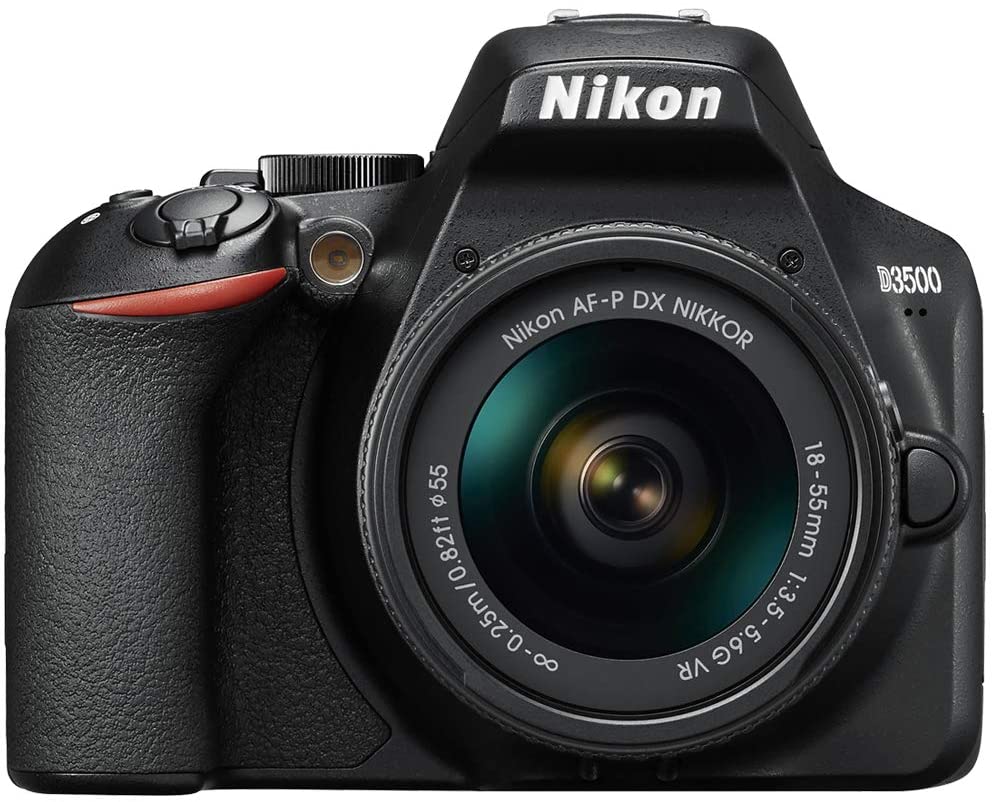
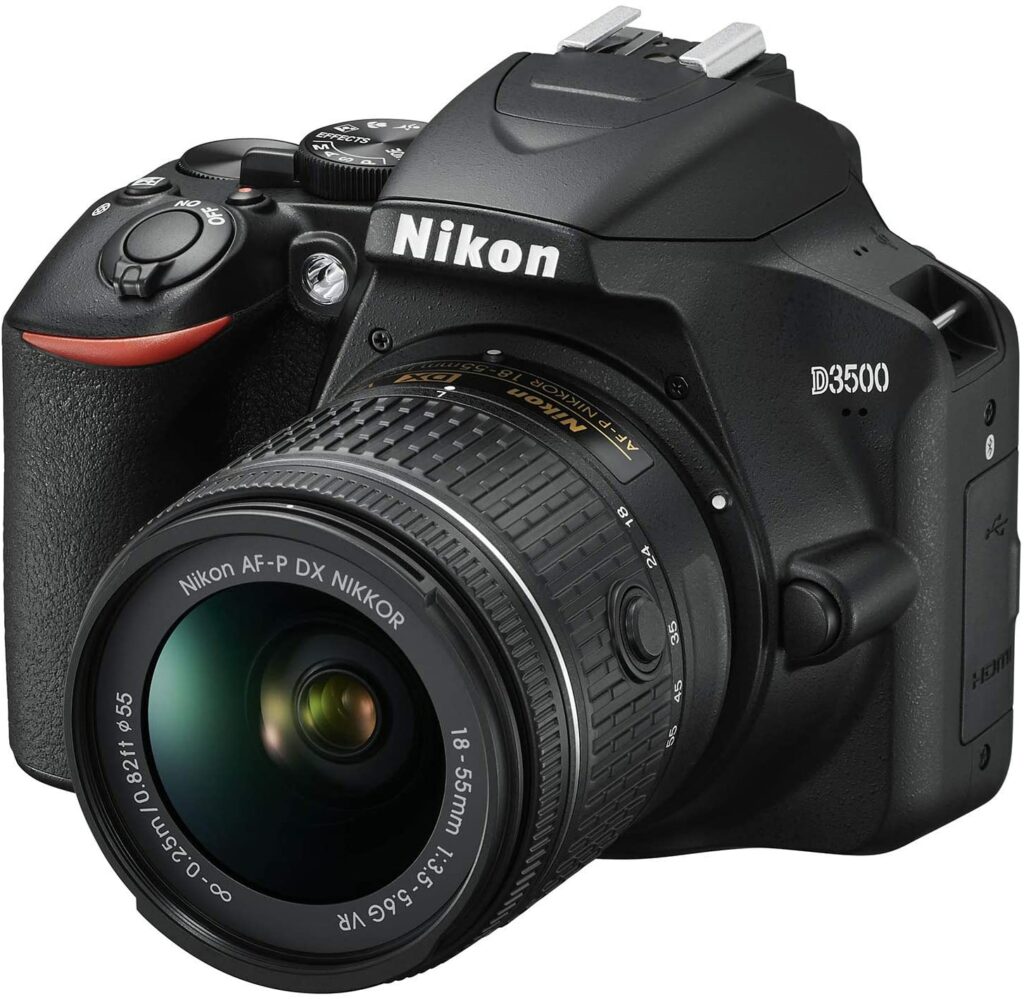
If you feel like photography is a path that you’ll be taking seriously in the long run, a great camera to start out with is the Nikon D3500. This beginner-friendly and fuss-free DSLR offers a “Guide Mode” that acts as a fully interactive manual that will explain seemingly complicated concepts to you so you have an idea of how to set up your photography and camera settings.
So if you were worried about DSLRs being too complicated for you, the Nikon D3500 will surely help you out on that aspect. Though if you can’t be bothered with tinkering around your camera, you can just easily put this on Auto Mode and start snapping away to your heart’s content.
When it comes to the Nikon D3500’s controls, they’re pretty straightforward and easy to follow once you get the hang of it. However, due to its inexpensive price, you have to expect that you’ll be missing out on a few advanced features you might spot on more high-end models from Nikon.
For example, unlike every other Nikon DSLR series, the D3500 offers no Custom Settings menu for customizing camera features to your liking. However, the image quality and overall performance you get from the D3500 are still extremely excellent for its price.
Not to mention, if you’re getting more serious about your photography and you feel like you’re ready for an upgrade, Nikon offers plenty of impressive lenses for you to choose from and invest in.
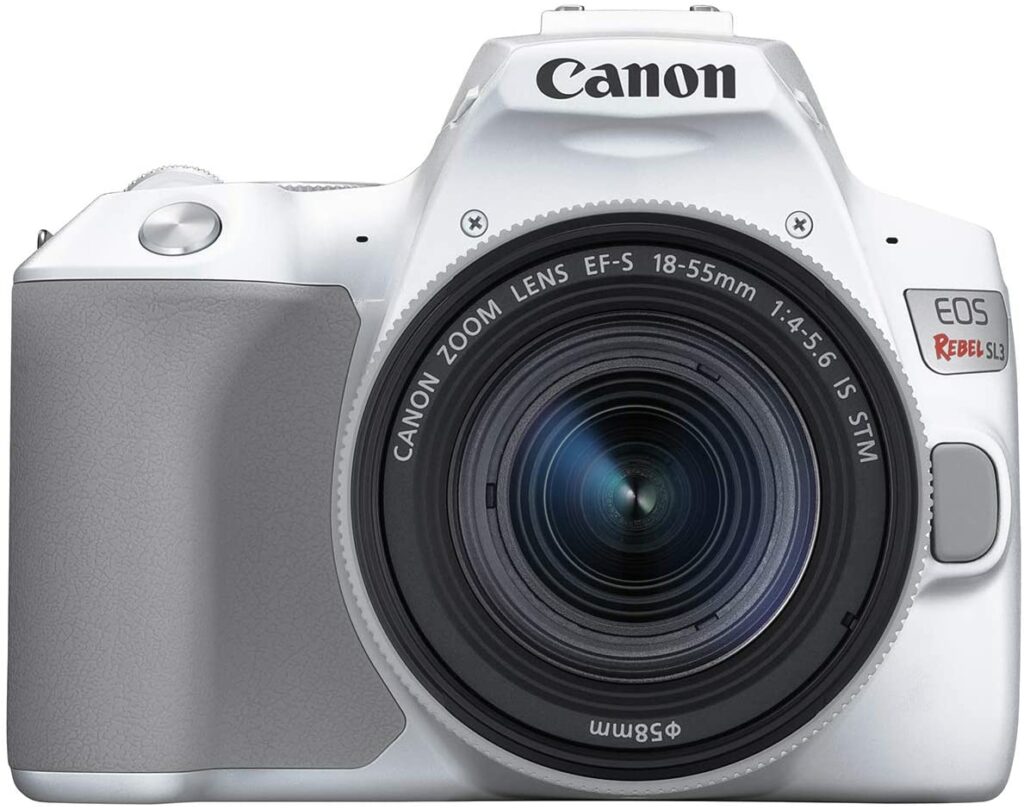
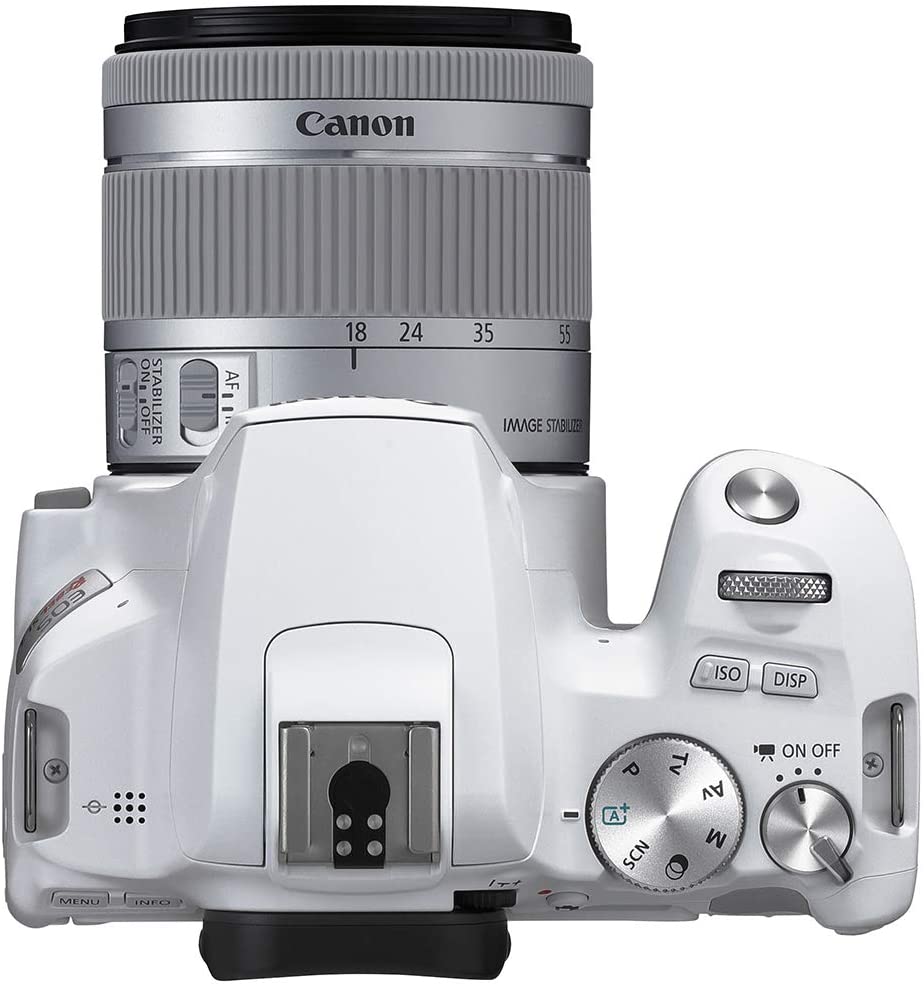
If you feel like the Nikon D3500 lacks certain features you’re desiring and you’re willing to spend a few more bucks in order to get that, you might want to set your eyes on the Canon EOS Rebel SL3.
The EOS Rebel SL3 offers some of Canon’s top-of-the-range features such as the APS-C sensor along with 24.1MP of photo resolution, 4K quality videos, and its brilliant Live View shooting, which is made possible thanks to the EOS Rebel SL3’s fully-articulating touchscreen display and Canon’s fast Dual Pixel CMOS AF autofocus.
The particular model also features an expansive focus area of approx. 88% horizontal and 100% vertical when working with select compatible EF lenses. The Eye Detection AF analyzes the image and automatically determines where to focus based on your subject’s eyes, helping you capture every moment you want to preserve with the sharpest details.
And if you’re worried about having to carry around a chunky DSLR camera in your bag, the EOS Rebel SL3 is actually one of Canon’s smallest and most lightweight models up to date. It is conveniently sized this way for everyday use and its compact construction is accompanied by excellent usability, including a rounded grip that can sit comfortably in your hand.
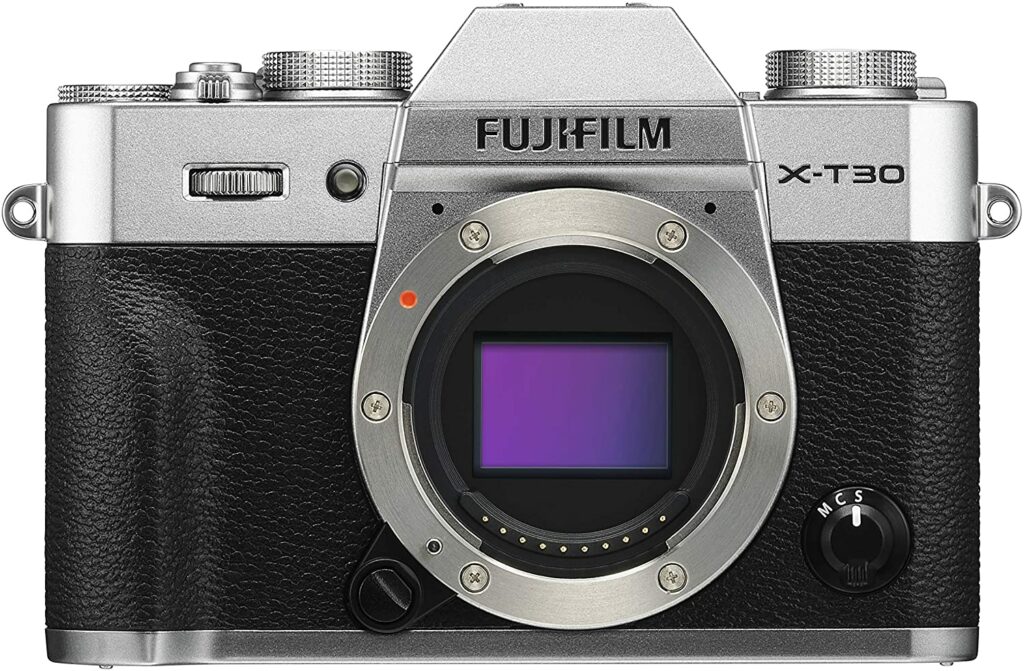
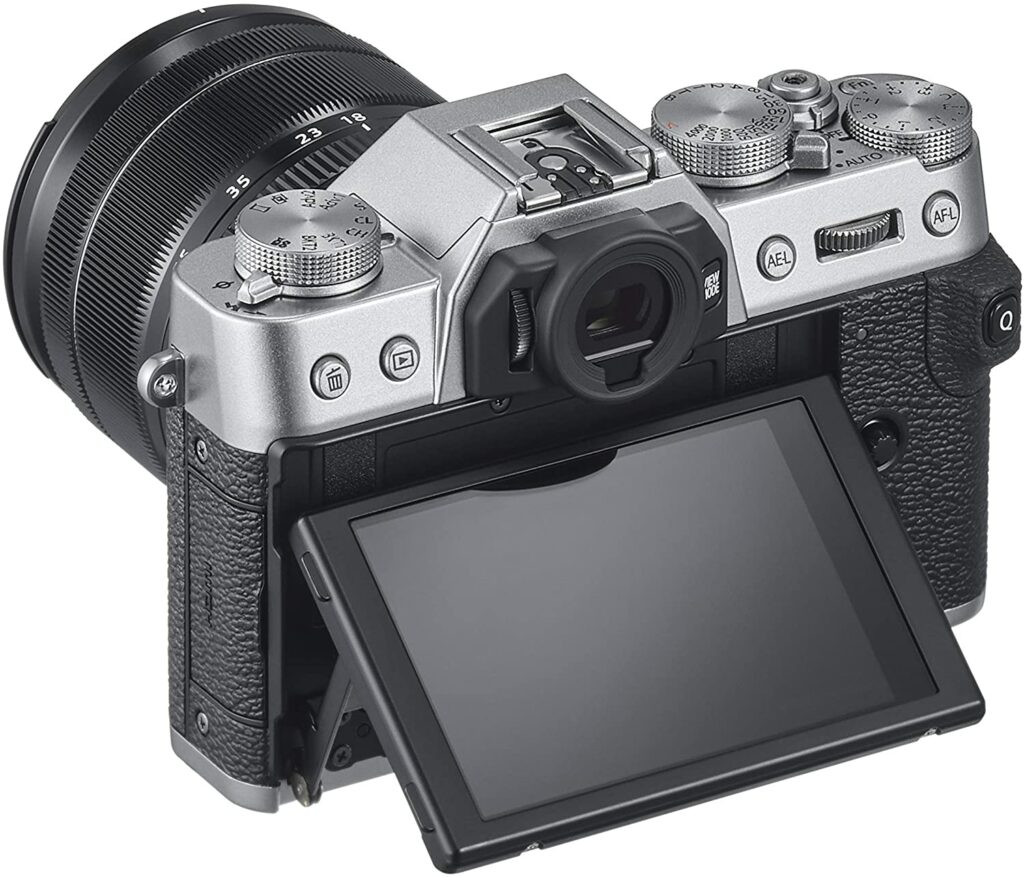
The Fujifilm X-T30 is essentially a more affordable and pared-down version of Fujifilm’s flagship camera, the X-T3. However, don’t let that fool you or put you off from this excellent camera model. Despite being the inferior model compared to the latter, the Fujifilm X-T30 is a very excellent camera that’s perfect for beginners while also being one of the more advanced models on this list.
The X-T30 comes with a number of impressive features, including a 26.1MP back-illuminated X-Trans APS-C sensor, 4K DCI and UHD video recording up to 30p, and the ability to shoot at up to 30 frames per second.
If that’s not enough to convince you, with newer models entering the market, you can also expect the X-T30 to become more and more affordable too while still offering great value for rookie photographers. To add to that, Fujifilm just knows how to make their cameras look good with their distinct retro and vintage aesthetic. So if that’s something that appeals to you, this model would not disappoint at all.
To put it simply, the Fujifilm X-T30 is a fantastic little all-rounder for people who are just getting started with their photography, as it can shoot a little bit of everything and this is definitely a model you can really hone and develop your skills with.
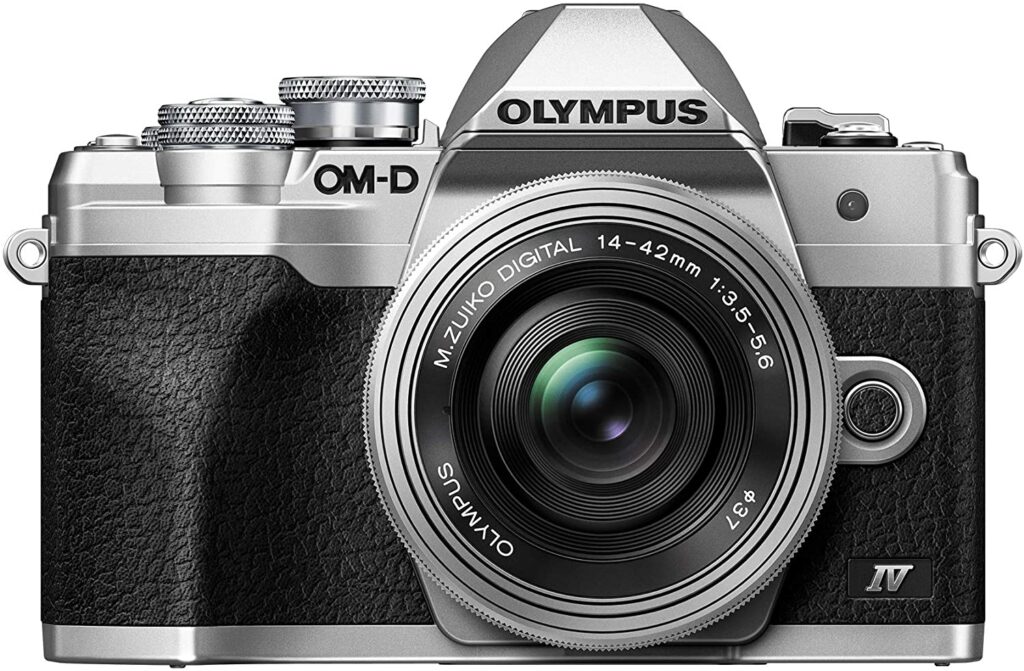
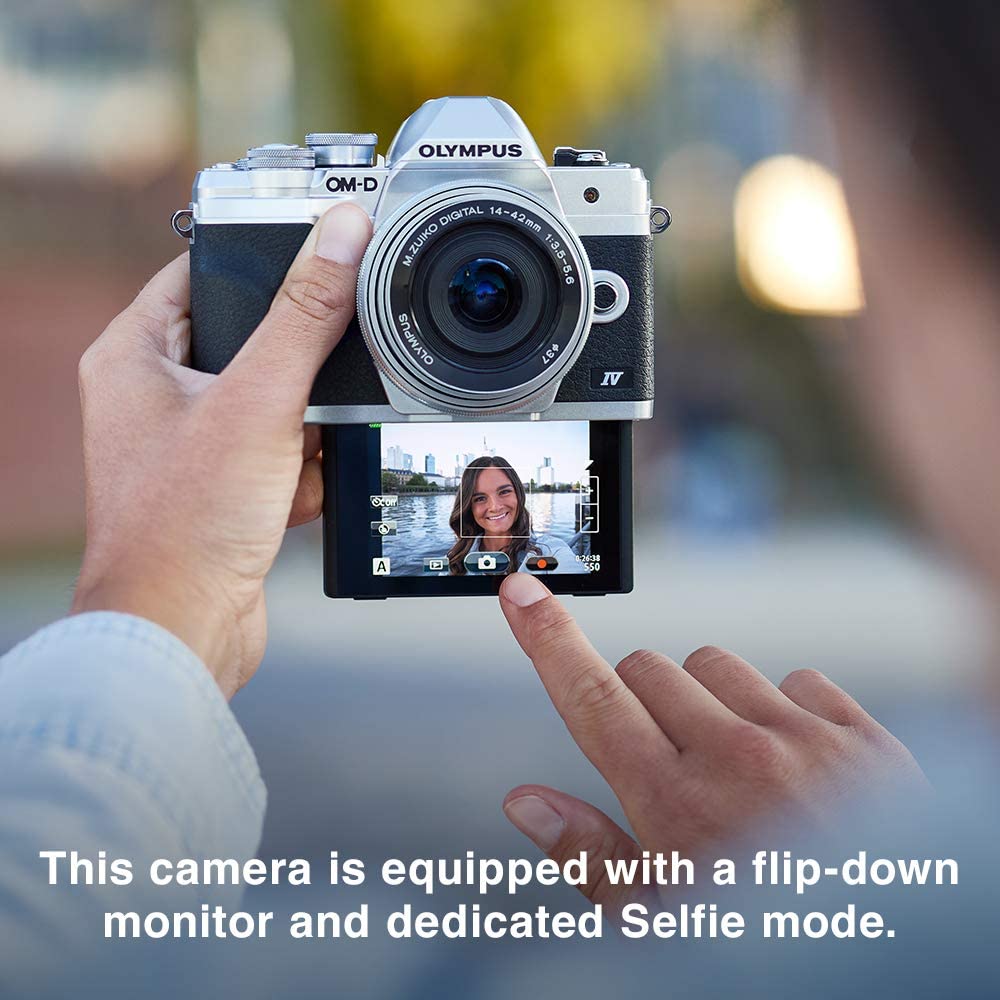
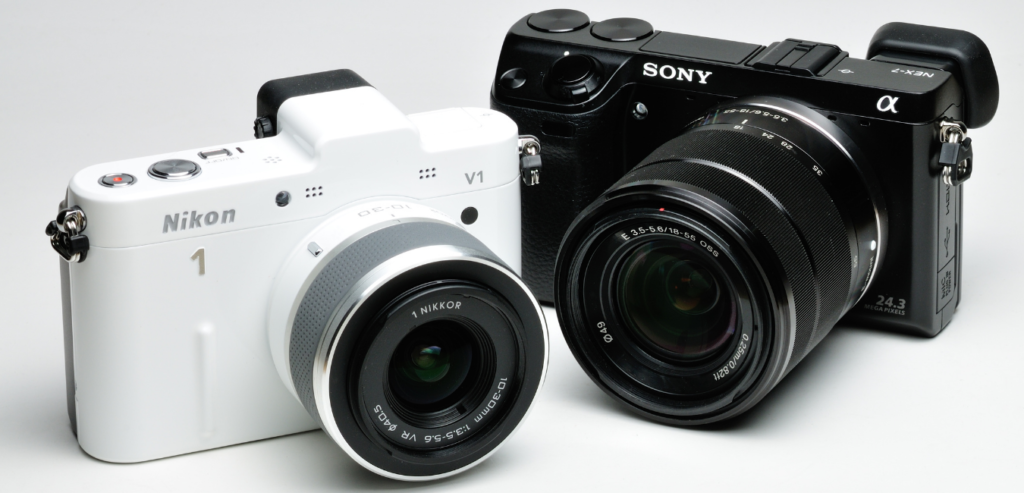
Just like the Fujifilm X-T30, the Olympus OM-D E-M10 Mark IV is another camera worthy of your consideration if you’re on the hunt for fuss-free mirrorless compact cameras.
Upon closer look, you might notice that it is missing some of the more advanced specs and features found in more high-end competitors, such as a microphone and USB-C ports. However, it still excels and performs wonderfully as a stills camera.
Its ergonomic grip, intuitive button layout, and convenient flip-down touchscreen provide excellent adaptability without getting in the way of the classically styled casing, which makes this camera model very ideal for aspiring photographers who have made the switch from their smartphone cameras to investing in dedicated cameras.
Furthermore, the Advanced Photo mode makes it simple for newbies to experiment with advanced techniques like long exposures. IN addition to that, the Olympus OM-D E-M10 Mark IV also offers superb in-body image stabilization technology, which is based on the flagship Olympus E-M1.
When it comes to sensor resolution, you’ll find it is pretty decent at 20.3MP, and because it’s a Micro Four Thirds camera, it has one of the most extensive lens collections available in the market. So if you want to upgrade your lens kit, you’ll have no trouble finding one that’s compatible with this body.
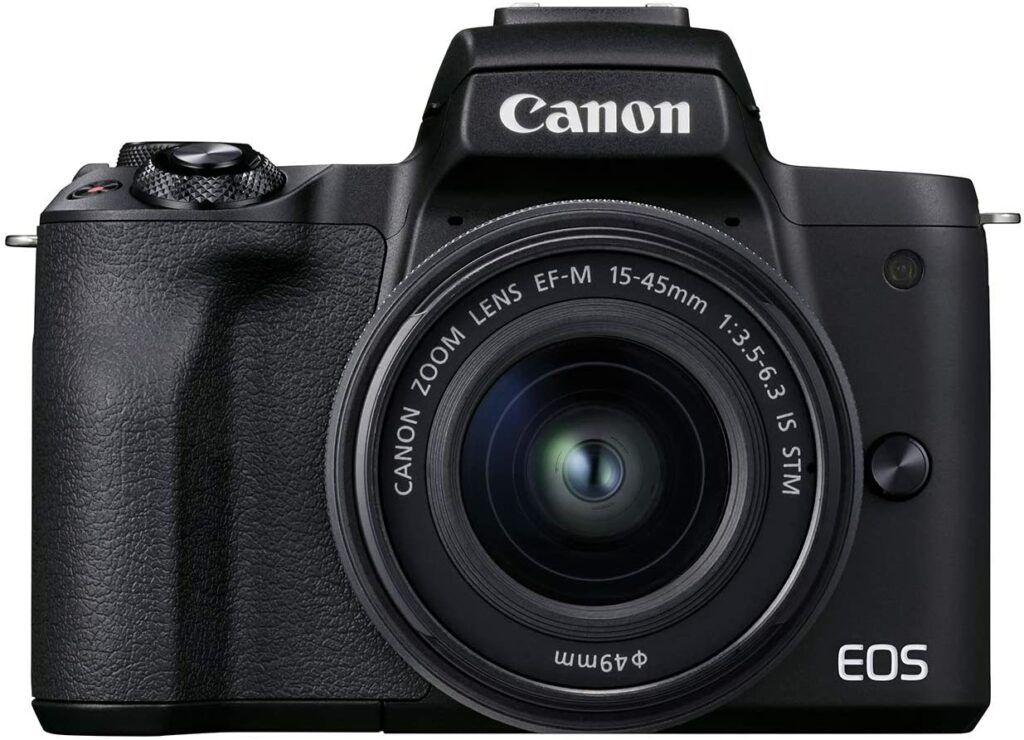
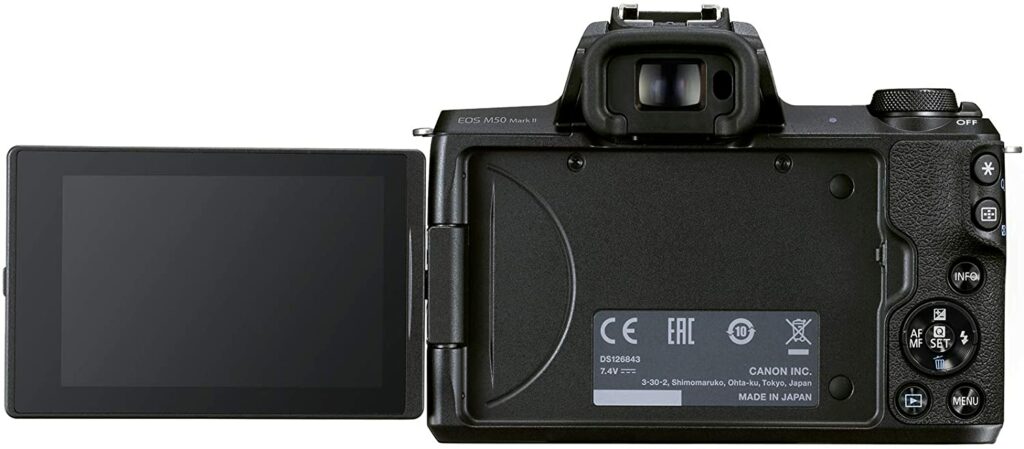
The EOS M series from Canon is definitely something you should take a look at if you’re just starting out on your photography. In this case, our most recommended model would be the Canon EOS M50 Mark II. In comparison to its predecessor, it only has a few yet significant upgrades that make this the better choice.
Improved autofocus (along with eye detection in stills and video) is one of those changes that are worth noting, as are clean HDMI out, vertical video recording, and the option to live stream directly to YouTube for video shooters or vloggers.
And in the case that you’re not yet too confident about tinkering around with your EOS M50 Mark II, don’t fret! This particular model sports a much simpler user interface that offers helpful explanations and suggestions to guide you within the settings menu. Once you have gotten the hang of your camera, you have the option to disable it.
However, do keep in mind that while the EOS M50 Mark II is an excellent 1080p camera, it’s definitely a poorer option if you’re planning to shoot at 4K due to the heavy 1.6x crop. But if you’re not too concerned with video resolution, then this is still an excellent choice for you to consider.
Now that we’ve covered our top recommendations of the best camera for a beginner this 2021, here are some things to keep in mind before you make that final purchase.
Different Types Of Cameras
Before you decide to purchase your first camera, you must decide first what kind of photography you’re in and what kind of photos are you going to take. Every camera in the market is built differently, they offer different features and specs, as well as serving a different purpose for each photographer.
Some cameras are better for taking shots of sceneries and breathtaking views of a variety of locations. Then there are some that specialize in taking portraits of people, recording vlogs or films, or close-up pictures of animals like birds flying in from high altitudes, lions or tigers, and plenty of other wildlife.
Aside from the subject of your photos, knowing what type of camera you’re looking for is critical for every photographer. So below are the different types of cameras you can choose from:
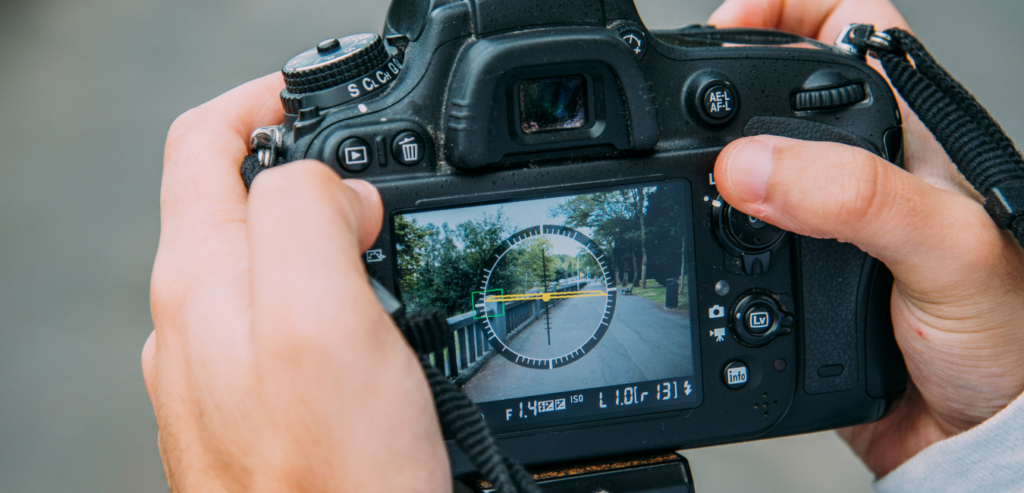
Digital / DSLRS
The DSLR used to be the professional standard for a camera, and it still is. It’s widely used by professional photographers across the globe and it’s also one of the most popular types of camera you’ll see in the market. If you’re attending certain events, you’ll spot plenty of professional photographers and journalists mainly using this type of camera.
The term “DSLR” actually stands for “digital single-lens reflex”. This refers to the fact that it uses a single lens for shooting and focusing.
DSLRs include an internal mirror mechanism that will allow you to use an optical viewfinder. This particular viewfinder is also much preferred by photographers rather than relying on the LCD screen the DSLR provides when it comes to taking photos. DLSR cameras are also often more durable and weatherproof than other types of cameras thanks to their rugged design.
Though keep in mind that this varies depending on the model and unit.
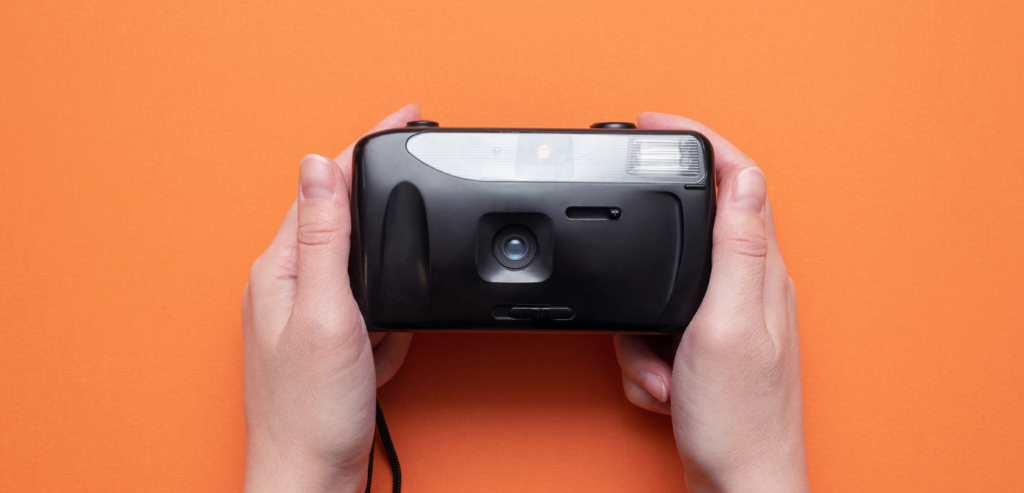
Film
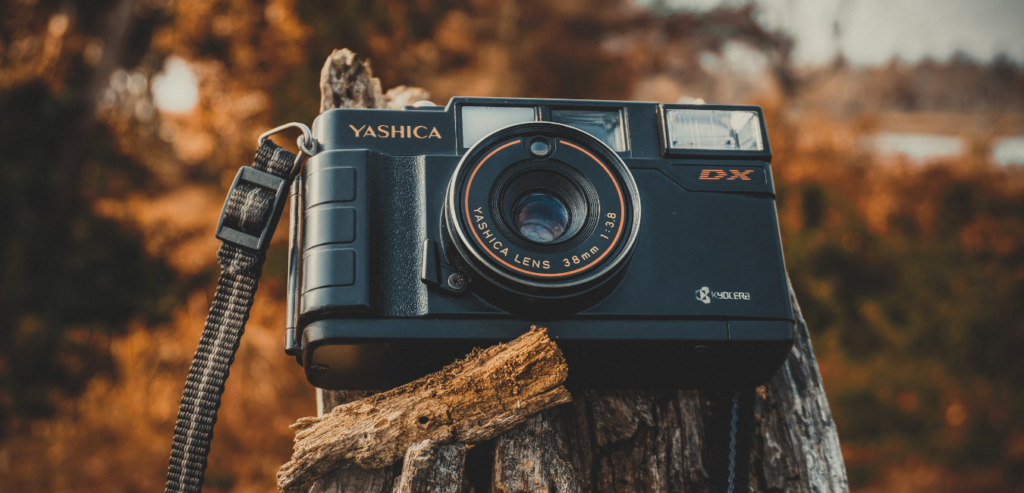
Film cameras are the traditional way of taking photos. They’re generally inexpensive but they also don’t offer as many settings as you would see in a digital camera like the DSLR. However, they do have one thing that no other type of camera can provide: nostalgia.
Unlike digital cameras wherein you get to see the results of your photos in real-time after pressing the shutter button, film cameras require more effort and time. Film cameras use film rolls which eventually get used up after taking a certain amount of photos. Once you used up all your film rolls, you can take those to a photo developer and they will develop your photos for you.
Keep in mind that some developers will take you a few days before you get to see your photos. Though personally, the wait is always worth it. The photos you get are unedited, have a vintage feel to them, and really capture the essence of the moment.
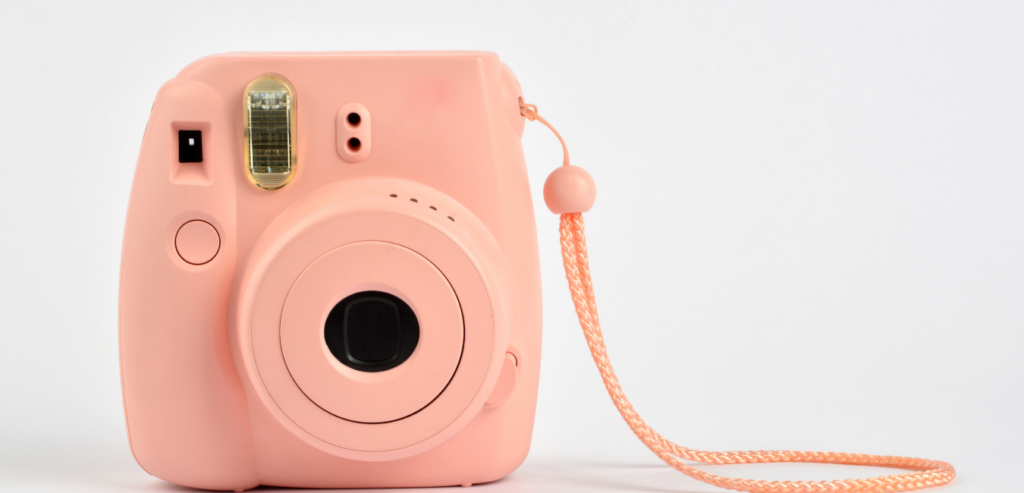
Instant Film
Instant film cameras are a lot like film cameras except you get your photos printed out in a matter of seconds. They usually produce what you call “polaroids“.
This type of camera also uses a special kind of film roll that gives you a limited amount of shots you can take. However, unlike the traditional film camera, instant film cameras can produce pictures shot after shot. These models are also pretty popular with the youth. They don’t have a lot of settings to choose from and are usually considered as a “toy” by professionals.
Overall, instant film cameras are fun to use and great for memorabilia purposes.
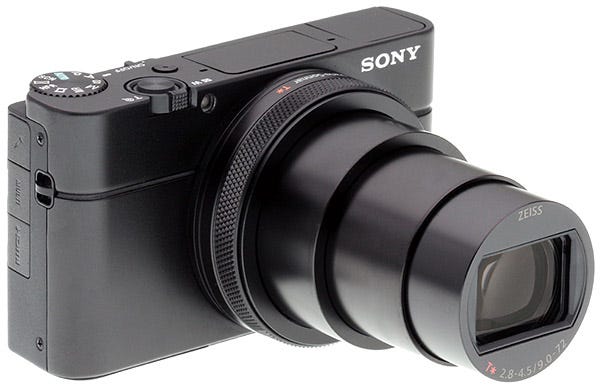
Compact
Compact cameras are also another type of digital camera. However, unlike their DSLR counterparts, compact cameras have fixed lens that cannot be changed or swapped out. So you’ll either be stuck with a zoom lens that covers a specific focal range, or a fixed-focal-length “prime” lens that focuses on quality.
This type of camera is also considered a “point-and-shoot” camera. They’re most suitable for beginners or casual photography enthusiasts who aren’t too picky with camera settings or have no plans of doing any sort of professional photography. Before smartphone cameras were a thing, this was the most popular type of camera among the masses.
The models under this type of camera were pretty cheap and they did a good enough job in taking photos. However, its mediocre quality has since then evolved a lot due to the significant rise in the popularity of smartphones. In order to compete, these days, many compact cameras offer imaging quality that can easily rival that of interchangeable lens cameras.
Mirrorless
Mirrorless cameras are pretty similar to DSLRs in certain ways. Like DSLR cameras, they also have swappable lens mounts that can be switched out at any moment you prefer. They do, however, forego the mirror system that allows for an optical viewfinder in exchange for the ability to build these models smaller and lighter.
So if you feel like DSLRs are a little too chunky for your liking, mirrorless cameras might be more suitable for you. They offer a lot more portability and sport slimmer bodies so they won’t take up too much space in your bag.
In addition to that, in the photo and video community, mirrorless cameras are widely regarded nowadays as the way of the future. This is definitely where the most interesting advances in image technology are being found and taking place so keep your eyes peeled on these units!
Conclusion
All in all, cameras for beginners nowadays provide a wide range of options to choose from. The choices are practically endless and you are bound to get your hands on the best beginner-friendly camera that will surely suit your needs and requirements. Whether it be in terms of portability, lens compatibility, and so much more, you will find the one that clicks for you.
Do you already own a camera? Did your favorite make it into our list? Or have you already decided which one to purchase to start your photography journey? Let me know in the comments section below if you have any insights, questions, or suggestions to share. I would love to hear all your thoughts!
Tablets are amazing and compact devices that can help people with a lot of their daily tasks. Whether it be for work, for school, or for recreational activities. But for students, tablets can easily be a versatile device that can really help you take down notes, organize your schedule, and accomplish your school works. So for today’s guide, we’ll be giving some advice on how to buy the best tablets for students in 2021.
With the market so saturated with all different kinds of tablets from every brand you can think of, it can be hard to choose one and find which will suit you the best. In addition to that, tablets come in every price range. From being $100 to costing more than $1000. So with that being said, it can be tricky to pick which tablet will give you every bang for your buck.
The last thing you want is to splurge on such an expensive tablet and end up with a device that has way too advanced features you won’t even end up using. Or worse, you get yourself a “cheap” tablet that breaks easily or has multiple issues or compromises.
So to make sure you avoid these kinds of mistakes, this article will help you out as you shop for your next tablet purchase.
As online lessons continue to be offered as a result of the ongoing pandemic, the demand for equipment and gadgets that can handle hefty academic workloads grows. Tablets are an excellent example of such devices that may provide great adaptability, productivity, and portability.
But some of you might be wondering: why should I get a tablet and not just stick to my smartphone or get a laptop instead?
Those are very valid questions and honestly, if you already have a reliable laptop that you can use for your online classes, there’s nothing wrong with sticking with that. However, if you’re looking for a device that offers a lot more portability than your laptop but something that has more power than your smartphone, a tablet is the answer.
Tablets Vs. Laptops & Smartphones
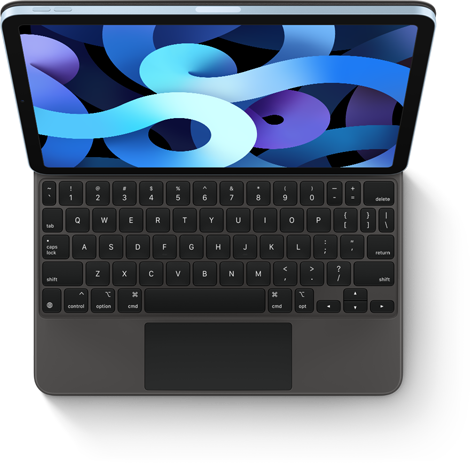
While laptops are still very effective devices, sometimes we just crave something more compact. And to be frank, some tablets like the iPad Pro from Apple can even go toe to toe with most flagship laptops nowadays. Not to mention, similar flagship tablets from Samsung and Microsoft can also easily serve as a pseudo-laptop. All you need to do is attach a keyboard and voila! You got yourself a laptop.
Aside from the physical aspects, Samsung also offers DeX mode to really give you that laptop feels with a click of a button while also helping out in your productivity. On the other hand, Microsoft’s Surface Pro series uses a Windows operating system.
Apart from school works, a tablet can also serve you for all sorts of things. Some examples would be streaming high-quality videos, practice some digital drawing, and plenty of other activities. Sure, you can also do these things with your current smartphone or laptop, but a tablet is a great balance of those gadgets.
A smartphone is great and they’re reliable but oftentimes, they don’t have enough power or support the same apps a tablet might. Also, the display screen is sometimes just too small depending on your preference. Laptops are cool too, they offer plenty of power but they’re not the most compact. You’ll find a lot of the time that having a tablet is a lot more comfortable to carry around anywhere.
Shopping Tips
Now if you’re fully convinced that you really want a tablet for your online classes, here are some friendly shopping tips you might want to consider and keep in mind.
Plan How Much You’re Willing To Spend
As I have previously mentioned, tablets come in all different price ranges. Some go for as low as $100, while some models like the iPad Pros from Apple can cost you up to more than a thousand dollars. Personally, I find that really expensive and unnecessary unless you really need that much power from a compact device like a tablet.
So before you enter a physical store or head on to Amazon, it’s best to have a budget already planned to avoid getting overwhelmed. Not only will this help narrow down your options when you have a price range to stick to, but you will also have an idea of what kind of tablets you need to look for and what kind of specs you should expect.
As with any product, more affordable options of tablets are going to come with a few compromises so it can maintain a more budget-friendly price point. So you really can’t expect a Samsung Galaxy Tab A6 to function the same way as an iPad Pro would. Not only are they two vastly different models from different brands, but their hardware is also built differently.
However, if you’re desperate for power and want your tablet to be as good as your computer, then be prepared to splurge a little. These kinds of advanced and high-tech specs will surely cost you an arm and a leg.
Try To Visit The Physical Store Of Your Chosen Tablet
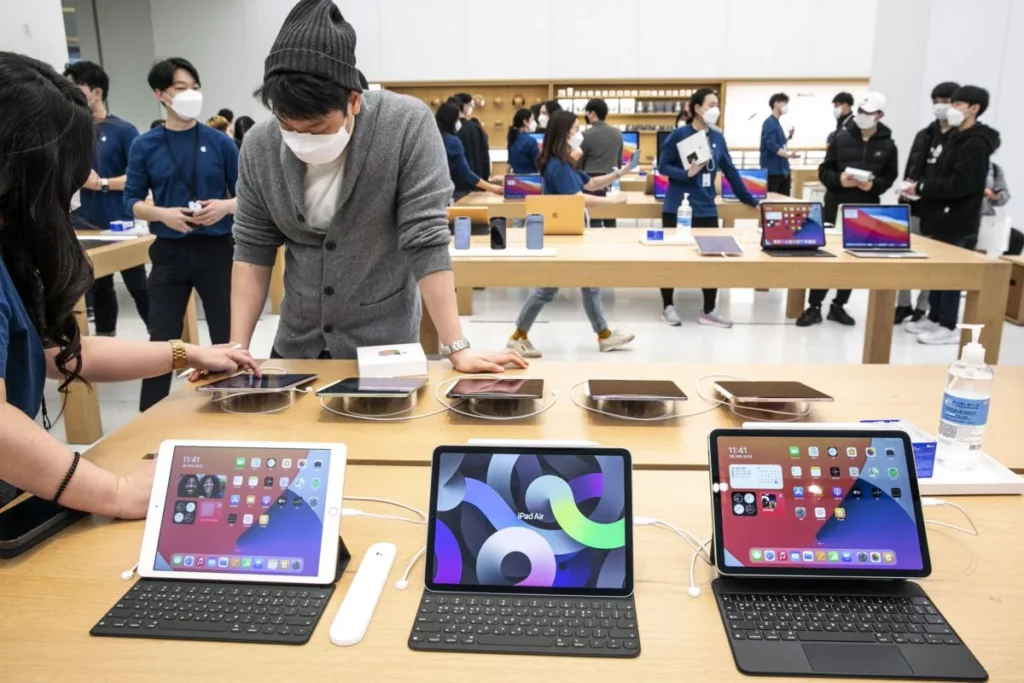
With the pandemic still ongoing, it’s always best to stay indoors to keep yourself safe from the virus. But if you can and you think it’s safe enough in your community, I would highly suggest making a quick trip to check out the tablet you want physically in an actual store.
This gives you a better idea of how the tablet will feel on your hands, how it actually looks like, and how it functions. The store employees can also answer some of your questions that you won’t get from product descriptions online as well as a more hands-on experience of the device.
Aside from those things, checking your desired tablet in a physical store also lessens situations wherein you might receive a faulty product that you will end up returning or exchanging. Plus, if the tablet is good enough for you, you can just purchase it right away on the spot without having to wait for a few days for it to arrive on your doorstep.
Include The Accessories In Your Budget
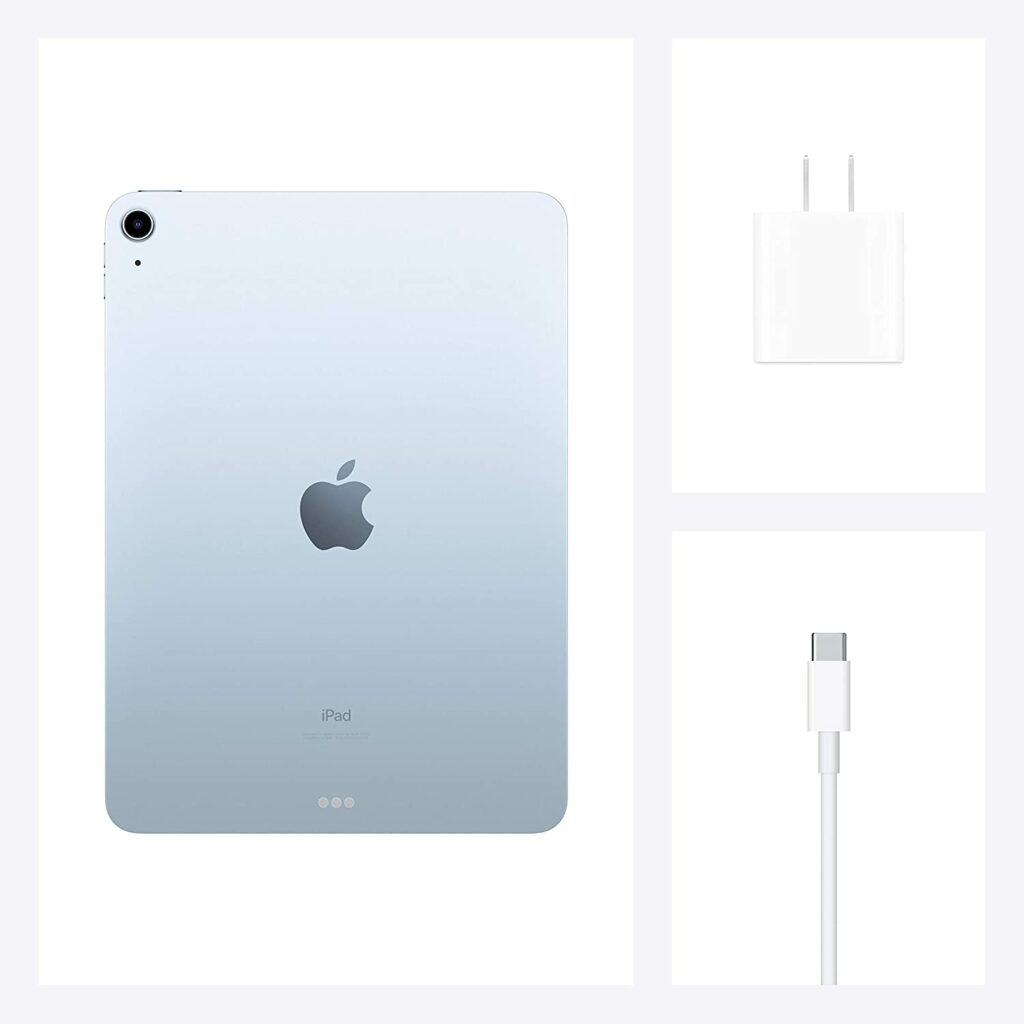
To maximize a tablet’s versatility, you’ll often want to pair it up with accessories. Such accessories can be pens for taking notes or doing digital art, a Bluetooth keyboard for typing, or even an external USB port. They’re not a necessity, but they do make a huge difference when you’re using a tablet. So it’s up to you whether you would like to have them or not.
Some brands include these accessories in the box when you purchase them, but some manufacturers require you to buy them separately. So if you already have a tablet in mind, it’s best that you research whether they come in with the needed accessories. If not, you can either look for another model or make some allowances in your budget to be able to purchase these accessories as well.
Keep In Mind The Specs You Need For Your Classes & School Works
One of the most crucial things to consider when investing in such a high-end device as a tablet is the specs it has built into its system, depending on the classes you’re taking. The last thing you want is to discover that your newly purchased device lacks the necessary hardware to complete your everyday school activities.
So here are some features you need to consider and keep in mind when shopping for a tablet:
CPU
The CPU in a tablet will determine how fast and smooth your device will perform its tasks. The better the CPU your tablet has, the better it will also execute your tasks for you.
So before you invest, I highly recommend looking up what kind of processors or CPUs are the most updated in the industry right now. For example, tablets like the Apple iPad Pro with the M1 chip are as powerful as a lot of high-end laptops you’re seeing in the market right now. It will certainly give you a very smooth performance without a hitch.
But you don’t always need the most advanced CPU. More affordable options are definitely available that can perform adequately if you don’t require a lot of power for your daily tasks.
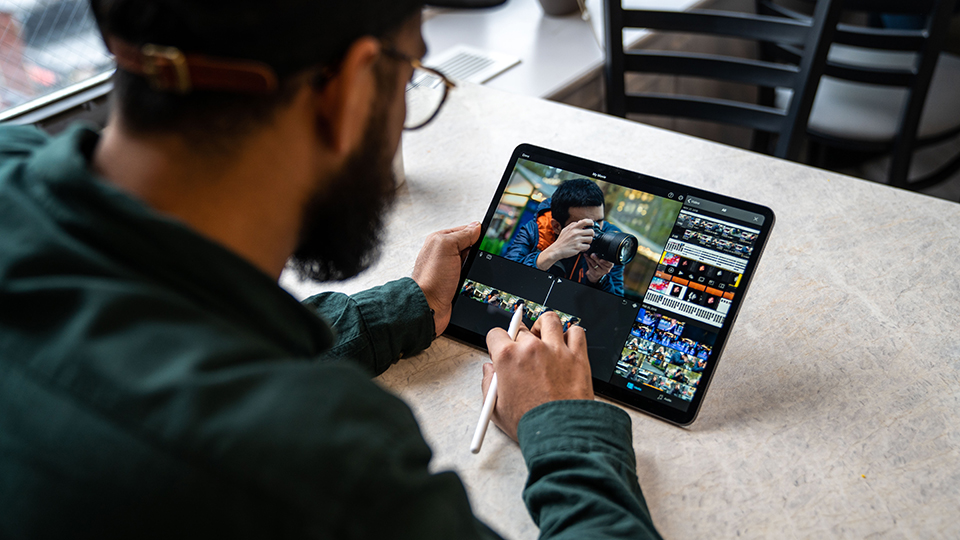
The display is something you shouldn’t overlook. Especially if you’re attending creative classes. If you’re a student who wants to practice your video editing skills or digital art, you should always look for a tablet that has an excellent display that offers perfect color accuracy to make sure that your work won’t look distorted or have its colors off in any way.
Operating System
When it comes to operating systems, you have a handful of options to choose from depending on the tablet you have chosen. From Apple’s iPadOS, to Android, and Windows. They’re all decent operating systems and it really just depends on which operating system you’re familiar with and you prefer working with for the years to come.
Though if you ask me when it comes to comparing the three, iPadOS is definitely more advanced and will give you access to some of the best apps for your tablet due to Apple’s robust app library.
Storage
The amount of storage in a tablet will solely depend on your needs and what you’re planning to do with your tablet. Tablet storage can be as little as 32GB and up to 2TB.
Personally, the 64GB of storage is pretty outdated and might not be sufficient if your tablet is going to be an all-around device to do all of your tasks. If you want to make sure that your device doesn’t run out of memory so quickly, opting for a model that has 128GB of storage would be a safer choice.
Conclusion
We’ve finally reached the end of this article. I hope this was able to give you an idea of what you need to keep in mind and what to look for when shopping for your next tablet purchase.
Do you already own a tablet? Or are you still contemplating it? Did our article for How To Buy The Best Tablets For Students In 2021 help you come to a decision? Let me know in the comments section below if you have any further questions, suggestions, or even insights to share. I would love to hear all your thoughts!
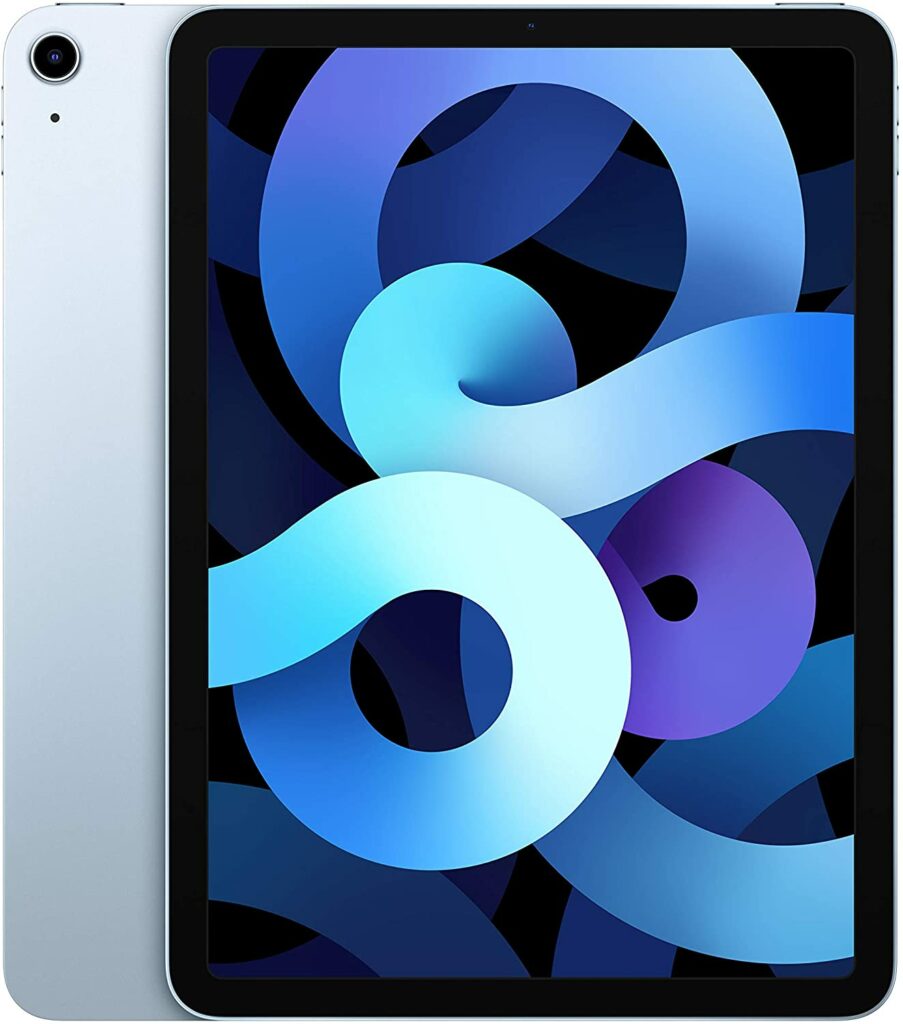
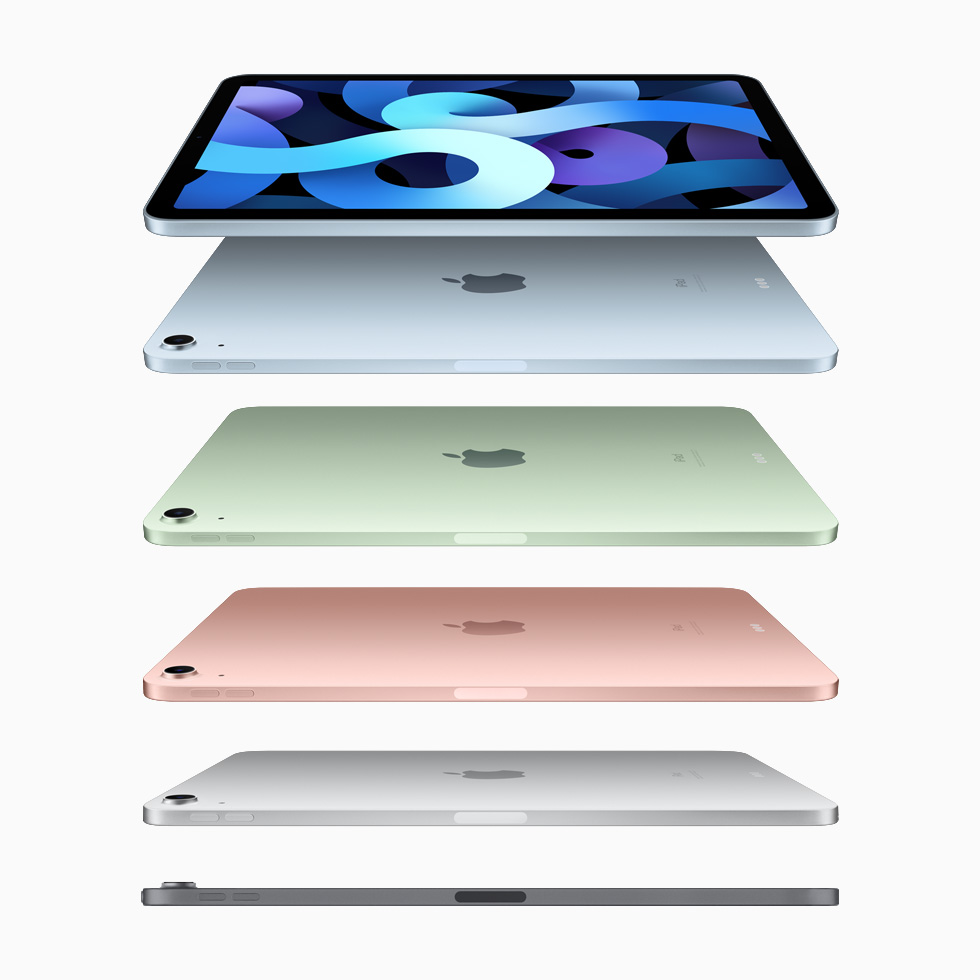
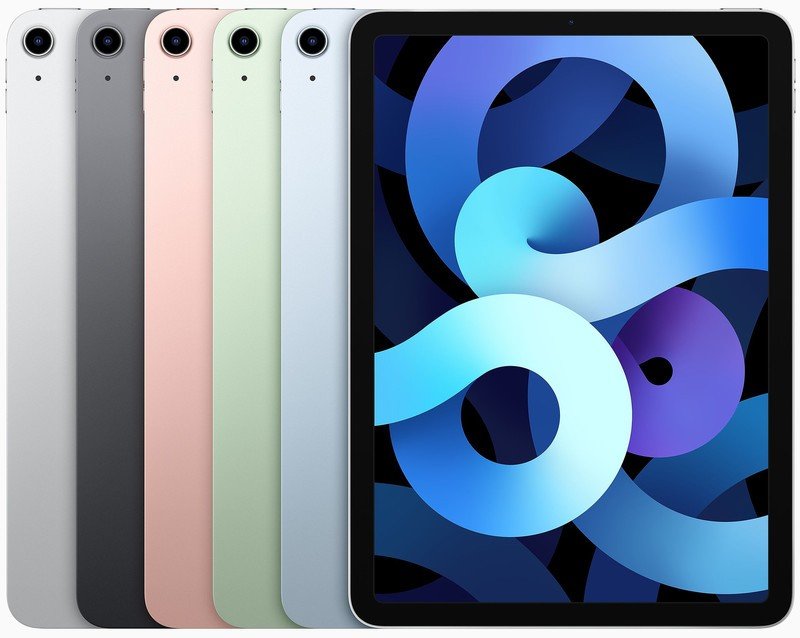
It’s been said before that your worst enemy is sometimes yourself. And I think with the release of the iPad Air 4, Apple did exactly just that to themselves. With a tablet this good, it makes you wonder why else would you want to go for the iPad Pro variant. Aside from the overpowered M1 chipset and brighter display the Pro has, there’s not much difference between these two devices.
If you really want to get your hands on an Apple iPad but can’t afford the Pro variant, the Apple iPad Air 4 is the next best thing. It’s basically a more affordable and more lightweight version of the Apple iPad Pro lineup. It also improved the outdated specs and addressed the issues the previous iPad Air had.
So if you’re a casual user and your main tasks are relatively light and not that demanding, the iPad Air 4 might be the better fit for you. In case you’re still deciding which tablet to purchase between the iPad Air and the Pro, let this review help you come to a final decision.
To cut to the chase, the iPad Air 4 is a really well-made tablet that has a much better value than its Pro counterpart. Sure, you’re getting a few downgrades in terms of refresh rate, chipset, and display. But for the casual user and people who are generally not power-hungry, this particular model should be plenty enough to satisfy you.
Personally, if you’re not a video editor who is looking for a more compact device to do your professional work or a digital artist who needs the extra RAM and storage for more layers in Procreate, the iPad Air 4 is more than good enough. It can easily do all the tasks and light work you need for your day-to-day activities.
The Air 4 VS. The Pro
As I have recently said, there are definitely some corners cut of course in order for this device to maintain a more budget-friendly and mid-range price point. However, I find that the Apple iPad Air 4 is still a pretty solid machine to use for almost any kind of task.
I would even dare say that this particular model is so good some of you might have a difficult time choosing between splurging for the iPad Pro or opting for the iPad Air 4 instead. It’s that good. Don’t get me wrong though, the Pro is one hell of a machine. It has tons of power that can easily beat a lot of mainstream computers, however, that much power can sometimes be wasted and pretty limited to Apple’s iPadOS.
Overall, the iPad Air 4 is an excellent device. Apart from the M1 chip, brighter display, and the 120 Hz refresh rate on the 2021 iPad Pro, you won’t really miss out on much unless you’re desperate for that kind of power to run your apps.
Inside The Air 4
In terms of hardware and CPU, the iPad Air 4 is powered by Apple’s A14 chipset. Yes, the very same chipset your iPhone 12 has.
It’s not as powerful as the M1 chip obviously, but the A14 chipset isn’t too bad either. Especially if you don’t need to do heavier tasks like video editing on your tablet. But the A14 chipset means that this particular model can still handle most tasks with ease just like your smartphone does.
Such tasks can range from streaming high-quality videos to running even the most demanding apps for your school, work, or other unrelated activities like gaming.
When it comes to storage, the Pro definitely takes the cake on this one. The Pro has plenty more storage options to choose from, ranging from 128 GB up to 2 TB of storage.
Meanwhile, the iPad Air 4 only lets you choose between either 64 GB or 256 GB of storage. Depending on what you’re planning to do with your tablet, that kind of storage is either good enough or a little underwhelming.
Features & Specifications
Product Dimensions: 9.74 x 7 x 0.24 inches
Manufacturer / Brand: Apple
Item Weight: 1 lbs.
Wireless Communication Technology: WiFi, Bluetooth
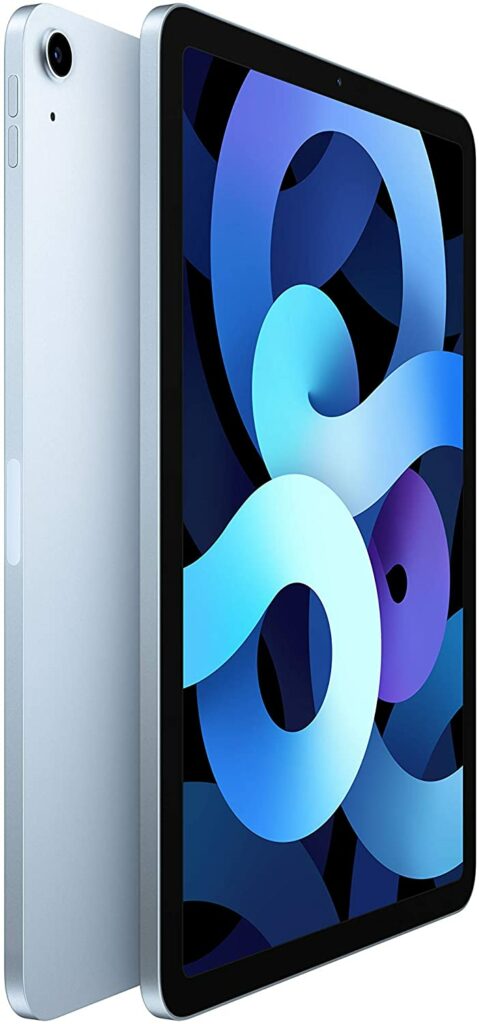
One of the best things about the iPad Air 4 is how well-designed the model is. Though, to be fair on Apple, almost all of their products are really nicely designed. But going back to the Air 4, this unit sports a really premium and high-end feel due to its thinner build.
Like the Pro, the Air 4 also has slimmer bezels and an all-screen body on the front along with squared-off edges and a rounded-corner display. Similar to what we saw on the 2018 iPad Pro. When it comes to its build quality, the iPad Air 4 is made up of an anodized aluminum frame that boasts multiple color options to choose from.
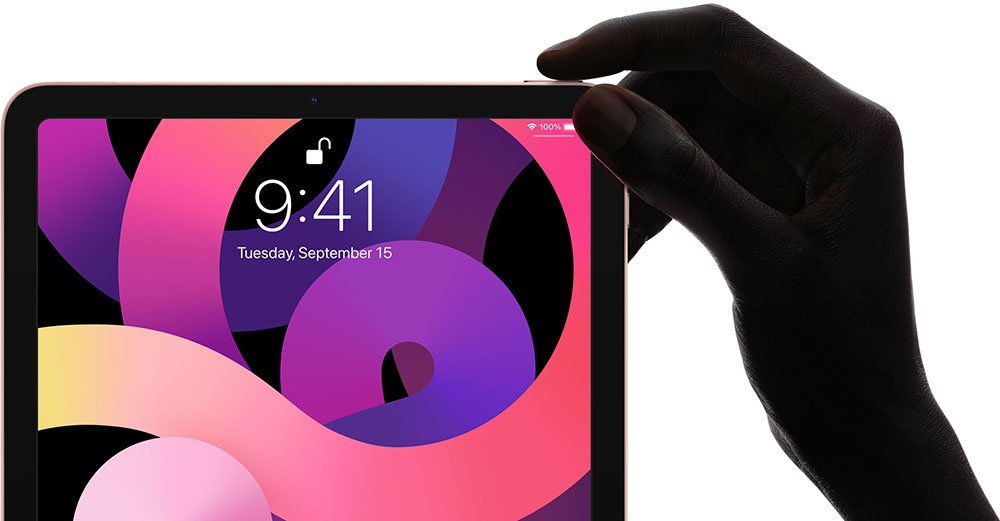
However, unlike this year’s iPad Pro, you might be a little disappointed to know that you will only get a touch ID for the Air 4. No face unlocking features here.
Camera Quality
I think by now we all know that Apple has really excellent camera quality in all of their devices. And the iPad Air 4 is no exception to that rule. To be specific, the iPad Air 4 has a 12 MP rear camera and a 7 MP front-facing camera. But there’s more.
The iPad Air 4 can now record videos at 4k instead of the 1080p we all have gotten used to with the previous iPad tablets. On top of that, this model also has better HDR and low-light capabilities. So if you’re frequently on Zoom meetings for your work or for your school, the iPad Air 4 will surely make you look good from any angle.
Excellent Performance & Battery Life
As you already know, the iPad Air 4 runs with the same chipset you will see on your iPhone 12, the A14 chipset. To put it simply, this particular will be fast, smooth, and will allow you to do any iPad activity you can think of without a hitch and more. At the same time, the iPad Air 4 will surely last you for up to 10 hours at the minimum. Depending on your usage of course.
If you’re planning to use this as your work tablet, the battery might drain a little faster than expected but it will still last you throughout the day. Lighter tasks like streaming might give you a solid 24 hours or more.
Our Least Favorite Things
The Price Increase
While Apple did an amazing job with addressing and solving the previous concerns and issues a lot of people had with the previous Ipad Air, the $100 price increase seems a little unjustified. Though I guess that depends on who you’re asking. Some might think it’s okay because significant improvements were made, but isn’t the sole purpose of the iPad Air is to be more affordable?
So if Apple keeps making price increases with each and every improvement they make on their tablets, the iPad Air might as well be up there with its counterpart, the iPad Pro.
Nevertheless, the iPad Air 4 is still able to maintain a fairly mid-range price that a lot of people who don’t want to spend their extra cash on the Pro will surely appreciate.
Limited Storage
If there was one thing I want to improve with the Air 4, it will be its really underwhelming storage capacity. Sure, the 256 GB is a viable option, but the base model with the 64 GB is so disappointing in this day and age. Especially when you’re paying for something around $500, you expect your tablet to not run out of storage so easily.
Hopefully, future iPad Air models will improve upon this concern.
In A Nutshell
Now that we have covered the things we liked and disliked about the Apple iPad Air 4, here’s a narrowed-down list of the good and the bad with this particular tablet.
Pros
Powerful chipset. The same as the iPhone 12.
Lightweight and compact.
Excellent camera quality.
Perfect for productivity and running daily tasks.
Great alternative for a laptop.
Lots of color options for you to choose from.
Cons
Pretty limited storage options to choose from.
The Final Verdict
All in all, the iPad Air 4 is a good middle-ground for anyone who has limited funds and doesn’t need a lot of power but still wants to benefit from the robust app library Apple has for their tablets. It’s doesn’t bring anything revolutionary to the oversaturated market of tablets, but it does a really good job of what it’s supposed to do: being a better-valued tablet than the Pro for anyone who doesn’t want to splurge or isn’t as power-hungry.
Do you already own the Apple iPad Air 4? Or are you still deciding whether to purchase it? Let me know in the comments section below if you have any insights, experiences, or suggestions to share. I would love to hear all your thoughts!
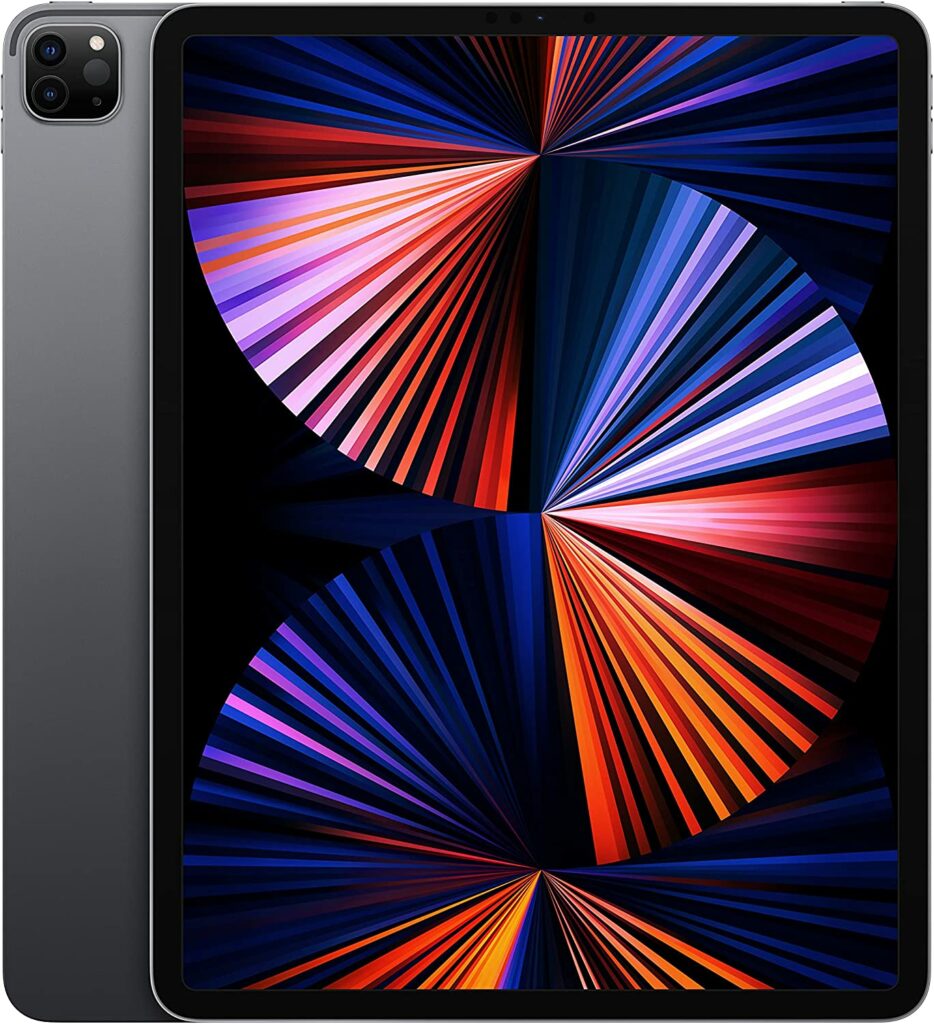
This year’s Apple iPad Pro M1 release made a few yet significant leaps in terms of upgrades. Each year, Apple seems to make it its goal to make the iPad fully substitute your dedicated laptop. And I think this year, they’re closer than ever to reaching that goal. From its excellent camera quality, impressively bright display, up to its newly added M1 chipset that makes this model basically a compact computer.
Since the dawn of tablets, Apple seems to have always dominated the market for these devices. Whether it’s their reliable software or their robust app library that no other manufacturer can touch, the iPad Pro is just a really tough machine to beat.
Of course, other tablets like the Samsung Galaxy Tab series or even the pseudo-laptop that is the Microsoft Surface lineup are still pretty solid devices. But in comparison, the Windows operating system just doesn’t cut it when you place it on a tablet. They definitely made impressive upgrades in recent years, but the iPadOS just remains to be two steps ahead of them each time.
So without further ado, let’s take a closer look at our review of one of the best tablets ever made, the Apple iPad Pro (2021).
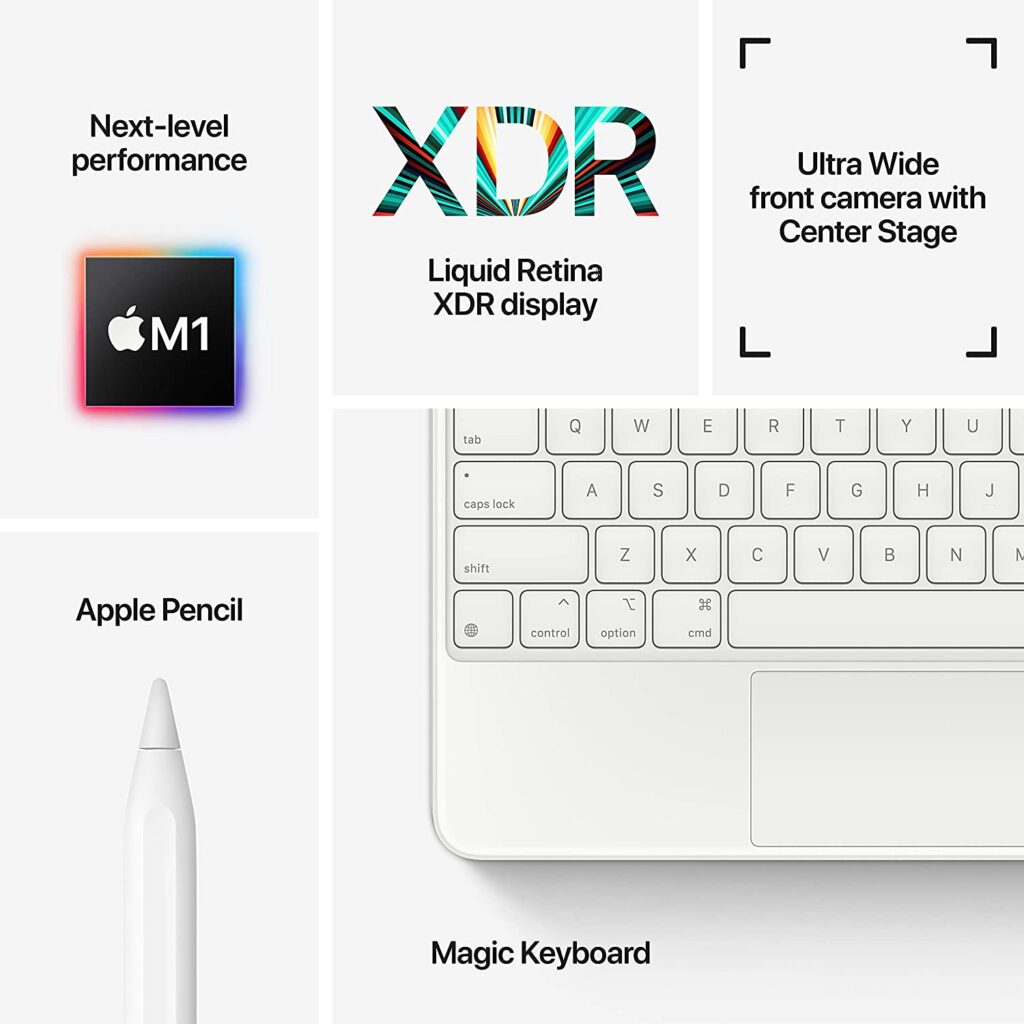
As you might already know, the Apple iPad Pro this 2021 has dished out a lot of upgrades from its previous iteration that will surely satisfy even the most power-hungry tech enthusiasts on the planet. With the introduction of the M1 chipset on Apple’s flagship tablet, the game has completely changed.
So what does this mean exactly? To put it simply, this means that you will surely get some next-level performance out of this powerful machine that can easily go toe to toe against some of the best laptops and even desktop PCs in the market right now and for the years to come.
However, while the M1 chipset sounds good on paper, this much power is somewhat underused in a machine this small because the iPadOS still has its limitations. If this was a Macbook, then the M1 chipset is definitely perfect for such a device.
Not to mention, not a lot of users know what to do with this much power in a tablet or have the freedom to tinker around with Apple’s devices. A lot of the time, if you’re not a content creator, a video editor, or a digital artist, you are mostly just going to use this for streaming and maybe some light tasks for your daily necessities.
Pricing
Of course, these upgrades don’t come at a cheap cost. As of release, the Apple iPad Pro comes in at over a thousand dollars. As usual, Apple tablets often come at a hefty price tag that will surely raise some brows from a lot of people. But there’s no surprise there. These are high-end and premium machines that can act as a replacement for your laptop after all.
So if you’re looking for a more budget-friendly tablet, you might want to look for models from other manufacturers or brands.
Accessories
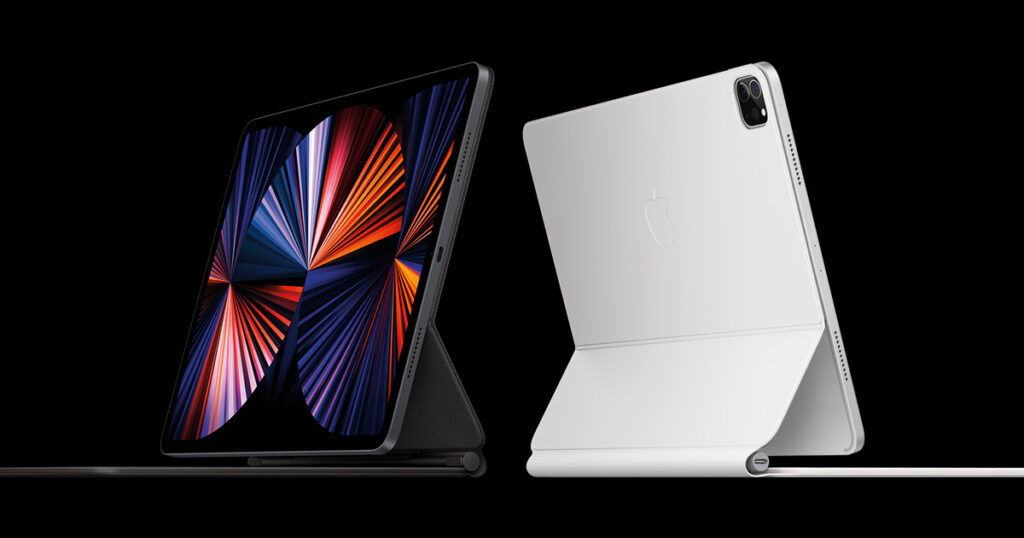
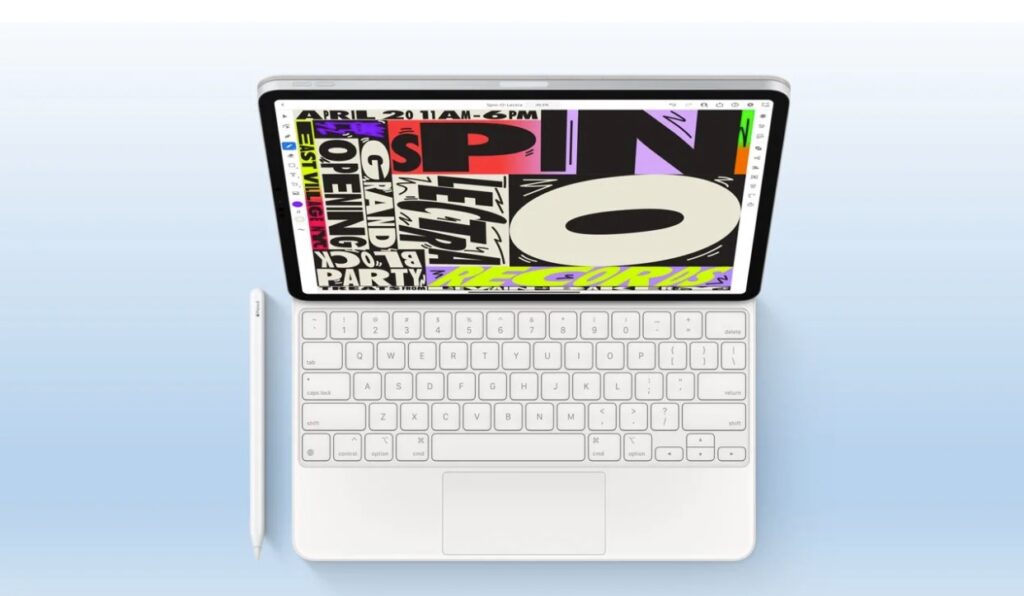
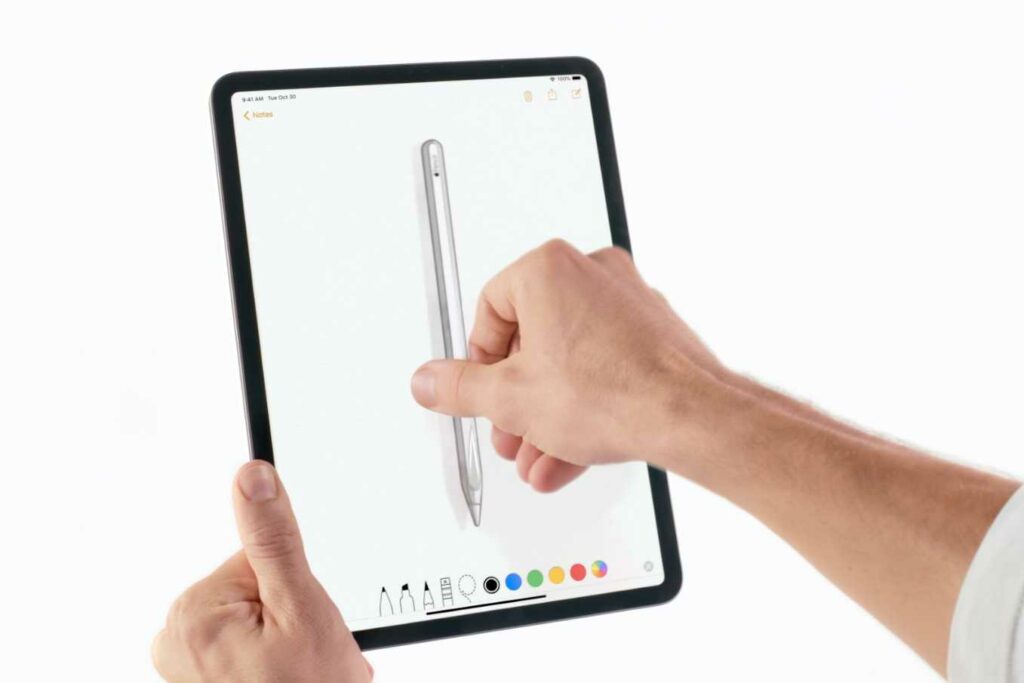
When it comes to pairing the Apple Ipad Pro with accessories, Apple has you covered. If you want to switch it up, you can easily pair the iPad Pro with Apple’s magic keyboard or the 2nd Gen Apple Pencil for more variety and a more laptop feel. Though keep in mind, these accessories are all bought separately. So you might want to add that to your budgeting costs.
Who Is It For?
The Apple iPad Pro can cater to a variety of people. From casual tech enthusiasts, students, to professionals. However, not everyone really needs this much power for productivity to get their tasks done. It’s not necessary nor practical, and it’s a whole lot of money to spend. And if you don’t mind a few downgrades, you might want to look into the Apple iPad Air 4 or even the Samsung Galaxy Tab S7 FE.
Trust me, you’ll save a lot more money and these devices can perform just as solidly if you’re not really planning on doing anything heavy like video editing, graphics creation, and other similar activities.
But if you’re hellbent on getting your hands on such a powerful device that will last you for a handful of years, then you really won’t find anything better than the iPad Pro.
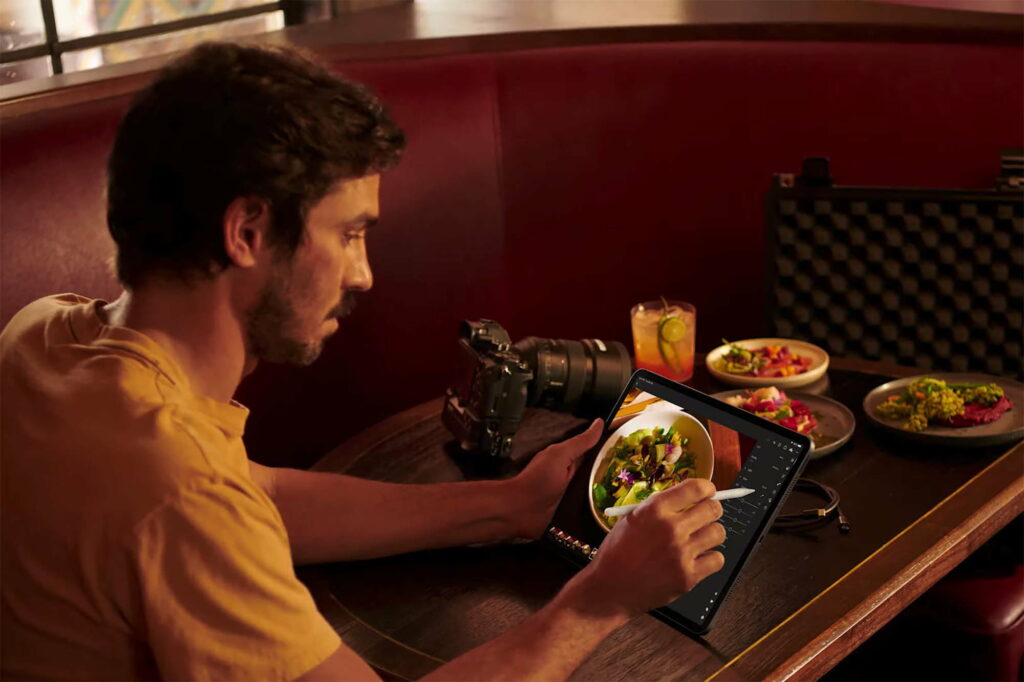
In addition to that, if you’re a student, I do highly recommend getting this tablet if you’re studying digital art or any art and graphics-related courses. This will surely be a great investment for you as Apple has the best app library for tablets that will benefit artists like Procreate.
If you feel like the 12.9-inch screen is a little too big for your liking, the Apple iPad Pro M1 also comes in with an 11-inch screen variant that feels a little more compact.
Features & Specifications
Product Dimensions: 11.04 x 8.46 x 0.25 inches
Manufacturer / Brand: Apple
Item Weight: 2.65 pounds
Wireless Communication Technology: WiFi, Bluetooth
Screen Size: 12.9 inches
Screen Resolution: Liquid Retina XDR display with ProMotion technology and True Tone.
Operating System: iPadOS
CPU: Apple M1 chip 8-core CPU with 4 performance cores and 4 efficiency cores, 8-core GPU, 16-core Neural Engine
Apart from the M1 chipset, a huge factor that makes upgrading to the iPad Pro so worth it is the display. Unlike its predecessors, this year’s iPad Pro boasts what Apple calls “Liquid Retina XDR display“. But a lot of people just call it “mini LED”.
However, don’t be fooled. This iPad Pro still uses an LCD display and we have yet to see an OLED screen on any of Apple’s tablets. Though as of recently, the new iterations of the iPad mini and the regular iPad should have this type of screen by next year.
But don’t fret, Apple has used a particular backlighting technology in this year’s iPad Pro that makes its screen much brighter than previous models. From 72 LEDs working behind the screen to illuminate the display, the iPad Pro now has 10,000.
To put it simply, the more LEDs you integrate into a device, the better you will be able to control its overall screen contrast as well as the deepness of blacks in any part of the screen. This kind of thing can also be called local dimming technology.
Our Least Favorite Thing
It’s Expensive
I have already stated this previously and it’s actually pretty hard to find a flaw on this year’s Apple iPad Pro, but the pricing on the iPad Pro and all of their devices, in general, will forever be Apple’s one big flaw. Obviously, you’re paying for the amount of high-tech specs Apple puts into their gadgets but there are also other budget-friendly tablets in the market that can also do the same things for you.
So aside from the brand, the camera, and the M1 chipset, you’re not going to miss a lot of things if your main purpose for a tablet is just some light tasks for your daily work and some streaming. Not to mention, it’s also disappointing that you still have to buy additional accessories like the Apple Pencil despite the already high price point.
In A Nutshell
Now that we’ve covered what we liked and disliked about the iPad Pro, here is the narrowed-down list of the pros and cons of this tablet.
Pros
One of the best tablets you can buy in the market.
Sleek and premium design.
Perfect for productivity, especially for digital artists.
Wide range of apps to choose from.
Great battery life.
Amazing camera quality.
Cons
It’s quite expensive.
The additional accessories are also pricey.
The Final Verdict
Overall, the Apple iPad Pro M1 is an amazing and powerful device. Apple has definitely outdone themselves with updating an already impressive tablet this year.
However, this much power isn’t really practical or necessary for the casual user. This kind of powerful hardware can be lost or even go to waste if you don’t know what you’re dealing with. Unless you’re doing anything that requires heavier tasks like video editing or anything graphics-related, you would be better off investing in a lesser model like the iPad Air series.
But if you have the money to splurge and just simply want the best of the best, then the Apple iPad Pro won’t certainly disappoint you.
Do you already own the Apple iPad Pro M1? Or are you still thinking of purchasing one? Let me know in the comments section below if you have any insights, suggestions, questions, or experiences to share! I would love to hear all your thoughts about it!
Affiliate Disclosure: I am grateful to be of service and to bring you content free of charge. In order to do this, please note that when you click links and purchase items, in most cases I receive referral commissions. Eventually, I may earn enough to buy a beer or two.
As online classes continue due to the pandemic, the need and the demand for devices and gadgets that can take on heavy workloads for school also rise. A great example of such devices that can offer versatility, productivity, and portability are tablets. So if you’re in the market for these gadgets, you will surely find the best tablet for college students in 2021 here.
In these trying times, it’s important for students who are required to study and learn remotely to have access to the best devices they can use for their school. Tablets can easily offer that plus so much more. The best tablets in the market can deliver smooth performances, a robust battery life, and a decent number of tools they can use for productivity and make studying a lot less stressful for them.
So whether you’re still on the fence about getting yourself a tablet or you’re already shopping for the perfect model for your online classes, this article will surely help you make a decision by the time you’re finished reading.
Why You Should Get A Tablet For Your Online Classes
Some of you may be wondering why you should pick a tablet over a laptop or your smartphone for school. While laptops are a lot more preferred by many (and for good reason), technology in tablets has advanced so much that they can now function just as well and sometimes are just as powerful, if not more.
These days, the built-in processors and hardware most mainstream tablets have like the Apple iPad or the Samsung Galaxy Tab offer plenty of power that will surely satisfy most college students’ necessities for school as well as other unrelated activities.
But a good reason for choosing tablets is the portability, affordability, and versatility it offers that some laptops just can’t. Tablets are thin, compact, and lightweight which makes them so perfect for anyone who is always on the go. So if you’re feeling a little cramped at your work desk, you can easily bring it over to a more comfortable spot in your home or anywhere else.
Another fairly good reason for tablets is that they’re just overall great investments and alternatives if you feel like laptops or desktops are not really needed in your lifestyle. They can easily do the job while offering a better and longer-lasting battery life, meaning you’ll have to plug them to charge a lot less.
On the other hand, smartphones lack power and the built-in hardware is often not enough to run certain apps needed for your online classes. In addition to that, do you really want to sit through your online classes squinting and looking at such a tiny screen?
So with that in mind, you’ll find below our top recommendations for the best tablets for college students in 2021.
Our Top Recommendations
1. Microsoft Surface Pro 7
Overview
Without a doubt, the Microsoft Surface Pro 7 is one of the best and most versatile devices I have come across in the market. It’s a powerful and amazing 2-in-1 machine that’s perfect for students who are on the go. Not to mention, it’s great if you’re slowly shifting from your laptop to tablets. It almost feels like there’s no difference at all.
While Apple and Samsung have their robust app libraries, the Microsoft Surface Pro 7 has access to Windows, which really adds to that laptop experience some of you might miss when switching devices.
In addition to that, this device is amazingly lightweight and easy to carry around everywhere without adding too much extra weight. And if you’re planning to use it solely without its keyboard, you can just easily detach its type cover for even more portability.
Aside from those terrific attributes, the Microsoft Surface Pro 7 comes with Intel Core i3, i5, and i7 processors at varying price points.
Personally, the i7 processor is quite tempting and is a great power boost that will ensure smooth performance all throughout the school year, the i5 is more than sufficient if you are not really planning on doing anything heavy on this device. But if you have the money to splurge and really want optimum specs, the i7 is what you should go for.
A huge contender and rival of the Microsoft Surface Pro series is the latest tablet release of Apple, the iPad Pro M1. While they’re vastly different from each other, it’s hard not to compare when both of them are striving to be the best of the best in the tablet industry. The Microsoft Surface Pro excels in functionality as it can perfectly act as a pseudo-laptop due to its access to Windows 10.
However, one of the biggest selling points of this year’s iteration of the iPad Pro is that it is now running with the same chip as the Macbook Pro and the iMac. This means that you will surely get some next-level performance out of this powerful machine that can easily go toe to toe against some of the best laptops and even desktop PCs in the market right now and for the years to come.
And if you want to switch it up, you can easily pair the iPad Pro with Apple’s magic keyboard or Apple Pencil for more variety and a more laptop feel. Despite its amazing specs, admittedly, this wasn’t my first choice due to its really high price point. Most students will find that the iPad Pro is just not practical if you’re on a limited budget.
But I do highly recommend getting this tablet if you’re studying digital art or any art and graphics-related courses. This will surely be a great investment for you as Apple has the best app library for tablets that will benefit artists like Procreate.
If you feel like the 12.9-inch screen is a little too big for your liking, the Apple iPad Pro M1 also comes in with an 11-inch screen variant that feels a little more compact.
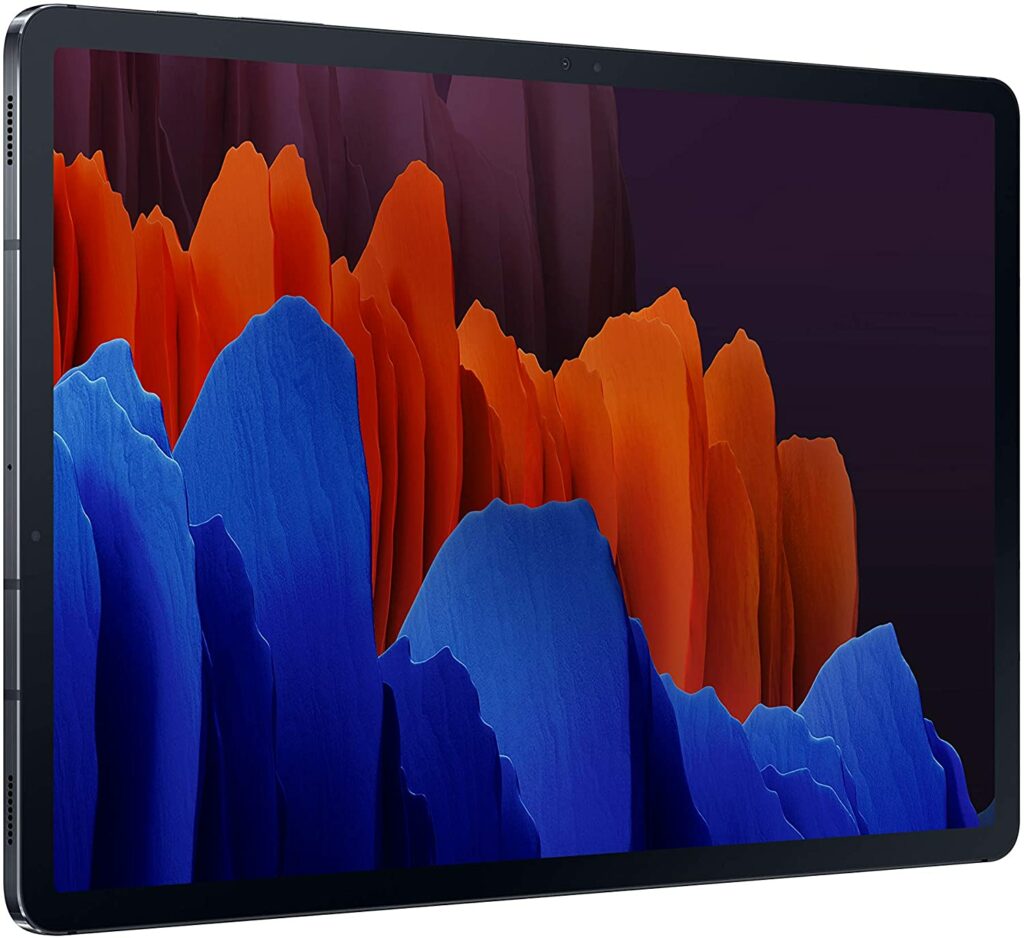
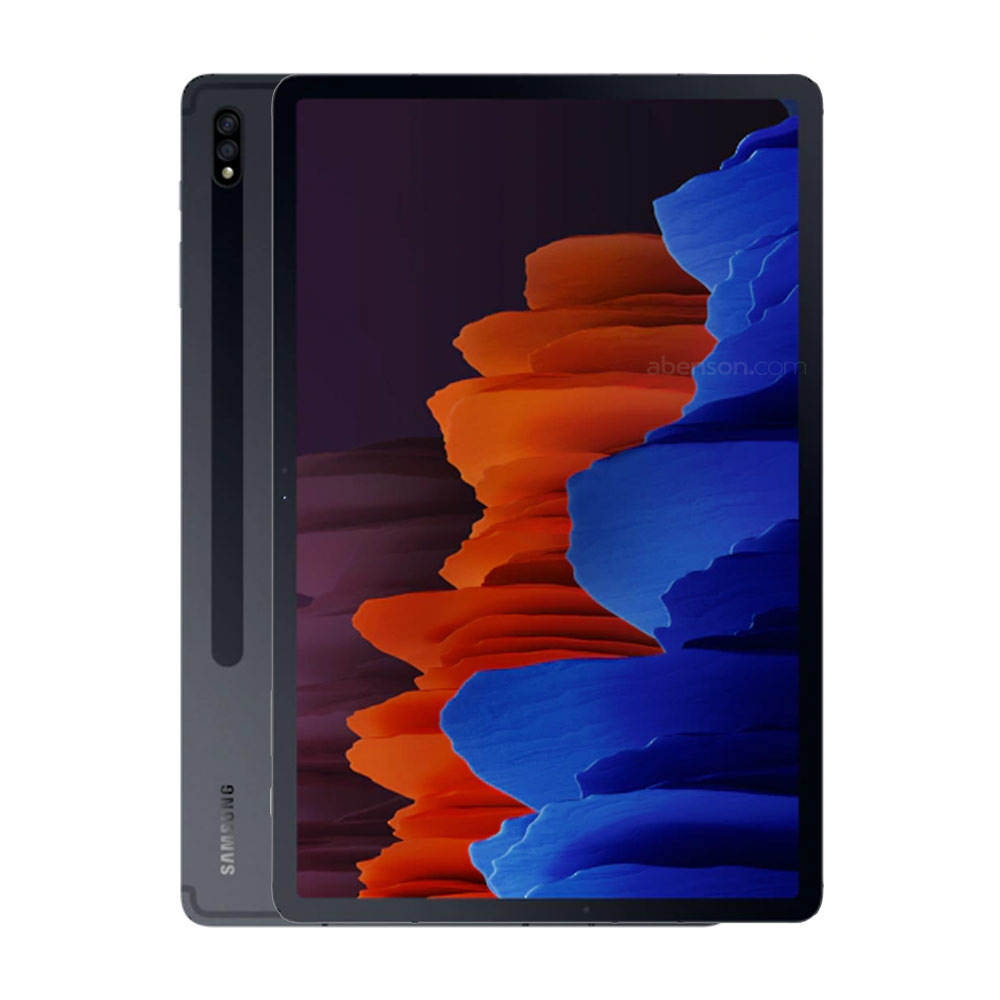
If you’re in the market for an Android tablet, you can’t really go wrong with the Samsung Galaxy Tab S7 Plus. According to Samsung, this is their most advanced Galaxy Tablet yet and they’re not making any light claims on that.
Personally, aside from its really steep price point, the Galaxy Tab S7 Plus is a pretty tough Android Tablet to beat in terms of its powerful specifications and impressive features that will surely provide one of the best performances you’ll see in such a compact device.
While Samsung might have lagged behind just a little when it came to producing a tablet worthy of rivaling the likes of Apple’s iPads, it’s safe to say that this particular model is definitely one of the best out there in the market. Especially if you’re a college student.
To put it simply, this can easily go toe-to-toe with Apple’s latest release, the Apple Ipad Pro with the M1 chip. That’s how good the Galaxy Tab S7 Plus is. In addition, you don’t have to pay any additional costs for the supporting accessories. The S Pen is included in the box once you purchase this unit which is really great, unlike the Apple Pen which you need to buy separately.
However, what still makes the iPad superior is Apple’s App Store, which provides you access to the best app libraries for a tablet known in the market. But if you’re not too picky about these kinds of stuff, the Samsung Galaxy Tab S7 Plus will not disappoint you.
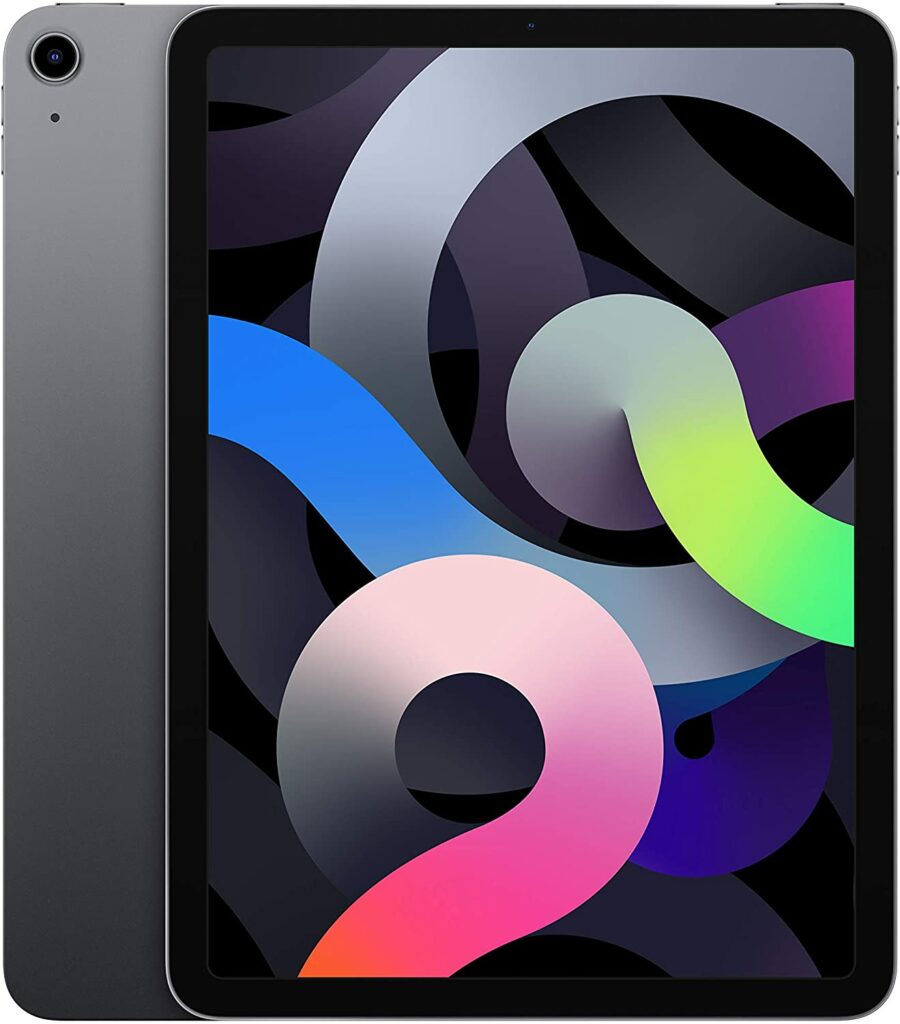
If you really want to get your hands on an Apple iPad but can’t afford the Pro variant, the Apple iPad Air 4 is the next best thing. It’s basically a more affordable and more lightweight version of the Apple iPad Pro lineup. It also improved the outdated specs and addressed the issues the previous iPad Air had.
There are definitely some corners cut of course in order for this device to maintain a more budget-friendly and mid-range price point, but I find that the Apple iPad Air 4 is still a pretty solid machine to use for your studies. I would even dare say that some of you might have a difficult time choosing between splurging for the iPad Pro or opting for the iPad Air 4 instead. It’s that good.
It’s very well-made and apart from the M1 chip and the 120 Hz refresh rate on the iPad Pro, you won’t really miss much unless you’re very power-hungry. Instead of the M1 chip, the iPad Air 4 is powered by Apple’s A14 chipset. Yes, the very same chipset your iPhone 12 has.
It’s not as powerful as the M1 chip obviously, but the A14 chipset isn’t too bad either if you don’t need to do heavier tasks like video editing on your tablet. But the A14 chipset means that this particular model can still handle most tasks with ease. Such tasks can range from streaming high-quality videos to running even the most demanding apps for your school or other unrelated activities like gaming.
All in all, the iPad Air 4 is a good middle-ground for students who have limited funds and don’t need a lot of power but still want to benefit from the robust app library Apple has for their tablets.
Features & Specifications
Product Dimensions: 9.74 x 7 x 0.24 inches
Manufacturer / Brand: Apple
Item Weight: 1 lbs.
Wireless Communication Technology: WiFi, Bluetooth
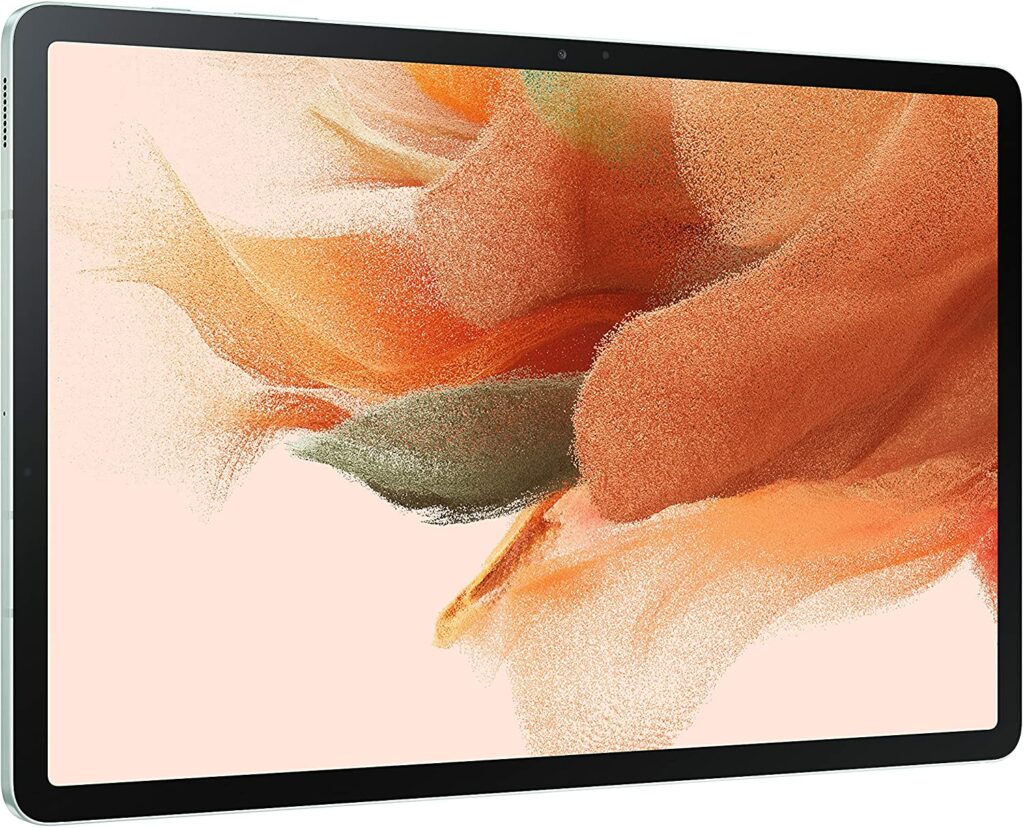
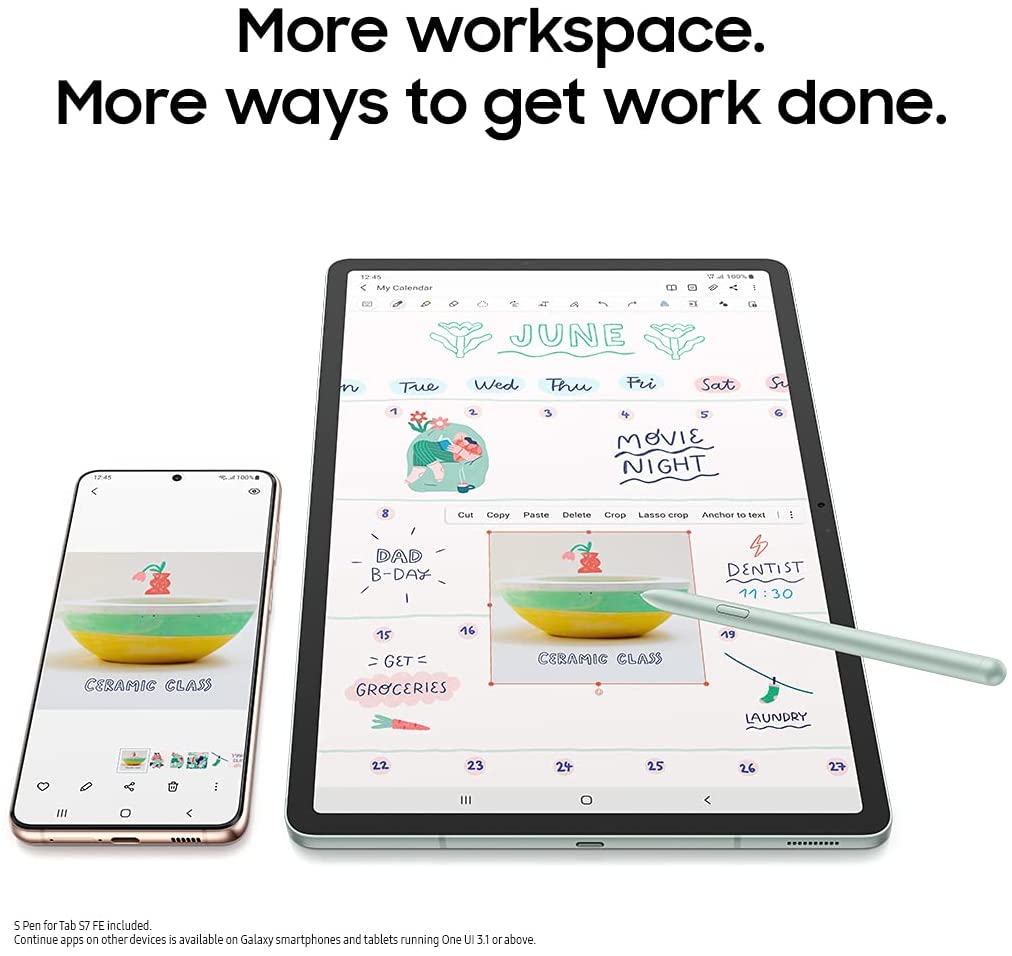
The Samsung Galaxy Tab S7 FE is a more affordable option for those who can’t afford the flagship Galaxy Tab S7 Plus. There are obvious downgrades in this model in comparison to its predecessor but overall, it is still a very powerful device that should be able o run any apps for school without a fuss.
However, do keep in mind that the S7 FE only has the mid-range Qualcomm Snapdragon 750G chipset, along with either 4 GB or 6 GB of RAM as your options. Those aren’t particularly bad, but they’re certainly not the most advanced or latest specs you will see in the market.
On the bright side, unlike cheaper variations of flagship tablets some brands provide, the S7 FE offers the full Galaxy Tab experience. This means you’re getting the same screen size as the S7 Plus, as well as the newly added DeX feature, which is Samsung’s new technology that enables you to use a desktop-like interface on your tablet.
In addition to that, the S7 FE also includes the S Pen upon purchase.
Features & Specifications
Product Dimensions: 0.25 x 7.28 x 11.21 inches
Manufacturer / Brand: Samsung
Item Weight: 1.34 pounds
Screen Size: 12.4 inches
Screen Resolution: 2560×1600 px
Operating System: Android 11.0
CPU: Qualcomm Snapdragon 750G
RAM: 4 GB or 6 GB
Storage: 64 GB or 256 GB.
Batteries Used: 1 Lithium ion batteries required. (included)
Battery Life: More than 24 hours depending on usage.
Front Camera: 8 MP
Rear Camera: 5 MP
Colors: Mystic Black, Mystic Silver, Mystic Green, and Mystic Pink.
Accessories: S Pen (included), Book cover and keyboard are sold separately.
Extra Special Features: S Pen, Book cover and keyboard, free access to Samsung Mobile TV Plus, Samsung DeX.
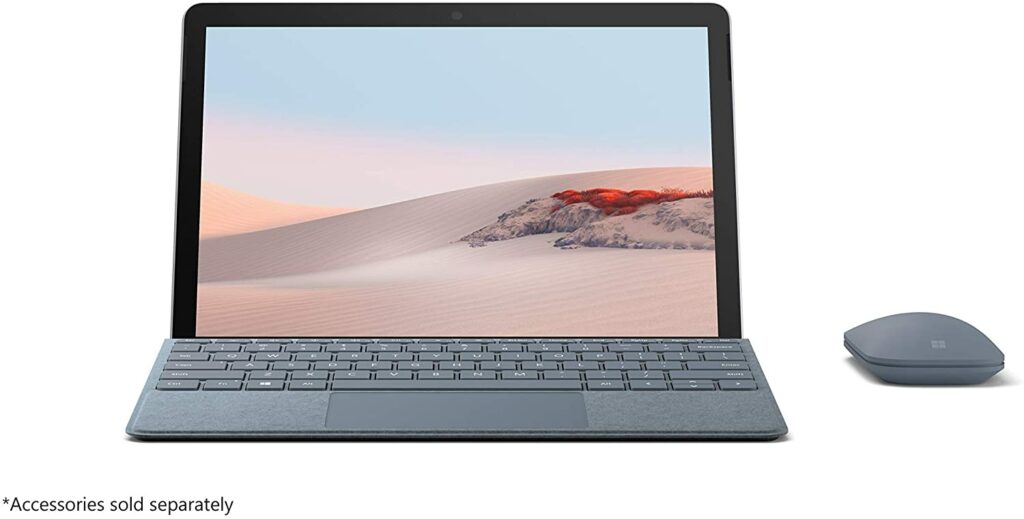
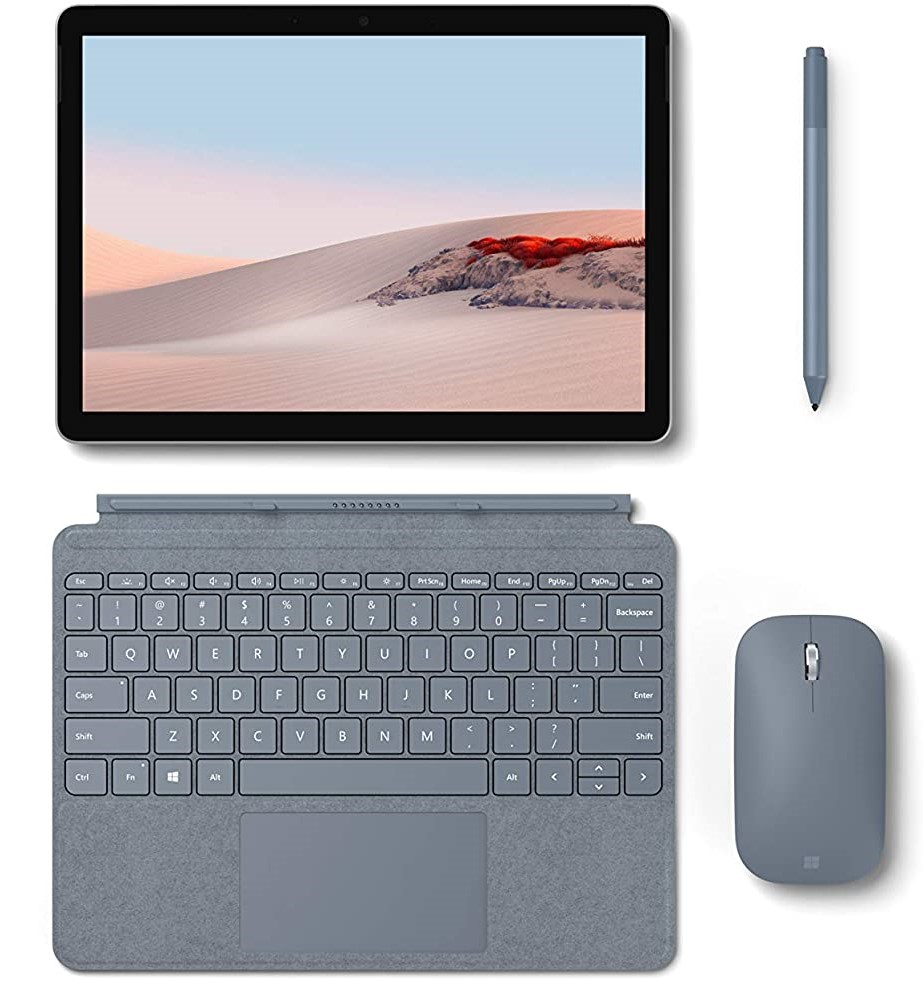
The Microsoft Surface Go 2 is the second generation of the original Surface Go lineup. It addressed and really improved all the issues a lot of people had with the first generation. Now, the Surface Go 2 comes in with beefier battery life, a slightly larger display, and an overall upgrade in terms of performance, making it perfect for anyone with work from home setups and online classes.
In essence, the Surface Go 2 follows the same blueprint as its predecessors like the Surface Pro 7. It has the same principles but for a much lower price compared to Microsoft’s flagship model.
However, the base model of the Surface Go 2 might feel a little inadequate in terms of power if you have heavier tasks in mind. Thankfully, there is an upgraded option for the Surface Go 2 which has the Intel Core m3 processor. It’s a significant leap from the mediocre Pentium Gold CPU that powers the base model.
Personally, the Intel Core M3 might still not be enough if you’re more power-hungry or need to do more demanding tasks with your tablet for school. But if you have lighter requirements, this should be more than enough to make finishing school works comfortable for you.
Now that we have covered our top picks for the best tablets for college students this 2021, here are some friendly shopping tips you might want to keep in mind as you decide on which tablet to go for.
Plan Your Budget Carefully
It comes as no surprise that tablets often come at a hefty price. After all, these are premium devices that act as an alternative to your laptop. Not to mention, a lot of cheaper tablets in the market might not be sufficient or powerful enough to support a college student’s daily tasks for school.
You might think you’re saving more money on buying a cheaper model but you might actually end up spending more if the tablet breaks easily or you realize that it just simply lacks the right hardware needed for your school works. So if you’re planning on investing in a tablet soon, it’s best to save up for one that will truly offer you great value and will last you for plenty of years.
Consider The Accessories You Need
Tablets usually need other accessories so you can have a better user experience. Such accessories include pens or detachable keyboards.
Some of you might find these accessories unnecessary, but these detachable keyboards can really help when you need to regularly type to take down notes during classes. The same goes for the pens. If you have plenty of art classes that require drawing or sketching, you’ll find that using a pen is a lot more convenient than using your fingertips to create digital art.
Fortunately, a few brands in the market include these accessories in the overall package while some you’ll have to buy separately.
So if you’re on a tight budget or have a very limited spending amount, it’s best to get a tablet that already offers its accessories included in the box when you purchase it.
Make Sure The Specs Are Powerful Enough
Depending on the classes you’re taking, one of the most important things you need to consider when investing in such a high-end device as tablets are the specs it has built into its system. The last thing you want is to be disappointed that your newly purchased gadget is lacking the hardware needed to run your daily tasks for school.
So before you invest, I highly recommend looking up what kind of processors or hardware are the most updated in the industry right now. For example, tablets like the Apple iPad Pro with the M1 chip are as powerful as a lot of high-end laptops you’re seeing in the market right now. The same goes for Microsoft’s Surface Pro 7 with its i7 model and Samsung’s Galaxy Tab S7 Plus.
But these flagship tablets also have more affordable variants with lesser specs that still work as solidly. So if you’re not that desperate for power, then these models are worth looking into.
Conclusion
Overall, tablets are great investments for college students no matter what kind of classes you’re taking. They’re more affordable and lightweight alternatives for anyone who feel like a laptop is too much or too expensive for their needs. Tablets also offer a lot of versatility while almost running with the same powerful hardware we’re used to experiencing in our computers without the added weight.
So if you were still contemplating whether a tablet is for you or you were looking for the perfect model, I hope this article was able to help you make a decision.
Do you already own a tablet? Did your favorite make it to our list? What do you think about them? Let me know in the comments section below if you have any insights, experiences, or suggestions to share. I would love to hear all your thoughts!