I can’t begin to explain how keeping an external hard drive close by will greatly improve the quality of your digital life. If you have multiple computers at home, an external hard drive will allow you to transfer huge files quickly and easily between them. Not to mention, it can come in handy and all your important documents will be safely tucked in a backup drive just in case any one of your computers suddenly decides to act out. So if you’re looking to invest in an external hard drive, here are our top picks for the best external hard drives for 2021.
Affiliate Disclosure: I am grateful to be of service and to bring you content free of charge. In order to do this, please note that when you click links and purchase items, in most cases I receive referral commissions. Eventually, I may earn enough to buy a beer or two.
Importance Of An External Hard Drive
External hard drives come in a variety of shapes and sizes and are intended for a variety of applications. They all offer extra storage for backups and can be simply moved from one device to another. But apart from that, the list goes on endlessly when it comes to arguing why an external hard drive should be in everyone’s tech arsenal.
There’s almost nothing more frustrating than learning you don’t have enough space on your computer to save your most recent files. External hard drives can be a terrific answer to this problem, as well as a reliable backup source for your most important data.
While external hard drives may appear less necessary than they previously were now that we are in an era where 50GB of iCloud storage only costs 99 cents per month and slim external SSDs are becoming more affordable. However, the most recent external hard drives released are a lot quicker now, more stylish, modern, and more durable than their predecessors from a few years ago.
No more of those slow, bulky external drives of the past years. Almost every external hard drive today employs the USB 3.0 standard, which provides read and write speeds that are many times quicker than older USB 2.0 drives. Some also use the speedier USB 3.1 and 3.2 standards, while other certain models use the lightning-fast Thunderbolt 3.
External hard drives are also becoming bigger for the money. By just simply plugging in a USB cable to your machine, you can add a terabyte of extra storage to your laptop or desktop for just under $50.
Hard Drives Or SSDs?
Hard drives will give you significantly more capacity for your money, but there is a significant difference in external storage in the market these days. You’ll have to decide whether you want a hard drive or the fastest option possible, the SSD.
One or more magnetically sensitive platters, an actuator arm with a read/write head for each platter, and a motor to spin the platters and move the arms make up a hard disk drive. There’s also an I/O controller and firmware that communicates with the rest of the system and informs the hardware what to do.
Each platter is divided into tracks, which look like formed concentric circles. These tracks are also separated into logical units called sectors. A unique address is generated for each track and sector number, which can be used to organize and locate data. The same data is written to the closest available storage location. Before the data is written, an algorithm processes it, allowing the firmware to detect and repair errors.
Meanwhile, SSDs, or solid-state drives, contain lesser moving parts than traditional hard drives and provide the fastest access to your data. In contrast to a traditional disk-based hard drive, which stores data on a spinning platter or platters accessed by a moving magnetic head, an SSD saves data using a group of flash cells similar to those found in a computer’s RAM.
However, because SSDs have so many microscopic, moving parts such as magnetic heads, spindles, and spinning platters, it’s also possible for something to go wrong and lead you to lose vital data.
How Fast Are These External Storages?
Consumer drives with spinning platters typically have read and write speeds of 100MBps to 200MBps, depending on platter density and whether they spin at 5,400rpm or 7,200rpm. External SSDs provide at least twice that performance, and in some cases significantly more depending on the model. In practice, this means you can transport terabytes of data from an external spinning disk to an external SSD in seconds rather than minutes.
Our Top Recommendations
1. Western Digital My Book Duo Desktop External Hard Drive
Overview
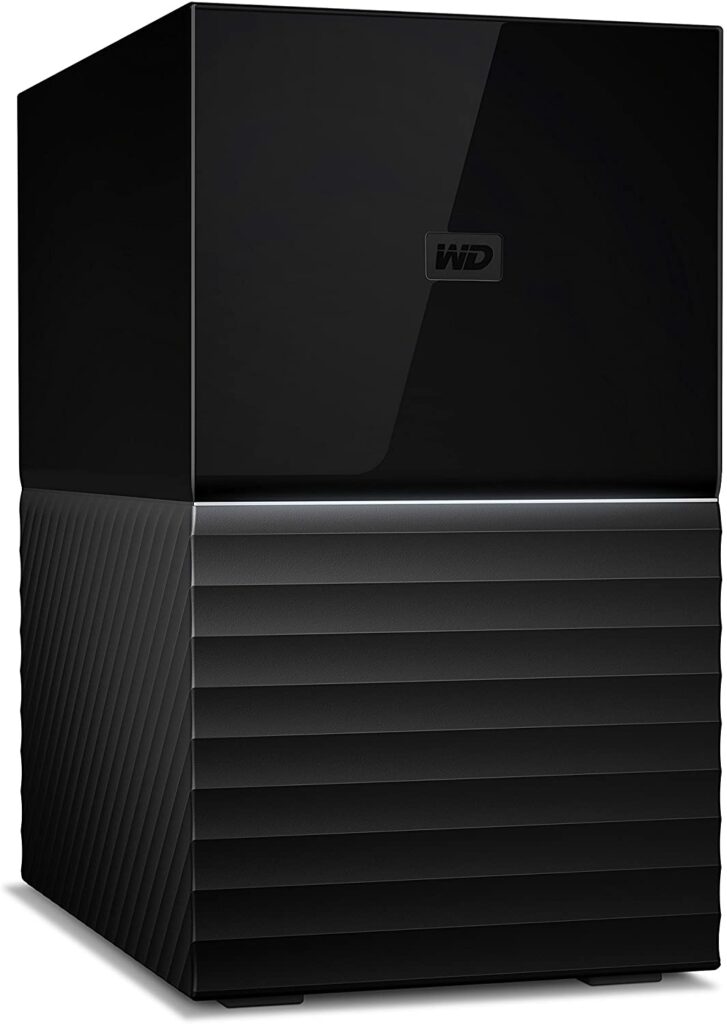
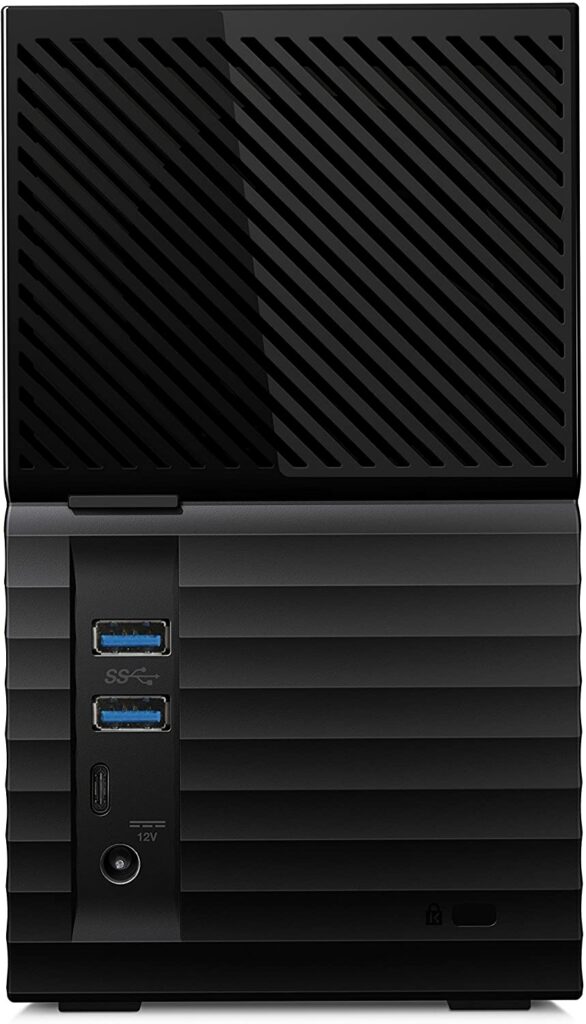
If you want to get your hands on the external hard drive with the largest storage capacity, the Western Digital My Book Duo is the one to choose. It has a whopping 3TB of storage space at minimum that’s spread between two hard drives, plus you can also opt to get similar variants that go up to 38TB of storage if you need that much extra space.
However, it’s also best to keep in mind that the My Book Duo is not the most portable drive out there. It would be a poor choice if you were looking for more compact external drives that you can take with you on the go. So this is definitely an external hard drive that is best used on top of a desk.
Nevertheless, its inherent performance boost over rival mechanical external drives, as well as Western Digital’s deliberate selections to balance performance, affordability, and reliability, make it the best external HDD in our opinion.
Not to mention, you can also set up RAID on the two drives inside this enclosure for file redundancy or speed, or use every bit of storage space. In any case, you’ll get a lot of storage capacity and a two-year warranty from a reputable manufacturer.
The Western Digital My Book Duo’s case is user-serviceable, which means you can replace defective drives yourself and use the enclosure long after the drives fail. On top of that, it also supports USB 3.1 for high-speed data transfer. With full support for 256-bit AES hardware encryption, you can be assured that no one but you will be able to read your data.
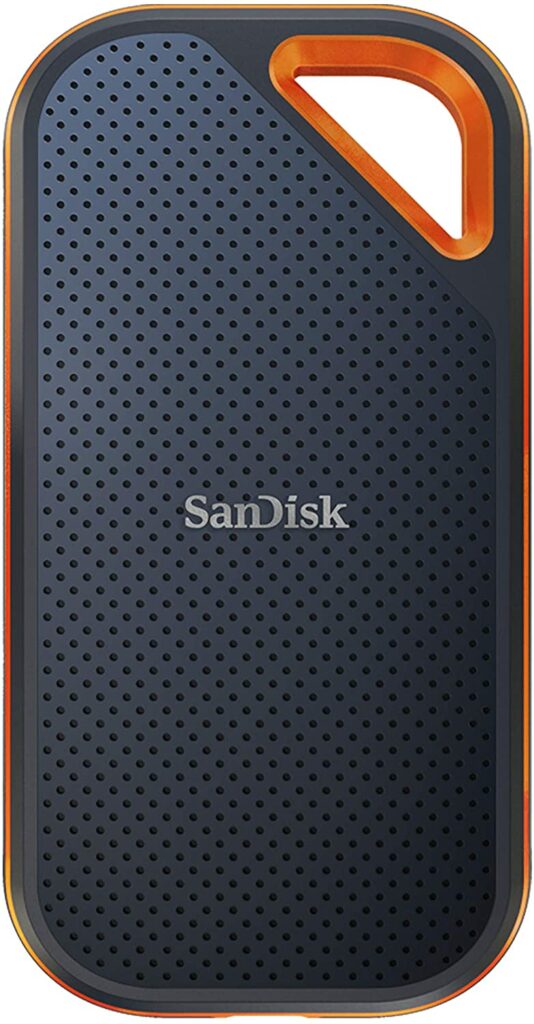
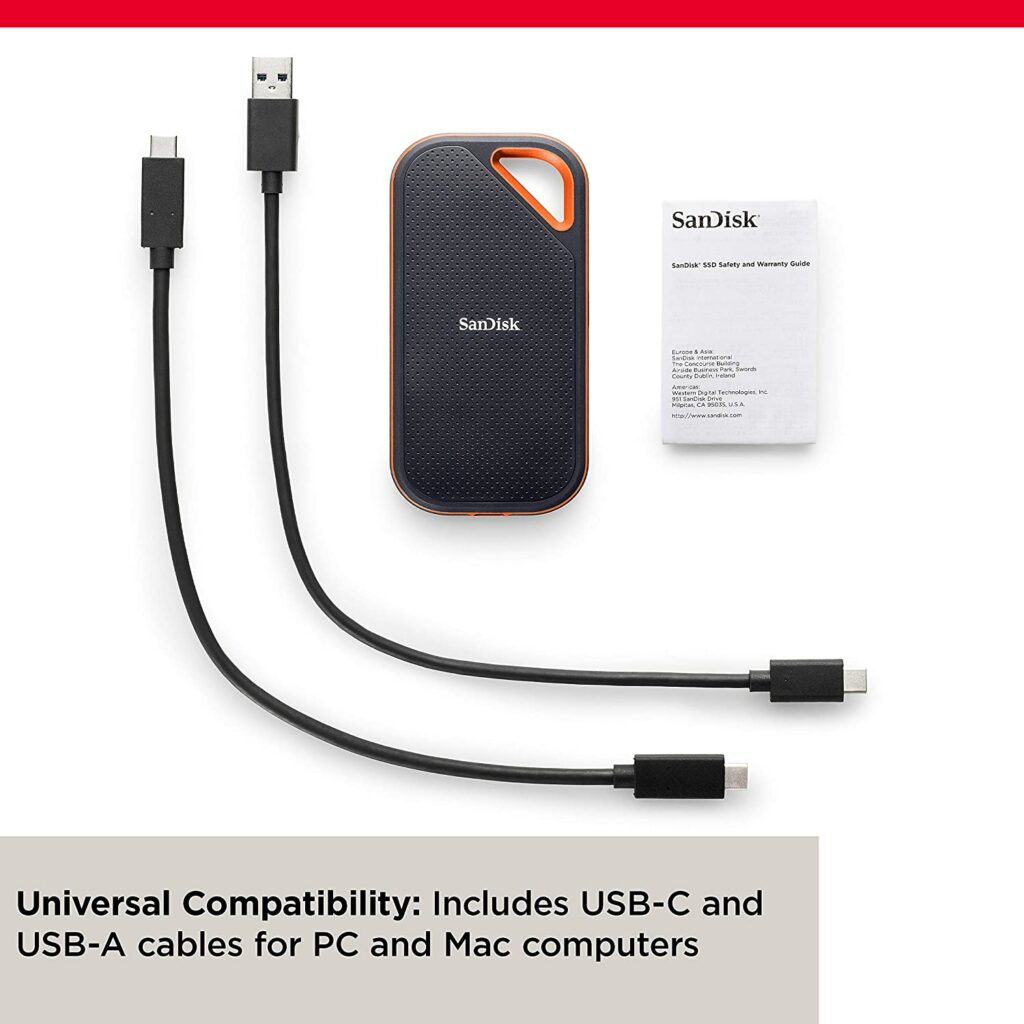
The SanDisk Extreme Pro Portable SSD is a highly portable NVMe drive with reading speeds up to 1050MBps and is light enough to store and carry wherever you go. The Extreme Pro’s durable construction repels water and dust, and the silicon rubber covering and notch allows you to store it as you like.
Its rounded corners, black-and-red coloring, delicately pockmarked front, and soft-touch back give it a fully modern yet refreshingly vintage appearance and feel. Apart from that, we also like that the SanDisk Extreme Pro works with both USB-A and USB-C connections, so any concerns with device compatibility and about upgrading your devices to a USB-C connection in the future are thrown out the window.
While the 500GB storage option is the most cost-effective for people on the go, the disk may be upgraded to 2TB if desired.
The USB 3.1 version of the Extreme Pro Portable SSD is also one of the fastest drives in the market, delivering reading speeds of up to 1,050MBps. General encryption is also used by the SanDisk Secure Access application.
However, this particular drive is a little pricey for most people, and you might find the built-in carrying loop too large to fit on a typical keychain. But aside from that, this is a pretty amazing external hard drive for everyday use and one that is hard to beat in terms of portability.
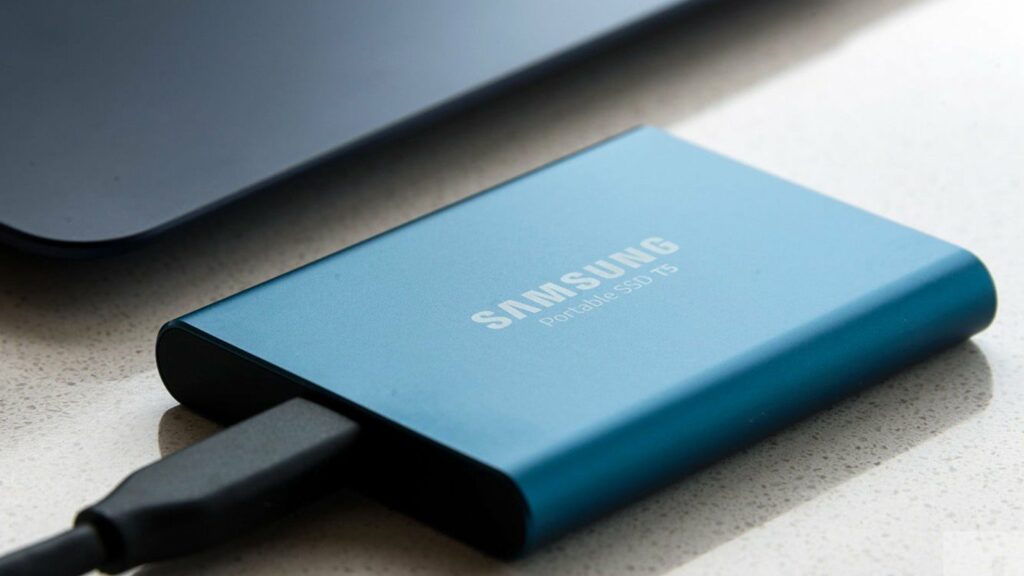
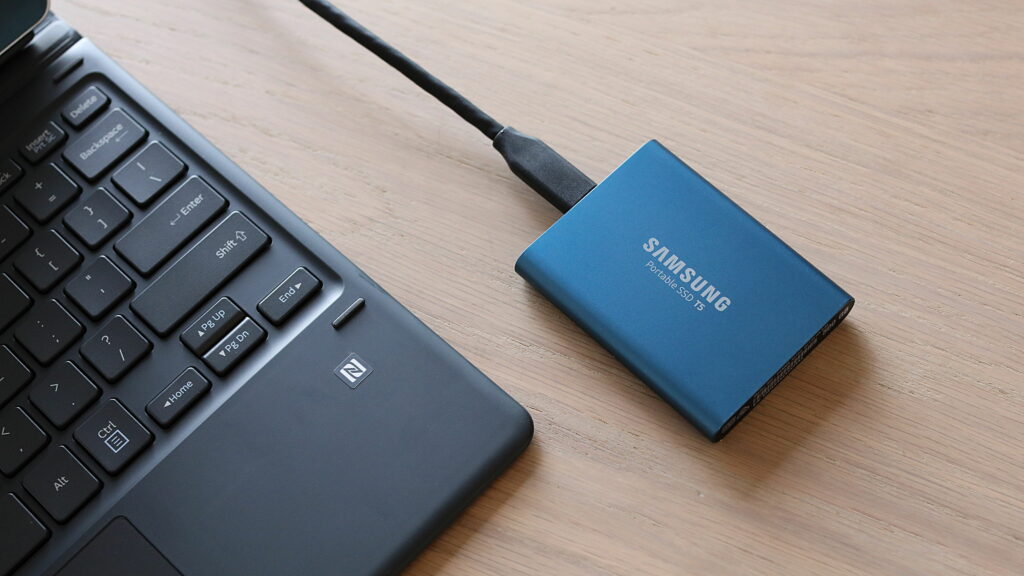
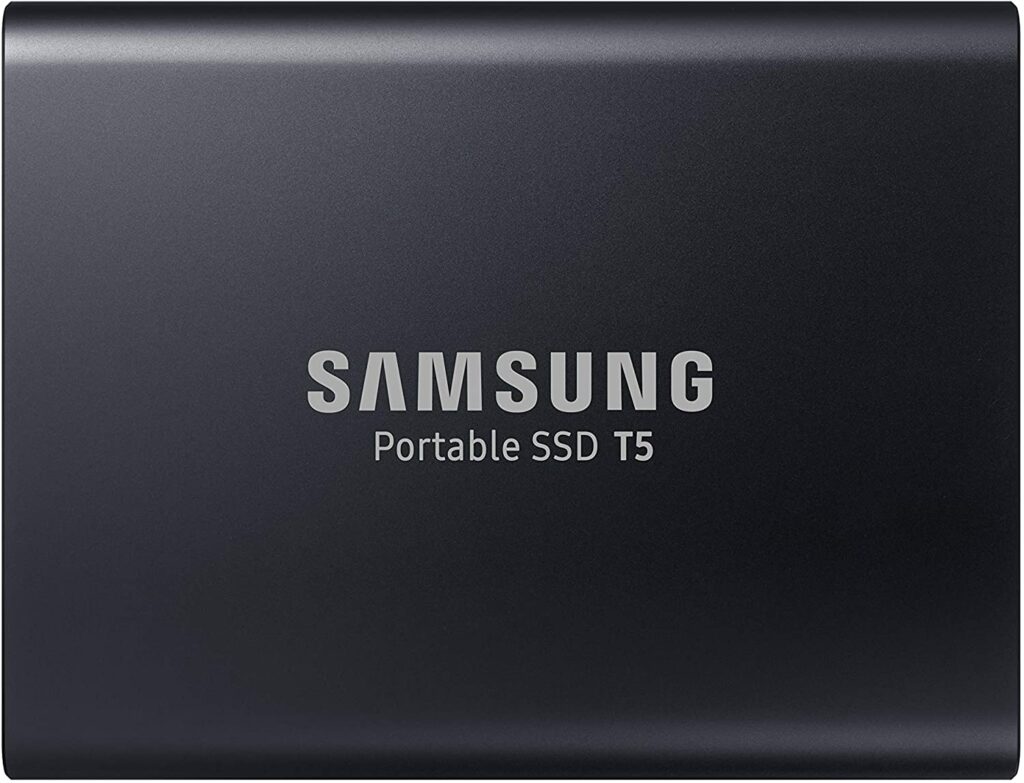
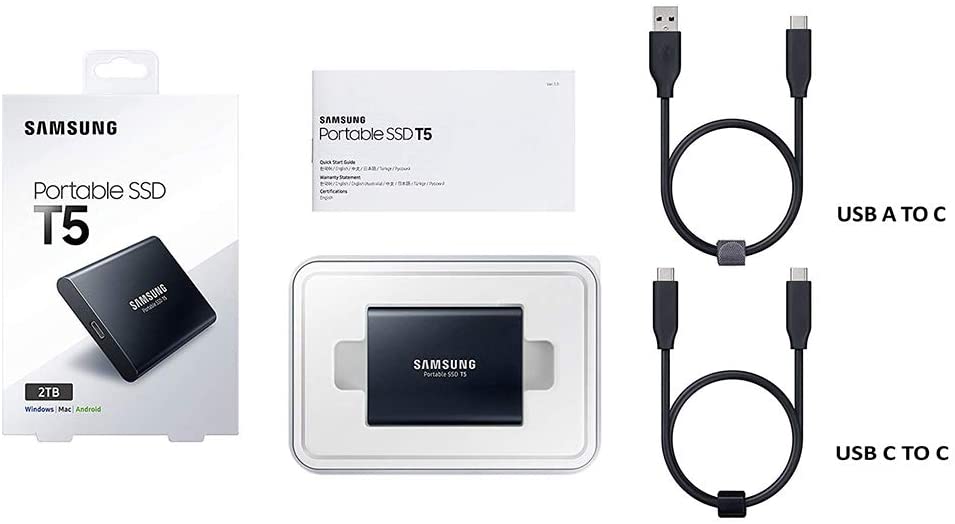
The Samsung T5 is a compact yet affordable high-speed storage drive that looks and feels like a top-tier portable storage solution. It uses Samsung’s latest 3D V-NAND technology to cram up to 2TB of storage space into a small form factor, though it comes in a variety of storage sizes and costs.
In various read and write tests, the solid-state drive outperformed its competition as well as its predecessor, the T3, while preserving the same physical footprint. Samsung also claims that this external drive, which is housed in a solid aluminum casing, can resist a drop from a height of up to 6 feet without any problems.
Although those are very big claims and I wouldn’t recommend putting such claims to the test, it’s critical that external drives, which aren’t shielded by the shell of a desktop or laptop, are durable enough to survive some abuse.
There is no other drive we can suggest as strongly as the Samsung T5 SSD because of its speed, compact size, portability, and additional features like suitable encryption software. When you go to the upper end of the storage space range, it can get a little expensive. A 2TB configuration will set you back several hundred dollars, but it’s a lot less expensive than it was a few years ago.
But if money is no object to you, this is definitely an external drive worth considering.
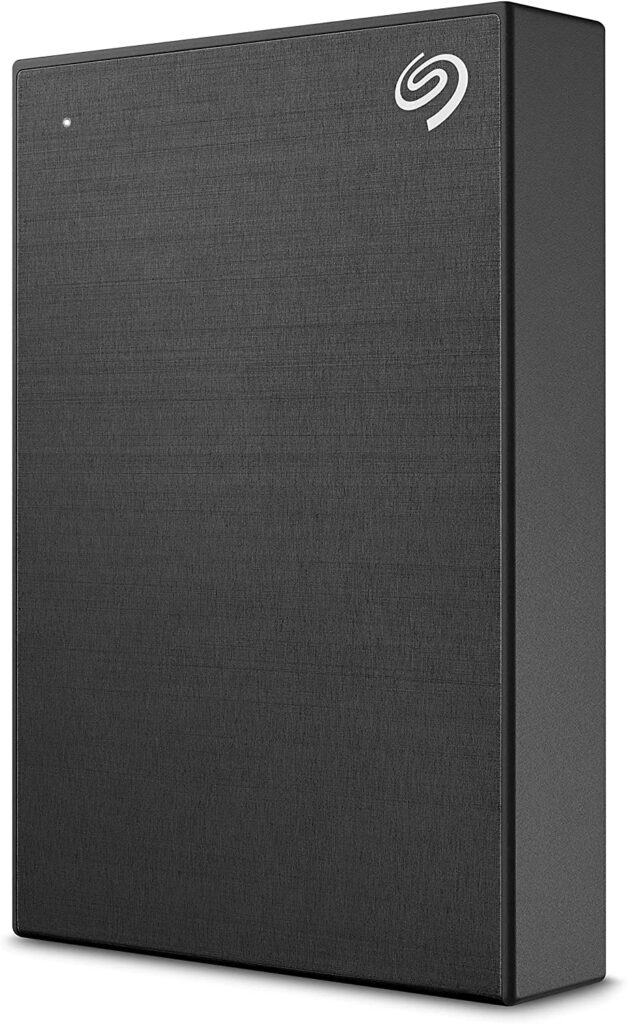
If you want to have the best of both worlds, the Seagate Backup Plus Desktop Drive is one of the best options you can find in the market. It’s available in storage capacities up to 8TB and easily outperforms the competition in terms of reading and writing speeds.
If that’s not convincing enough, aside from the terrific storage and speed, Seagate’s lower-than-average failure rates, particularly in larger capacity hard drives, might urge you towards this excellent external hard drive a little bit more.
This particular drive comes with backup software and is compatible with both Windows and Macs, albeit it’s formatted for Windows out of the box unless you upgrade to a Mac-specific hard drive, which you might find a tad more expensive.
Not to mention, the device also includes Seagate’s own optional Dashboard application, which allows you to back up your smartphone’s material through a free app, as well as your social media from Facebook, Flickr, YouTube, Tumblr, and even cloud-based stuff such as Dropbox, Google Drive, or OneDrive, to the drive.
It also offers two backup options: one that is planned and one that is continuous. Value-added apps are typically fairly basic, and Seagate’s Dashboard is no exception. It only provides the bare minimum, allowing the customer to opt for more elaborate solutions if they so desire.
Features & Specifications
Dimensions: 4.54 x 3.15 x 0.82 inches
Item Weight: 7 ounces
Brand: Seagate
Storage Capacity: 4 TB up to 5 TB
Compatible Devices: Desktops, Laptops
Interface: USB 2.0 and 3.0
Pros
Affordable.
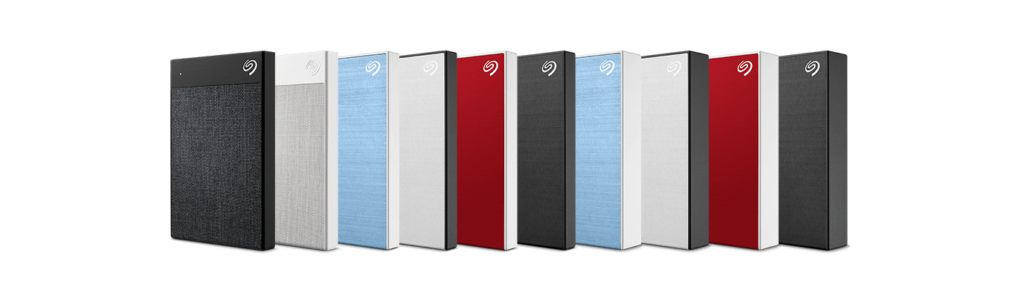
Lots of color options to choose from.
Fast and reliable write and read speeds.
Cons
Additional costs if you want a Mac-formatted version.
Rating: 9 out of 10.
Where Can I Buy The Seagate Backup Plus Desktop Drive?
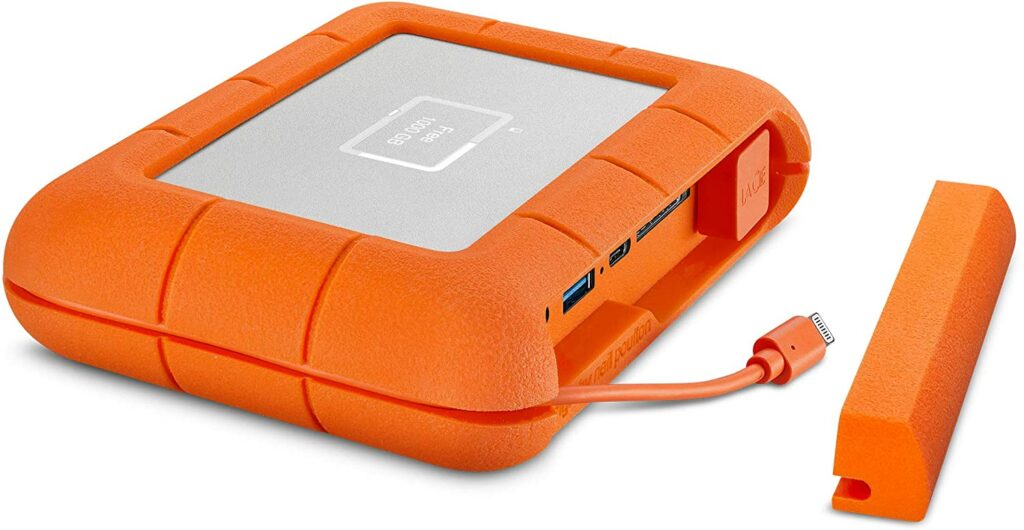
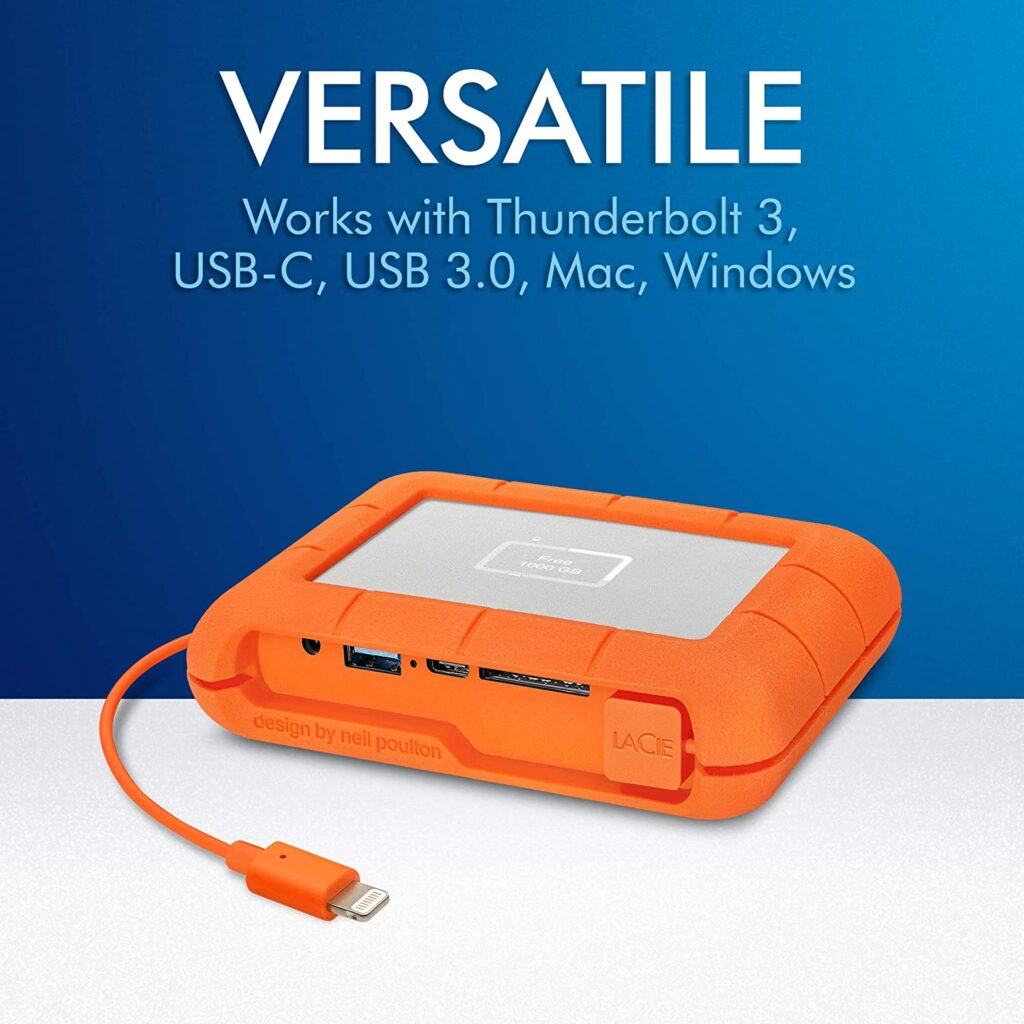
If you’re a photographer, a videographer, a filmmaker, or anyone who constantly works outdoors, you might want a rugged yet fast external drive to keep up with your workload. The LaCie Boss drive was designed specifically for these uses, featuring shock resistance, water splash resistance, and dust resistance capabilities.
But that’s only the start of what the LaCie Rugged Boss SSD has to offer. Apart from its terrific durability, it also has an SD card port, which is ideal for photographers who want to move their images to a larger storage device to free up space, as well as a useful status screen that shows transfer progress, current capacity, and current battery life.
On top of that, this battery may also be used to charge cameras, drones, and other devices that are running low on power. So if your power bank acts out, you can also opt to use this one to power up your devices.
While the capacity of the Boss drive may be adjusted between 500GB and 5TB, we found that 1TB was a fair compromise between the model’s already exorbitantly high price and its more than enough storage space to be practical. Simply ensure that all of your devices are USB-C compatible, and keep in mind that Thunderbolt 3 LaCie drives can also serve a similar role.
Features & Specifications
Dimensions: 1.42 x 4.33 x 5.35 inches
Item Weight: 6.4 ounces
Brand: LaCie
Storage Capacity: 500 GB up to 5 TB.
Compatible Devices: Cameras, Laptops, Desktops
Interface: USB, USB 3.0, USB Type C
Pros
Portable.
Rugged design makes it durable enough to survive the outdoors.
Ideal for photographers, filmmakers, drone pilots, or anyone regularly working in the outdoors.
6. Buffalo MiniStation Extreme NFC External Hard Drive
Overview
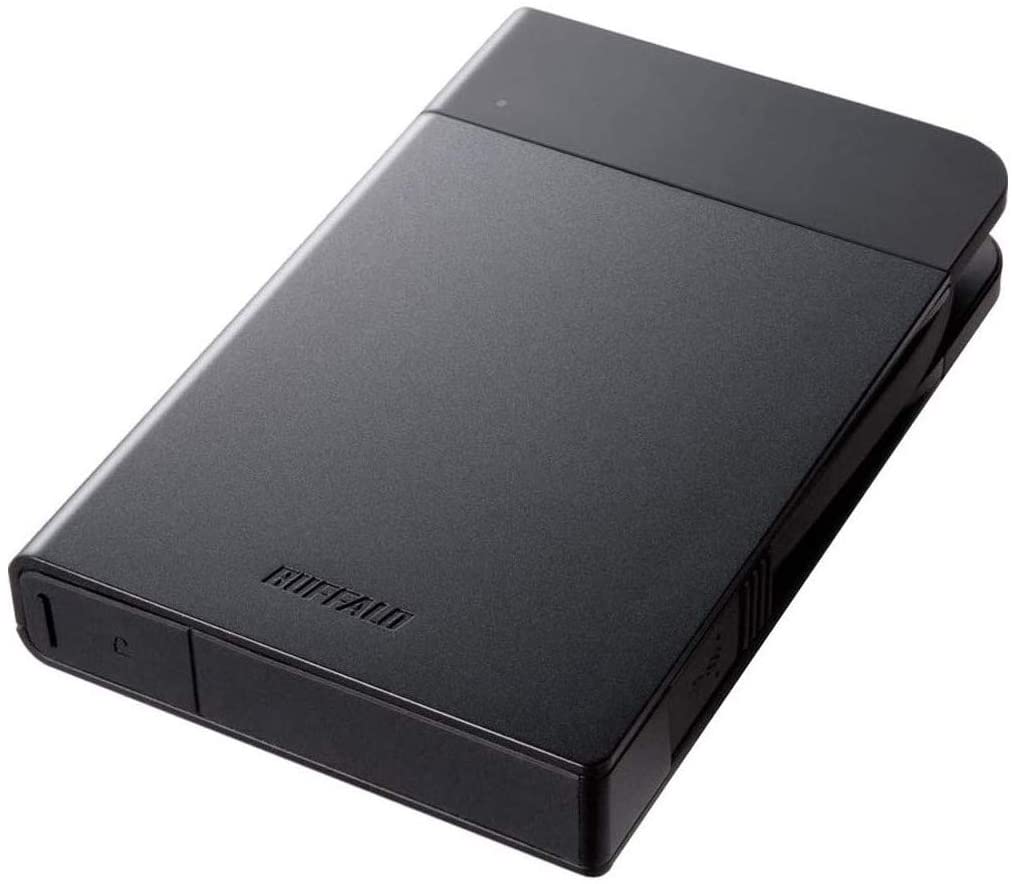
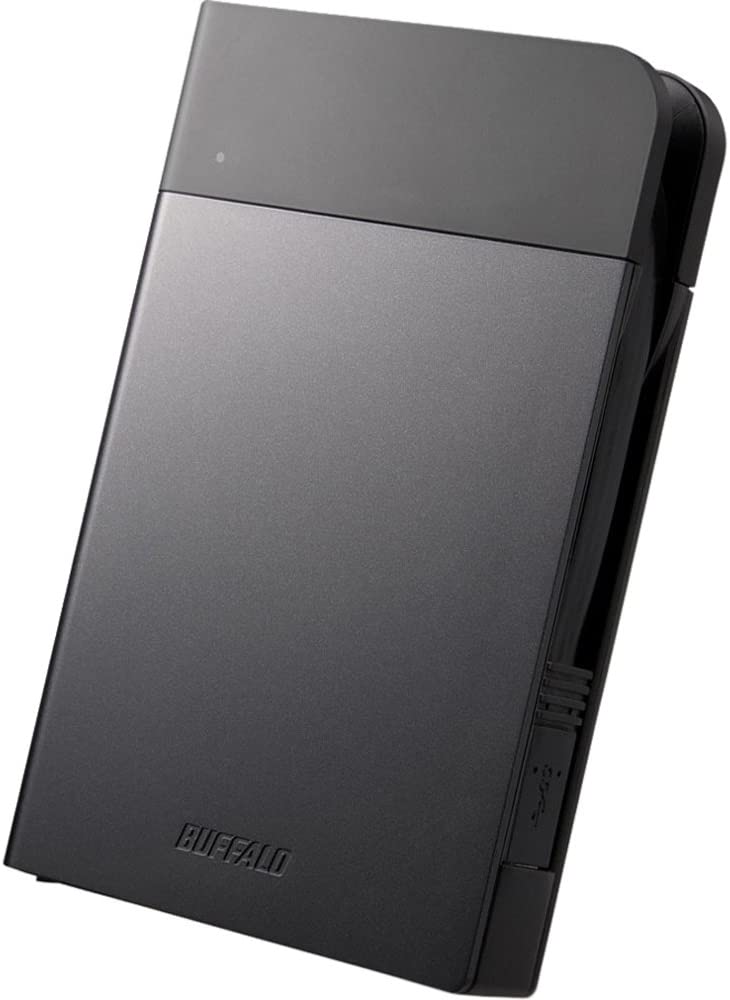
Buffalo‘s MiniStation Extreme NFC might just be perfect for you if you’re looking for the greatest external hard drive that will save you a ton of money. The Buffalo MiniStation Extreme NFC is a versatile device that works with both Mac and Windows devices and comes with a dust- and water-resistant shell as well as a built-in USB 3.0 connection.
The tough casing not only protects your data from bumps and drops but also includes 256-bit AES security and NFC (Near Field Communication) capabilities. Simply tap the included NFC card into the drive’s body to unlock the drive and gain access to your files quickly and easily.
Features & Specifications
Dimensions: 2.99 x 4.53 x 0.76 inches
Item Weight: 10.6 ounces
Brand: Buffalo
Storage Capacity: 1 TB up to 2 TB
Compatible Devices: Laptops, PC, Mac
Interface: USB 3.0, USB 3.0
Pros
Affordable.
Rugged, durable design.
Has NFC Security.
Cons
A little sluggish.
Rating: 8 out of 10.
Where Can I Buy The Buffalo MiniStation Extreme NFC External Hard Drive?
Now that we have discussed our top picks for the best external drives for 2021, it’s best to keep in mind that selecting an external drive is more complicated than simply purchasing the most expensive model available. There are a lot of important factors that go into it deciding which external hard drive is best for you.
The most crucial element to consider is the drive capacity, which can substantially increase or decrease the cost based on your needs. Other considerations include the drive’s physical size, its durability, design, the interface it utilizes to connect to your PC, and even the colors it comes in. The guide below seeks to help you out on these aspects.
Storage Capacity
Storage space is arguably the most important feature to consider when purchasing an external hard drive. It’s pointless to invest in a high-speed device with all the modern and advanced features such as encryption and remote access if it can’t save all your data. At the same time, you also don’t want to overpay for a drive that you won’t even come close to filling. The last thing we want is to waste money, right?
So what exactly is the ideal storage space for an external hard drive? Well, that is completely all up to you and whatever you’re planning to store in your external hard drive.
A mid-range external hard drive may be perfect for you if you just need to move papers, images, or other pieces of documents from one device to another for the most part, or just wish to enhance the storage space of your low-end laptop or any other device like your tablets or smartphones.
While the greatest of these mid-range external hard drives may hold up to 2TB of data, they can be quite expensive and unnecessary for basic transfers like the ones stated previously.
Instead, I would highly suggest saving your money and purchasing an external hard drive with 500 GB to 1 TB of storage for no more than $50. For not much more, you can also acquire drives with twice the storage too along with good bundled deals.
On the other hand, you’ll need something more substantial if you wish to store a lot more data or keep files and folders for a longer period of time. If this is the case, starting with a 1TB external drive should be enough for most of you unless you’re planning to save your entire movie collection as well as your favorite TV shows.
Size
External hard drives are usually meant to be extremely portable or primarily stationary but it also comes in different shapes and sizes. As a general rule, desktop drives are better for offices or staying on your desk where the majority of the work is done in the same space. This type of external hard drive is mostly used as extra storage that is rarely removed from the workstation.
Additionally, desktop drives are ideal for you if you have a massive media file collection. If you’re a photographer, an editor, or just a huge movie buff like me, you’ll certainly require many terabytes of storage space so you don’t run out of it easily.
You might also see bigger-sized desktop drives every now and then in the market too. These larger models are more expensive, but they can hold a lot more data, up to 16TB or even more. Some are so large that they’ll need to be stored under your desk or in a separate server closet. They’re primarily designed for professional use such as editing studios, surveillance control rooms, and similar environments.
Portable drives, on the other hand, are more self-explanatory. They’re smaller, often designed ruggedly, and meant to fit into pockets or cases for people on the go. This is quite perfect for you if you’re someone who moves around a lot.
If you’re a business traveler, photographer, or even a filmmaker, and basically anyone else who manages large files using computers, cameras, smartphones, and other mobile devices as you travel, you will certainly appreciate this type of external hard drive. The rugged design also helps in keeping the external drive durable and safe from accidental drops or water splashes.
Speed
When it comes to picking an external drive, the speed with which data is transferred is critical. You don’t want to wait for an eternity for a single file transfer to be completed if you move data back and forth on a frequent basis.
With that in mind, the underlying storage technology and the connector your drive utilizes both play an impact on how fast it can perform as you transfer files. Although certain drives are quicker than others, SSDs can process data more quickly than HDDs in general.
However, external SSDs are often more expensive than external HDDs and have less storage capacity. You don’t need one or the other because SSDs with larger storage capacities are available for a higher price. It’s all up to you which compromises you’re willing to take.
When it comes to connectors, there are various typical alternatives to choose when it comes to connecting your external drive to your PC, laptop, or mobile device. Although most drives now feature a USB interface, the most recent generations have several notable distinctions, particularly in terms of transfer speed.
Interface
The sort of storage mechanism used by an external drive is second only to how it connects to your PC or Mac in determining how quickly you can retrieve data. These connection types are always changing, although most external hard drives now use USB or, in rare circumstances, Thunderbolt. Below are some examples of these connection types.
Avoid USB 2.0 at all costs, as its maximum transfer speed is only 480Mbps and this type of interface is quite outdated already. On most PCs, the port is not color-coded. Beyond USB 2.0, things can become a little tricky or confusing.
USB 3.0, USB 3.1 Gen1, and USB 3.2 Gen1 are examples of these specifications. However, all three are virtually identical, with speeds of up to 5Gbps and a blue color-coding. Meanwhile, USB 3.1 Gen2 and USB 3.2 Gen2 are identical, with red color coding and 10Gbps transfer speeds.
The fastest of the bunch would be USB 3.2, or 3.2 2×2, which offers up to 20Gbps. USB-C is a reversible connector that is newer, smaller, and more rounded. The DisplayPort protocol for video output is tethered to this port as well. Some connectors include USB-C ports but employ the Thunderbolt 3 protocol, which can carry data at up to 40 Gbps.
With that being said, a Thunderbolt 3 connection is what you should aim for. If it’s too pricey, you can just go down the line but never farther than USB 3.1.
Conclusion
Now that we have reached the last part of our article, I hope you were able to find an external hard drive suitable for you in our top picks. Overall, the best hard drive depends on the person using it. What might be good for you, might not be the same for other people. However, it’s best to choose a drive that has a great balance between speed, form factor, and other functionalities such as security and future-ready interfaces.
Have you already bought your own external hard drive? Did your pick make it into our list? Let me know in the comments section below if you have any suggestions to share, insights, or questions to ask. I would love to hear all your thoughts!
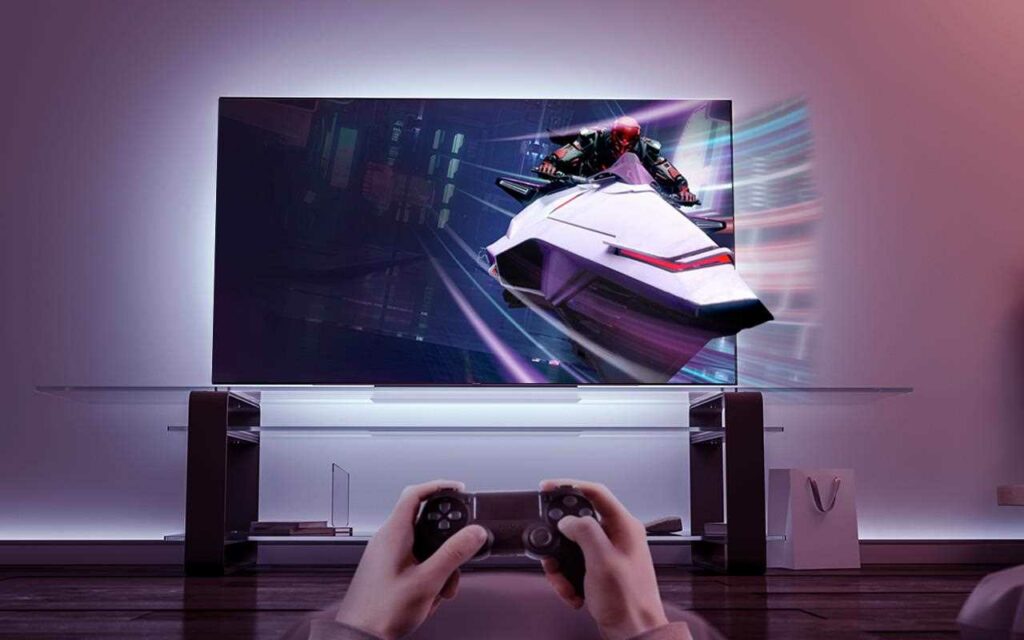
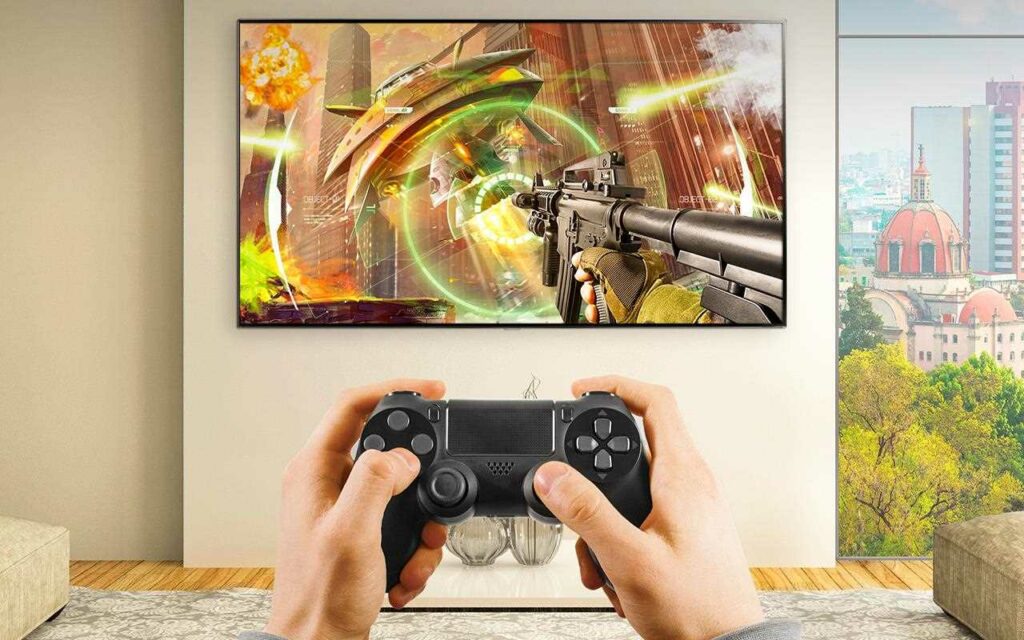
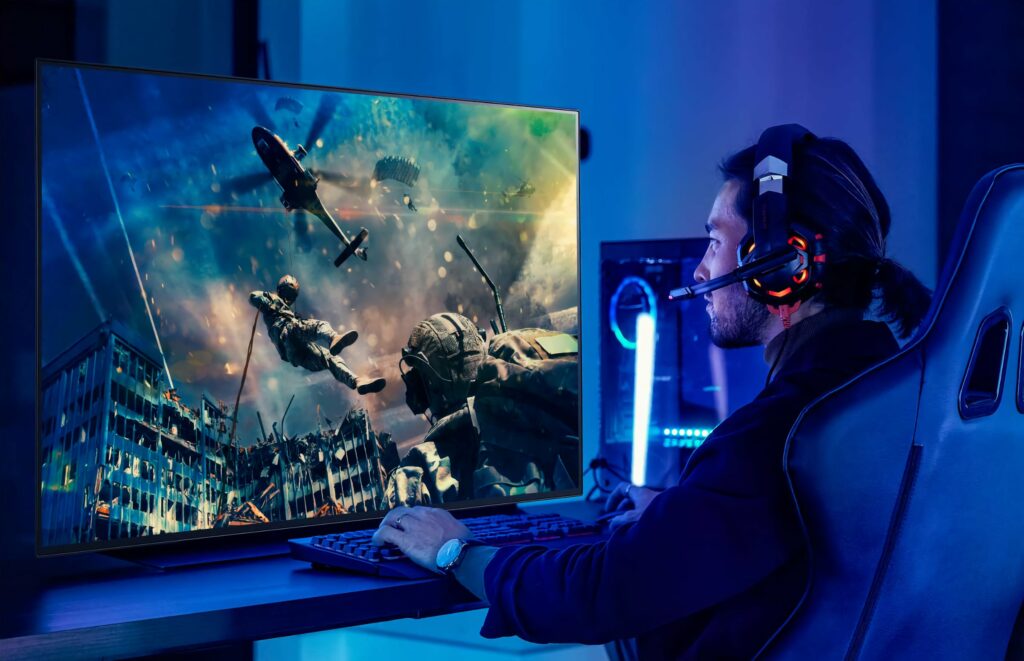
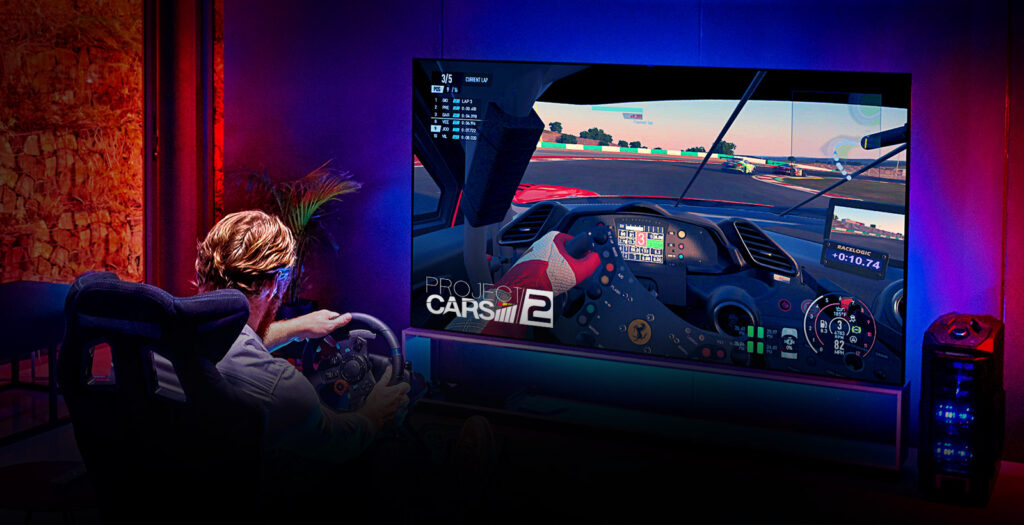
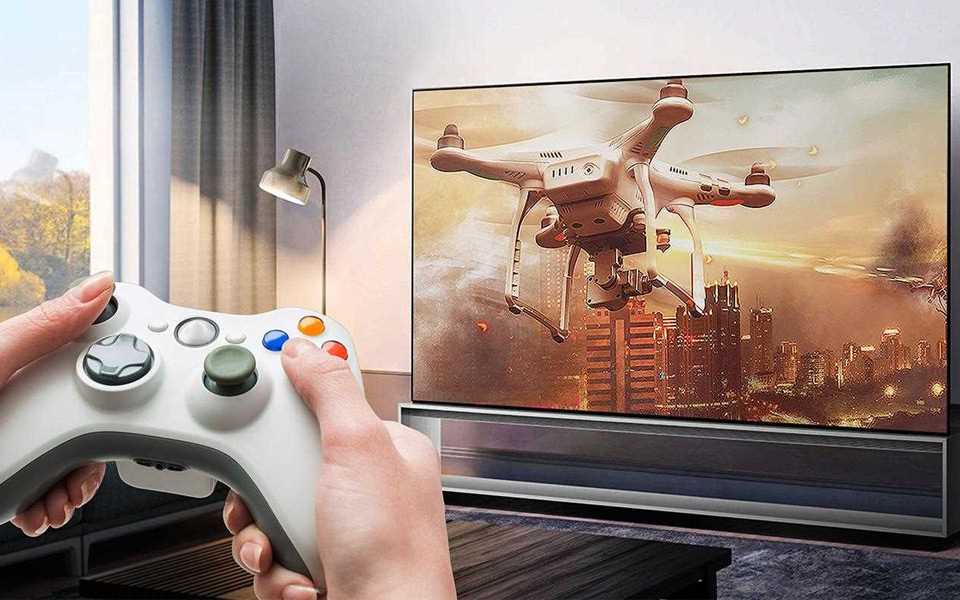
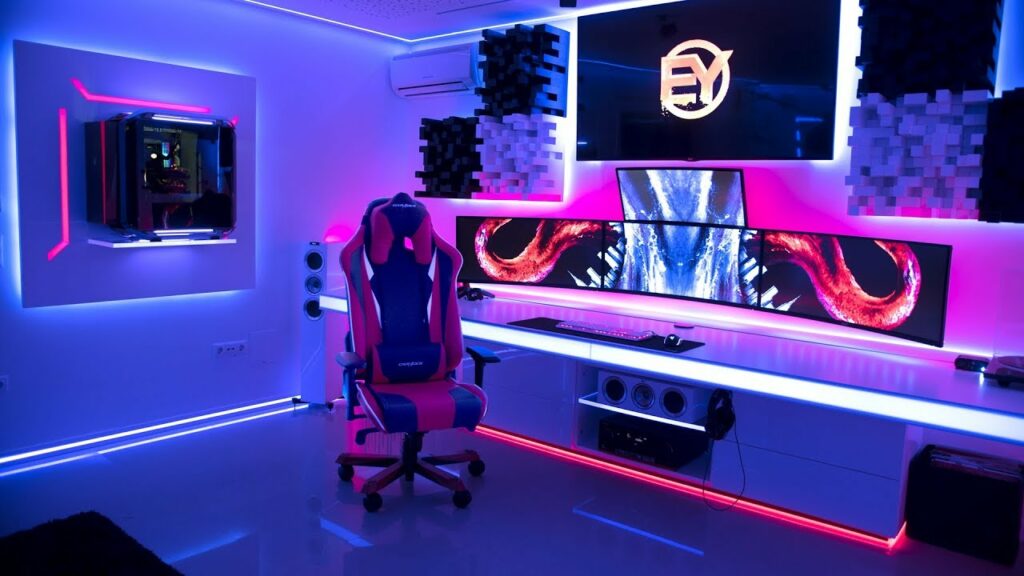
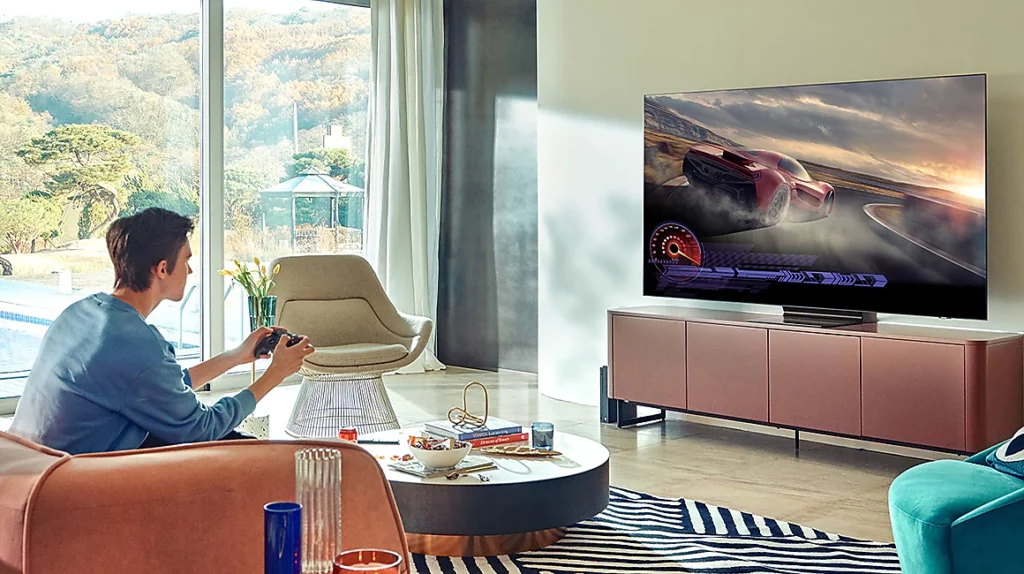
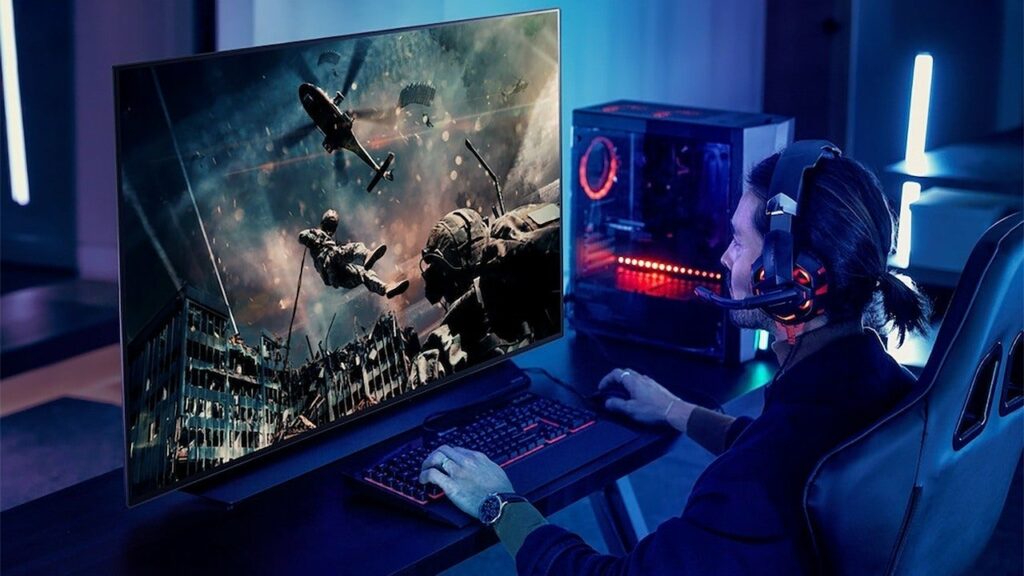
There are a plethora of reasons why using a television to play games can improve your overall gaming experience. Not only are they larger than most PC monitors, but the top 4K TVs can now compete in terms of fidelity and functionality with the greatest gaming monitors. Plus, there’s the added benefit of advanced technology like OLED panels, which have yet to make an impact on your average PC monitor. I could go on and on, but if you’d like to find out more, just keep scrolling to read our 4K TV Buying Guide For Gaming this 2021.
On the surface, it may seem like TVs and PC monitors have a lot in common, but the specifications built into their systems are what separate them. When compared to PC monitors, TVs will typically have substantially faster refresh rates and better pixel density. On top of that, they also usually have reduced input lags and quicker response times.
If that doesn’t convince you, the best 4K TVs for gaming on the market today are getting increasingly affordable, with a plethora of excellent models available at reasonable costs. As a result, it’s difficult to argue not to use a 4K TV as your gaming monitor. Of course, there’s the issue of space and size but 4K TVs also come in at a variety of sizes to fit your specific needs.
Furthermore, in terms of PC gaming, your options for the gorgeous OLED panel technology are confined to high-end gaming laptops or the best gaming TVs in the market. Since the release of the Nvidia RTX 3080 and AMD RX 6800 XT, 4K gaming has been completely accessible. It would be a shame if you missed out on this opportunity.
So Why Is A TV Better For Gaming?
Aside from the crisp and sharp images that are the main selling point of 4K TVs, many of these devices also boast quicker refresh rates, low-latency game modes, as well as HDR options in order to deliver excellent imagery compared to your standard PC monitors.
TVs are also often larger and more concerned with certain aspects like color reproduction and viewing pleasure than with pixel density or responsiveness. Thanks to display technologies targeted at the typical living room settings, they also tend to be considerably better for viewing at wide angles.
Because of the introduction of OLED technology, several gaming-specific TVs now have exceptionally low input latency and pixel response times, which reduces the amount of motion blur and ghosting that can occur. Furthermore, with refresh rates on 4K TVs easily hitting 120hz, some TVs are now able to match the responsiveness of even the best PC monitors in the market.
Why Choose 4K?
This is the highest image resolution your TV can display and will provide you with crazy sharp and detailed pictures regardless of the content you’re streaming or playing. A 4K TV or a 4K ready TV, can display images with a resolution of 3840×2160 pixels. It’s also referred to as UHD or Ultra HD by some brands and manufacturers.
Both the PS4 Pro and Xbox One X are capable of exporting a 4K stream to your 4K TV, in case you weren’t aware. Almost every gaming television now that has been released recently supports 4K. Of course, there is also the appeal of an 8K TV, but I find those still pretty out of reach in terms of pricing.
Now that we have discussed why you should upgrade to a 4K TV, here are some terms and certain specifications you might want to consider and keep in mind as you look for your next ultra HD screen.
Types Of Screens
As you go shopping, you’ll come across different types of display panels in your hunt for your 4K TV: LED, OLED, and the most recent technology from Samsung, QLED. While they may share similarities in their names, they couldn’t be any more different and distinct in terms of panel technology.
LED
Independent image creating and lighting layers on LCD/LED panels provide the final image you see. The pixels (LCD) that form the actual visuals you see in this interaction are illuminated by the backlight (LED). To achieve the same level of pure black as LED displays, TV manufacturers have launched completely array backlighting systems, which divide the backlighting layer into zones known as “local dimming zones.”
Keep in mind when looking at this feature that the more local dimming zones a television has, the better. LED TVs, on the other hand, can achieve substantially higher peak brightness levels, but they have narrower viewing angles and muddier blacks than OLED TVs since the display can’t totally turn off their backlight.
OLED
Another type of TV panel that is classified as an emissive screen technology is the Organic Light Emitting Diode or OLED. LCD and plasma panels, on the other hand, require back-lighting or edge-lighting to produce images on the screen, but OLED displays do not. Backlit or edge-lit TVs have LEDs that are lit in groups or lines to generate a picture.
This means that the pixels in an OLED screen produce their own light by using an electric current to produce their own compounds. Because OLED TV pixels produce both the picture and their own light, they may reach true darkness without any current flowing through them. In a nutshell, if there is no energy, there is no light.
On OLED TVs, each LED on the screen can be individually lit and switched on or off to generate a picture. This is what enables OLED screens to have more accurate black levels. You get precise edges on images and deep blacks with the ability to turn off each individual LED because there is no illumination streaming through.
Aside from that, OLED displays are typically dimmer than LCD displays, and picture retention (also known as burn-in) issues might arise from time to time. This problem occurs when static things on the screen, such as a network logo or a health indicator, get permanently imprinted on the screen.
Samsung introduced QLED panels, which is a unique technology that other companies have adopted. The full abbreviation for QLED is Quantum Dot Light Emitting Diode. When utilized to generate a picture on a screen, quantum dots are light-emitting particles that can be far brighter than LEDs or QLEDs. As a result, QLED televisions feature more vibrant colors and contrast than other panel types.
The display is either backlit or edge-lit, just like ordinary 4K TVs, which can make a considerable difference in black levels. In addition to offering brilliant colors, back-lit QLEDs can produce clean images and blacks that rival even the most premium OLEDs on the market. These QLED TVs, in essence, have an extra layer of quantum dots on the back that increases the brightness and color range of normal LED panels.
In this approach, quantum dots act as an enhancement filter, resulting in brighter and purer light than LED panels. This is why Samsung TVs with QLED panels can attain peak brightness levels that are thousands or even tens of thousands of times higher than OLED panels in the industry. As a result, they’re fantastic for gaming in your well-lit living room.
HDR is an abbreviation for High Dynamic Range. It’s a color-processing method used in games, movies, TV shows, and other streaming entertainment. This has also become common on practically all 4K televisions available.
On the other hand, HDR isn’t simply about contrast. It’s also about emphasizing color differences and how game designers and developers can use them to bring out more details in their work. If you can distinguish highly similar color tones, you can make graphics crisper and the colors pop.
For HDR, a minimum brightness of 400 nits is required. Though, in recent years, 4K TVs have been able to achieve better brightness. Overall, having HDR capability improves picture quality significantly and is one of the most enticing aspects of 4K TVs.
HDR10 and Dolby Vision are the two major HDR formats supported by today’s 4K TVs. The majority of 4K TVs that support HDR10 are available on the market. Meanwhile, Dolby Vision is only supported by a small number of high-end televisions. HDR10 is all you need and should demand when it comes to gaming. In fact, HDR10 is supported with the PS4, PS4 Pro, Xbox One S, and Xbox One X.
If you have a standalone 4K Blu-Ray player or a streaming media box that supports Dolby Vision, a Dolby Vision TV is only useful. However, you will be unable to play HDR games on your chosen console.
Response Times & Refresh Rates
When it comes to 4K gaming televisions, you’ll hear a lot about the reaction speed of the panel. This is the speed at which the colors on your television shift, such as from black to white and back to black. Most 4K TVs have response times faster than we can perceive unless you’re very precise and demand fast response times for your games.
As a result, unless it’s absolutely necessary, it has little effect on your overall game experience. Purist gamers, on the other hand, will demand the fastest response time feasible.
When it comes to refresh rates, most TVs can only support 60Hz up to 120Hz. Currently, no 4K TV has a refresh rate higher than that. If you want to play at 144Hz or even 240Hz, you might want to look into dedicated 4K gaming monitors instead.
Keep In Mind…
While a 4K gaming TV sounds really cool and can easily replace your current PC gaming monitor, you also need to make sure that your PC is capable of handling this type of resolution. Due to the substantially better visual quality, 4K screens are naturally more demanding on your PC’s resources. In turn, this might take a toll on your machine if it’s not powerful enough.
If your PC is up to par, 4K on a larger screen will be a smooth and enjoyable gaming experience for you and your PC. If not, you may end up having to play at a lower resolution, such as 1440p or 1080p. Because your gaming TV may not be capable of handling the upscaling required. Due to the size difference between a TV and a monitor, the image might be blurrier than planned.
Conclusion
Overall, the best gaming experience depends on your own personal standards. Both 4K TVs and dedicated PC monitors offer advantages as well as their own drawbacks. But if you’ve been looking to upgrade your display to a 4K TV, then I hope this guide was able to convince you on why you should go for it.
Have you already bought a 4K TV for your gaming? Which one did you buy? Let me know in the comments section below if you have any insights and experiences to share or suggestions and questions to ask. I would love to hear all your thoughts!
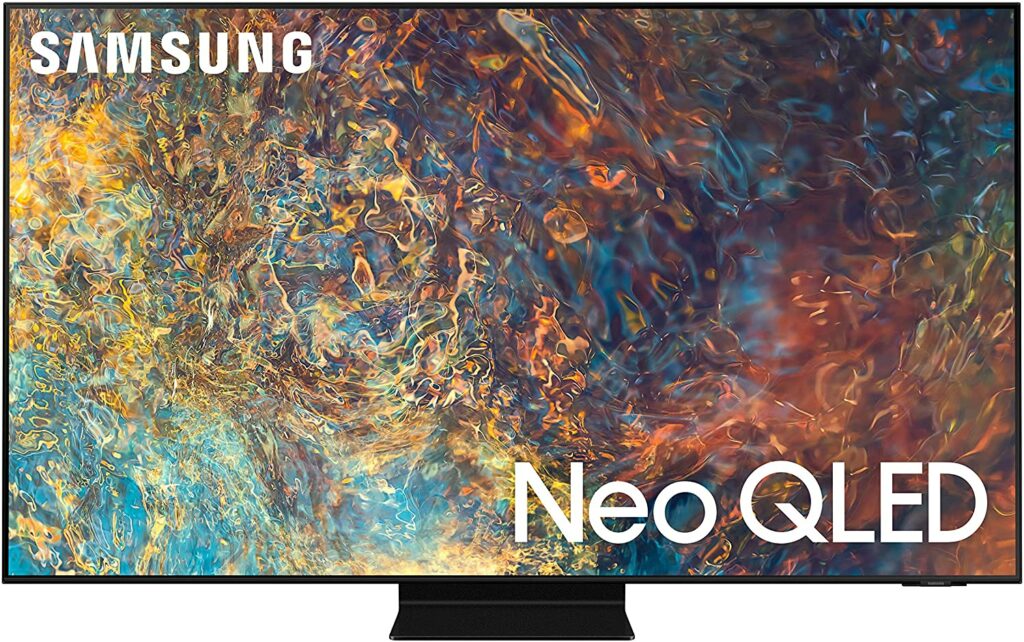
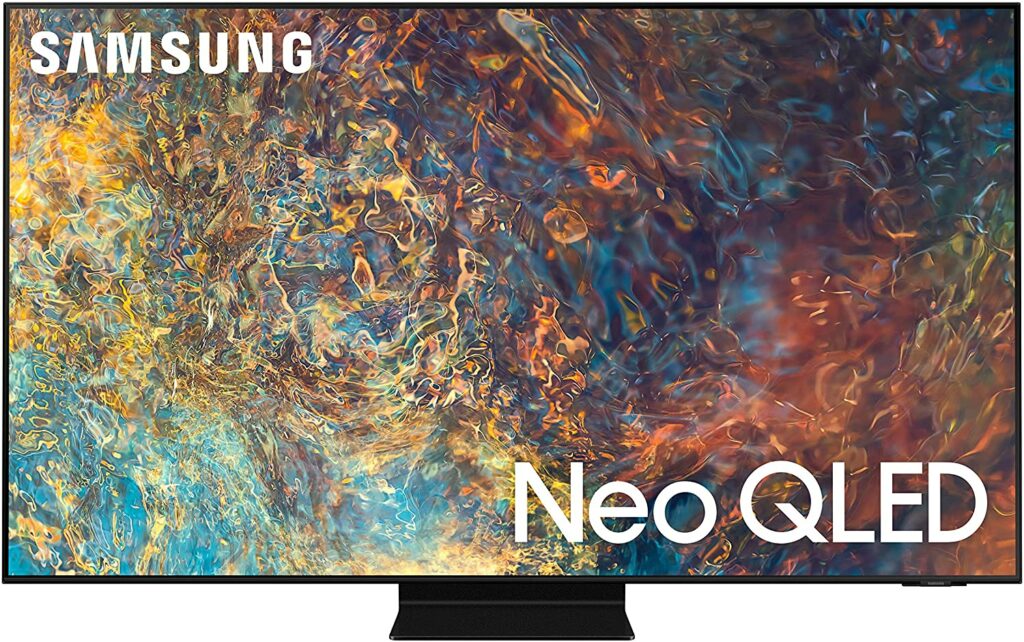
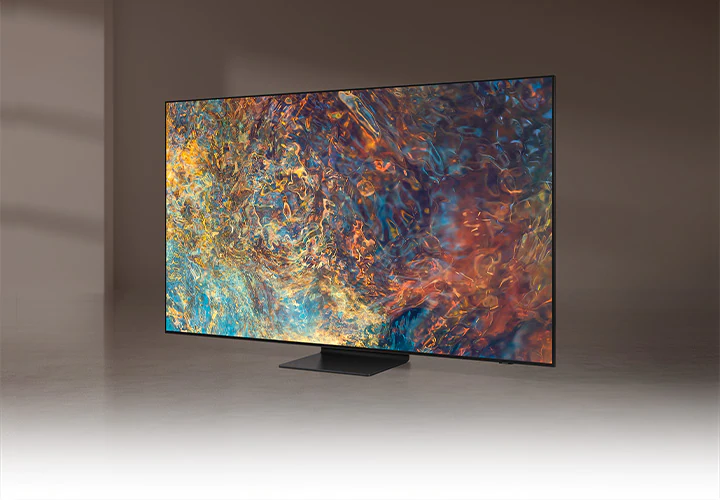
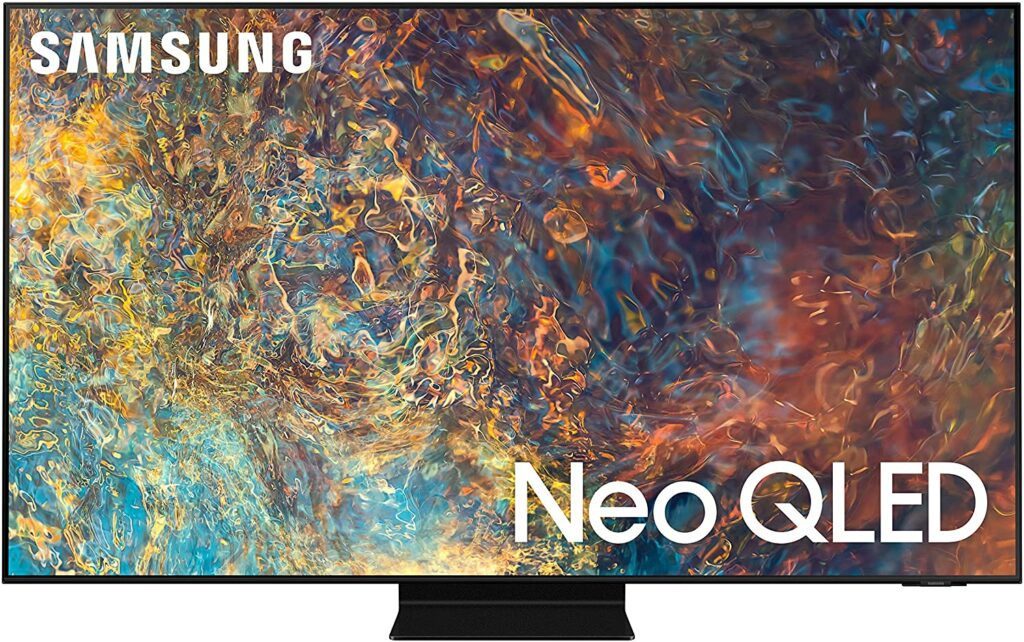
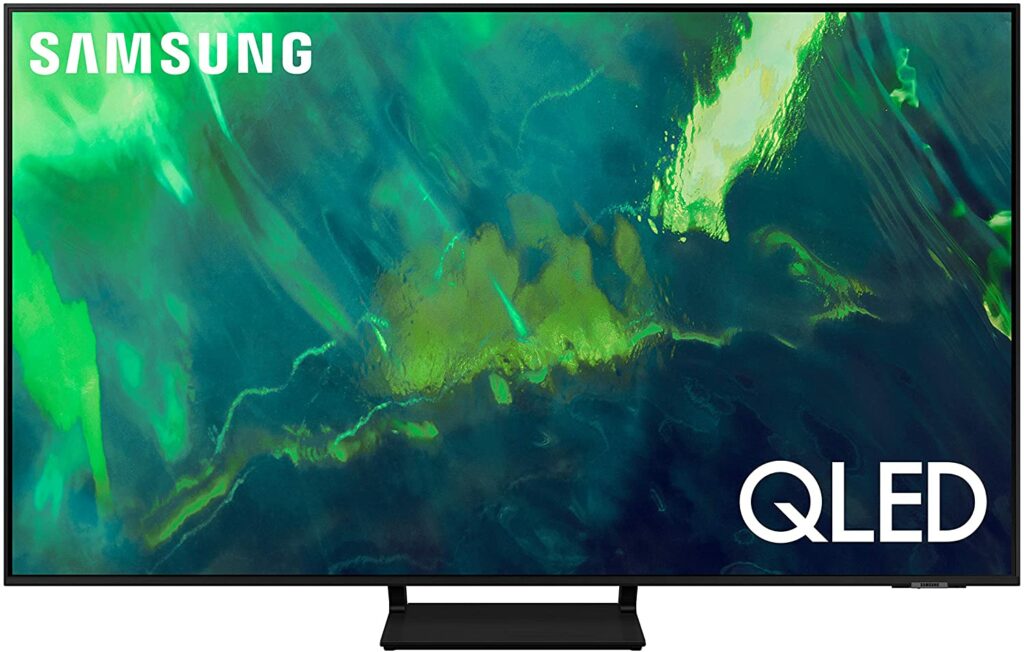
There are relatively few reasons not to get an OLED panel if you’re spending more than a thousand dollars on television. Despite being one of the most well-known brands on the market, Samsung has yet to develop its own OLED television. In fact, they claim that their Neo QLED displays are brighter than OLEDs from the likes of LG, Sony, and other manufacturers in the industry. With that in mind, let’s see if their flagship 4K QLED TV, the Samsung QN90A, is everything it claims to be.
The Samsung QN90A QLED is pretty much unbeatable when it comes to 4k televisions with QLED displays. Unlike OLED TVs like the LG C1, QLED TVs do not suffer from irreversible burn-in, so you may use it to stream the same video over and over again without worrying about static spoiling your screen.
What Makes This Neo QLED TV Better?
Apart from that, the QN90A is also an upgrade from its predecessors because it employs Mini LED as its backlighting, it is an advanced form of their standard QLED series. This enables the TV to become exceptionally bright, allowing it to prevent glare or bring out highlights in HDR content, as well as giving it additional control over its full-array local dimming feature.
Mini LED backlights the display with millions of tiny LEDs, and with Samsung’s impressive innovations, this type of technology is already approaching OLED-level dark performance without the limits imposed by OLED’s weakness to brightness.
As a result, this new evolution of LED TVs can be brighter than OLED TVs, making them ideal for vibrant colors and bright environments. And this is exactly the advantage the QN90A has over OLED displays.
However, viewing in extremely dark areas is probably the only time you’ll notice the QLED TV isn’t nearly as black as an OLED display. Turn down the lights and watch a movie with a lot of darker tones; you’ll see a hint of light blooming surrounding brighter subjects. This tends to occur when light from the backlight leaks around the sides of the lighted subject.
Sizes, Ports, Gaming, & More
Furthermore, with the exception of the 43-inch variant, which lacks VRR and is limited to a 60Hz panel, the Samsung QN90A comes in a range of sizes, all of which should function similarly regardless of which size you choose.
The QN90A also has one HDMI 2.1 input, letting you fully leverage the capabilities of new-gen consoles like the Xbox Series X and PS5. This television also includes one of Samsung’s One Connect Boxes, which connects to the set by fiber optic cable and provides four HDMI 2.1 connectors, guaranteeing that anyone with several gaming devices is properly catered for.
Samsung’s smart TV platform, Tizen, offers smart connectivity and a diverse range of apps, including Netflix, Prime Video, Apple TV+, Disney+, and Now, as well as all of the traditional catch-up TV services.
Furthermore, gamers will absolutely love the QN90A’s rapid response time for smooth motions, as well as the little input lag, which makes gaming feel immediate and responsive. It also supports both FreeSync and G-SYNC for reduced screen tearing.
Overall, the QN90A’s image quality is superb, thanks to an AI-powered Neo Quantum 4K CPU, and its Intelligent Mode optimizes all sources, making it a comfortable screen to watch whatever you choose.
Features & Specifications
Sizes Available: 43″, 50″, 55″, 65″, 75″, and 85″
Resolution: 4K
Display Type: Neo QLED (Mini LED)
Input Lag: 10.1ms (1080/60)
Refresh Rate: 120Hz
HDR Compatibility: Dolby Vision, HDR10, HLG
Inputs: HDMI 2.1
VRR: Yes.
Supported Streaming Services: Netflix, Hulu, Prime Video, YouTube, ESPN
Extra Special Features: Quantum Matrix Technology; Neo Quantum Processor 4K; Quantum HDR 32X, Object Tracking Sound+; Motion Xcelerator Turbo+
Check Out Samsung’s Official Introduction Of The QN90A Below.
What We Love About The Samsung QN90A
Design
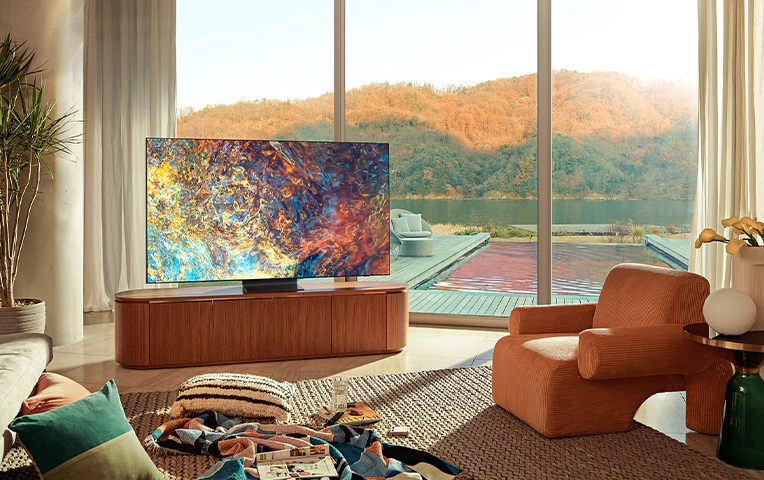
Even though every TV appears the same to me, I’ll still give Samsung extra plus points in managing to give the QN90A a really high-end and premium feel. The stand is the most evident design upgrade when compared to its predecessors. It is centered and with a tiny footprint and it looks cleaner and sleeker than other TVs that are held up by two legs.
In comparison to comparable 4K TVs, I prefer Samsung’s Mini LED model’s inch-thick, practically bezel-less panel. Personally, I find that having a TV so impossibly thin seems sleek until you try to get it out of the box, mount it on a wall, or put it on the provided stand. If you have a heavier touch, you know the feeling. However, with the QN90A, I didn’t have to worry about my fingers shattering the display.
Even then, the bezels on the Samsung QN90A Neo QLED TV are nearly undetectable from afar, blurring the line between the panel and the chassis. Only a little protrusion on the lower right corner of the screen, which displays a Samsung logo and conceals a multi-purpose button, breaks up the TV’s pristine front view.
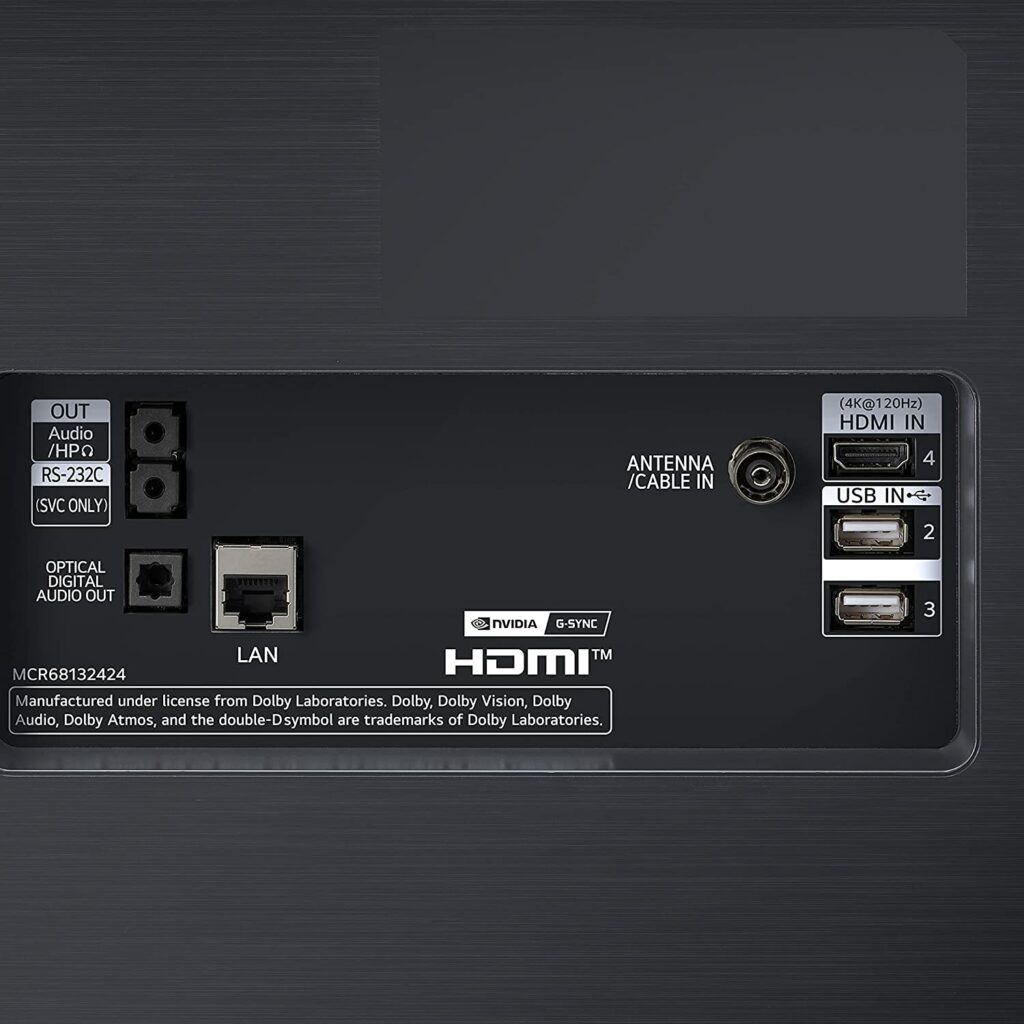
Except for the power cable connector, all connections on the QN90A are on the right side of the back panel. Four HDMI ports (one with eARC), an optical audio output, two USB ports, an Ethernet port, a 3.5mm EX-Link (RS-232) port, and an antenna/cable connection are all located on the right side of the device and are easily accessible. Keep in mind there are no analog video inputs on the model.
Functionality
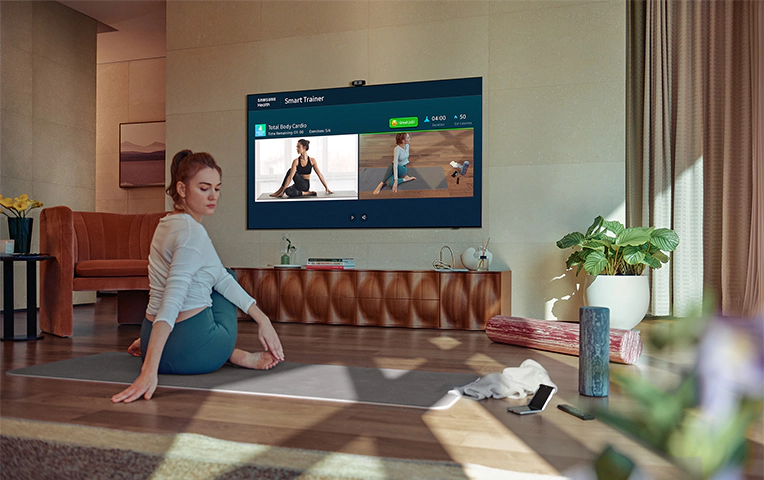
Samsung’s smart TV interface is simple, straightforward, and is powered by Samsung’s very own Tizen.
Voice control is built-in, and you can use Amazon Alexa, Google Assistant, or Samsung’s own AI, Bixby, for assistance. When you push the mic button on the clicker, whichever option you select will be available. You can issue commands hands-free with Amazon and Bixby by just calling out “Alexa” or saying “Hi, Bixby” as their wake words. Also, unlike last year, the mic is housed in the TV itself, not the remote.
It also functions admirably as a gaming monitor. Variable refresh rates are supported by Nvidia G-Sync and AMD FreeSync on the QN90A, which can reach 120 frames per second at 4K resolution. If you have one of Sony’s or Microsoft’s newer consoles, games will look and feel more fluid and responsive as a result.
Display Quality
The Samsung QN90A offers the most stunning pictures of any non-OLED TV I’ve ever seen on the market. On top of that, it’s also the best 4K TV to be used in a well-lit environment thanks to its unparalleled brightness. It’s extremely bright, and even with the most difficult HDR content, it can easily provide deep, inky black levels with minimal blooming.
The QN90A is powered by a series of tiny light cells that use mini-LED lights to provide dramatic contrast and backlight control. This and the Neo Quantum Processor 4K all work together to deliver a 4K-optimized image for your viewing pleasure.
Our Least Favorite Things
No Dolby Vision
While I have previously mentioned that the QN90A’s HDR capabilities are fantastic, they do emphasize one of my concerns with Samsung TVs. The overall HDR performance is excellent, but the HDR formats are also somewhat limited. Samsung does not support Dolby Vision, the finest HDR standard available, instead opting for its own HDR10+ technology. However, this isn’t a huge dealbreaker to me, but something you might want to keep in mind.
In A Nutshell
Now that we have finished discussing the things we liked and disliked about the Samsung QN90A, here’s a narrowed-down list of the good and the bad with Samsung’s flagship 4K QLED TV.
Pros
Impressive mini-LED backlighting.
Unparalleled brightness.
Contrast ratio is excellent.
Wide viewing angles.
Excellent for gaming as well.
Cons
Doesn’t support Dolby Atmos.
Slight blooming can be noticed when used in darker rooms.
Our Final Verdict
All in all, the Samsung QN90A is a fantastic television for any use and it’s definitely up there with one of the best 4K TVs you can buy in the market, period. Its VA panel has a high native contrast ratio along with unmatched brightness and excellent local dimming for displaying really deep blacks. If you wish to use it in a well-lit room, it becomes bright enough to prevent glare and has outstanding reflection handling. On top of that, gamers will also really appreciate its VRR compatibility, reduced input lag, and quick response time, which will provide a very satisfactory gaming experience.
At the end of the day, it’s your decision whether you prefer a QLED TV or an OLED panel. If you watch in brightly lit rooms, then your best bet is going with a QLED TV. However, if you mostly watch content in darker rooms, then OLED might be a better option for you.
Have you already bought the Samsung QN90A? Or are you still weighing your options on other 4K TVs in the market? Let me know in the comments section below if you have insights, suggestions to share, or questions to ask. I would love to hear all your thoughts!
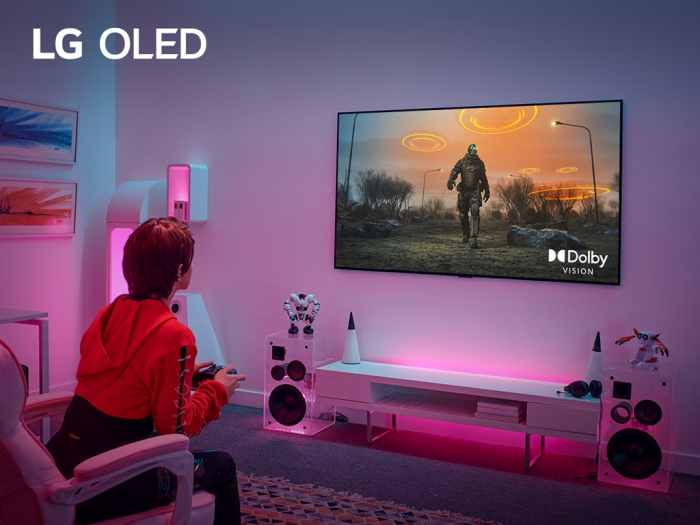
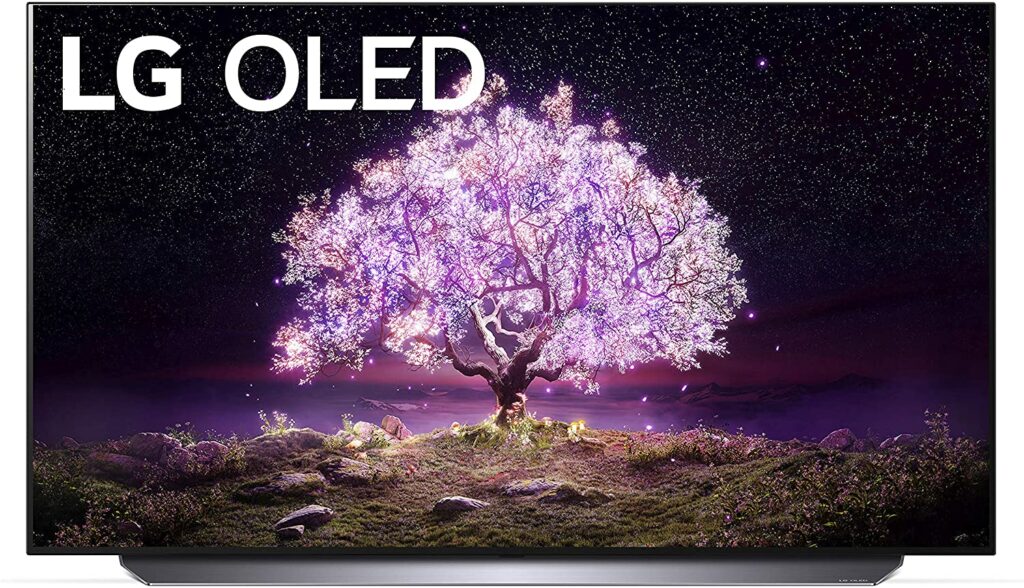
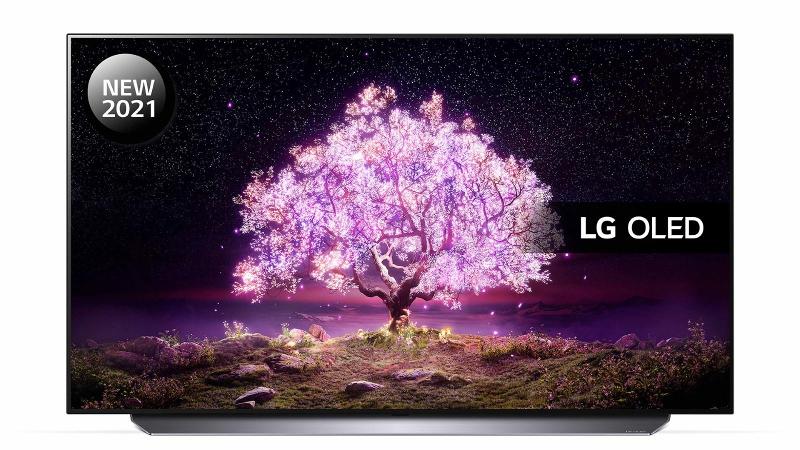
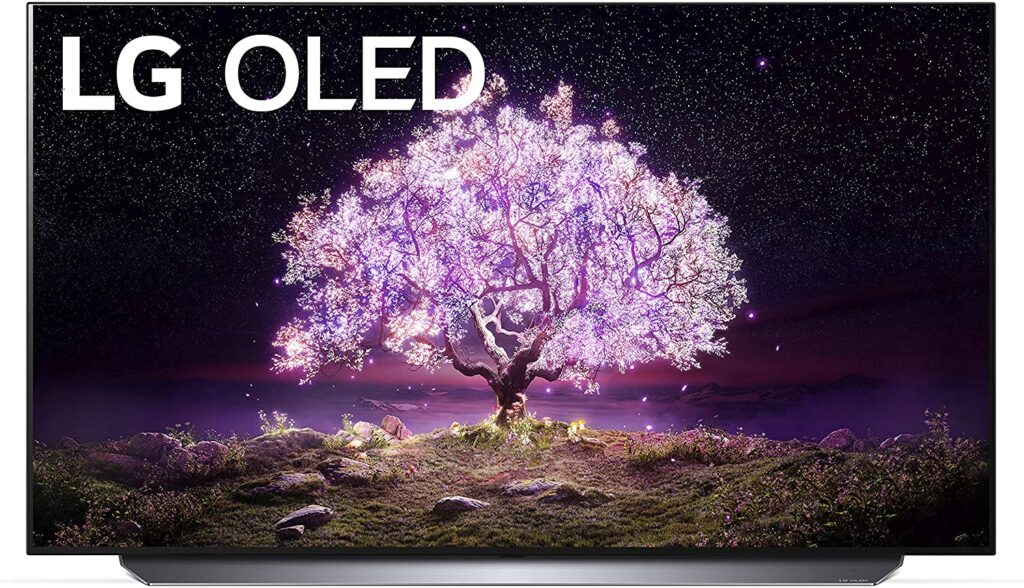
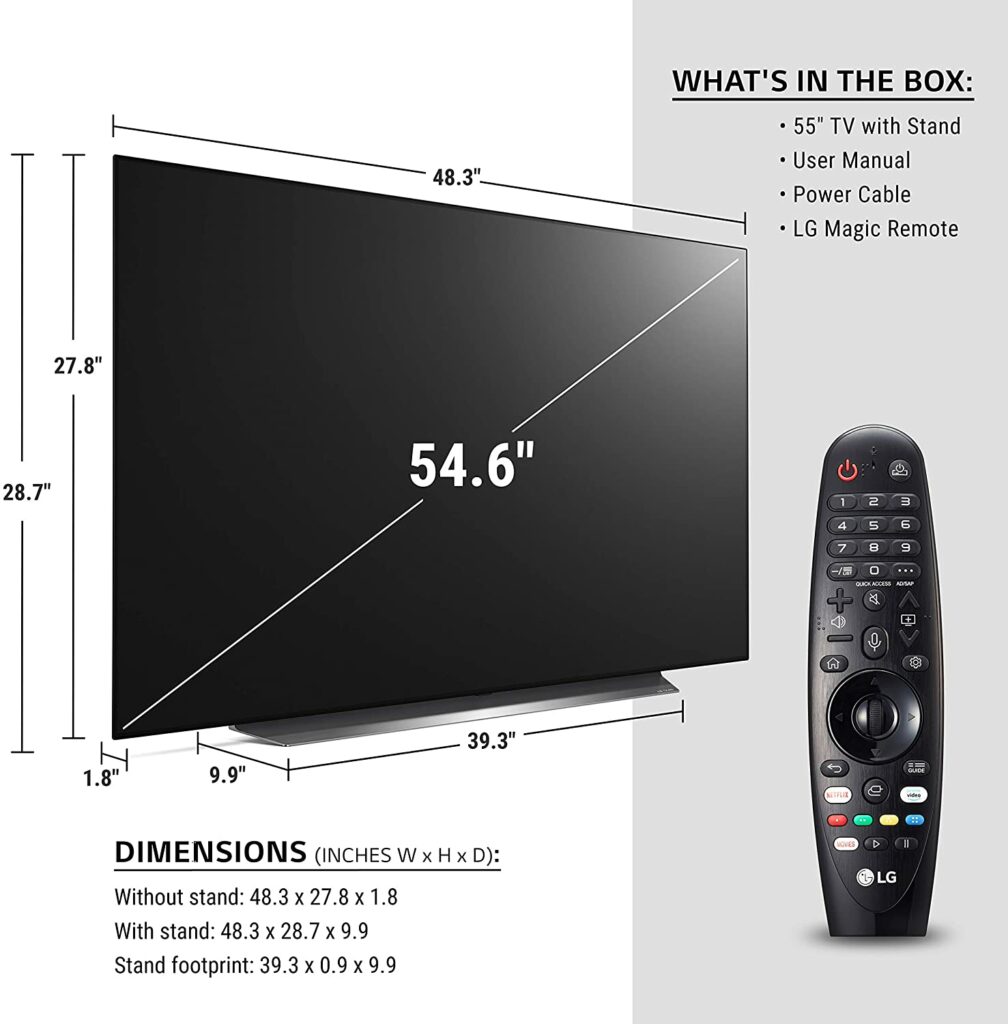
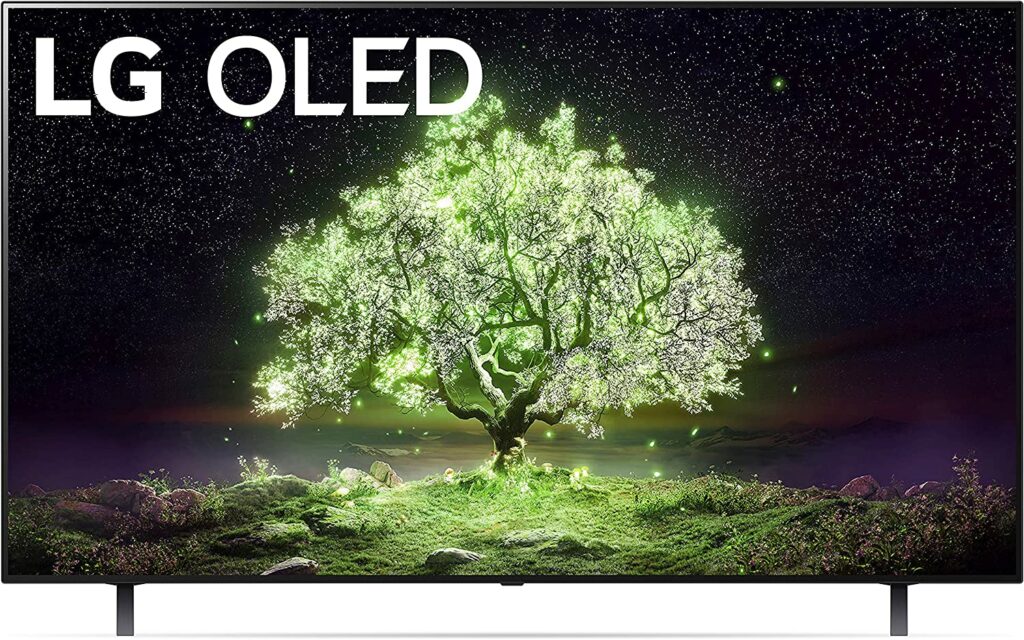
When it comes to the best 4K TVs in the market, LG is undoubtedly on top of the game. In fact, they’re the only company in the world capable of producing large-scale organic light-emitting diode displays that is sure to make any room come alive. You’ll even find popular brands such as Sony using LG panels for their own products. So for today, we’ll be giving the spotlight on one of LG’s best 4K TVs, the C1 series. Let’s find out in our dedicated LG OLED C1 review if this particular TV lives up to its hype.
If you’re looking for a high-quality OLED panel, the LG OLED C1 Series is the best option out there. Sure, there are more budget-friendly models but if you want the best of the best, then you don’t need to look elsewhere.
Not only is the C1 Series from LG terrific for streaming any kind of content, but it’s also fantastic for gaming thanks to its plethora of gaming-friendly features and high visual quality that will undoubtedly elevate your gaming experience.
With four 4K 120Hz HDMI connections and a dedicated Game Optimizer control panel, the C1 takes gaming as seriously as you do. It’s great, both in native 4K and up-scaled HD, when you add premium image quality, which leans more heavily on AI than we’ve seen before. With deep blacks, vivid colors, and almost three-dimensional levels of detail, this is an OLED panel worth appreciating.
Not to mention, the C1’s OLED displays feature a near-infinite contrast ratio, resulting in deep and inky blacks, making them ideal for darkroom gaming. Additionally, the C1 also supports G-Sync to minimize screen tearing and is natively compatible with FreeSync and HDMI Forum variable refresh rate (VRR) technologies.
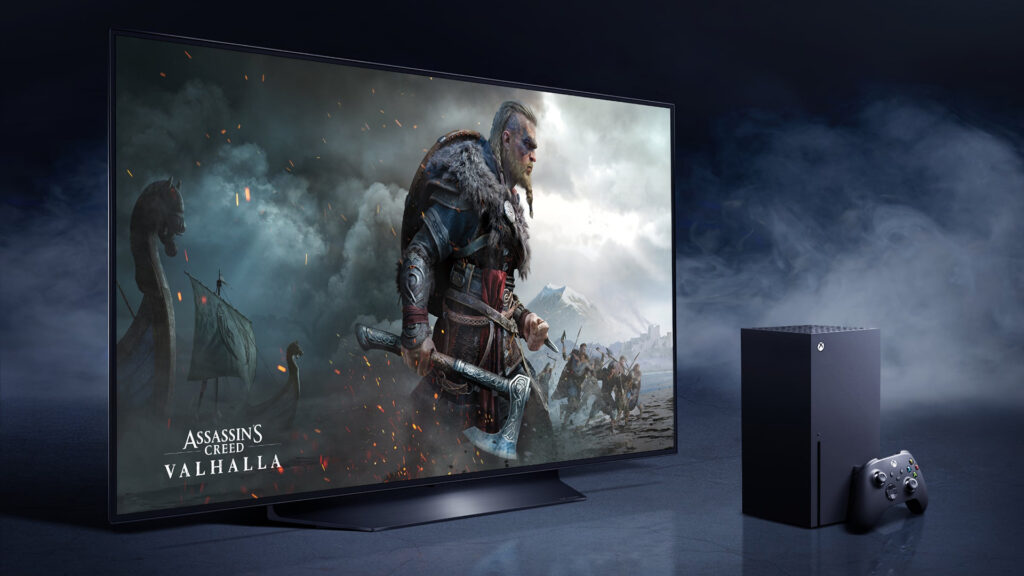
Any sort of action appears crisp and smooth thanks to its quick response time and decreased input lag. If that isn’t enough to persuade you, the PS5 and Xbox Series X also have four HDMI 2.1 inputs which the C1 fortunately has, which means you should be able to play 4K games at 120 frames per second without any issues.
You’ll also discover Google Assistant and Amazon’s Alexa built into the system, both of which can be summoned using buttons on your remote, as well as a near-complete list of streaming services including Netflix, Hulu, Disney Plus, Amazon Prime Video, and plenty others.
Features & Specifications
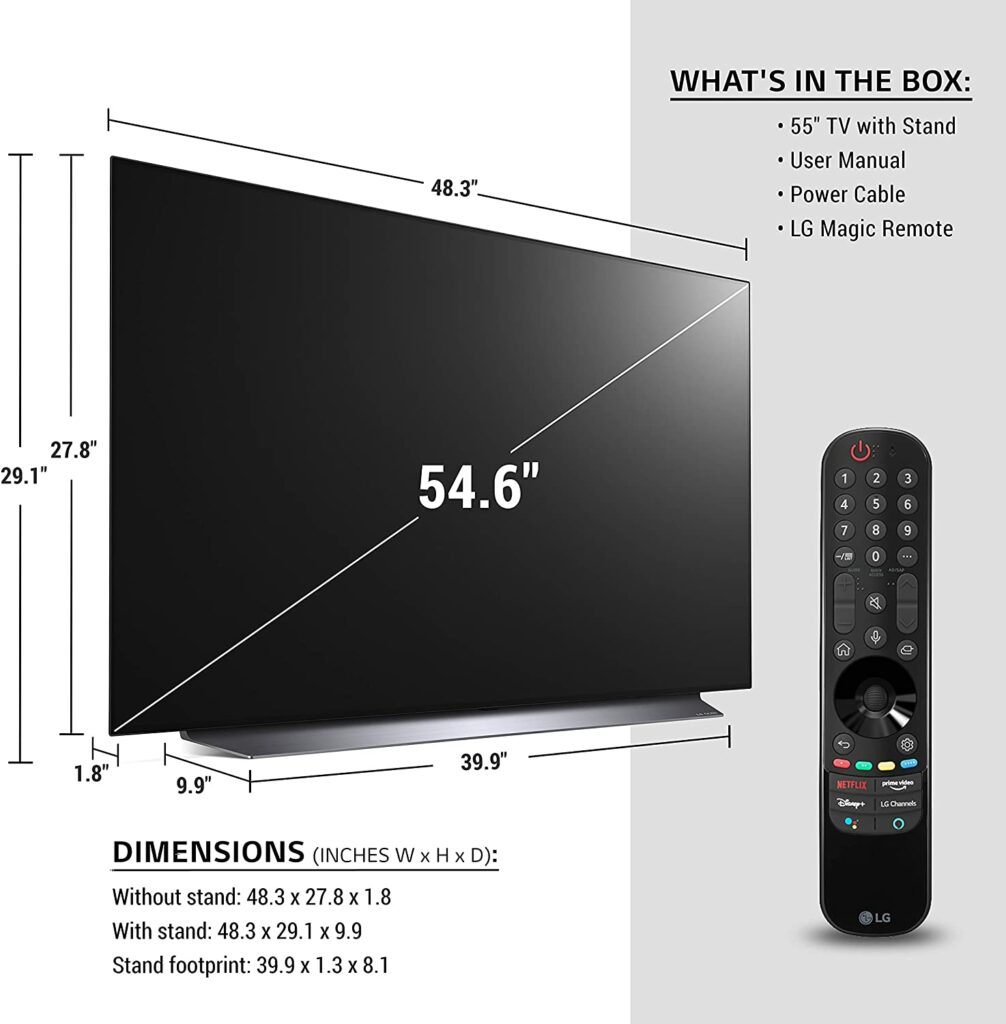
Sizes Available: 83″, 77″, 65″, 55″, and 48″
Resolution: 4K
Display Type: OLED
Processor: a9 Gen4 AI Processor 4K
Input Lag: 12.6ms (1080/60)
Refresh Rate: 120Hz
HDR Compatibility: Dolby Vision , HDR10, HLG
Inputs: HDMI 2.1
VRR: Yes
Extra Special Features: Filmmaker Mode, HDR10, HLG, Dolby Vision, Magic Explorer
Check Out LG’s Preview Of Their Newest Feature, The Game Optimizer Below.
Because they don’t have to go through an additional step of processing the backlighting, OLED TVs are simply much better for gaming than their other types of display panels. This single step in the processing chain alone reduces input lag. In case you’re unaware, this is the time it takes for your television to register your joystick motions.
LG’s team has spent years improving this new OLED’s input lag time to levels that are comparable to or better than most gaming monitors. If you’re not convinced, a simple search on Google will show you actual test results from various other reviews of the C1’s input lags.
The C1 also supports technology from video card makers such as Nvidia and AMD that keep gaming frame rates in line with the refresh rate of the screen, resulting in incredibly smooth gameplay. Plus, the OLED panel’s deeper blacks give even the most demanding games an incredible amount of depth that is beyond anything I’ve ever seen in your standard PC monitors.
However, there is one problem that you might want to keep in mind. Graphics cards capable of powering games on a 4K TV like this are really hard to come by right now. For 4K 120-Hz gaming, you can buy an Xbox Series X or a Playstation 5, but you might also have a hard time finding the latest consoles right now. Supplies are low while demands are high due to numerous lockdowns caused by the pandemic.
But if you do get the perfect graphics card or console, the C1 will provide you with an almost unrivaled gaming experience possible. On a larger screen, the 4K resolution just simply looks so much better and can be more appreciated. Smaller displays, on the other hand, the pixel density is quite impossible to perceive with the naked eye.
Design
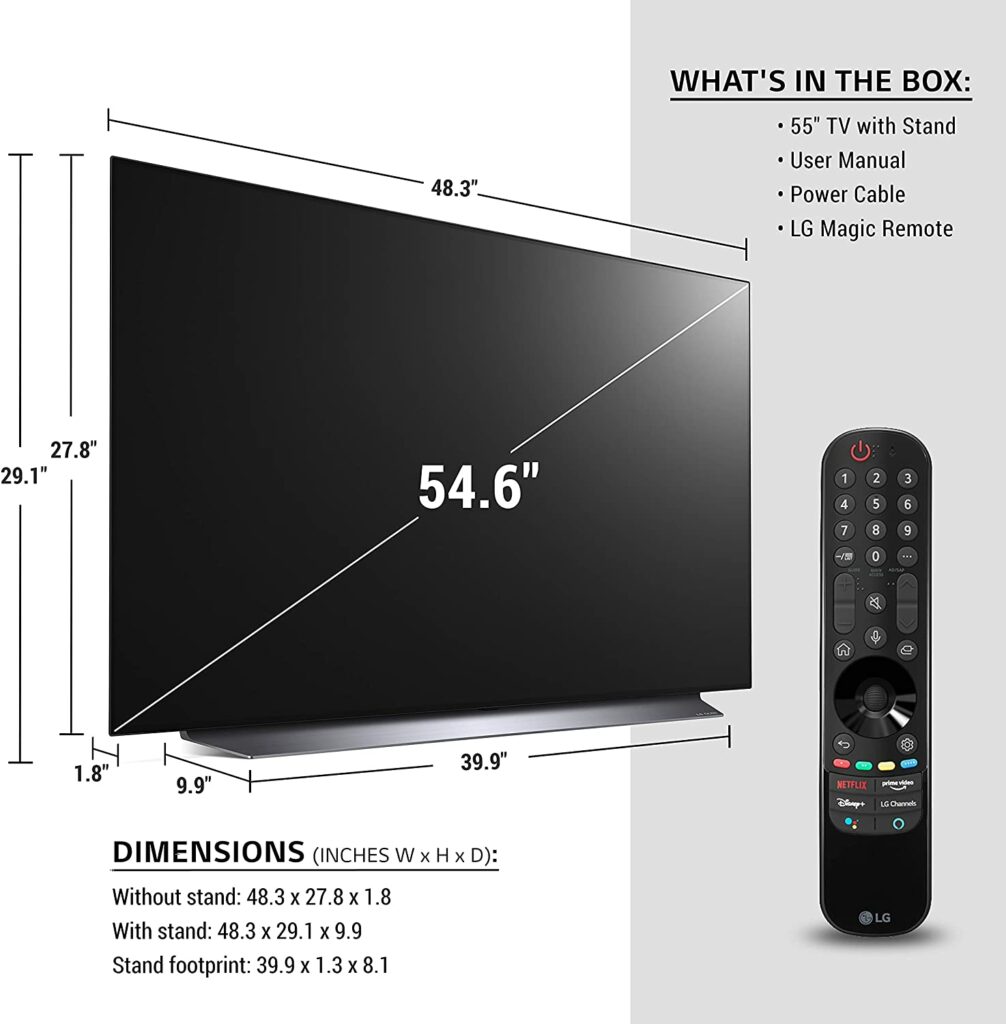
Personally, when it comes to design, most televisions nowadays almost look identical to each other. So it can be quite hard to judge them. Not to mention, no one really buys a TV for its looks. As I said, they all look the same. People buy these devices for what they can offer in its system. However, you can’t deny how attractive and sleek the LG OLED C1 is in terms of the overall design.
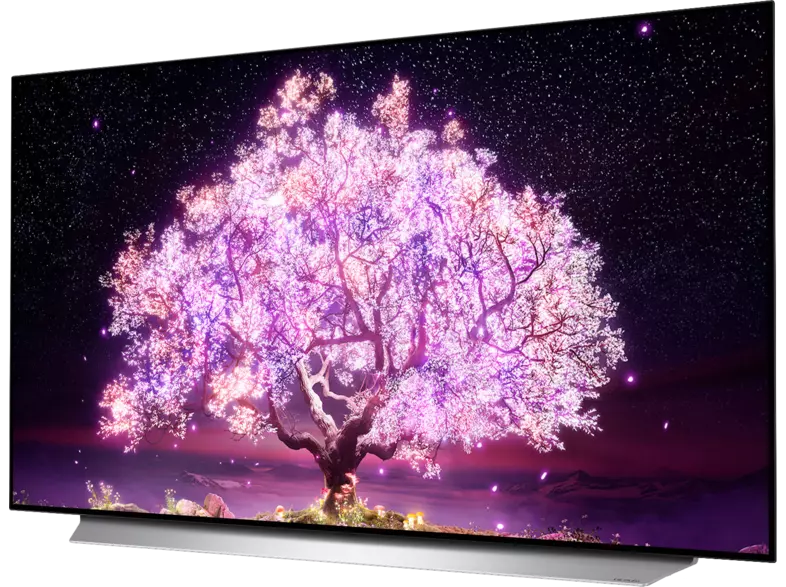
The front of the TV is occupied by the OLED display, with no more than a millimeter or two between the picture and the display’s edge and a long silver stand holding it upright. The screen would be the only thing visible if you were to mount the C1, but it still looks wonderful on its stand, which is surprisingly sturdy and stops the TV from swaying or wobbling.
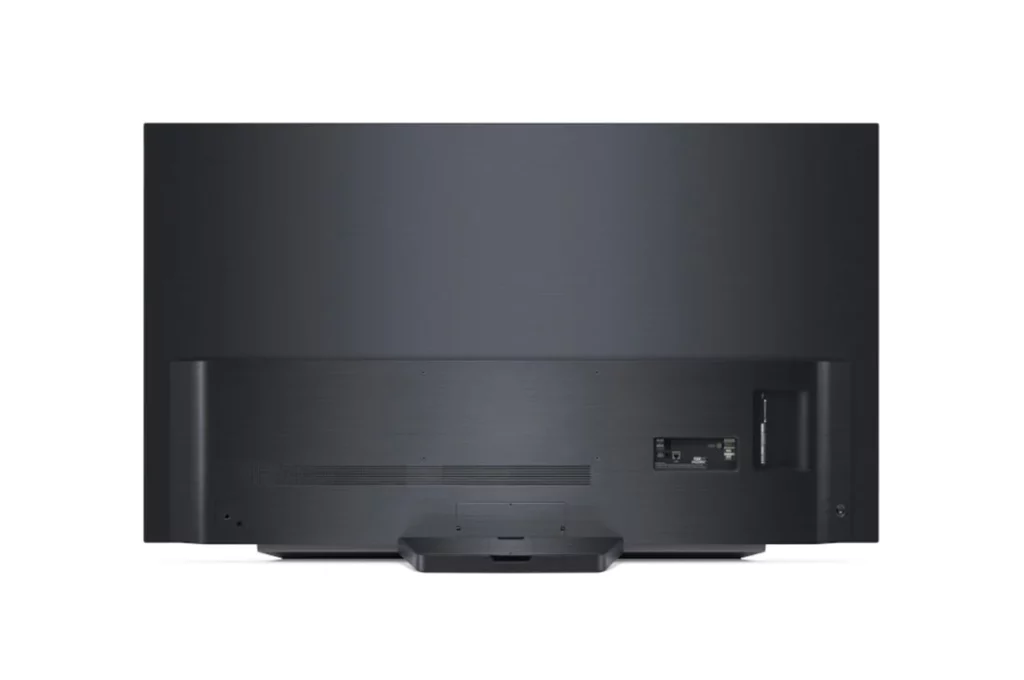
When it comes to ports, the C1 offers four full-spec HDMI 2.1 connectors with 4K at 144Hz compatibility, as well as three USB ports, an RF tuner, Wi-Fi, Bluetooth, and optical digital audio output.
Overall, the LG C1 feels exceptionally well-made. It has a premium, durable feel to it thanks to the metal on the back and in the stand. While you might feel that there is some flex around the inputs, it feels extremely solid overall. There are no visible flaws or faults, and the build quality should satisfy the majority of users.
Visual Quality
Despite the OLED Evo panel missing from the C1 Series, there seems to be no issue at all in terms of overall brightness in this particular display. In fact, the pictures looked stunning even in well-lit rooms. Though the reflected glare did eat into the deeper black levels from time to time, the screen’s brightness more than compensated for it.
The C1 is able to achieve this because it has a built-in light sensor that analyzes ambient light levels and adjusts the picture accordingly. When the TV detects that there is more light in the room, it also automatically increases the screen’s overall brightness.
When it comes to contrast and brightness, the C1 supports most major HDR formats, including HDR10, Dolby Vision, and HLG. However, HDR10+ is excluded.
The newly introduced Game Optimizer setting option, which allows you to easily alter the White Stabilizer, Black Stabilizer, and VRR, is also worth highlighting. When the OLED detects an incoming game signal over any of the four HDMI 2.1 connections, it supports ALLM, as well as a Prevent Input Delay feature that reduces input latency to under 10ms.
All in all, the C1 is ideal for anyone who loves to game and watch a lot of content in their living rooms.
Our Least Favorite Things
Risk Of Burn Ins
Despite being one of the best 4K TVs in the market, unfortunately, the C1 isn’t immune to irreversible burn-in like most OLED TVs. However, don’t let this stop you from considering this impressive television. Just keep in mind that this shouldn’t an issue if you’re someone who watches a wide variety of content.
In addition to that, the LG C1 Series also included a few features that can assist in lessening the risk of burn-ins in case you’re concerned. Pixel Cleaning, Screen Move, and Adjust Logo Brightness are some of those options. To know more, you can also visit LG’s site for more information.
In A Nutshell
Now that we have discussed the things we liked and disliked about the LG OLED C1 Series, here’s a narrowed-down list of the good and the bad with this 4K gaming TV.
Pros
Excellent visual quality.
120Hz refresh rate.
Includes four HDMI 2.1 inputs.
Near infinite contrast ratio.
Perfect deep blacks.
Cons
Doesn’t support HDR10+.
Risk of irreversible burn-ins.
Our Final Verdict
All in all, LG has made a few yet significant changes in the newest generation of their C1 Series. With four separate HDMI 2.1 connectors, it’s ready for the PS5, Xbox Series X, Xbox Series S, and whatever next-gen consoles you’re planning to game on. On top of that, gamers like you will also enjoy the newly added Game Optimizer menu, which allows you to modify brightness, contrast, and VRR whenever you please.
Have you already bought the LG OLED C1 Series? How was your experience? Did our review help convince you? Let me know in the comments section below if you have any insights, questions, or suggestions to share regarding this review. I would love to hear all your thoughts!
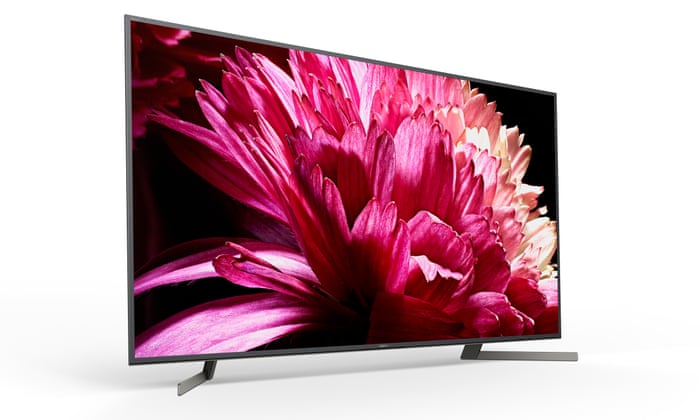
This year, the greatest gaming TVs you’ll find in the market are looking better than ever. Prices are gradually lowering, so now is an excellent time to treat yourself to a new screen upgrade. Newer models from major companies are on the way, so prices on current models will drop even further, saving you some costs. To help you out in which ones to pick, you’ll find below our top choices for the best 4K TV for gaming in 2021. Just keep on scrolling to find out more!
Affiliate Disclosure: I am grateful to be of service and to bring you content free of charge. In order to do this, please note that when you click links and purchase items, in most cases I receive referral commissions. Eventually, I may earn enough to buy a beer or two.
Why Should You Get A 4K TV For Gaming?
Nowadays, the best 4K TVs for gaming in the market are becoming increasingly inexpensive, and we’re still a long way from recommending the exorbitantly priced 8K TVs. Of course, no one is stopping you from getting yourself an 8K TV if you have the budget but that will be out of this article’s content and is a discussion saved for another day.
Not to mention, if you’re in the market for a TV right now, there’s almost no excuse not to go with a 4K model. Almost every TV manufacturer and company are putting their best effort into 4K TVs, which are now available in nearly every size and price range. When it comes to gaming, several 4K TVs are excellent choices.
Benefits Of A 4K TV For Gaming
Your gaming setup will instantly be transformed into a cinematic paradise with the greatest gaming TVs on hand. In terms of fidelity, the best 4K TVs can even compete with the top gaming monitors in the industry. Slow response times on TVs are no longer an issue, especially on the top panels.
Aside from the razor-sharp images that are a major selling point for 4K TVs, many also boast quicker refresh rates, low-latency game modes, and HDR options that deliver spectacular imagery to really boost and level up your overall gaming experience.
Additionally, this list will include TVs for a variety of budgets, all of which are sure to make your game collection proud and stand out. It all depends on how many future-proofing features you require and, of course, the size of your new gaming television.
Regardless if you’re sticking with the current generation of consoles we have now today or seeking to upgrade in the future, the TVs listed here will surely withstand the newer consoles and still work as great. Even if your current hardware can’t readily handle 4K gaming, investing in a 4K TV for gaming will not only prepare you for the future, but you’ll also be able to watch and stream content in ultra-high definition.
What does 4K mean?
This is the maximum image resolution that your TV can show. A 4K TV or 4K ready TV is one that can display images in the resolution of 3840×2160 pixels. Some broadcasters and manufacturers also refer to it as UHD or Ultra HD. If you’re unaware, both the PS4 Pro and Xbox One X is capable of exporting a 4K feed to your 4K TV. Nowadays, almost every modern gaming television is 4K ready.
Our Top Recommendations Of The Best 4K TV For Gaming 2021
1. LG OLED C1 Series
Overview
In the OLED category, you can’t really get any better than the LG OLED C1 Series. But why is it so excellent that it takes the top spot on our list? Well, it’s ideal for gaming because it comes with a lot of functions and has an excellent visual quality that is sure to boost your gaming experience to the next level.
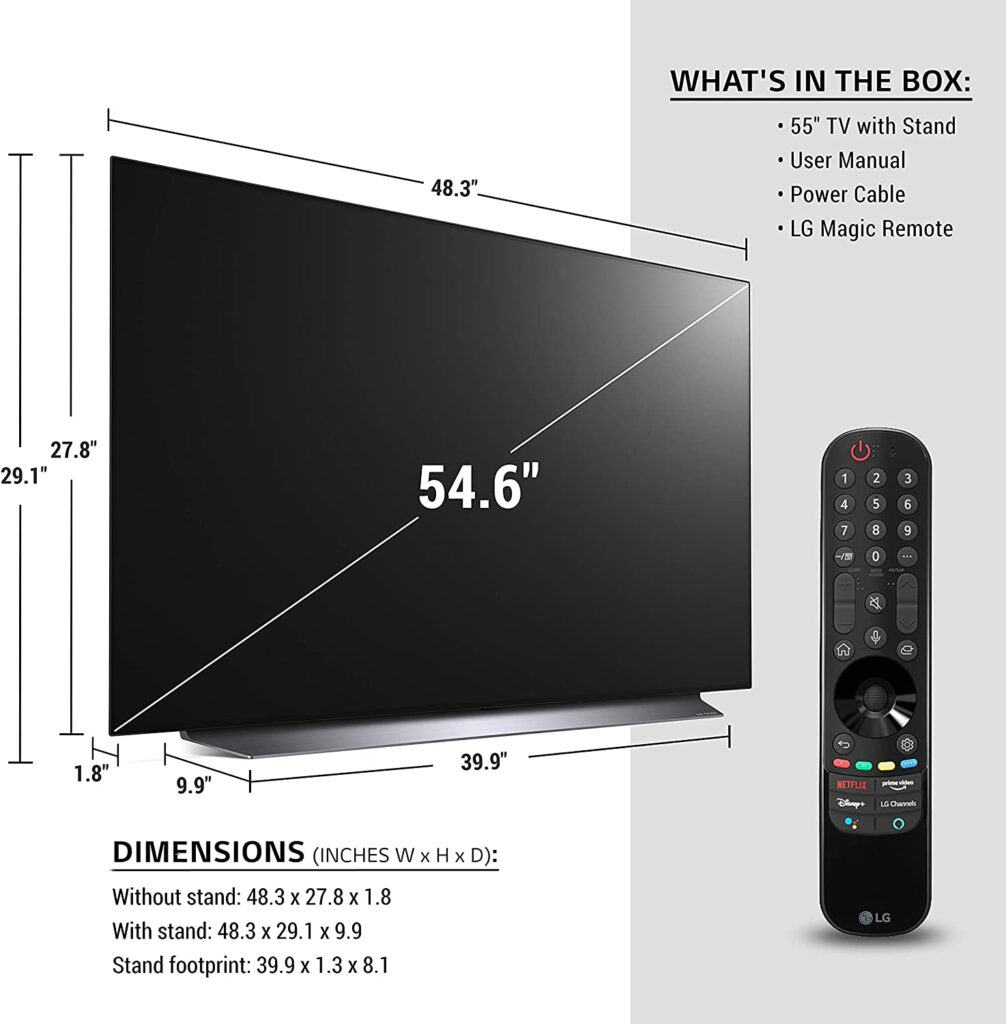
It comes in a variety of sizes, including a 48-inch model that you can probably squeeze in your gaming nook as a dedicated PC monitor. If you can’t really use your living room as your personal gaming space but still want a large ultra HD screen.
Not to mention, the C1’s OLED panels have a near-infinite contrast ratio that will give you impressive black levels, so blacks truly appear deep and inky, making them ideal for some darkroom gaming. On top of that, the C1 is also compatible with FreeSync and HDMI Forum variable refresh rate (VRR) technologies natively, as well as being able to support G-SYNC to eliminate screen tearing.
Because of the quick response time and reduced input lag, any type of motion ultimately appears crisp and smooth. If that’s not enough to convince you, the PS5 and Xbox Series X include four HDMI 2.1 inputs, so you should be able to play 4K games at 120 frames per second smoothly and without encountering any problem whatsoever.
Overall, the C1 takes gaming as seriously as you do, with four 4K 120Hz HDMI inputs and a dedicated Game Optimizer control panel. When you add in premium image quality, which relies more heavily on AI than we’ve seen before, it’s incredible, both in native 4K and up-scaled HD. This is an OLED worth admiring, with deep blacks, bright colors, and almost three-dimensional levels of detail.
When it comes to 4k gaming televisions with QLED panels, the Samsung QN90A QLED is impossible to beat. Unlike OLED TVs like the C1 from LG, QLED TVs like this one do not suffer from irreversible burn-in, so you may use it for PC gaming without ever having to worry about static ruining your screen.
The Samsung QN90A comes in a variety of sizes, all of which should perform similarly no matter which sizes you choose, with the exception of the 43-inch model, which lacks VRR and is limited to a 60Hz panel.
Apart from that, the QN90A also includes one HDMI 2.1 input, allowing you to fully utilize the capabilities of new generation consoles such as the Xbox Series X and PS5. This television also comes with one of Samsung’s One Connect Boxes, which connects to the set through a fiber optic cable and allows for four HDMI 2.1 connections, ensuring that anyone with a multi-gaming device setup is well catered for.
Tizen, Samsung’s smart TV platform, provides smart connectivity and a wide selection of apps, including Netflix, Prime Video, Apple TV+, Disney+, and Now, as well as all the standard catch-up TV services.
However, the Samsung QN90A does offer a really fast response time for smooth motion, and the little input lag makes gaming feel immediate and very responsive. To reduce screen tearing, it also offers both FreeSync and G-SYNC compatibility.
All in all, image quality on the QN90A is excellent, due to an innovative AI-powered Neo Quantum 4K CPU, and its Intelligent Mode optimizes all sources, making it a comfortable screen to watch whatever you choose.
Features & Specifications
Dimensions: 9.3 x 48.3 x 30.3 inches
Item Weight: 48.3 pounds
Brand: Samsung
Sizes Available: 43″, 50″, 55″, 65″, 75″, and 85″
Resolution: 4K
Display Type: Neo QLED (Mini LED)
Input Lag: 10.1ms (1080/60)
Refresh Rate: 120Hz
HDR Compatibility: Dolby Vision, HDR10, HLG
Inputs: HDMI 2.1
VRR: Yes.
Extra Special Features: Quantum Matrix Technology; Neo Quantum Processor 4K; Quantum HDR 32X, Object Tracking Sound+; Motion Xcelerator Turbo+
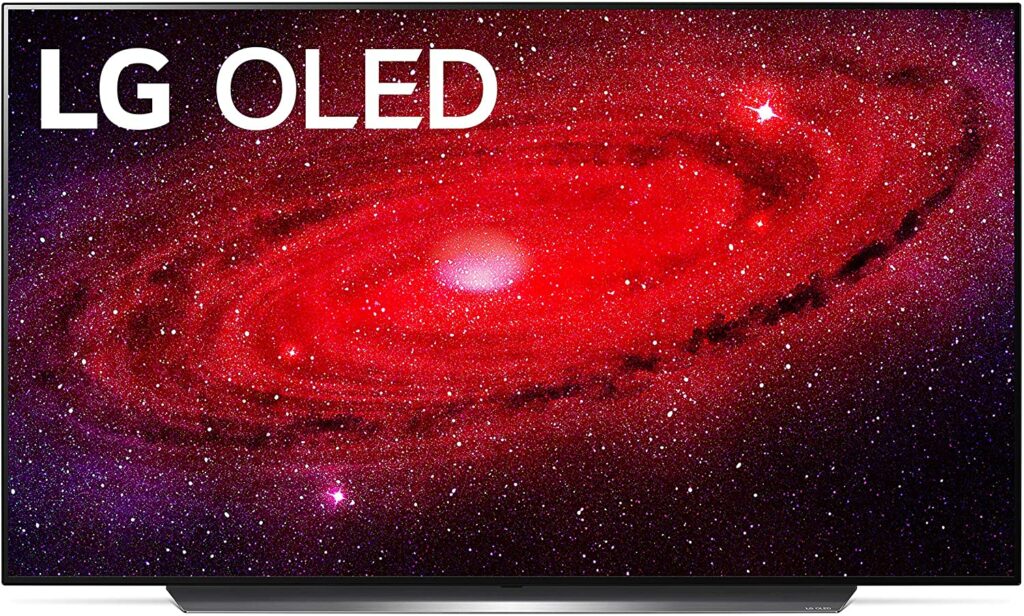
If you’re planning on purchasing a PS5 or Xbox Series X soon or already have these consoles sitting in your living room, the LG CX OLED TVs are the best next-gen alternative, thanks to a stunning 4K display that runs at a scorching 120Hz. Thanks to Nvidia G-Sync support, it’s also pretty excellent for PC gaming. Though if you’re eyeing the 65-inch model, you might want to invest in a sturdier gaming desk.
Because LG’s class-leading OLED TV has a 120Hz refresh rate, it’s ideal for fast-paced 4K gaming like first-person shooters and racing games, where screen tearing is a thing of the past. As you’d expect from OLED technology, the black levels are incredible, and LG has nailed it with a design that sees the CX line totally turn off individual pixels when used in the darkest settings.
We’re used to most OLED TVs being out of reach and way too expensive for the general public, but the LG CX OLED’s price ranges are shockingly reasonable given all of the accolades they’ve received since their release. We believe the 55-inch model hits the sweet spot of pricing while also being a good size for most houses. You can’t get any better value than that.
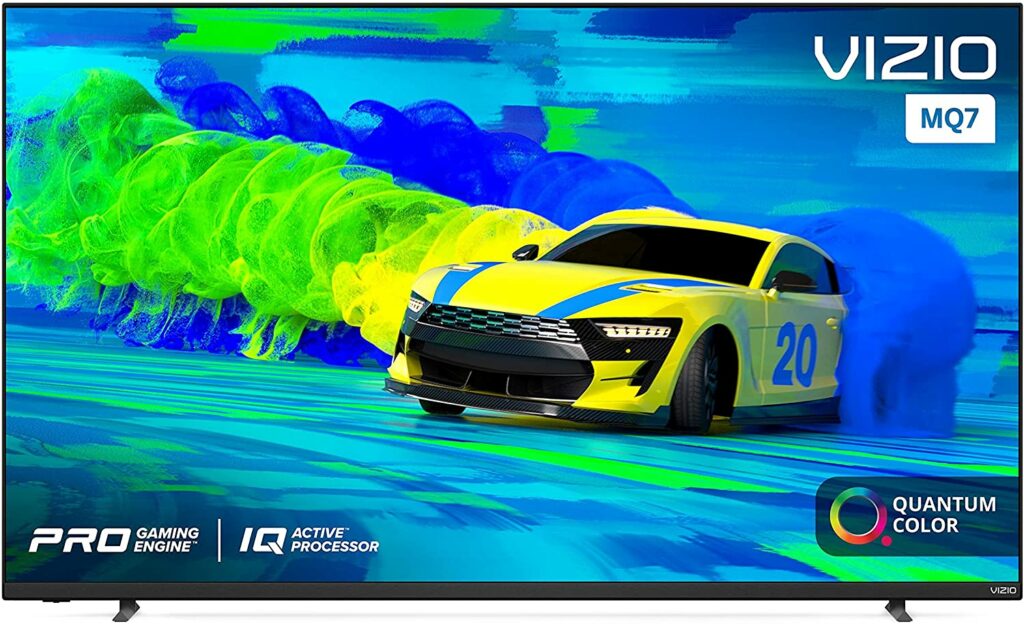
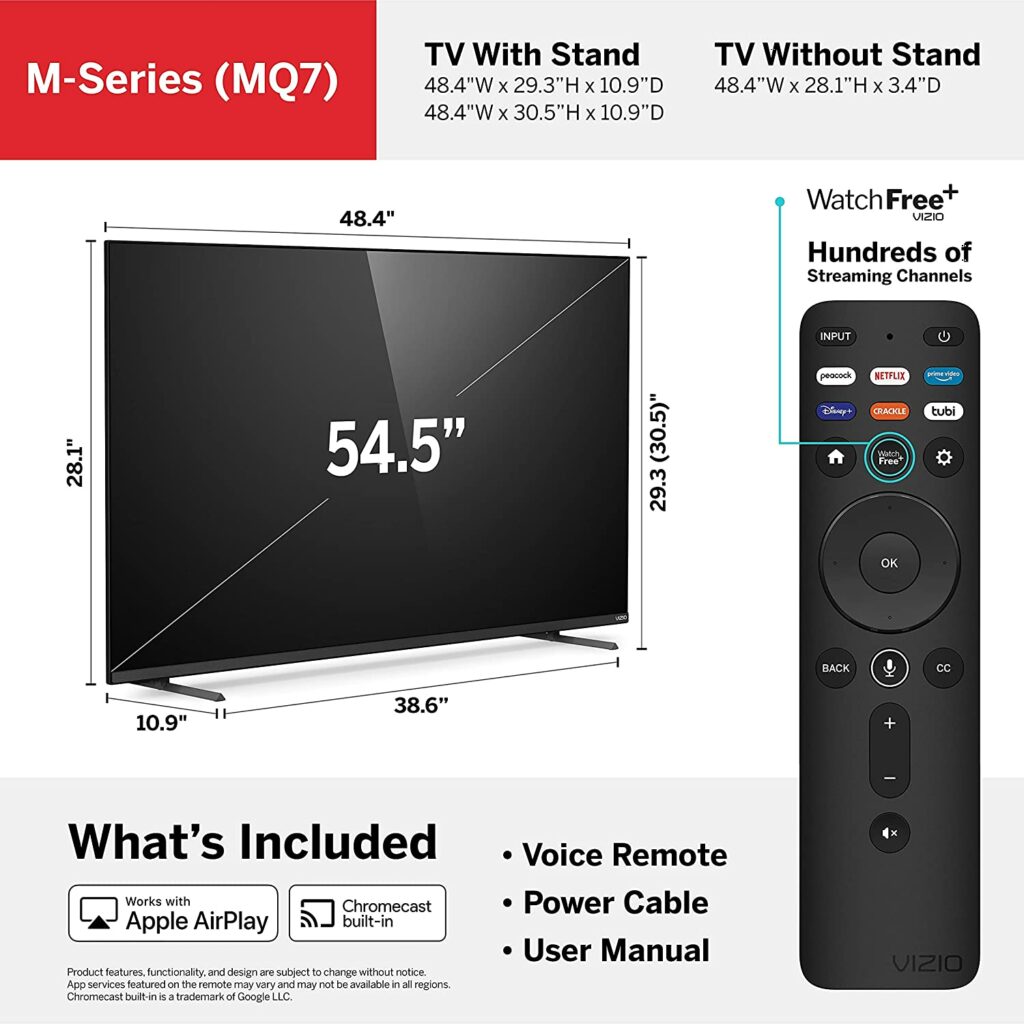
Hands down, the Vizio M-series Quantum 2021 model is the best budget-friendly 4k gaming TV you’ll ever come across. It’s a fantastic gaming TV, and while it’s a little more expensive than a few other affordable 4K TVs in the market, it comes with gaming features that most gamers will surely appreciate. It’s well-made and comes in a variety of sizes and all models within different size variants are sure to perform similarly.
The Vizio M-series Quantum is also one of the few budget-friendly TVs that supports VRR via FreeSync. However, do keep in mind that it doesn’t support G-Sync. It has a pretty fast response time for smooth transitions, but it does seem to have a poor response time with dark transitions, so some black smearing might occur. When it comes to responsive gaming, input lag is also quite low.
The Vizio M-series Quantum also supports Dolby Vision and HDR10+. And while it produces deep blacks, its local dimming feature isn’t the most impressive out of the bunch, and it doesn’t get bright enough in HDR to make highlights truly shine.
It’s also not the ideal choice for gaming in brightly illuminated areas, as its peak brightness and reflection management are pretty subpar. Despite that, it’s still a really solid 4K TV for gaming if you don’t mind the compromises made to make this model affordable.
Features & Specifications
Dimensions: 48.35 x 10.9 x 29.26 inches
Item Weight: 31.3 lbs.
Brand: Vizio
Sizes Available: 50″, 55″, 58″, 65″, 70″, and 75″
Resolution: 4K
Display Type: LED
Input Lag: 12.9 ms
Refresh Rate: 60 Hz.
HDR Compatibility:
Inputs: HDMI 2.1
VRR: Yes
Extra Special Features: Cinemawide Black Bar Detection, AMD FreeSync Certified, 27 Local Dimming Zones, IQ Active Display Processor, HDMI Variable Refresh Rate
Pros
Budget-friendly.
Supports Google ChromeCast and Apple AirPlay.
Terrific native contrast ratio.
Low input lags.
Cons
Local dimming features can be improved.
You only get a refresh rate of 60 Hz.
Rating: 8.5 out of 10.
Where Can I Buy The Vizio M-Series Quantum (2021) ED C1 Series?
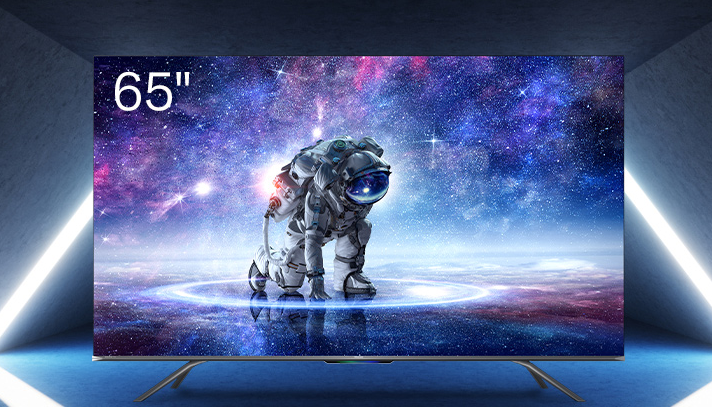
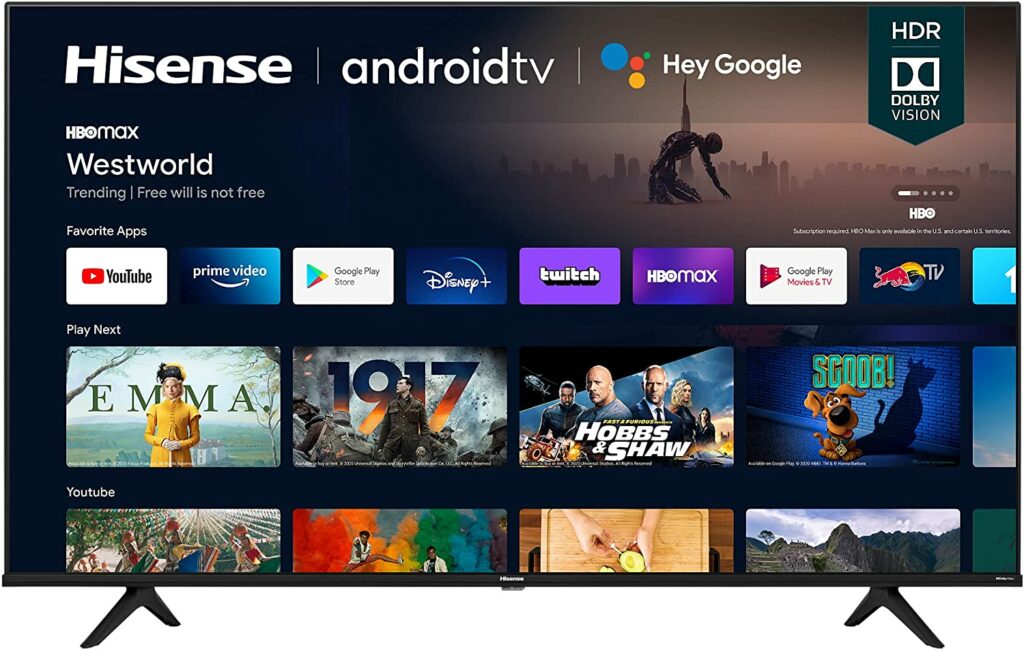
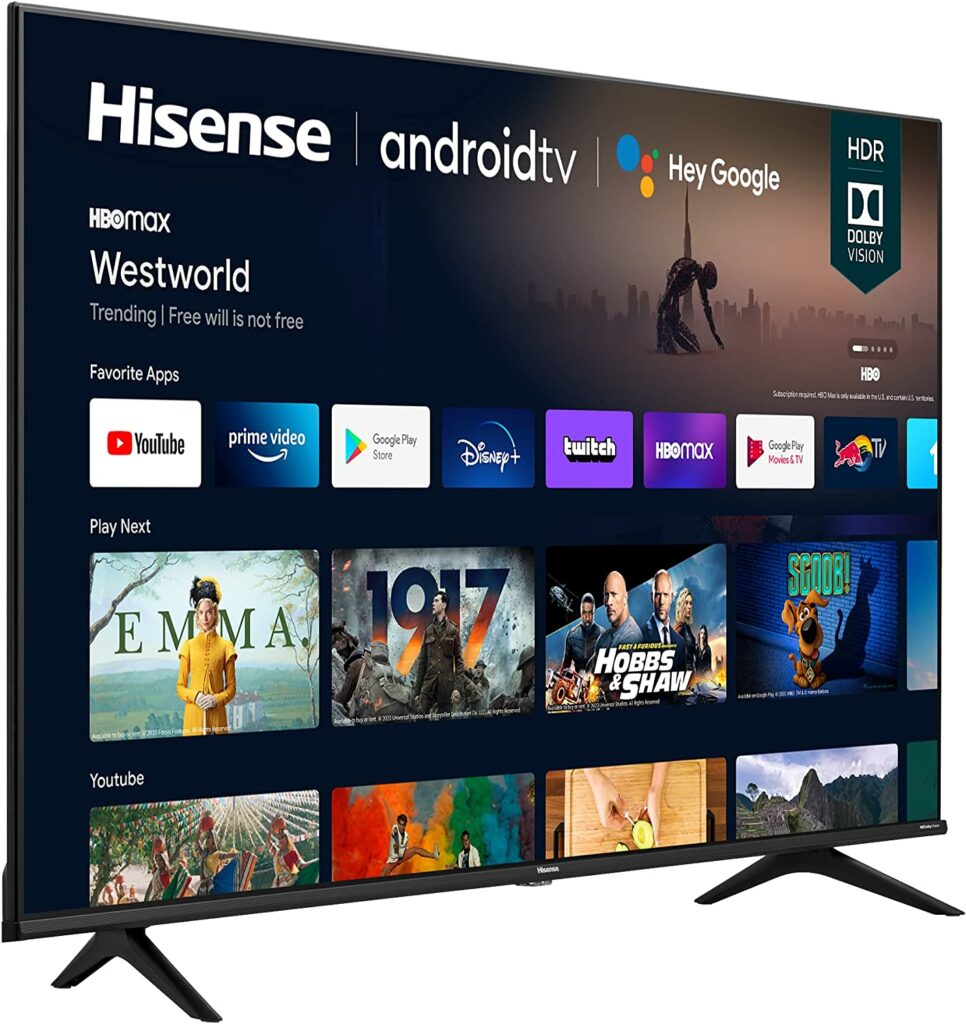
This new entry-level 4K HDR display from Hisense is well worth considering if you’re looking at the affordable end of the best gaming TV spectrum. Just like the other 4K televisions in our list, this also comes in a variety of screen sizes ranging from small to huge.
With a narrow bezel and spaced-out feet, the design is pretty on point. On the back, there are three HDMIs with ALLM (Auto Low Latency Mode) and VRR (Variable Refresh Rate) support, as well as eARC. There’s no support for 4k 120Hz, but then again, this seems to be the case with budget-friendly 4K TVs. However, Hisense does promise an input lag of fewer than 20 milliseconds.
When it comes to overall image quality, the results are quite outstanding actually, providing excellent fine detail and adequate dynamics. Dolby Vision is also quite helpful, as it allows the screen to shine with Dolby Vision shows.
If you’re from the UK or you’re getting a UK variant of the Hisense 50A6G, the model will come with a Vidaa smart platform, as well as Freeview Play, which means a good variety of streaming and catch-up players in the UK. On the other hand, if you’re from the US or getting a US variant, you’ll get an Android TV with Chromecast built-in. I’ll let you decide which one is more ideal for your needs.
Features & Specifications
Dimensions: 44 x 2.9 x 25.4 inches
Item Weight: 21.6 lbs.
Brand: Hisense
Sizes Available: 43″, 50″, 55″, 65″ and 75″
Resolution: 4K
Display Type: LED
Input Lag: 48.2ms (1080/60)
Refresh Rate: 60 Hz
HDR Compatibility: HDR10, HLG, Dolby Vision
Inputs: HDMI 2.1
VRR: Yes
Pros
Budget-friendly and great value for your money.
Supports plenty of streaming apps to watch all sorts of content.
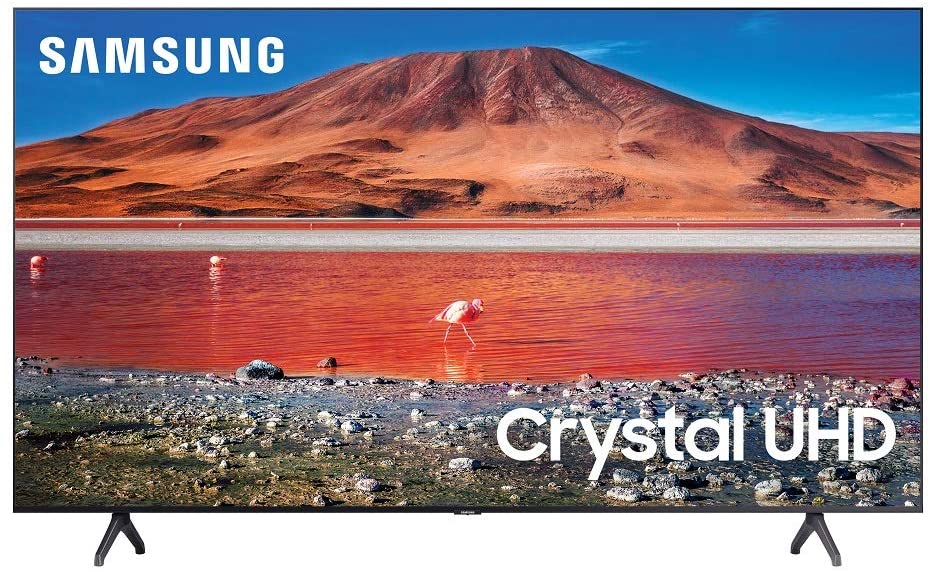
It’s quite difficult to argue with the reasoning behind buying the Samsung TU-7000. I mean, what more can you ask for? You can easily use it in 4K at 60Hz, which makes it ideal for both gaming and streaming, it offers a wide range of different screen sizes to choose from, plus all the streaming and smart apps you’ll ever need, all for a ridiculously low price. Without a doubt, this is one of the best gaming 4K TVs you can get your hands on in the market.
The Samsung TU-7000 features amazing color quality which includes particularly deep blacks thanks to a high contrast ratio, decent sound, and a fantastic feature called automatic console detection, which immediately switches the display from movie mode to game mode as soon as you turn on your console.
If you navigate to your console from the source menu, it will switch on immediately. Personally, I find this a neat little function that saves you a lot of time when navigating with a somewhat complicated remote. But despite the clunky remote, the user interface is pretty simple to browse, making switching between game consoles and Samsung TV apps a breeze.
When it comes to overall image quality, the results are as you expected. They’re excellent, boasting a high contrast ratio and excellent black uniformity. However, this particular model only features two HDMI connections, which means that if you have more than one gaming console, you’ll need to use a splitter or manually unplug the other to make room for another console.
Overall, the Samsung TU-7000 is a superb 4K television for the money and one that’s especially appealing to gamers due to its low input lag, deep blacks, and excellent contrast ratio.
Features & Specifications
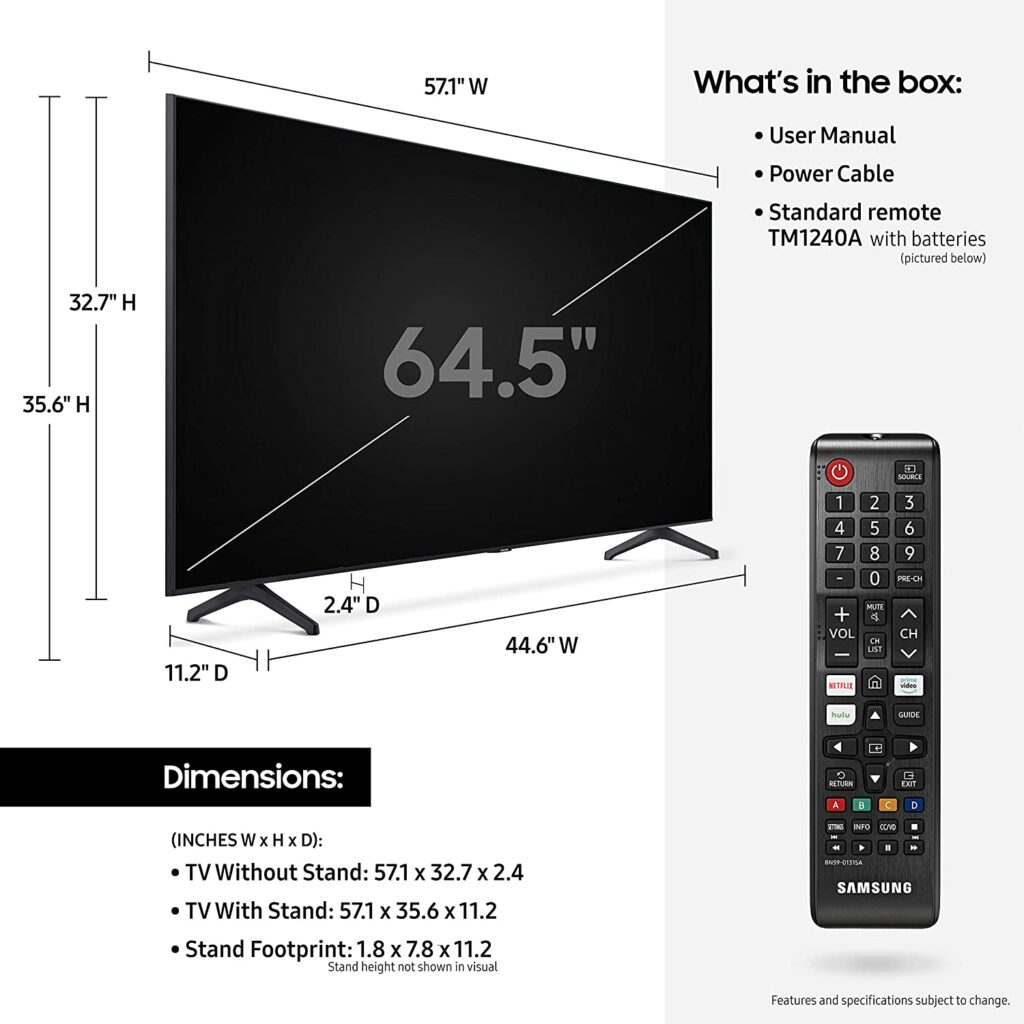
Dimensions: 2.4 x 48.4 x 27.8 inches
Item Weight: 30.6 pounds
Brand: Samsung
Sizes Available: 75″, 70″, 65″, 58″, 55″, 50″, and 43″
Resolution: 4K
Display Type: LED
Input Lag: 9.5ms
Refresh Rate: 60 Hz.
HDR Compatibility: HDR10+, HLG
Inputs: HDMI – 2, USB, Ethernet (LAN), RF In (Terrestrial/Cable Input), RF In (Satellite/Cable Input), and Digital Audio Out (Optical)
VRR: Yes.
Extra Special Features: Smart TV Powered by Tizen; HDR; Crystal UHD Technology Powered by the Crystal Processor 4K; Dolby Digital Plus
Now that we have finished discussing our list of the best 4K TV for gaming this 2021, here are some terms and specs you might want to consider and keep in mind as you shop for your next ultra HD screen.
Color accuracy, contrast, color gamut, viewing angles, battery utilization, screen reflections, smart TV capabilities, and more are all factors to consider when selecting the finest 4K TV for gaming. However, because we’re all here to play games, having a built-in “gaming mode” with minimal input latency and input lag is pretty much essential.
Let’s Talk About Screens: OLED, LED, and QLED
As you go shopping, you’ll come across different types of TVs in your hunt for the finest 4K TV for gaming: OLED, LED, and the most recent type, QLED. While they may share similarities in their names, they couldn’t be any more different and distinct in terms of panel technology.
LED
The final image you see is created by independent image producing and lighting layers on LCD/LED panels. The backlight (LED) illuminates the pixels (LCD), which generate the actual images you see in this interaction. TV makers have introduced fully array backlighting systems, which break the backlighting layer into zones known as “local dimming zones,” to reach the same level of true black as LED televisions.
When you see this characteristic, keep in mind that the more local dimming zones a television has, the better. On the other hand, LED TVs can achieve significantly higher peak brightness levels, but they have narrower viewing angles and muddier blacks since the display can’t completely switch off its backlight the way an OLED screen can.
OLED
Organic Light Emitting Diode or more commonly known as OLED is another form of TV panel that is categorized as an emissive screen technology. In general, LCD and plasma panels require back-lighting or edge-lighting to create images on the screen, whereas OLED screens do not. The LEDs in the panel of backlit or edge-lit TVs are lighted in groups or lines to form a picture.
This implies that the pixels in an OLED panel generate their own light by producing their compounds with an electric current. Because the pixels on an OLED TV produce both the picture and their own light, they may achieve true black without any current through them. Basically, there is no light if there is no energy.
To create a picture on OLED TVs, each LED on the screen can be individually lighted and switched on or off. This is what allows OLED televisions to have truer blacks. Because there is no illumination shining through, you get fine edges on images and deep blacks with the ability to entirely turn off each individual LED.
Apart from that, OLED displays are often dimmer than LCDs, and picture retention (also known as burn-in) issues can occur every once in a while. This problem happens when static items on the screen, such as a network logo or a health bar, become imprinted on the screen either temporarily or permanently.
QLED
Samsung developed QLED panels and is a technology of their own. Quantum Dot Light Emitting Diode is the complete abbreviation for QLED. Quantum dots are light-emitting particles that can be substantially brighter than LEDs or QLEDs when used to generate a picture on a screen. As a result, QLED televisions have brighter colors and stronger contrasts than other panel types.
Like regular 4K TVs, the panel is either backlit or edge-lit, which can make a big difference when it comes to black levels. Back-lit QLEDs can generate clear images and blacks that rival even the most premium OLEDs in the market, in addition to delivering vibrant colors. Essentially, these QLED TVs have an extra layer of quantum dots on the back that boosts the brightness and color spectrum of standard LED screens.
Quantum dots, in this way, function as an enhancement filter, producing brighter and purer light than LED panels. This is why Samsung TVs with QLED panels can achieve peak brightness levels that are sometimes a thousand or several thousand nits brighter than OLED panels in the industry. As a result, they’re perfect and ideal for your living room gaming.
HDR
The term HDR stands for High Dynamic Range. HDR is a technique that processes colors in games, movies, TV shows, and any streaming content. This has also become standard on almost all of the 4K TVs you might come across.
However, HDR isn’t just about contrast. It’s also about highlighting the differences between colors (and blacks), and it may be used by game designers and developers to bring out more details in their work. HDR is mostly used to enhance the color of a photograph by making colors more vibrant and thereby increasing contrast.
You can make visuals a lot crisper and the colors pop if you can differentiate extremely similar tones of color. A brightness of 400 nits is the minimum requirement for HDR. Though higher brightness can be achieved in 4K TVs in more recent years. Overall, having HDR capabilities is a significant improvement in picture quality and one of the most appealing features of 4K TVs. It is, however, a little complex.
Today’s 4K TVs support two major HDR standards: HDR10 and Dolby Vision. HDR10 is supported by the majority of 4K TVs in the market that support HDR. Meanwhile, Dolby Vision is only supported by a select handful of much higher-end TVs. When it comes to gaming, HDR10 is all you need and should require. In fact, the PS4, PS4 Pro, Xbox One S, and Xbox One X can all support HDR10.
A Dolby Vision TV is only really useful if you have a standalone 4K Blu-Ray player or a streaming media box that supports Dolby Vision. But it will not allow you to play HDR games on your chosen console.
Response Time
When it comes to 4K gaming televisions, you’ll hear a lot and often come across about a panel’s response time. This is the rate at which colors on your television can change, like from black to white and to black again. Unless you’re very specific and need fast response times for your games, most 4K TVs have response times faster than we can perceive. Therefore it makes no significant impact on your overall gaming experience unless it’s really needed. Gaming purists, on the other hand, will want the fastest response time possible on their hands.
Refresh Rate
This is the rate at which an image on your TV can be refreshed. Keep in mind that this is not to be confused with response times.
In general, most TVs can only support 60Hz – 120Hz. As of the moment, no 4K TV has higher refresh rates than that. If you’re aiming for 144Hz or even 240Hz, you might want to look into dedicated 4K gaming monitors instead.
A 4K TV with a 60Hz of refresh rate, for example, refreshes the image on the screen 60 times per second, allowing for a certain level of smoothness. Moreover, the image will be twice as smooth if the TV refreshes at 120Hz, and you can tell by how slick and smooth the motion seems on screen.
Nowadays, many TVs’ game modes would artificially increase their refresh rates by degrading other display settings such as reducing the brightness of your picture. So try to keep an eye out on those types of 4K TVs.
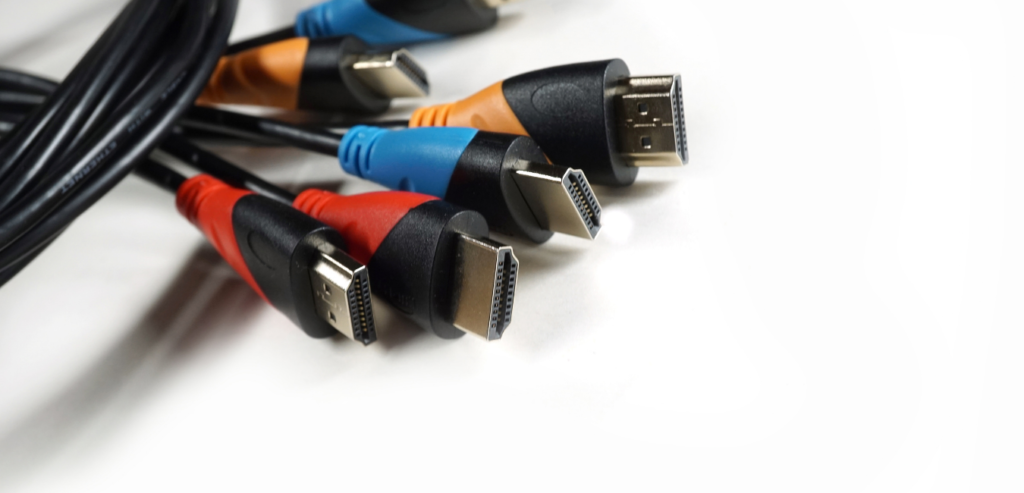
HDMI
This is the common connection cord between your 4K TV and most devices you’ll be connecting it to. HDMI stands for High Definition Multimedia Interface. A 4K signal requires at least an HDMI 1.4 cable, while most recent HDMIs are 2.0 connections that can transport 4K signals at 60 frames per second.
Because the bulk of recent console games don’t support 4K at 60fps, you’ll be pretty much alright as long as you have a 2.0 cable and a 2.0 port on your TV. On top of that, there are only really two types of HDMI cables: standard speed and high speed. You should be fine as long as you have a High-Speed cable.
That isn’t to say that all cables are created equal, but you shouldn’t have to spend a lot more than necessary. To put it simply, you don’t need to waste a lot of money on gold-plated HDMI cables to obtain a good picture outside of aesthetic preferences. Any standard High-Speed cable should work fine and perfectly.
Conclusion
Overall, each 4K TV listed above comes with its set of advantages and disadvantages as well as its own perks and setbacks. Not to mention, certain gaming televisions may also be better suited to one console over another, depending on which you’re using. But whichever you ultimately choose, I hope our list of top recommendations gave you an idea of which 4K gaming TV will suit you best.
Have you already bought your own 4K TV for gaming? Did your pick make it into our list? Let me know in the comments section below if you have any suggestions, insights, or questions to ask. I would love to hear all your thoughts!