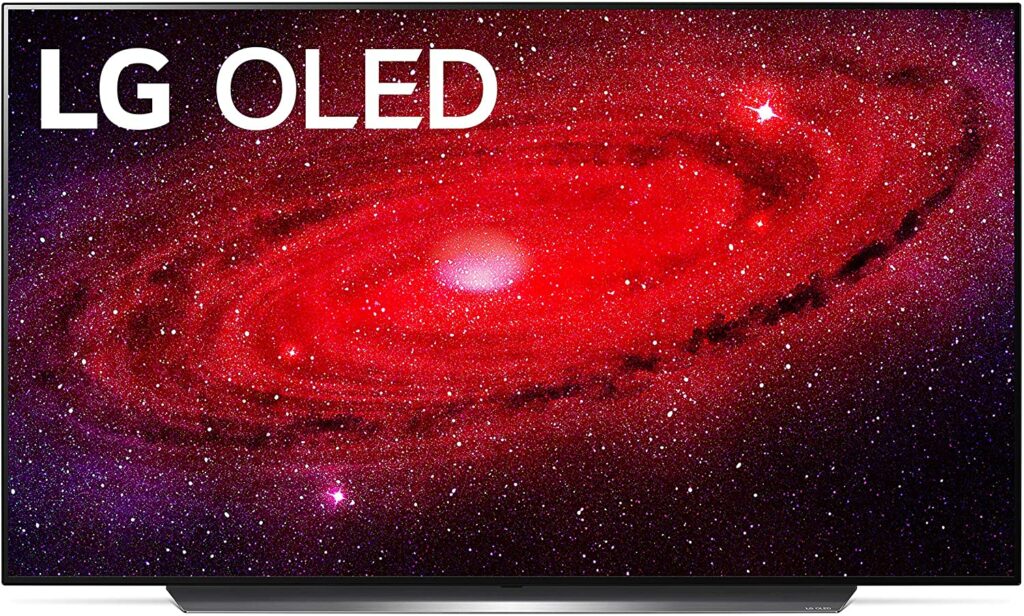
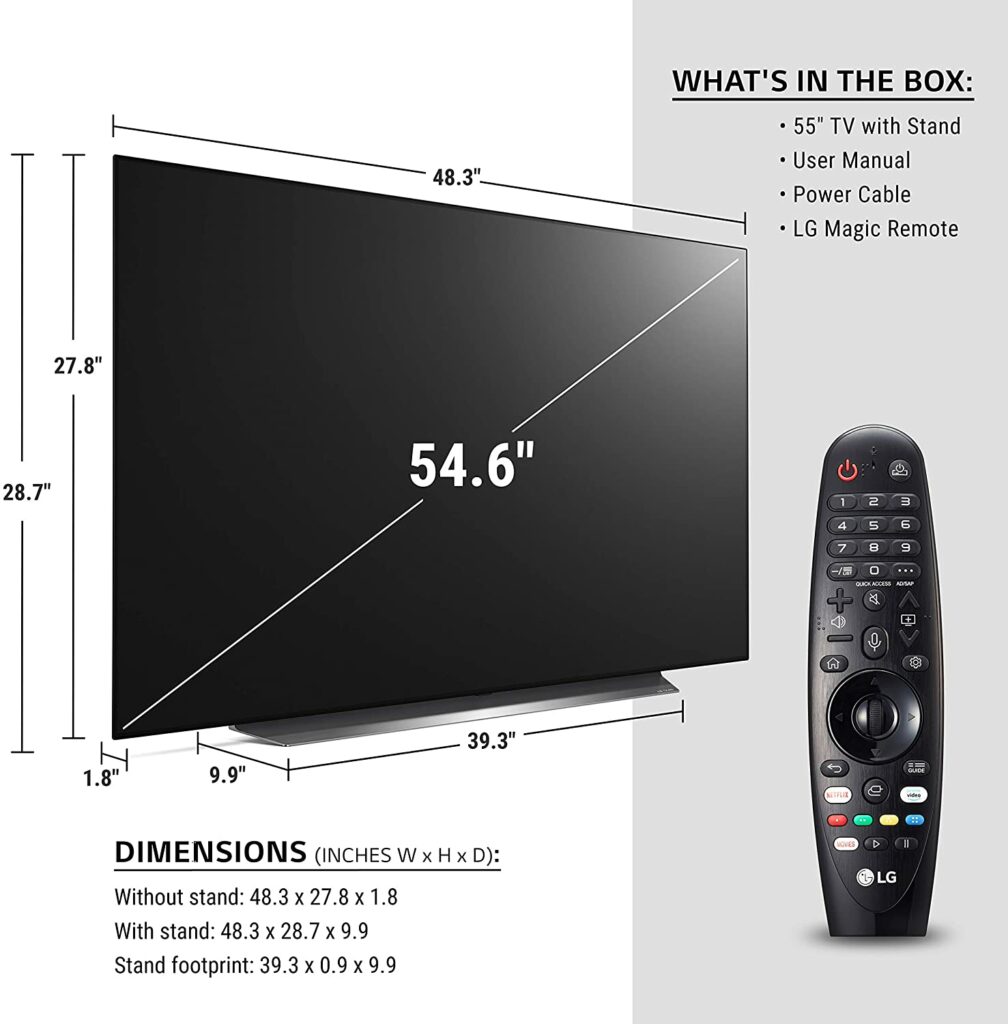
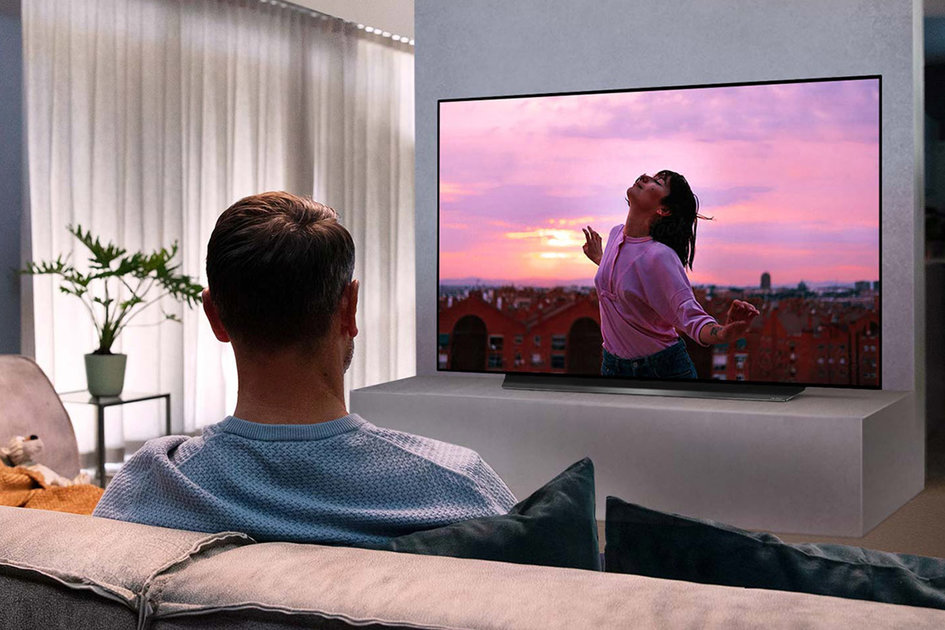
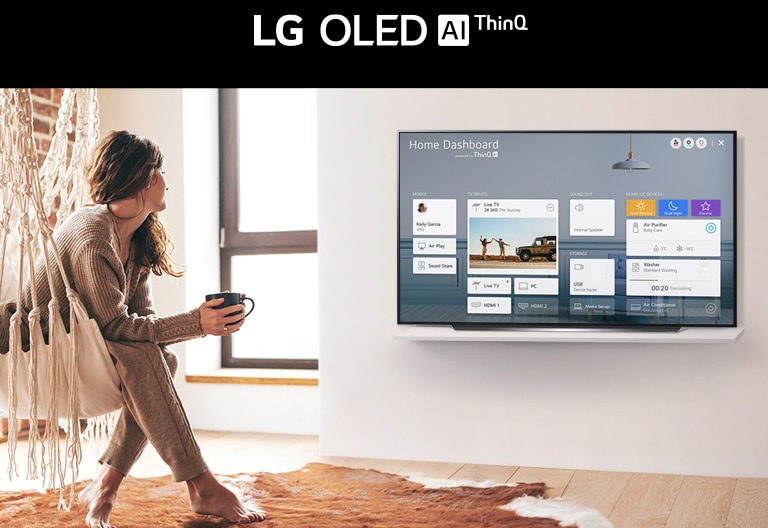
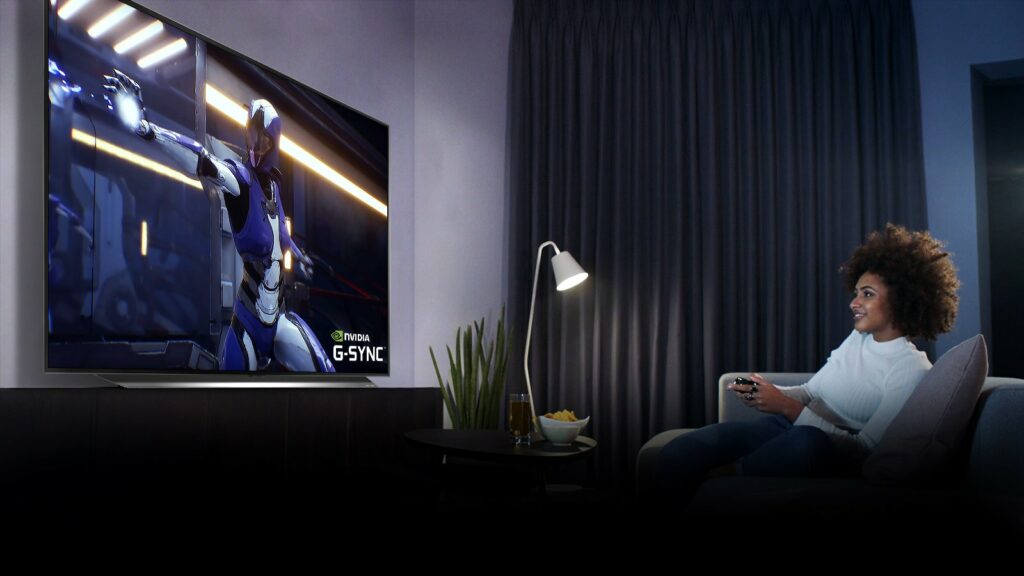
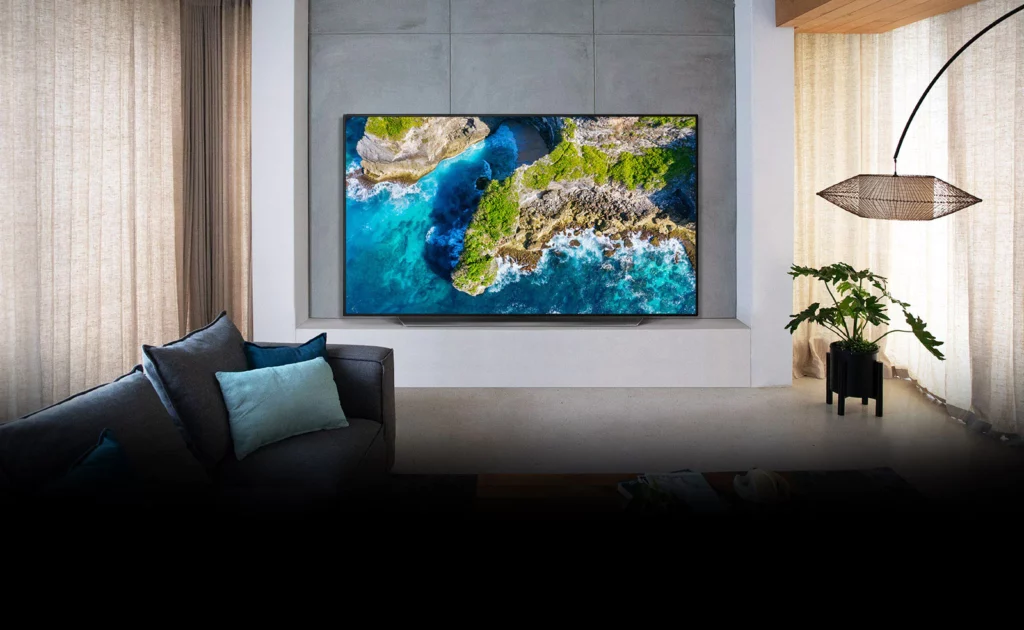
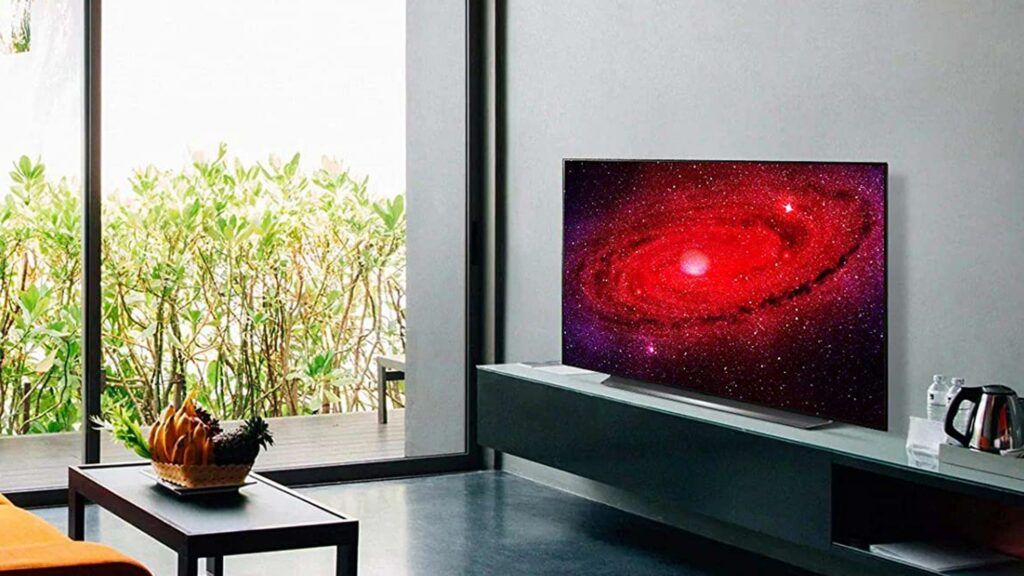
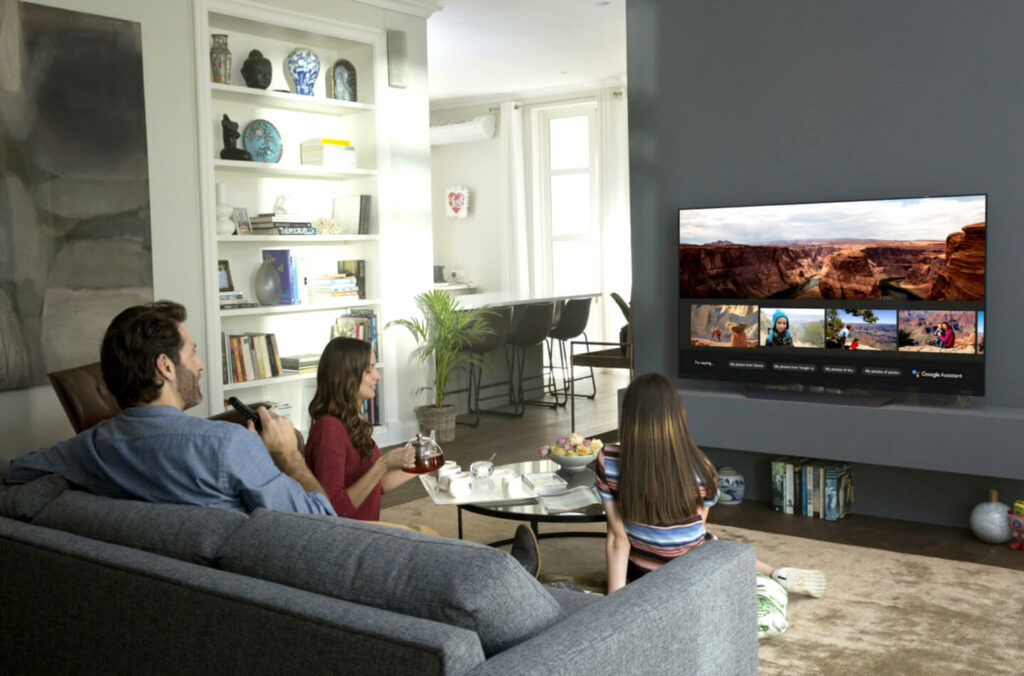
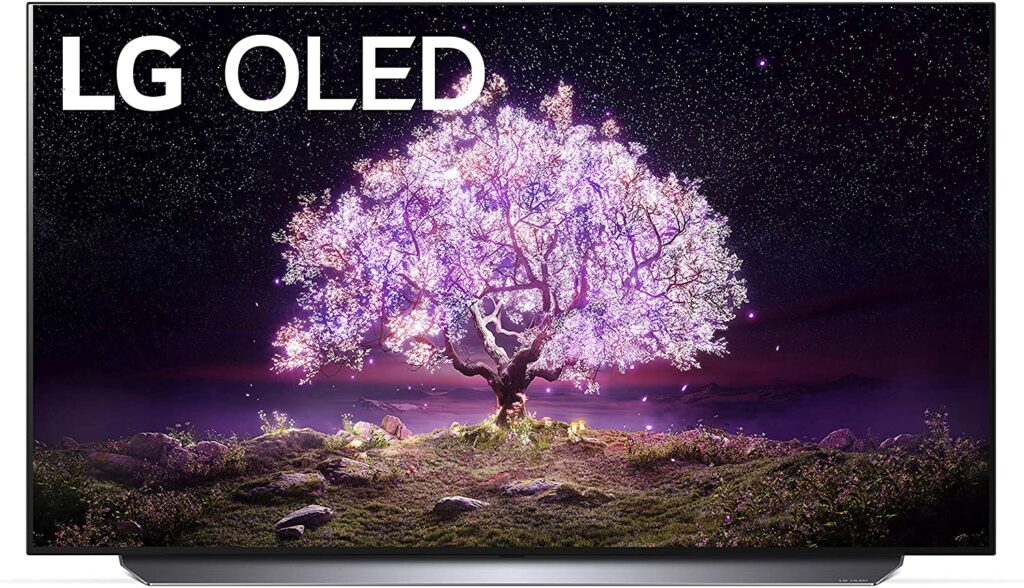
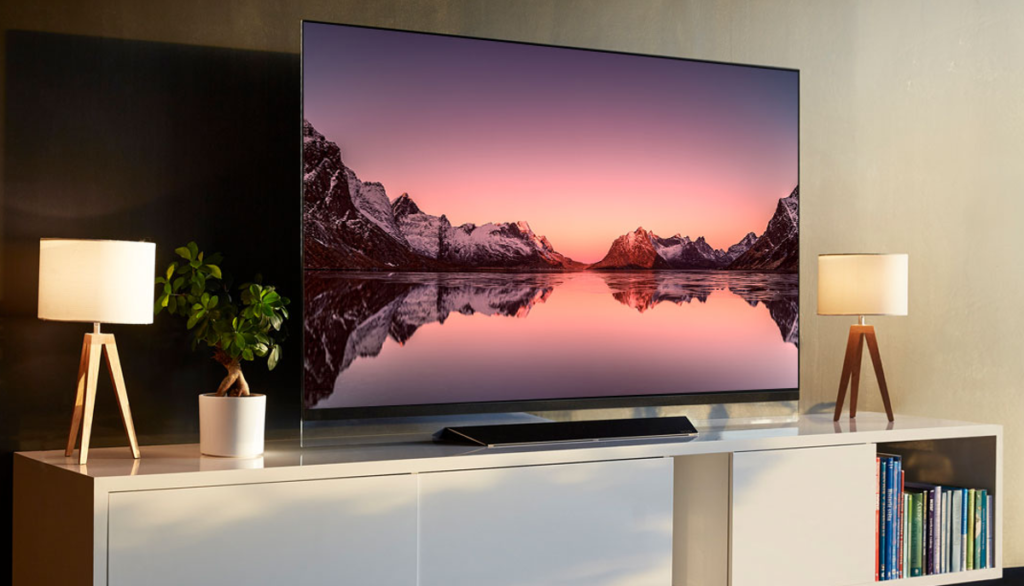
Amazing black levels. Overall picture quality is fantastic. For gaming, it supports Nvidia G-Sync and AMD FreeSync. There are numerous well-calibrated picture modes and you have different size variants to choose from. These are just a few features you’ll get from the LG CX OLED TV. However, the high-end price might stifle a few of you from shelling out that much money for an OLED TV when you can get other well-performing models for much less. So how good exactly is this television? Is it worth every penny? Find out in our review below.
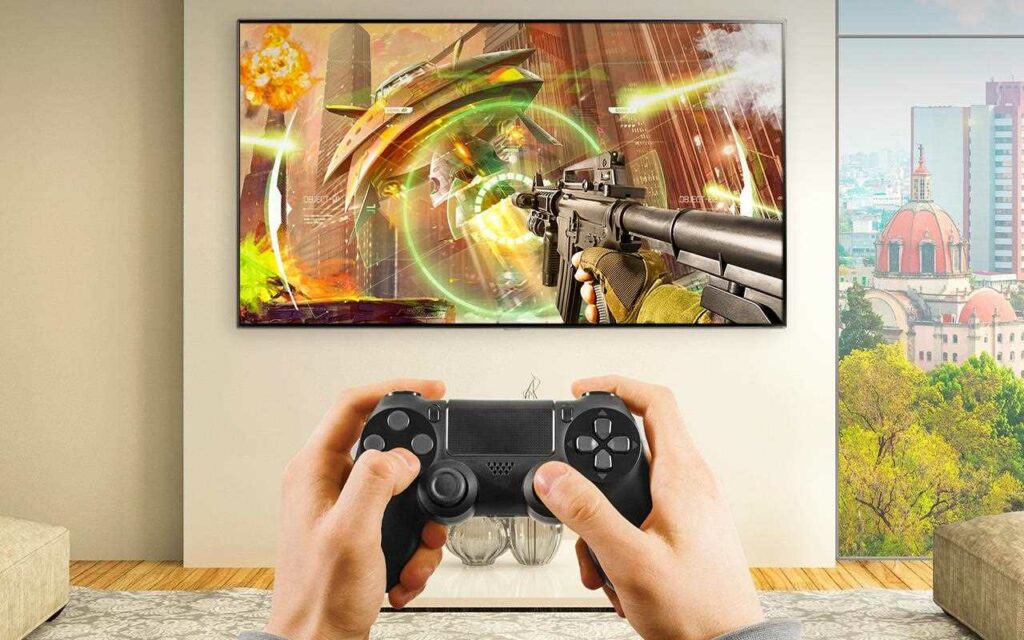
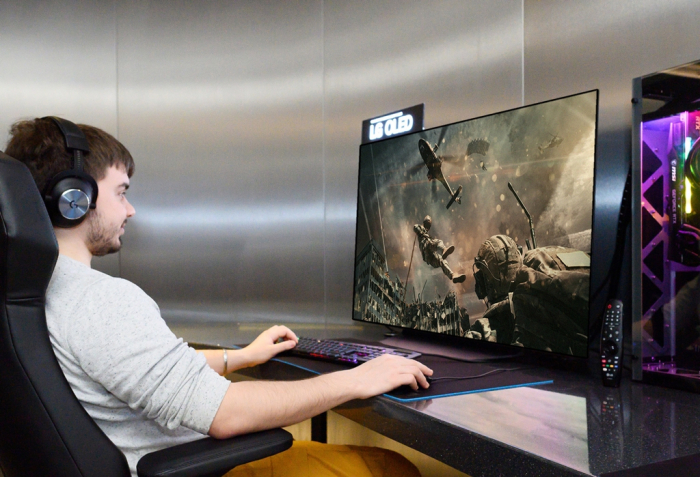
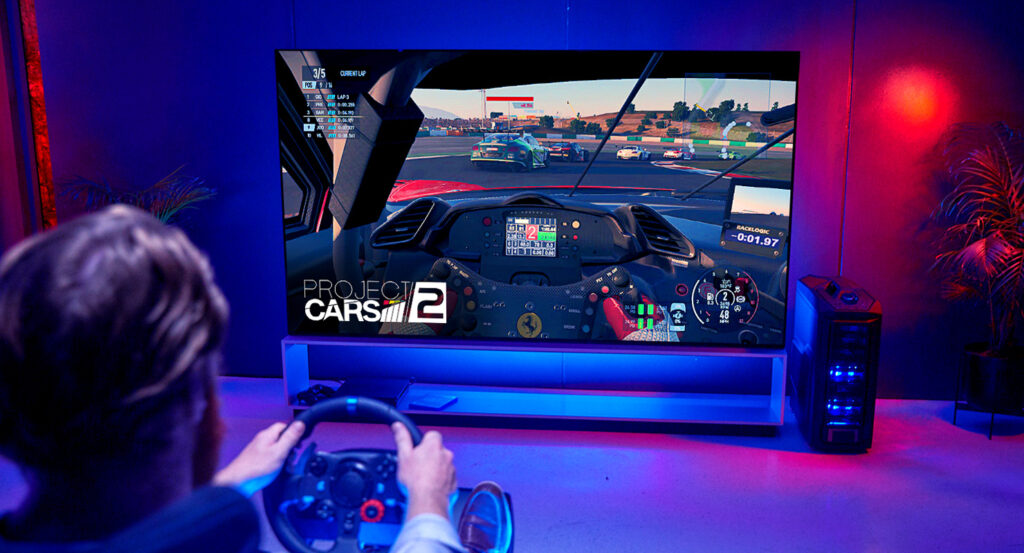
Thanks to a stunning 4K display that operates at a speedy 120Hz, the LG CX OLED TV is the best next-gen alternative if you’re planning on buying a PS5 or Xbox Series X soon or currently have one sitting in your living room. Thanks to Nvidia G-Sync and AMD FreeSync support, it’s also ideal and fantastic for PC gaming. An Ultra HD screen like this will surely take your gaming sessions to the next level.
However, keep in mind that you’ll need a more solid gaming workstation if you’re considering the 65-inch model.
Furthermore, LG’s class-leading CX OLED TV, with a 120Hz refresh rate, is ideal for fast-paced 4K gaming, such as first-person shooters and racing games, where screen tearing is a thing of the past. As you’d expect from OLED technology, the black levels are outstanding, and LG has nailed it with a design that makes sure the CX line totally turns off individual pixels when used in the lowest settings.
Most OLED TVs are out of reach and unreasonably expensive for the typical customer, and the CX is no different. Despite its amazing features, its high-end price might just be the deal-breaker for some. However, if you can afford it, I highly recommend giving this OLED TV a solid consideration.
Apart from that, LG has also done an excellent job of focusing on the shortcomings in earlier models. The Alpha a9 Gen 3 Processor has undergone significant improvements that have resolved any faults from its predecessors while also improving the way faces are portrayed by the chip’s processing. The end result? An engrossing cinematic performance that treats movies and TV series with the respect they deserve.
Features & Specifications
Brand: LG
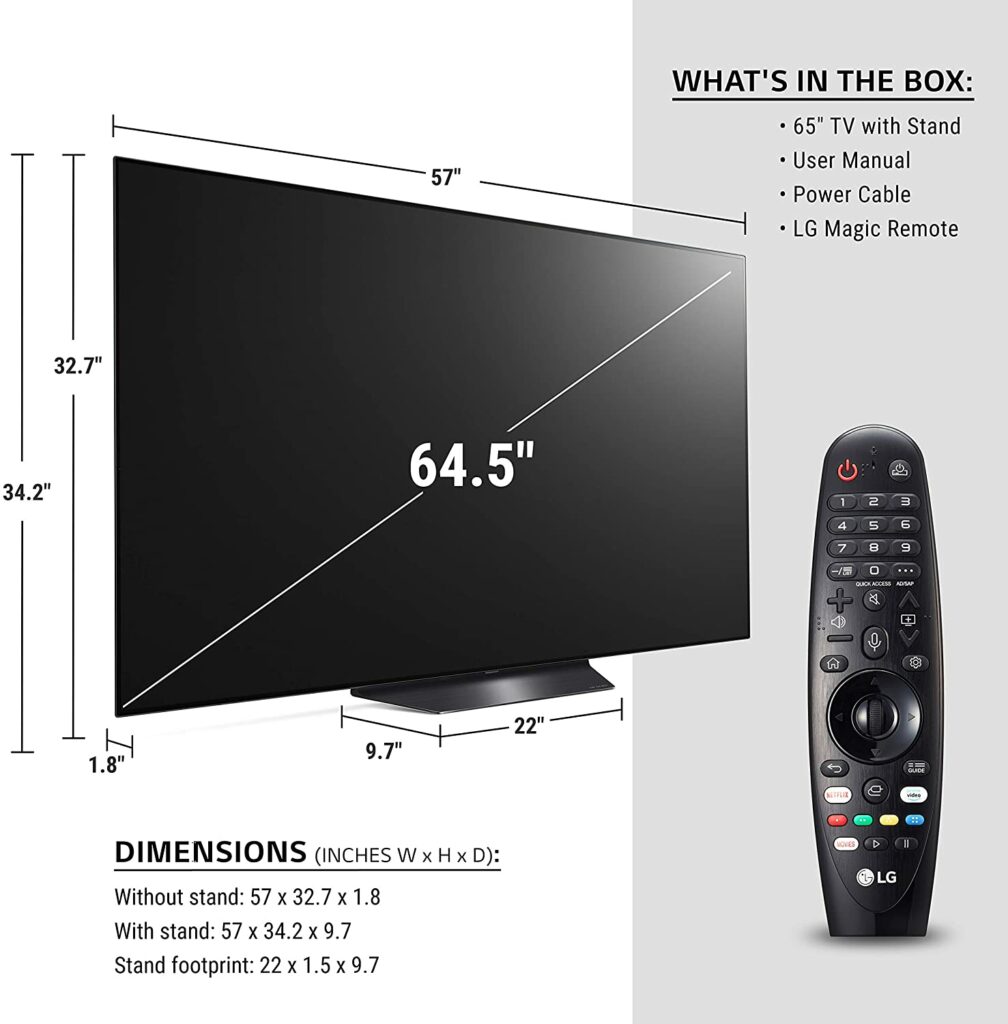
Sizes Available: 77″, 65″, 55″, and 48″
Resolution: 4K
Display Type: OLED
Input Lag: 13ms
Refresh Rate: 120 Hz
HDR Compatibility: HDR10, Dolby Vision, HLG
Supported Internet Services: Netflix, Prime Video, Hulu, Vudu, Google TV
Gaming Features: G-SYNC, FreeSync, VRR, HGiG
Inputs: HDMI 2.1
Check Out LG’s Product Preview Of The LG CX OLED Below.
Honestly, LG doesn’t put in a lot of effort changing up their TVs’ designs. However, I do believe in the saying don’t fix what isn’t broken. With that being said, the LG CX OLED TV, just like its predecessors, still retains the same minimalistic and premium aesthetic it has over the years with little to no alterations at all.
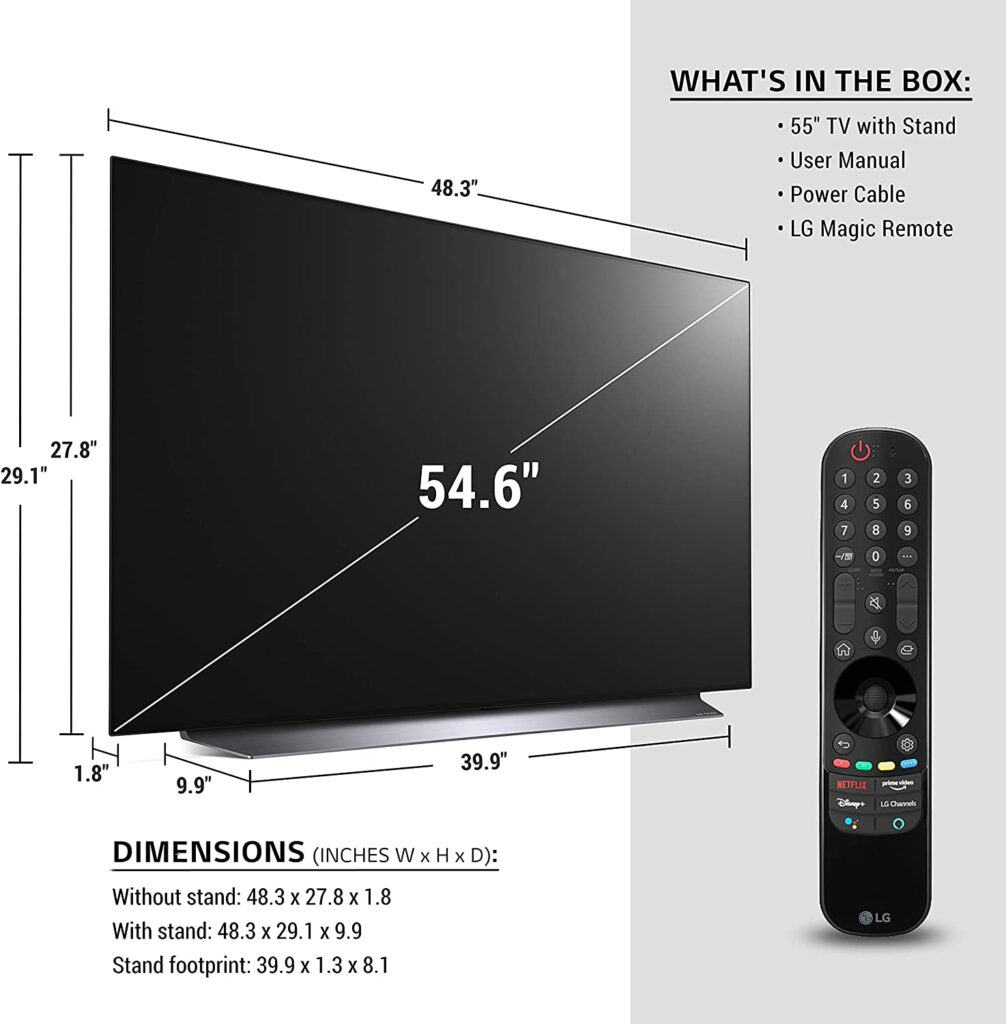
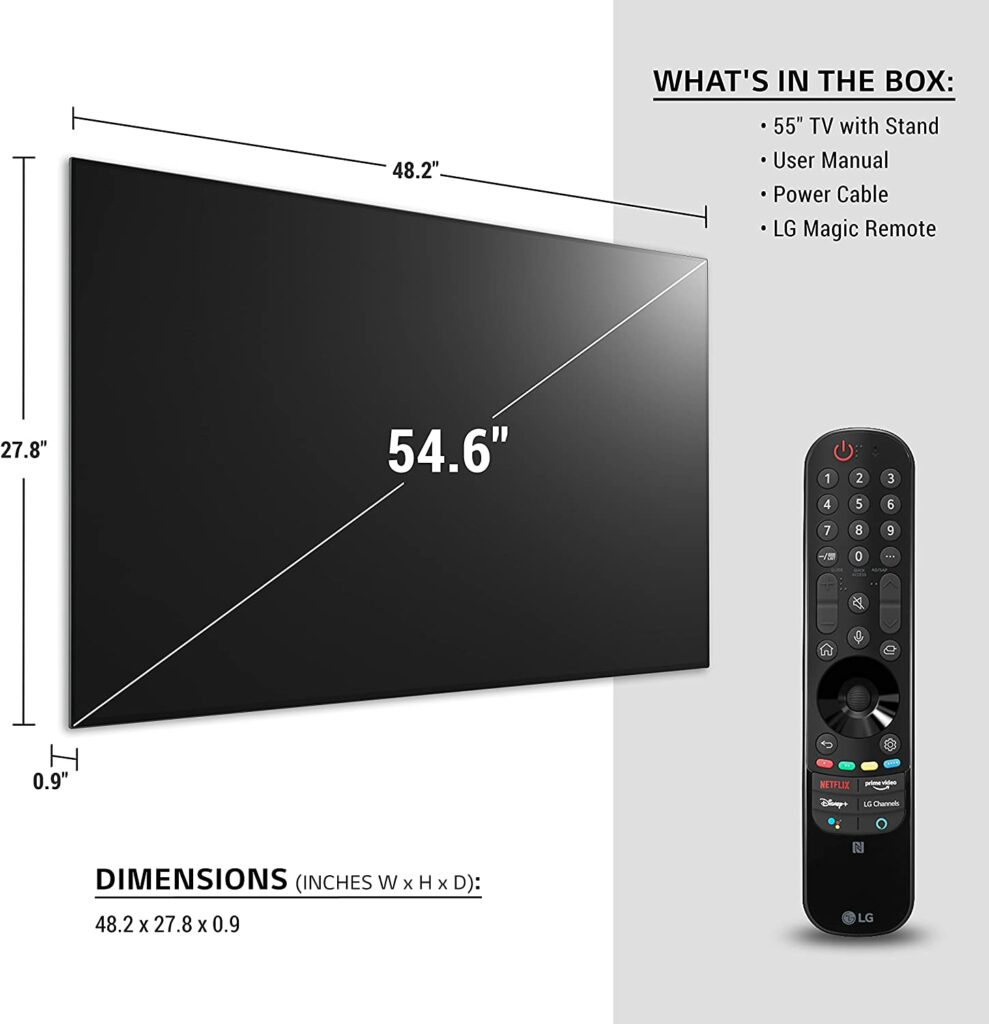
When viewed from the side, the panel on the CX is still quite thin, approximately a quarter-inch deep, with the thicker part at the bottom jutting out another 1.75 inches. But facing it from the front, you won’t really notice it that much. The inputs, power supply, speakers, and other depth-eating TV components are all housed in this part.
The painting itself has a black frame around the top and sides that is less than a half-inch thick. Then there’s a little more below that, but nothing else apart from that. No logo or anything at all.
The screen is affixed to one of the centrally positioned metallic sheet stands that have been seen on previous C-series versions. This is wonderfully made and constructed, although it appears a little hefty in comparison to the remarkable slimness found elsewhere.
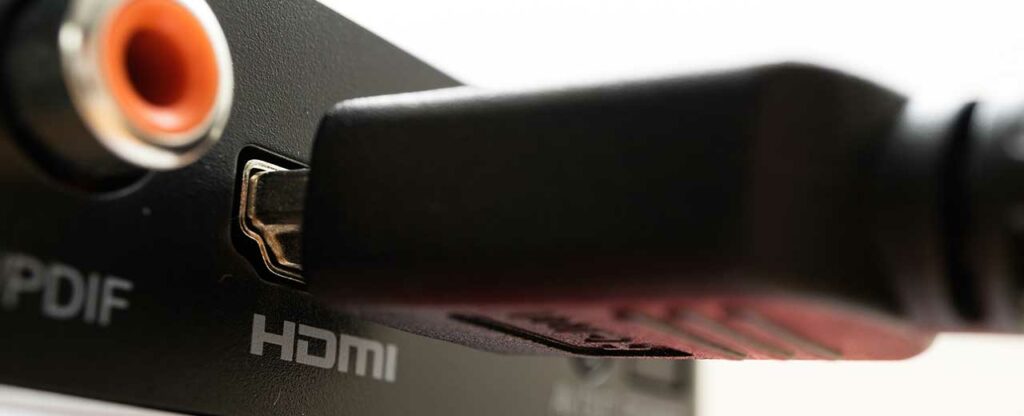
The CX has a lot of connections, and they’re all well-defined, especially when it comes to HDMIs. There are four, each capable of 4K up to 120Hz in 10-bit HDR with 4:4:4 chroma sampling. Something to keep in mind if you’re planning to play with the next generation of video game consoles. Overall, the LG CX is pure TV minimalism and is a nice addition to any home.
Picture Quality
When it comes to LG’s OLED TVs, there’s no doubt that they’re truly one of the best out there. When you watch something in 4K with High Dynamic Range for the first time, you’ll truly understand the power of LG’s incredible screen technology.
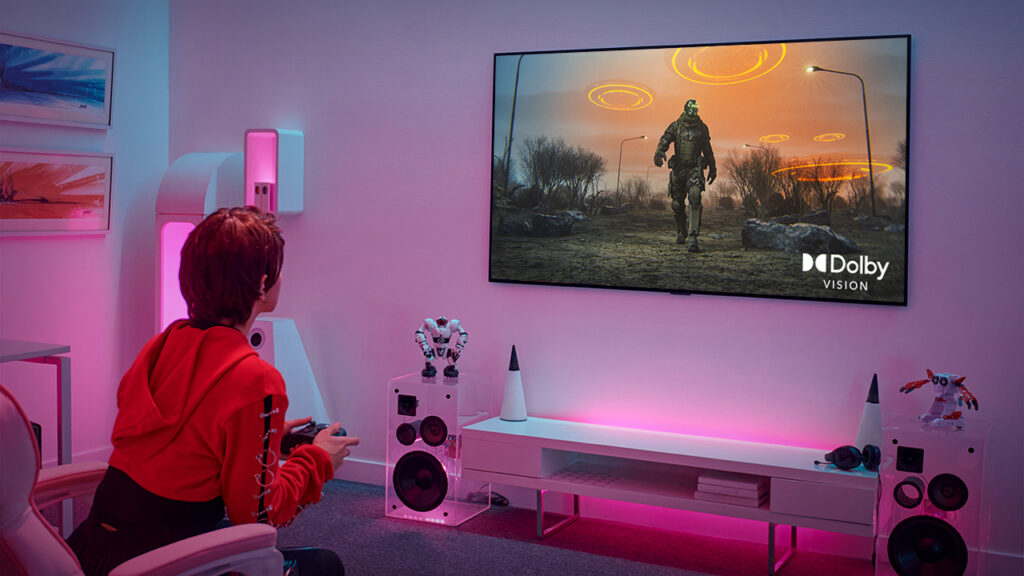
Because the CX supports both HDR10 and Dolby Vision HDR, you’ll get the most out of every homemade show on Netflix, Amazon, and elsewhere, as well as the most recently released movies.
However, regardless of whether format you view, the CX’s contrast and colors are always astounding. Super vivid reds, greens, and blues contrast with incredibly realistic shadows to provide some of the most stunning images you’ll ever see at home.
On top of that, there are plenty of additional picture modes to choose from and try, but if you’re more interested in viewing TV shows and movies than gaming, I’d recommend trying Cinema mode or Filmmaker mode.
Smart Features
The LG CX uses LG’s WebOS interface for its smart features, just like the rest of LG’s OLED TV portfolio. And this is a relatively good thing. With its rows of icons directing to numerous entertainment sources, the simple, no-frills home screen is instantly available, easy to use, and modify to your preference.
When you select one of the primary content apps, the second tier of icons appears, with immediate access to the highlighted app’s shows or films. This feature, however, is only available in apps that have worked with LG to allow it.
It’s also worth noting that LG is a leader in speech recognition, with the CX supporting LG’s ThinQ AI platform, as well as Amazon Alexa and Google Assistant. All of them are also supported, eliminating the requirement for an external listening device.
In terms of supported apps, you’ll discover Disney+ and Apple TV+, two relatively recent entries to the streaming world, other streaming services such as Hulu, Netflix, and Amazon Prime are also readily available.
Gaming Features
Another feature I love with the CX is that it’s gamer-friendly. This OLED TV supports Nvidia G-sync, which ensures that games run smoothly on PCs with Nvidia graphics cards. For users with AMD graphics cards, the CX now supports AMD FreeSync. Honestly, it’s just great to see both major standards represented.
In addition to that, it has only 13 milliseconds of input lag in Game Mode. And, unlike some LCD TVs, activating the game settings has no discernible impact on color and contrast performance. Automatic low latency mode switching and varied refresh rates are also supported. Hopefully, the PS5, Xbox Series X, and next-generation PCs will be able to take advantage of the CX’s 4K/120Hz/4:4:4/HDR capabilities.
Our Least Favorite Thing
Risk Of Burn In
Apart from its ridiculously high price tag, the CX doesn’t come in with a lot of flaws. Which is something to be expected when you’re paying a lot of money for a TV. Of course, like with any OLED TV, you should be cautious about what you watch on it in order to avoid permanent image retention or also known as burn-in.
That said, try to avoid watching content with bright logos or static bright picture elements for long periods of time at a time. Most recently released OLED TVs nowadays have put in the necessary measures to avoid such damages, and that includes LG’s OLED TVs. However, it’s best not to risk it.
In A Nutshell
Now that we’ve finished discussing the things we liked and disliked about the LG CX, here’s a narrowed-down list of the good and the bad with this particular OLED TV.
Pros
Incredible visual and image quality.
Speedy response times.
Beautiful design.
Cons
Risk of permanent burn in if you’re viewing the same content over and over.
Expensive.
Our Final Verdict
All in all, the LG CX OLED TV is truly a fantastic high-end television. It gives the same excellent picture quality as the other TV models from the same lineup. Individual pixels can be turned off, resulting in a near-infinite contrast ratio with perfect deep blacks and no blooming around bright objects, making this TV perfect for dark room viewing.
However, the LG CX OLED also does well in bright surroundings thanks to its excellent reflection control as well as streaming HDR content due to its wide color gamut. Not to mention, variable refresh rate (VRR) compatibility, a 120Hz panel, fast response time, and HDMI 2.1 ports are just a few of its amazing gaming-friendly features.
So this begs the question, is this TV worth its price? Definitely. But is it worth burning a hole in your wallet for? I’d have to say no. There are definitely other OLED TV models in the market that performs just the same (or almost the same) without the hefty price tag.
If you’re on a budget, you’re better off looking for something within your price range. But if money is not an issue, then this is definitely a TV worth considering.
Have you already bought the LG CX OLED TV? Was our review helpful? Let me know in the comments section below if you have any suggestions, insights, or questions to ask. I would love to hear all your thoughts!
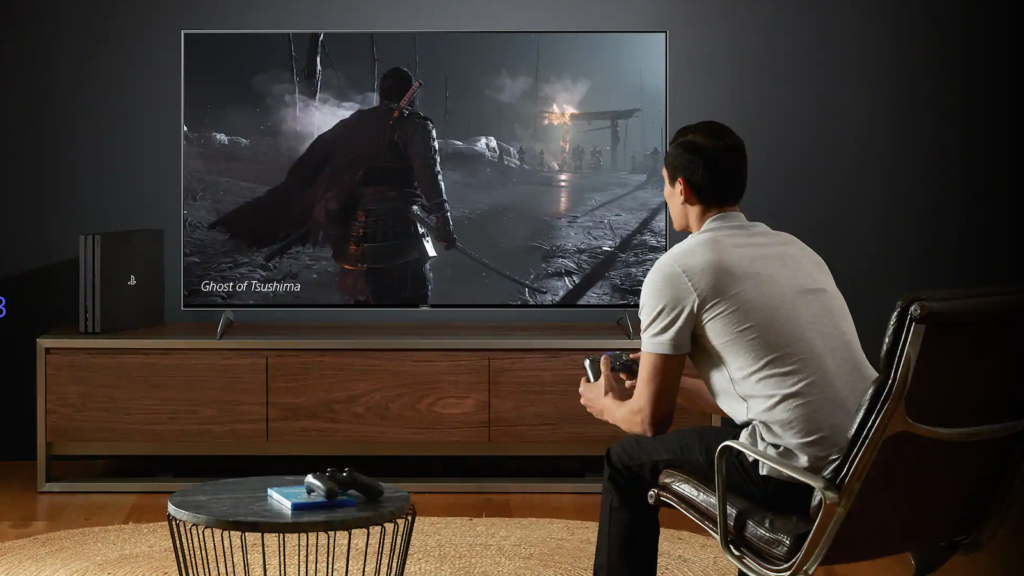
If you want to get the most out of your favorite video game, investing in a larger, brighter television with deeper blacks will do exactly just that. The latest generation of consoles will operate with almost any TV. All you really need is an HDMI port. However, you might want to consider upgrading your current TV to an OLED screen to really bring out the potential of the latest next-gen visuals and capabilities included in these new game consoles. Apart from that, although most TVs now have Ultra HD 4K resolution, only the newer TV models have adapted certain gaming features. So if you don’t already have these things, just keep scrolling to see our top picks for the best OLED TV for gaming this 2021.
Affiliate Disclosure: I am grateful to be of service and to bring you content free of charge. In order to do this, please note that when you click links and purchase items, in most cases I receive referral commissions. Eventually, I may earn enough to buy a beer or two.
Why Choose OLED?
If you’ve been buying TVs for quite some time now, you must already be aware of the different types of screens available in the market. From your standard LED screens to the superior OLEDs, and even with Samsung’s new QLED panels, there’s plenty of options for your to choose from. However, for this article, I’ll be giving you a few reasons why you should for an OLED screen.
What Is OLED?
For starters, OLED stands for Organic Light-Emitting Diode. This is an LED-based technology in which the light is generated by organic molecules. These organic LEDs are utilized to make what is widely regarded as the best display panels in the world.
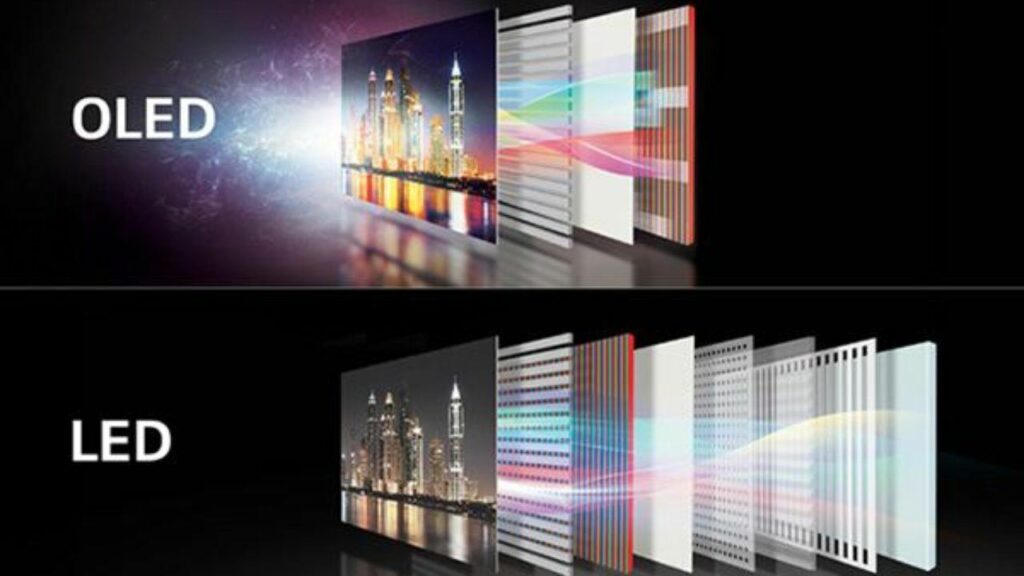
In addition to that, the pixels in an OLED screen produce their own light by using an electric current to produce their own compounds. Because OLED TV pixels produce both the picture and their own light, they may reach true darkness without any current flowing through them. This is what enables OLED screens to have more accurate black levels.
You get precise edges on images and deep blacks with the ability to turn off each individual LED because there is no illumination streaming through.
Price Concerns
While some of you might argue that OLED panels are more expensive (which is true) than any other type of screen, when it comes to picture quality, you’ll find that it is worth every penny. Especially when you’re really aiming for the best visuals to amp up your overall gaming experience.
Not to mention, OLED TVs nowadays, have also seen a significant decrease from their original price points. When compared to your standard LED panels, you’ll find that the price gap between these two screens is quite close to each other already.
Benefits Of An OLED Panel
So, what distinguishes OLED TVs from the rest? OLED pixels, in a nutshell, are self-emitting. This means you can easily enjoy independent pixel-dimming without the use of a backlight, resulting in a captivating, cinematic viewing experience. When it comes to high contrast, the splashy haloing seen on LED screens are no longer present.
Images appear to have more depth because the shadows have more detail. Apart from that, OLED panels have become commonplace in Hollywood mastering suites and live sports production facilities due to their characteristics. In fact, OLED is a favorite among filmmakers.
And if I haven’t already mentioned it, OLED panels also offer broader viewing angles compared to LED screens. As a result, OLED TVs will provide everyone in your household with a great view of whatever content you’re streaming. With that in mind, choosing between OLED and LED panels should be no problem.
OLED TVs are also better at handling motion than LED LCD TVs. Fast-paced action appears crisper and less smudgy, resulting in ultra-fine details during your gaming sessions. However, there are certain restrictions. The most notable disadvantage of OLED is that it is susceptible to picture retention, often known as burn-in. A static image placed on the panel for hours can leave a lasting shadow.
The best OLED TV manufacturers, thankfully, recognize this and implement a variety of countermeasures to ensure that this does not occur. The problem is combated using a variety of solutions, including pixel rotation and screensavers. All in all, an OLED panel just really offers better features than the average LED. Without a doubt, the best TV technology today is OLED.
Our Top Recommendations Of The Best OLED TV For Gaming 2021
1. LG OLED C1 Series
Overview
When it comes to OLED panels, it doesn’t get much better than the LG OLED C1 Series. But what makes it so good that it ranks first on our list? Well, it’s fantastic for gaming because it has a plethora of features and a high visual quality that will undoubtedly elevate your gaming experience.
It comes in a range of sizes, including a 48-inch one that you can definitely fit as a dedicated PC display in your gaming nook. If you can’t utilize your living room as a personal gaming zone but still want a large super HD screen, this is the option for you. Not to mention, the C1’s OLED displays feature a near-infinite contrast ratio, resulting in deep and inky blacks, making them ideal for darkroom gaming.
Additionally, the C1 supports G-SYNC to minimize screen tearing and is natively compatible with FreeSync and HDMI Forum variable refresh rate (VRR) technologies. Any form of action appears sharp and smooth as a result of the quick response time and minimized input latency.
If that isn’t enough to persuade you, the PS5 and Xbox Series X also have four HDMI 2.1 inputs, which means you should be able to play 4K games at 120 frames per second without any issues. With four 4K 120Hz HDMI connections and a dedicated Game Optimizer control panel, the C1 takes gaming as seriously as you do.
Overall, the C1 Series is amazing, both in native 4K and up-scaled HD, when you add premium image quality, which leans more heavily on AI than we’ve seen in any TV before. With deep blacks, vivid colors, and almost three-dimensional levels of detail, this is an OLED worth getting.
The LG CX OLED TVs are the greatest next-gen alternative if you’re planning on buying a PS5 or Xbox Series X soon or already have one in your living room, thanks to a gorgeous 4K display that operates at a blistering 120Hz. It’s also great for PC gaming, thanks to Nvidia G-Sync support. If you’re looking at the 65-inch model, you’ll want to have a more sturdy gaming workstation.
With a 120Hz refresh rate, LG’s class-leading OLED TV is suited for fast-paced 4K gaming like first-person shooters and racing titles, where screen tearing is a thing of the past. The black levels are excellent, as you’d expect from OLED technology, and LG has nailed it with a design that sees the CX line completely turn off individual pixels when utilized in the darkest settings.
We’re used to most OLED TVs being out of reach and prohibitively expensive for the average consumer, but the LG CX OLED’s price ranges are startlingly affordable, especially considering all of the praise they’ve earned since its release.
In terms of value, the 55-inch model finds the sweet spot when it comes to pricing while still being a nice size for most homes. Personally, I think you won’t find a better deal anywhere.
The LG G1 is the first TV in their lineup to ever include the new “OLED evo” panel. According to LG, this is a next-generation screen that can achieve higher brightness levels than prior LG TVs while still maintaining OLED’s legendary deep black levels. As a result, the G1 Series offers superior HDR performance than probably any other TV you’ll see in the market.
Apart from the superior visuals the G1 delivers, it also has a slew of gaming-friendly capabilities, starting with four HDMI 2.1 connectors that are all capable of 4K 120Hz, VRR, and ALLM. When you combine that with LG’s support for both Nvidia G-Sync and AMD Freesync Premium, you basically have every gaming feature you could ever want in the comfort of your living room.
More importantly, input lag is also relatively low. When used in regular Game Mode, you can play with just around 12.4ms, while using the Boost Mode will give you 9.4ms. In addition to that, LG’s new Game Optimizer also provides you complete control over how things operate.
With Dolby Vision HDR compatibility, you’ll get the most out of Xbox games that support it, while Dolby Atmos support for 3D audio is available in compatible games and movies.
However, keep in mind that if you leave interface elements on-screen for lengthy periods of time without changing them, this new OLED panel may be prone to burn-in. While it’s rare, the possibility still exists. For the most part, this isn’t a problem, but it’s something to be aware of if you’re a hardcore gamer.
Features & Specifications
Brand: LG
Sizes Available: 55, 65, and 77 inches
Resolution: 4K
Display Type: OLED evo
Input Lag: 12.4ms
Refresh Rate: 120Hz
HDR Compatibility: Dolby Vision , HDR10, HLG
Inputs: HDMI 2.1
VRR: Yes
Pros
Brighter and sharper screen with the new OLED evo panel.
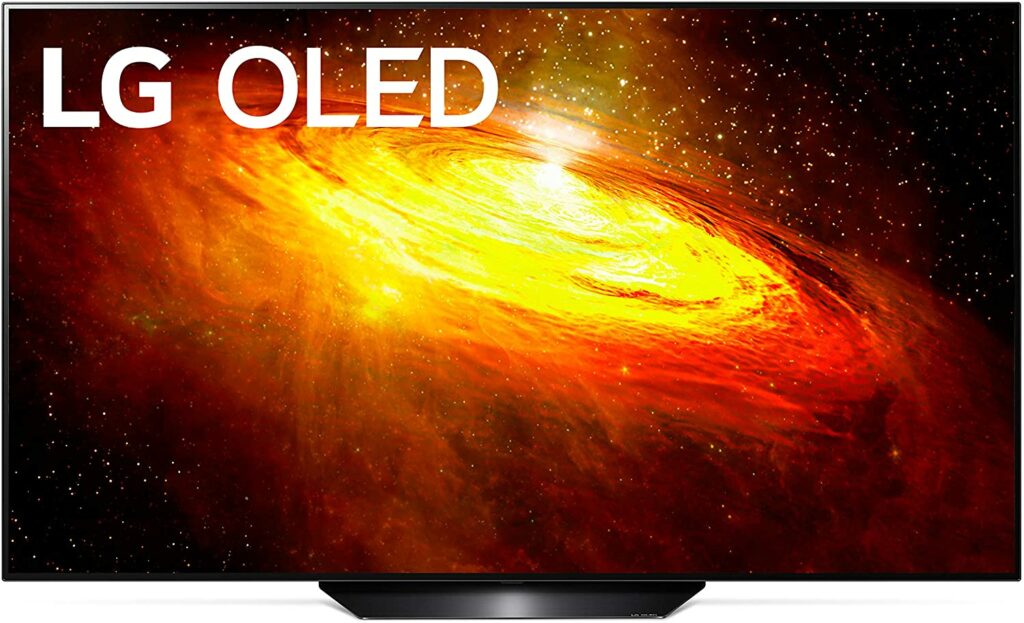
The BX Series is LG’s entry-level OLED TV in their whole lineup, offering excellent performance and great value for your money. It features only two v2.1 HDMI inputs, and it employs a step-down third-generation Alpha 7 image processor rather than the latest Alpha 9 chip. Despite that, the BX Series is still pretty much ahead of most of its competition in the market.
Personally, I don’t find either of these sacrifices a huge deal-breaker. You’re still covered for both the PS5 and Xbox Series X with two 4K 120FPS ports, and the remaining HDMIs support 4K 60Hz, which isn’t too bad. There’s also eARC support for usage with a speaker or home theater system, VRR compatibility with NVIDIA G-SYNC, as well as ALLM support. Overall, the BX Series is still a force to be reckoned with.
When it comes to visuals, the image quality on this TV is excellent and stunning. It may lack the sophistication of the latest Alpha 9 processor, but it won’t let you down when it comes to binge-watching your favorite TV shows or playing real-world games.
Not to mention, LG’s webOS smart platform is similarly unaffected, with Netflix, Twitch, Now TV, Prime Video, and Disney+ among the streaming apps available. Although, this TV comes with no Freeview Play on UK models. So catch-up TV options are somewhat limited.
Features & Specifications
Brand: LG
Sizes Available: 55 and 65 inches
Resolution: 4K
Display Type: OLED
Input Lag: 14.6ms (1080/60)
Refresh Rate: 120Hz
HDR Compatibility: Dolby Vision , HDR10, HLG
Inputs: HDMI 2.1
VRR: Yes
Pros
Amazing picture quality.
Budget-friendly and great value for the money.
Gaming capabilities are still pretty good.
Cons
Lacks Freeview Play and catch-up TV app are quite limited.
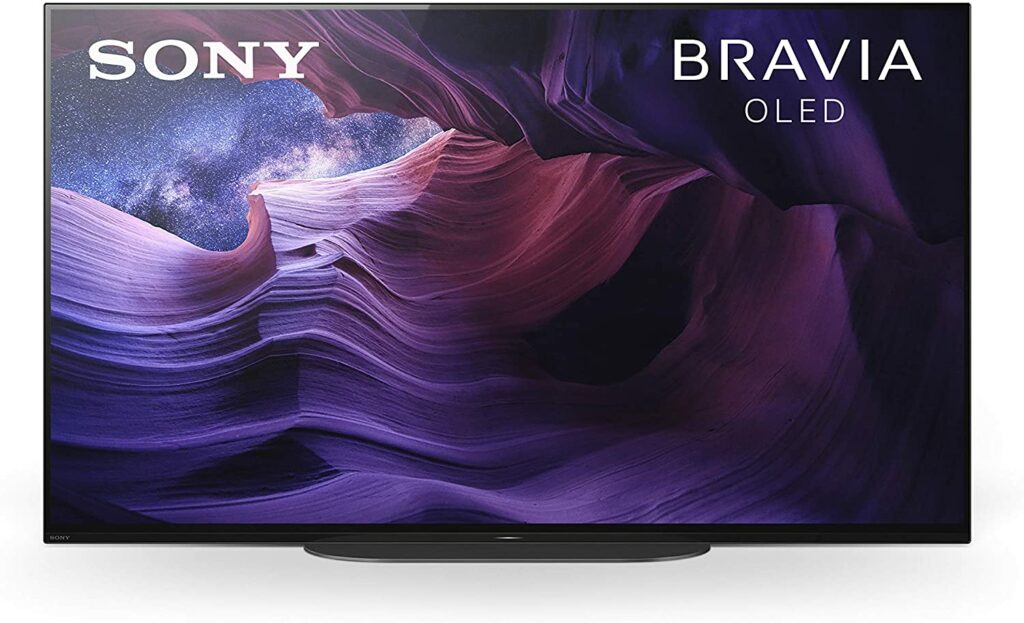
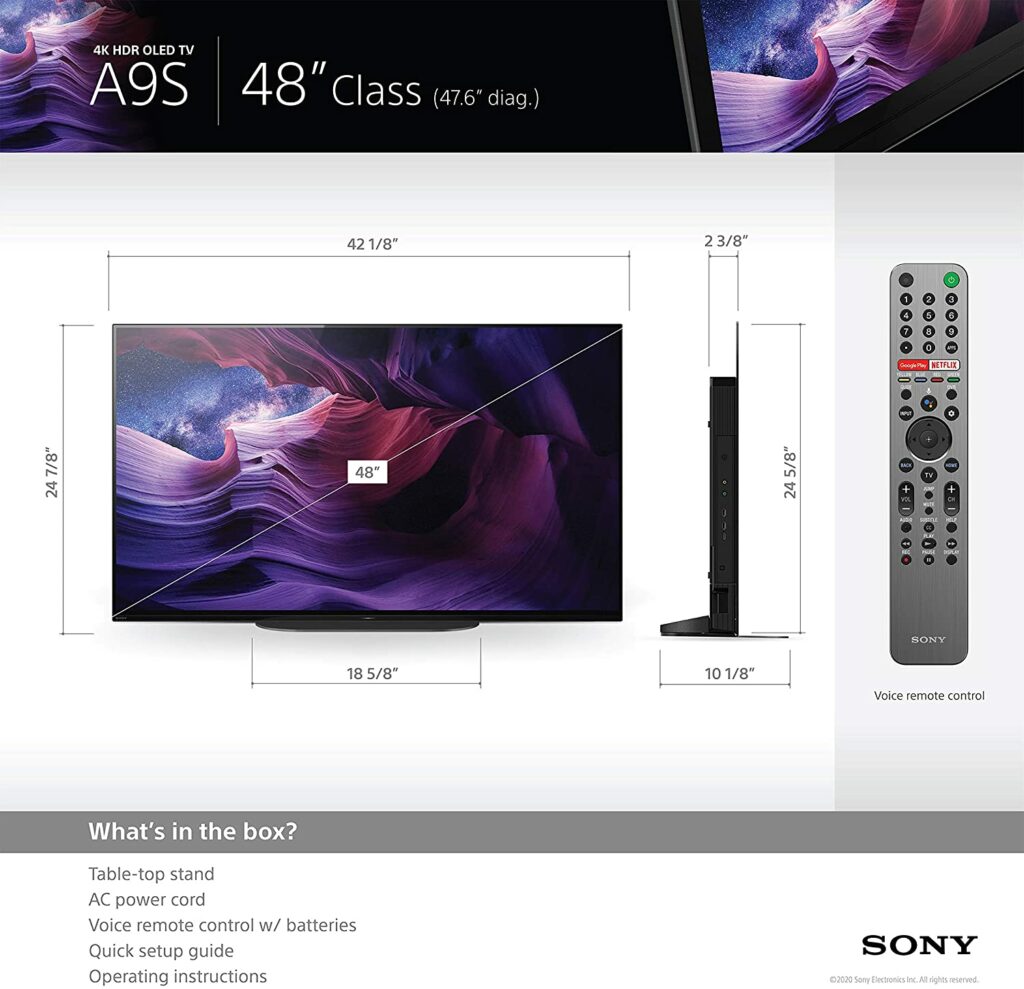
This somewhat tiny Sony TV is the only 48-inch OLED to actually compete with LG’s smallest CX model. It lands a spot on our list because of its exceptional picture performance, class-leading Acoustic Surface Audio system, and attractive narrow bezel design.
The brand’s renowned X1 Ultimate picture processor, which is noted for its realistic HDR photos, provides terrific image clarity. A Pixel Contrast Booster is used in conjunction with this to improve color and contrast in bright regions. Motion is handled by Sony’s superb X-Motion Clarity image interpolation algorithm, which we believe makes the screen a smart choice for sports enthusiasts as well.
HDR10, HLG, and Dolby Vision are all supported. While there isn’t any Dolby Vision IQ or Filmmaker mode onboard, Sony’s Ambient Optimization technology achieves a pretty comparable result.
An integrated sensor also improves picture and sound quality by automatically adjusting picture brightness in response to ambient light levels in the room. It can also detect objects in your room that absorb or reflect sound.
Speaking of sound performance, the Acoustic Surface Audio transforms the screen into a speaker by vibrating the panel imperceptibly with stereo actuators. Deep bass is delivered by a subwoofer incorporated into the back of the TV. All in all, the sound system performs admirably, providing crisp, clear, and strong audio, so you won’t need to invest in a soundbar if you buy this.
When it comes to TVs, a screen that’s good for watching TV and movies should also be good for playing games. But there are a few gaming-specific qualities to look for if you’re seeking the best TV for gaming available in the market. To help you out in that aspect, below are some features you should keep an eye out for as you go shopping for your next OLED TV.
Refresh Rate
The refresh rate is the amount of time it takes for an image on your TV to refresh. It’s important to note that this is not the same as response times. Most TVs available in the market can only support 60Hz to 120Hz in general. At the time of writing, no TV has a refresh rate higher than that. So if you want to play at 144Hz or even 240Hz, you should look into dedicated 4K gaming monitors instead.
For example, a TV with a 60Hz refresh rate refreshes the image on the screen 60 times per second, providing for some smoothness. Furthermore, if the TV refreshes at 120Hz, the image will be twice as fluid, as evidenced by how sleek and smooth the motion seems on screen.
Many TV game modes nowadays artificially raise refresh rates by downgrading other display settings, such as lowering the picture’s overall brightness. It’s not a bad thing but if you find an issue with this, it’s best to keep an eye out for those types of televisions.
VRR
VRR (variable refresh rate) is a brand-new feature that you’ll be astonished wasn’t available before. A fixed refresh rate is included on all current televisions. However, the issue is that a new console may not be capable of sending a new image.
For example, if you’re playing a game that’s fast-paced and has a lot of things going and moving around, sometimes the console can have trouble rendering everything in the time provided.
Because the TV still requires something, the console may transmit a replica of the previous image, resulting in juddering on screen, or it may send a partially new image, resulting in the image appearing to be torn from the top while revealing the new page below.
VRR allows the TV to delay receiving a new frame from the console. As a result, gaming performance will improve, with a smoother action and less tearing.
Response Times
When it comes to gaming televisions, you’ll hear a lot about the response time of the panel. This is the speed at which the colors on your television shift, such as from black to white and back to black.
Most gaming TVs have response times faster than we can perceive unless you’re very precise and demand ultra-fast response times for your games. As a result, unless it’s absolutely necessary, it has little effect on your overall game experience. Enthusiasts and hardcore gamers, on the other hand, will demand the fastest response time feasible.
HDR Capabilities
HDR is an abbreviation for High Dynamic Range. It is a color-processing method used in games, movies, TV shows, and other streaming entertainment. This has also become common on practically all 4K televisions available.
On the other hand, HDR isn’t simply about contrast. It’s also about emphasizing color differences (and blacks), and game designers and developers can use it to bring out more details in their work. HDR is most commonly used to improve a photograph’s color by making colors more bright and thereby enhancing contrast.
If you can distinguish highly similar color tones, you can make graphics crisper and the colors pop a lot more. For HDR, a minimum brightness of 400 nits is required. Though, in recent years, the latest TV models have been able to achieve better brightness.
Overall, having HDR capability improves picture quality significantly and is one of the most enticing aspects of today’s latest TVs. It is, however, somewhat complicated.
Dolby Vision and HDR10 are the two major HDR formats supported by today’s TVs. The majority of gaming TVs that support HDR10 are available on the market. Meanwhile, Dolby Vision is only supported by a small number of high-end televisions. Honestly, HDR10 is all you need and should demand when it comes to gaming. In fact, HDR10 is supported with the PS4, PS4 Pro, Xbox One S, and Xbox One X.
HDMI
This is the cable that connects your OLED TV to the majority of the devices you’ll be using it with. High Definition Multimedia Interface (HDMI) is the acronym for High Definition Multimedia Interface. An HDMI 1.4 cable is required for a 4K signal, but most contemporary HDMIs are 2.0 connectors that can transport 4K signals at 60 frames per second.
Because the majority of modern console games don’t support 4K at 60 frames per second, as long as you have a 2.0 cable and a 2.0 port on your TV, you’ll be fine. Furthermore, HDMI cables are divided into two categories: regular and high speed. As long as you have a High-Speed cable, you should be good.
With that in mind, that isn’t to argue that all cables are made equal, but you also shouldn’t have to pay much more than you have to. Simply said, you don’t need to spend a lot of money on gold-plated HDMI cables to have a good picture if you don’t care about aesthetics. Any normal High-Speed cable should work just fine.
ALLM
Game mode disables most of the TV’s image-enhancing functions, lowering input lag. We’ll go over input lag in more detail in just a bit, but the function to look for once you go shopping is either Auto Low Latency Mode or Auto Game Mode.
The term tends to vary according to the manufacturer, but the concept is the same. When the TV detects a signal from the console, it immediately switches to game mode. This eliminates the need to locate your TV’s remote in order to activate its game mode. It’s not a big thing, but it’s quite convenient to have.
Input Lag
Input lag is the duration of which the TV can produce a picture. If this is set too high, you’ll notice a delay between you pressing a button on the controller and seeing the action happen in the game or screen. Timing is quite crucial in a lot of games, especially in first-person shooter games such as PUBG. So a TV with high input lag will seriously hamper your performance and might ruin your gaming session altogether.
The good news is that most current TVs feature input lag that isn’t noticeable by most people. The days of input latency of 100 milliseconds or more are largely over, at least while the game mode feature is enabled. So long as your TV has a game mode, you should be good.
That being said, once you’re hunting for your next OLED TV, find the ones that feature low input lags.
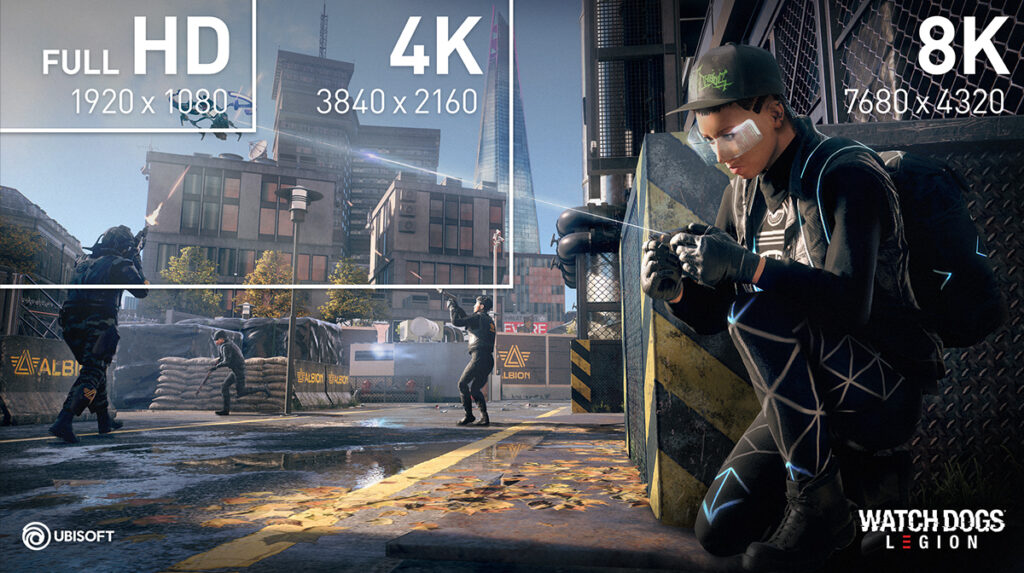
4K or 8K?
Nowadays, 4K TVs for gaming are becoming more readily available. As a result, the prices of Ultra HD 4K TVs are also lowering in costs. With 4K gaming TVs, your gaming setup will surely be transformed into a cinematic paradise in no time. The best 4K TVs in the market today can also easily compete with the industry’s best gaming monitors in terms of visuals and fidelity.
Slow response times are a thing of the past and are no longer an issue, especially with the more high-end models. Apart from the razor-sharp visuals that are a significant selling point for 4K gaming TVs, many models also now have faster refresh rates, low latency game modes, and better HDR capabilities. All of these result in outstanding imagery to truly take your gaming sessions to the next level.
But what about 8K screens? In principle, the newest consoles like the PS5 and Xbox Series X can handle 8K, but neither had it activated at launch. Higher frame rates appear to be the priority in the short future, with higher resolutions hopefully coming in later. Even still, native 8K gaming appears improbable.
Both consoles are widely believed to lack the processing ability to run blockbuster games at that resolution. However, we may see games that dynamically scale above 4K before being broadcast as an 8K signal, similar to how the PS4 Pro and Xbox One X have always handled 4K on games.
That said, we don’t believe it’s necessary for you to get an 8K TV right now. They’re way too expensive and a 4K TV is much more suitable for gaming and will save you more money as well. By the time 8K gaming becomes a big worry sometime in the future, 8K TVs will almost certainly be substantially more inexpensive.
Conclusion
Overall, looking for the best gaming TV in 2021 entails not only balancing picture quality and pricing but also considering gaming-specific features that are compatible with next-generation consoles to ensure you purchase something that is future-proof. With that in mind, I hope our list of the best OLED TV for gaming this 2021 helped you out in finding the perfect gaming OLED TV for you.
Have you already bought your own OLED TV for gaming? Did your pick make it into our list? Let me know in the comments section below if you have any suggestions, insights, or questions to ask. I would love to hear all your thoughts!
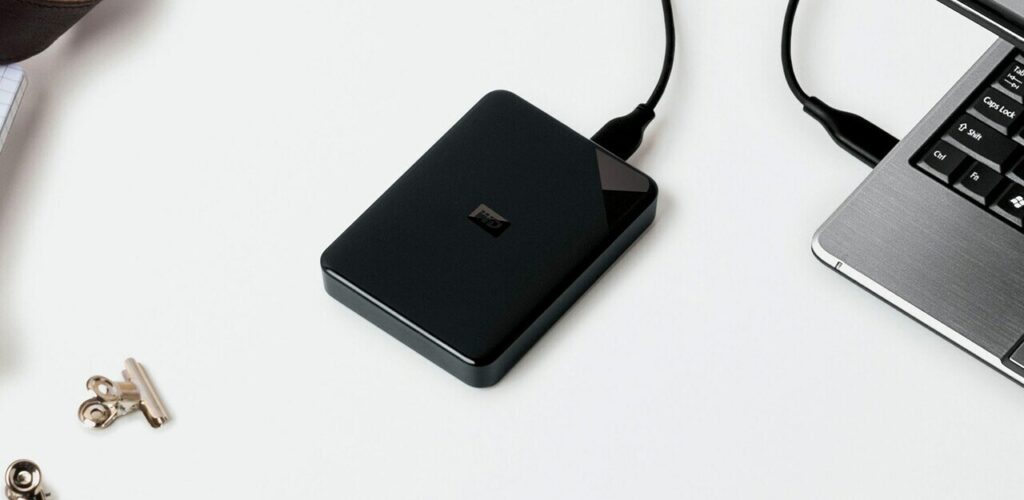
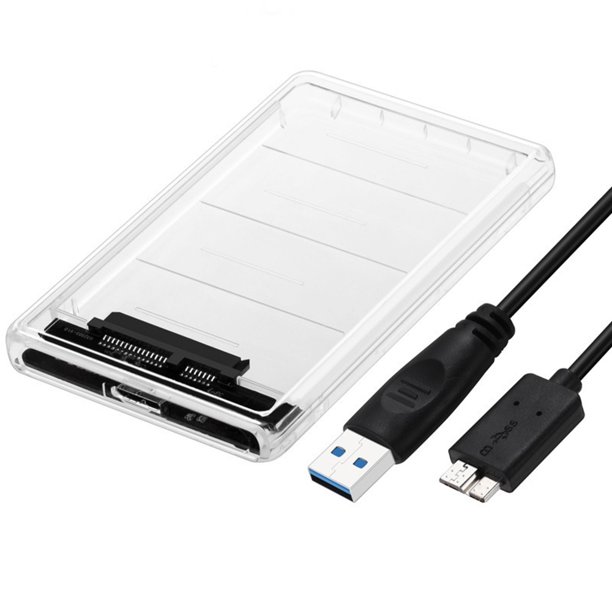
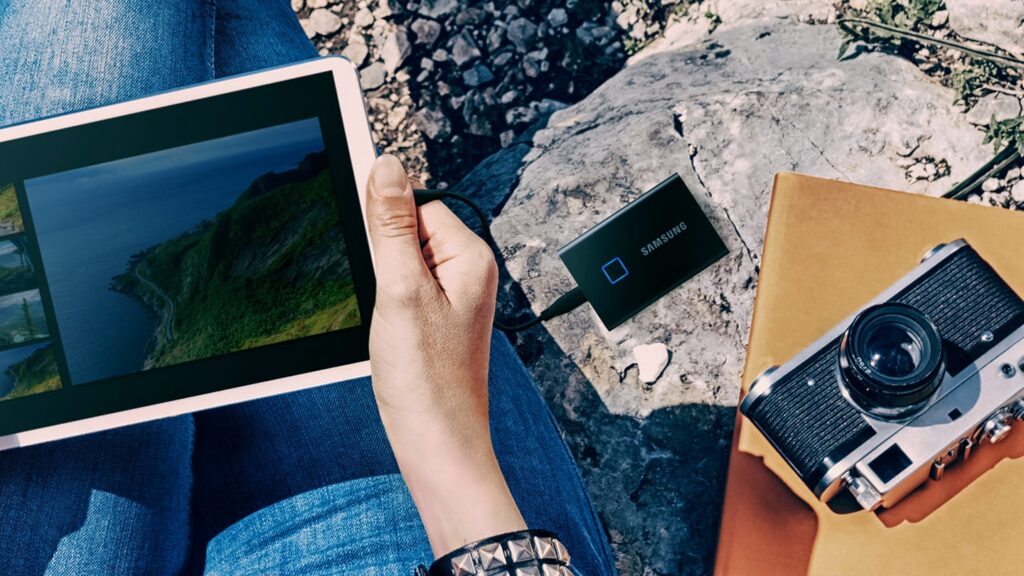
External hard drives are available in a number of shapes and sizes, and they are designed for a variety of uses. They all provide additional backup storage and may be easily moved from one device to another. But, aside from that, the list of reasons why an external hard drive should be in everyone’s tech arsenal is infinite. If you’re a little clueless on where to start or find certain unfamiliar terms a little confusing or overwhelming, we’re here to help you out. With that in mind, here’s our external hard drive buying guide in 2021 for you.
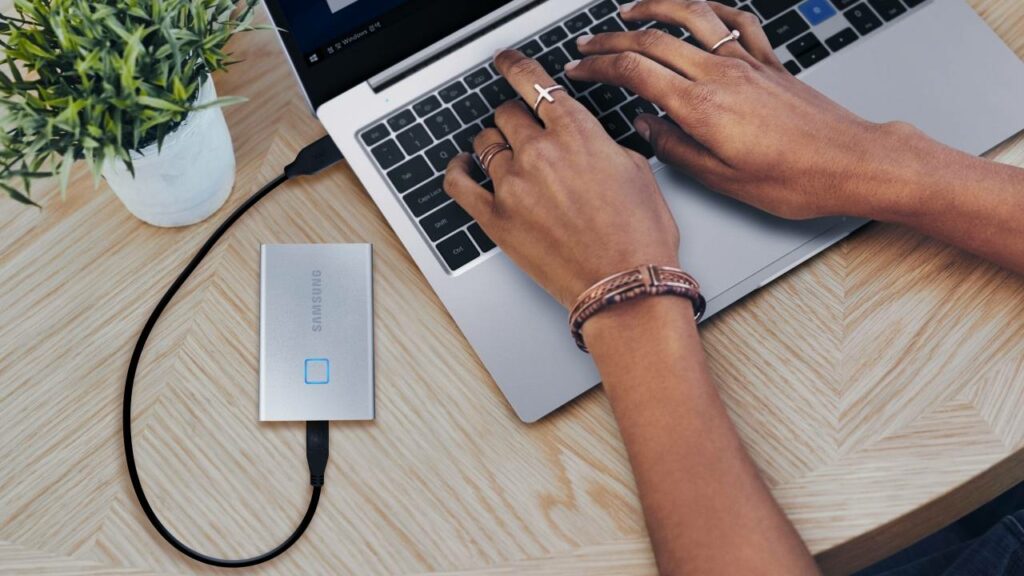
There’s practically nothing more aggravating than discovering that you don’t have enough storage space on your computer to keep your most recent files. External hard drives can be a great solution to this problem, as well as a secure backup source for your most crucial and important pieces of information and data.
External hard drives may appear less important now that we live in an era where 50GB of iCloud storage costs only 99 cents per month and compact external SSDs are becoming more affordable. However, external hard drives are still pretty useful and don’t seem to show any signs of becoming obsolete in the market. In fact, external hard drives have been evolving and advancing in terms of quality recently.
Moreover, more manufacturers are creating external drives that are far faster, modern, and durable than their outdated counterparts from a few years ago. There will be no more slow, cumbersome external drives like what we used to have in previous years. Almost every external hard drive currently uses the USB 3.0 standard, which allows for far faster reading and writing speeds than older USB 2.0 devices.
Not to mention, some versions additionally support the faster USB 3.1 and 3.2 standards, while there are also those that support the lightning-fast Thunderbolt 3. For the same price, external hard drives are also getting bigger and offering larger storage space. What’s even better, for about $50, you can easily add a terabyte of additional storage to your laptop or desktop by simply plugging in a USB cable.
Things You Need To Know
Now that we have discussed the importance of an external hard drive in your personal tech arsenal, here are some important things you should keep in mind once you’re shopping for your external drive.
HDDs vs. SSDs
When shopping for external drives, you’ll most likely come across these two types of drives: SDDs and HDDs. It’s crucial to know which is which as both devices have different specifications. But what’s the difference between the two? And which one should you get? Well, honestly that depends on what you need and your requirements. So to help things make it easier for you, I’ll be explaining the two below.
HDD
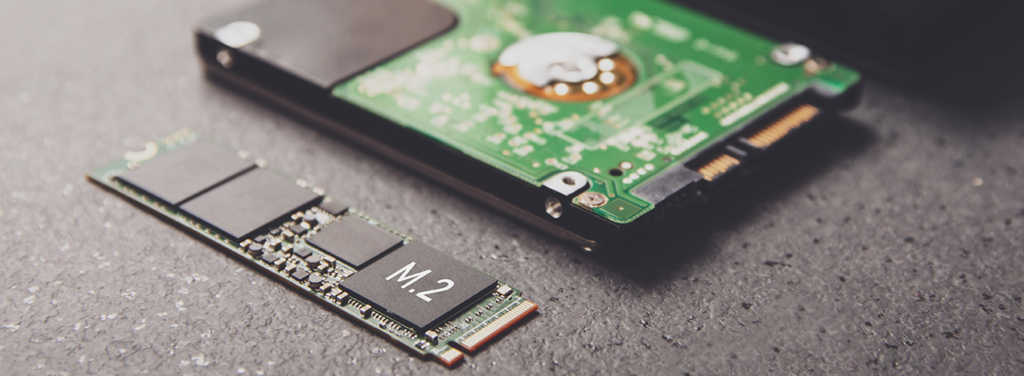
A hard disk drive consists of one or more magnetically sensitive platters, an actuator arm with a read/write head for each platter, and a motor to spin the platters and move the arms. There’s also a firmware and I/O controller that connects with the rest of the system and tells the hardware what to do.
Each disk is broken down into tracks that resemble concentric rings. These tracks are also divided into sectors, which are logical units. Each track and sector number is assigned a unique address that can be used to organize and locate data. The identical information is written to the nearest storage location. An algorithm processes the data before it is written, allowing the firmware to discover and correct problems.
HDDs are referred to be legacy technology because they have been around longer than SSDs. They are less expensive in general and are ideal for data that isn’t accessed regularly, such as backups of images, videos, or business files.
Meanwhile, SSDs (solid-state drives) have fewer moving components than traditional hard drives and offer the fastest data access. An SSD saves data using a collection of flash cells similar to those found in a computer’s RAM, as opposed to a typical disk-based hard drive, which stores data on a spinning platter or platters accessible by a moving magnetic head.
Because SSDs include so many small moving parts, such as magnetic heads, spindles, and spinning platters, something can go wrong and cause you to lose important data.
Despite that, SSDs are becoming increasingly popular due to their speed. SSDs outperform HDDs across the board because they rely on electrical circuitry rather than physical mechanical parts. This results in faster startup times and fewer delays while opening apps or performing intensive computing operations.
To put it simply, HDDs outperform SSDs in terms of cost per capacity, although as SSD prices fall, this will become less of a distinction for HDDs. However, SSDs allow you to accomplish far more work per server due to their speed, requiring fewer machines to provide the same output as an HDD.
Overall, comparing capacity and pricing isn’t the only factor to consider when selecting the type of storage to go for. The sort of storage your computer utilizes has an impact on its performance, as well as its power consumption and dependability. But it’s up to you to decide which is better suited for your lifestyle or line of work.
Storage Capacity
When buying an external hard drive, storage space is likely the most crucial factor to consider. If your device can’t store all of your data, it’s worthless to invest in a high-speed gadget with all of the modern and advanced capabilities like encryption and remote access.
At the same time, you don’t want to pay too much for a drive that you won’t even use half of. So, how much storage space should an external hard disk have? That is entirely up to what you intend to put on your external hard drive.
If you mostly need to move papers, photographs, or other documents from one device to another, a mid-range external hard drive may be ideal for you.
While the best of these mid-range external hard drives may contain up to 2TB of data, they can be very pricey and unnecessary for simple transfers like the ones mentioned above. Instead, I would strongly advise you to save your money and purchase a $50 external hard drive with 500 GB to 1 TB of storage. For a little more, you can get disks with twice the storage capacity, as well as fantastic bundle discounts.
If you want to store a lot more data or keep files and folders for a longer amount of time, you’ll need something more substantial. If that’s the case, a 1TB external drive should be plenty for the vast majority of people, unless you plan to save your complete movie collection as well as your favorite TV episodes. Then perhaps, you could avail yourself of a few more terabytes.
The speed with which data is transported is crucial when choosing an external disk. If you transfer data frequently, you don’t want to have to wait an eternity for a single file transfer to complete.
Keeping this in mind, the underlying storage technology as well as the connector your drive uses have an impact on how quickly it can transmit files. SSDs can process data faster than HDDs in general, despite the fact that some drives are faster than others.
Portable SSDs, on the other hand, are frequently more expensive and have less storage space than external HDDs. Because SSDs with larger storage capacities are available for a higher price, you don’t need one or the other. Which concessions you’re willing to make is entirely up to you.
When it comes to connecting your external drive to your PC, laptop, or mobile device, there are a variety of common options to select from. Despite the fact that most drives now have a USB interface, the most recent models have a few noteworthy differences, especially in terms of transfer speed.
Interface
Although most external hard drives currently use USB or, in rare cases, Thunderbolt, these connection formats are continually changing. Some instances of these connection types can be found below.
Avoid USB 2.0 at all costs, as it has a maximum transfer speed of only 480Mbps and is already rather obsolete.
Instead, try to look for external drives that use USB 3.0, USB 3.1 Gen1, and USB 3.2 Gen1. All three, though, are nearly identical, with up to 5Gbps speeds and blue color-coding. In the meanwhile, USB 3.1 Gen2 and USB 3.2 Gen2 have the same red color coding and 10Gbps transfer speeds.
The USB 3.2 or 3.2 2×2 standards are the fastest of the lot, with speeds of up to 20 Gbps. USB-C is a newer, smaller, and more rounded reversible connector. This port is also linked to the DisplayPort visual output protocol. Some connectors have USB-C ports, but they use the Thunderbolt 3 protocol, which has a data transfer rate of up to 40 Gbps.
With that said, you should aim for a Thunderbolt 3 connection. If it’s too expensive, you can always continue down the line, but never anything below USB 3.1.
Security
Encryption is a good idea if the data on your external drive is sensitive in any manner. Many drives are compatible with software encryption options, which are sufficient for the vast majority of users.
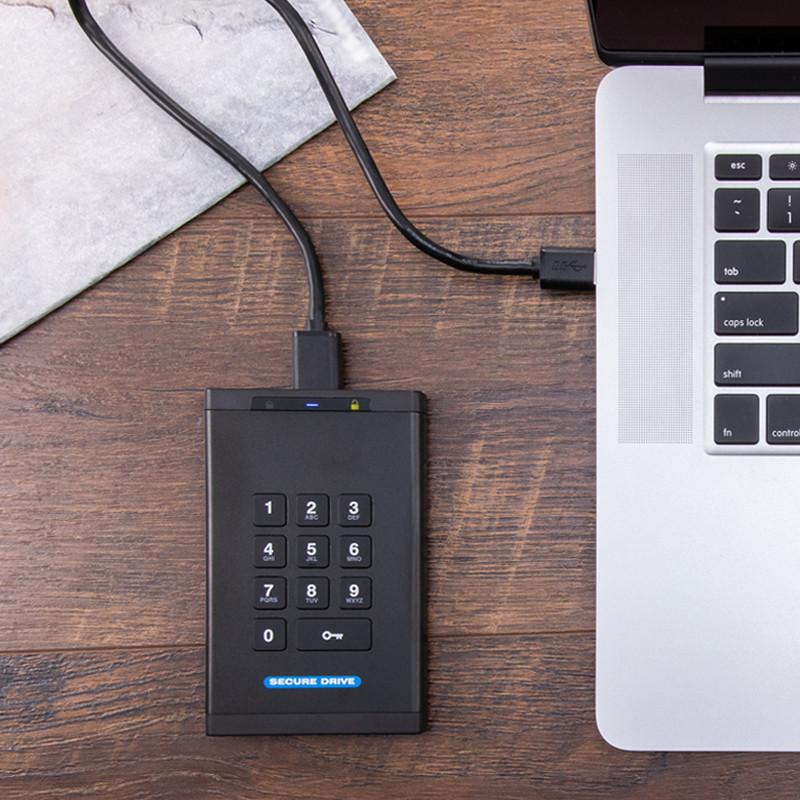
If you’re someone who is more concerned about data security, I suggest looking for a disk with hardware encryption. But if you’re particularly concerned about security, you may even go with a physical security system that includes pin code inputs or drives with strong casings to prevent any kind of physical tamperings.
Conclusion
Now that we have reached the final part of our external hard drive buying guide, I hope I was able to help you in figuring out what to look for in your next external drive purchase. As long as you keep these tips in mind, you should have no problems finding exactly what you need.
Have you already bought your own external hard drive? Did our external hard drive buying guide help you out? Let me know in the comments section below if you have any suggestions to share, insights, or questions to ask. I would love to hear all your thoughts!
Depending on the storage interfaces and devices utilized, uploading and transferring huge amounts of data between devices might take anywhere from minutes to hours on any given day. For some, this might not be a problem at all and you might not even mind the wait. But if you’re someone who runs a tight schedule and needs things to be done quickly, you’ll want the fastest option available in the market. With that in mind, check out our review of the SanDisk Extreme Pro Portable SSD here and see if this is the best solid-state drive for you.
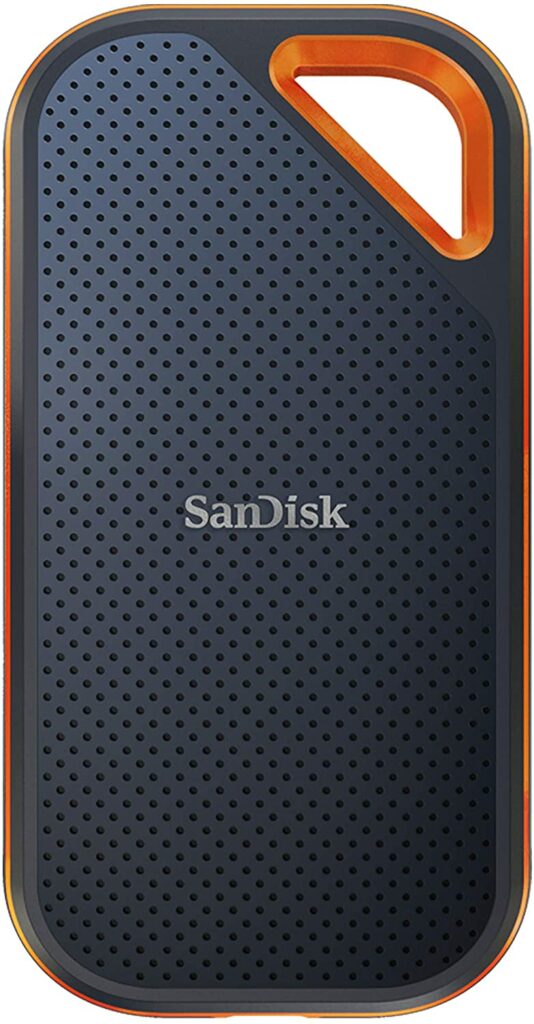
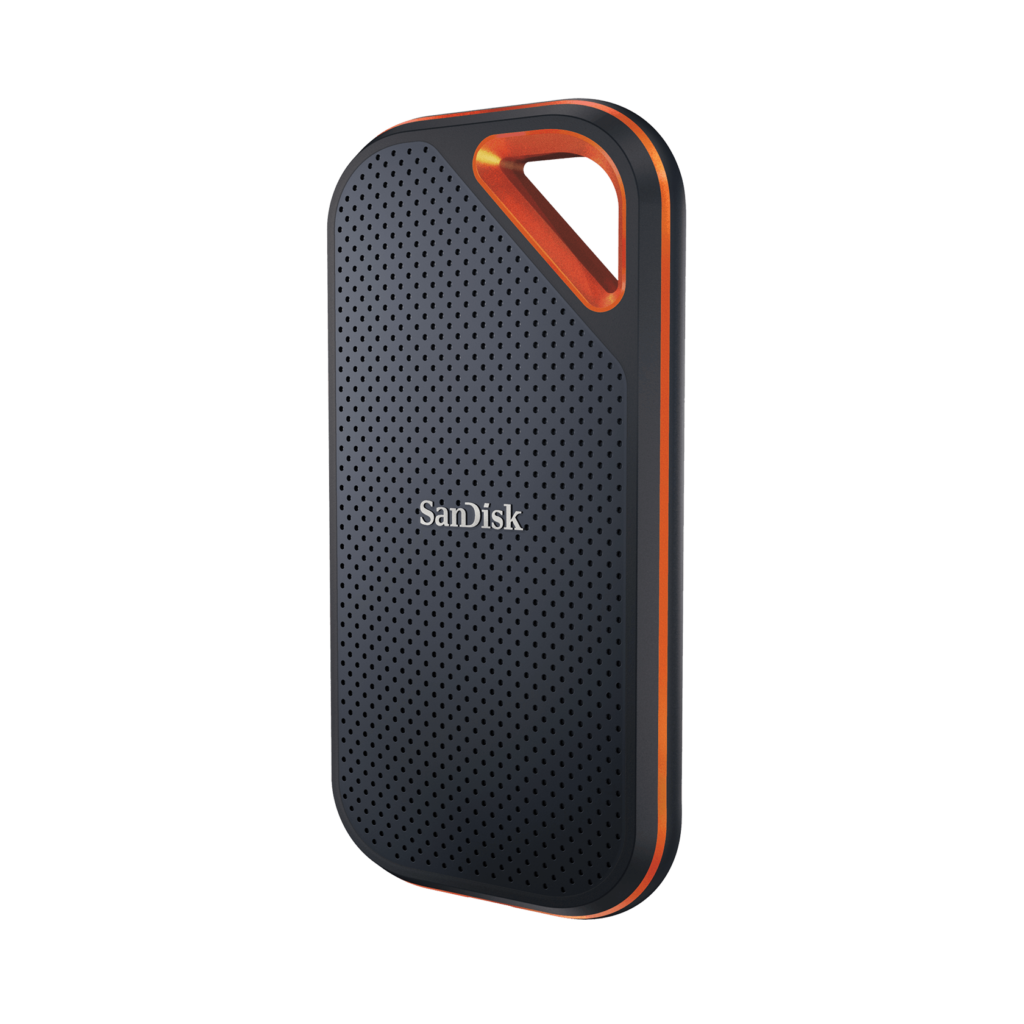
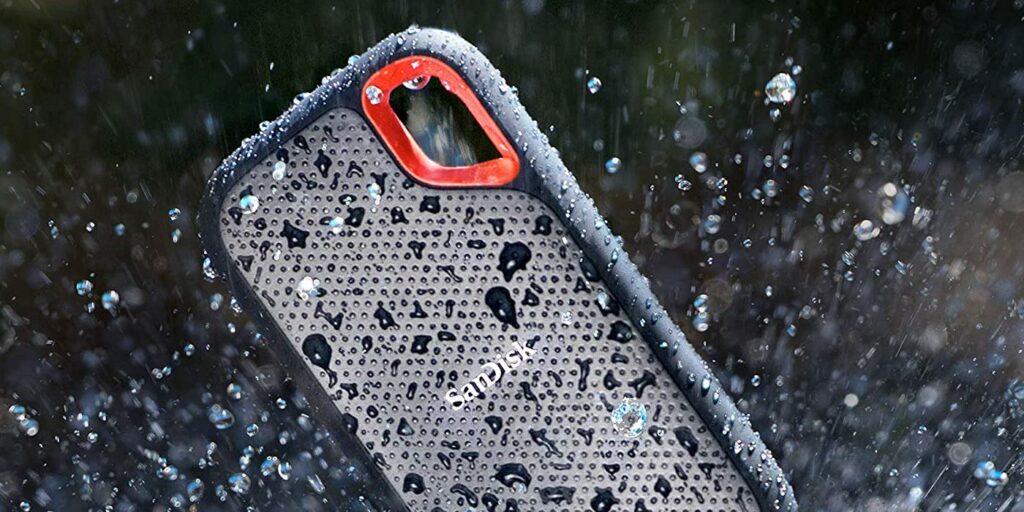
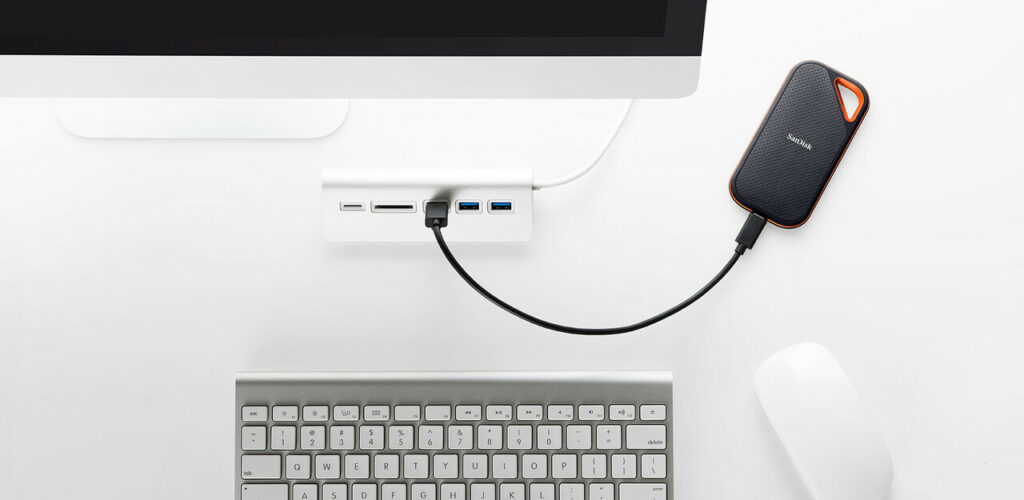
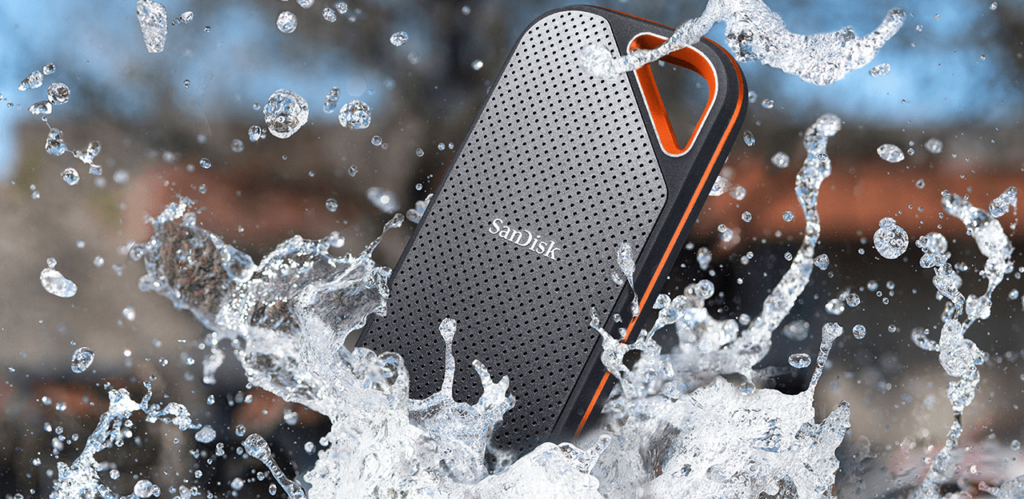
The SanDisk Extreme Pro Portable SSD is a lightweight external drive with reading rates up to 2000MBps (the old gen model had reading rates up to 1050 MBps only) that you can take with you wherever you go. This portable SSD’s tough exterior has a rating of IP55 and is resistant to water and dust, and the silicon rubber coating and notch let you store it however you like.
Apart from that, we like that the SanDisk Extreme Pro works with both USB-A and USB-C connectors, so you won’t have to worry about device compatibility or upgrading your devices to a USB-C connection in the future.
While the 500GB storage option is the most cost-effective for on-the-go users, 1TB and 2TB variants are also available if you need a larger storage capacity. The SanDisk Secure Access application also employs general encryption.
However, most people will find this drive to be a little costly, and the built-in carrying loop may be too large to fit on a standard keychain. Apart from that, this is an excellent external hard disk for general use and one that is difficult to surpass in terms of portability.
Features & Specifications
Dimensions: 0.41 x 2.28 x 4.36 inches
Item Weight: 2.72 ounces
Brand: Sandisk
Storage Capacity: 500 GB up to 2 TB
Interface: USB Type C, USB 3.2 Gen 2×2
Compatibility: PC & Mac computers (no driver needed), Cameras (also compatible with Windows 10, Windows 8, Windows® 7 and Mac OS 10.9+)
Check Out SanDisk’s Official Product Preview Of The Extreme Pro Portable SSD Below.
What We Love About The SanDisk Extreme Pro Portable SSD
Design
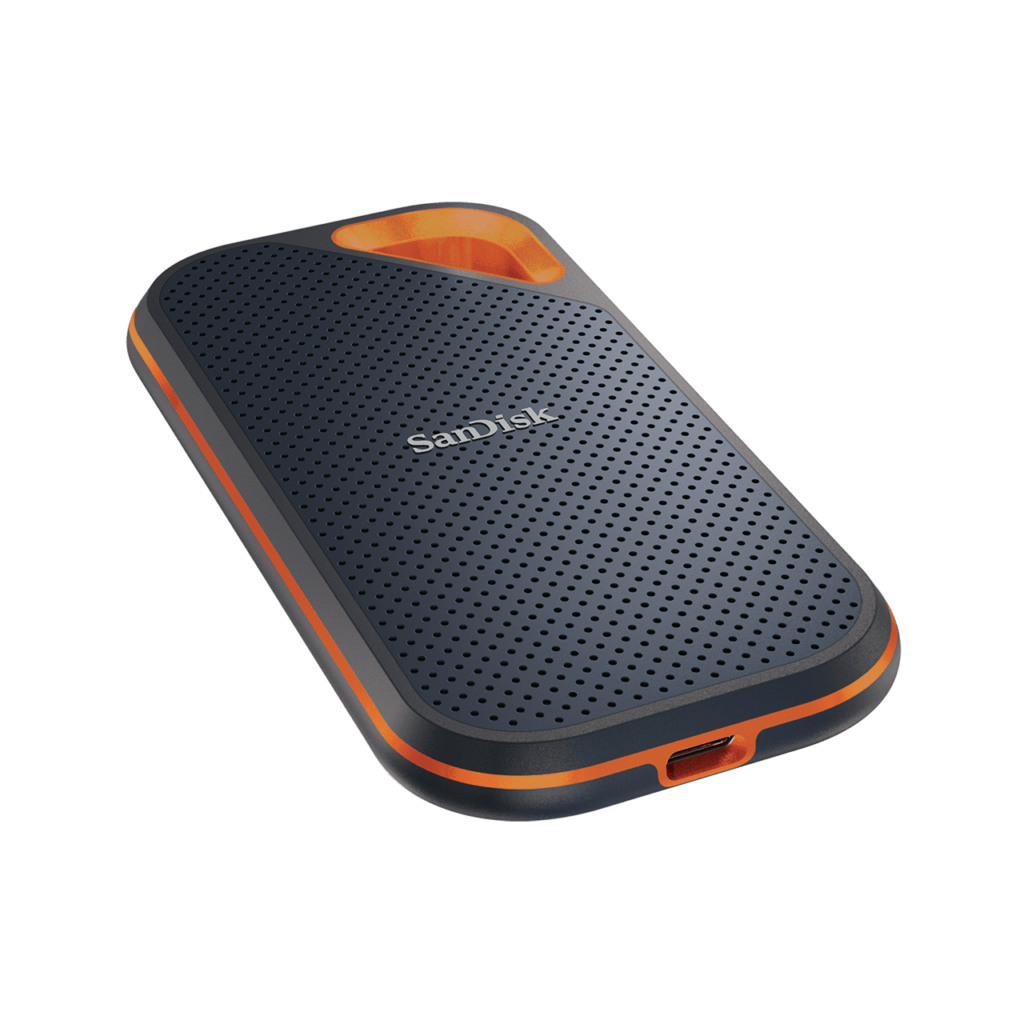
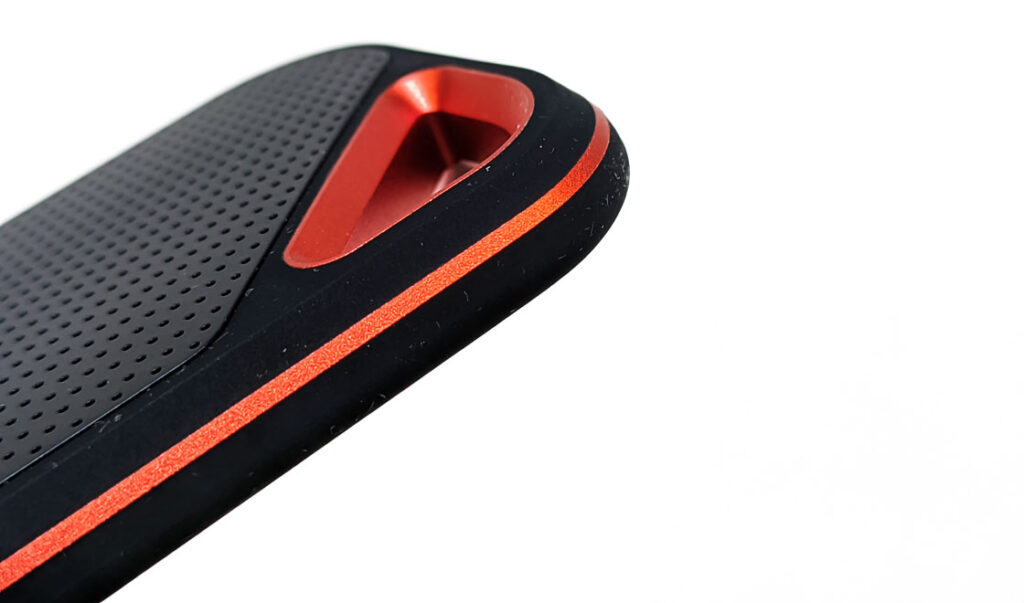
The SanDisk Extreme Pro Portable SSD’s design didn’t go through a lot of changes. In fact, it seems to have retained the same rugged aesthetic aside from the obvious size upgrade and that the corners are now more rounded compared to its predecessor. It has a rubberized body that is simple to grasp, as well as an aluminum body with a loop at the top that can be secured with a carrying clip.
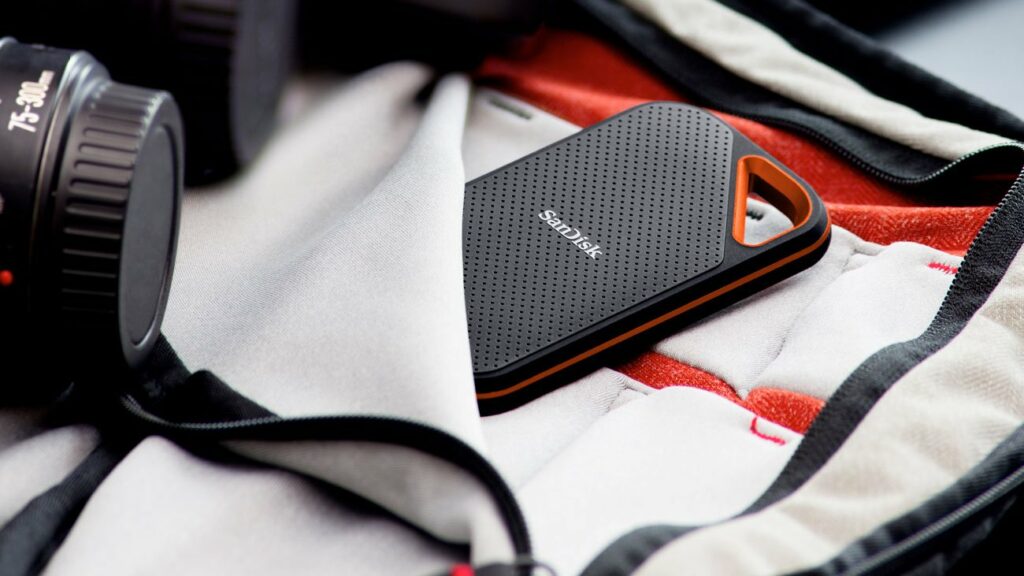
Personally, I have no qualms or complaints about the overall design. I think it’s unique enough to stand out among its competitors without looking too tacky or cheap. Plus, it has excellent portability that makes it ideal for you if you’re someone who is always traveling.
In addition to that, two USB cables are included with the drive, one with USB type C on both ends and the other with USB type A for more universal compatibility.
Durability
This portable SSD is water and dust resistant with an IP rating of IP55, making it ideal for individuals who need to transfer data fast during photo shoots or filming. It should survive most conditions but there are definitely a few reminders you might want to keep in mind before you put this drive to the test.
For example, this particular external drive is not built for complete submersion underwater. Additionally, while the SanDisk should be able to withstand a six-foot drop or a light spray of water, it cannot also be exposed to beach sand or dust storms. It’s probably gone if you drop it in the ocean, the bathtub, or in the rare case you’re shooting in the middle of a desert.
With that said, the USB-C port at the bottom is the only thing you’ll have to watch out for. Because this port isn’t covered or protected in any way, if your drive comes into contact with water or gets dusty, you’ll want to make sure it’s completely dry and clean before connecting it to anything.
It would have been absolutely nice if SanDisk could have included a detachable cover attached to the drive to protect this connector from any accidental spills but here’s to hoping they include one in future models.
Performance
When it comes to performance and speed, there’s no doubt that this is where the SanDisk Extreme Pro Portable SSD truly shines. You won’t be disappointed if you’re hoping for incredibly fast data transfer speeds with this drive. Moreover, this portable SSD can deliver excellent performance if you connect it to a Thunderbolt 3 connector.
On the old gen model, this item promised transfer speeds of up to 1,050 MBps, while the newer model offers transfer speeds of up to 2,000 MBps. And it’s safe to say, no promises were broken here.
Not to mention, SanDisk’s SecureAccess software is included with the drive, and it allows you to establish a safe zone on your drive to lock data and folders behind a password. So if you want your data protected, SanDisk has your back.
But if you just want to use your drive casually and you have no problems with security then you can just use it without the software. It’s still a nice option though in case the need for it ever arises.
Our Least Favorite Things
Form Factor
The Extreme Pro Portable SSD’s form factor is by no means that bad. However, the integrated loop that is supposed to add portability features with this device seems to have very limited utility.
One might think that this is to provide a place for a corner loop to which a carabiner or other clips could be attached. However, I feel like this just serves to make the overall size of the SanDisk larger than necessary.
Some of you might find this loop useful, but adding your keys would be a mistake. Not only would it add bulk to your pocket, but the keys would almost surely scratch or scrape the silicone rubber that covers the casing. The loop is may seem appealing, but it provides very little value. If you wish to clip the drive to your belt or pack for convenient access, this is the best and most practical option.
In A Nutshell
Now that we have finished discussing the things we liked and disliked about the SanDisk Extreme Pro Portable SSD, here’s a narrowed-down list of the good and the bad with this external drive.
Pros
Excellent balance between speed, functionality, and design.
Encryption and backup features are included.
Rugged, durable design.
Portable.
Cons
Expensive.
Loop is too big for your average keychain use.
Our Final Verdict
There are several excellent portable SSDs to choose from in the market. As a rule of thumb, your criteria in finding the most suitable external SSD might be more or less a balance between price, speed, convenience, portability, as well as other value-added features.
In several of these categories, SanDisk’s Extreme Pro Portable SSD excels quite well. It’s fast, it’s portable, has a rugged design, and has an excellent choice for USB cables. Overall, it has plenty to offer and aside from its slightly steep pricing, it’s an SSD that’s quite hard to beat.
So if you’re always on the go or your job description requires you to be in the outdoors a lot and need to transfer large amounts of data in a short amount of time, this is definitely the external drive for you.
Have you already bought your own external hard drive? Was our review of the SanDisk Extreme Pro Portable SSD helpful? Let me know in the comments section below if you have any suggestions to share, insights, or questions to ask. I would love to hear all your thoughts!
The majority of people nowadays are amassing ever-increasing volumes of personal data. For obvious reasons, storing it on a single computer drive doesn’t seem a pretty good idea. Therefore, we usually often choose to archive it to the cloud or other backup drives. Western Digital is eager to support these trends and offers a wide choice of personal storage solutions for you. That’s why today, we’ll be taking a closer look at one of their products, the WD My Book Duo.
If you’d like to find out more, just keep scrolling to read the rest of our review.
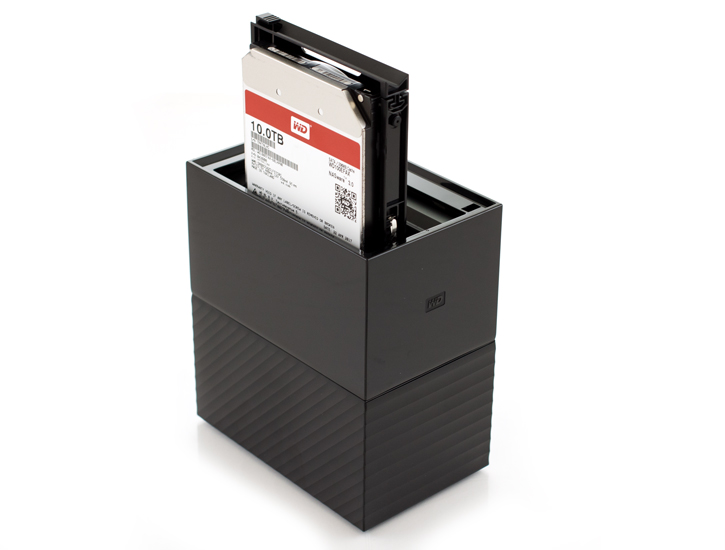
While Western Digital was not the first company to create dual-drive storage devices for the market, their My Book line definitely popularized the concept. The My Book Duo’s predecessors used to have slow USB 2.0 connections and disks that couldn’t be upgraded by the user.
However, that is no longer the case. Western Digital’s most recent designs, such as this one, have come a long way from their humble beginnings. They now offer USB 3.0 connectivity, interchangeable drives, and massive storage capacity that would have appeared unthinkable only a few years ago.
What’s more, it’s the first desktop external drive I’ve encountered in the market with a built-in USB hub and two USB 3.0 connectors. Apart from that, it also supports hardware RAID, it’s easy to repair internal hard drives, and has a large amount of expandable storage for your data. Finally, it provides quick performance, particularly when working in RAID 0, and it does so at a fairly reasonable cost.
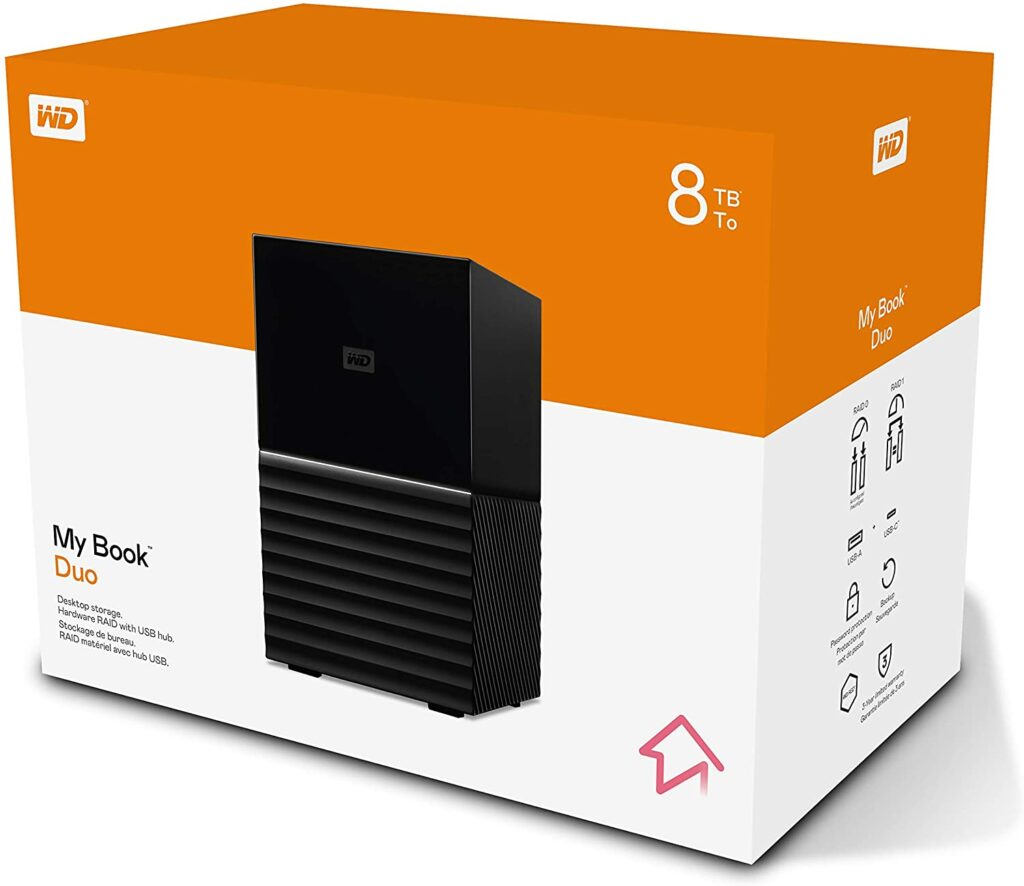
In terms of storage, the My Book Duo boasts a staggering 3TB of storage space divided between two hard drives at a minimum, and identical models with up to 38TB of storage are also available if you need that much more storage.
It’s also important to remember that the My Book Duo isn’t the most portable drive available. If you’re searching for a smaller external drive to take with you on the move, this isn’t the best option. As a result, this is an external hard drive that should be utilized on top of a desk.
Features & Specifications
Dimensions: 6.3 x 3.94 x 7.09 inches (9.9 x 9.9 x 16.5 cm)
Item Weight: 6.9 pounds
Brand: Western Digital
Storage Capacity: 3 TB up to 38 TB.
Read Speed: 360 mbps.
Compatible Devices: Windows 10, Windows 8.1 or Windows 7, Requires reformatting for other OS.
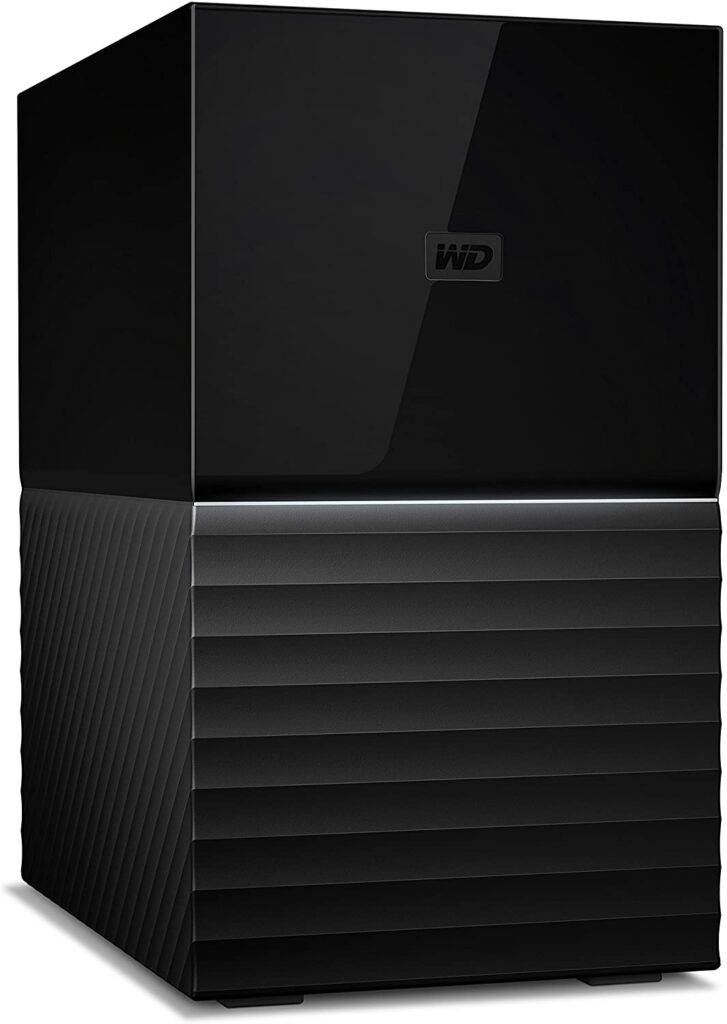
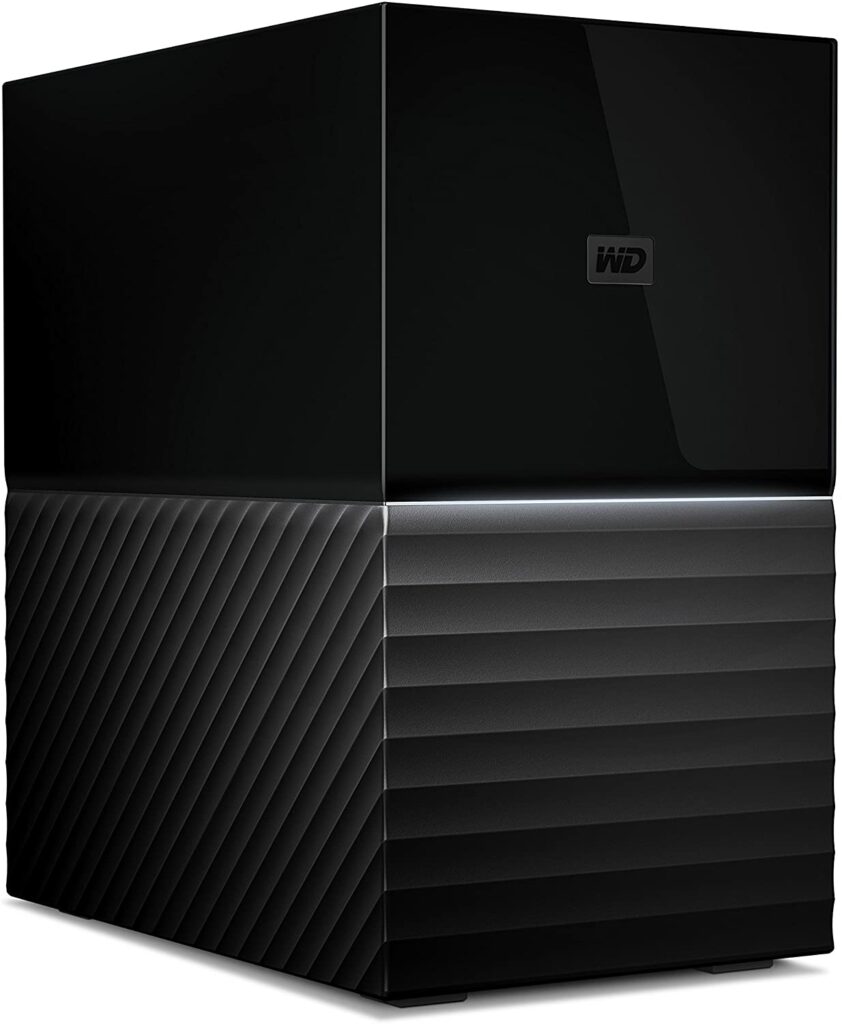
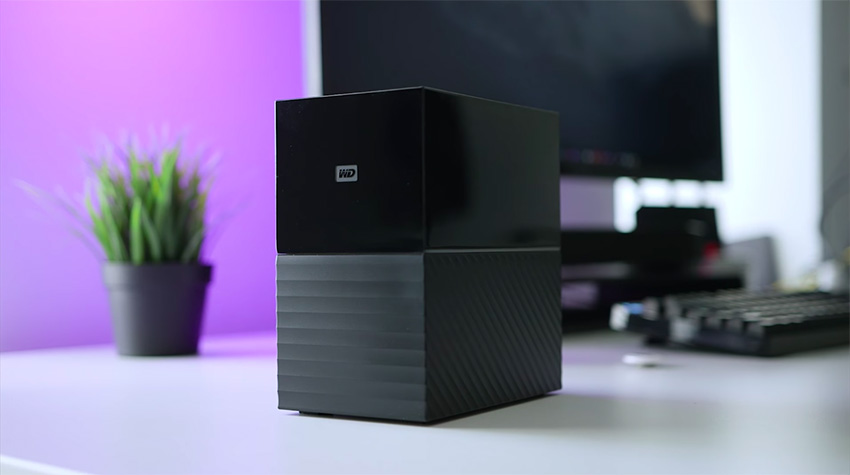
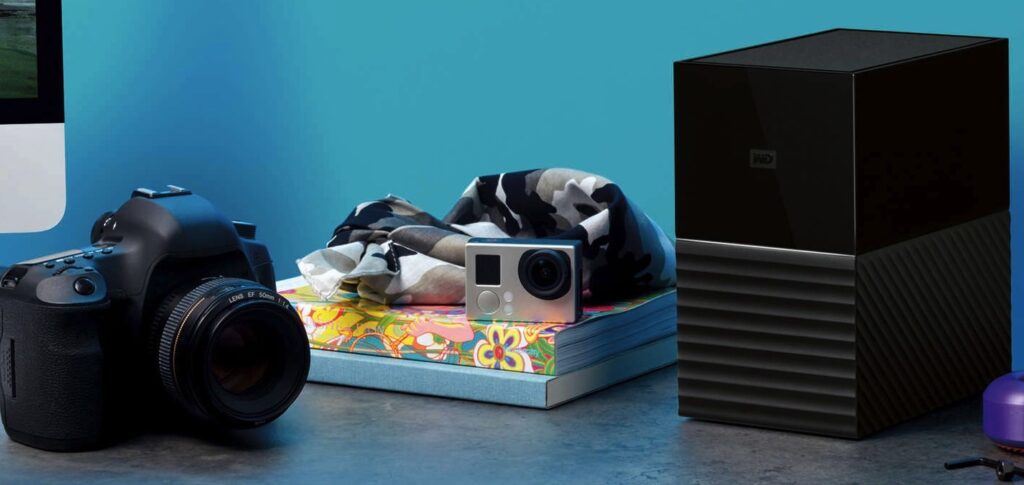
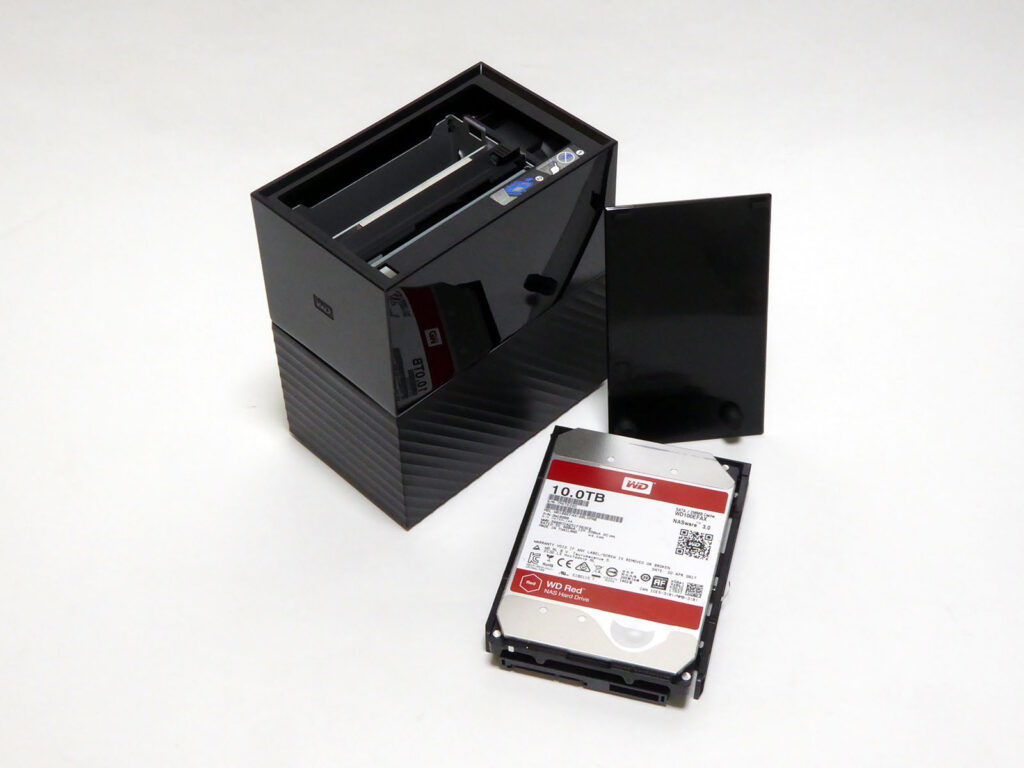
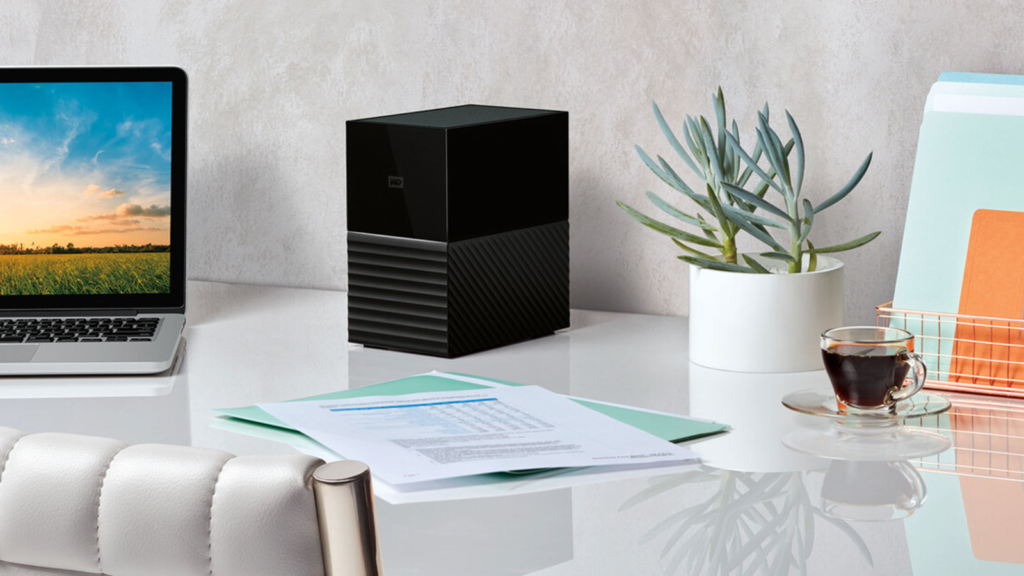
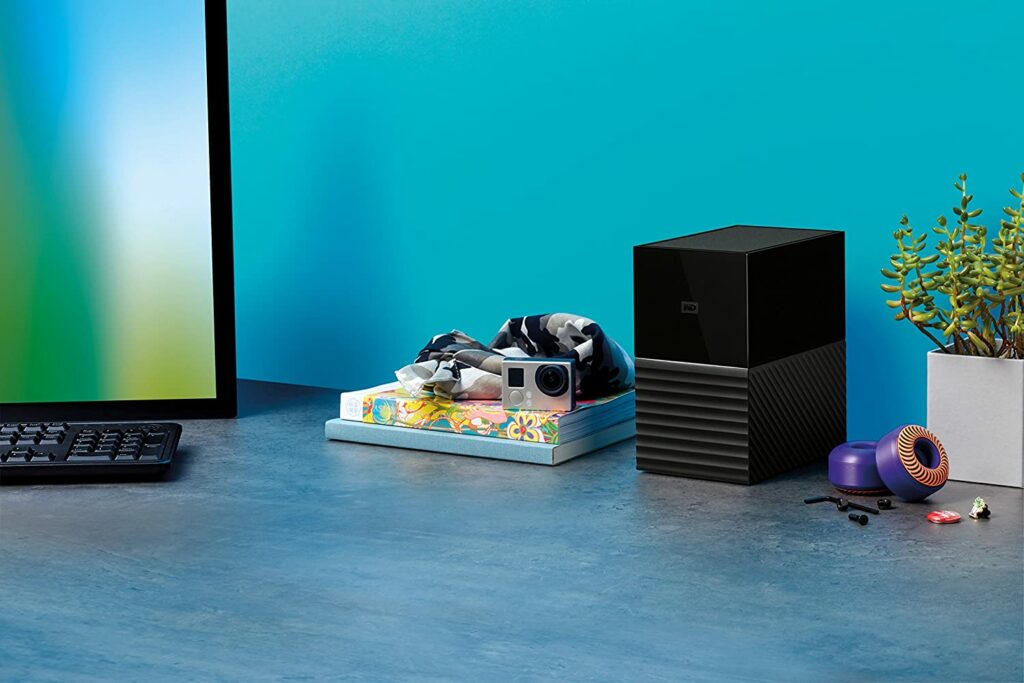
The latest My Book Duo from Western Digital has definitely seen an upgrade from its predecessors in terms of design. The new My Book Duo now looks like a thick, monolithic black book that is standing upright with a wavy pattern on the bottom half and a mirror finish gloss on the top half after the plastic cover has been removed.
This may not be something of importance to some of you but keep in mind that once the cover is removed, the material of the My Book Duo is rather a dust magnet. So if dust is something you don’t want to deal with on your work desk, this is something to consider. Personally, I find this aesthetic really premium-looking and sleek. As long as I have a duster nearby, I should have no problems.
Moving on, when the unit is turned on, a line of white light appears on the front of the unit and gradually pulses away to show signs of activity. USB Type-C is used to connect to your computer, and cables are available for both this standard and for converting a normal USB 3.0 port to the Type-C kind if you haven’t yet adopted the newer connector.
WD specifies that this is a USB 3.1 Gen 1 port, but fails to mention that this is the current name for USB 3.0. Even if the output of two conventional hard drives is arranged in striped RAID 1, that connection has plenty of bandwidth, and any excess bandwidth can be used by other devices connected via a USB 3.0 hub.
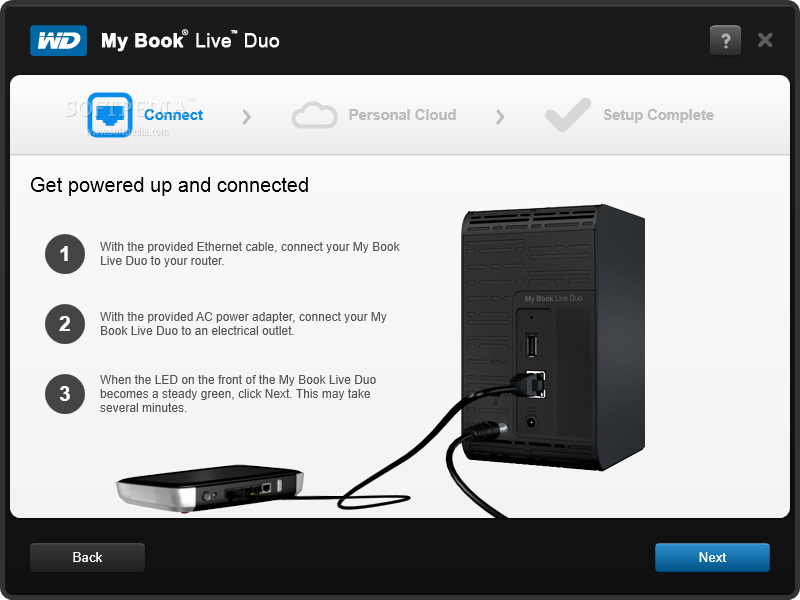
Additionally, one micro-USB 3.0 on the rear of the My Book Duo connects to the host computer via the provided foot-long USB cable. It also contains two USB 3.0 A-female connections, which can be used to connect up to two more USB devices to the host computer.
RAID & Software
The My Book Duo’s two internal hard drives are configured in RAID 0 for optimal performance and storage space. Though it’s best to always keep in mind that RAID 0 has one flaw: if one of the devices fails, the data on both drives is lost. So I highly suggest switching to RAID 1, which protects data from a single drive failure. This will ensure that your most important information is stored safely and not lost forever.
The accompanying WD Drive Utilities program allows you to adjust the RAID configuration as well as perform drive diagnostics, wiping, and formatting. It’s important to note that changing the RAID configuration wipes out all existing data on the device.
Apart from that, the My Book Duo supports RAID natively. This means it doesn’t rely on the operating system of the host computer to set up RAID and will allow the RAID configuration of the drive to work across platforms without needing to be reconfigured.
On top of that, a few useful programs are also included with the My Book Duo. There’s WD SmartWare, WD Security, and Acronis True Image WD Edition, in addition to the WD Drive Utilities. You may always get these from WD’s website in case you accidentally delete them from your My Book Duo.
Smart Features
Another great thing about the My Book Duo is that the power status of the external drive is shared with the host PC. Meaning, it switches to the same state as the computer, whether that is shutdown, sleep, or currently active.
This particular feature is available on most Thunderbolt devices, which is preferable to the drive going to sleep on its own. Also, thanks to this clever design, the My Book Duo is always readily available to the host and saves a lot of energy depending on how you set up your computer’s energy-saving features.
Performance
When it comes to performance, the My Book Duo doesn’t disappoint either. After all, it’s no good having a lot of storage space tied to your system if it’s hard to access and has a sluggish performance. This hardware, however, displays brilliantly what the WD Red WD100EFAX drives can achieve with 256MB of cache along with seven platters of spinning disks.
The basic mechanisms’ advertised transfer speed is 210 MB/s, and in JBOD mode, that’s virtually exactly what you get. RAID 0 striping boosts read and write speeds to 335MB/s and 317MB/s, whereas a RAID 1 mirror reduces read and write speeds down to 205MB/s and 208MB/s, mimicking its average JBOD speeds.
Even if much of the shine comes from Western Digital’s drive engineering department’s helium-filled wonders, this is impressively rapid for an external drive that isn’t an SSD.
Our Least Favorite Things
Form Factor
With such an impressive product like the WD My Book Duo, admittedly, it was pretty hard to find flaws and at this point, I’m just nitpicking. But if you’re looking for a more portable external hard drive to add to your arsenal, then the My Book Duo might not work for you.
While the design is definitely appealing, it’s not the most lightweight device in the market. Not to mention, you certainly won’t be able to easily shove this in your bag without putting in any real effort. Besides, would you really want to carry this monolith around as you travel? If the answer is no, then it’s best to find more portable and compact external drives to take with you on the go.
In A Nutshell
Now that we have discussed the things we liked and disliked about the WD My Book Duo, here’s a narrowed-down list of the good and the bad with this particular external hard drive.
Pros
USB-C compatibility.
Reliable 3-year warranty.
Inclusion of a 2-port USB 3 hub.
RAID 0 along with dual-drives for substantially faster performance than ordinary external drives.
Cons
Not the most portable external drive.
RAID 0 has no redundancy, so if one disk fails, you’re out of luck.
Our Final Verdict
All in all, I believe that the WD My Book Duo is simply one of the best external hard drives due to its advantage over other competing external drives. Not to mention, taking into account Western Digital’s careful selections to balance performance, versatility, price, and overall dependability.
Have you already bought your own external hard drive? Did our review help you out in deciding to get the WD My Book Duo? Let me know in the comments section below if you have any suggestions to share, insights, or questions to ask. I would love to hear all your thoughts!