1440p monitors have been increasingly popular for gaming in recent years. In fact, before 4K, 1440p was the staple and the standard. Even up to this day, they’re the sweet spot between 1080p and 4K displays. That’s why for today, I’ll be giving you our top picks for the best 1440p monitors for gaming in 2021. These models offer decent resolutions that will allow you to get an excellent gaming performance without having to spend a fortune on your gaming monitor. At the same time, their resolution is also high enough that you won’t miss any of the minute details in your favorite games.
Affiliate Disclosure: I am grateful to be of service and to bring you content free of charge. In order to do this, please note that when you click links and purchase items, in most cases I receive referral commissions. Eventually, I may earn enough to buy a beer or two.
1440p vs. 1080p: Which One Is Better For You?
Previously, the most popular display resolution in the gaming world was 1080p or Full HD. This was the thing up until 1440p monitors arrived on the scene and quickly gained popularity as consumers realized the superior image quality they can deliver.
Keep in mind that when it comes to gaming, not everyone has the same expectations or standards. For some of you, you may want to prioritize your games to look the best. Then there are others who simply want monitors that will allow them to play the best. As a result, the debate over the ideal display resolution for gaming becomes even more difficult.
To make things easier, it’s preferable to look at individual components representing these resolutions to simplify the 1080p vs. 1440p discussion. For example, even with lower-tier current-gen technology, running modern AAA games at 1080p is pretty possible. Meanwhile, running games at 1440p will necessitate significantly more powerful hardware from your PC setup.
With that being said, if you’re unsure of which of these displays to get for your PC setup, I’ll compare the two below in different categories to help you in your decision.
Costs
When it comes to deciding between 1080p and 1440p resolutions, the price difference is usually the first thing most of you will compare between the two. As you might already know, 1440p displays tend to be more expensive than their 1080p counterparts.
There are exceptions from time to time but if we compare the same specs and criteria between these two resolutions, you’ll find that 1440p monitors are just naturally pricier.
The cost rises when greater refresh rates, such as 144Hz, are added to the mix. It’s the same with panel technology. OLED panels are the most expensive, followed by IPS and VA panels, and TN panels are the least expensive. Though keep in mind that there’s no 1440p display in the market that uses an OLED panel yet.
So if you’re on a really tight budget and want to save money, perhaps, 1080p monitors are the way to go. But if you’re willing to stretch your budget a little bit, consider 1440p monitors with a fast refresh rate and low latency. A good 60Hz 1440p TN panel will easily outperform a 1080p 60Hz TN panel. However, regardless of the resolution, it makes sense to have the fastest panel you can afford for competitive gaming.
PPI
The pixel density of a display is the number of pixels per inch (PPI). It specifies the number of pixels seen on each square inch of the display. The greater this number is, the more detailed the image will be.
As a result, increasing the resolution to 1440p raises the PPI significantly, resulting in crisper details and improved sharpness. This is the main distinction between 1080p and 1440p monitors. 1440p will always be sharper if the display size remains constant. With this in mind, 1440p allows you to expand the display size without sacrificing clarity.
On the other hand, 1080p looks best on smaller screens. If you go any larger than 24 inches, you can expect to see some pixelation, which lowers the quality of the content you’re viewing or playing. 1440p displays, however, enable you to use a considerably larger monitor while maintaining adequate sharpness.
So if you want to maximize the graphics of your game and appreciate every tiny detail with a bigger display, then a 1440p monitor would be best suited for you.
Performance
By now, you don’t really need me to remind you that the bigger the resolution, the more power it will demand from your PC’s GPU and CPU. As a result, you might experience some performance impact from your 1440p monitor. Games on your 1440p display will not run as smoothly as games on a 1080p panel unless you have the necessary hardware.
Simply put, playing games at 1440p resolution will decrease the frame rates as you run them. The GPU will have to do a lot more work to drive a 2K display compared to a 1080p display. Keeping up with 60 frames per second in 1440p is more difficult for your GPU than maintaining 60 frames per second in 1080p.
So if you want to play games that are graphics-heavy at native resolution on your 1440p display with high or ultra-quality settings at 60 frames per second or at higher frame rates, you’re absolutely going to need a more powerful GPU. Getting a 1440p panel makes sense if you have a graphics card that can push 2560×1440 resolution at decent frame rates.
If you’ve decided that 1440p monitors are the one for you, just keep scrolling to read our best picks for this article below.
Our Top Recommendations
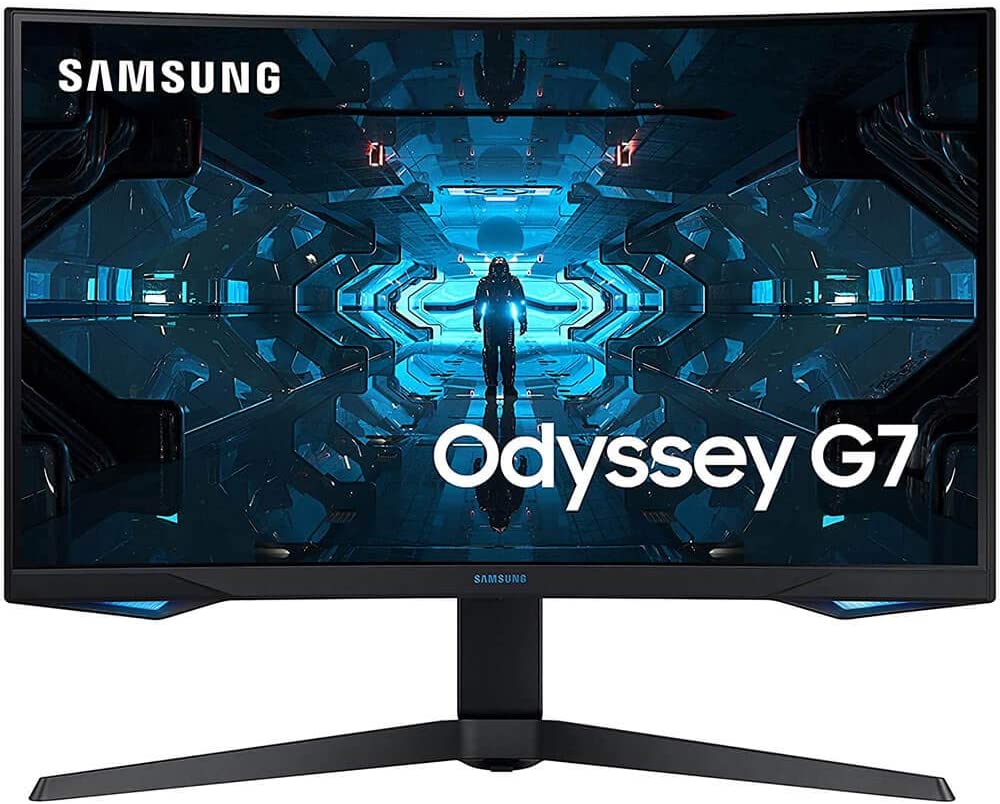
1. Samsung Odyssey G7 (LC32G75TQSNXZA)
Overview
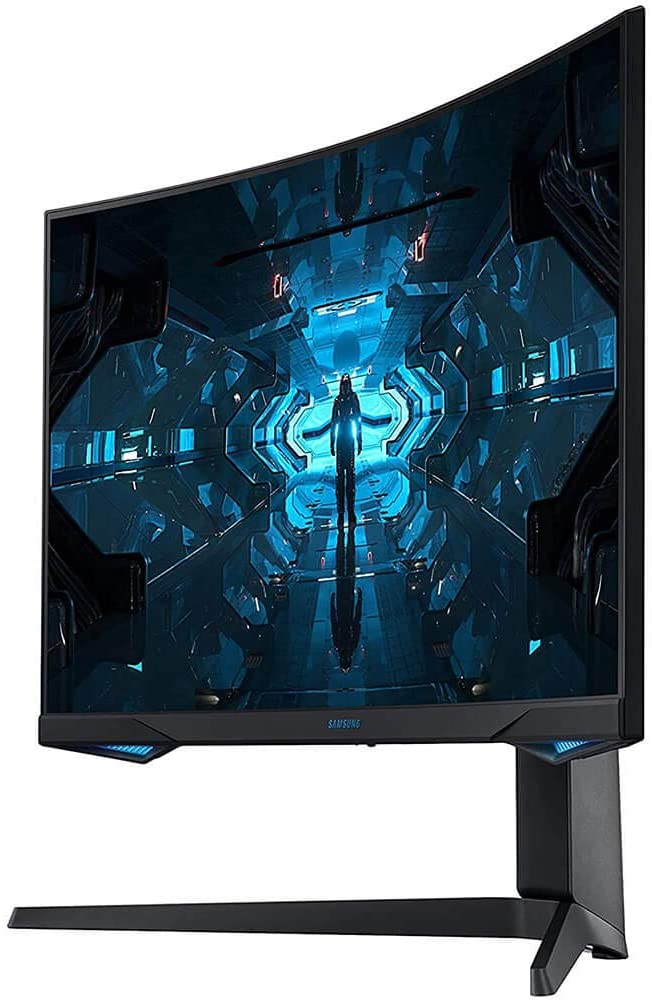
The Samsung Odyssey G7 is undoubtedly the best 1440p gaming monitor in the market that has native FreeSync compatibility. It comes in three size variants: 27″, 28″, and 32″. This will allow you to pick the one that best suits your gaming needs. Although all variants perform quite similarly, they do share the same native resolution, which means the larger models might have lower pixel density and sharpness.
Its refresh rate is extremely quick, resulting in exceptionally crisp motions. It’s also incredibly consistent, delivering nearly equal results at lower refresh rates, which is ideal for console gamers. It also features a very little input lag, resulting in a very smooth gaming experience. This model supports variable refresh rate technology out of the box but it’s also GSYNC compatible, making it a flexible monitor.
While its high contrast ratio is fantastic, it comes at the cost of restricted viewing angles. This may cause images to appear washed out when seen from the side. So if you play a lot of co-op games, this is something to keep in mind.
On the plus side, it does include a number of extra capabilities, including two USB 3.0 connections and a Picture-in-Picture mode that allows you to display data from two different input sources at the same time. Overall, this is a fantastic gaming monitor that will appeal to both casual and hardcore gamers alike.
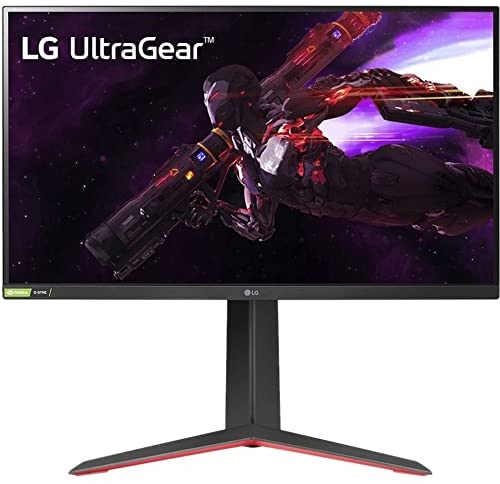
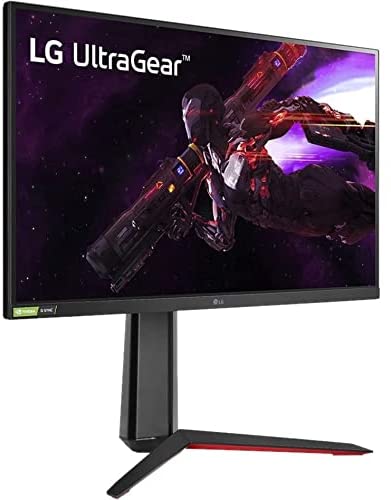
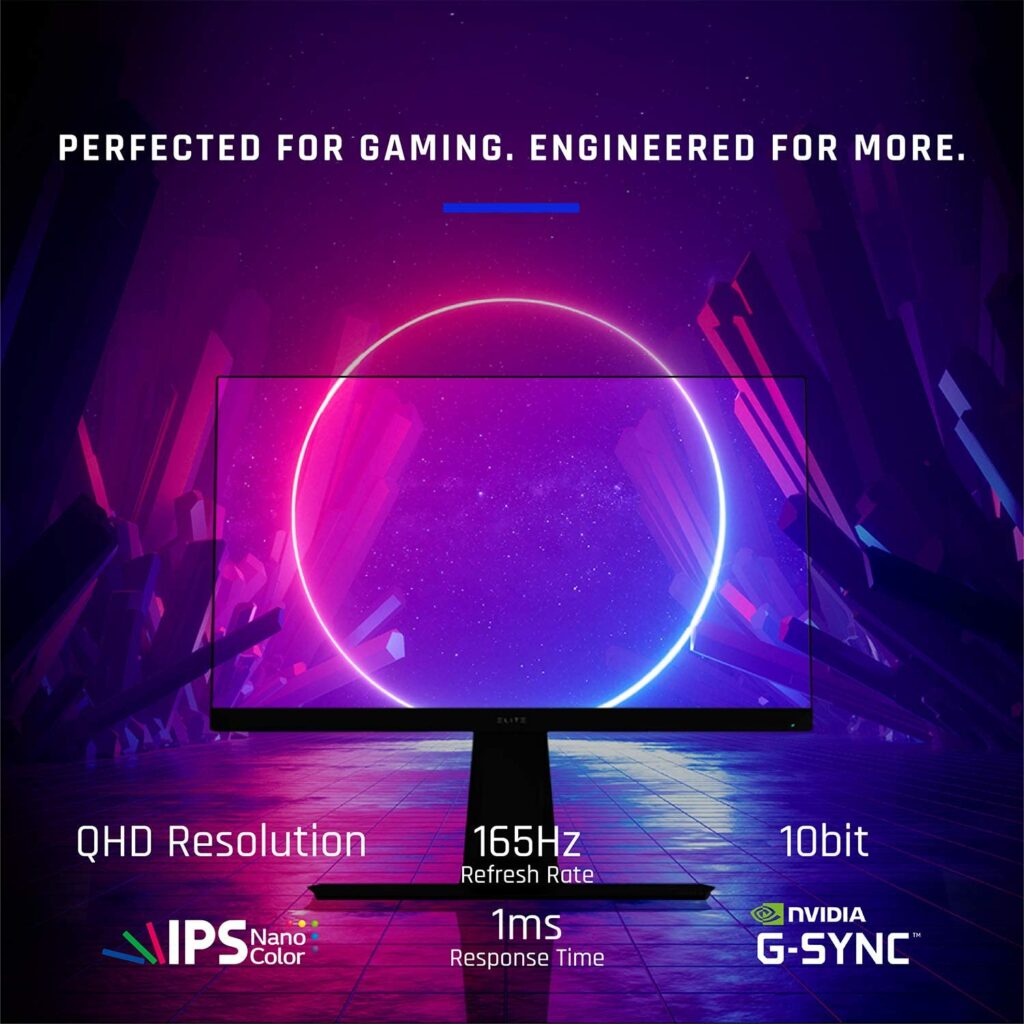
The UltraGear series from LG is typically a good choice for gamers looking for higher-end features. And this 27-inch 1440p model from the same lineup delivers exactly that. The Nano IPS screen is ideal for QHD detail, and it comes with G-Synch and FreeSync Premium support, as well as HDR10 for additional forms of optimization.
Where the 27GP850-B truly shines though is with its response time. With a 4.7ms average response time at 180Hz and 4.6ms across the refresh range, this is one of the fastest monitors in its class. Apart from that, this model also has a working sRGB mode.
So even though DCI-P3 is widely supported, you don’t have to worry about oversaturation while watching common content like YouTube videos, and you get a wonderful mix of game performance and color accuracy.
The UltraGear 27GP850-B also has a sturdy design that lets you change the height, tilt, and pivot the monitor for any adjustments according to your preference. There are also HDMI and DisplayPort ports available as well as a few fascinating play modes to try out, such as Black Stabilizer and Dynamic Action Sync.
Features & Specifications
Brand: LG
Available Sizes: 27 and 32 inches.
Dimensions: 24.2 x 11.5 x 22.7 inches
Screen Size: 27 inches
Screen Resolution: 2560 x 1440 pixels
Max Refresh Rate: 165Hz
Variable Refresh Rate: NVIDIA G-SYNC Compatible with AMD FreeSync Premium
Pixel Type: Nano IPS
Screen Surface: Flat
Pros
Excellent build quality.
Terrific viewing angles.
Amazing response time.
Supports both GSYNC and FreeSync.
Cons
Poor contrast ratio.
Not the most suitable for dark room gaming or dim environments.
Rating: 9.5 out of 10
Where Can I Buy The LG 27GP850-B Ultragear Gaming Monitor?
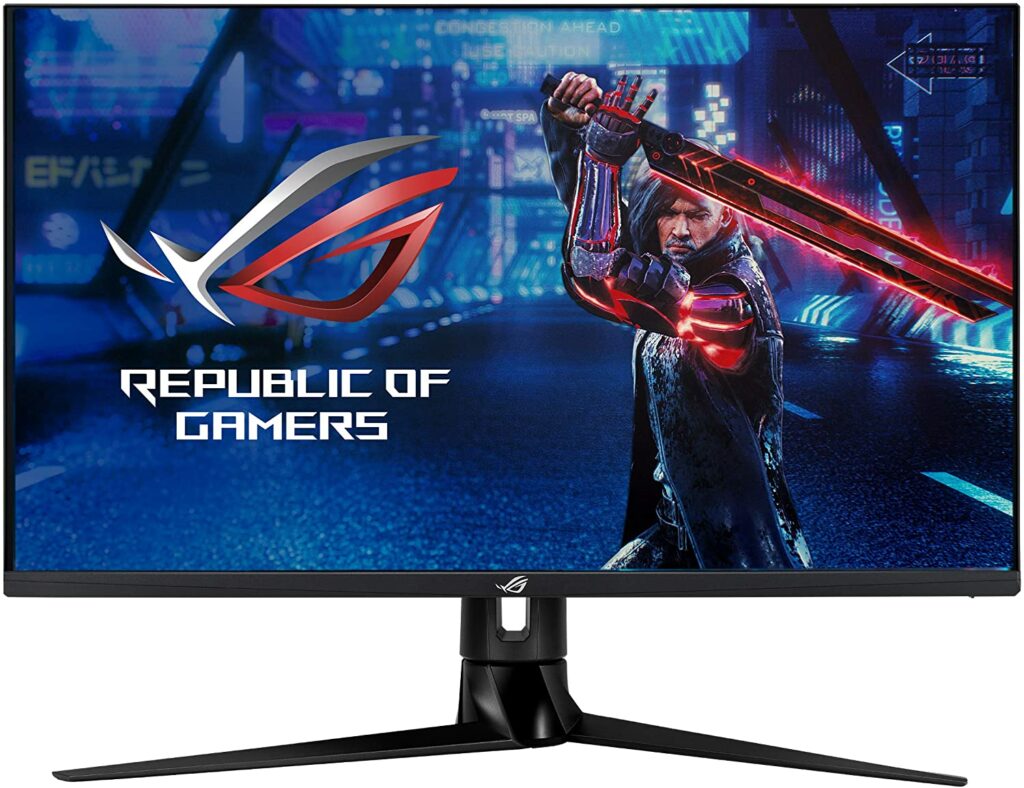
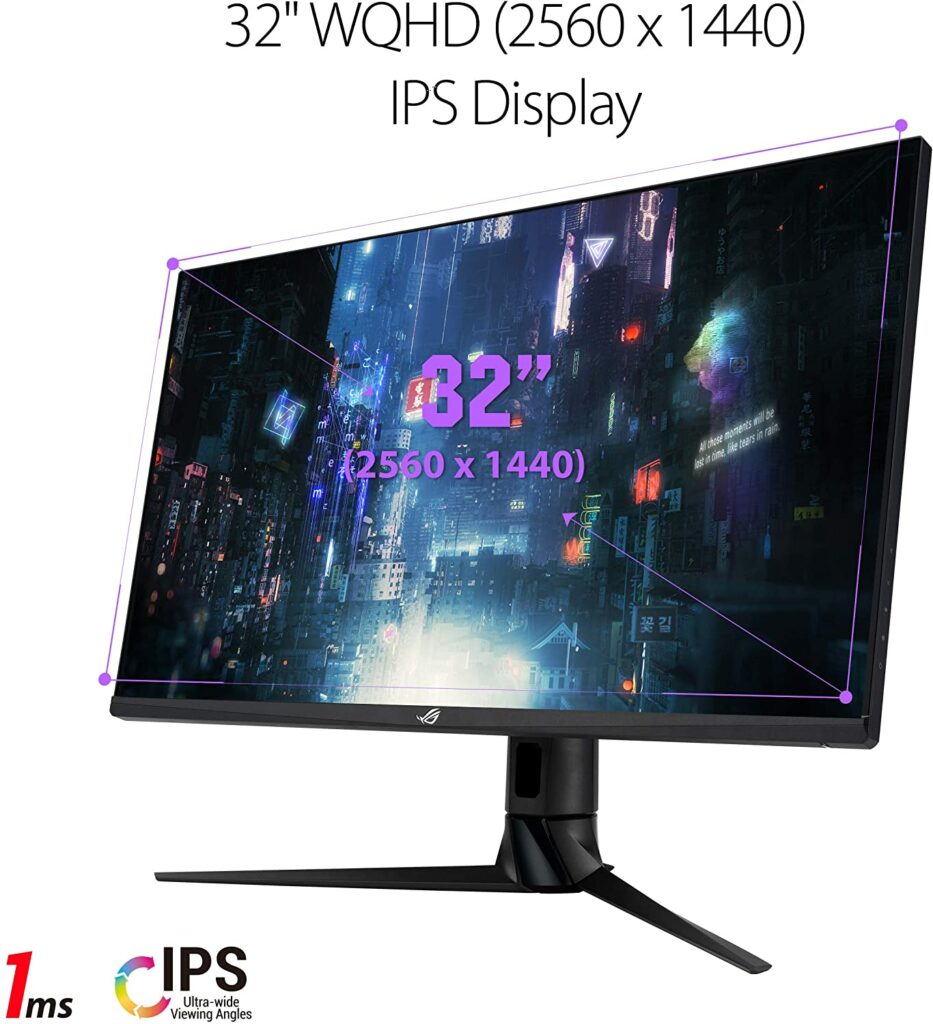
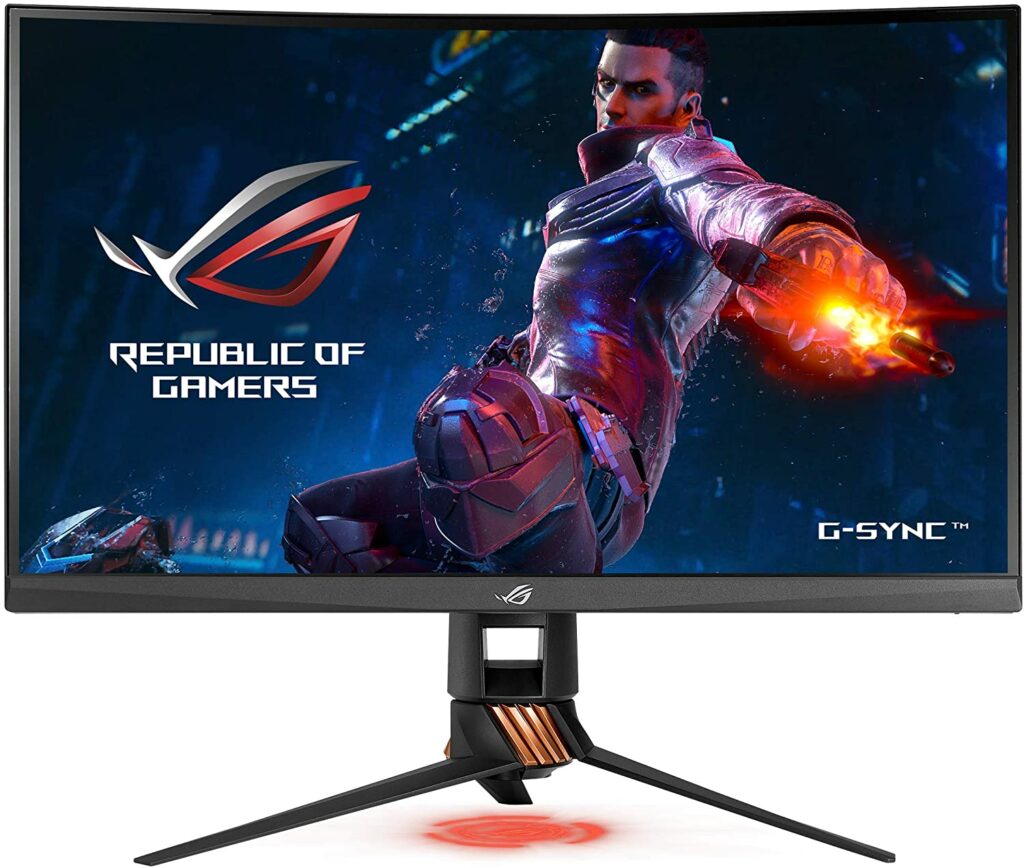
The Asus ROG Swift PG329Q, which features an AU Optronics screen, is another outstanding 1440p gaming monitor. It’s a 32-inch 1440p 175Hz display that performs admirably in most situations. At 175Hz, response times average less than 5ms, resulting in excellent motion clarity. Meanwhile, gaming performance is consistent across the refresh range thanks to the presence of variable overdrive.
Asus also adds backlight strobing to this single overdrive mode for a clean image, and it even works with adaptive sync enabled, though not necessarily with the best results when compared to a static refresh rate. We also receive all of the benefits of AU Optronics’ current generation IPS panels in terms of image quality. The list of features includes an unusually wide color gamut, as well as great viewing angles and homogeneity.
The contrast is somewhat mediocre, so it’s not as good as some of the other gaming monitors in this list that are ideal for gaming in low-light conditions. But overall, the Asus ROG Swift PG329Q is a terrific pick with a lot of variety in terms of features and performance.
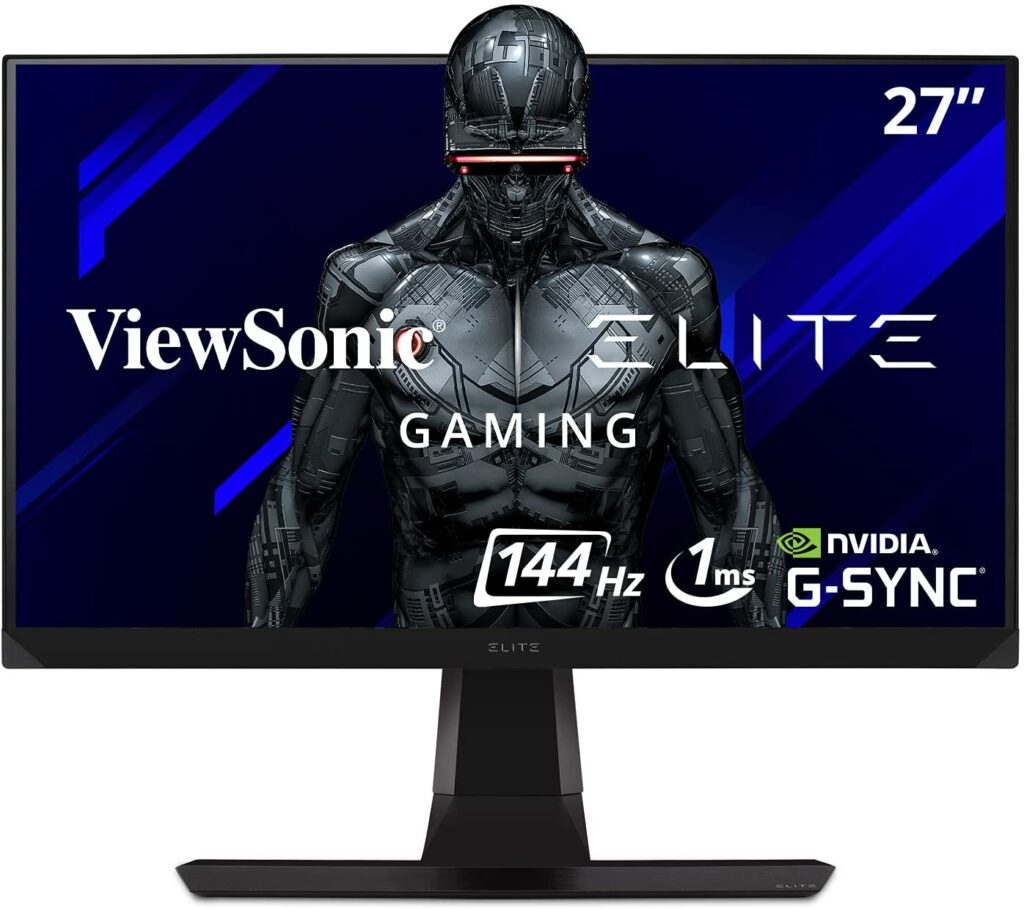
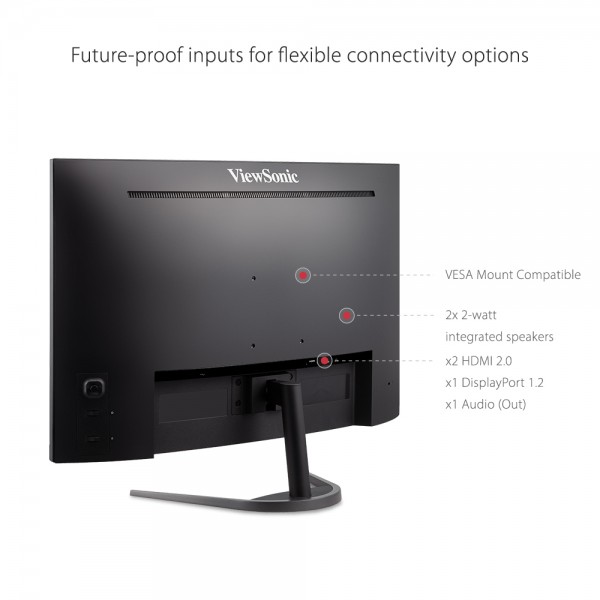
When it comes to 1440p gaming monitors that have native G-SYNC support, the ViewSonic Elite XG270QG is definitely one of the best you can get your hands on. It has a 27-inch IPS panel with wide viewing angles, so graphics are fairly accurate even when seen from the side, making this monitor ideal for co-op gaming.
Apart from that, the XG270QG also offers excellent motion handling, with a lightning-fast response time at the maximum refresh rate with virtually no visible blur even in fast-paced settings. It also offers a low input lag, resulting in a very responsive gaming experience.
This gaming monitor also ensures a steady gaming experience even if the frame rate dips or the refresh rate changes thanks to its native G-SYNC monitor with support for variable overdrive. It is also worth noting that this works with FreeSync displays as well, making this ideal for you if you own an AMD graphics card or you play with an Xbox console.
The XG270QG also features a backlight strobing feature that can be used to improve the illusion of motion, but it can’t be used at the same time as VRR. It does a good job of handling reflections and gets bright enough to prevent glaring in most settings.
Unfortunately, this unit’s contrast ratio is low, and black uniformity might be a little disappointing. On the plus side, it includes a pair of inbuilt speakers and a plethora of USB 3.0 connections. Overall, the ViewSonic Elite XG270QG is a fantastic gaming display that will appeal to a lot of gamers.
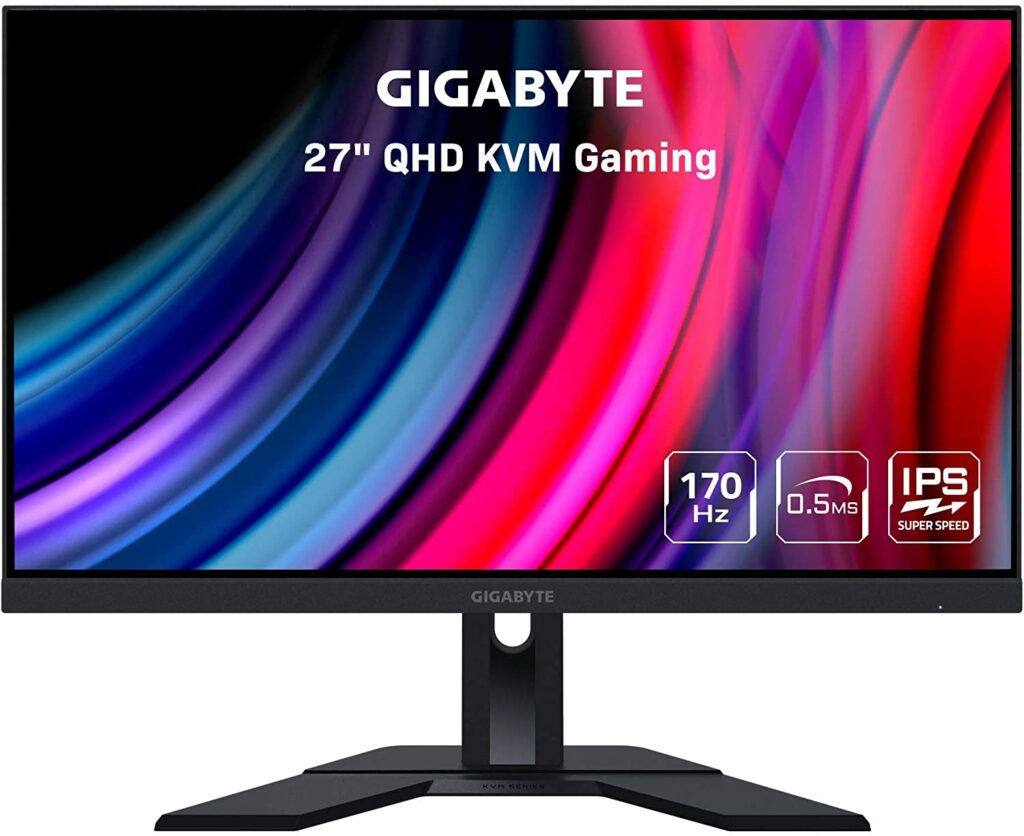
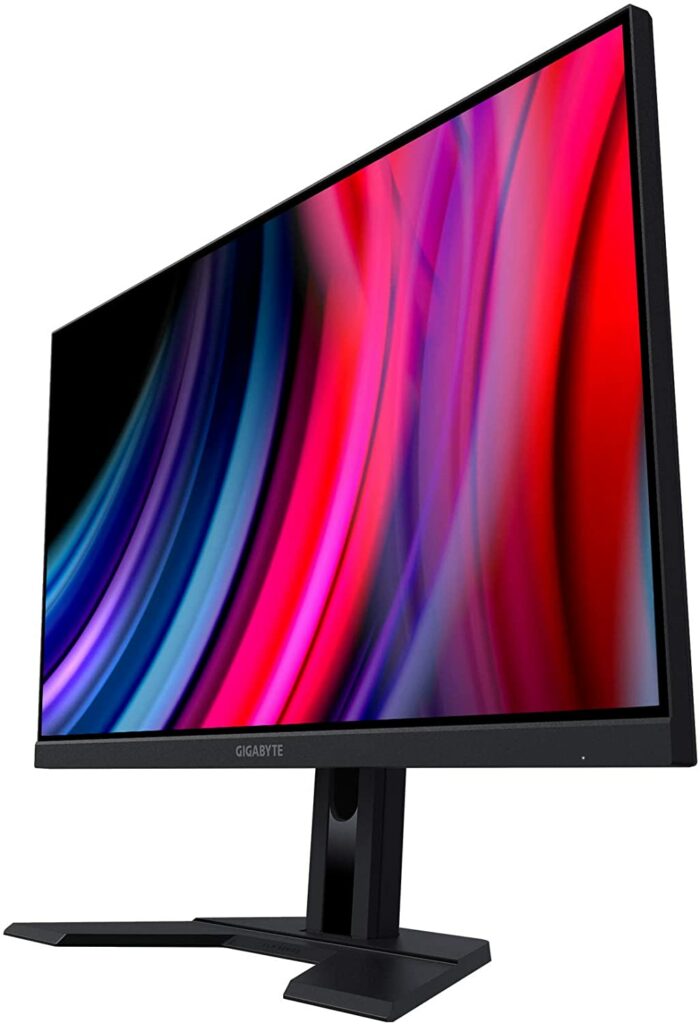
For those looking for a 1440p gaming experience on a budget, there is a slew of terrific options. So, if you’re searching for an affordable 1440p gaming monitor, I definitely recommend the Gigabyte M27Q, which provides excellent value for money and a wide range of gaming capabilities. It’s a 27-inch 1440p 170Hz IPS monitor with a KVM switch and a Sharp panel that delivers a solid gaming performance.
Naturally, the M27Q falls short of the finest 1440p monitors listed above in terms of response time, but that doesn’t imply it’s a bad monitor. This unit can still provide a decent gaming experience for a lot of casual gamers.
Overall image quality is also pretty good on the M27Q. While the contrast ratio isn’t as good as VA models, it’s better than average for an IPS display. The viewing angles are excellent and the display has a wide spectrum of 93 percent DCI-P3 coverage. Not to mention the fact that this monitor comes with a height-adjustable stand, which isn’t something you always see from an affordable gaming monitor such as this one.
Now that we have discussed our top picks for the best 1440p monitors for gaming this 2021, here is a quick guide on what else you should look for when shopping for a 1440p display.
Screen Size
Usually, when it comes to deciding the size of your display, taking into account your available space and gaming desk matters. As for resolution, you’ll have a wide range of options to choose from. You can get the standard Full HD (1080p), 1440p, or even a 4K display.
Some would even opt to go as far as 8K but I don’t feel like that’s the best way to go. At least not until a few years when more games are available to be played at 8K. A bigger screen is obviously better, while a higher resolution provides a sharper, more detailed image to your games.
Your screen size will likely determine your resolution. If you are opting for something smaller, a 24″ Full HD display will suffice. If you’re going for a bigger display, a 32″ monitor with a 4K resolution is your best choice. However, if you want something that’s the perfect balance between the two, then a 1440p screen is the sweet spot you might be looking for.
Even when compared to the potential advantages that come with larger sizes and higher resolutions, gaming on a 27-inch or 32-inch screen with 1440p resolution is optimal for several reasons. These screen sizes are not only appropriate for most setups, but 1440p is sharper than Full HD and puts less load on graphics than 4K monitors.
There are obviously other possibilities and things to consider, such as 4K 27″ and QHD 32″ screens, as well as anything outside of these sizes, resolutions, and aspect ratios, but these are just a few options you might want to keep in mind.
Refresh Rate
When shopping for a gaming monitor, refresh rate and response time are the two most important things to consider. If you’re unaware, the refresh rate is the number of times the monitor will refresh the screen every second. The higher the number, the better. Higher refresh rates aid gamers by ensuring that what you see on the screen matches what is happening on the computer in real-time.
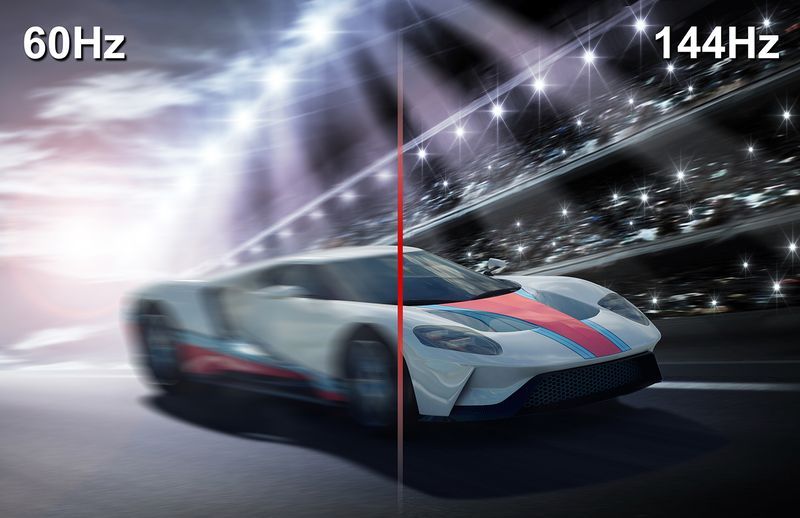
Basic screens and televisions operate at a frequency of roughly 30 Hz, with some going as high as 60 Hz. As a bare minimum, 60 Hz is recommended for gaming. However, if you’re competitive or mostly play first-person shooters, then you might want to consider a 144Hz monitor. Although 60 Hz is generally regarded as the very minimum, several 144 Hz displays are already available.
For serious gaming, 144Hz is a must-have. The difference between 60 and 144 Hz is easily be discerned, and this difference can help you improve your own response times. This can be crucial in certain games and sometimes even be the difference between winning and losing. If you want to go all out, there are also 240 Hz monitors available but personally, 144Hz is enough to satisfy most casual gamers.
However, if your GPU and CPU are incapable of achieving these high frame rates, you will not profit from having a high-refresh-rate display. So you have to make sure your internal hardware can handle the resolution and refresh rates you want. As a tip, you can also increase frame rates by lowering the resolution in the settings menu.
Response Time
Moving on to response time, this is the time it takes for each pixel to transition from one image to the next. From one shade of gray to another, this is generally measured in milliseconds (ms). Sub 5 milliseconds is ideal for gaming, but 2 milliseconds or even 1 millisecond is even more preferable.
Because the monitor can’t keep up with the game in high action, a slower response time can create motion blur or ghosting. A high refresh rate combined with a quick response time will ensure a pleasant, crisp image at all times. These are the characteristics that distinguish a gaming display from a non-gaming monitor.
Variable Refresh Rate
You’ve probably seen frame rates fluctuate depending on the action on screen if you’ve seen any frame-rate benchmarks for games and gaming computers. Frame rates spike when there’s little activity, but they plummet when there’s a lot of it. This may result in screen tearing if no smart technology is available to assist.
When the monitor displays a portion of one frame and the next frame at the same time, this is known as screen tearing. You’ll notice it because the image appears to be split when the sync is interrupted. This occurs because displays are programmed to run at a specific refresh rate, and they aren’t always sure what to do when the frame data they receive differs from their hard-wired parameters.
Adaptive sync, or variable refresh rate solutions, have been created by AMD and NVIDIA to enable monitors to retain smooth playback even when graphics cards are producing non-standard frame rates. NVIDIA has G-Sync, while AMD has FreeSync. Both perform an excellent job of preventing tearing, but only with compatible gear.
Panel Type
Some gamers would place a lot of stress on the panel type, but you don’t really need to worry about it as long as you meet the other requirements you’re looking for. IPS or In-Plane Switching panels have superb color reproduction, good contrast, and fast response times, but they might be expensive if you want advanced capabilities.
Meanwhile, TN or Twisted Nematic panels offer lower prices in exchange for faster response times and refresh rates. However, they are less color accurate and have narrower viewing angles. Although VA or Vertical Alignment panels have a high contrast ratio, they generally fall short in terms of gaming-critical performance when compared to TN and IPS panels and aren’t recommended.
Inputs & Outputs
We’ll start with the most common monitor inputs: HDMI and DisplayPort. These days, HDMI is the most common input. It’s all over these days, but DisplayPort doesn’t stray far behind either.
DisplayPort has traditionally proven more efficient due to higher refresh rates and resolutions. Though the latest HDMI versions have caught up, DisplayPort still has an edge with its locking connector, which prevents inadvertent disconnects. In any case, most monitors include both.
DisplayPort 1.4 and HDMI 2.0 are most likely to be found nowadays. Both of these are dependable and have sufficient throughput for 4K resolutions and refresh rates of 60 Hz, or even higher if lesser resolutions are used. DisplayPort 2.0 and HDMI 2.1 will be introduced in the future, allowing for even greater resolutions and frame rates, such as 4K at 120 Hz or even 8K pictures.
USB Type-C or ThunderboltTM 3 are new options as well. These are technically different connections, although they appear to be the same. Both of them can transmit essentially the same formats as DisplayPort and HDMI with the help of adapters. You can utilize USB and/or ThunderboltTM to transmit data, video, and power with a single connection if you have a suitable PC.
Other factors to consider are audio output, USB ports for general usage, and the number of connections available. If you only intend to use your display with one computer, you won’t have to be concerned. However, if you want to connect a desktop, an occasional laptop, and a game console to one monitor, you might want to plan more thoroughly with the monitor you’re choosing.
Conclusion
As you can see, when it comes to PC gaming, your options in the market are practically endless. There’s no shortage of gaming monitors readily available and if you look thoroughly enough, you’re sure to find the one that will suit your PC setup the best. Hopefully, our top picks were able to help you in finding what you’re looking for.
Have you already bought your own 1440p monitor for gaming? Did your pick make it into our list? Is our article of the Best 1440p Monitors For Gaming 2021 helpful? Let me know in the comments section below if you have any suggestions, insights, or questions to ask. I would love to hear all your thoughts!
When it comes to purchasing a new gaming laptop, especially if this is your first time investing in one, it might be difficult to know where to begin. Particular specifications like the display, internal hardware, battery life, and other components that power it all are all things to think about. Sure, certain gaming laptops allow for upgrades and swapping out parts but it’s not always possible. With that said, it’s much better to get the things you want upfront and plan ahead on how you can make sure that they will last you for the years to come. A good initial step is to prioritize the features that are most important to you. If you don’t know where to start, our buyer’s guide on how to buy laptops for gaming in 2021 is here to help you out.
Before we start talking about the specs of a gaming laptop, it’s important to set a budget for how much money you’re willing to invest in your first gaming rig. To do that, you have to keep in mind two things: design and performance. Figuring out these two things will help you significantly in narrowing down your choices when it comes to deciding on a laptop that will give you the best gaming experience possible.
If you’ll be playing games that are not too demanding with their graphics or you don’t mind lowering the resolution settings of your games, an entry-level model or a modest mid-range gaming laptop might be a good option for you. These models will be considerably cheaper and won’t put a hole through your wallet.
Not to mention, most entry-level models these days are also packed with a lot of modern features that are sure to give you a solid gaming experience. For under a thousand bucks, you can easily get a decent gaming machine that should be able to play most mainstream games or AAA titles today.
However, if you’re planning to play games that would require a higher graphics card or you simply just want to play your games in the highest settings, then you might have to shell out more money on a high-end laptop if you want the full experience of these types of games.
Quick Tip
If you’re on a budget but would like to upgrade your gaming rig in the future, you can opt to get a laptop that will let you replace some of its parts like its graphics card for a more powerful one. This way, you won’t have to completely throw out your old notebook and just save up on replacements for upgrades instead.
Whether you’re playing the most demanding AAA games or keeping up with the current trends in games like Fortnite or PUBG, I’m confident you’ll want to play them at the highest frame rate your gaming laptop’s panel permits. This is something that a dedicated graphics chip can help with.
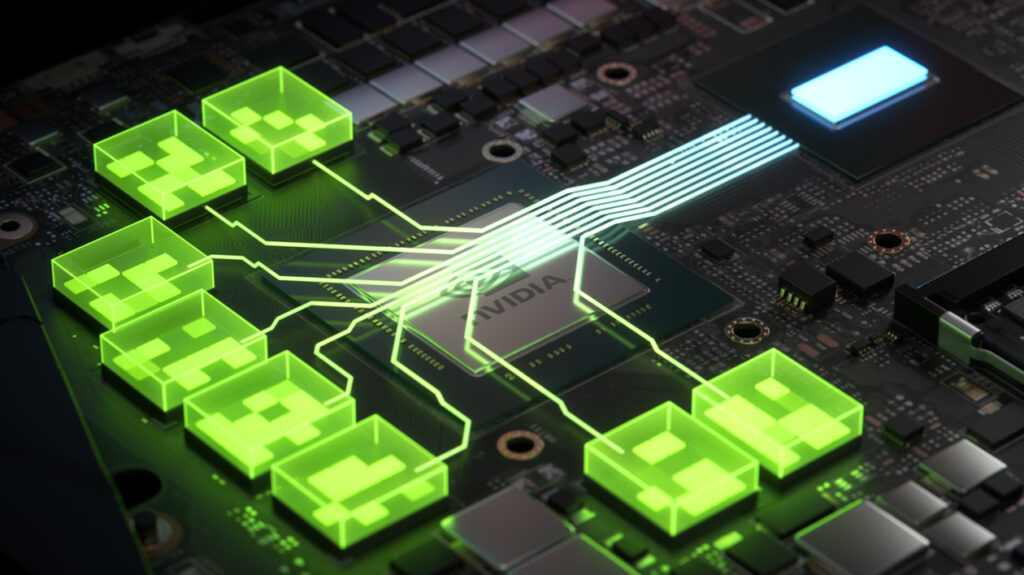
The graphics hardware in a gaming laptop is the most important feature because it dictates which games can be played and at what settings. In most cases, you won’t be able to upgrade your laptop’s graphics processor. So it’s best to get the best GPU your money can afford. Unless you don’t mind playing games on the lowest settings possible all of the time, the graphics card of your chosen laptop is something you shouldn’t skimp on.
However, buying a laptop with the most advanced graphics card isn’t necessary too. You can easily buy a gaming rig with a decent graphics card for under $1000 that will provide you with fantastic gaming experiences if you are willing to compromise a little.
As a recommendation, a laptop equipped with GTX 1660 Ti or even a GTX 1650 should suffice for today’s AAA game titles without costing you a lot. But if you have no problem with spending a bit more, then we suggest opting for a laptop that has the latest RTX 30 series for the ultimate gaming sessions.
3. Processors
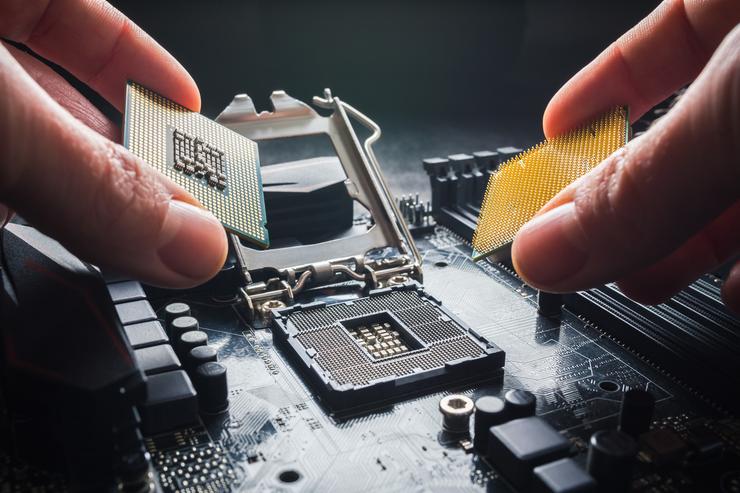
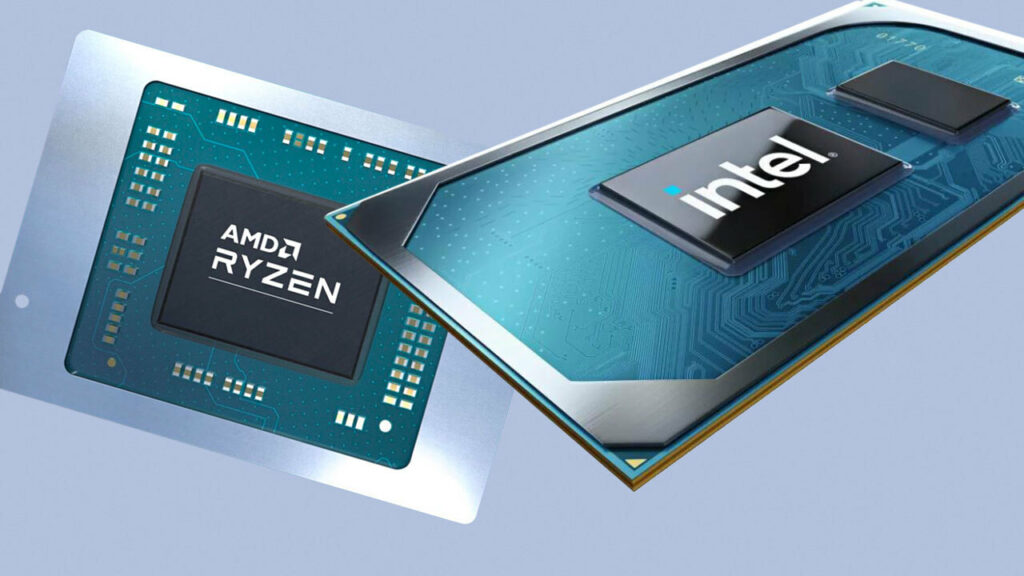
The processor in your gaming laptop, like the GPU, isn’t something to overlook as well. Especially since many games, especially those in the MMORPG and RTS (real-time strategy) genres, are CPU intensive. Due to many AAA titles requiring quad-core CPUs at a minimum, dual-core processors are something you should avoid when shopping for a gaming rig.
At the same time, a Core i7 or Core i9 CPU is more crucial for processor-intensive tasks such as video or photo editing and media production work than for gaming. As a result, looking for these kinds of CPUs isn’t required. With the 10th Generation Intel CPUs that are widely available in inexpensive gaming laptops these days, a Core i5 CPU is more than plenty and will provide enough power.
4. RAM
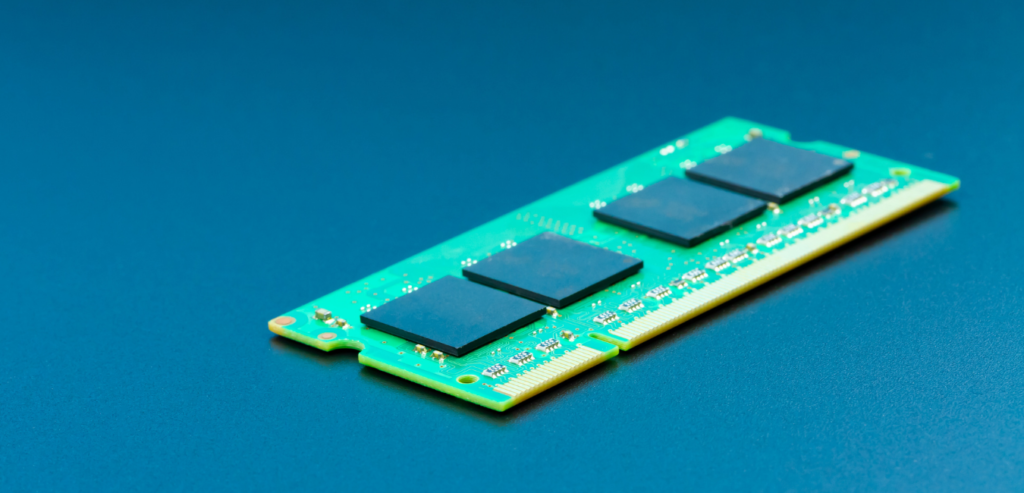
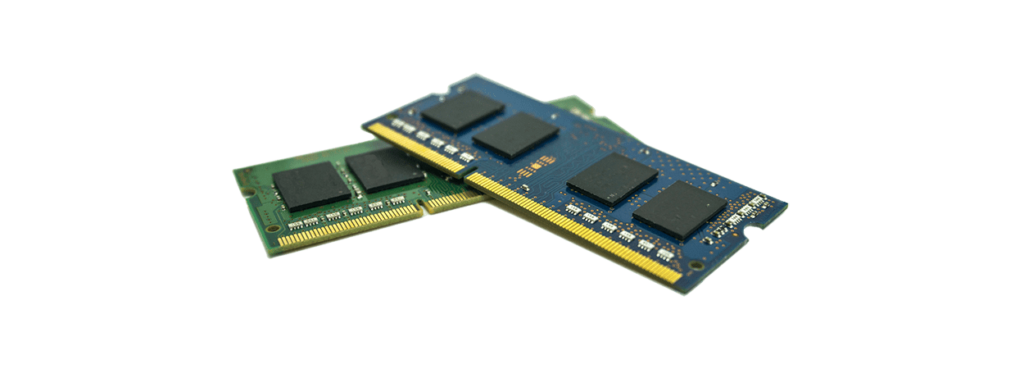
When it comes to RAM, a gaming laptop with 8GB of RAM is what we would suggest for a smooth experience both for gaming and normal day-to-day tasks on your computer. Most gaming laptops have 8GB as the standard anyway so finding one won’t be too much of a chore. If you can afford it, I highly suggest going for 16GB of RAM instead.
Every now and then, though, you might see budget-friendly gaming laptops that do offer 16GB of RAM. But these are still pretty rare so it’s best not to get your hopes up. Keep in mind, a lot of gaming laptops have replaceable RAMs too so it’s totally okay if you can’t get a 16GB right away. You can just consider this as an upgrade in the future.
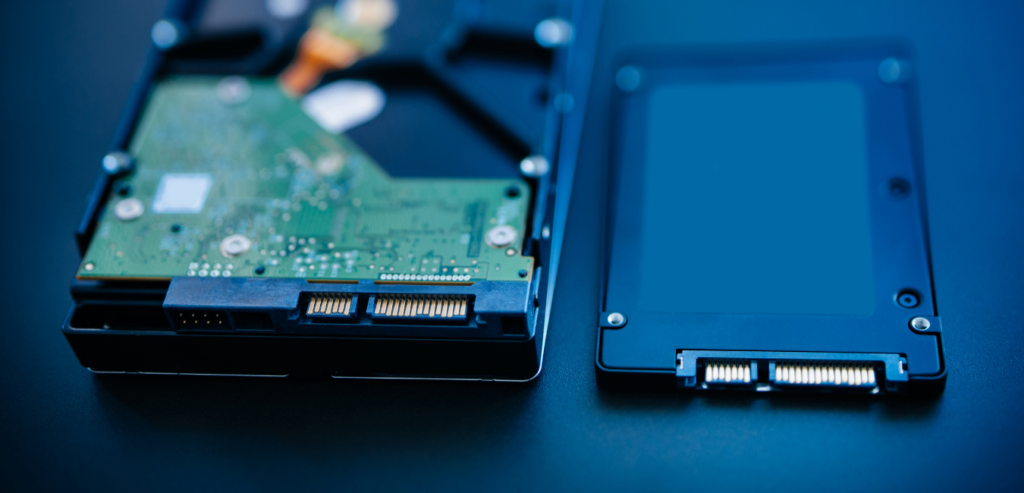
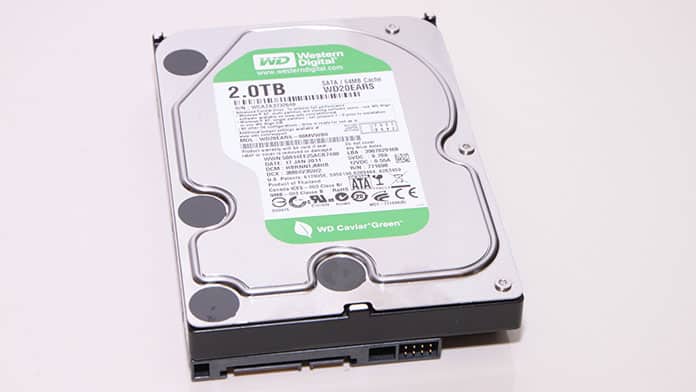
Is it better to have a hard disk or an SSD? Why not combine the two? Some low-cost gaming laptops just include a hard disk. However, the majority of gaming laptops additionally have a tiny SSD that serves as a boot drive. It’s not unusual to see a 128GB SSD and a 1TB HDD coexisting in the same system.
You may observe faster loading speeds if you upgrade to a larger SSD, but this will cost you a lot more money. Storage, like RAM and GPUs, is frequently upgradeable in gaming laptops as well. If you require more storage, you can add a 2TB or larger hard drive.
With that being said, for the best gaming performance, I recommend going with a dual-drive system. The operating system and a handful of your most-played games should go on the smaller SSD, while the remainder of your games and other programs that don’t require quick loading times should go on the larger, more cost-effective hard drive.
6. Display
Most gaming laptops offer display sizes from 15 inches to 17 inches. However, there are also other factors that come into play when it comes to choosing the right display on a gaming rig apart from the size of the screen. I’ve listed some of them below.
Resolution. More pixels shown on the screen means a higher resolution, which can result in a crisper image. High-end gaming laptops may offer 1440p or 4K screens instead of the typical 1080p, but the technology required to run games at these resolutions will almost certainly increase the price.
Refresh rate. When it comes to this feature, the higher the better. The action on-screen can appear smoother and simpler to follow with a higher refresh rate display. It accomplishes this by redrawing the image at a faster rate. This technology is used in many gaming laptop displays, with some boasting refresh rates of 120Hz or 144Hz. If you like to play FPS games, you’ll benefit a lot on a screen with a higher refresh rate.
7. Battery Life
It’s not unusual for gaming laptops to only have 5-7 hours of battery life before you have to reach out for the charger when you’re playing, given that games take a toll on your laptop’s overall power. But if you’re someone who spends their time out and about throughout the day with your laptop, consider looking for models that offer 8-10 hours of battery life so you won’t have to worry about your laptop dying while there is no power outlet nearby.
8. Design
While gaming laptops tend to have the usual chunky, black design with colorfully lit RGB keyboards, some gamers prefer a more subtle aesthetic and one that’s not so in-your-face. Especially when you’re planning to bring it to work or use the laptop in a professional environment.
So whether you’re a student or an employee working in a corporate setting, the size, shape, and color of the gaming laptop you’ll be purchasing are important factors to consider. Luckily for you, many brands have recently jumped on the trend of releasing thinner and sleeker yet powerful gaming laptops so that you wouldn’t worry about the portability and overall look of your laptops anymore.
In addition, some manufacturers have also released gaming laptops with a variety of colors to choose from if you’re wanting to stray from the standard black rig. Whatever aesthetic you’re going for, there is surely a laptop for you.
Whether you’re a casual gamer or a serious one, buying a gaming laptop can be an overwhelming experience. This is especially so if this is your first time. Along with the amount of information you need to take in, the market is also constantly releasing new gaming machines which makes it tough for gamers to settle for one specific model.
So with that being said, it’s very important to keep in mind the things you want to prioritize over certain aspects of the device. If you want the best of the best, you’re going to have to spend a lot of money in order to get that. But if you don’t mind sacrificing some of the specs to save money, then there are a ton of great options for you to choose from as well.
Whichever you choose, I hope our guide on how to buy laptops for gaming in 2021 has helped you out in making a well-informed decision.
Have you already bought your own gaming laptop? Was our guide helpful? Let me know in the comments section below if you have any suggestions, insights, or questions to ask. I would love to hear all your thoughts!
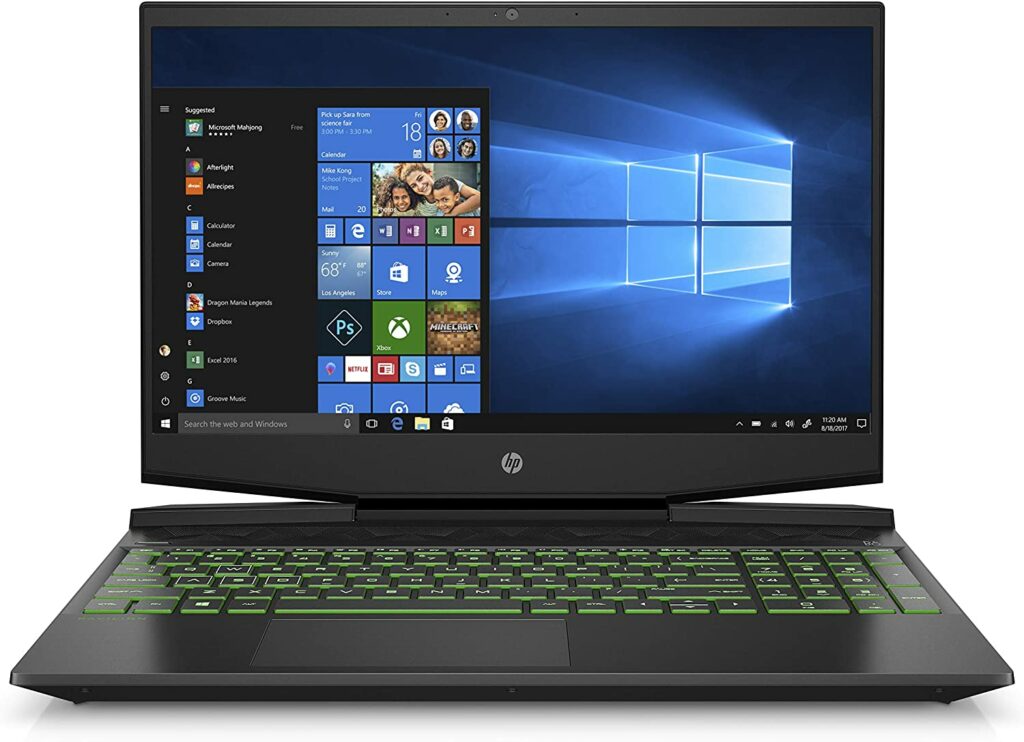
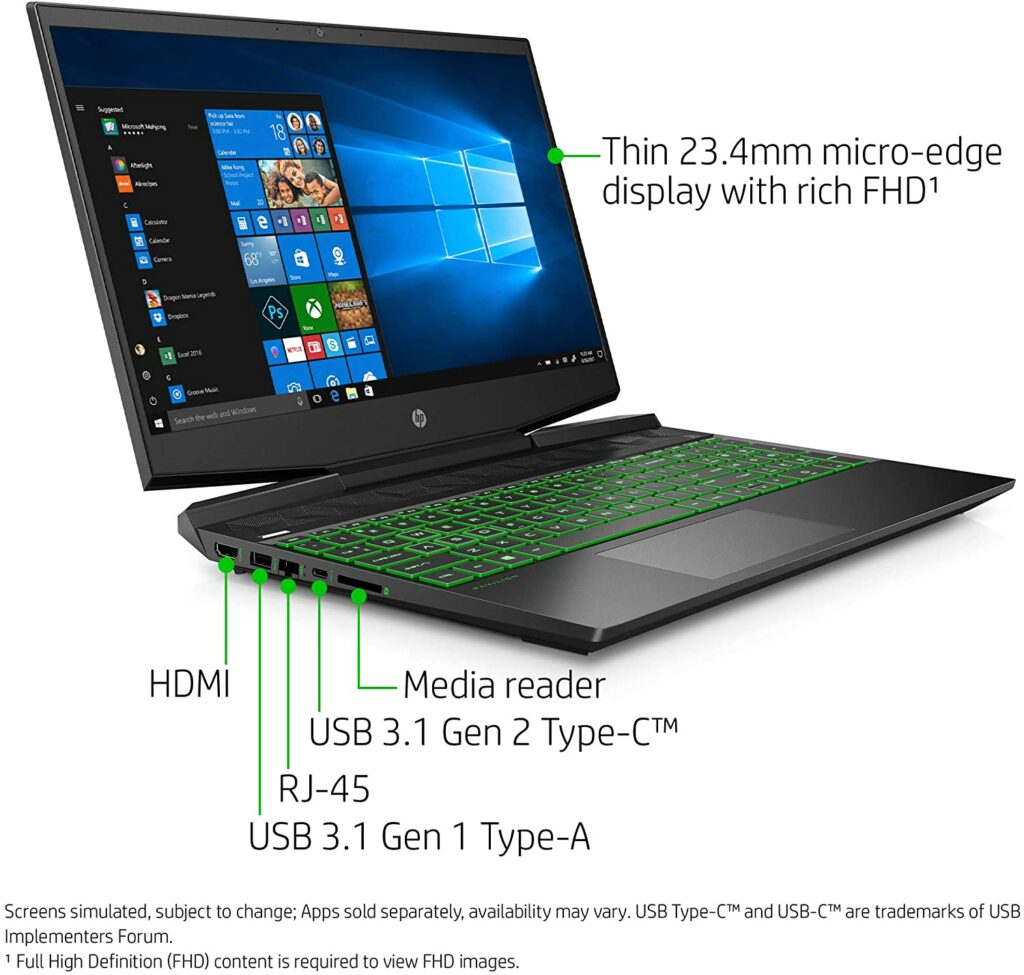
The HP Pavilion gaming laptop is an entry-level model that features a solid Intel Core i7 processor and an Nvidia GeForce GPU, as well as a speedy SSD and long battery life. At the same time, it’s housed in a fairly stylish and lightweight chassis. While the display quality could be better, this gaming rig’s excellent mix of hardware, power, and endurance made it one of the best entry-level gaming laptops under $1000 on the market. If you want to learn more, check out our entire review below.
If you’ve been on the hunt for an entry-level gaming laptop, the HP Pavilion is an excellent choice that will certainly not disappoint. As previously stated, this model features a powerful and fast Intel Core i7 processor, as well as an Nvidia GeForce GPU, responsive SSD, and long battery life, all packaged in a very beautiful green and black chassis.
The design is something to be appreciated too. It’s not too gaudy or screams “look at me, I’m a gaming laptop!”. It’s sleek enough to be used in a more professional setting while still maintaining a unique look that doesn’t look tacky.
Despite its low price, the Pavilion isn’t something you should underestimate. This gaming machine comes with some impressive specs, allowing it to run games at high frame rates with ease. It also boasts plenty of endurance, with a battery life of around 6 hours, which should be more than adequate if you’re more into casual gaming.
Apart from gaming, this compact computer also works pretty well with both school and office activities as well as day-to-day tasks.
If thermal throttling is what you’re concerned about, the Pavilion manages to sustain a comfortable temperature when gaming. Overall, the HP Pavilion is a strong contender for one of our list’s best budget gaming laptops. So, if you’re looking for a strong entry-level gaming laptop, this one comes at a great price point and has a stylish design.
Features & Specifications
Dimensions: 10.08 x 14.17 x 0.92 inches
Product Weight: 4.92 pounds
Brand: HP
CPU: 2.6GHz Intel Core i7-9750H
GPU: Nvidia GeForce GTX 1660 Ti with Max-Q
RAM: 16GB DDR3 SDRAM 2,666MHz
Storage: 256GB PCIe NVMe SSD + 1TB 7,200-rpm HDD
Operating System: Windows 10 Home
Display Size: 15.6 inches
Display Resolution: 1920 x 1080 IPS display
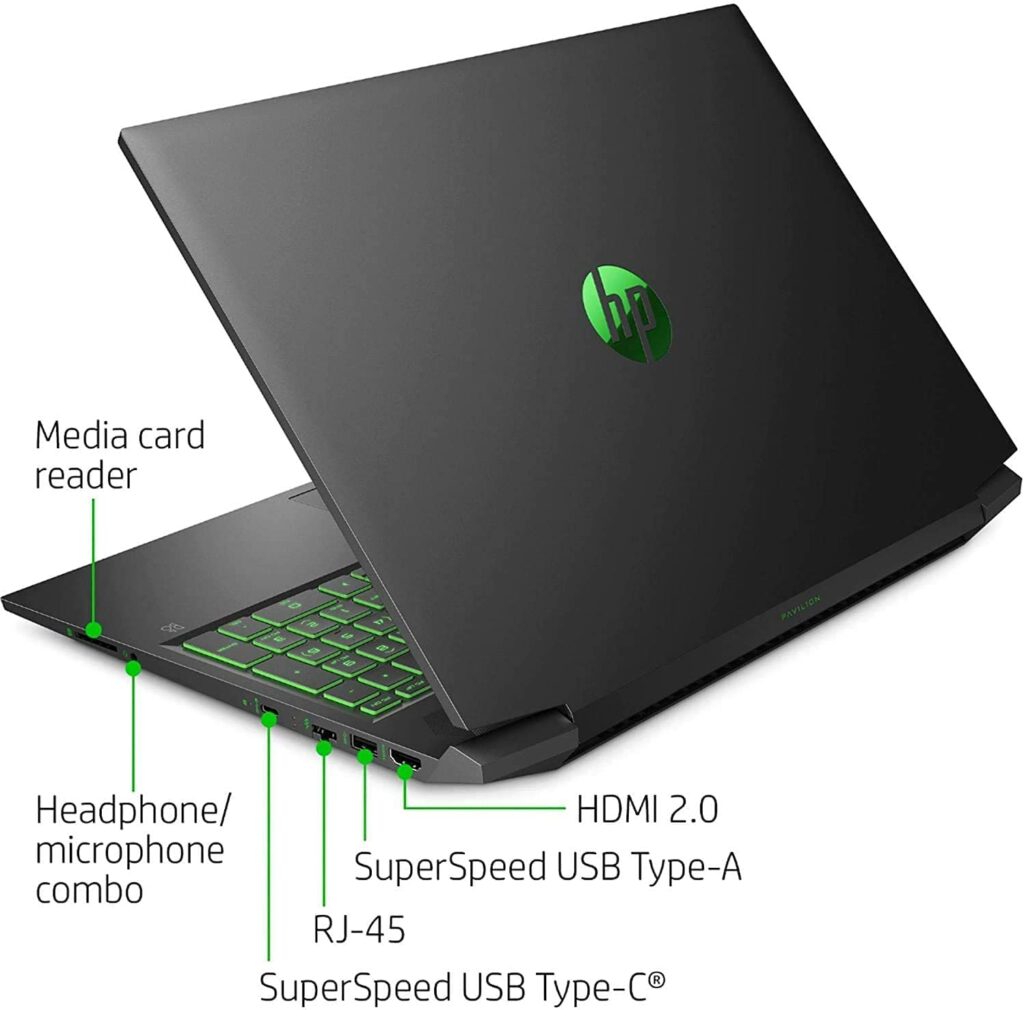
Ports: 1 SuperSpeed USB Type-C (DisplayPort), 2 SuperSpeed USB Type-A, 1 DisplayPort, 1 HDMI 2.0, 1 RJ-45, 1 headphone/microphone combo jack
Battery: 52.5Whr 3-cell lithium-ion
Camera: HP True Vision 720p HD camera
Keyboard: Backlit keyboard
Check Out HP’s Preview Of The Pavilion Gaming Laptop Below.
Without a doubt, one of my favorite things about the HP Pavilion is its design. I truly appreciate that this doesn’t have a bold aesthetic that will catch a lot of unwanted attention. Instead, it’s just edgy enough to provide a good balance between professional and gaming. Not to mention, I find this more lightweight compared to other gaming laptops at the same price point.
Additionally, design-wise, the Pavilion also isn’t your typical gaming laptop. The chassis is black with lovely emerald accents, rather than the usual black-and-red theme you must already be tired of seeing everywhere. If green’s not your color, HP also offers a variant with purple accents as well. Personally, I highly prefer the latter but that’s just my taste.
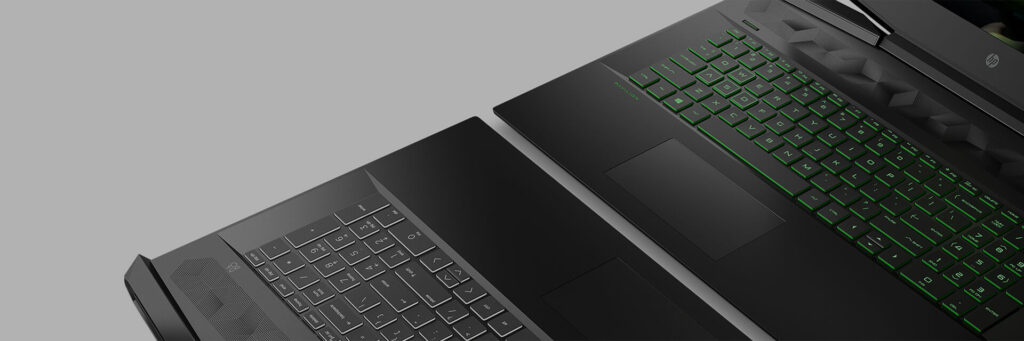
Upon opening the laptop, you’ll notice an illuminated keyboard and a set of uniquely-shaped speakers. The screen size is the usual 15.6 inches with slim bezels around it. Though I feel like the bezels could be trimmed a bit more, but it’s no deal-breaker.
You’ll also find a generous amount of ports with the HP Pavilion. A USB 3.1 Type-A port, a USB 3.1 Type-C port, an HDMI port, an Ethernet RJ-45 port, and an SD media card reader are located on the laptop’s left side. On the right side, there are two more USB 3.1 Type-A connections as well as connectors for headphones and power.
Gaming Performance
The Pavilion 15 comes with a 4GB VRAM Nvidia GeForce GTX 1650 GPU. You should be able to play mainstream games like Far Cry 5 without a hitch at the laptop’s highest graphics settings (1080p with Ultra settings). With games like Cyberpunk 2077, though, you may want to adjust your resolutions and expectations a bit. But, for a laptop at this price, this is to be expected, and it’s still quite impressive in my opinion.
In lower fidelity titles, the Ryzen 5 5600H processor helps push better frame rates in my opinion. It’s not the most powerful of AMD‘s new 5000 series mobile CPUs, but with six cores, 12 threads, and a boost frequency of up to 4.2GHz, it’s more than capable of performing a wide range of tasks outside of gaming.
With that in mind, it’s no surprise that the HP Pavilion gaming laptop excels so well at multiple tasks. It readily performs activities like transcoding 4K films and other media production tasks without a fuss, keeping many tabs open in Google Chrome doesn’t interrupt its smoothness. This laptop boasts excellent hardware that’s ideal for non-gaming tasks, thanks to its 16GB of RAM.
A refresh rate higher than 60Hz is practically required if you’re into esports or just a competitive gamer in general. Many higher-end gaming laptops in the market come with a 144Hz refresh rate, but obtaining the same rate on an entry-level model under a thousand bucks is even more difficult. This is where the HP Pavilion shines as it offers a 144Hz refresh rate for a fairly budget-friendly price.
Though, keep in mind that the base model is capped at 60Hz. So if you’re willing to shell out an extra hundred dollars, you can easily get the 144Hz variant. Given that this Pavilion can play first-person shooters and MOBAs where fine graphics aren’t a priority at speeds above 100 frames per second, 144Hz is a must-have. So I have to commend HP for adding it to one of their entry-level models.
Cooling Performance
One of the great things worth noting with the HP Pavilion is that it doesn’t overheat or get so hot to the point you need to constantly sit right next to your AC system. Overall, It’s safe to use the Pavilion on your lap for regular tasks. Casually browsing the internet shouldn’t pose a problem with heating and the laptop and keyboard will still be quite comfortable to use.
When gaming, you can expect it to get a bit warm but not hot enough to make you want to run your hands under cold water. Internally, the components, particularly the processor, are kept at a safe temperature for the most part. As a rule of thumb, the lower the average temperature, the longer the CPU will last and you will be able to use the laptop for the years to come.
Our Least Favorite Things
Display
Don’t get me wrong, the display on the HP Pavilion isn’t terrible. It definitely can do some good with a bit of improvement but it’s not that bad. The display could be brighter and for games that are really heavy on the graphics department, you might want to keep your expectations low on this one.
But at the same time, it’s quite understandable for a gaming laptop at this price point to not have the best display in the market. Manufacturers usually cut the costs on display quality as this is one of the most expensive aspects of creating a gaming laptop.
In A Nutshell
Now that we have finished discussing the things we liked and disliked about the HP Pavilion Gaming Laptop, here’s our narrowed-down list of the good and the bad with this particular gaming rig. The 15.6-inch, 1080p screen on the HP Pavilion isn’t the brightest or most colorful, but it still manages to give acceptable visual quality.
You won’t have any trouble seeing minute details when watching movies or playing video games. They’re pretty sharp, crisp, and the color accuracy isn’t bad either. However, when compared to other budget gaming laptops, the Pavilion falls short in terms of brightness. To be more specific, it only averaged 241.2 nits.
But don’t let this set you back. For affordable gaming laptops, the display quality is usually the main feature manufacturers skimp on to keep it low-cost since this is one of the most expensive components when creating a gaming laptop.
Pros
Lightweight compared to other gaming laptops within this price range.
Solid battery life for casual gaming.
Gaming performance is quite excellent.
Sleek design.
Cons
Picture quality could be brighter.
Our Final Verdict
Despite being an entry-level model, the HP Pavilion gaming laptop delivers excellent 1080p gaming performance for a wide range of games. You may need to keep the graphics settings on medium or low for certain games, but for the price, you won’t be disappointed. This will surely be enough to satisfy a lot of casual gamers.
Have you already bought the HP Pavilion Gaming Laptop? Or are you still contemplating it? Was our review helpful in your purchasing decision? Let me know in the comments section below if you have any suggestions, insights, or questions to ask. I would love to hear all your thoughts!
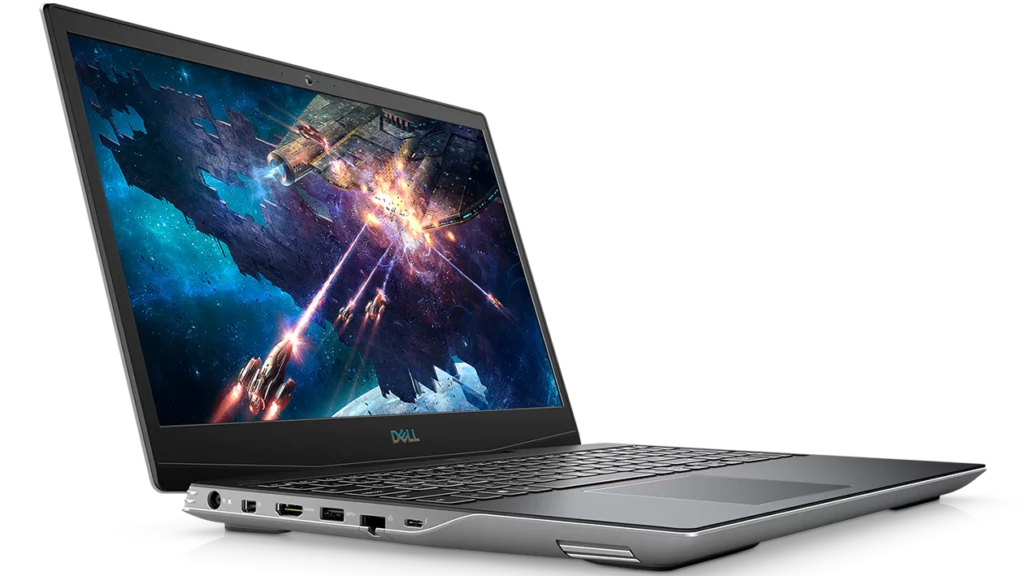
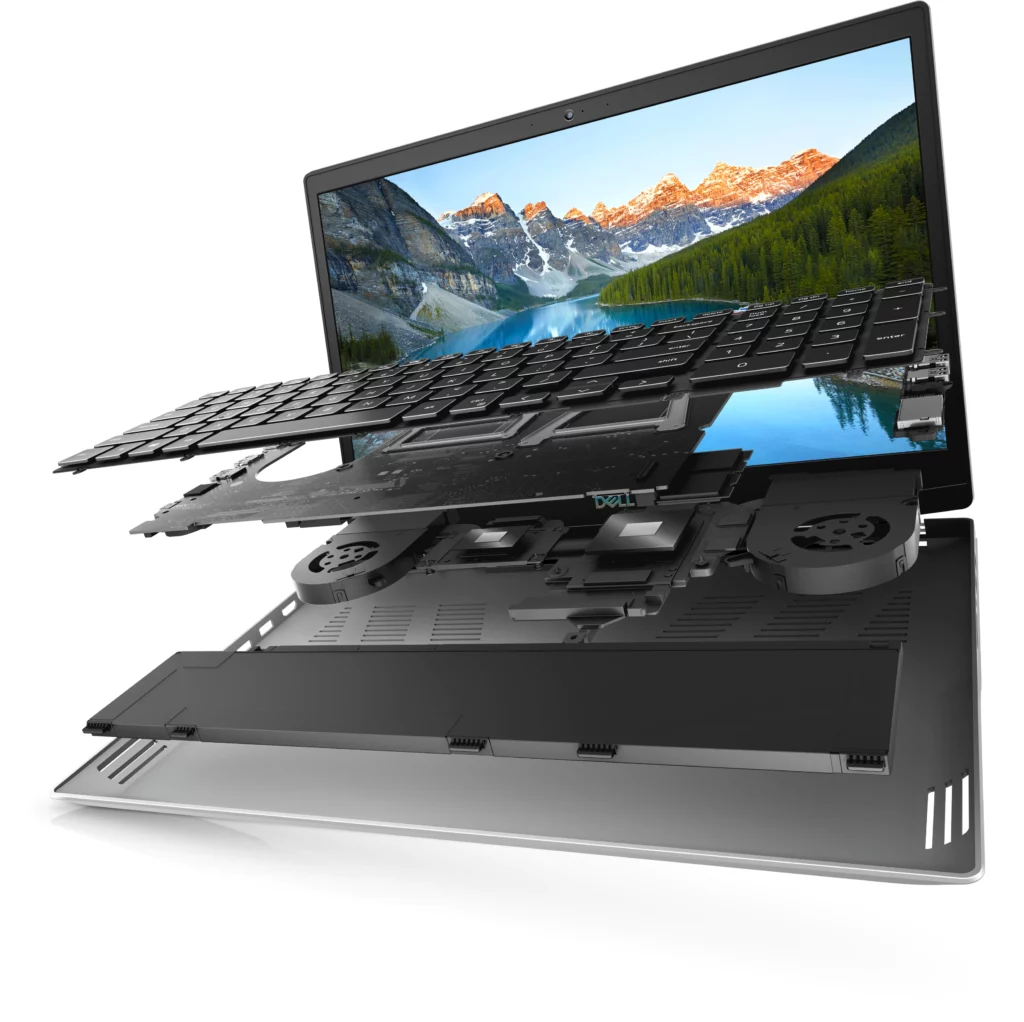
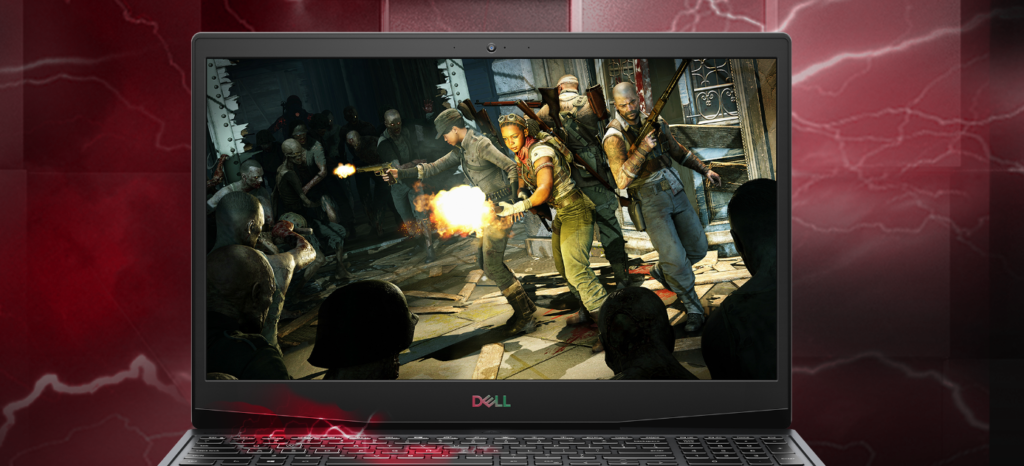
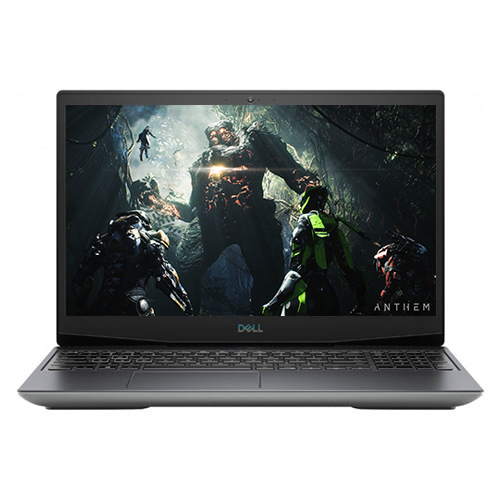
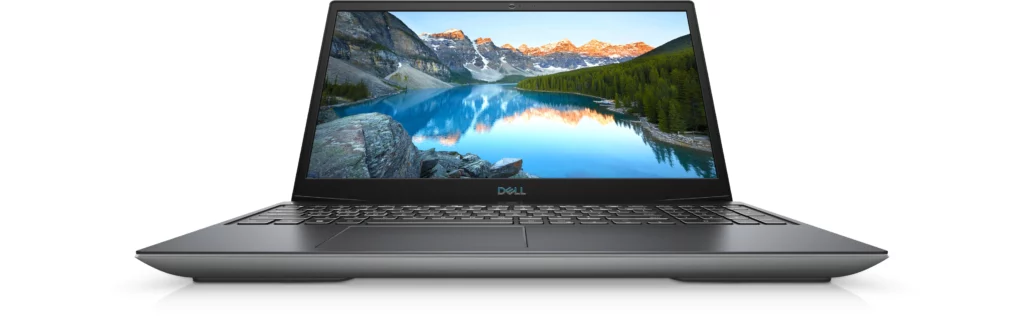
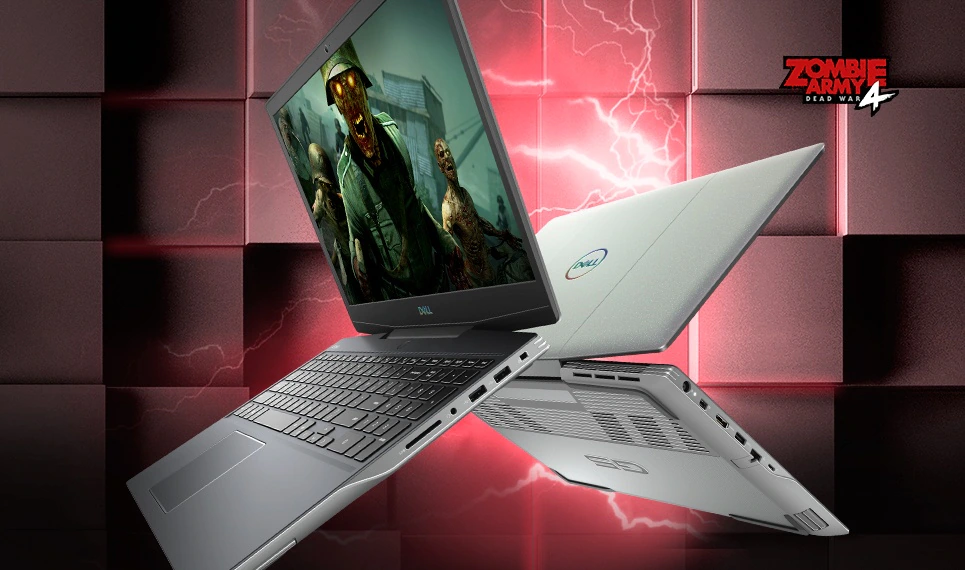
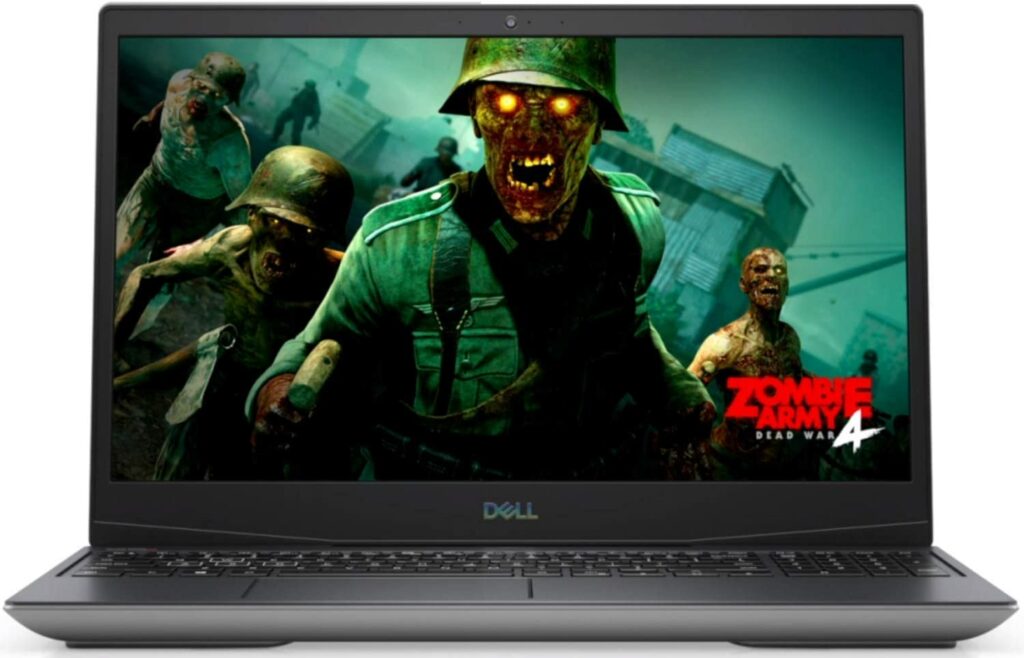
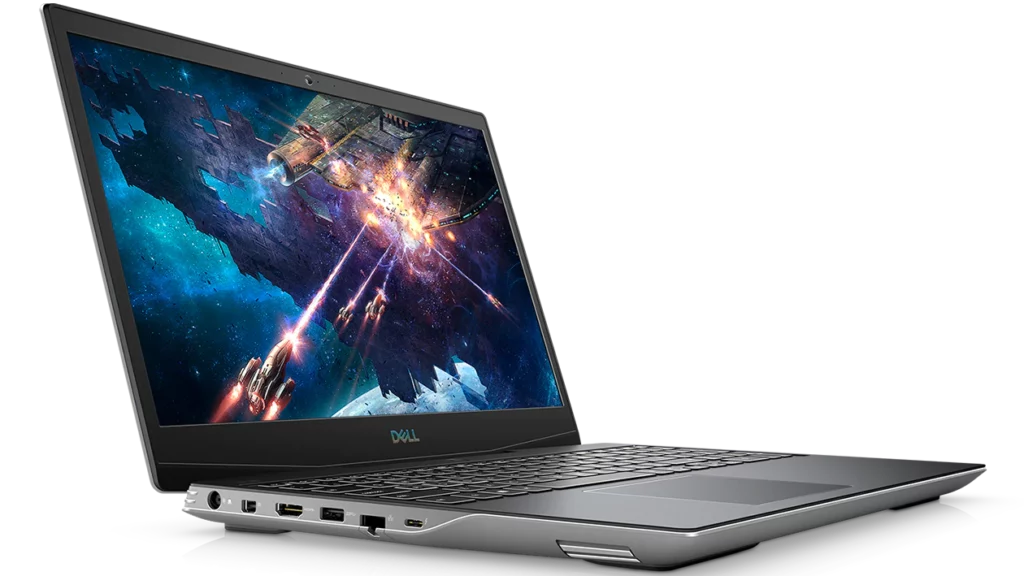
Without a question, the Dell G5 15 SE is one of the best gaming laptops you can buy for the money. It isn’t the most lightweight or most powerful gaming laptop on the market, but with a price tag of just under $1,000, an AMD Ryzen processor, and an RX 5600M graphics chip, you’ve got yourself a solid gaming rig. This particular Dell gaming laptop is also miles ahead of its competition within the same price category thanks to other fast components like fast RAM, an NVMe SSD, and a 144Hz refresh rate display. If you’d like to know more about this impressive device, just keep scrolling to read our full review of the Dell G5 15 SE Gaming Laptop.
Affordable gaming laptops are so in demand these days. Especially with the pandemic still ongoing, people are reaching out to play their favorite games as a way to cope with the numerous lockdowns we have faced. Along with the rise of demand for games, so does the demand for PC parts and gaming laptops and consoles.
Not to mention, gone are the days when you had to spend $2000 just so you can game on the go. This is where the Dell G5 15 SE comes in.
This gaming rig is a crowd favorite among gamers and an overall outstanding gaming laptop thanks to its strong CPU, long battery life, and bright 15.6-inch display with a 144Hz refresh rate. Additionally, due to its AMD Ryzen 5000 H-series processor, this gaming system routinely outperforms its competition without a fuss.
The battery life of this gaming laptop was also excellent, lasting well over 7 hours. With that and an AMD graphics card capable of handling today’s most demanding AAA games, you’ve got yourself a capable gaming rig that won’t break the bank. Furthermore, this gaming laptop includes a display screen that is sharp and colorful enough for the price, as well as a very ergonomic keyboard to operate.
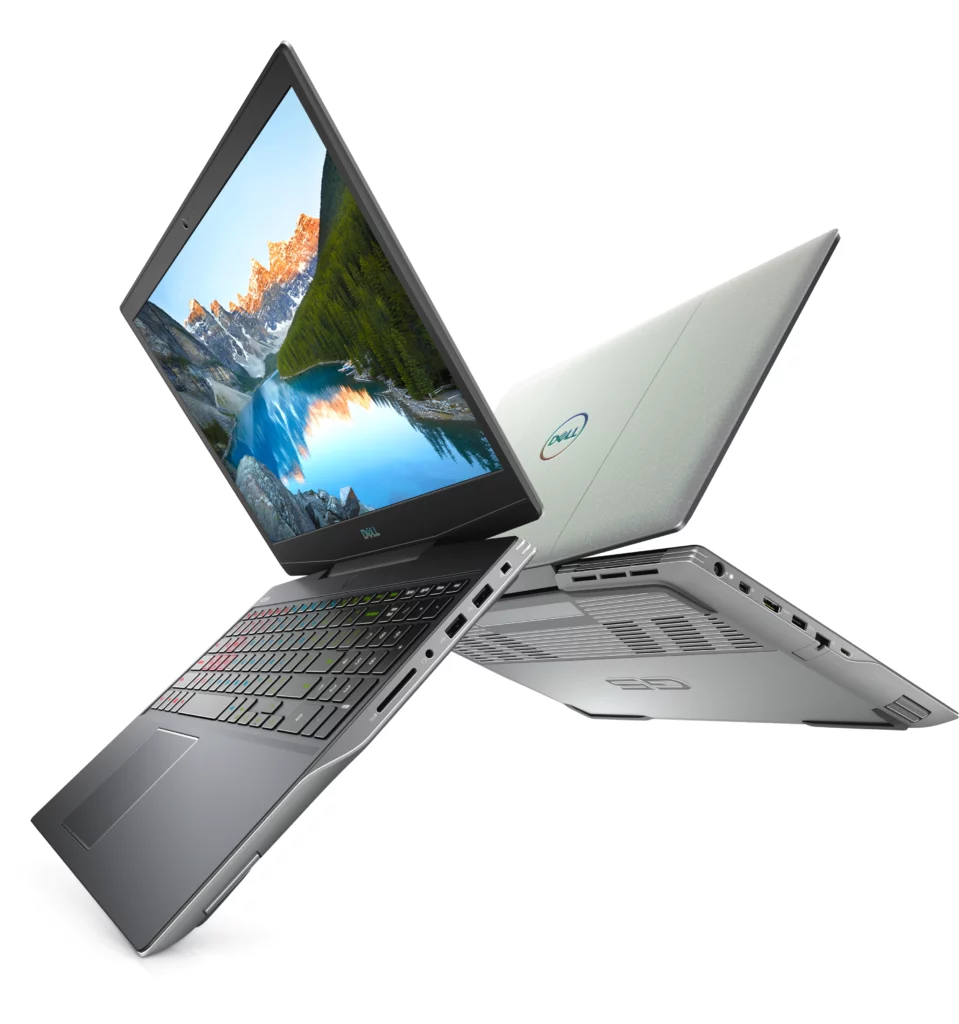
In terms of design, I personally like it. It’s not the sleekest looking laptop out there (nor the most lightweight, either) but I appreciate how the chassis is painted in gleaming silver. It’s a welcome change from the traditional red and black colors associated with gaming laptops.
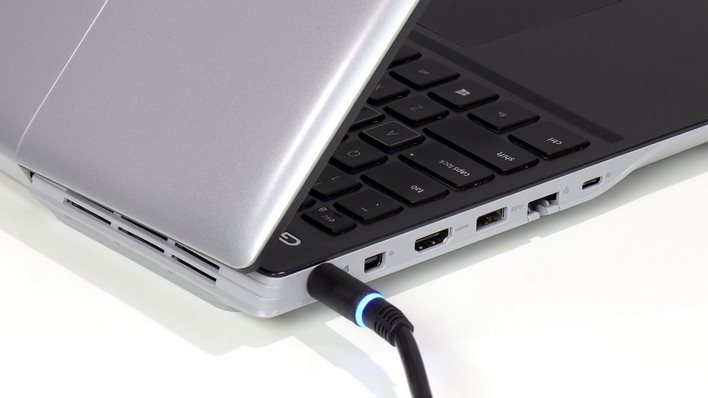
On top of all that, the Dell G5 15 SE offers a large number of ports, allowing you to connect all of your important devices. Overall, it’s no surprise that this gaming laptop ranked first on our list of the best affordable gaming laptops in 2021.
Features & Specifications
Dimensions: 14.4 x 10 x 0.85 inches
Product Weight: 5.51 pounds
Brand: Dell
CPU: 1.6GHz AMD Ryzen 7 4800H
GPU: 6128GB AMD Radeon RX 5600M
RAM/Storage: 16GB DDR4 SDRAM 3,200MHz / 512TB SSD
Display Size: 15.6 Inches
Display Resolution: 1920 x 1080, 144Hz
Operating System: Windows 10 Home (1909)
Networking: Killer Wi-Fi 6 AX1650x (802.11ax), Bluetooth 5.1, Ethernet
Ports: 1 x USB-C, 3 x USB-A, 1 x mini DisplayPort, 1 x combo audio
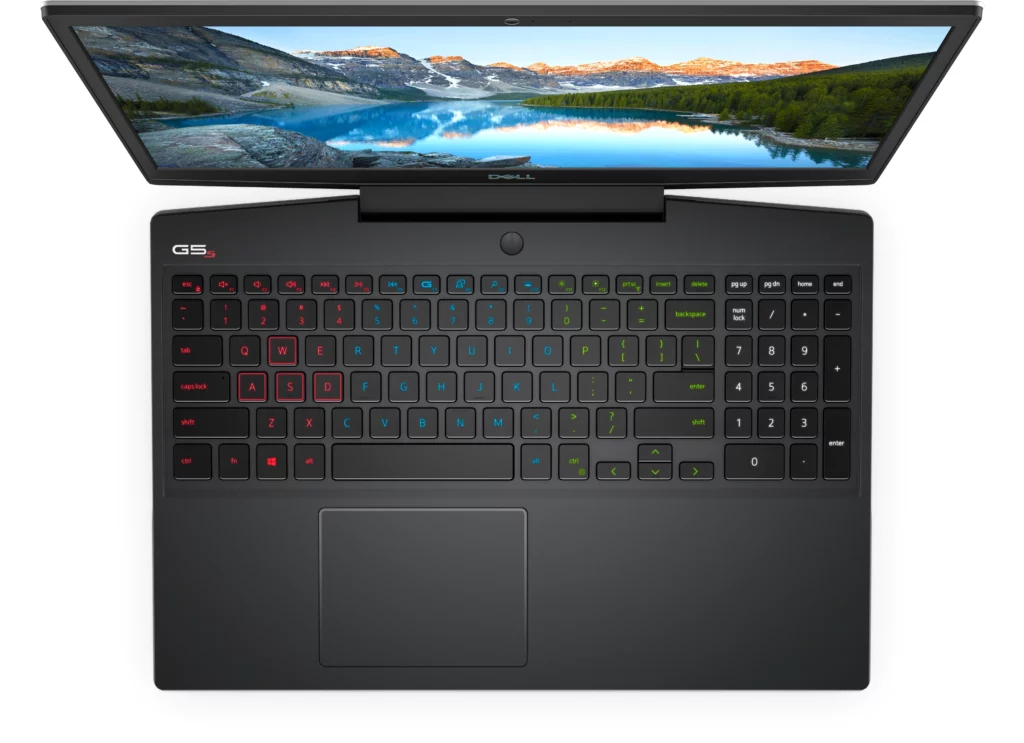
Keyboard: Backlit Keyboard
Touchscreen: No
Color: Supernova Silver Cover
Check Out Dell’s Product Preview Of The G5 15 Below.
Honestly, there’s nothing particularly outstanding with the Dell G5 15 SE’s design. It’s quite straightforward, simple, and can easily blend into a professional setting. I do appreciate that it doesn’t sport the in-your-face gaming aesthetic a lot of gaming manufacturers tend to strive for with their products. This one’s more subtle and the silver chassis is definitely enough to make it stand out from the usual dark colors.
To put it simply, the G5 15 SE is a rather plain-looking laptop with a few design embellishments that don’t scream “look at me, I’m a gamer.” It’s no head-turner and the lid has the most of these flourishes. It’s silver with a metallic gleam, carved with two vertical lines, and topped with a gleaming Dell logo.
The overall design is otherwise fairly modest, with gray plastic on the bottom panel and a plain black keyboard deck that does have RGB illuminations you can tinker around with. Personally, I don’t mind if a gaming laptop has bold, eye-catching colors or numerous RGB lights, as long as it’s not overdone or tacky. But the subtlety in the G5 15 SE is something else.
Whether that’s a good or bad thing is completely up to you. If you prefer gaudy, gaming colors, then this kind of style the G5 15 SE sports might not be for you. But if you want a gaming laptop that you can also use for work or in public without catching too much attention, then this is a nice balance.
Size
In terms of size, the G5 15 SE doesn’t stand out much as well. Weighing at 5.51 lbs, it isn’t particularly bulky, but it’s definitely not small or light either. Most gaming laptops I’ve seen at this price point also share the same weight and size, more or less. It’ll take a bit more effort in carrying this around with you but it shouldn’t be too much of a problem.
Also, I noticed that with more affordable gaming laptops, the size of the model is one of the few things you’ll most likely have to compromise on. Packing such powerful hardware in a thin and light chassis is usually more commonly seen in premium and high-end gaming laptops. So if you’re on a budget, it’s much better to focus on the gaming performance of these laptops rather than the size.
Performance
When it comes to gaming performance, the Dell G5 15 SE certainly didn’t disappoint. The fundamental components of the Dell Gaming G5 15 SE are well-matched and even graphics-heavy games run pretty smoothly on this gaming rig.
The Intel six-core CPU, Nvidia RTX 2060 graphics, and 1080p LCD display work together to produce flawless frame rates in the latest games at high settings that’s sure to satisfy a lot of casual gamers. We’re not talking about the absolute pinnacle of a buttery-smooth gaming performance but this is definitely a solid experience either way.
If you’re looking for something more, you’ll need a more powerful GPU and a monitor that refreshes at 120Hz or higher. Not to mention, a bigger budget too. In any case, frame rates in the 60 to 70 fps range when set to ultra detail are highly enjoyable. However, they also show that using a high refresh panel with this setup is practically pointless.
With that said, the Dell G5 15 SE is a pretty solid contender among entry-level gaming laptops. It’s competent and capable enough to make sure that you get a nice gaming experience out of this rig for the years to come.
Display
The display on the Dell G5 15 SE is about what you’d expect from an entry-level gaming laptop. But with a few quirks. Its 1080p Full HD resolution is an excellent match for the modern components inside its chassis. However, the highlight of the display is the 144Hz refresh rate which allows you to have smoother-looking gameplays. Though the base model of this laptop comes with just a 60Hz refresh rate.
Keep in mind, reaching 144fps will be pretty near impossible with the latest AAA titles but this shouldn’t be a problem if you’re more of a casual gamer. The overall visual quality is likewise rather high, and the screen does get quite bright when set to its maximum brightness.
Battery Life
Gaming laptops don’t always have the best battery lives, which is understandable since playing games tend to drain batteries faster than your normal day-to-day tasks. The Dell G5 15 SE, on the other hand, provides some of the best battery life I’ve seen in a gaming laptop. This model easily lasted 7 hours, though this can vary depending on how frequently you use it.
Under heavy load, most gaming systems fall short of the 4-hour mark, but the G5 15 SE performed admirably. Especially if you think about how affordable this laptop is.
Our Least Favorite Things
Thermal Throttling
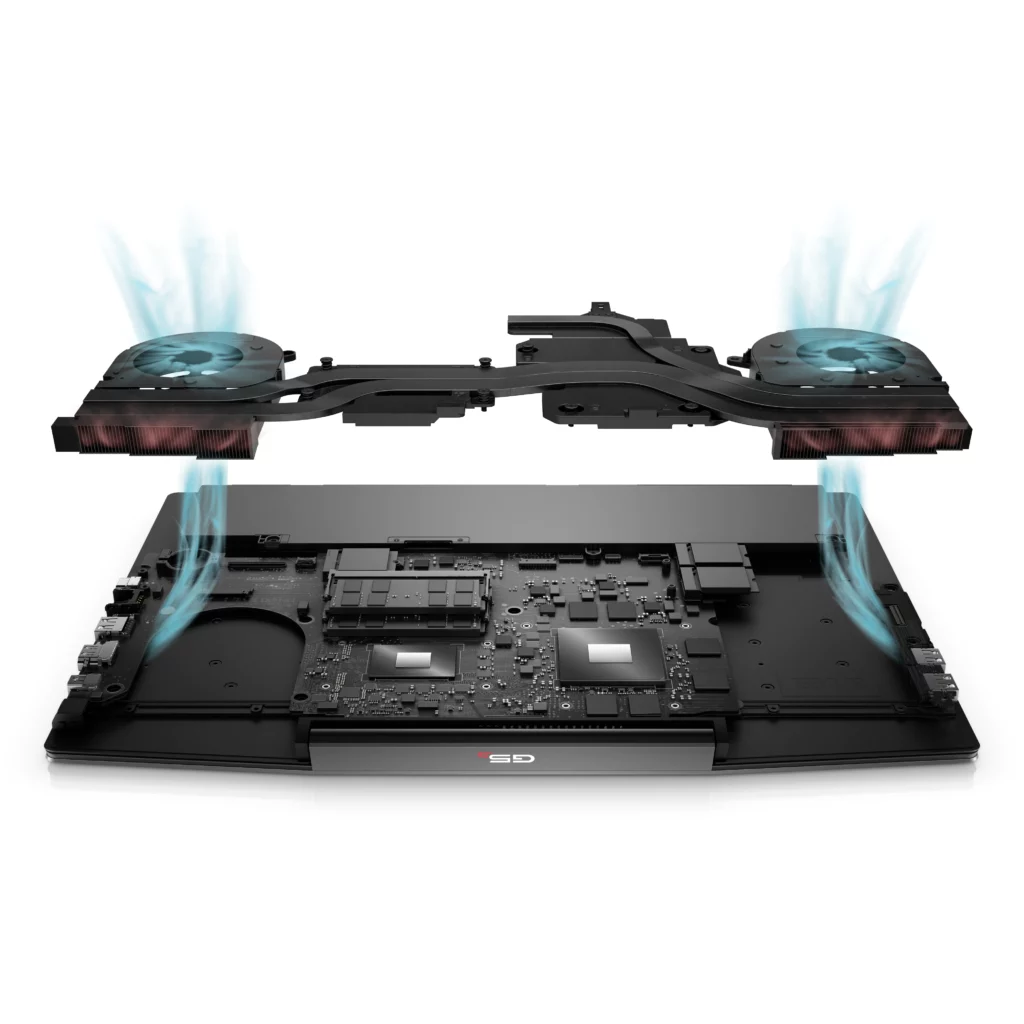
No product will ever be completely perfect and the Dell G5 15 SE is no exception to that. One major concern that you might want to keep in mind with this particular gaming laptop is that thermal throttling is a bit of an issue here.
Under stress, the laptop becomes noticeably heated, both on the underside and in hot patches surrounding the keyboard. So this is something to keep in mind in case heating is an issue with you. However, this isn’t a problem exclusive to this model. Most affordable and low-cost gaming laptops seem to encounter this problem as well. I guess a better cooling system is a luxury and a privilege?
In A Nutshell
Now that we have discussed the things we liked and disliked about the Dell G5 15 SE gaming laptop in this review, here’s a narrowed-down list of the good and the bad with this particular gaming rig.
Pros
Amazing CPU & GPU performance.
Solid battery life.
Terrific RAM & storage.
Cons
Expect some bloatware.
Not the most lightweight design.
Our Final Verdict
Overall, the Dell G5 15 SE exceeds expectations for an entry-level gaming laptop. It sports a subtle design that doesn’t look tacky, provides a terrific gaming performance thanks to its AMD chip, has plenty of ports, and pretty decent battery life. This computer is also not limited to gaming. You can easily use this for your professional work or everyday tasks as well. Although a few compromises were made to keep this gaming rig affordable, it still provides outstanding value for the money.
Have you already bought the Dell G5 15 SE? Or are you still contemplating it? Was our review helpful? Let me know in the comments section below if you have any suggestions, insights, or questions to ask. I would love to hear all your thoughts!
Gaming laptops used to be pretty pricey back in the day. However, if you’re on a tight budget, there are now several excellent options for you to choose from. You can buy decent gaming laptops for under $1000, but the best deals tend to go quickly due to limited stocks and the ongoing scarcity of microchips. When you do discover a laptop, it’s usually equipped with the latest AMD or Intel processors, updated entry-level graphics as well as displays with higher refresh rates. Who says you have to pay high-end prices to game, right? So, if you’re looking for a budget computer for your PC gaming on the go, we’ve compiled a list of the best cheap gaming laptops in 2021 for you.
Affiliate Disclosure: I am grateful to be of service and to bring you content free of charge. In order to do this, please note that when you click links and purchase items, in most cases I receive referral commissions. Eventually, I may earn enough to buy a beer or two.
Why You Don’t Have To Pay More For A Gaming Laptop
Sure, having the most expensive laptop available in the market has its perks, but sometimes, it is also not the most ideal. These days, it’s no longer necessary to drop $2000 on a decent gaming laptop. A lot of gamers can get through with their gaming needs just fine even with budget-friendly computers that are under or just a little over a thousand bucks.
With AMD making a comeback in the gaming laptop market and Intel introducing its latest 10th Gen Comet Lake H-Series processor, there are plenty of options to explore. Apart from that, on a 1080p screen, which is the type of display seen in most gaming laptops, powerful graphics cards don’t give substantial performance boosts. Therefore, they’re not worth the extra expense you’ll be splurging on them.
Despite their low pricing, these budget laptops can do almost everything their more high-end counterparts can, including high refresh rates, RGB keyboards, support for VR headsets as well as playing AAA games at high frame rates will be no fuss at all.
You’ll be able to enjoy the most popular games like Fortnite, PUBG, and Minecraft in high definition. So shopping for your next or first-ever gaming laptop will be hella fun with these new modern features laptop manufacturers are now offering.
Don’t get me wrong though, a budget gaming laptop still costs a good penny. $1000 is no easy money. However, you can still save a lot of money by looking for refurbished models from stores like Amazon or Best Buy. Not to mention, these gaming laptops also frequently fluctuate in price whenever there are holidays coming up.
So without further ado, let’s head onto our top picks for the best cheap gaming laptops in 2021 for people on a budget such as yourself.
Our Top Recommendations
1. Dell G5 15 SE
Overview
Because of its powerful CPU, long battery life, and bright 15.6-inch display, the Dell G5 15 SE is certainly a crowd favorite among gamers as well as an overall excellent gaming laptop. This particular gaming rig consistently outperformed its competition thanks to its AMD Ryzen 5000 H-series processor.
The notebook’s battery life was likewise impressive that will surely last you over 7 hours. That, plus the AMD graphics card that can handle even the most demanding AAA games of today, you’ve definitely got yourself a winner. On top of that, this particular gaming laptop also boasts a display panel that is both crisp and vibrant, as well as a very comfortable keyboard to use.
Personally, I also really like the shimmering silver paint on the hood. It’s a nice break from the usual red and black colors you see that are so common with gaming laptops. Additionally, the Dell G5 15 SE also offers a generous amount of ports, which allows you to connect all of your necessary devices. With all that being said, it’s no wonder why this gaming laptop has topped our list of the best cheap gaming laptops in 2021.
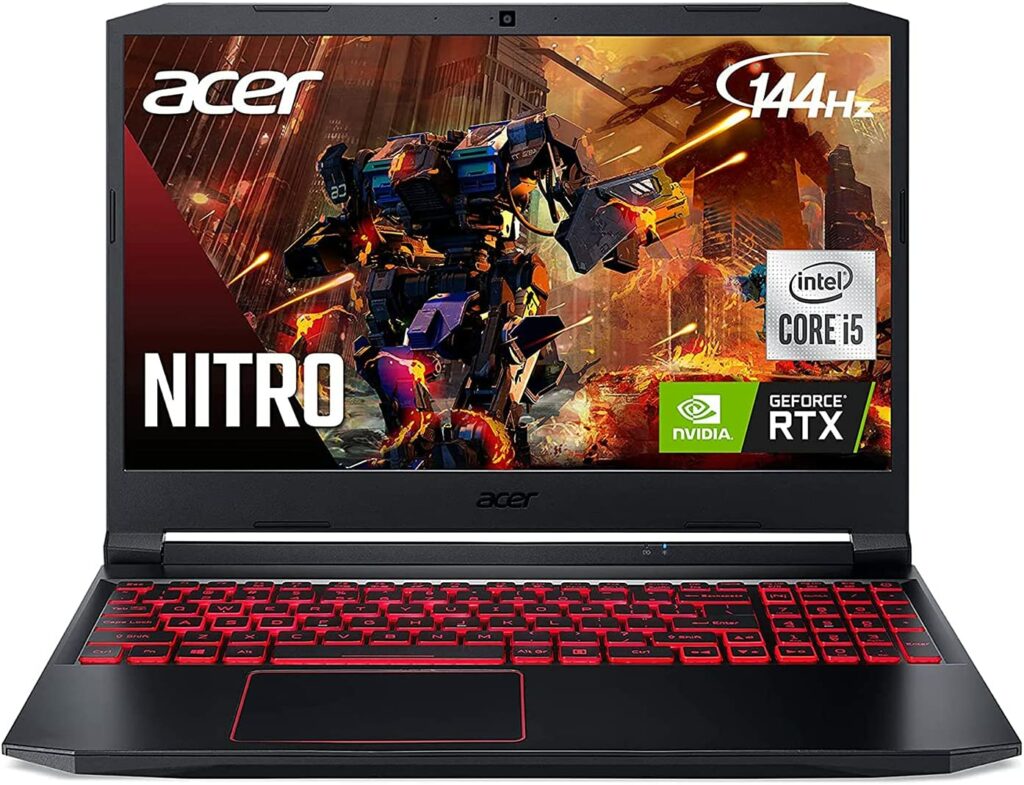
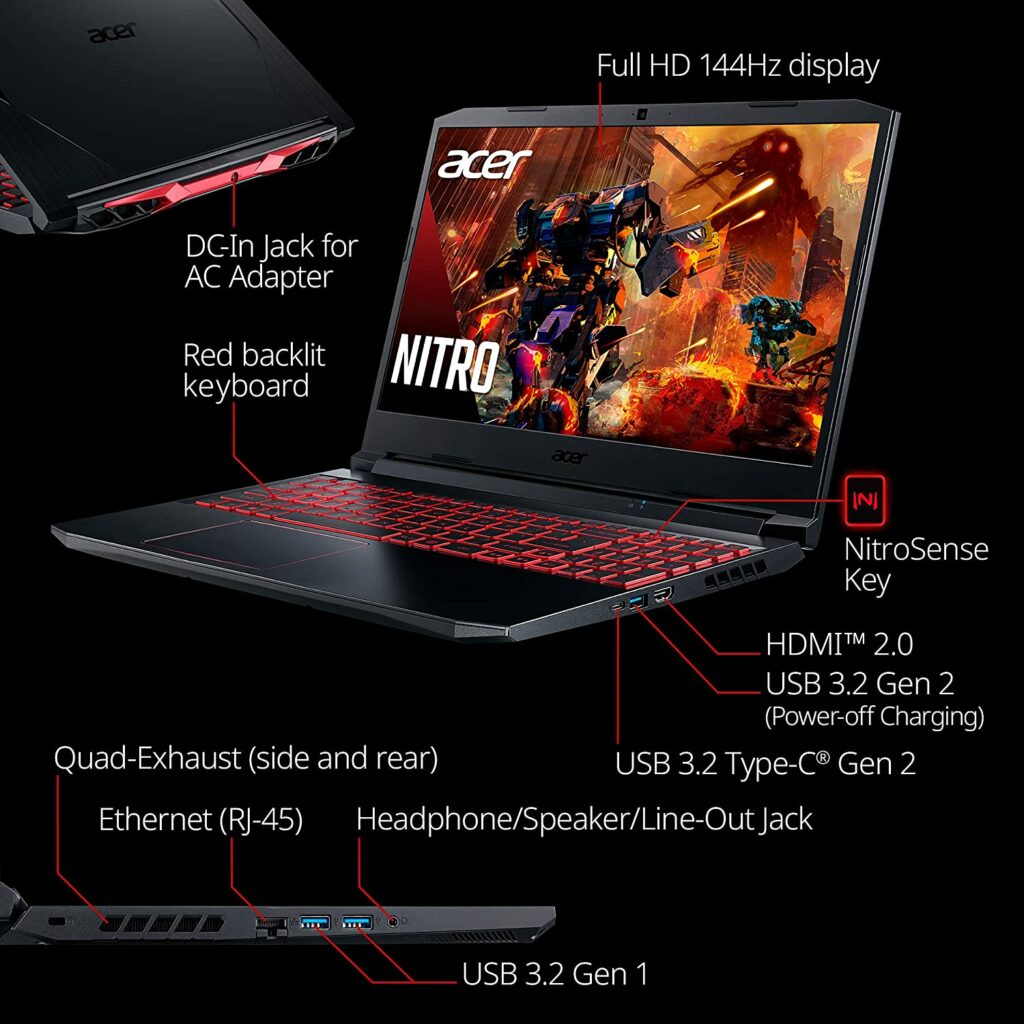
The Acer Nitro 5 is a tough one to beat if you’re seeking a gaming laptop at a shockingly low price. The Nitro 5 provides an amazing battery life, a powerful AMD Ryzen 5-4600H processor, and a terrific keyboard that’s comfortable to use for a little under $850.
However, like other recent AMD-powered laptops, this one’s real claim to fame is its battery life. In case you’re unaware, the Acer Nitro 5 has a battery life of a whopping 11 hours and 9 minutes! This is quite unheard of in a gaming laptop, especially in this price range. The Nitro 5 delivers really impressive gaming performance. Especially for a laptop in this price category, and it’s all thanks to its AMD processor.
However, because of the Nvidia GTX 1650 GPU, you might have to play AAA games at lower settings in order to get reasonable frame rates. Apart from that, just like with any other budget-friendly gaming laptop, some compromises will have to be made. One example is a dimmer display. But for a gaming system for just under $850? At this point, you can’t possibly complain.
The Acer Nitro 5 is also available in two sizes: 17.3 and 15.6 inches. With entry-level gaming laptops, a 17-inch affordable gaming laptop is pretty rare at this point. The majority of gaming laptops under $1,000 only feature 15.6-inch displays. Keep in mind though, the larger 17-inch screen on the Nitro 5 is currently priced at just a little over a thousand dollars.
Features & Specifications
Dimensions: 14.31 x 10.04 x 0.94 inches (15.6-inch display)
Product Weight: 5.07 lbs
Brand: Acer
CPU: AMD Ryzen 5-4600H
GPU: Nvidia GeForce GTX 1650 with 4GB of VRAM / NVIDIA GeForce RTX 3050
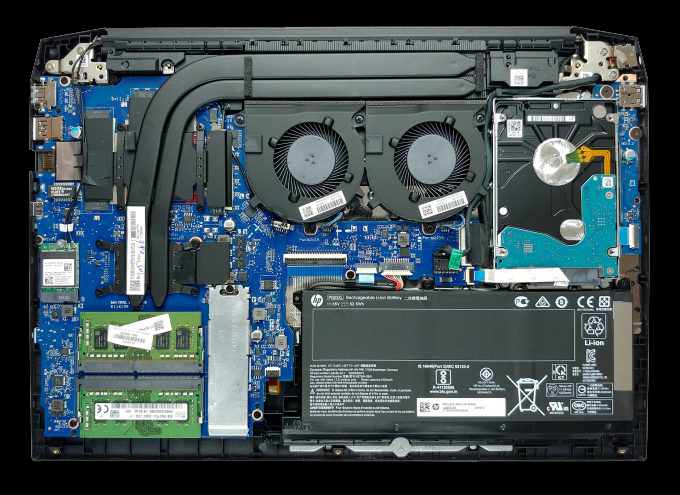
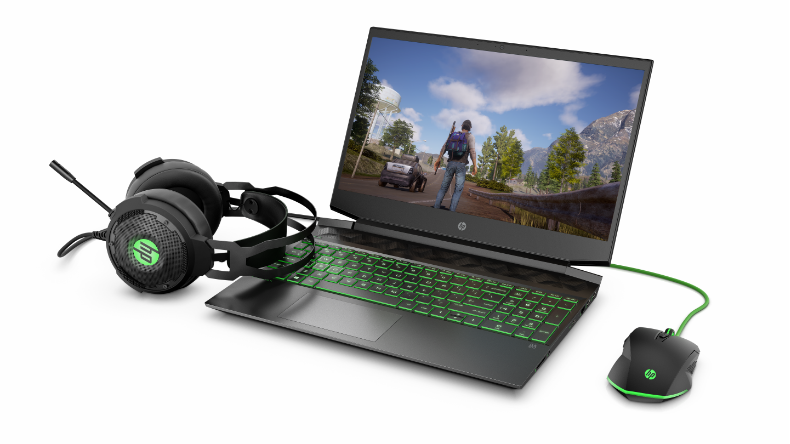
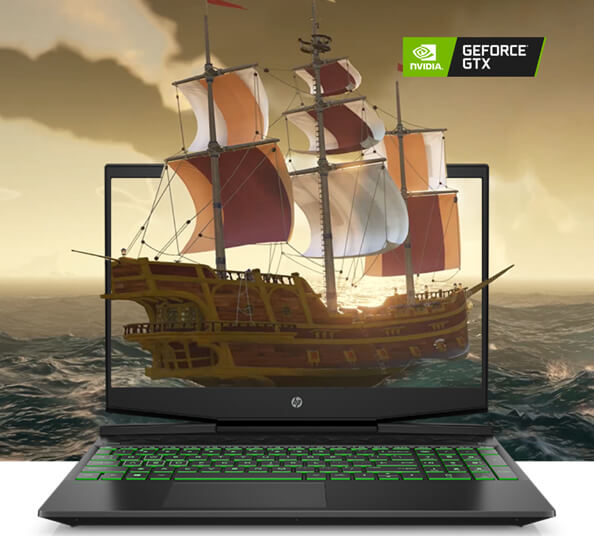
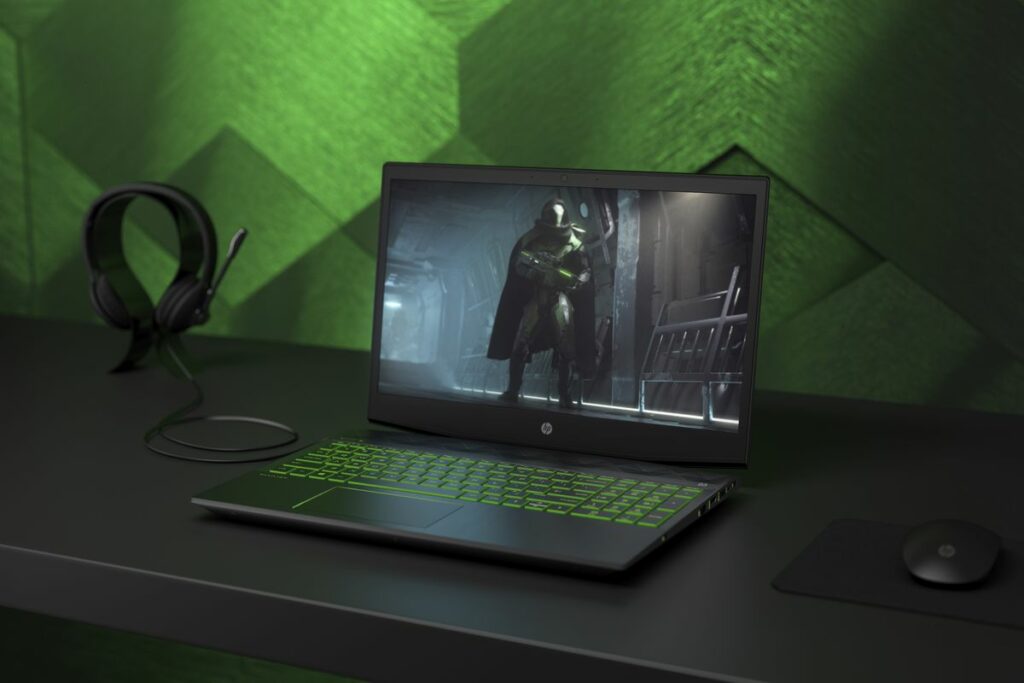
The HP Gaming Pavilion is another solid entry-level gaming laptop that will surely impress you. This particular model boasts a powerful and fast Intel Core i7 processor as well as an Nvidia GeForce GPU. It also has a responsive SSD and long battery life, all of which is housed in a very stylish green and black chassis.
Despite its relatively low price, the Pavilion isn’t something you shouldn’t underestimate at all. This gaming rig is equipped with some powerful specifications, allowing it to play games smoothly at high frame rates. It also has plenty of stamina, with a battery life of approximately 6 hours which should be more than enough for a casual gamer.
Apart from that, if heating is a concern, the Pavilion also manages to keep a reasonable level of coolness while gaming. All in all, the HP Pavilion is a serious contender for one of the best budget gaming laptops on our list. So if you’re searching for a powerful entry-level gaming laptop, this one comes at a terrific price point and a design that doesn’t look tacky.
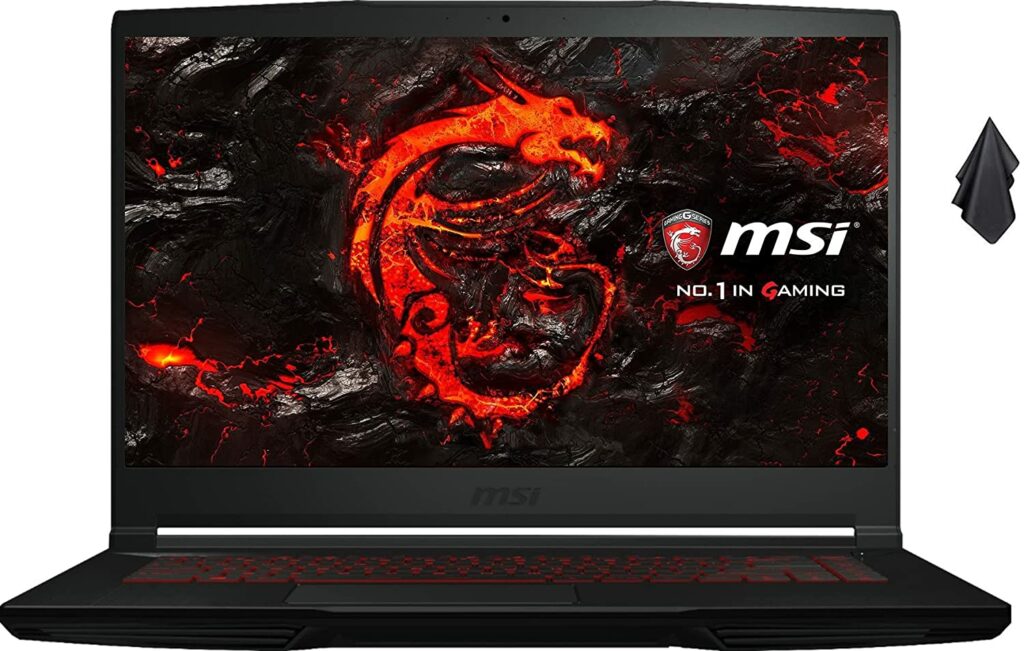
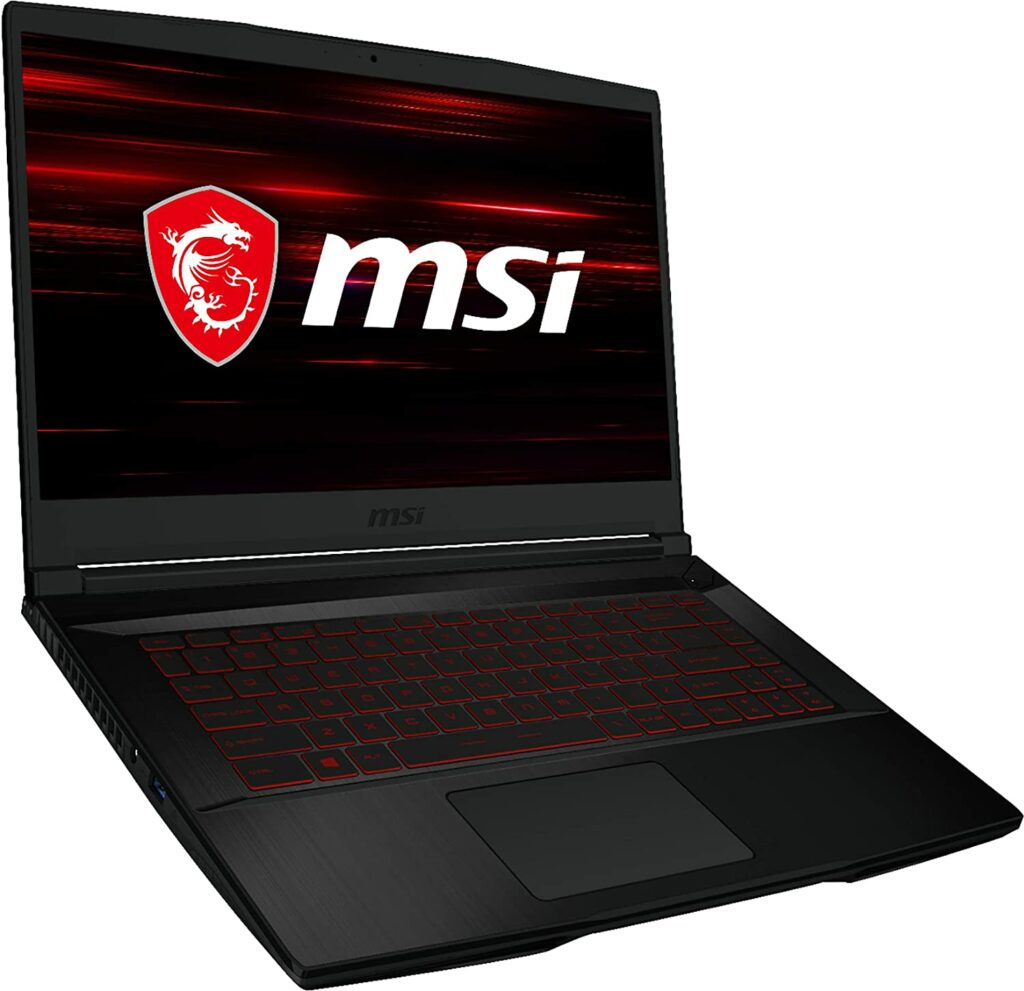
The MSI GF63 is an excellent pick for a gaming laptop for those who are just starting on their gaming and have a pretty limited budget. Its Intel Core i7 processor and Nvidia graphics card are sure to deliver an excellent gaming performance that will allow you to play the most recent and mainstream games on relatively low settings while maintaining a pretty low price.
But don’t worry! Owing to the Nvidia GeForce 1050 Ti GPU it has inside in its chassis, the GF63 can play most games smoothly and without a fuss. Its best feature, though, is its Core i7 CPU, which puts it a step ahead of the competitors on most fronts. Overall, the GF63 is a reliable gaming laptop with good performance at a reasonable price.
However, I would suggest this laptop for the most casual gamers who aren’t requiring anything demanding. But if you game on an above-average basis then I would suggest looking at the other options on this list.
Features & Specifications
Dimensions: 14.13 x 9.99 x 0.85 inches
Product Weight: 4.10 lbs
Brand: MSI
CPU: 2.2-GHz Intel Core i7-8750H CPU
GPU: Nvidia GeForce GTX 1050 Ti with 4GB of VRAM
RAM/Storage: 16GB/256GB M.2 PCIe SSD with a1TB 5,400-rpm hard drive
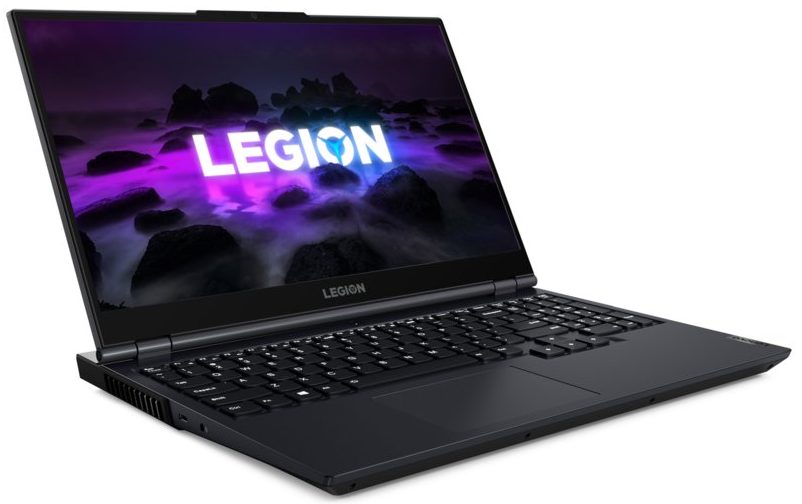
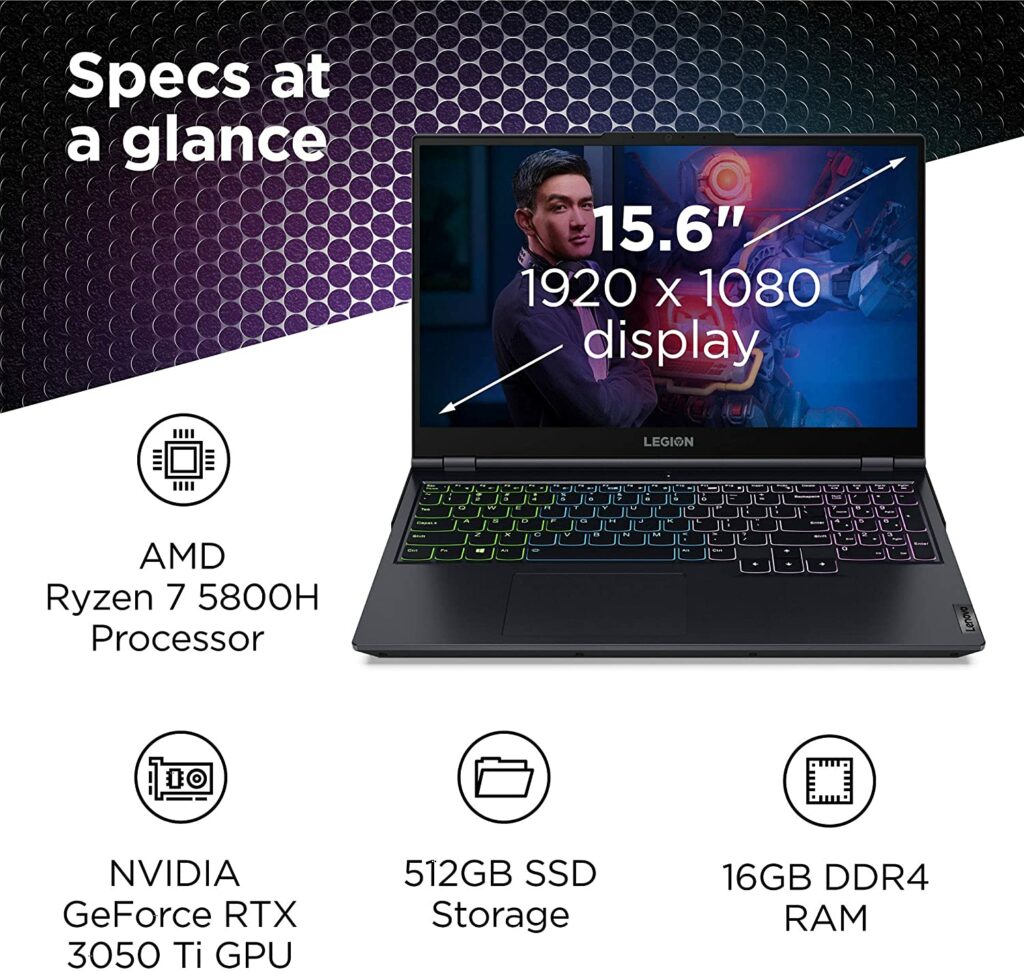
Even if you’re on a budget, obtaining a gaming laptop that has a larger screen than the usual 15.6 inches is possible, albeit quite rare. This is where the Lenovo Legion 5 comes in, offering you a 17-inch variant so you can have a more immersive gaming experience. The 17.3-inch Full HD display gives you plenty of room to appreciate the amazing graphics of your games while allowing you to see minor details more clearly.
But if you want to save more money, there is also a 15.6-inch display variant that is readily available for you. The display also has a peak brightness of 300 nits, making it easier to see even in bright conditions. What’s more, if you’re a competitive gamer, you’ll be happy to know that Lenovo offers a reasonably priced customization option to go from a 60Hz to a 144Hz display panel.
The system is powered by an AMD Ryzen 5 5600H processor and an RTX 3050 graphics card, giving it more than enough power to play a wide range of Full HD games without a hitch. However, the 256GB of storage might be quite limited and won’t be enough for a large game library, so you may want to look for more storage or consider an upgrade before clicking the check out button.
Features & Specifications
Dimensions: 14.27 x 10.26 x 0.89 inches (15.6-inch display) / 15.7 x 11.41 x 1.03 inches (17.3-inch display)
When you travel a lot and you’re planning to game on the go, a 15-inch laptop might be a better option for you than a model with a 17-inch screen. A 15-inch display provides a good balance of portability and the screen isn’t too little that it will be difficult for you to see the little details of what you’re doing. Plus, it won’t definitely feel as heavy as if you’re carrying a tank.
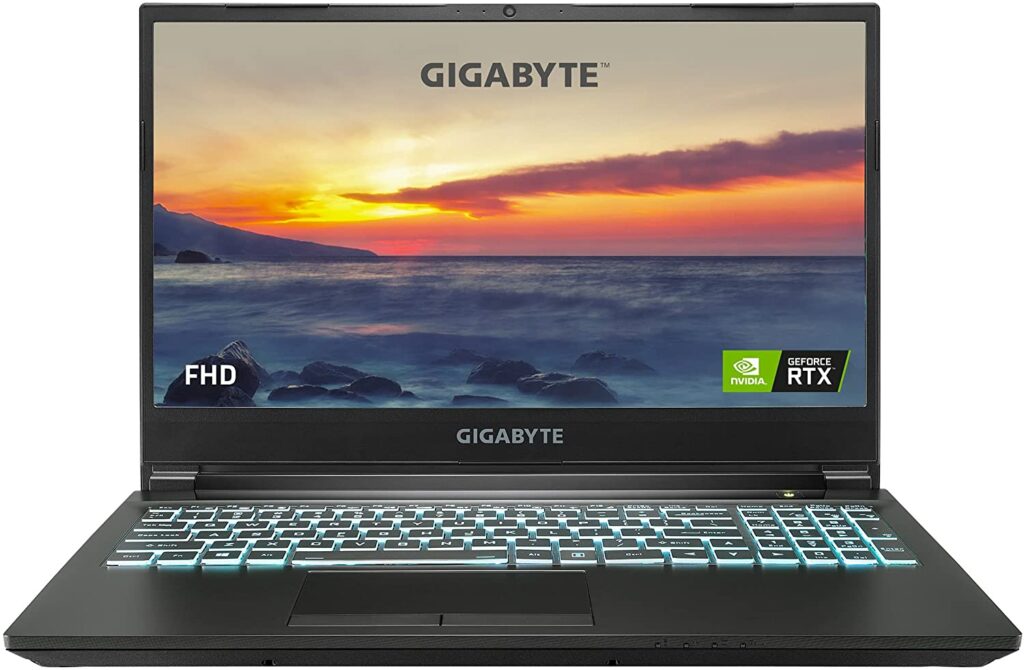
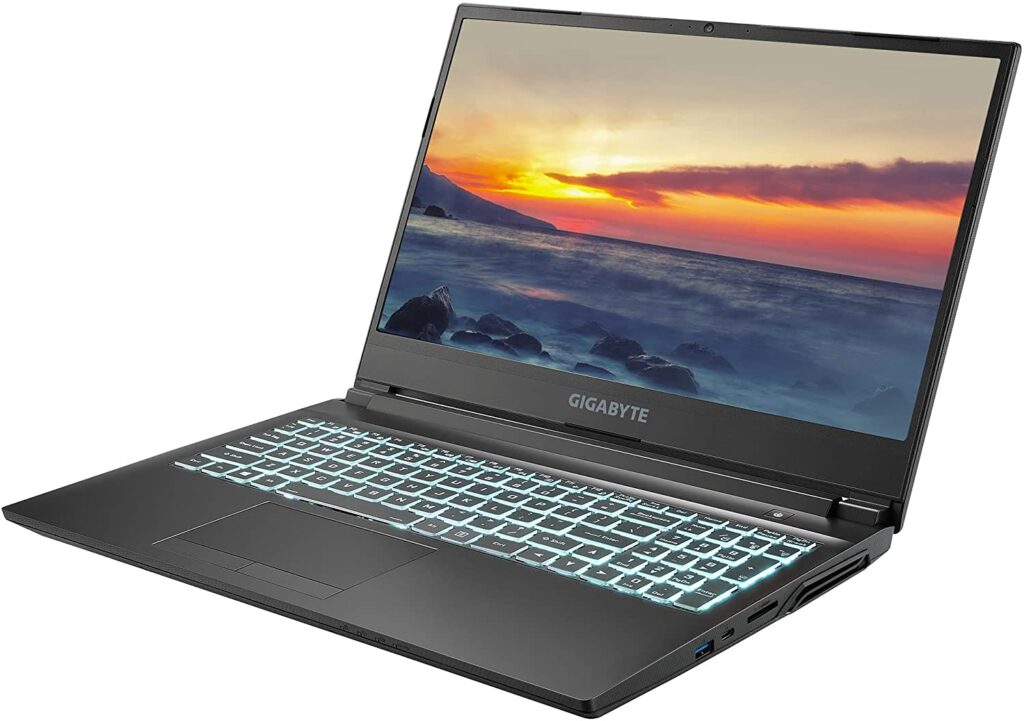
Enter the Gigabyte G5. This particular gaming rig has a 15.6-inch display with a 144Hz refresh rate, which provides a decent gaming performance you’ll need as you’re gaming on the go. To be more specific, the Gigabyte G5 is powered by an Intel Core i5-11400H processor and an Nvidia RTX 3050 Ti graphics card, allowing it to produce exceptional frame rates at 1080p.
On top of that, the Gigabyte G5 also boasts 16GB of memory, allowing you to conduct a few background chores while gaming without experiencing any troubles.
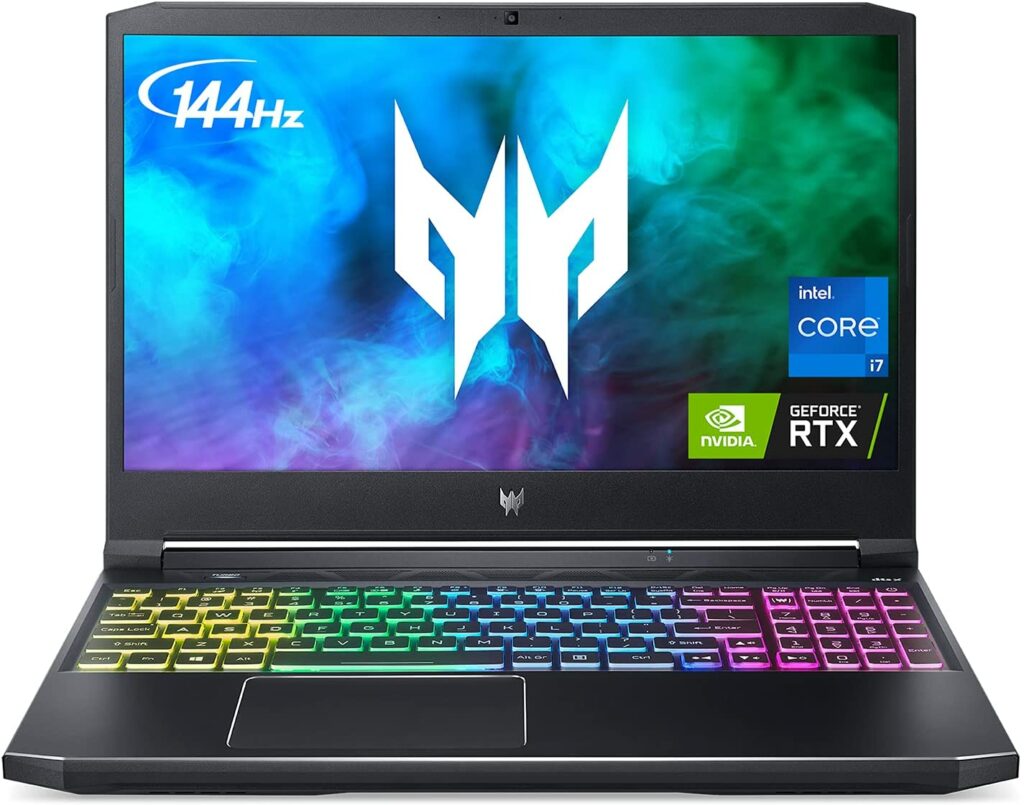
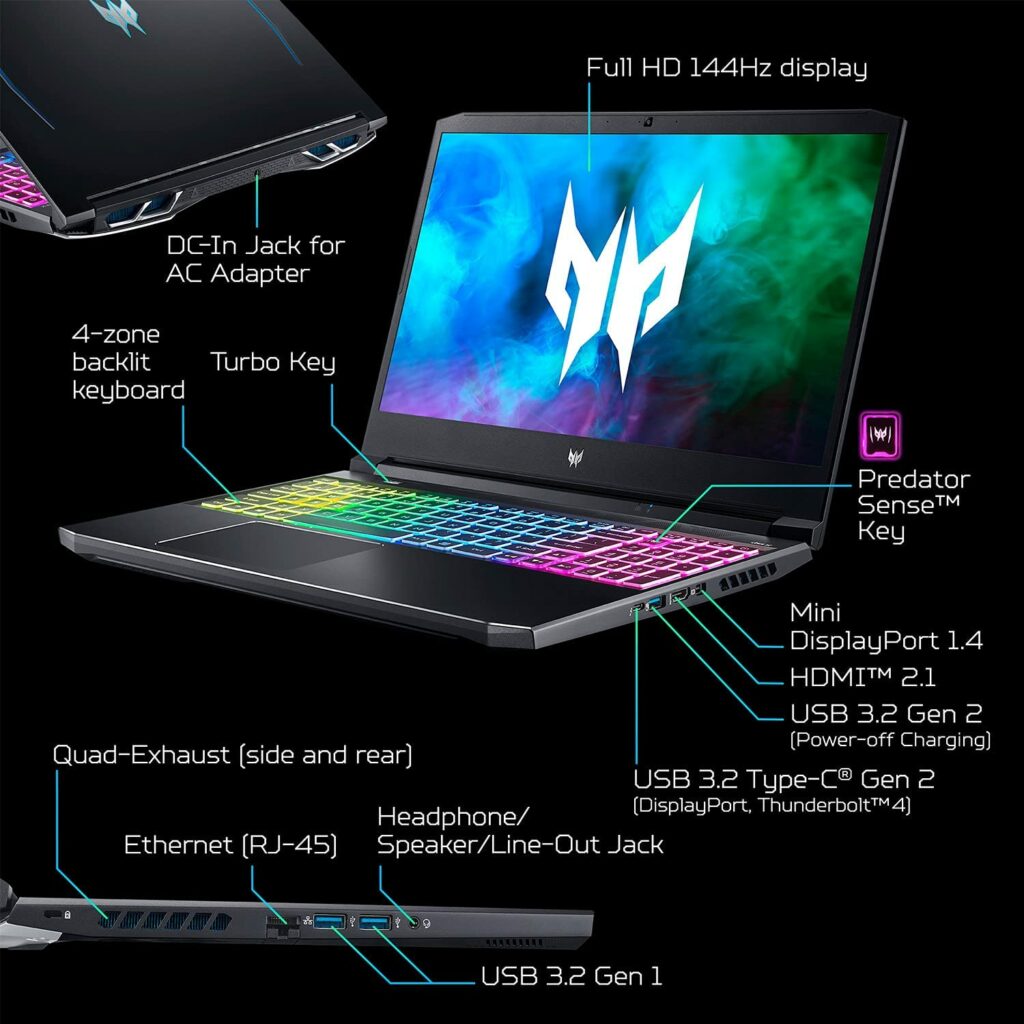
With its loud and bold design, there’s no mistaking that the Acer Predator Helios 300 is certainly a laptop made for gamers. Some of you might like this look, some may not. It really depends on your personal preference.
On paper, the Acer Predator Helios 300 gaming laptop appears to be a fantastic choice. It comes with incredibly strong technology, as well as easy hookups for larger displays, a screen with a rapid refresh rate, and a full number pad on its keyboard.
Apart from that, because of its concentration on balancing performance and pricing, the Predator Helios 300 has consistently been a superb entry-level gaming laptop to plenty of gamers. This upgraded model also now offers a 240Hz display and a toned-down design (which I personally think is for the better) while being able to keep the costs relatively low.
Features & Specifications
Dimensions: 14.3 x 10.5 x 0.8 inches
Product Weight: 5.5 lbs
Brand: Acer
CPU: 10th-gen Intel Core i7-10750H at 2.60 GHz, 6 cores
GPU: Nvidia GeForce RTX 2060
RAM/Storage: 16GB / 512GB SSD
Display Size: 15.6-inch
Display Resolution: 1920 x 1080
Pros
Solid gaming performance.
Unique design.
Doesn’t heat up too much and stay cooled while gaming.
Cons
On the pricier side compared to other models in this list.
When it comes to choosing the best cheap gaming laptop for yourself, there are a few things you should keep in mind in order to get the most bang out of your buck. So to make sure you achieve that, here are some considerations you might want to take note of.
GPU
Whether you want to play the most demanding AAA titles or keep up with the latest trends in games like Fortnite or PUBG, I’m pretty sure you’ll want to play them at the highest frame rate your gaming laptop’s panel allows. A dedicated graphics chip can help with this. It’s a good place to start if you want to get serious about laptop gaming.
The graphics hardware in a gaming laptop is the most significant aspect because it determines what games you can play and at what settings you can play them. For the most part, you won’t be able to update the graphics processor on your laptop. And if you save money on the purchase, you’ll have to buy a new computer sooner than you expect to keep playing the new games being released every year.
With that being said, the graphics card is definitely something you shouldn’t skimp on. Unless you really don’t mind playing games in ultra-low settings all the time. However, that’s not to say that you should also go all out in getting the most expensive graphics card possible. Gone are the days when you need to get the latest or most high-end graphics card in the market for good gaming performance.
For a bit of compromising, you can easily get a laptop model with a solid graphics card for under $800 that will give you amazing gaming experiences without a hitch.
So what are your options?
For a newbie, finding the best graphics card available might be quite difficult. So, after doing some research, I discovered that the Nvidia GTX 1660 Ti still has the best price-to-performance ratio in terms of the more affordable graphics chips. On the other hand, the GTX 1650 is still the best entry-level GPU for most games.
AMD, on the other hand, offers two interesting choices that you might also want to consider. The AMD Radeon RX 5500M is a good alternative, providing performance that is comparable to Nvidia’s GTX 1650 Ti and GTX 1660 Ti. Furthermore, the RTX 5600M delivers performance that is also pretty close to the GTX 1660 Ti and RTX 2060.
Processors
Just like the GPU, the processor of your chosen gaming laptop isn’t something that should be overlooked as well. Especially when a lot of games, particularly those under the MMORPG and RTS (real-time strategy) genres, pummel the CPU. Dual-core processors are no longer available in new gaming laptops thanks to certain AAA games that now require quad-core CPUs at a minimum.
However, you should also keep in mind that a Core i7 or Core i9 CPU is more important for processor-intensive jobs like video or photo editing and media production work than it is for gaming.
So with that said, it’s definitely not a necessity to exclusively look for these types of CPUs. A Core i5 CPU is more than enough and will offer you plenty of power with the 10th Generation Intel CPUs that are quite prevalent in affordable gaming laptops these days.
In addition to that, Core i7 of the same generation is a powerful six-core or eight-core CPU that may prove to be too much for gamers who are on a budget. So, as much as possible, get a Core i5 or i7 CPU with solid four cores instead. On the other hand, getting a six-core chip is also pretty nice.
RAM
When it comes to RAM, 8GB is definitely the minimum you should go for when shopping for your new gaming laptop. Especially if your budget only allows you to spend a thousand bucks. Not to mention, you’ll be hard-pressed to find a gaming laptop that will go any higher than that. But that is also more than enough for the casual gamer who plays mainstream titles.
Every now and then, you might also find a low-cost gaming laptop that will offer you 16GB of RAM. This is actually the most ideal for the majority of gamers, but since we’re on a budget, you also have to manage your expectations and be ready for some compromises unless you’re willing to shell out more money.
On top of that, a budget-friendly laptop with 16GB of RAM is still the exception rather than the rule in this price bracket. There are also laptops you might find that have upgradeable RAMs which can be pretty great if you do manage to get your hands on one. So that’s definitely something worth looking into as well.
However, do note that even if you can upgrade the RAM, the laptop may come with memory modules in both slots. This will require you to replace them both if you decide to make an upgrade later. With that in mind, I still recommend getting everything you require right away rather than skimping today and deciding to upgrade later.
Storage
In laptops under $1,000, you’ll easily find both traditional hard drives (HDDs) and faster (but lower-capacity) solid-state drives (SSDs). Although this is more frequent with 17-inch laptops, sometimes, certain 15.6-inch models may include a small-capacity SSD boot drive alongside a secondary-storage platter hard drive to give an additional boost in overall gaming performance.
With that said, it’s also worth noting that most gaming laptops in the budget range usually come in with 15-inch screens as well. In any case, if you can find and afford this option, I highly suggest going for a dual-drive setup for the best gaming performance possible.
The operating system as well as a few of your most-played games can reside on the smaller SSD, while the rest of your games and other programs that don’t necessarily need speedy loading times can be placed on the larger and more cost-effective hard drive.
Not to mention, if you’re not already aware, it’s also possible to split your game libraries between these two disks. This will make organizing your stuff pretty easy. Apart from that, some low-cost gaming laptops will allow you to install a second drive in an empty internal 2.5-inch bay. That may be the most cost-effective option too. 2.5-inch hard drives with sufficient capacity may be found for just under a hundred bucks.
Display Size & Resolution
As previously stated, most gaming laptops under a thousand bucks have a screen size of 15 or 15.6 inches. This particular size is a smart compromise in terms of more than just cost. Don’t get me wrong, gaming on the largest laptop screen available is sometimes the best way to truly immerse yourself in your favorite games and appreciate their incredible graphics.
However, if you’ve ever tried traveling with one of these devices or looked for a laptop bag that can accommodate both it and its massive power adaptor, you might reconsider your options. Many of these gaming rigs weigh six pounds or more, and even the lightest ones will surely burn a hole through your wallet.
Overall, when it comes to displaying size, 15-inch gaming laptops strike an excellent mix between screen size and portability, and they will ideally meet your budget. However, if you discover one with a 17-inch screen that is well within your budget, go ahead and get it.
When it comes to the native resolution of your gaming laptop, 1080p is something you should keep an eye out for. And you shouldn’t really go any lower than that or else you’ll end up with terrible display resolutions for gaming.
Fortunately, high refresh rate panels with 120Hz or 144Hz are now available on some laptops in this price range. This is a pretty great thing if you love playing first-person shooter games like Overwatch or PUBG. Keep in mind that the higher the refresh rate, the smoother the animations appear, as long as the frame rate is similarly high.
Conclusion
All in all, while these budget-friendly gaming laptops in our list aren’t the sleekest or light-weight in terms of design, small sacrifices and compromises are necessary with these models in order for manufacturers to keep them at an affordable cost. However, these gaming laptops will also surely provide you the performance you need to enjoy gaming while yet leaving you with enough cash to acquire more games you want to try out for yourself.
Have you already bought your own gaming laptop? Did your pick make it into our list? Was our list of the Best Cheap Gaming Laptops 2021 helpful? Let me know in the comments section below if you have any suggestions, insights, or questions to ask. I would love to hear all your thoughts!