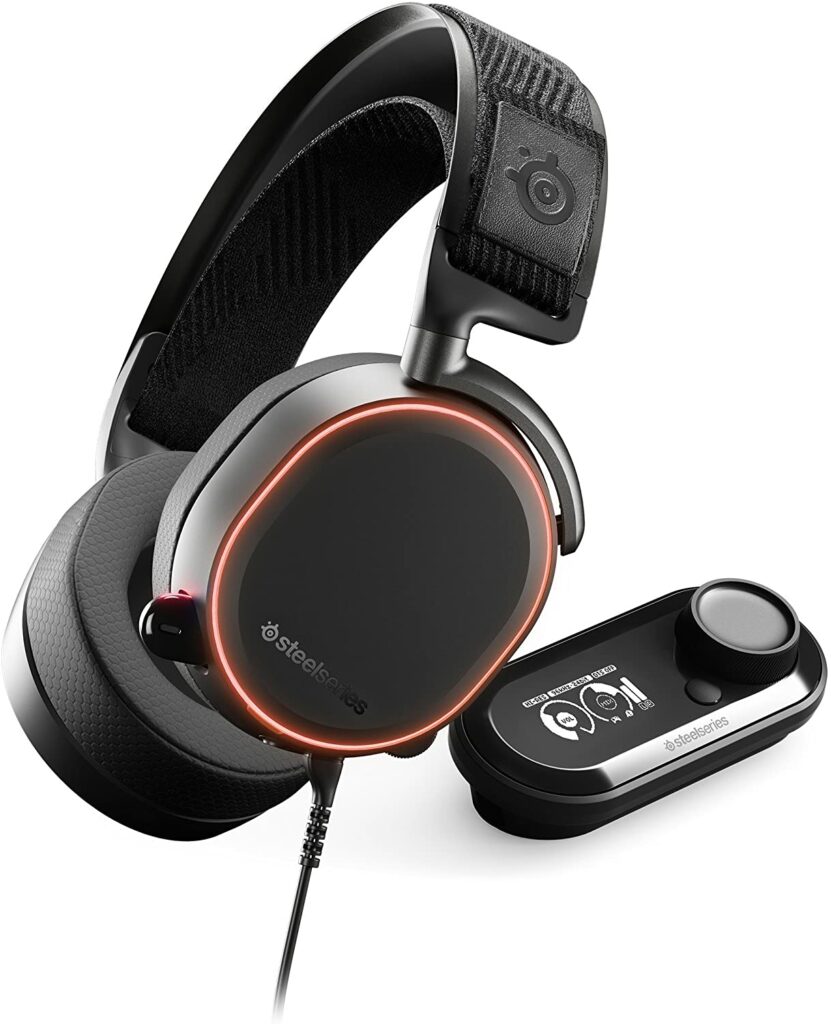
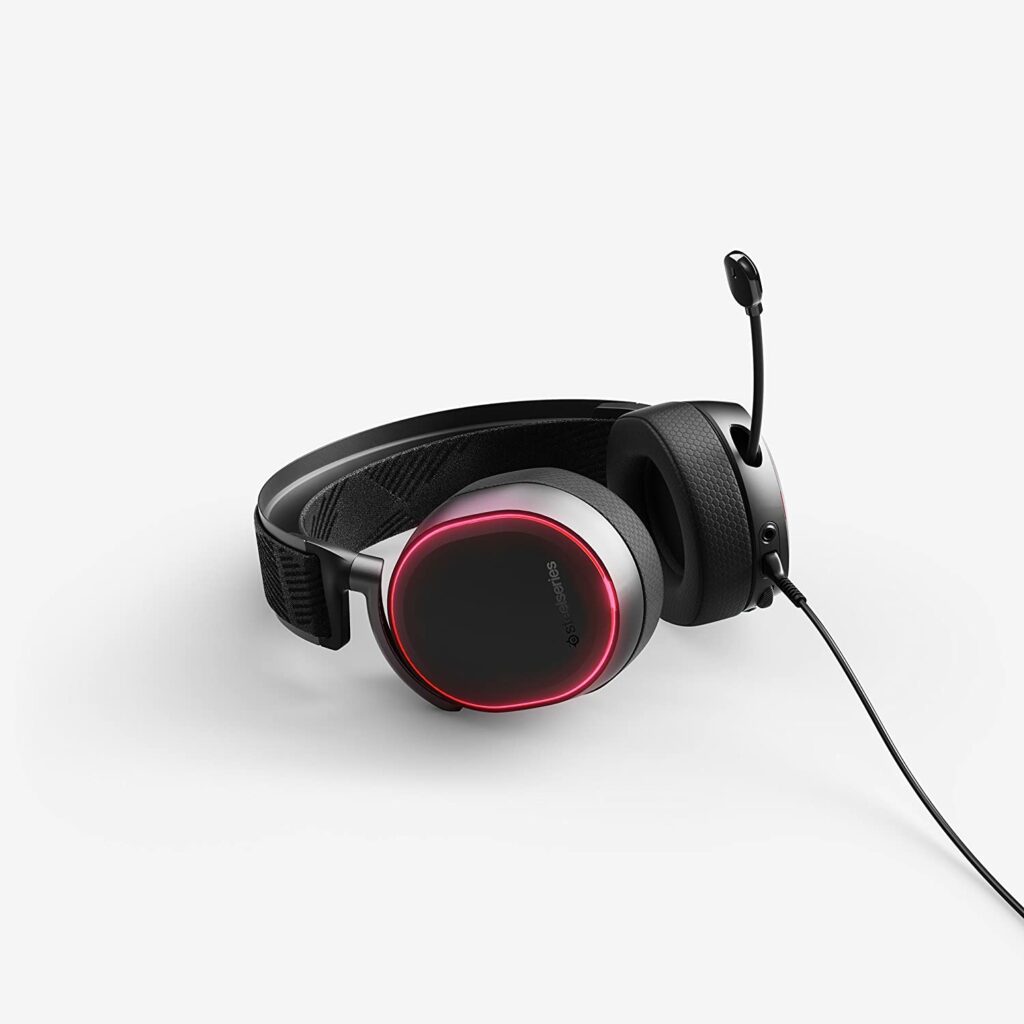
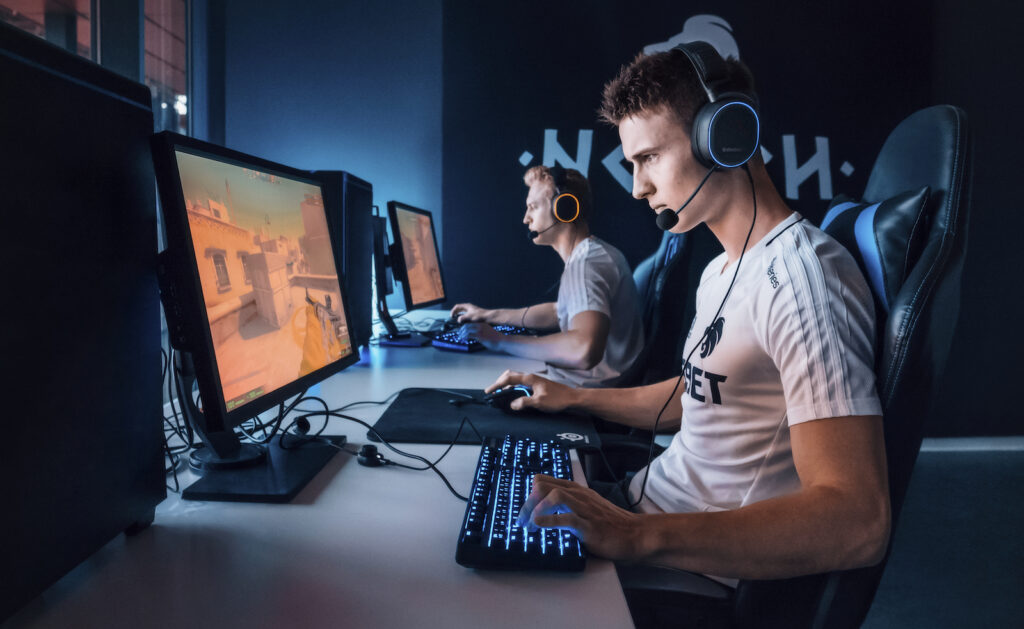
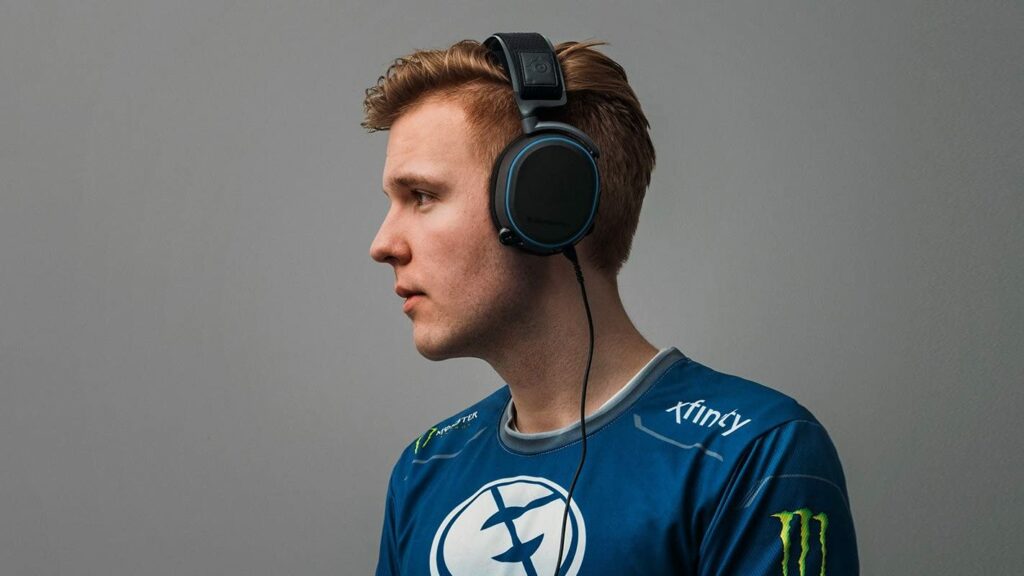
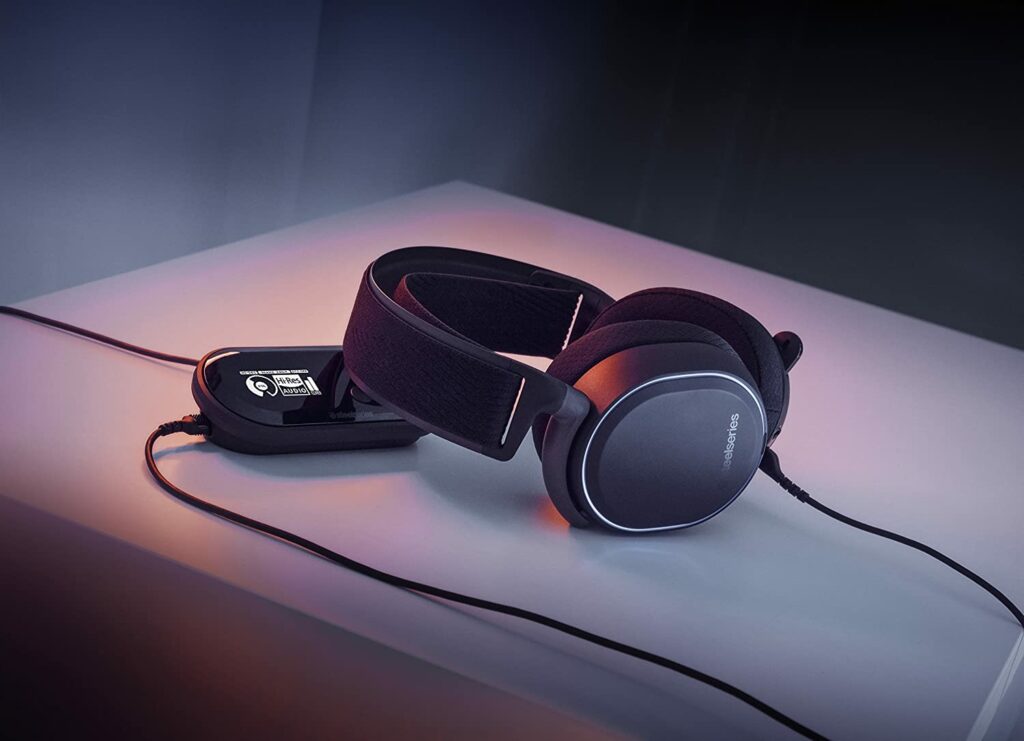
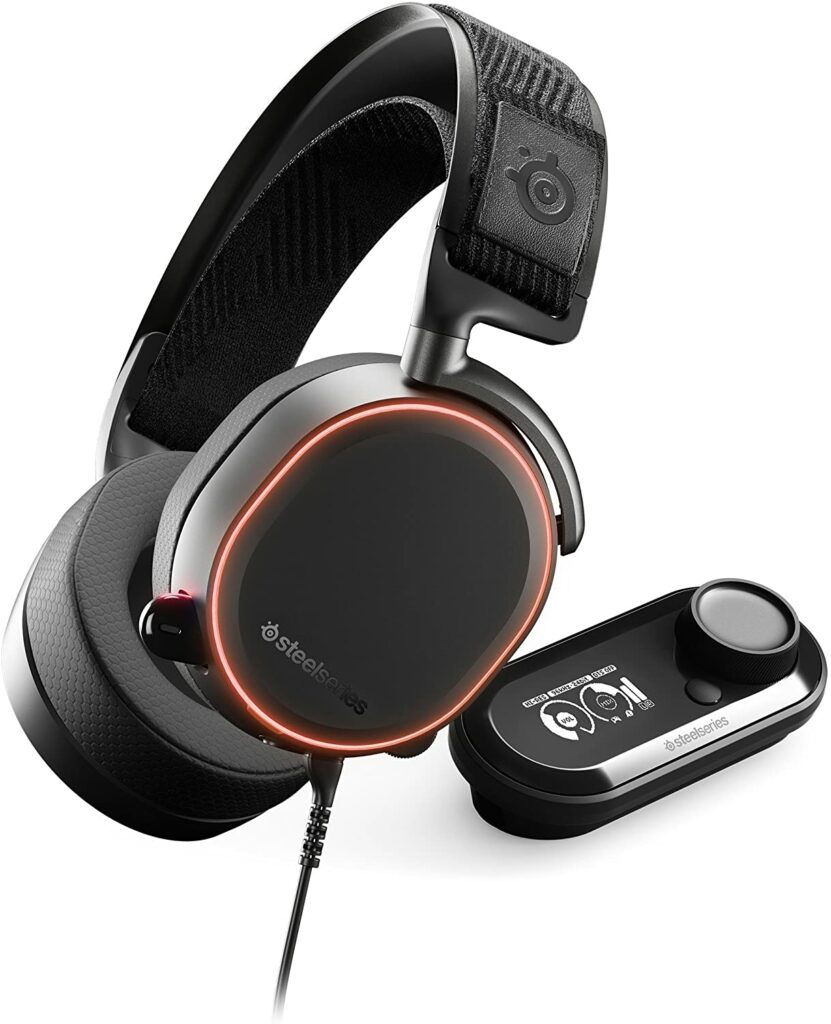
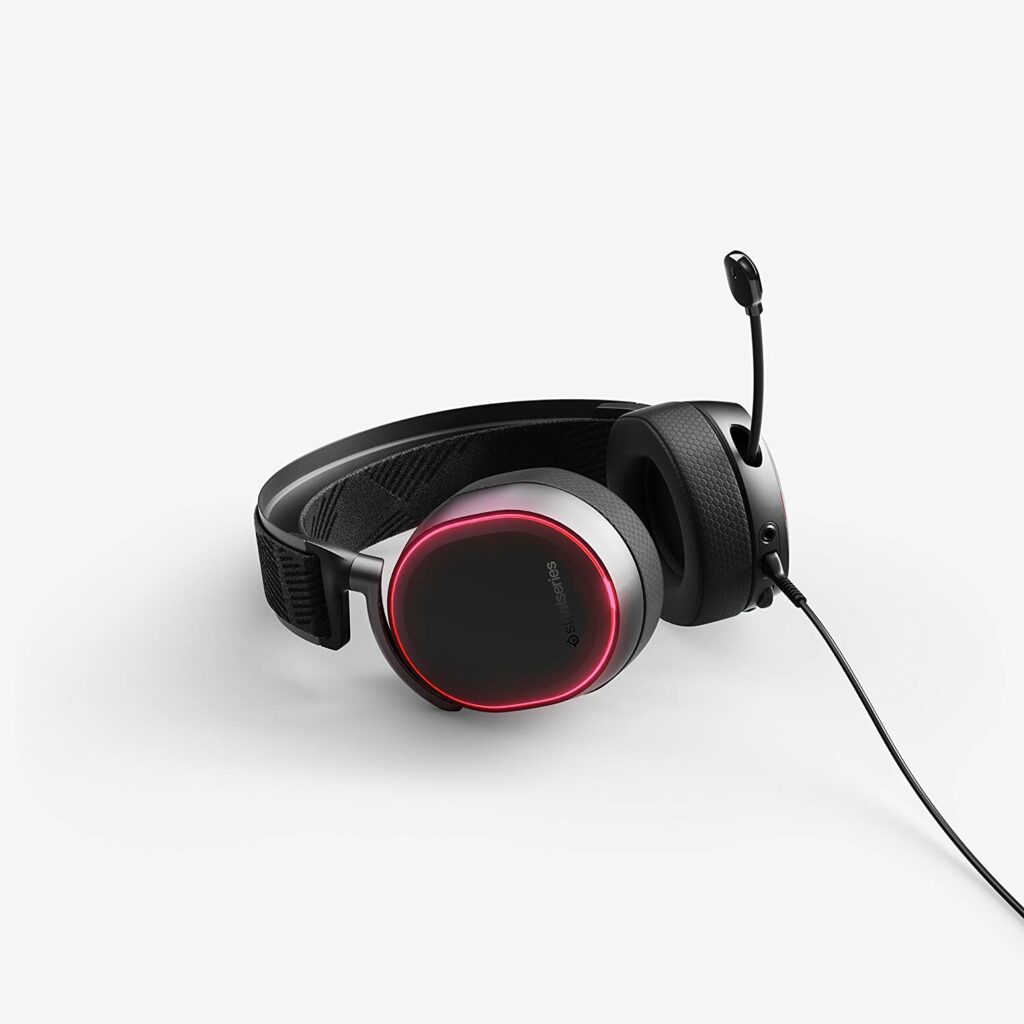
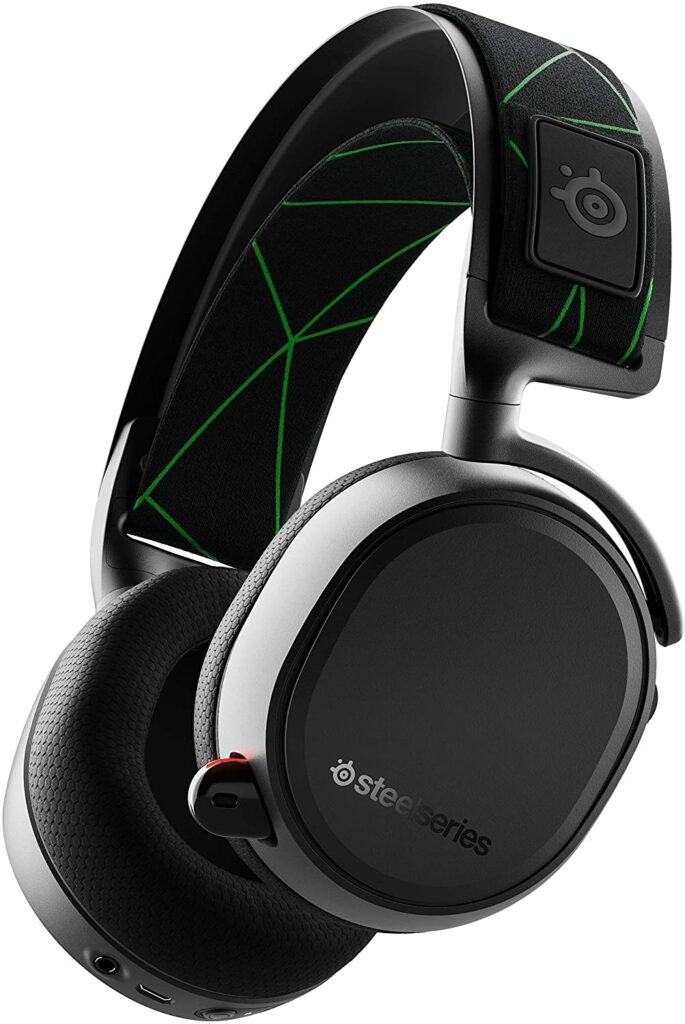
SteelSeries has been releasing some of the best gaming headsets out there in the market for some years now. Their Arctis Pro Series’s success is just a testament to how good their products are. So today, we will be taking an in-depth look at one of their products in our own SteelSeries Arctis Pro review.
Despite not being a recent release, the SteelSeries Arctis Pro still continues to top a lot of review lists and articles quite consistently. And how could it not? It’s packed with impressive and unique features that are quite hard to find elsewhere.
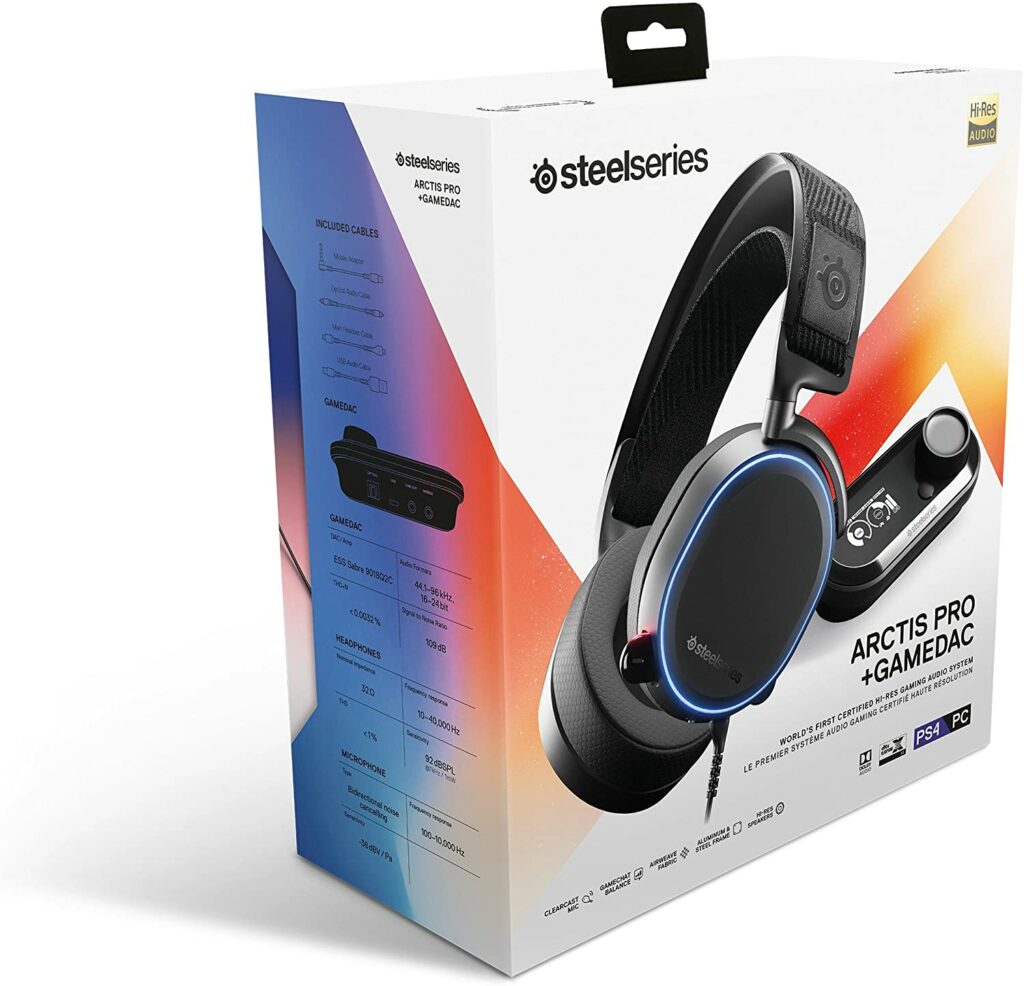
Not to mention, it’s also the first gaming headset that is certified for high-res audio. Safe to say, this is a gaming headset that will satisfy a lot of gamers, casual listeners, and audiophiles alike.
But enough of that, let’s dive right into our SteelSeries Arctis Pro review and see how well this holds up.
When it comes to headsets for gaming, brands like Razer, Corsair, Logitech are some of the manufacturers that can easily come into mind. But if you truly want the best of the best in terms of audio quality, SteelSeries is actually one of the industry-leading brands you should think of considering.
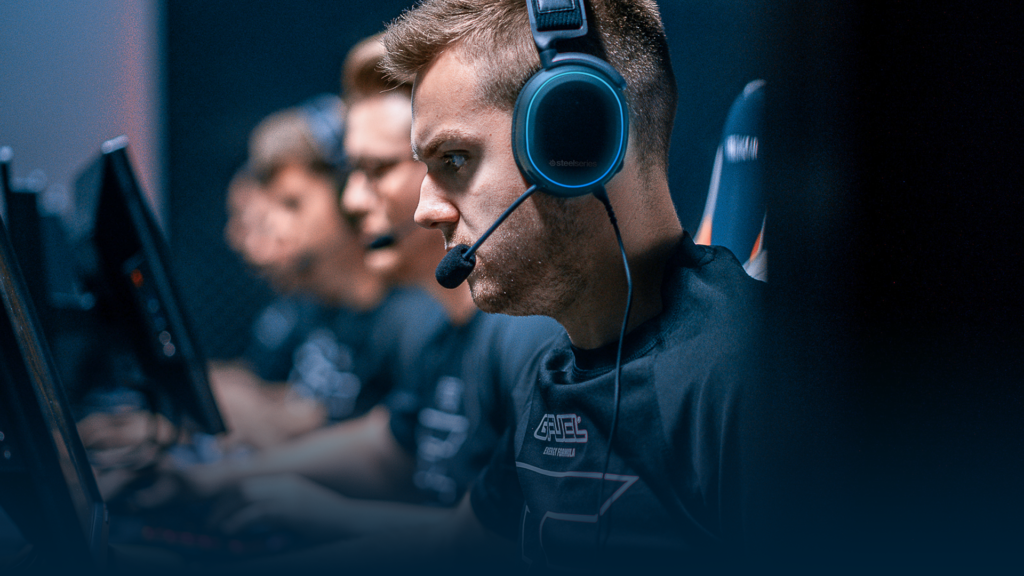
Especially if you’re into competitive gaming or thinking of going into esports.
If you’re unfamiliar with the brand, SteelSeries is actually the first and original company to sponsor an esports brand as well as pro players and teams. Since 2001, they have been the go-to brand for esports competitions, creating products that focus and cater to pro gaming and pro players’ needs.
That being said, you can be assured that SteelSeries only provides the highest quality with every product release. After all, they always make sure that their products are good enough for esports competitions. And the SteelSeries Arctis Pro is just one of their many successful lineups.
Known for providing unparalleled audio quality that will make audiophiles nod their heads in approval, the SteelSeries Arctis Pro will surely not disappoint you whether you’re using this pair of headphones for your games or just for casually listening to any kind of audio content.
Additionally, using this particular pair of headphones really just brings your whole gaming session to a whole new level. The experience becomes a whole lot more immersive with the headphones offering crisp and clear in-game audio.
Thanks to the Arctis Pro’s usage of the DTS Headphone:X 2.0 technology, the overall 3D audio environment sounds a lot more realistic and precise against your ears.
All in all, whether you’re gaming competitively or just doing it for your own leisure, you will absolutely enjoy the quality sound the SteelSeries Arctis Pro is providing.
Features & Specifications
Product Dimensions: 8.5 x 1.65 x 7.76 inches
Manufacturer / Brand: SteelSeries
Type: Over Ear
Item Weight: 1.15 pounds
Wireless: No.
Connectivity: USB, Optical, 3.5mm
Mic: Yes.
Driver/s: 40mm neodymium
Frequency Response: 10–40,000 Hz
Noise Cancelling: No
Compatibilities: PC & PS4
Color: Black
RGB Lighting Effects: Yes
Special Features: 40mm drivers, retractable boom microphone, DTS Headphone: X v2.0, RGB lighting effects, included DAC.
Check out SteelSeries’ instructional video on unboxing and setting up their Arctis Pro gaming headphones to your PC below.
What We Love About The SteelSeries Arctis Pro
Amazing Audio Quality
One of the main things we need to be critical about when reviewing gaming headsets is how good their sound qualities perform. And I have to say, whether you’re an audiophile or just a casual listener, you will surely appreciate the amazing audio quality in the SteelSeries Arctis Pro.
I have already mentioned previously that the SteelSeries Arctis Pro offers really realistic as well as clear and crisp sound qualities whenever you’re gaming.
For some, this might not be too big of a deal but if you’re playing games where you need to be attentive to everything going around you, it helps a lot and gives any gamer a real competitive edge.
Even if you’re just playing games that aren’t competitive, being able to immerse yourself with the in-game audio is another way to put you in the gaming mood for hours on end.
If that’s not enough, you also have the option to tweak and customize the sound settings of your headphones with the SteelSeries software according to your preference.
Overall, the audio quality this gaming headphone delivers is truly top tier and one of the best out there.
Comfortable To Wear
One of my absolute favorite things about the SteelSeries Arctis Pro is just how comfortable it is to wear around my head. It fits snugly and perfectly without feeling any uncomfortable weight on my head.
Usually, when I wear headphones for a certain amount of time, I start to feel their weight which results in minor headaches. But with the SteelSeries Arctis Pro, I don’t experience that at all. The foam is soft to the touch against my ears and the overall headphones are pretty lightweight too.
Not to mention, the self-adjusting ski goggle on the headphones works perfectly when it comes to adjusting to the shape of my head. I don’t feel any weird contours or shapes pressing against my skull while I game for hours and hours.
GameDAC
The biggest and main selling point of the SteelSeries Arctis Pro is its dedicated GameDAC. And I have to say, that it works really impressively. One of the best things about this is that it is a digital to analog converter made and designed specifically for gaming in mind.
While most gaming headsets in the market come with their own built-in converters, the GameDAC on the Arctis Pro easily outperforms them with its higher quality audio performance. In addition, it also has its own amplifier circuit which helps in delivering extremely low distortion at the highest output levels.
The GameDAC also has its OLED screen display which allows you to adjust the volume, the Sidetone which lets you customize how much of yourself you want to hear when speaking into the mic, the EQ curve, input, and other customization settings without having to open the SteelSeries software.
When it comes to the built-in microphones of most gaming headsets, I found that these things can be big hits or misses. However, with the SteelSeries Arctis Pro, the microphone itself offers just enough decent audio output that you won’t sound too static-y, distorted, or even robotic.
If your voice is on the higher and brighter spectrum, you shouldn’t run into any problems when using this pair of headphones. But if you have a deep, bassy voice, you might end up sounding just a little bit tinier than expected.
Overall, the mic is not terrible, but if you’re putting out two hundred dollar gaming headphones, I would expect it to perform a lot better than this.
It’s Expensive
Now this might not bother some of you and you might even be willing to pay the full price of the SteelSeries Arctis Pro, but it still doesn’t sway anything from the fact that it’s a very pricy piece of technology.
It’s not the most expensive and I do agree that the costs somewhat justify the price, especially with the number of amazing features and audio quality you’re getting from the Arctis Pro. However, a lot of gaming companies are also coming out with gaming headphones that are just as good with more competitive prices.
It’s really up to your personal preference if you will go with this brand or check out more budget-friendly options.
In A Nutshell
Now that we have finished breaking down the things we loved and disliked about the SteelSeries Arctis Pro, let’s narrow down the pros and cons of this particular gaming headset.
Pros
Amazing surround sound.
Sound quality is great enough to please both audiophiles and gamers alike.
GameDAC works really well.
Also offers a wireless variant.
Comfortable to wear around your head even after long hours of use.
Cons
Microphone could be better, especially on the bass department.
On the pricier end.
The Final Verdict
Overall, the Arctis Pro from SteelSeries is hands-down one of the best sounding headphones for gamers in the market right now. Sure, the $200+ price tag that comes along with it can be a little steep for some of you but I find that it’s so worth it especially if you think about a pair of gaming headphones of this caliber.
With the SteelSeries Arctis Pro, you’re not just getting a simple accessory to pair with your gaming setup, you’re getting a piece of technology that’s comfortable to wear for hours on end and will provide you with one of the most amazing in-game audio experiences to date.
Whether you’re willing to splurge or look the other way, it’s completely up to you.
Do you already own the SteelSeries Arctis Pro? How is it working for you? Let me know about your insights and experiences in the comments section below. I would love to hear your thoughts!
Affiliate Disclosure: I am grateful to be of service and to bring you content free of charge. In order to do this, please note that when you click links and purchase items, in most cases I receive referral commissions. Eventually, I may earn enough to buy a beer or two.
When it comes to a gaming setup, a good gaming headphone is something that shouldn’t be overlooked at all. That’s why for today, I’ll be giving you my top recommendations of the best headphones for gaming in 2021.
Sure, things like your GPU, your monitor, keyboard are things that might be on top of your priority list. But having the right gaming headphone can make a huge difference in your overall gaming experience. Especially when audio and sound effects can potentially play such an important role in a game.
I don’t know about you, but listening to a game’s battle music just puts me in the right mood to conquer any mission or quest. Sometimes, it can even be the difference between winning or losing. But that’s just me.
Regardless if you like to immerse yourself in the game’s official audio, prefer to listen to your own playlist in the background, rather talk to your fellow gamers or friends, or need to pay attention to your enemy’s every movement or footsteps, finding the right gaming headphone to do the job can be a daunting task.
So to help you out in narrowing down your options, below are my top picks that are worth considering as you go headphone shopping.
Do You Need Gaming Headphones?
Before we dive into my list of recommendations, let’s answer some questions first.
For competitive gamers, especially the ones who get into intensive e-sport competitions, a gaming headphone can be crucial to one’s path to victory. But even casual gamers can enjoy the benefits of good gaming headphones and make their gaming sessions a lot more enjoyable.
It might not seem like it, but using the right headphones for gaming will help you communicate better with your teammates. The right headphones will let you hear even the smallest of footsteps from afar so you can anticipate your enemy’s next movements. It can also pinpoint audio cues to let you know what is happening around you.
When you have all these qualities and features in your gaming headphones, winning the game can be a lot easier for you and your team.
What is the difference between gaming headphones and regular headphones?
But how does a gaming headphone differ from the regular headphones we use every day exactly?
The answer is in the overall build quality actually. Gaming headphones are built specifically with gamers in mind. That means most gaming headphones you will come across in the market are usually equipped with things like:
Built-in microphone. The mics on gaming headphones are usually a lot more fine-tuned. Which helps in better communication between you and your teammates. These mics can be detachable too.
Better surround sound experience. With gaming headphones, it’s very important that you get that additional awareness or audio cues when it comes to your surroundings.
Comfortable build quality. When you’re playing a game, you usually take plenty of hours doing it. Sometimes, we don’t even notice the time. That’s why manufacturers make it a point to make sure that their gaming headphones will provide maximum comfort to their users.
Gamer aesthetics. When it comes to aesthetics, gaming headphones are usually a lot more stylish or edgy in terms of design. Though personally, they can be hit or miss.
And these are just a few reasons why I think a quality gaming headset is essential to one’s gaming session.
My Top Recommendations
1. SteelSeries Arctis Pro
Overview
If you truly want the best of the best when it comes to your audio during every gaming session, the SteelSeries Arctis Pro is the pair of gaming headphones you need to look into. It’s one of the industry-leading headphones in the gaming community that’s sleek, sturdy, and comfortable to use.
Known for providing terrific audio quality that e-sports competitions use, SteelSeries will surely not disappoint you whether you’re using their headphones for your games or just for listening to any kind of audio content. The sound effects from your games will specifically feel a lot more immersive with this just sitting on top of your head.
Whether you’re gaming competitively or just doing it for your own leisure, you will absolutely enjoy the quality sound the SteelSeries Arctis Pro is offering.
Not to mention, gamers who are also audiophiles or just casual listeners will ultimately love this product due to its impressive surround sound features and its built-in DAC (digital to analogue converter). This particular headset has been consistently topping review lists for some time now and for good reason.
Personally, this is probably one of the best-sounding gaming headphones you can get your hands on in the market today. The only downside I can see is that this model is on the pricier side, so if you’re someone who is on a tight budget, there are definitely other options for you to check out on this list.
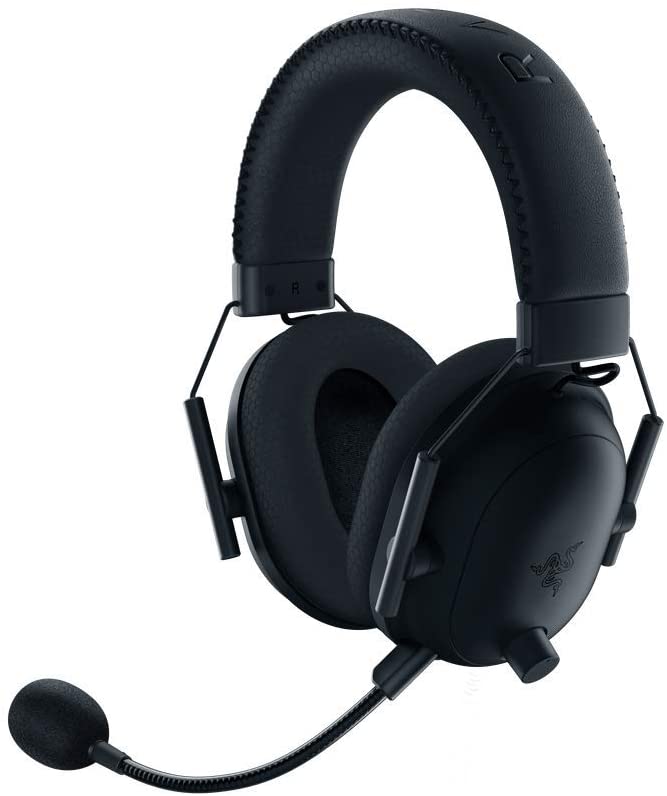
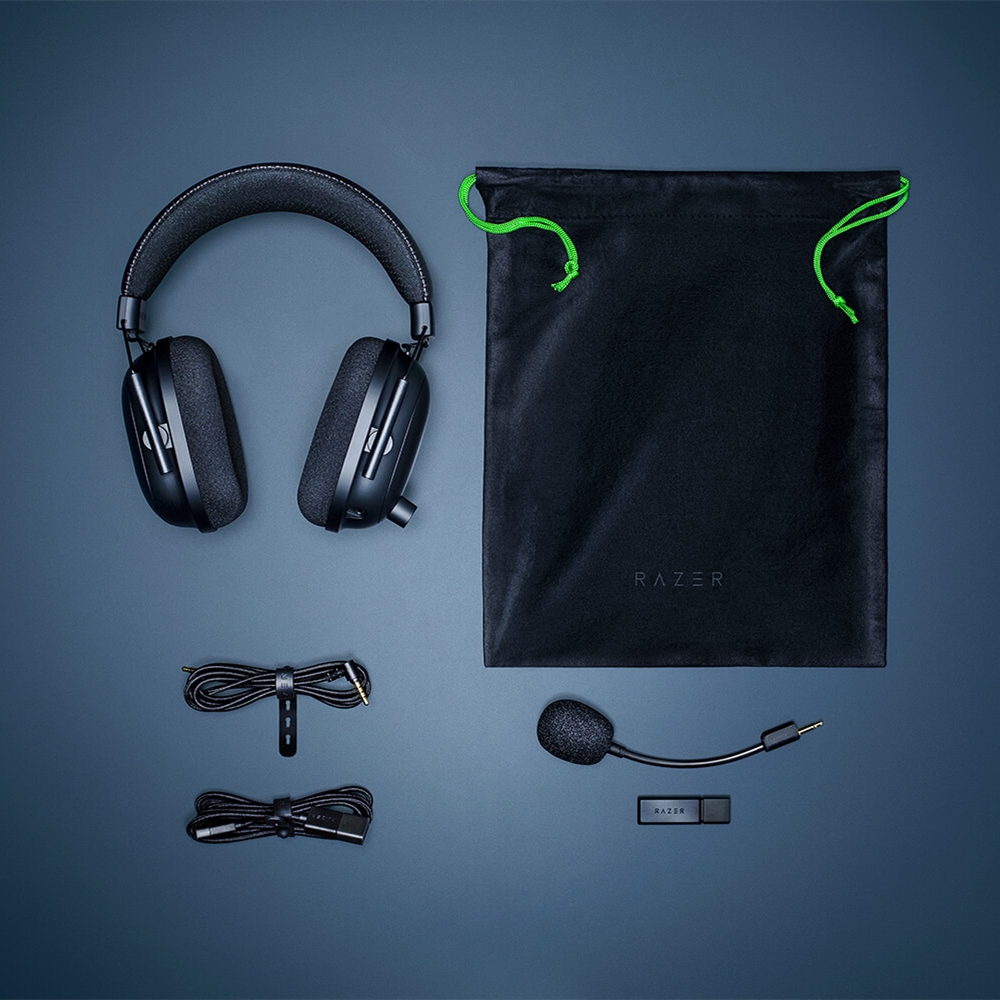
Another huge name in this list is the BlackShark V2 Pro – Wireless from Razer. If you’re unaware, Razer is one of the top and most popular brands in the gaming market right now. Almost every gamer in the world knows them and their company.
Whether it be gaming keyboards, mouses, or headphones, you’re assured that their products are of the highest quality. They’re not one of the leading gaming companies for no reason after all. Aside from that, many of their products have won multiple awards and received recognition as well.
With that being said, what you’re getting with Razer’s BlackShark V2 Pro is no different from their many award-winning peripherals.
Aside from giving impeccable audio quality, the BlackShark V2 Pro is also priced pretty reasonably. No need to break the bank on this one! What’s more, the software used in this pair of gaming headphones is also pretty easy to understand.
So how does the Razer BlackShark V2 Pro pull it off? By making discrete ports for their 50mm TriForce Titanium drivers to make sure that the bass, mid, tremble tones are separated from each other and will avoid any kind of clashing.
In turn, you will get a much richer, brighter, and fuller sound without experiencing any distortion whatsoever.
If you were disappointed by the SteelSeries Arctis Pro’s steep pricing, the Razer BlackShark V2 Pro is surely a more budget-friendly option for you that doesn’t make any compromises or sacrificed any major bells and whistles.
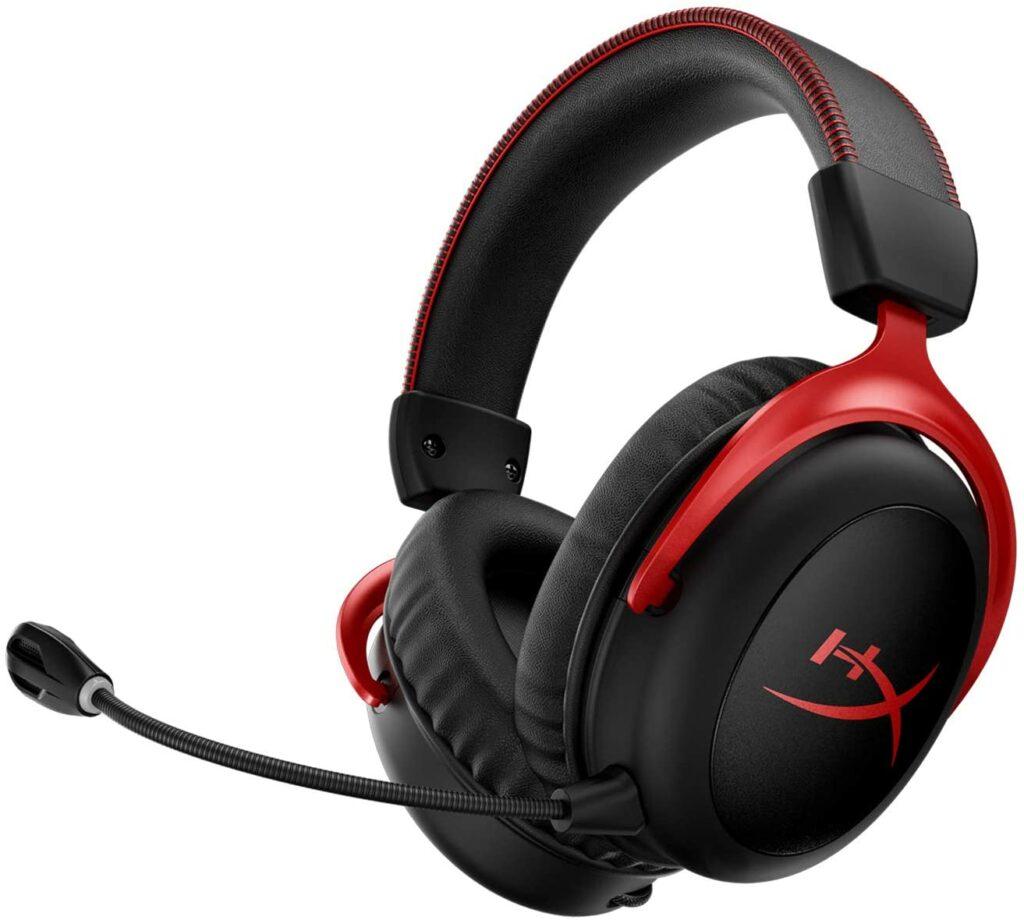
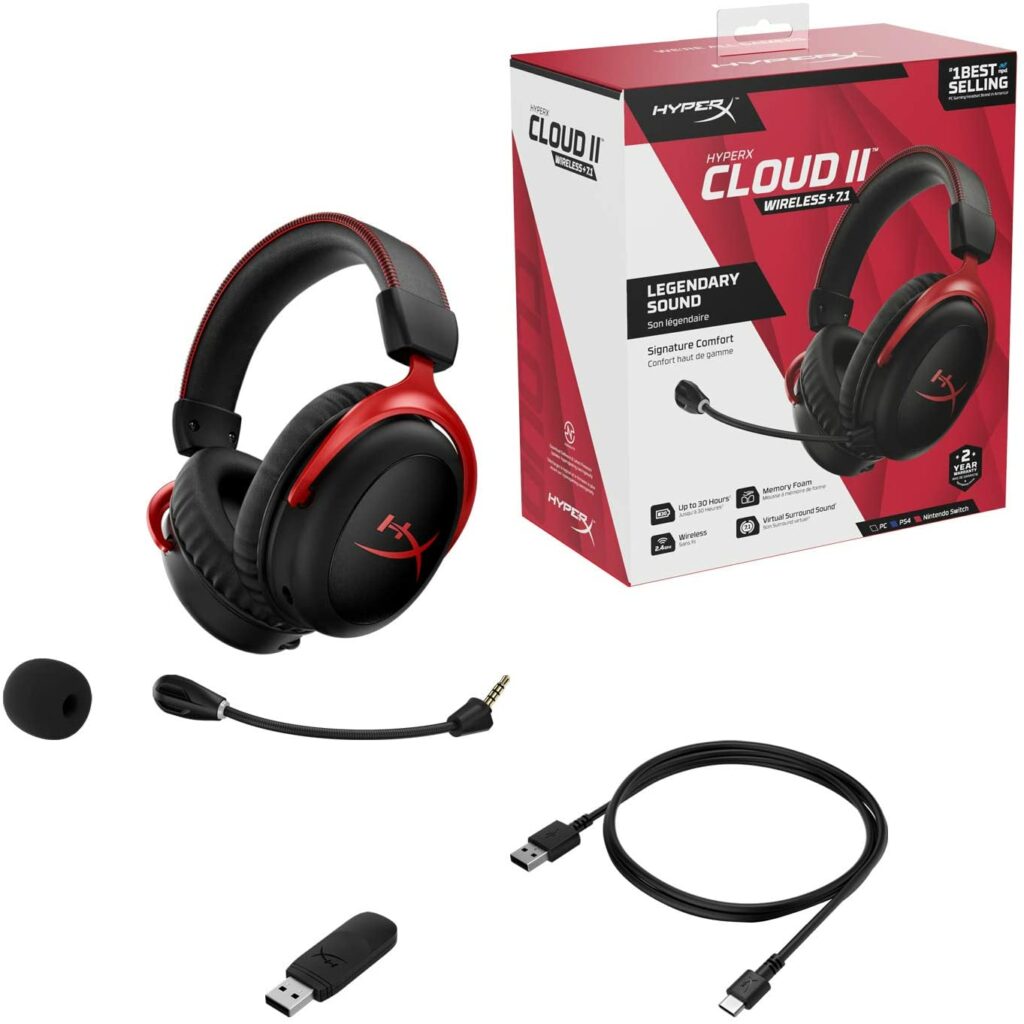
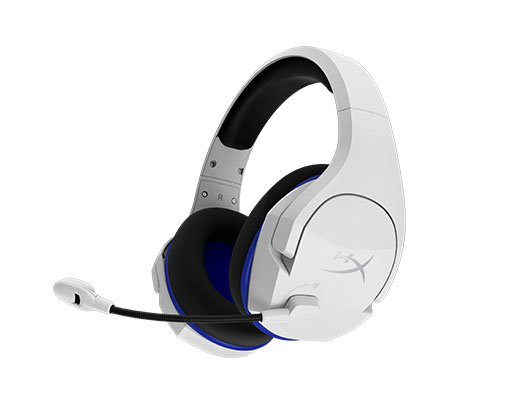
If you have been on the hunt for the best wireless gaming headset in the market, then your search is finally over. The HyperX Cloud II Wireless offers its unparalleled sound and build quality to its users on top of the features we already know and love from its predecessors.
Coming from a long line of excellence, HyperX does not disappoint at all with the Cloud II Wireless. It’s an ultra-comfortable pair of headphones with a closed-back design that ensures top quality in the audio department.
The spacious 53mm with neodymium magnets are there to make sure that your game’s audio’s highs, lows, and mids resonate without clashing with one another. While admittedly, the bass quality could have been a lot better, its other impressive features more than make up for it.
Such impressive features include a 30-hour battery life in a single charge depending on usage, great padding, high comfort levels despite long hours of playtime, and a clear microphone just to name a few.
Features & Specifications
Product Dimensions: 7.48 x 5.35 x 3.66 inches
Manufacturer / Brand: HyperX
Type: Over ear.
Item Weight: 10.6 ounces
Wireless: Yes, Wireless 2.4GHz.
Connectivity: USB Dongle, 2.4GHz
Mic: Yes, detachable with mute LED.
Driver/s: 53mm with neodymium magnets.
Frequency Response: 15Hz-20kHz
Noise Cancelling: Yes.
Color: Red and Gun metal.
Special Features: 30-hour battery life,
Pros
Comfortable padding.
Nice build quality.
Long battery life that can last up to 30 hours depending on usage.
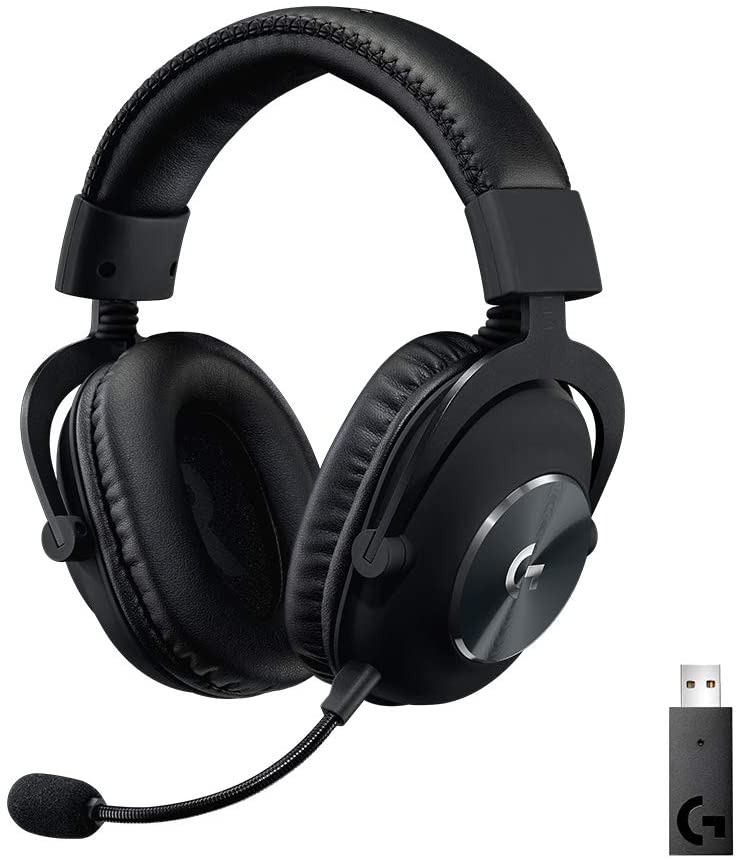
Another impressive wireless option in our best headphones for gaming list this 2021 is the Logitech G Pro X Wireless.
Gone are the days where gamers were plagued with constant latency issues when it came to wireless gaming headphones. This is all thanks to Logitech setting the bar and the high standard for wireless audio with the Logitech G Pro X Wireless.
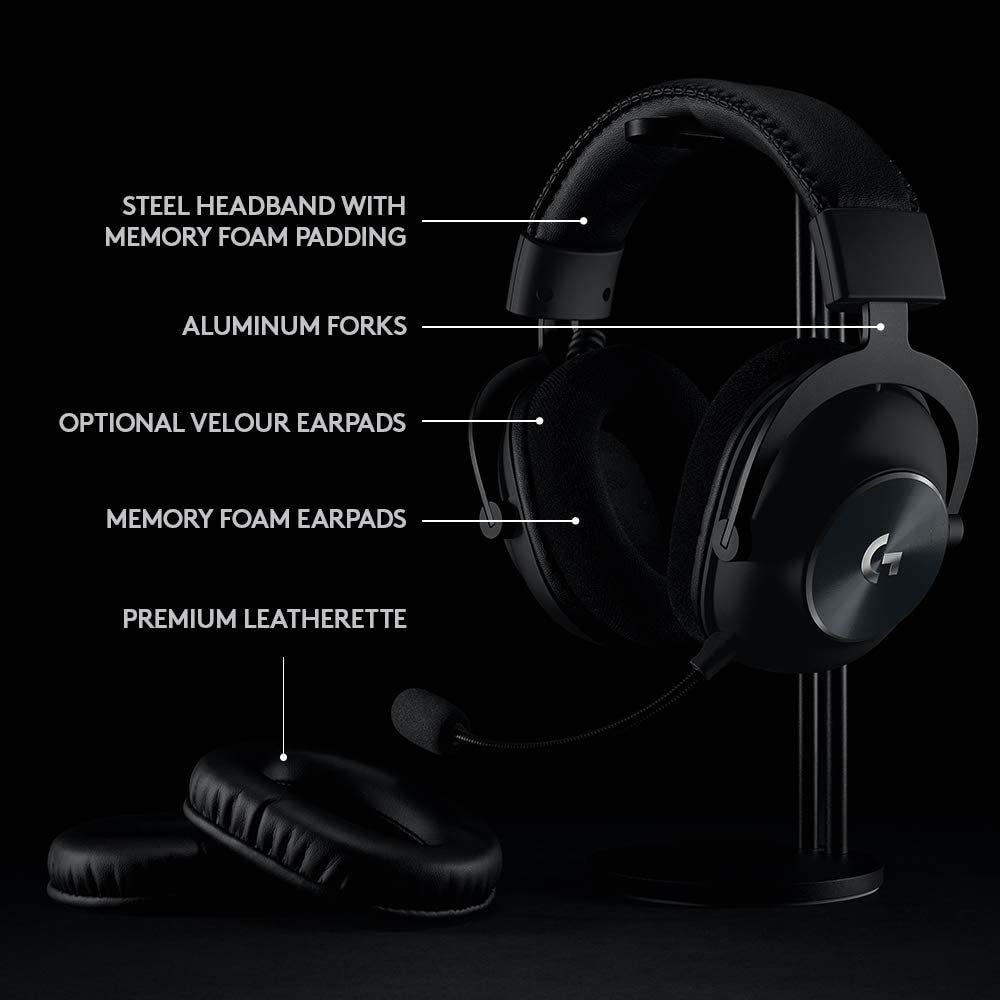
Aside from offering you low latency, this particular pair of gaming headphones is also undoubtedly one of the best wireless headphones in the market today. With amazing build quality, sleek and comfortable design, as well as excellent sound quality, you really can’t go wrong considering this one as one of your top picks.
If that’s not enough to convince you, the Logitech G Pro X Wireless also boasts 20 hours of battery life on a single charge with this model while providing a wireless range of up to 15 meters. My only qualm with this unit is that the microphone could have been done a lot better by Logitech.
But if you’re the type of gamer who likes to play solo anyway and don’t use a microphone that often, then the mediocre mic shouldn’t pose any problem at all to you.
Features & Specifications
Product Dimensions: 5.43 x 3.7 x 7.68 inches
Manufacturer / Brand: Logitech
Type: Over ear.
Item Weight: 0.82 lbs
Wireless: Yes.
Connectivity: USB Lightspeed
Console Compatibility: PS4, PC, and Nintendo Switch
Mic: Yes.
Driver/s: PRO-G 50 mm drivers
Frequency Response: 20 Hz-20 KHz
Noise Cancelling: No.
Color: Black.
Special Features: Blue Vo!ce Advanced Mic Technology.
Pros
Sleek, minimalist design.
Great build quality.
Impressive surround sound and overall audio quality.
Comfortable to wear even after long hours of gaming.
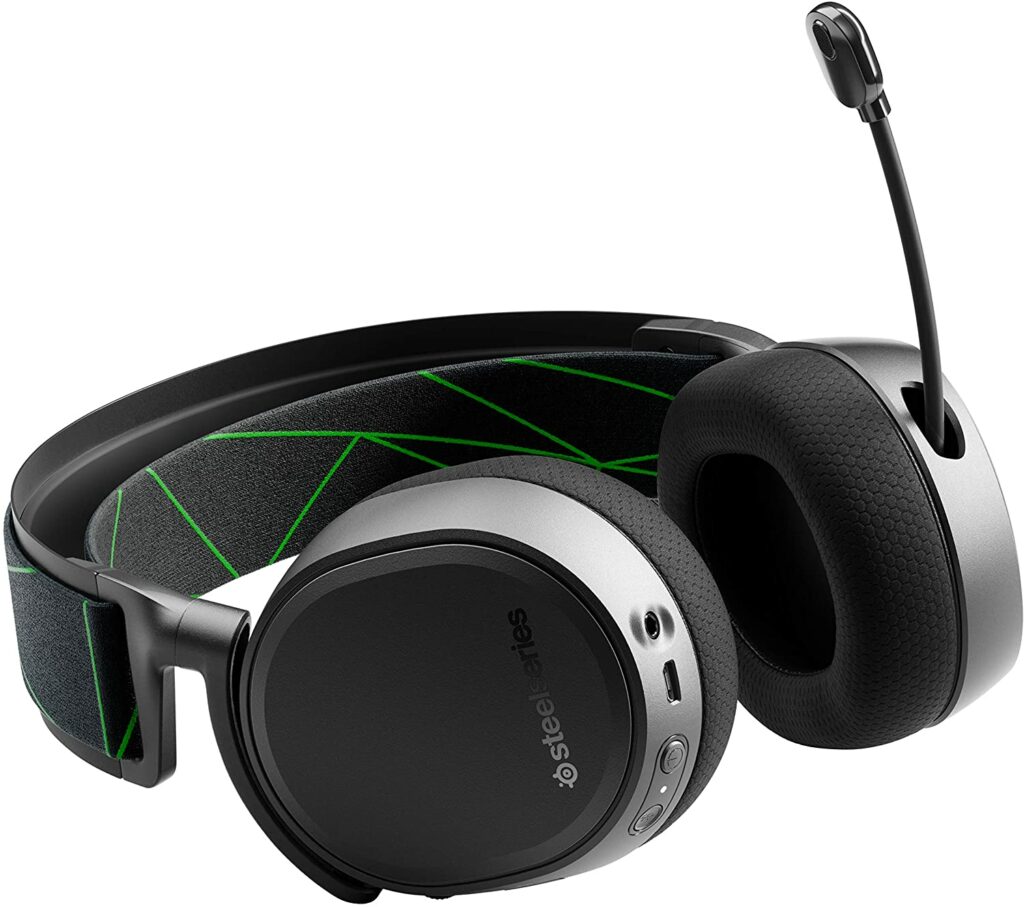
Xbox gamers will love this next gaming headphones from SteelSeries. The SteelSeries Arctis 9X Wireless offers a built-in Xbox Wireless Technology to make sure that you’re getting low audio latency whenever you’re gaming.
Apart from that, this particular pair of gaming headphones also come in with Bluetooth connectivity. That means you can also pair up these headphones with your phone so you can listen to your all-time favorite music while still being connected to your console.
And because SteelSeries is known for its amazing audio quality, gamers and audiophiles alike will truly enjoy using the Arctis 9X. Not to mention, the model is wireless. So if you’re worried about annoying cables snaking around your space, then you won’t have to think about that anymore.
Performance isn’t sacrificed at all despite the SteelSeries Arctis 9X being wireless and you’re getting more than 20 hours of playtime from a single charge. You can also continue using the headset while it’s still charging.
When it comes to comfortability, the ski goggle found on the upper part of the headset prevents its overall weight from digging onto your head. So even after long marathons of gaming, the headset still feels pretty comfortable to wear.
However, keep in mind that some users of this particular model have also reported some inconsistencies in terms of sound delivery. Some also complained that their headphones would disconnect from their devices on their own which some found an inconvenience or interference in their gameplay.
But overall, the SteelSeries Arctis 9X Wireless is still a pretty solid choice for gaming headphones and should please most of you.
Features & Specifications
Product Dimensions: 8.07 x 8.26 x 3.62 inches
Manufacturer / Brand: SteelSeries
Type: Over ear.
Item Weight: 1.2 pounds
Wireless: Yes.
Connectivity: Bluetooth.
Mic: Yes.
Driver/s: 40mm neodymium drivers.
Frequency Response: 20Hz-22,000Hz
Noise Cancelling: Yes.
Color: Black.
Special Features: Retractable noise cancelling mic, DTS Headphone: X, 7.1 surround, 20+ hours of battery life.
Pros
Comfortable even after long hours of wear.
Great build quality.
Has Bluetooth connectivity.
Nice microphone quality.
Has noise-cancelling features.
Cons
Expensive.
Weak bass.
Inconsistent sound delivery.
Rating: 8.5 out of 10.
Where Can I Buy The SteelSeries Arctis 9X Wireless?
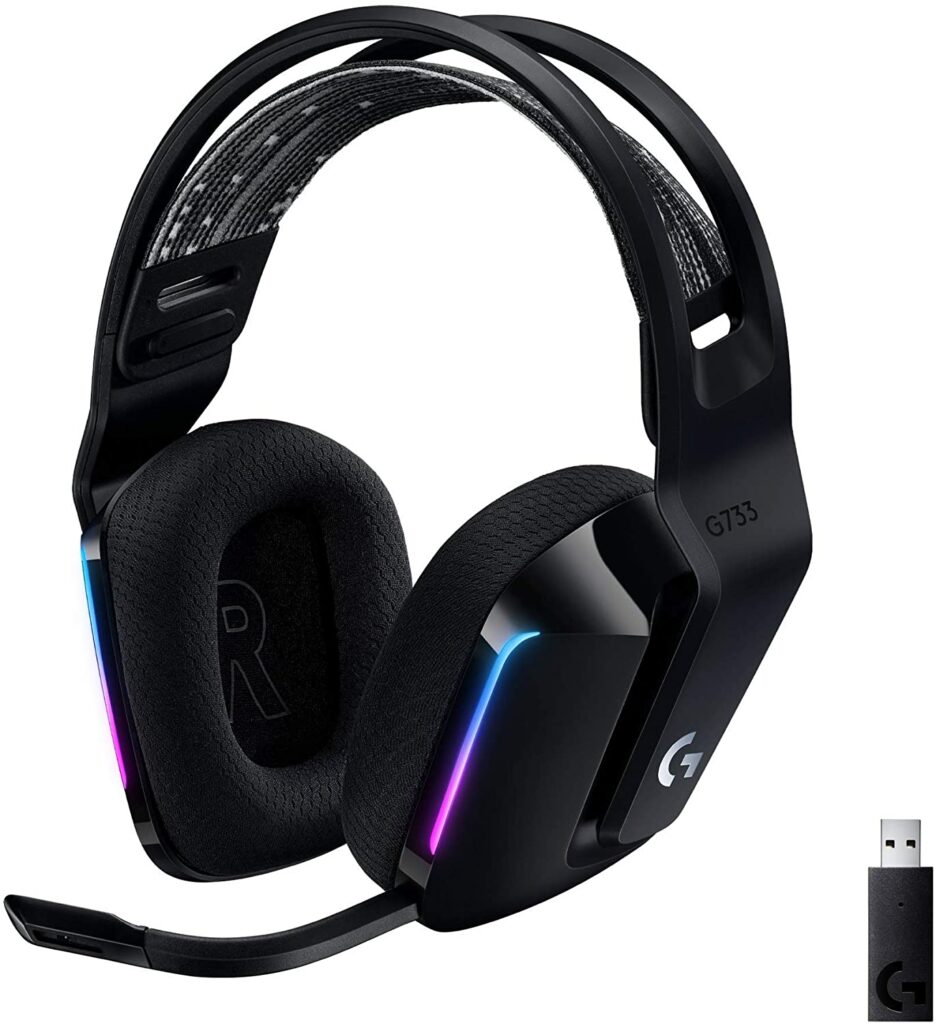
This next gaming headset in our list of the best headphones for gaming this 2021 is for anyone who likes a bit of color in their gaming equipment while having the luxury of great audio quality. The Logitech G733 LightSpeed is exactly that.
While gaming headsets are far from boring, seeing the same colors over and over again can be quite tiring. So if you’re feeling the same, the G733 LightSpeed from Logitech is something you should set your eyes on.
This particular gaming headset offers 4 bright, color variants of black, white, lilac, and blue encased in an all-plastic body with a clashing strap, and some colored LED light strips to accentuate the design further.
Some of you might get hesitant because of the plastic build but not to worry, this device is pretty sturdy with little to no movement or tension on any of its parts. Moreover, despite its oddly shaped design, the Logitech G733 LightSpeed is a very comfortable pair of headphones to wear while also being pretty lightweight around the head.
As for its performance, Logitech rarely disappoints when it comes to its headphones. So the quality doesn’t miss either. What’s more, you can get up to 29 hours of battery life on this device on a single charge. Less if you’re using the flashy LED lights.
The only major downside I see from this model is that it doesn’t have great noise-cancelling options. But if your gaming space isn’t really that noisy to begin with, then there shouldn’t be a problem when you’re using this.
Features & Specifications
Product Dimensions: 5.43 x 3.7 x 7.68 inches
Manufacturer / Brand: Logitech
Type: Over ear.
Item Weight: 9.8 ounces
Wireless: Yes.
Connectivity: Bluetooth.
Mic: Yes.
Driver/s: PRO-G 40 mm
Frequency Response: 20 Hz-20 KHz
Noise Cancelling: No.
Color: Black, white, lilac, and blue.
Special Features: Blue Voice software, 29-hour battery life.
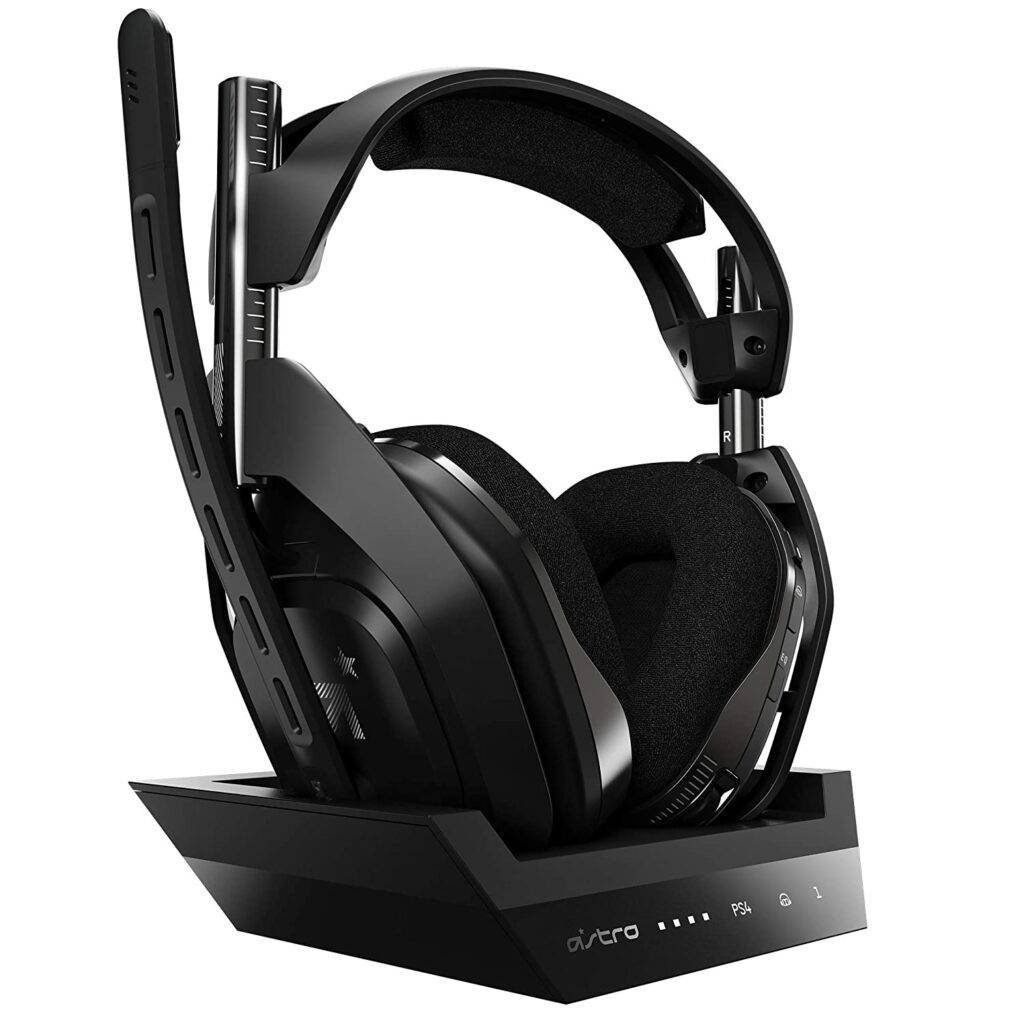
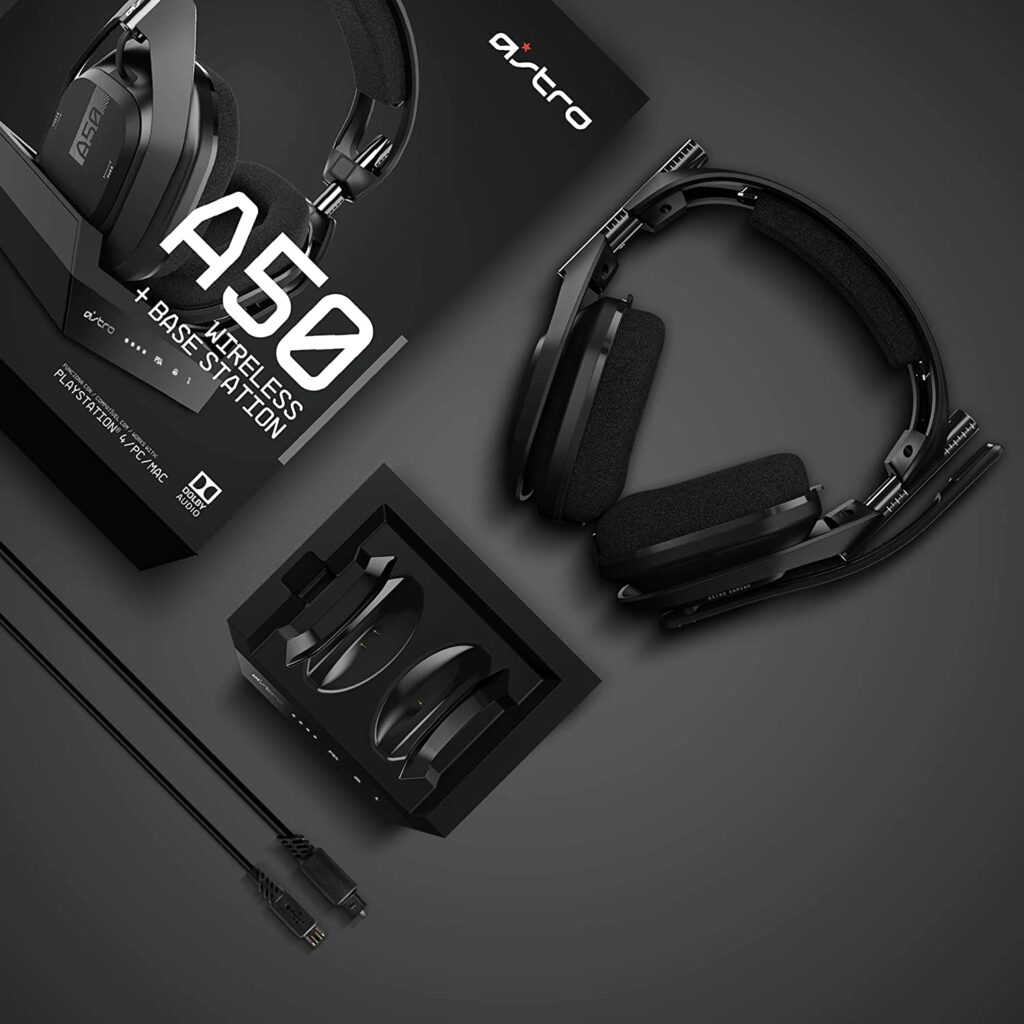
Last but not least in our list of the best headphones for gaming is the Astro Gaming A50 Wireless.
I have to admit, the first thing that caught my eyes with this gaming headset is its edgy and unique look. Some will like this, some will give it a pass. However, despite its hit-or-miss design, the sound quality this provides its users is something that you shouldn’t definitely miss out on.
The Astro Gaming A50 Wireless will give you one of the most immersive and excellent audio qualities your ears will ever get to hear. And that’s no exaggeration, either. I’m pretty sure that any audiophile will also love the experience this brings.
Wireless headsets have had a reputation for latency issues, but this particular model has impressive latency so you don’t have to worry about any disconnection whatsoever. I could go on and on about how awesome this device is, but to see is to believe. So I highly suggest testing this out when you can for yourself to see what I’m talking about.
Though I have to mention such premium and amazing features also come with a premium price. So if you’re on a budget, this might not be the best option for you. But for those who can afford to splurge on a gaming headset, I would recommend giving this a try.
Features & Specifications
Product Dimensions: 8.5 x 1.15 x 4.25 inches.
Manufacturer / Brand: Astro Gaming
Type: Over Ear
Item Weight: 1.49 pounds
Wireless: Yes.
Connectivity: USB Micro-B
Mic: Yes, with voice isolation.
Driver/s: 40mm Neodymium Magnet
Frequency Response: 20Hz – 20,000Hz
Noise Cancelling: No.
Color: Black.
Special Features: Dolby Audio, Compatible with PS4, Xbox One, Xbox 360, PS3, PC, and mobile, Astro Audio, 5.8GHz wireless tech with MixAmp, and a USB charging with base station.
Now that we have covered the best headphones for gaming in 2021, here are some quick shopping tips for you to consider before making your final purchases.
Your Budget
As with anything you’re planning to buy or invest in, the best way to approach things is by planning how much you’re willing to spend on a certain product. Or in this case, for your gaming headphones.
Not only will this determine the models or units you need to be keeping an eye out for, but having a set budget will also help narrow down your options to avoid getting overwhelmed with the endless choices.
Fortunately for you, with so many gaming headphones available in the market right now, no matter how much budget you set you’re sure to find one that is just around the price range you’re comfortable in. Just make sure that the one you are getting has excellent value for its price and that you’re not getting the short end of the stick.
Wired or Wireless?
When it comes to gaming headphones, there are two options or variants you will most likely find: a wireless variant and a wired one. What you choose ultimately comes down to your personal preference but here are some reasons you might want to consider.
Wired Headsets
Though there are obvious advantages and disadvantages to both options, with a wired headset, you’re getting the standard headphones of most gamers. In-game sounds will be heard a lot more clearly and communication between you and your teammates are more distinguishable as well.
Many gamers in the community prefer the tried-and-tested wired headphones because they’re a lot more reliable. You don’t have to worry about the battery life, just plug it into your PC or console then you can play right away, and not to mention, pricing is almost always more affordable than their wireless counterparts.
The only thing you need to keep in mind though, a lot of wired headsets nowadays are able to retain a cheaper price due to them using a much older kind of technology. Also, cable damage is a huge possibility over time.
Wireless Headsets
When it comes to wireless headphones, you will be able to have the privilege of mobility. Though, wireless headsets didn’t always have an easy ride. Before the arrival of 2.4GHz connections, wireless headsets were unreliable due to their susceptibility to delays, lags, and signal loss. However, these days, those things are now a problem of the past.
With the right wireless headsets, you will be getting the same top-tier sound quality from their wired counterparts. That is if you will be willing to shell out a few extra bucks of cash. Plus, the reduction of clutter and not having to worry about wires getting in the way of your gaming sessions seems like a worthy upgrade.
The only thing you will be worrying about is the constant charging. Some headsets still let you use it while it’s charging though, but you are going to have to deal with the wire once again.
Surround Sound
Having surround sound gaming headphones is pretty important especially if you’re into competitive gaming. Depending on the type of games you’re into, having this feature can give you that huge competitive edge or advantage over other players.
Gaming headphones that offer surround sound provide up to a 360-degree soundscape. This means you are getting multiple speakers covering each ear. So once you’re in the game, if something or someone is coming at you from behind from any direction, you’ll hear it instantly from that exact direction.
Players of Valorant, Fortnite, and other first-person shooting games will appreciate this. So if you’re one of the million players partaking in these types of games, then taking into account a gaming headphone’s surround sound quality is a must.
Fortunately for you, surround sound is a pretty common feature now for gaming headphones to have. Unlike in other forms of entertainment where having this can cost a luxury. So they’re not that hard to find especially in the gaming community.
Do keep in mind that surround sound comes in a variety of standards. Some game companies follow the Dolby 7.1, DTS:X 2, or Windows Sonic standards, while some create their own variant. Though personally, I find there is really not a lot of difference between these surround sound standards.
So whatever type you prefer, you will still most likely get the same virtual 7.1 environment simulation.
Built-in Microphone
Microphones are usually overlooked a lot when it comes to deciding which factors matter in gaming headphones. For solo gamers, mics don’t really have a lot of use but for people who love to play co-op games wherein you need to rely on your team a lot, a good mic can make or break your matches.
While the built-in microphones on gaming headsets are either hit-or-miss, you still need to consider at least getting one that’s decent where you won’t sound too muffled, quiet, or static-y.
Conclusion
Overall, having a reliable gaming headset can make the difference between winning and losing a game. While it’s not as important as which GPU to get, it’s still something that you will ultimately invest in to complete your gaming setup.
A good and reliable pair of gaming headphones will do just the job of putting you in the right mood to conquer any battlefield or world. I just hope that you find the right one for you through the help of our list of top picks.
Do you already own any of the listed gaming headphones in our top recommendations? Did your favorite make it in our top picks? Let us know if you have any experiences or insights to share in the comments section below. I would love to hear your thoughts!
Having the luxury to own the best 4k gaming monitors in the market right now can seem like a dream come true for some of you. But with so many models being released left and right by a huge number of brands and manufacturers, finding the right one for you can be a tricky and overwhelming task.
Every product and unit you see listed will offer unique features that make them stand out. Their designs are made so aesthetically to catch your eye. Some even contain confusing jargons that beginners will find confusing or complicated.
It can also be pretty easy to get lost or even worse, make an impulsive purchase right on the spot. Especially when you’re easily swayed by flashy advertisements or marketing tactics. Sometimes, the peer pressure of just wanting to get your hands on the latest tech or gaming equipment can be to blame too.
No need to be ashamed though! Trust me. We have all been there.
But not to worry! To help you out and make your shopping experience a lot easier, I wrote this simple buyer’s guide so you can get the best 4k gaming monitors for yourself. Now, every gamer out there can make an informed purchasing decision.
First off, let’s answer the most basic question you can ask in this article. What exactly is 4k?
After doing some research, a 4K resolution refers to a horizontal display resolution of approximately 4,000 pixels. These kinds of high resolutions can commonly be found on television screens and movie screens. These two formats also tend to use different types of 4K resolutions.
With that being said, it didn’t take long before companies found out that 4K resolutions can also be benefitted and enjoyed by the gaming community. And they weren’t wrong!
With games becoming more graphics-heavy and demanding, I find that the best way to enjoy them to their full extent is through a 4K gaming monitor.
Examples of such games that look amazing in 4k are the Witcher, Death Stranding, the latest Resident Evil games, and so much more. Of course, you have to keep in mind that you will also need the right setup and a really beefy GPU to run and support such demanding games.
When you’re using a 4K gaming monitor, you will notice right away details in your game that you never thought were there. Gamers used to high-res gaming know that it makes a world’s difference in quality and overall gaming experience. Once you go 4k, there’s really no going back. Anything else will be a huge downgrade.
How will a 4K gaming monitor benefit me?
To put it simply, a 4k resolution will offer the highest and best resolution possible you can get right now in any gaming monitor.
Just imagine a wide panel packing 8.3 million pixels (3840 x 2160)! That insane level of detail you are getting with your games will make it look incredibly sharp and as realistic as possible. Such razor-sharp details and amazing color accuracy will make any gamer instantly drool just by looking at their screens.
Aside from the stunning visual experience, a 4k gaming monitor also offers the ability to go past 20-inch screens. For some, a 27-inch screen is more than enough to get an immersive experience with any game. But as we continue to progress, more and more hardcore gamers are demanding bigger screens for their gaming setup.
I guess in this case, size does matter.
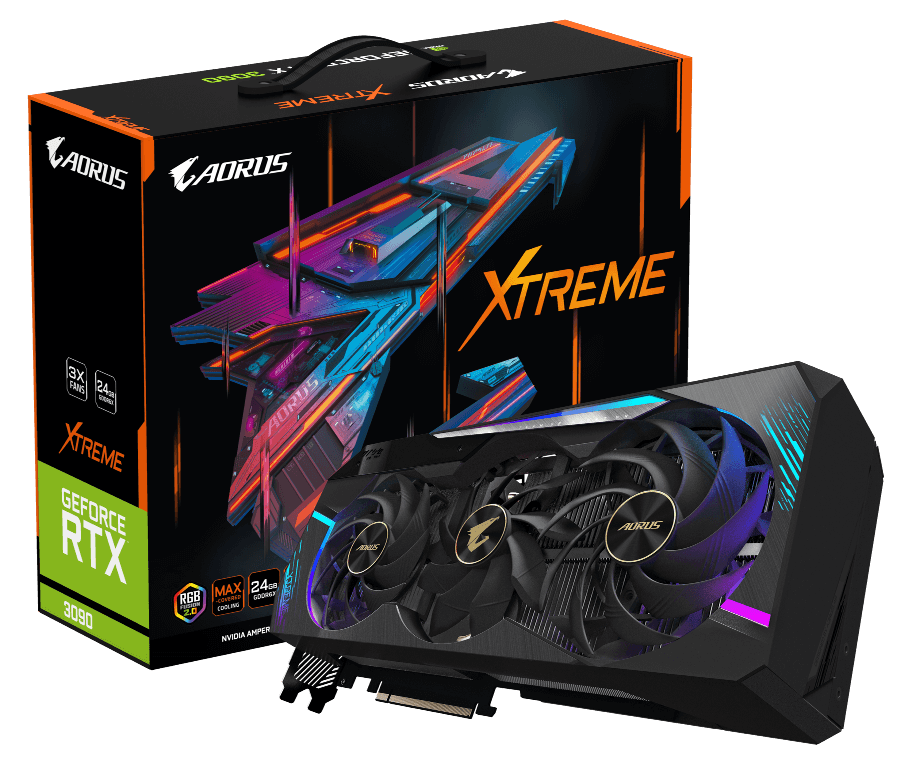
Another thing to keep note of, the latest high-end graphics cards being released by Nvidia’s RTX 30-series and AMD’s Radeon RX 6000 series also pair up nicely with a 4k gaming monitor. As I have previously mentioned, such high resolutions need the right amount of power to run them.
The right answer to this question is completely up to you.
Though personally, a 4k gaming monitor is a luxury and not a necessity. At least not right now.
While 4k gaming monitors are amazing, the majority of the gaming community still prefer or use 1080p monitors. And for a lot of good reasons. Some find that the gameplay they experience is much smoother, most games run fairly well on 1080p, some can’t simply afford the upgrade, and etc.
However, that’s not to say that a 4k gaming monitor is not a worthy upgrade at all. I only say the aforementioned because 4k gaming monitors usually come in at a premium price tag as well as the needed specs to run games in 4k is an even more expensive upgrade if you don’t already have them in your arsenal.
So it’s a pretty huge investment and a big decision you need to ponder on thoroughly. Especially if you’re on a pretty tight budget.
To be fair, 4k gaming is still fairly new and rare in the community. But technology seems to progress at a rapid rate in today’s generation. You can expect that more and more companies and manufacturers will be pushing towards this resolution in the upcoming years or even months!
With the latest games are becoming more demanding than ever in terms of graphics, it’s only normal that the resolutions we use to keep up in order to provide us with the best gaming experience possible.
While 4k gaming is not an absolute necessity, it’s definitely something to consider. Maybe not now, but you can toy with the idea of gaming in 4k until it becomes the norm.
Not to mention, investing in a 4k gaming monitor will most likely give you a decade’s worth of the most immersive and realistic gaming experience right at the comfort of your home.
What To Look For And Consider In The Best 4k Gaming Monitors
Plan Your Budget
As you all know by now, 4k gaming monitors don’t come in cheap. Even the most budget-friendly options can still cost a pretty hefty penny. So it’s very essential to plan out a budget for the 4k gaming monitor you want or need.
Thankfully, there are so many 4k monitors in the market right now that you’re sure to find a unit in your desired price range. Though make sure that the ones you choose are perfectly suited for your gaming needs and gives you great value for your money.
Additionally, having a set budget when shopping for a 4k gaming monitor will also significantly narrow down your options so you can avoid the overwhelming process of checking every monitor on sight.
Know Your Graphics Cards
For those who are unaware, your graphics card in your gaming setup is the one responsible for accelerating the creation and rendering of images, video, and animations. It performs quick math calculations to free your CPU to perform other needed tasks.
Usually, these units are also the most expensive part of your setup. Depending on which one you buy. Keep in mind that the higher the number indicated on the graphics card model, the faster it can render your games. Also, the more high-end graphics card you’re using, the more demanding games you can play with ease too.
When it comes to correlating it to running games on 4k, your graphics card will need some heavy-duty specs.
GSync Vs. FreeSync
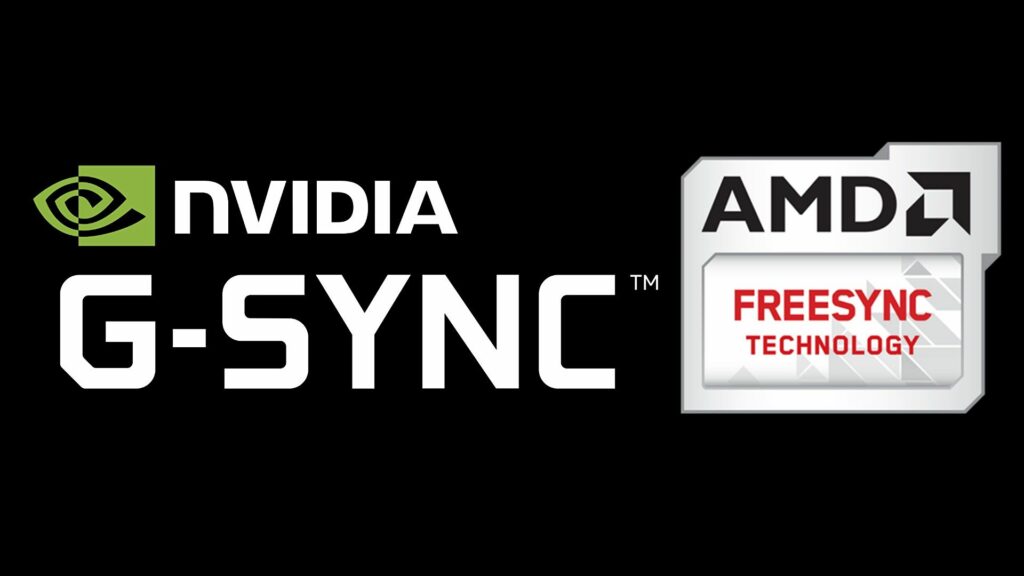
Speaking of graphics cards, some 4k gaming monitors are only compatible with a certain type of GPU. In a 4k monitor, this feature is known as adaptive sync.
These days, most 4k gaming monitors are either compatible with Nvidia’s GSync or AMD’s FreeSync. However, there are impressive 4k monitors in the market that can successfully use both.
To put it simply, these systems help avoid screen-tearing issues as well as graphic and refresh rate mismatches during your gaming sessions.
Monitor Size
As for monitor size, this is somewhat based on your personal preference. The standard size of 4k gaming monitors is usually 27 inches. But it can definitely go for a lot bigger than that.
Though keep in mind that larger screens usually mean added costs and you have to make sure that you have adequate space for it.
Refresh Rates
When it comes to a monitor’s refresh rates, most 4k gaming monitors are limited to 30-60 Hz of refresh rates. If you’re a professional and you’re planning to use your 4k monitor for work, I would highly suggest going for at least 60 Hz as the 30 Hz variant will feel a little slow.
However, there are high-end 4k gaming monitors that offer 144 Hz of refresh rates. That’s something almost unheard of and not very common when it comes to 4k resolutions. If you have the budget, this is the best option for you.
So whether you’re looking for your new 4k gaming monitor right now or still pondering about it, I hope that this simple buyer’s guide was able to help you out or give you an idea of the things you need to keep in mind.
While it can be a pretty complicated process, shopping for any gaming equipment can also be a fun thing to do too. You learn more stuff with every purchase and each day, you’re more informed on the things that are essential for your gaming setup.
Was I able to help you out with your questions on 4k gaming monitors? Was this article insightful? Let me know if you have any suggestions, insights, or any more queries regarding 4k gaming monitors in the comments section below. I would love to hear and answer your thoughts and questions!
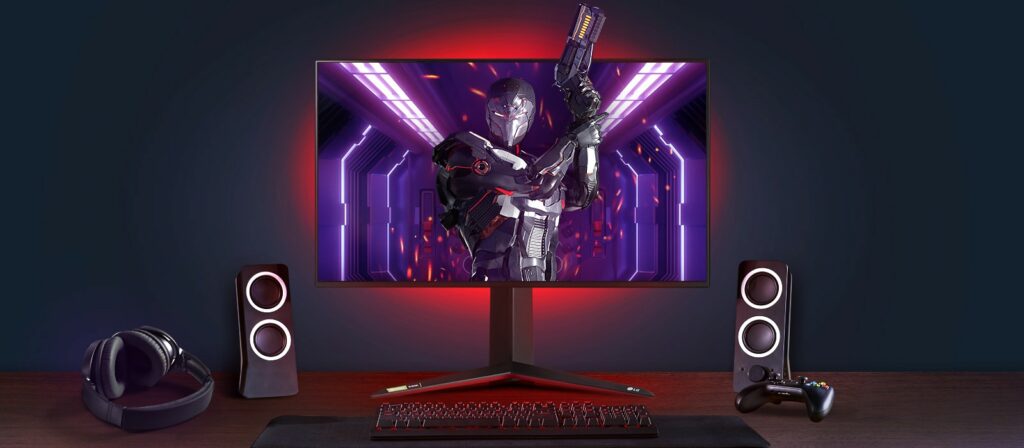
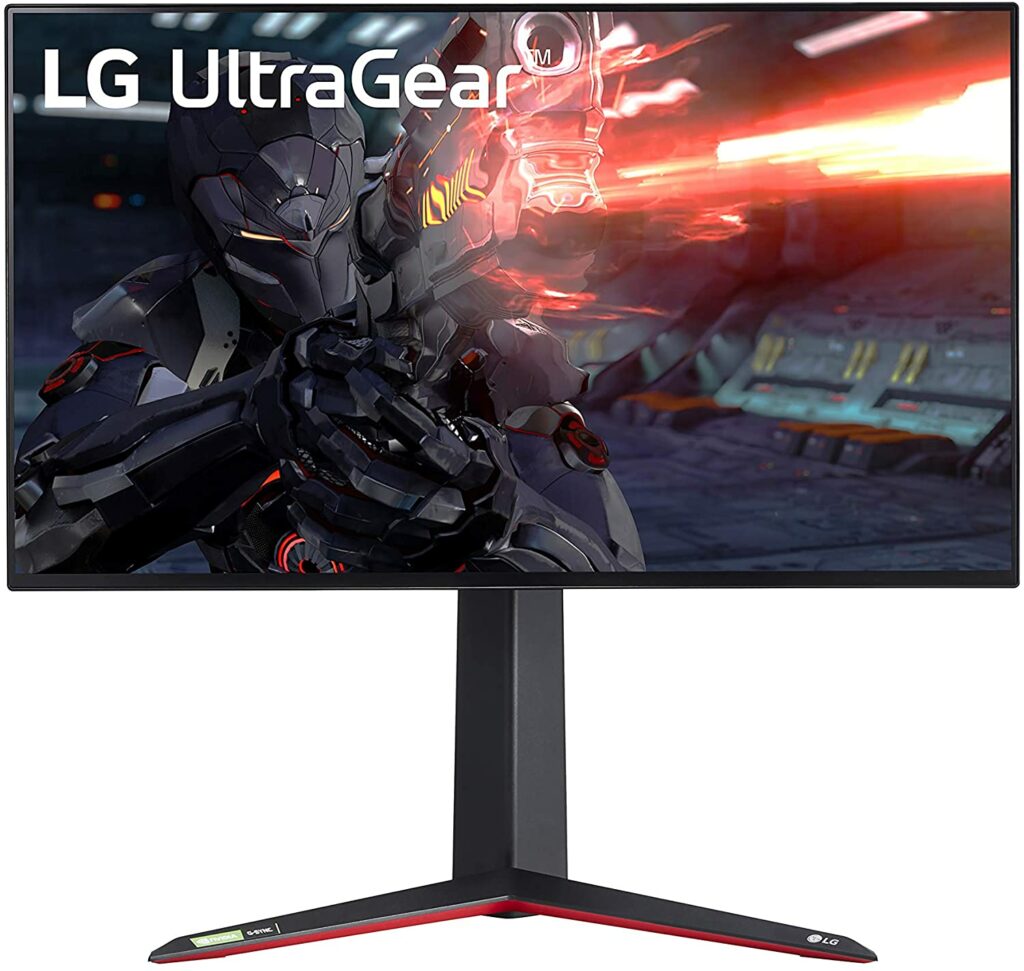
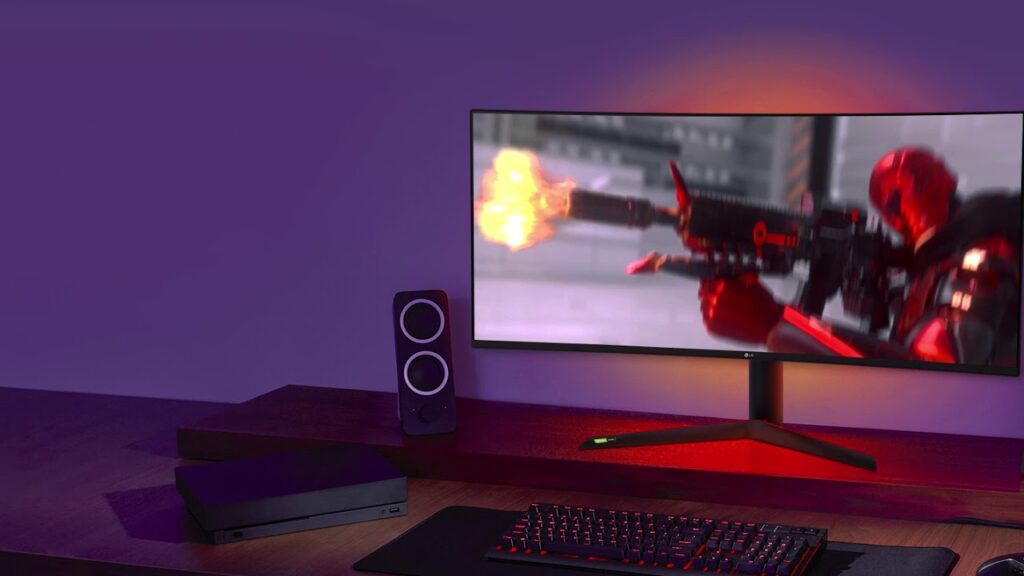
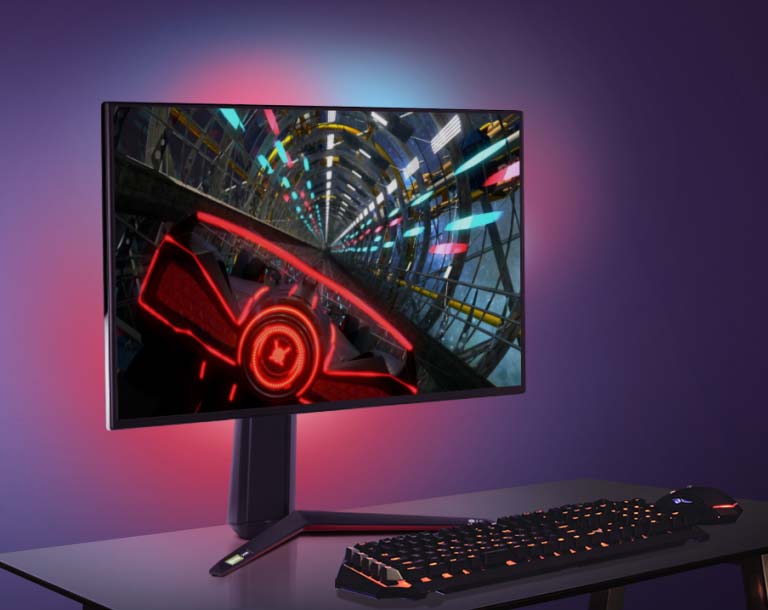
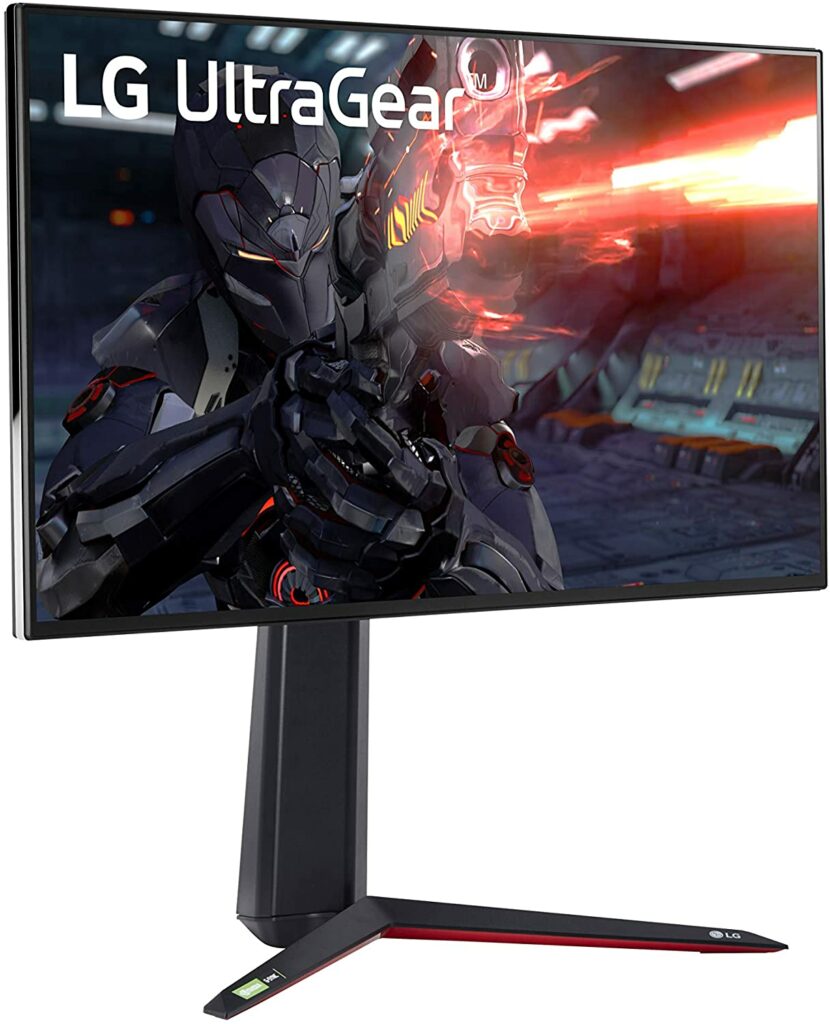
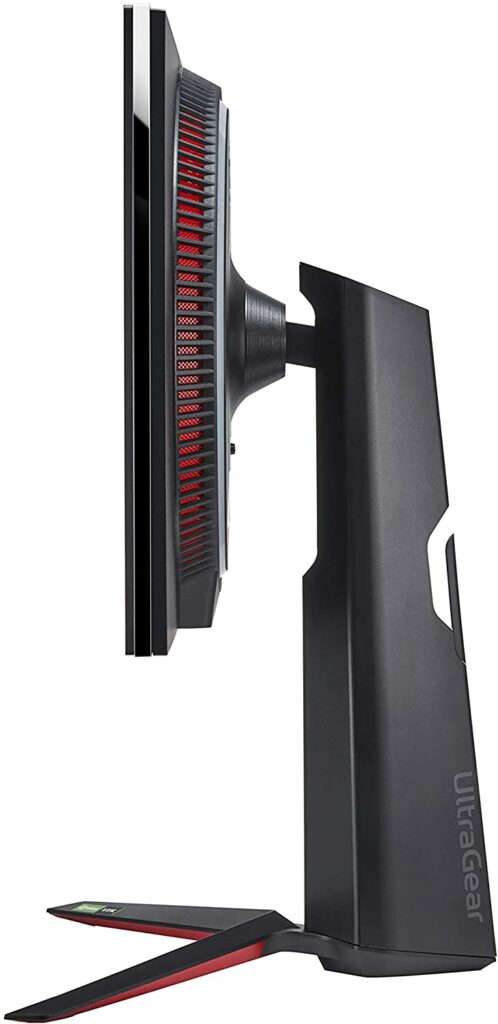
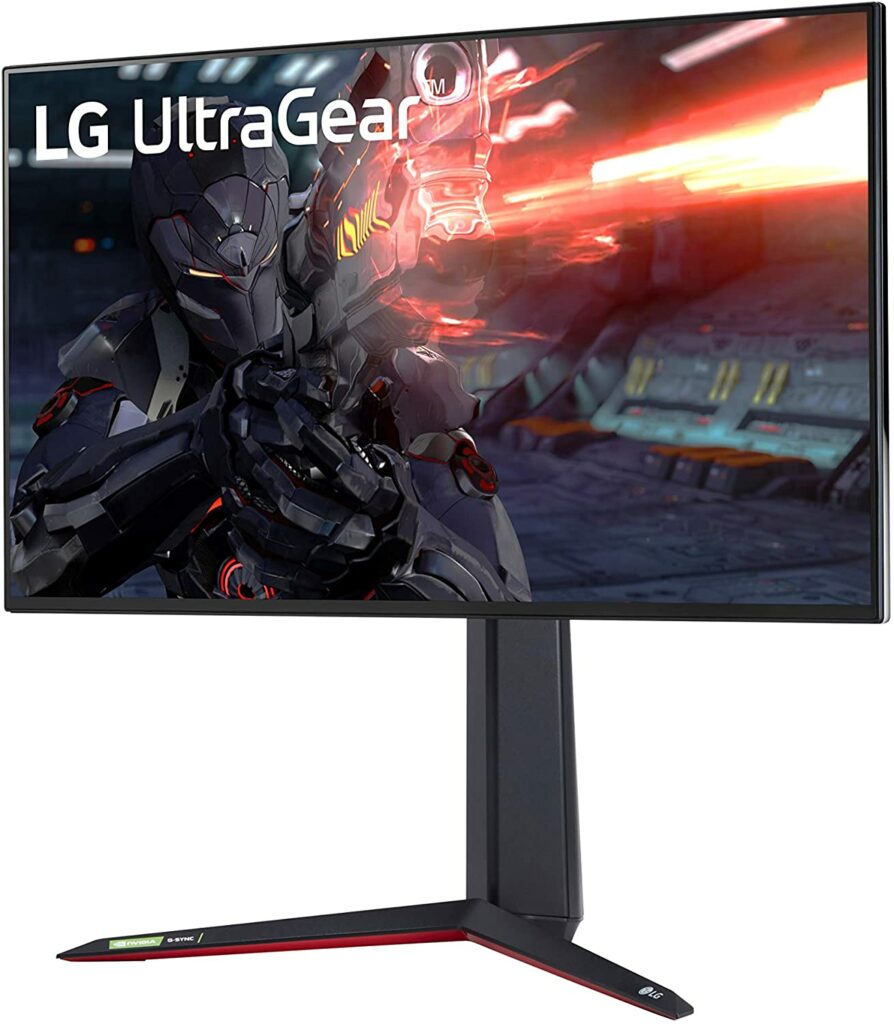
LG has always been one of the leading brands and companies when it comes to electronics. Whether it be for home appliances or smart technology, or gaming equipment. That being said, it comes as no surprise that their LG Ultragear monitors earn the top spots of many reviewers’ lists. So for today, let’s take a look at the LG 27GN950-B.
4k gaming monitors still have a long way to go in being the standard or the norm for most gamers. Some of its main setbacks being its high price point, FPS, response time, and refresh rates. In general, 1080p monitors are still the most commonly used in the gaming community.
While it’s undeniable that 4k gaming monitors are unparalleled in terms of overall picture quality and will provide you with the best visual experience, the 1080p is still a lot more recommended in terms of smoother gameplay. The thing is, it is just much easier to drive higher frame rates on the 1080p monitors.
Not to mention, you also have to consider that in order to play on 4k, you will also need the right machine to run it. And graphics cards that can handle high-res gaming don’t come in cheap either.
But don’t get me wrong, gaming in 4k monitors is an entirely different experience when you’re using the right one. The immersive experience, the stunning visuals, and the vibrant colors will just make your games truly come alive.
And those things are exactly what the LG 27GN950-B is claiming to offer gamers across the world.
So in our dedicated review of the LG UltraGear 27GN950-B, let’s find out if this 4k gaming monitor is worth the upgrade.
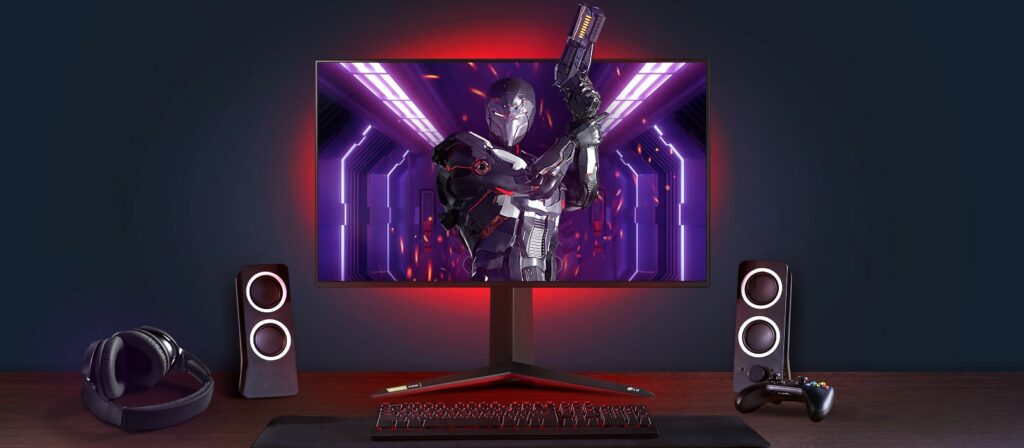
When it comes to the electronics industry, LG is one of the biggest brands not only in the market but in the world right now. From manufacturing home appliances, air solutions, home entertainment, smartphones, and now, gaming equipment. This is where the LG UltraGear 27GN950-B 4k gaming monitor comes into play.
Coming in with a full 4K display, a 144Hz IPS panel, DisplayHDR 600 certification, Nvidia G-Sync Compatibility, and so much more, it almost sounds too good to be true.
This display comes in with a 27-inch screen and has the best input lag scores you will ever encounter in a 144 Hz gaming monitor. What makes it even more impressive is that this is completely running at 4k. It’s actually very rare for a gaming monitor to perform well at such rapid refresh rates at 4k. Most 4k monitors are limited to 60 Hz.
Gamers or enthusiasts of first-person shooting games will celebrate knowing this fact as FPS will no longer be a concern when using the LG UltraGear 27GN950-B.
What’s more, the Nano IPS tech in the LG 27GN950-B also boasts a wider color gamut and impressive viewing angles with the sharpest IPS image quality. Not only that, but you are also getting 600-nit peak brightness at UHD and 10-bit color depth.
If you were ever worried about GSync and FreeSync compatibility, well you will be happy to know that this model is compatible with both AMD and NVIDIA graphics cards. You’ll experience no changes or differences in overall performance at all. This also means that you won’t have to switch GPUs in order to use this 4k gaming monitor.
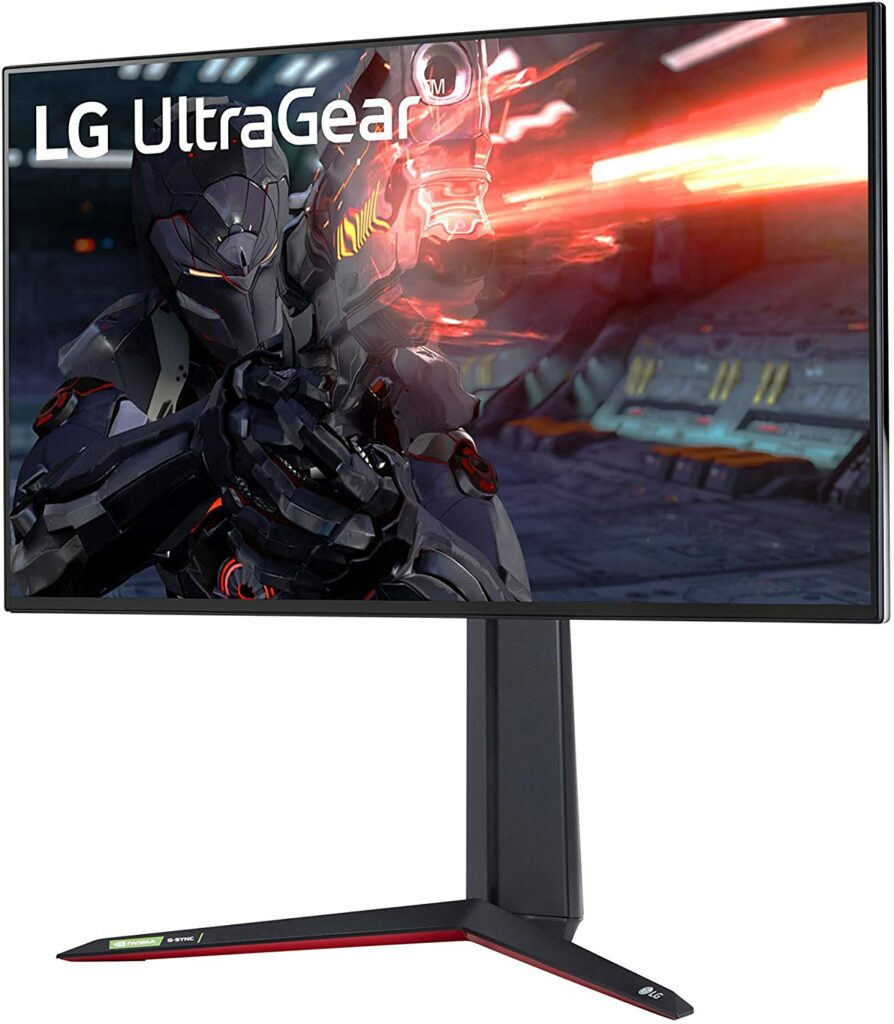
In terms of design, LG didn’t disappoint in this aspect either. One of the design features that stood out to me with the 27GN950-B is how thin its bezels were. While this might not matter to some of you, but personally, this just adds a certain level of sleekness to the overall model.
Features & Specifications
Product Dimensions: 23.9 x 11.5 x 18.1 inches or 607 x 460-572 x 292 mm.
Display Size: 27 inches.
Manufacturer / Brand: LG
Screen Resolution: 3840 x 2160 pixels.
Aspect Ratio: 16:9
Panel Type: Nano IPS
Backlight: W-LED, edge array
Response Time: 1 ms.
Refresh Rate: 144 Hz
Adaptive Sync: FreeSync and GSync.
Native Color Depth & Gamut: 10-bit (8-bit+FRC) / P3
Brightness: 400 nits (SDR) / 600 nits (HDR)
Contrast: 1,000:1
Video Inputs: 1x DisplayPort 1.4 (DSC) / 2x HDMI 2.0
Audio: 3.5mm headphone output
USB 3.0: 1x up, 2x down
Screen Surface: Flat.
Panel Thickness: 2.1 inches (53mm)
Bezel Width: Top & sides – 0.2 inch (5mm) / Bottom – 0.4 inch (10mm)
Item Weight: 16.9 lbs
Colors: Black.
Warranty: 3 years.
Extra Special Features: Height Adjustment, Pivot Adjustment, Anti-Glare Coating, and Tilt Adjustment.
Check out LG Global’s preview of the LG UltraGear 27GN950-B below.
What We Love About The LG UltraGear 27GN950-B
Image Quality
In terms of overall image quality, the LG 27GN950-B’s stunning visuals are unparalleled. This is all thanks to LG’s Nano IPS panel, which is popularly known for its superior 98% wide DCI-P3 color gamut.
Because of such a wide color gamut, colors on the display appear vibrant, rich, and dynamic. Though, keep in mind that some colors can appear over-saturated. It’s up to your personal preference whether you will like this or not. Some gamers prefer it this way, some do not.
Additionally, if you’re someone who works in a photo or video editing, a graphic designer, or any profession in a similar field, you will love the color accuracy in this 4k monitor. The colors are consistent all throughout, and plus, this model supports hardware/software calibration via LG’s True Color Pro app.
Overall, you’re getting some crazy, razor-sharp details when it comes to the LG 27GN950-B’s image quality.
HDR Performance
Amazing HDR performance is something you usually don’t expect from a 4k gaming monitor. However, the LG 27GN950-B did earn VESA’s DisplayHDR 600 certification. So it’s safe to say that in terms of HDR, this particular gaming monitor does not lag behind in that aspect at all.
Moreover, this model also reaches a peak brightness of 600-nits in HDR mode and 400 nits when in SDR mode. That means you’re getting very intense and vivid highlights that will surely pop when using this 4k gaming monitor.
If that’s not enough, the LG 27GN950-B also offers 16 dimming zones wherein you will have the option to select different parts of your screen that you would like to dim without affecting the unselected brighter areas of the display.
Quick Refresh Rates & Response Times
One of the best things about the LG 27GN950-B is the 144 Hz of refresh rates and the 1 ms response time. Not only is this a pretty rare feature on a 4k gaming monitor, but you will notice a huge difference in terms of your overall gaming experience once you test it out for yourself.
If you love first-person shooter games, then this is something you should definitely consider getting. The fast response time and amazing fluidity of the overall gameplay were completely unmatched like no other and an absolute joy to experience.
Our Least Favorite Thing
Expensive
As I have previously mentioned, one of the main setbacks of 4k gaming monitors is the premium price tag it comes with. Not every gamer on the planet can just easily shell out a thousand dollars or have easy access to that kind of money.
Though understandably, you are paying for the high-end features that the LG UltraGear 27GN950-B is offering and you’re undoubtedly getting one of the best 4k gaming monitors in the market right now. So does the price justify this 4k gaming monitor’s potential? The answer is completely up to you.
However, there are also more affordable options like the Asus ROG Strix XG27UQ which comes in at around $800. So if you’re on a budget, you might want to consider checking this one out. It’s still a pretty high price point for me but it definitely beats a thousand dollars. Plus, you get to save at least $200.
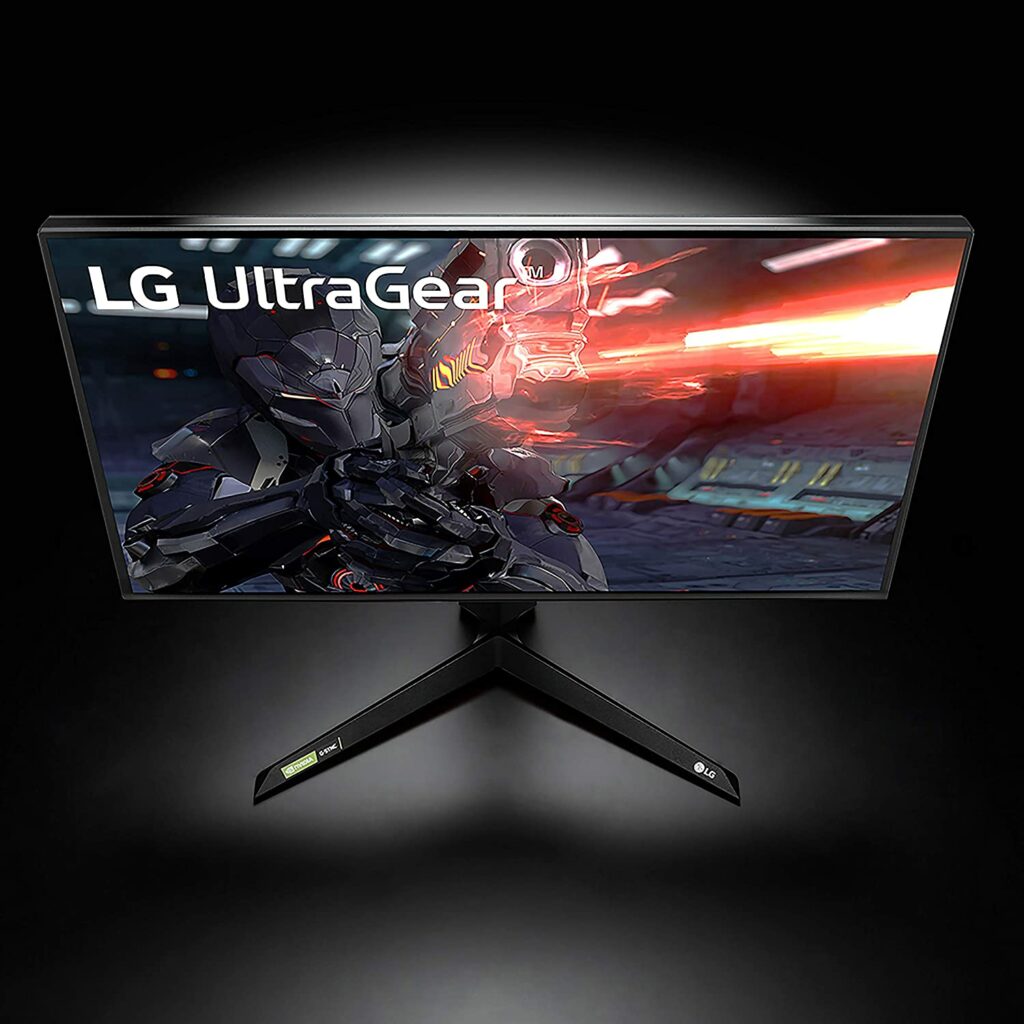
This isn’t that big of a deal but it’s definitely something worth considering before buying the LG UltraGear 27GN950-B. Upon inspection, this particular 4k gaming monitor is actually thicker than expected.
Upfront, it looks pretty slim but on the back, that’s when you will realize you are going to need a bit of extra space to accommodate the screen’s thickness as well as the monitor stand.
In A Nutshell
Now that we have discussed what we loved and disliked about the LG UltraGear 27GN950-B, here’s a narrowed-down list of the good and the bad with this 4k gaming monitor.
Pros
Supports both GSync and FreeSync seamlessly.
Quick response time and refresh rates.
Extremely low input lag.
Height adjustable.
Sharp and bright image quality.
Vivid and vibrant colors with excellent accuracy.
Local dimming produces VA-like contrast.
Cons
Colors can sometimes come off oversaturated.
Expensive.
The model is pretty thick.
Final Verdict
Overall, the LG UltraGear 27GN950-B is a very impressive 4k gaming monitor. Dare I say, it’s definitely one of the fastest and most responsive 4k gaming monitors in the market right now.
Already own the LG UltraGear 27GN950-B? Come share your insights and experiences with this 4k gaming monitor in the comments section below. I would love to hear your thoughts!
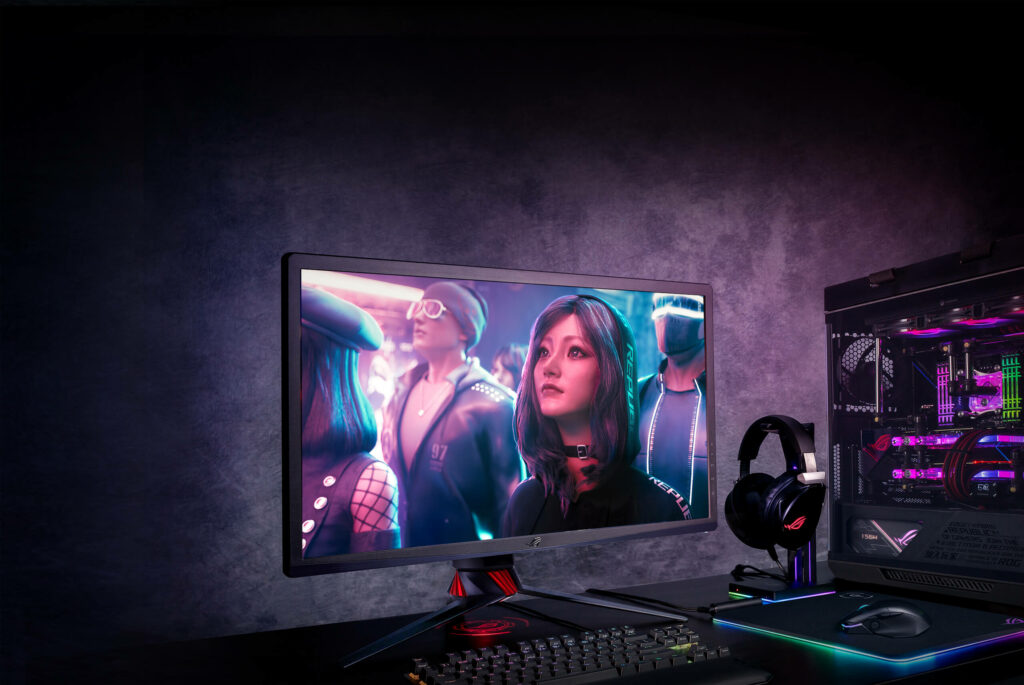
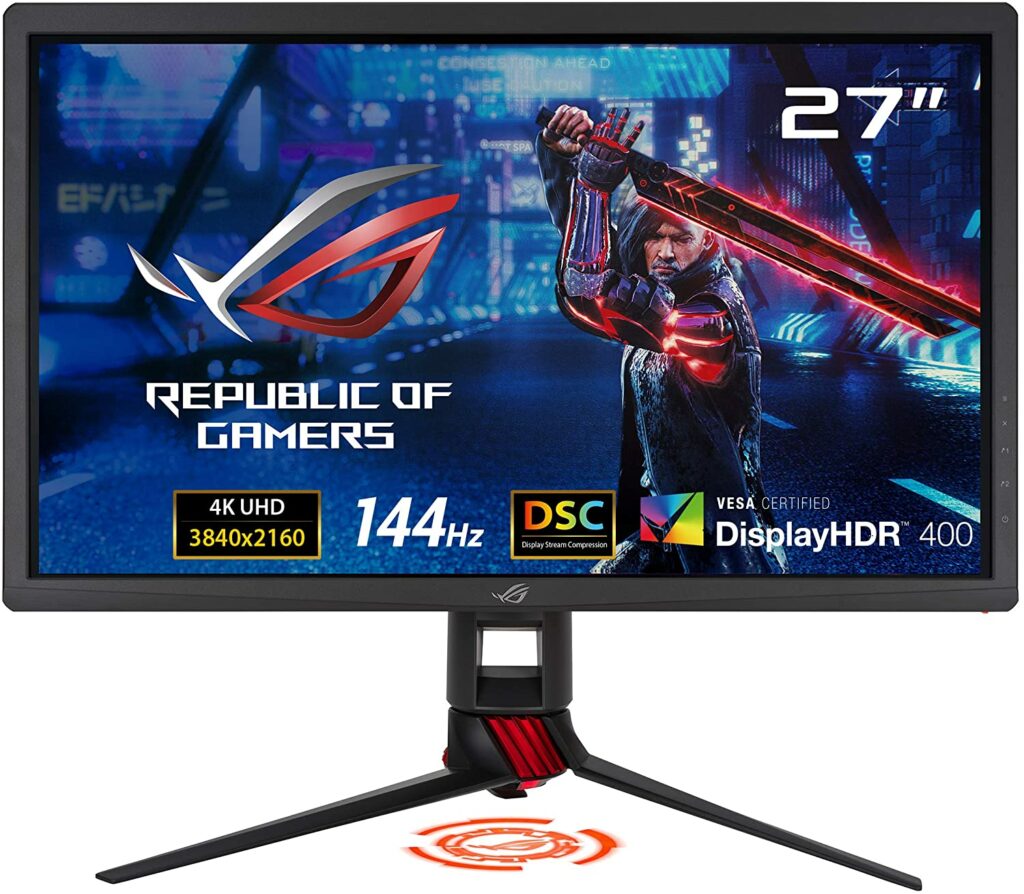
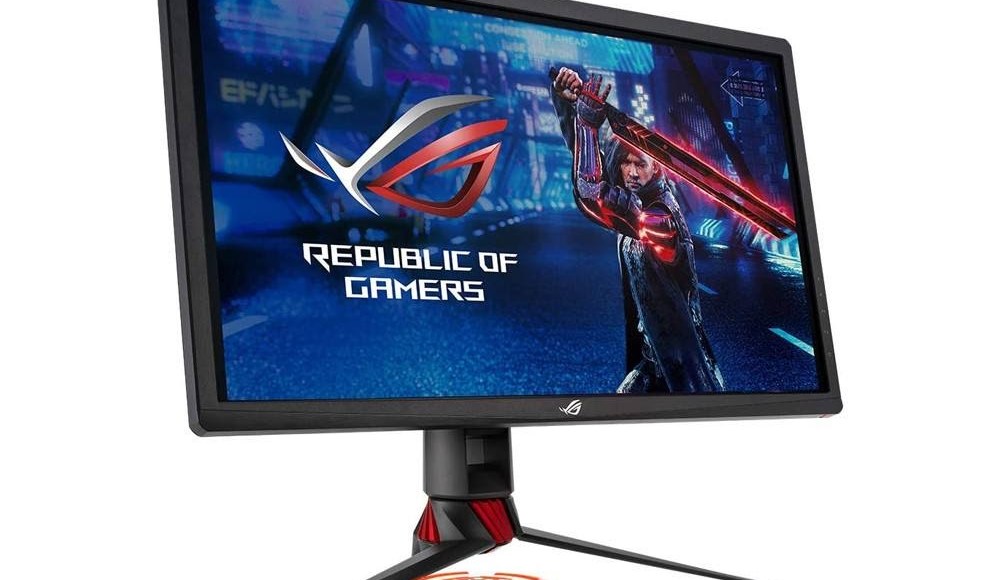
Finding a reasonably priced 4k gaming monitor usually means having to sacrifice one thing or another. This could mean lower refresh rates, lack of HDR formats, and plenty more. That’s why today, we will be taking a closer look at our Asus ROG Strix XG27UQ review to see if this is the best 4k gaming monitor for under $1000 that has all the bells and whistles.
As you all know, 4k gaming monitors are slowly on the rise for your next-level high-res gaming. But one thing that holds back gamers from making this instant upgrade for their setup is the expensive price tag these 4k gaming monitors have. After all, not everyone can just shell out thousands of dollars for a gaming monitor.
So imagine my surprise and excitement when Asus ROG was able to come out with a 4k gaming monitor that’s just under $1000.
Understandably, $800 can still be a splurge for some of you. Especially if you consider the other gaming equipment you need to spend on in order to run your games at 4k such as your GPU for example. These things don’t come in cheap and to have seamless high-res gaming, you need the appropriate gaming setup to back it up.
But is the Asus ROG Strix XG27UQ truly worth it? Read on to find out.
When it comes to the gaming community, Asus needs no introduction. Especially their gaming brand, Republic Of Gamers, or better known as ROG.
For years, since 2006, Asus ROG has been committed to providing the best gaming equipment and peripherals possible for gamers all over the world. Regardless if you’re a hardcore gaming enthusiast or a casual, ROG is undeniably one of the go-to brands for a lot of you.
But enough about the company’s mission and vision, let’s get right to business.
A reasonably-priced 4k gaming monitor?
When it comes to the world of 4k gaming monitors, budget-friendly and 4k don’t usually go together. And whenever they do, the overall product can sometimes perform underwhelmingly. That’s because a lot has been sacrificed in order to keep it at a lower price point so more people can afford it.
Such sacrifices can mean lower refresh rates. Sometimes it can even get as low as 48 Hz. Mediocre HDR performance or simply lacking HDR formats. Slow response time. The list can go on and on. It solely depends on the manufacturer which features will be getting the cut.
But the Asus ROG Strix XG27UQ is proven to be built differently. It’s very rare that you see a 4k gaming monitor that has a refresh rate of 144 Hz, quick response time, amazing HDR performance, low input lag, and overall amazing graphics for just under a thousand dollars.
Usually, with all those specs in one product, you will be preparing to pay for at least $1000 or more. Not with this model.
Overall Performance
This 27-inch 4k gaming monitor checks all the bells and whistles you will ever look for in a 4k gaming monitor. No compromises made here! Right off the bat, you’re getting razor-sharp picture quality with the most vibrant and richly saturated colors with your games.
Not to mention, the 144 Hz of refresh rate and fast response time will make your gaming experience even more enjoyable. Especially if you’re big on FPS games. That’s really when the speedy refresh rates shine.
If you’re worried that this product seems too good to be true, that’s understandable. But the build quality of the Asus ROG Strix XG27UQ doesn’t miss either. This particular model is pretty rock-solid that’s made of thick, hard plastic for the panel and cast aluminium for its base.
The only flaw I see from this almost perfect monitor is its thick bezels. But that’s just based on personal preference. When you’re so used to almost non-existent bezels, it can be quite difficult to overlook this feature. Though it’s completely up to you whether you feel this is a deal-breaker or not.
Features & Specifications
Product Dimensions: 24.95 x 17.19 x 10.61 inches
Display Size: 27 inches.
Manufacturer / Brand: Asus ROG
Screen Resolution: 3840 x 2160 pixels.
Aspect Ratio: 16:9
Panel Type: IPS
Response Time: 1 ms.
Refresh Rate: 144 Hz.
Adaptive Sync: FreeSync
Screen Surface: Flat
Video Inputs: 2x DisplayPort 1.4, 2x HDMI 2.0
Audio: 3.5mm headphone output
Item Weight: 16.53 pounds
Panel Thickness: 3.7 inches (94mm)
Bezel Width: Top and sides – 0.8 inch (20mm) / Bottom – 0.9 inch (23mm)
Warranty: 3 years
Colors: Black.
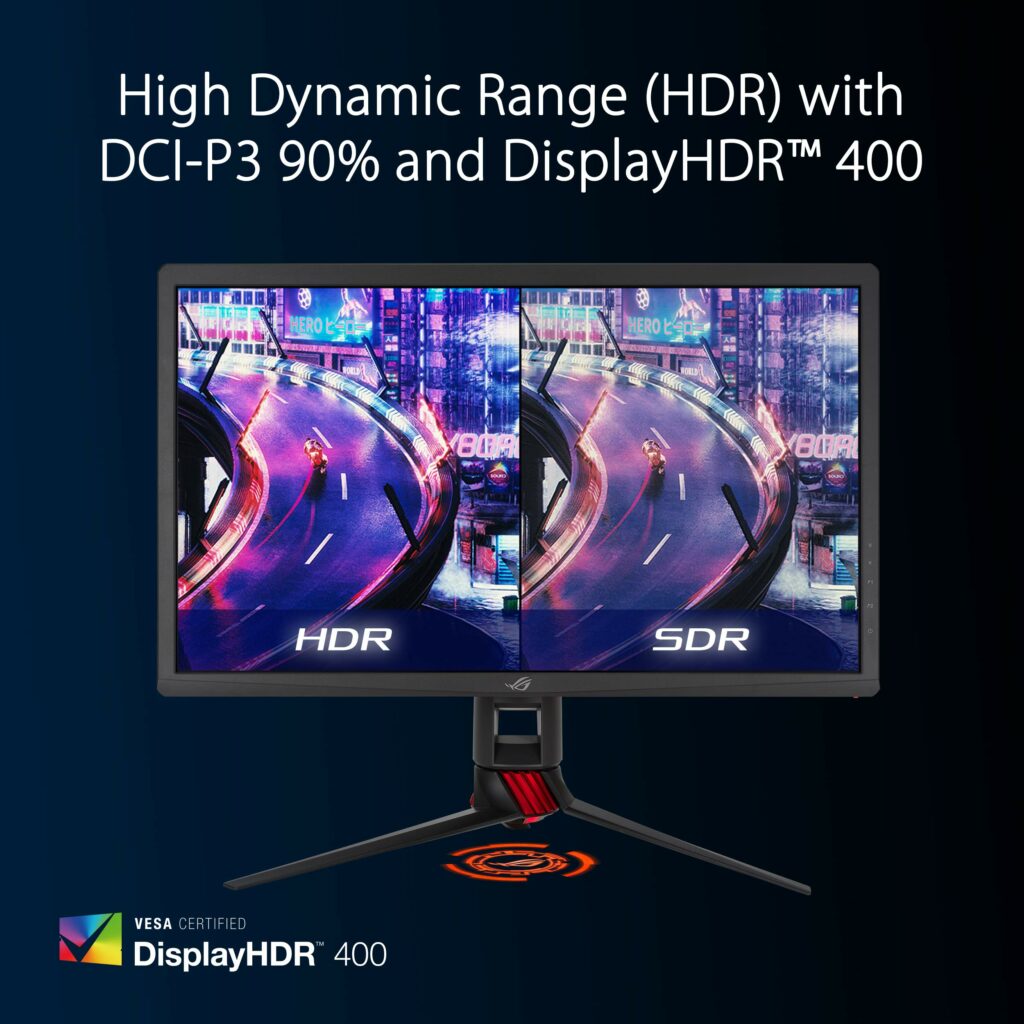
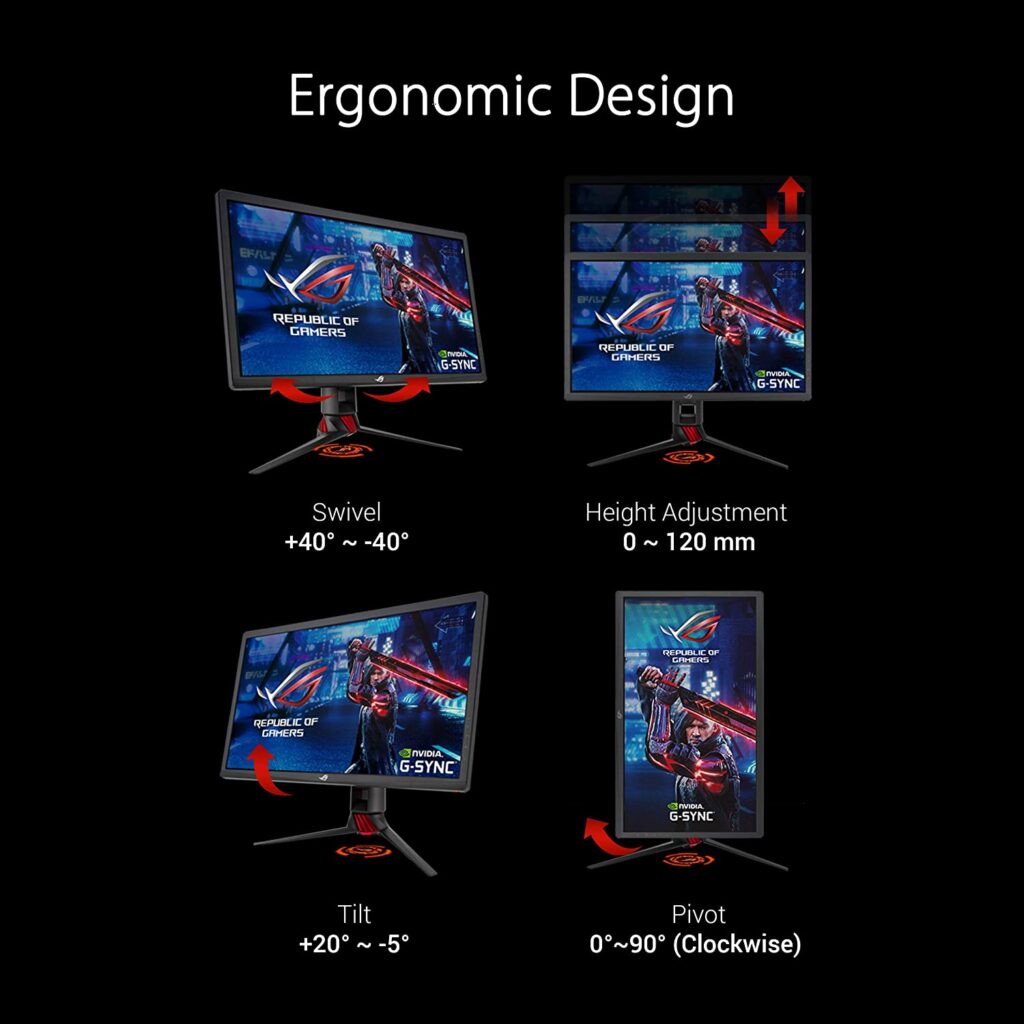
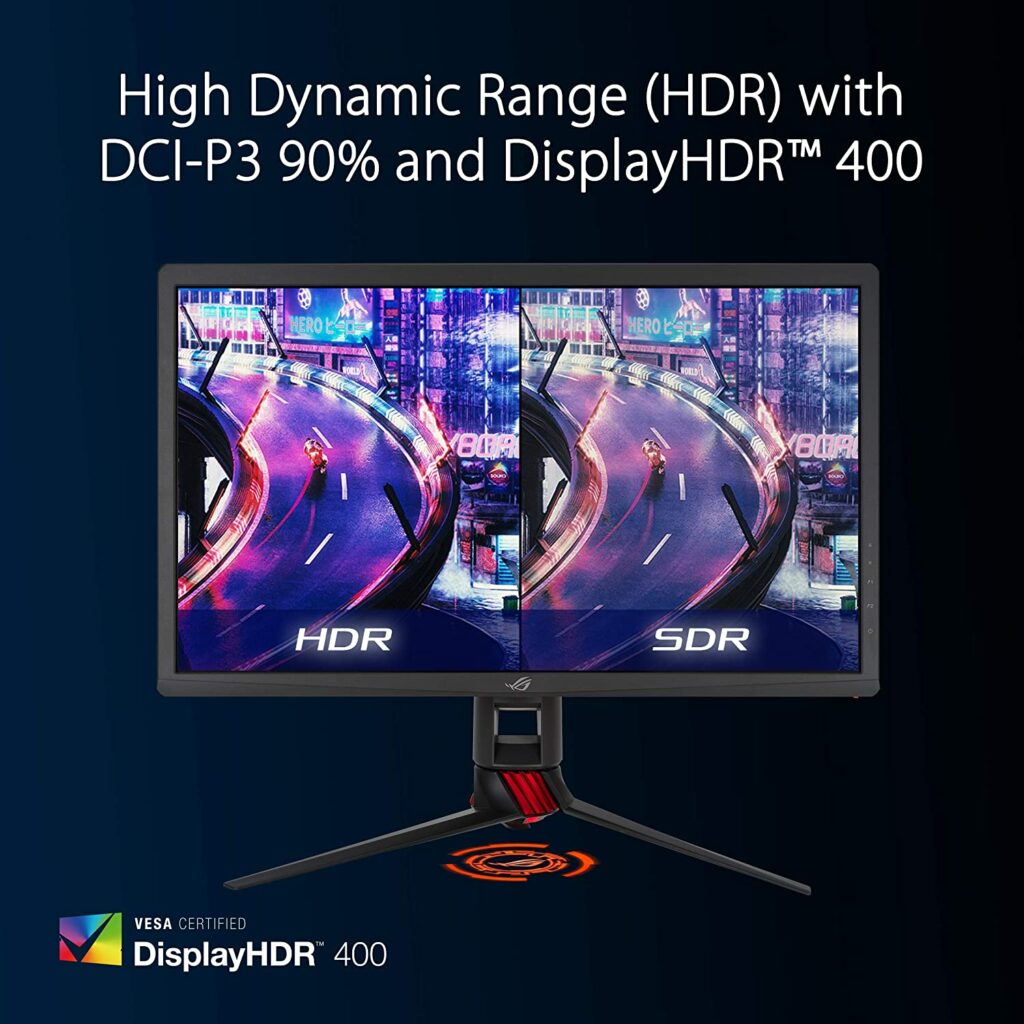
Extra Special Features: High dynamic range (HDR) technology with DisplayHDR 400 certification, Adaptive Sync, ASUS Eye Care technology with TÜV Rheinland Certification for Flicker-free and Low Blue Light technology, and a 4-way ergonomic stand (tilt, swivel, pivot, and height adjustable).
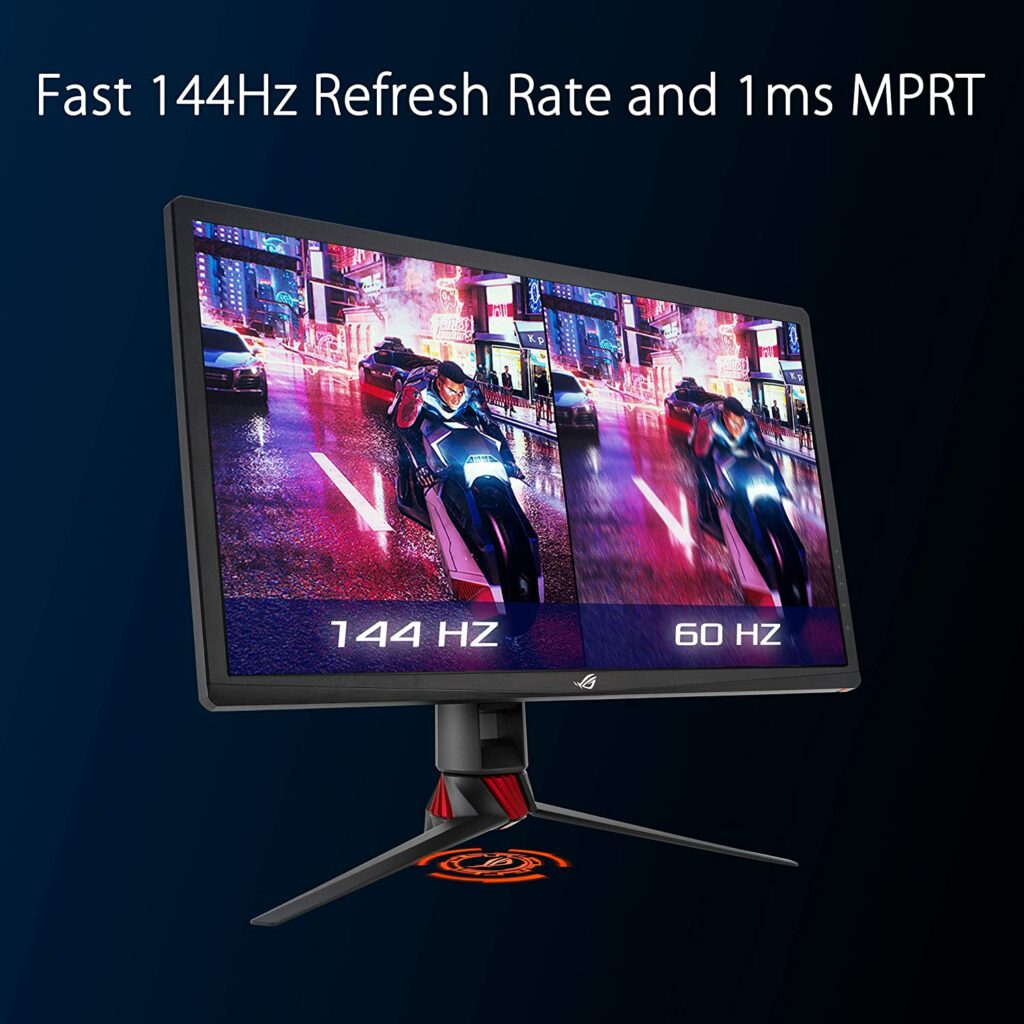
There’s no denying that one of the main things we love about the Asus ROG Strix XG27UQ is its refresh rate of 144 Hz. That’s something almost unheard of when you think about 4k gaming monitors. Usually, gaming monitors that run on 4k can only accommodate up to 60 Hz.
Because of this particular features, gamers who are huge fans of FPS games like Overwatch, Valorant, and other shooting games will absolutely appreciate the speedy refresh rate on this monitor. The smooth and responsive gameplay you’re getting is unparalleled and with the right set of skills, you are sure to dominate any arena or battleground.
Can Support Both Gsync & FreeSync Without Any Problems
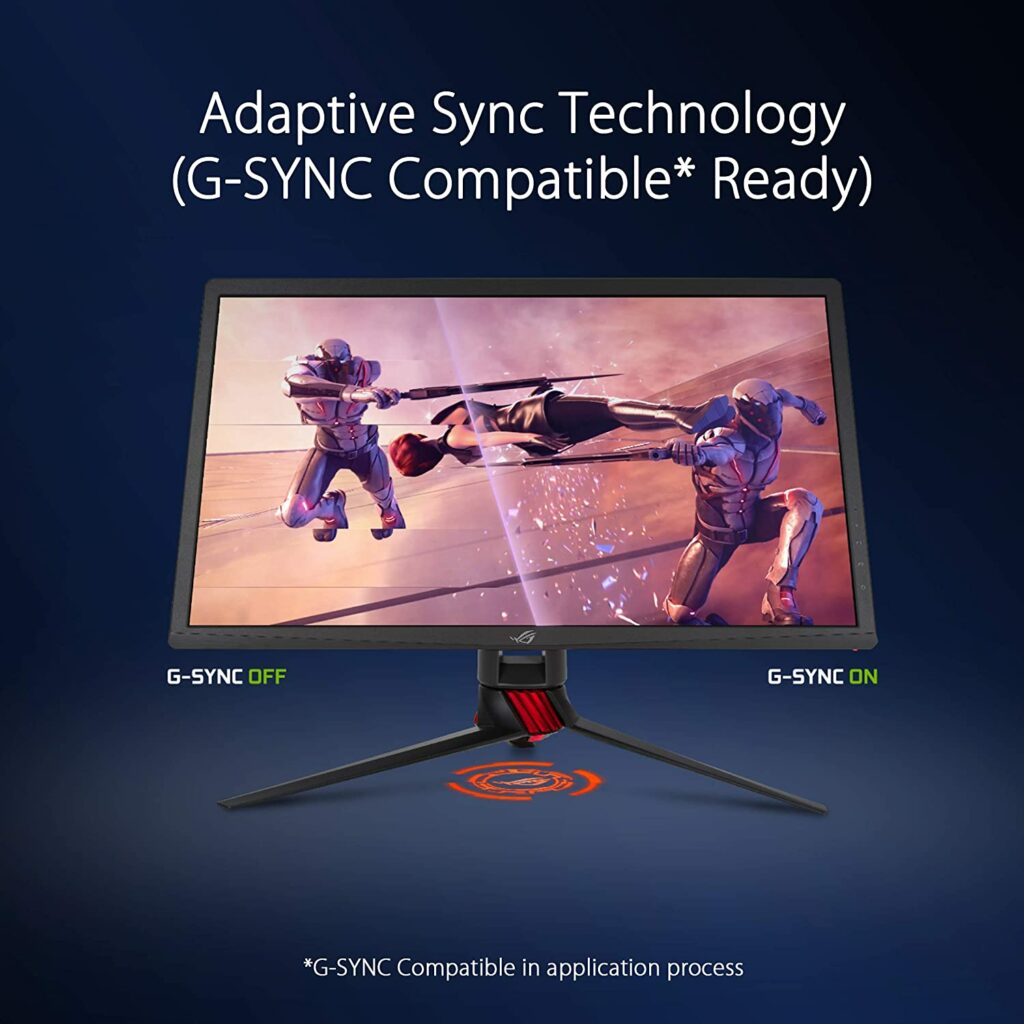
Another noteworthy feature of the Asus ROG Strix XG27UQ is its Adaptive-Sync Technology.
Despite being marketed as GSYNC compatible, people who are using AMD or FreeSync will still be able to play on this monitor without a fuss. After testing, it has been found that there really wasn’t much of a difference between the two in terms of overall performance.
So if you want to switch graphics cards, you can easily do that without having to switch your monitor as well.
Rich And Vibrant Colors
When it comes to HDR, most people don’t really expect much from a 4k gaming monitor. But the Asus ROG Strix XG27UQ is as good as it gets.
Upon using, you’re sure to get the most immersive gaming experience possible with this monitor. RPG gamers will love this aspect of the Asus ROG Strix XG27UQ. The colors are vibrant and rich in saturation. While the image quality you’re getting is ultra-sharp with utmost detail.
Our Least Favorite Things
Thick Bezels
When it comes to design, the Asus ROG Strix XG27UQ doesn’t really offer anything extraordinary or out-of-the-box. In fact, it’s as commonly designed as it gets among a sea of gaming monitors. With the overall black color and signature ROG accents. This isn’t necessarily a bad thing though.
Some of you might like it, some of you might not mind, and some of you will plainly dislike the uninspired design.
But the design of this 4k gaming monitor isn’t the worst thing about it, it’s the thick bezels. I understand this isn’t a huge deal for some of you but with companies releasing infinity-edged displays with their gaming monitors, Asus ROG should have stepped up and given this monitor a brand new look. Or at least thinner bezels in this case.
Again, this is all chalked up to personal preference. It’s really up to you whether you find this a big deal or not.
In A Nutshell
Now that we have broken down the things we loved and disliked about the Asus ROG Strix XG27UQ, here is a narrowed-down list of the good and the bad with this 4k gaming monitor.
Pros
Rich, saturated colors.
Bright and clear display.
Price points comes at under $800.
Speedy response time and refresh rate.
Can support both GSync and FreeSync successfully.
Has effective Dynamic Dimming feature.
Robust connectivity.
Cons
Thick bezels.
Final Verdict
We have finally reached the conclusion of our Asus ROG Strix XG27UQ review. Overall, I do believe that this is the best 4k gaming monitor you can get your hands on for under $1000 in the market right now.
Admittedly, the price point could still be a little high for some of you but personally, it’s so worth the upgrade. Especially if you think about it, gaming monitors can usually last you for up 5 to 10 years.
Essentially, you won’t have to worry about the next releases for the years to come as this 4k gaming monitor will already have you future-proofed.
Not to mention, it’s not easy to find 4k gaming monitors with a refresh rate of 144 Hz. This is, by far, the fastest and most responsive 4k gaming monitor I’ve touched on. It’s really hard to go wrong with Asus ROG Strix XG27UQ. It has amazing value for its price point while getting the most immersive experience with your games.
If you have the option to splurge and upgrade your setup with this 4k gaming monitor, I would highly recommend it.
Do you already own the Asus ROG Strix XG27UQ? Let me know about your insights and experiences in the comments section below. I would love to hear your thoughts!